



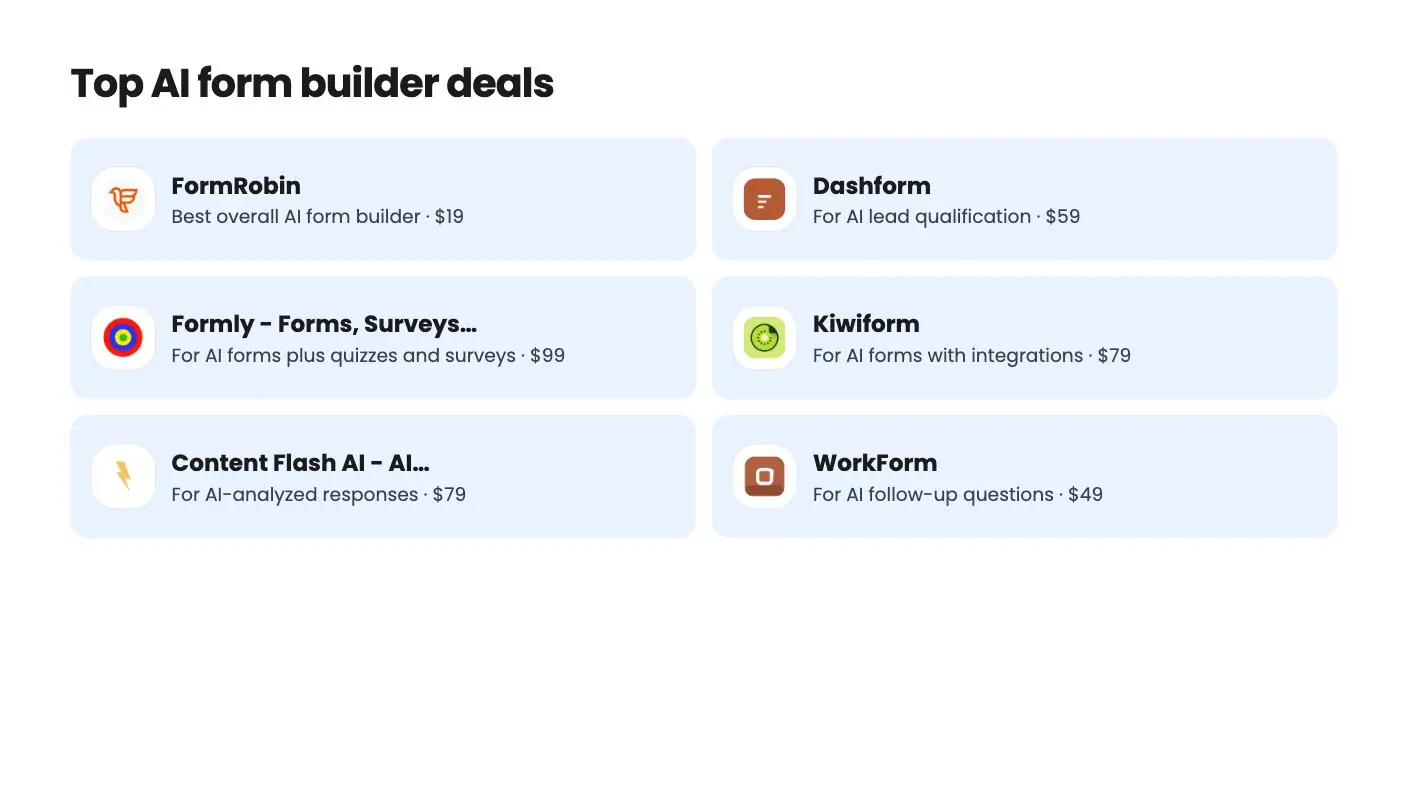
The deals at a glance
| Tool | Suits | Price |
|---|---|---|
| FormRobin | Best overall AI form builder | $19 |
| Dashform | For AI lead qualification | $59 |
| Formly - Forms, Surveys & Quizzes | For AI forms plus quizzes and surveys | $99 |
| Kiwiform | For AI forms with integrations | $79 |
| Content Flash AI - AI Forms | For AI-analyzed responses | $79 |
| WorkForm | For AI follow-up questions | $49 |
| Ivyforms | For AI forms on WordPress | $49 |
The best AI form builder for most small businesses right now is FormRobin. You describe the form you need, it writes a complete first draft, and every response is included, all for a one-time $19 on AppSumo. Six more deals below suit lead scoring, quizzes, integrations and WordPress.
Get FormRobin for $19 on AppSumo →
AI doesn’t change what a form does. It changes how long it takes to make one. The slow part of any form is deciding which questions to ask and how to word them, and a good AI draft does most of that in seconds.
See the FormRobin deal on AppSumo if you want the simplest, cheapest option. Read on to compare all seven.
What is an AI form builder (AI form generator)?
An AI form builder turns a short description into a working form. You type a goal, and the tool generates the title, intro text and questions, which you then edit and publish.
The better tools go further. Some write conditional logic for you, some ask respondents follow-up questions on the fly, and some read the answers afterward to summarize, score or tag them. Which of those you need depends on what the form is for.
AI form builder deals at a glance
| Tool | One-time price | AI features | AI allowance on entry tier | Responses |
|---|---|---|---|---|
| FormRobin | $19 | Full form draft from a prompt | 50 generations a month | Unlimited |
| Dashform | $59 | Funnel from one sentence, follow-ups, 0 to 100 scoring | 5 AI funnels, 1,000 AI credits a month | 1,000 a month |
| Formly | $99 | AI-generated forms | 50 AI forms | Unlimited |
| Kiwiform | $79 | Kiwizard AI form builder | 5 forms a month | Unlimited |
| Content Flash AI Forms | $79 (1 year of access) | AI drafts, summaries, scoring, classifiers | Varies by tier | Varies by tier |
| WorkForm | $49 | AI follow-up questions | Professional and Business plans | Not stated |
| Ivyforms | $49 | AI-assisted builder for WordPress | Not stated | Not stated |
For context, Typeform’s pricing page lists its Basic plan at $39 a month billed monthly, or $28 a month billed yearly, with 100 responses a month. Jotform’s free Starter plan allows 100 submissions a month, and its Bronze plan is $39 a month billed monthly for 1,000.
1. FormRobin: the best AI form builder for most people
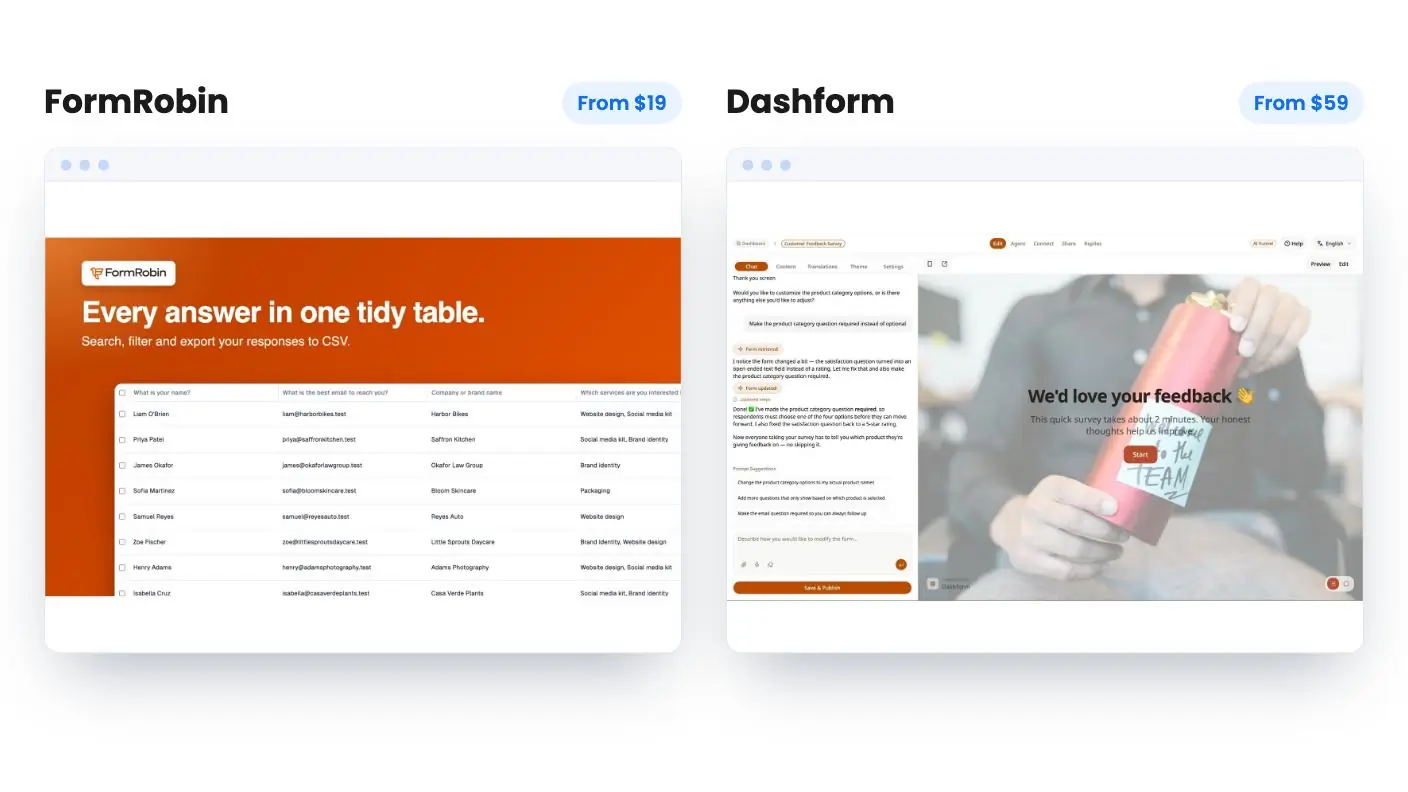
FormRobin is the simplest way to get AI-drafted forms without a subscription. For $19 once, against a list price of $228, you get 50 AI form generations a month and unlimited monthly responses.
It’s one of the AppSumo Originals, the products AppSumo builds and sells itself. The workflow is quick: describe your goal, and FormRobin generates a complete form with a title, a description and relevant questions. Then you refine it, add conditional logic, set your brand colors and share it by link or embed.
Here’s what the $19 deal includes:
- 50 AI form generations a month
- Unlimited monthly responses with CSV export
- Conditional logic for conversation-style forms
- Background and font color customization
- Share links, embeds and invisible reCAPTCHA v3
- API access, 1 user and 3 workspaces
It’s perfect for lead capture forms, customer feedback surveys, event registrations and client onboarding. Because responses are unlimited, a busy form never pushes you into a higher plan.
Who should pick something else: if you need AI lead scoring, quizzes, several seats or native Zapier today, look further down this list. The FormRobin FAQ says webhooks and Zapier are being worked on and an Agency Plan with white label is planned. AppSumo shows 29 reviews averaging 3.97 out of 5, and a 60-day money-back guarantee.
Read the full FormRobin review or see the deal on AppSumo.
Get FormRobin for $19 on AppSumo →
2. Dashform: best for AI lead qualification
Dashform uses AI for the whole funnel, not just the draft. You describe what you need in one sentence, and it generates the questions, logic and layout.
Its AI keeps working after you publish. It can ask dynamic follow-up questions when an answer is thin, route people down different paths, and run live AI voice conversations. Every submission gets a score from 0 to 100 against rules you write in plain language, and you can ask your reply data questions about completion rates or sentiment.
The $59 tier includes 1 seat, 5 AI funnels, 25 logic funnels, 1,000 replies a month, 1,000 AI credits a month and 15 AI voice minutes. Responses sync to Notion, Airtable and Google Sheets, with webhooks for more. It has 3 AppSumo reviews averaging 5.00. See our Dashform vs FormRobin comparison.
Get Dashform for $59 on AppSumo →
3. Formly: best for AI forms, quizzes and surveys
Formly pairs AI form generation with a broad form suite. The $99 tier includes 50 AI-generated forms, unlimited forms and unlimited monthly responses.
Beyond AI, the listing covers conversational and full-page layouts, conditional logic, 25+ languages with right-to-left support, and live charts for quiz scores and survey results. Integrations include Google Sheets, Pabbly Connect, webhooks and Zapier. It has the most buyer proof on this list, with 4.62 out of 5 across 239 reviews. Higher tiers raise the AI allowance, up to 1,000 AI forms on tier 5.
Get Formly - Forms, Surveys & Quizzes for $99 on AppSumo →
4. Kiwiform: best for AI forms with integrations
Kiwiform’s AI builder is called Kiwizard, and the $79 tier includes 5 AI-built forms a month alongside unlimited forms and responses. Tier 3 makes Kiwizard unlimited.
The rest of the builder covers branching, answer recall, score calculations and multiple endings. Webhooks and email notifications fire on each submission, and listed integrations include Google Sheets, HubSpot, Slack, Stripe and Zapier. The plan terms say access to future AI models may come at a discount or need an add-on. It’s rated 4.71 from 7 reviews.
Get Kiwiform for $79 on AppSumo →
5. Content Flash AI Forms: best for AI-analyzed responses
Content Flash AI Forms puts AI on both sides of the form. You describe the form in plain English, and its AI generates questions, conditional logic and a conversational flow.
After people respond, every submission is summarized in one sentence and scored for sentiment, intent and lead quality against a rubric you define. Custom AI classifiers can tag responses, and 12 pre-built agent recipes cover jobs like lead qualification and NPS triage. Integrations include Google Sheets, HubSpot, Slack and Zapier, plus signed webhooks.
The key thing to know: AppSumo’s plan terms give 1 year of access and 1 year of updates, not lifetime access. The tier table is also hard to read, so check the limits on the tier you want. It’s a strong fit if you want AI to sort your responses and you’re comfortable with a one-year term.
Get Content Flash AI - AI Forms for $79 on AppSumo →
6. WorkForm: best for AI follow-up questions
WorkForm’s AI shows up inside the form. Its AI Question nodes read a respondent’s earlier answers and generate a relevant follow-up, based on a goal you set, without manual branching.
The listing also covers Typeform-style conversational forms, payment collection at any stage, bookings inside the form and drop-off funnels. Tiers are $49, $99 and $199, and the FAQ says AI questions are on the Professional and Business plans, so check which tier maps to those before you buy. There are no AppSumo reviews yet. See FormRobin vs WorkForm.
Get WorkForm for $49 on AppSumo →
7. Ivyforms: best AI form builder for WordPress
Ivyforms brings an AI-assisted builder into WordPress. You can describe a form and let AI build it, or drag and drop fields and start from a template.
It supports multi-page forms, conditional logic, reCAPTCHA, hCaptcha and Turnstile, and Stripe and PayPal payments inside forms. Forms embed with Gutenberg, Elementor, Divi or a shortcode. It starts at $49, is for brand-new Ivyforms users only, and has one AppSumo review.
Get Ivyforms for $49 on AppSumo →
How do you choose an AI form builder?
Choose based on what you want the AI to do. If you only need fast drafts, the cheapest tool with unlimited responses wins. If you want AI to judge the answers, pay for scoring.
- Fast drafts and high volume: FormRobin, $19 once.
- Lead scoring and qualification: Dashform or Content Flash AI Forms.
- Quizzes, surveys and languages: Formly.
- Lots of integrations: Kiwiform.
- Smart follow-ups and payments: WorkForm.
- WordPress: Ivyforms.
Also check three practical details before you buy: how many AI generations you get each month, whether responses are capped, and how many users the tier includes. Those three numbers decide whether a deal stays cheap.
How do you write a good prompt for an AI form builder?
Tell the tool who the form is for, what you want to learn and how long it should be. A specific prompt gets a draft you barely need to edit.
Compare two prompts. “Make a feedback form” gives you something generic. “Make a five-question feedback form for customers who just finished a one-hour coaching call, asking what helped, what was unclear and whether they’d book again” gives you a form you can almost publish as is.
A few habits help with any tool on this list:
- Name the audience. New leads, existing customers and event guests need different questions.
- State the goal. Qualify a lead, measure satisfaction, collect registration details or onboard a client.
- Set a length. Short forms finish more often, so ask for five to eight questions unless you need more.
- Mention must-have fields. Email, phone, budget or company size, if you need them.
- Edit the draft. Reword anything that doesn’t sound like you, then add logic so people skip questions that don’t apply.
With FormRobin’s 50 generations a month, you can try a few prompt versions for an important form and keep the best one.
Is an AI form builder lifetime deal worth it?
Yes, when the price is low and the refund window is long. An AI form builder you pay for once can replace a monthly form plan, as long as it handles your real forms.
FormRobin is the lowest-risk way to try one. It’s built by AppSumo, costs $19, and includes unlimited responses, so you can rebuild your contact, lead and feedback forms during the 60-day window and keep it only if it works for you. For more choices, see our Jotform alternatives, Typeform alternatives and forms and scheduling lifetime deals, or browse all the AppSumo Originals.
Final pick
FormRobin is the AI form builder we’d point most small businesses to first. A prompt-to-form workflow, 50 AI drafts a month and unlimited responses for $19 once cover what most people need. Step up to Dashform or Formly when you need AI scoring or a deeper feature set.
That makes it the easy first AI form builder to try. See the FormRobin deal on AppSumo and lock in the $19 lifetime price.
Why each one made the list
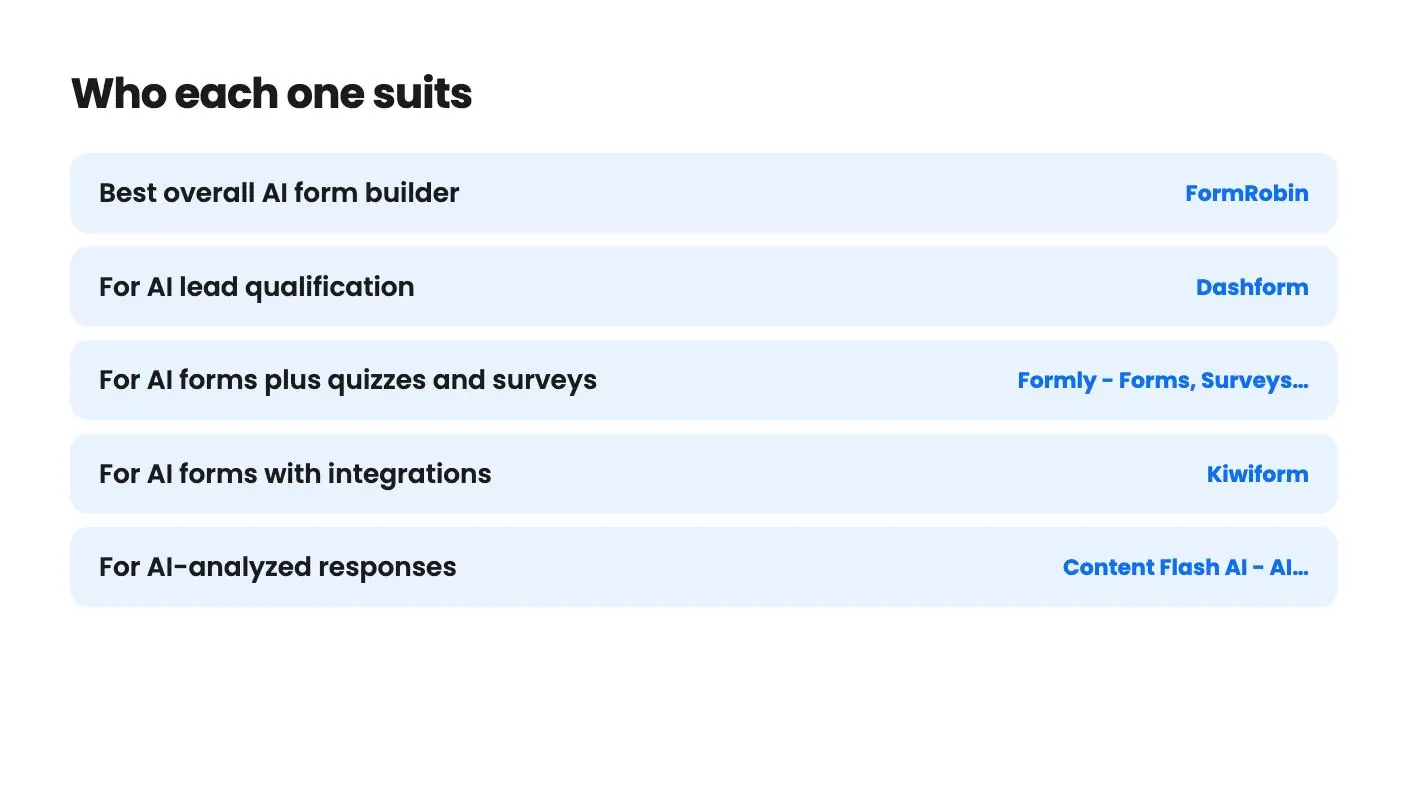
- FormRobin: $19 once: describe a form in a prompt and get a full draft, 50 times a month, with unlimited monthly responses and CSV export.
- Dashform: Builds a funnel from one sentence, asks AI follow-up questions and scores each submission from 0 to 100, from $59.
- Formly - Forms, Surveys & Quizzes: 50 AI-generated forms on the $99 tier, unlimited responses, 25+ languages and a 4.62 average across 239 reviews.
- Kiwiform: The Kiwizard AI builder plus unlimited forms and responses from $79, with webhooks, Zapier, HubSpot and Stripe listed.
- Content Flash AI - AI Forms: Summarizes, scores and tags every submission with AI from $79, but the plan is 1 year of access rather than lifetime.
- WorkForm: AI Question nodes write follow-ups from earlier answers, alongside payments and bookings inside the form, from $49.
- Ivyforms: A $49 WordPress plugin with an AI-assisted builder, multi-page forms and Stripe and PayPal payments.
Frequently asked questions
What is an AI form builder?
An AI form builder creates a form from a plain-language description. You type a goal, such as a lead form for a design agency, and the tool generates the title, description and questions for you to edit.
What is the best AI form builder?
For most small businesses, FormRobin is the best value. It costs $19 once on AppSumo, drafts full forms from a prompt 50 times a month, and includes unlimited monthly responses.
Is there a free AI form builder?
None of the deals here is free, but FormRobin's one-time $19 price is lower than a single month of Typeform Basic, which its pricing page lists at $39 a month billed monthly.
Can AI build a form with conditional logic?
Some tools do. Dashform and Content Flash AI Forms say their AI generates the logic along with the questions. FormRobin drafts the questions, and you add simple conditional logic in the editor.
Which AI form builder has unlimited responses?
FormRobin, Formly and Kiwiform all list unlimited monthly responses. Dashform starts at 1,000 replies a month on its $59 tier.
Are AI form builders good for lead generation?
Yes. AI speeds up the first draft, and tools like Dashform add AI lead scoring. For plain lead capture at high volume, FormRobin's unlimited responses keep costs flat.