
Forms & SchedulingReview
zcal Review: A Good-Looking Scheduler at a $59 Lifetime Price
zcal is a design-focused scheduling tool with team booking and custom domains. The lifetime deal runs $59 to $219, with user caps that matter.
Dashform ($59) scores leads with AI but caps replies. FormRobin ($19) gives unlimited responses on a basic builder. Which lifetime deal fits?
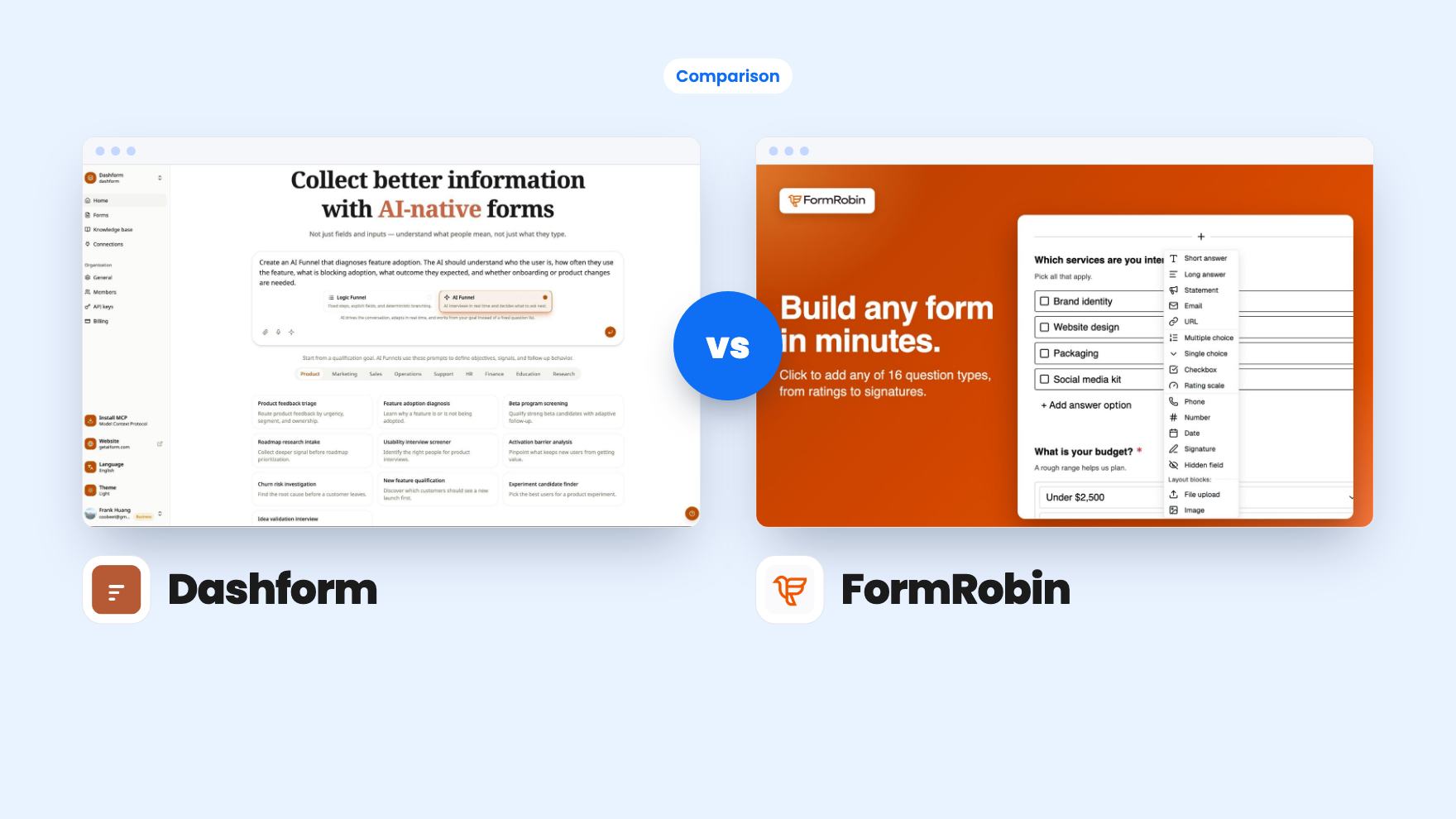
Dashform takes 3 rounds, FormRobin takes 2.
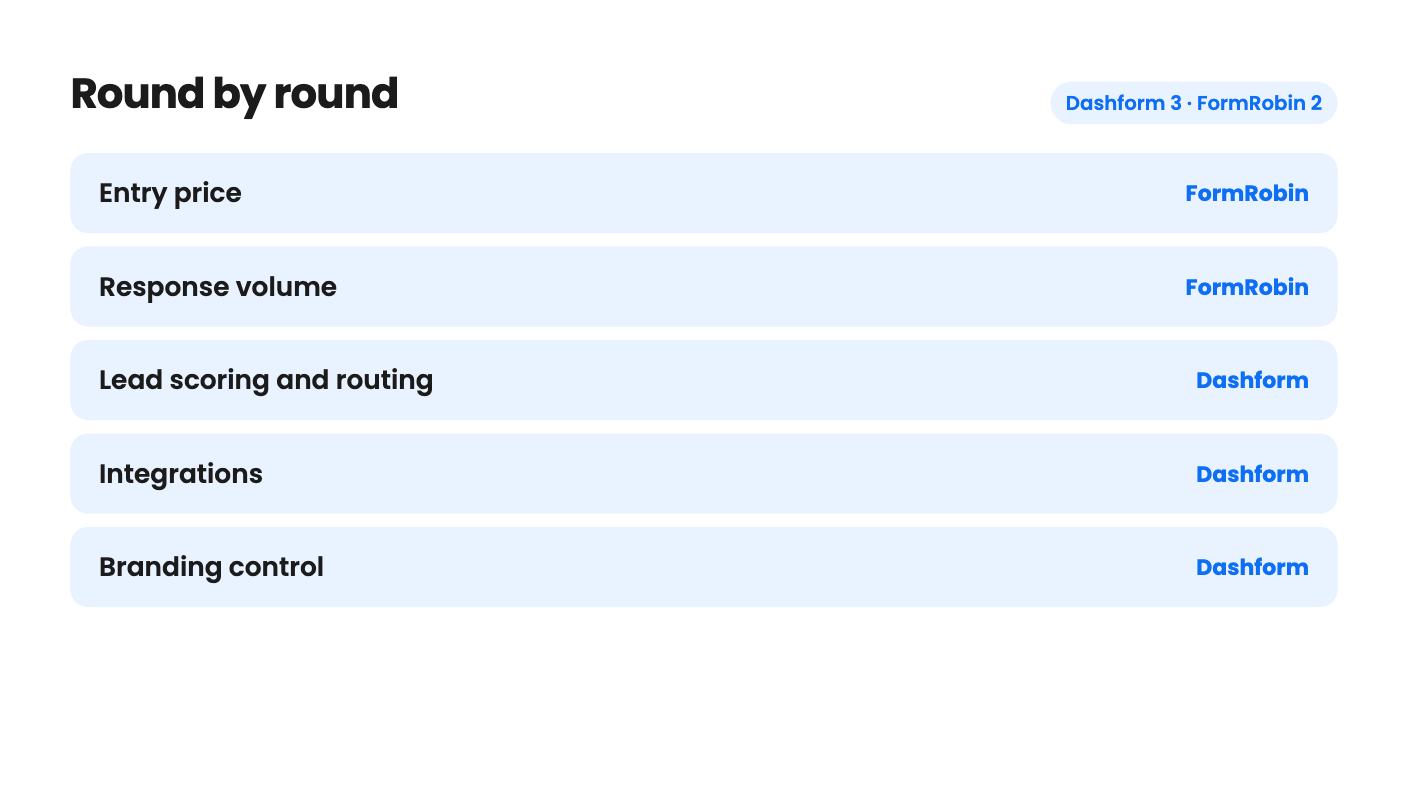
| Round | Winner | Why |
|---|---|---|
| Entry price | FormRobin | FormRobin is a single $19 tier, while Dashform starts at $59 and its branding features only begin at $119. |
| Response volume | FormRobin | FormRobin lists unlimited monthly responses on every plan, while Dashform caps replies at 1,000, 5,000 or 10,000 depending on tier. |
| Lead scoring and routing | Dashform | Dashform scores each submission from 0 to 100 and routes people into qualified, nurture or rejected paths, which FormRobin does not offer. |
| Integrations | Dashform | Dashform lists native Notion, Airtable and Google Sheets sync plus webhooks, while FormRobin offers CSV export and an API, with webhooks and Zapier only promised. |
| Branding control | Dashform | Dashform tier 2 includes white label and custom brand colors, while FormRobin buyers report they can't remove branding and its Agency Plan has no date. |
| Track record | Tie | Dashform has only 3 reviews at 5.00 and FormRobin has 29 at 3.97, so neither has a convincing history yet. |
| Dashform | FormRobin | |
|---|---|---|
| Starts at | $59 | $19 |
| List price | $468 | $228 |
| Plan | Lifetime Deal | Lifetime Deal |
| Deal ends | Not listed | Not listed |
| Best for | Online coaches, Real estate, Small businesses | Marketers, Marketing agencies, Small businesses |
| Alternative to | Typeform, Jotform | Typeform, Jotform |
You have a contact form, a feedback survey and a half-built onboarding questionnaire, and you’re tired of paying monthly for tools that cap your replies. Two AppSumo lifetime deals, Dashform at $59 and FormRobin at $19, both promise a way out. They solve different halves of the problem.
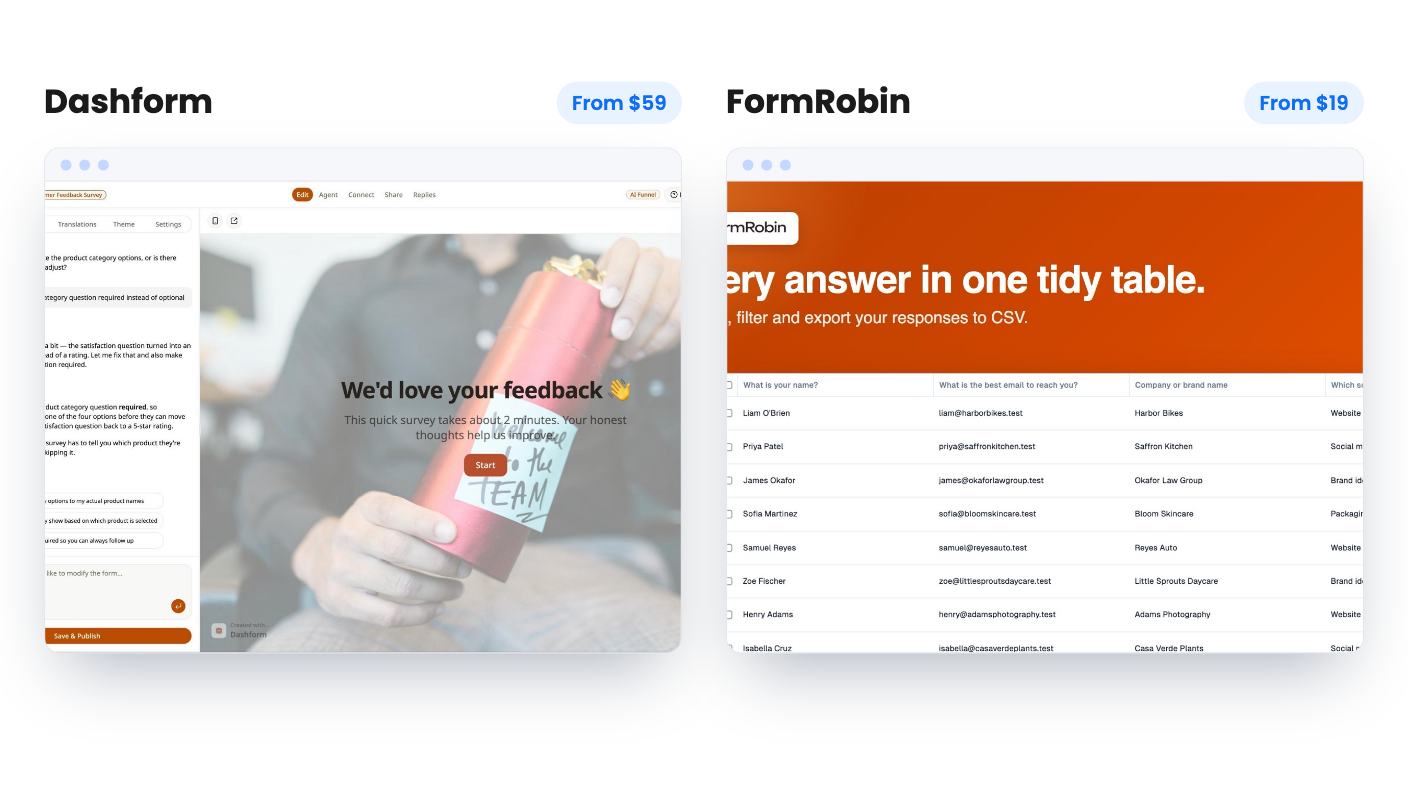
Dashform is built to decide who deserves your calendar. It scores every submission from 0 to 100 against rules you write in plain language, then sorts leads into qualified, nurture and rejected. FormRobin is built to collect. You describe a form, AI drafts it, and responses are unlimited.
That gap is the whole comparison. If your problem is too many unqualified leads, Dashform is aimed at you. If your problem is a response meter on a free plan, FormRobin is. Both name Typeform and Jotform as the tools they replace, but they replace different parts of them.
We haven’t used either tool, so everything here comes from the AppSumo listings. Where those listings are thin or contradict themselves, we’ll say so.
Both start with AI. On Dashform you describe what you need in one sentence and it generates questions, logic and layout. You can then pick between conversational AI Funnels, which ask follow-up questions when an answer is vague, and fixed Logic Funnels. There’s also a live AI voice option, but it’s metered at 15 minutes a month on tier 1.
On FormRobin you type a goal and get a title, a description and a set of questions. The listing mentions client onboarding and event registrations as examples. You get 50 AI generations a month, and the listing doesn’t say whether editing an existing form uses one.
The design side is where FormRobin looks plain. You can change background and font colors and add simple conditional logic. That’s it. There’s no scoring and no calculated fields, and the team says quizzes were not built. Buyer feedback summarised on AppSumo flags limited customization, which matches.
Dashform gives you more to work with, but its listing shows no sample output and no demo video. An AI that writes your questions is only useful if the questions are good, and we can’t judge that from here.
FormRobin is one tier at $19. It includes 1 user, 3 workspaces and 50 AI generations a month. Responses are unlimited. That’s the whole deal.
Dashform has three tiers, and the limits climb quickly:
The reply caps are the point where the two deals part ways. A lifetime deal that limits you to 1,000 replies a month still beats a subscription, but it isn’t the no-meter promise FormRobin makes. If a campaign works well, you could outgrow tier 1 in a month.
AI credits and voice minutes cost real money to provide, so the caps are understandable. They could also change later, and that’s a risk with any lifetime deal built on AI usage.
Dashform syncs natively to Notion, Airtable and Google Sheets, and supports webhooks on every tier. The listing then muddies things. It says 300+ tools through webhooks in one place and 5,000+ apps through Zapier in another. Count on the three native syncs and webhooks, and ask the team how leads reach your CRM before you pay.
FormRobin gives you CSV export and an API with documentation inside the app. Webhooks and Zapier are described as coming in the coming days and weeks. Price the deal as if they might never land. Today, a FormRobin form can’t push responses anywhere on its own.
Branding splits them again. On Dashform, white label and custom logo and brand colors are off on tier 1 and on from tier 2. Custom domain is listed as true only for tier 2 and false for tier 3, which looks like a mistake, so confirm it before buying tier 3 for that reason.
FormRobin buyers say they can’t remove its branding. White label is planned for an Agency Plan that the team says is in the very early stages, with no date. If your forms go to clients, that’s a real limit now, not a future feature.
Neither product has much history. Dashform shows 3 AppSumo reviews averaging 5.00, which tells you almost nothing. FormRobin shows 29 reviews averaging 3.97, which is more data but not a glowing result, and the complaints line up with the limits above.
Dashform also contradicts itself on scoring. The FAQ says automation removes the need for manual rule configuration, while the feature list says you write the rules in plain language. Our guess is that the AI proposes and you refine, but the listing doesn’t say. Since scoring is the reason to buy, that’s the claim to question first.
FormRobin has the clearer safety net. AppSumo’s summary mentions a 60-day money-back guarantee. The Dashform material we have doesn’t mention a refund. It offers a 60-day window to downgrade tiers and requires you to activate your license within 60 days.
Pick Dashform tier 1 if you’re a coach, consultant or small service business with a lead form that wastes your time, and you expect under 1,000 replies a month. Move to tier 2 if you need your own branding or more seats. Treat the MCP and buyer-agent features as an early bet, not a reason to pay.
Pick FormRobin if you’re one person who needs contact forms, feedback surveys and event sign-ups, and you hate watching a response counter. At $19 it’s an easy experiment, but check the branding on a live embed and confirm the form types you need inside the refund window.
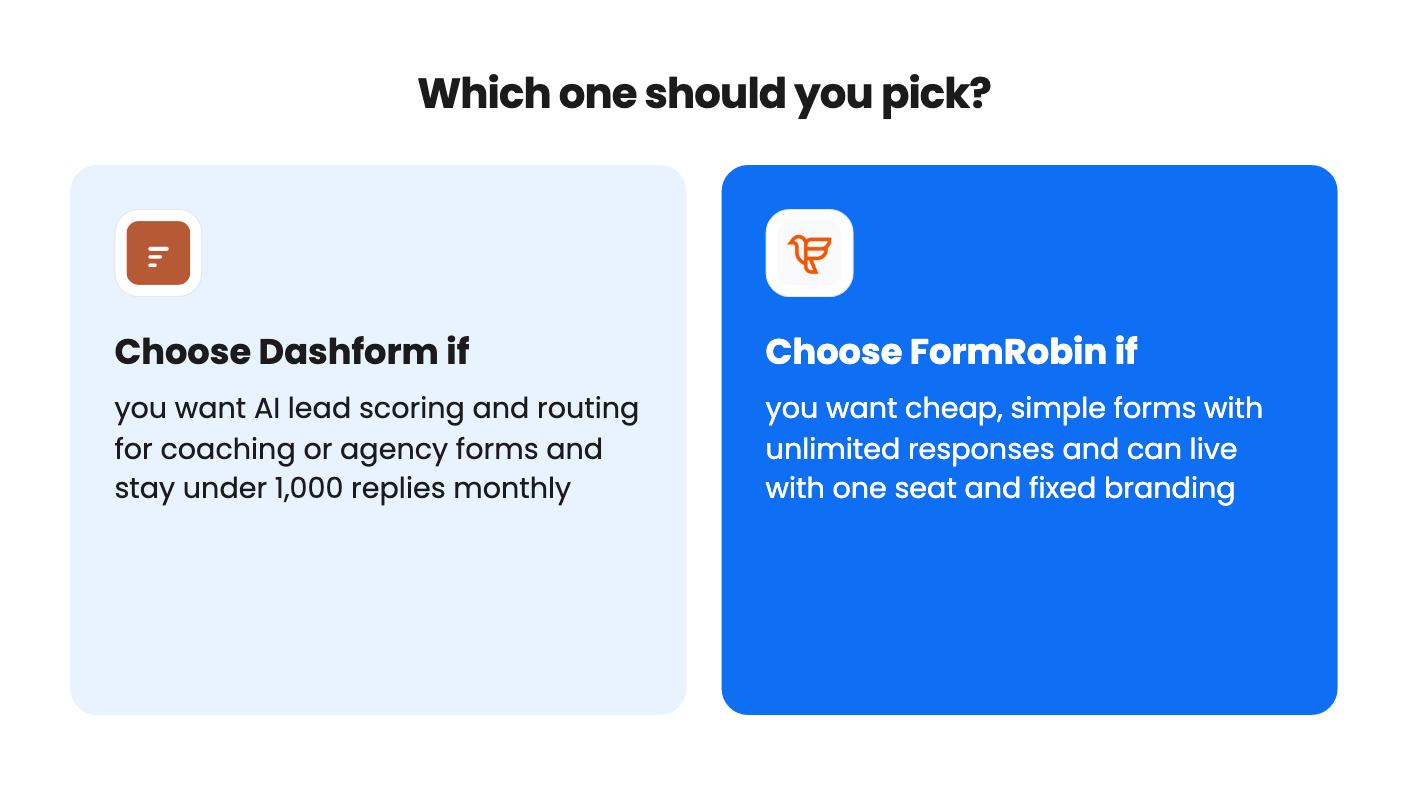
If you need qualification, FormRobin can’t do it and Dashform can, at least on paper. If you need volume and simplicity, the reverse is true. Buy for the problem you have, not the one the longer feature list suggests.
FormRobin is cheaper at a single $19 tier. Dashform runs $59, $119 or $279 depending on the tier. Dashform's cheapest tier also lacks white label and custom logo and brand colors, so the real gap for client-facing work is $19 against $119.
FormRobin does. Its listing says every plan gets unlimited monthly responses with CSV export. Dashform caps replies at 1,000 a month on tier 1, 5,000 on tier 2 and 10,000 on tier 3.
Dashform syncs natively to Notion, Airtable and Google Sheets and supports webhooks, though its listing gives conflicting numbers for how many tools you can reach. FormRobin has an API and CSV export, but webhooks and Zapier are only described as coming soon.
How this comparison was made: researched from both tools' official listings and demo videos, and written with help from AI. We have not tested Dashform or FormRobin hands-on yet. Prices and deal terms change, so check AppSumo before you buy. See our affiliate disclosure.
zcal is a design-focused scheduling tool with team booking and custom domains. The lifetime deal runs $59 to $219, with user caps that matter.
AppSumo hasn't announced its Black Friday 2026 deals yet. Here's how to shortlist, check plan limits and which lifetime deals to watch.
Yoya swaps the booking form for an AI chat and sends you a pre-call brief. Here's what the $49, $129 and $249 AppSumo lifetime tiers really get you.

