
Forms & SchedulingReview
zcal Review: A Good-Looking Scheduler at a $59 Lifetime Price
zcal is a design-focused scheduling tool with team booking and custom domains. The lifetime deal runs $59 to $219, with user caps that matter.
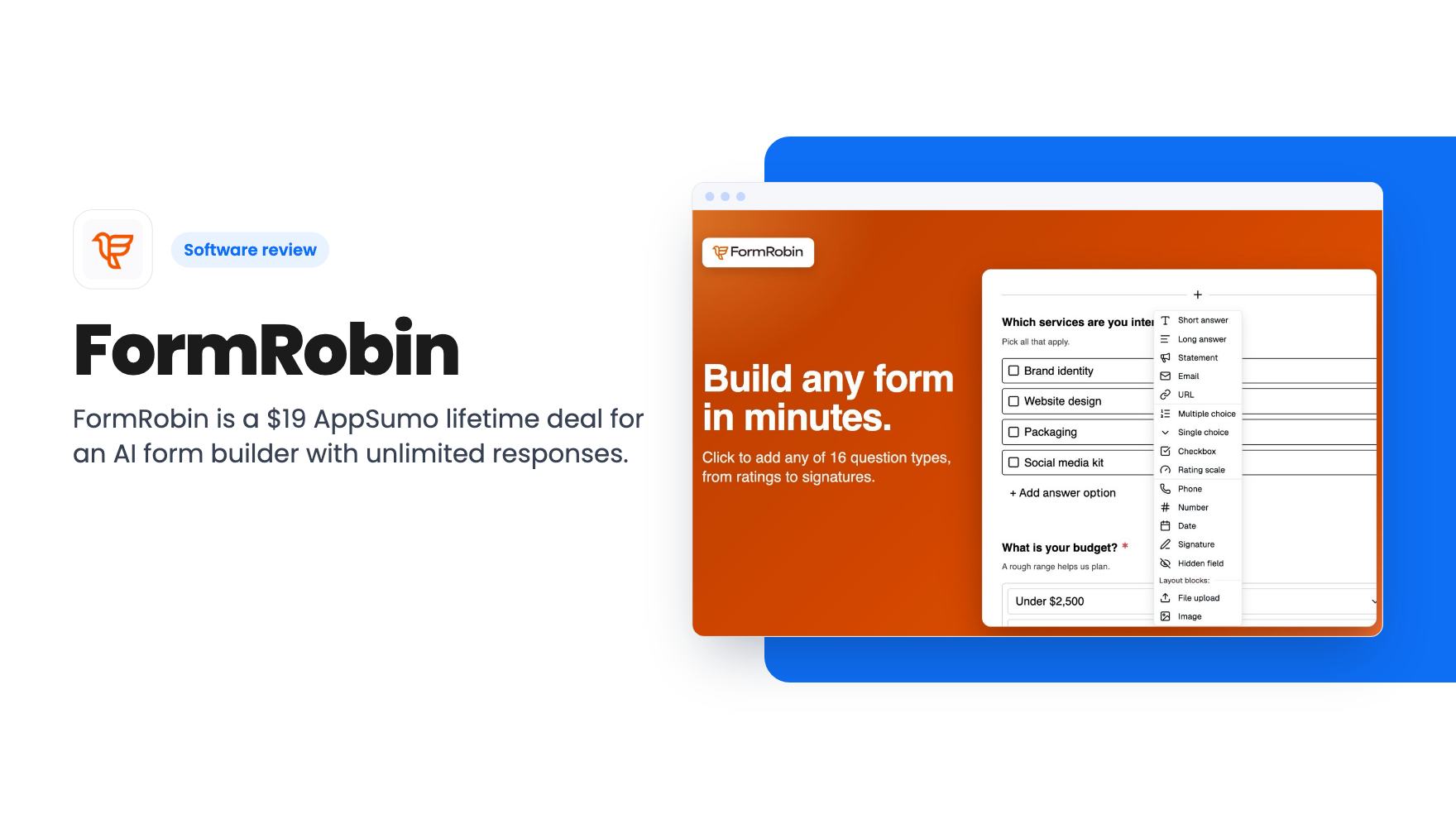
FormRobin is a $19 AppSumo lifetime deal for an AI form builder with unlimited responses. Branding stays, integrations are thin, and the product is young.
Lifetime deal price
$19$22892% off
Lifetime Deal
Our take: Buy it if you need simple lead, feedback or onboarding forms and want to stop paying a monthly fee for response caps. Skip it if you need white label, quizzes, native Zapier or webhooks today, or more than one seat. At $19 with a 60-day refund window, the risk is small, but this is a basic tool.
Picture the form tools most small businesses end up with. You sign up for a free plan, build a contact form and a feedback survey, and then hit a response cap just as the forms start working. Then comes the upgrade email, and a monthly fee for something that collects names and email addresses.
FormRobin is aimed squarely at that annoyance. It’s a form builder where you describe what you need, let AI draft the form, and collect as many responses as you like. It’s on AppSumo as a lifetime deal for $19, against a listed price of $228.
That’s cheap enough that the real question isn’t whether it’s worth the money. It’s whether it does enough of what you need. We haven’t used it hands-on, so what follows is based on the listing, and there’s no product video to go on.
You type a goal into a prompt, and FormRobin produces a complete form: title, description and relevant questions. The listing mentions client onboarding and event registrations as examples, along with lead capture and surveys.
This is a time saver, not a miracle. Anyone who has stared at a blank form builder knows the slow part is deciding which questions to ask and in what order. A first draft you can edit is useful, especially if you build forms rarely and don’t have templates lying around.
The cap matters, though. The plan includes 50 AI form generations per month. For most small businesses that’s plenty. An agency spinning up forms for many clients might run through it, but the listing says nothing about how edits to an existing form are counted.
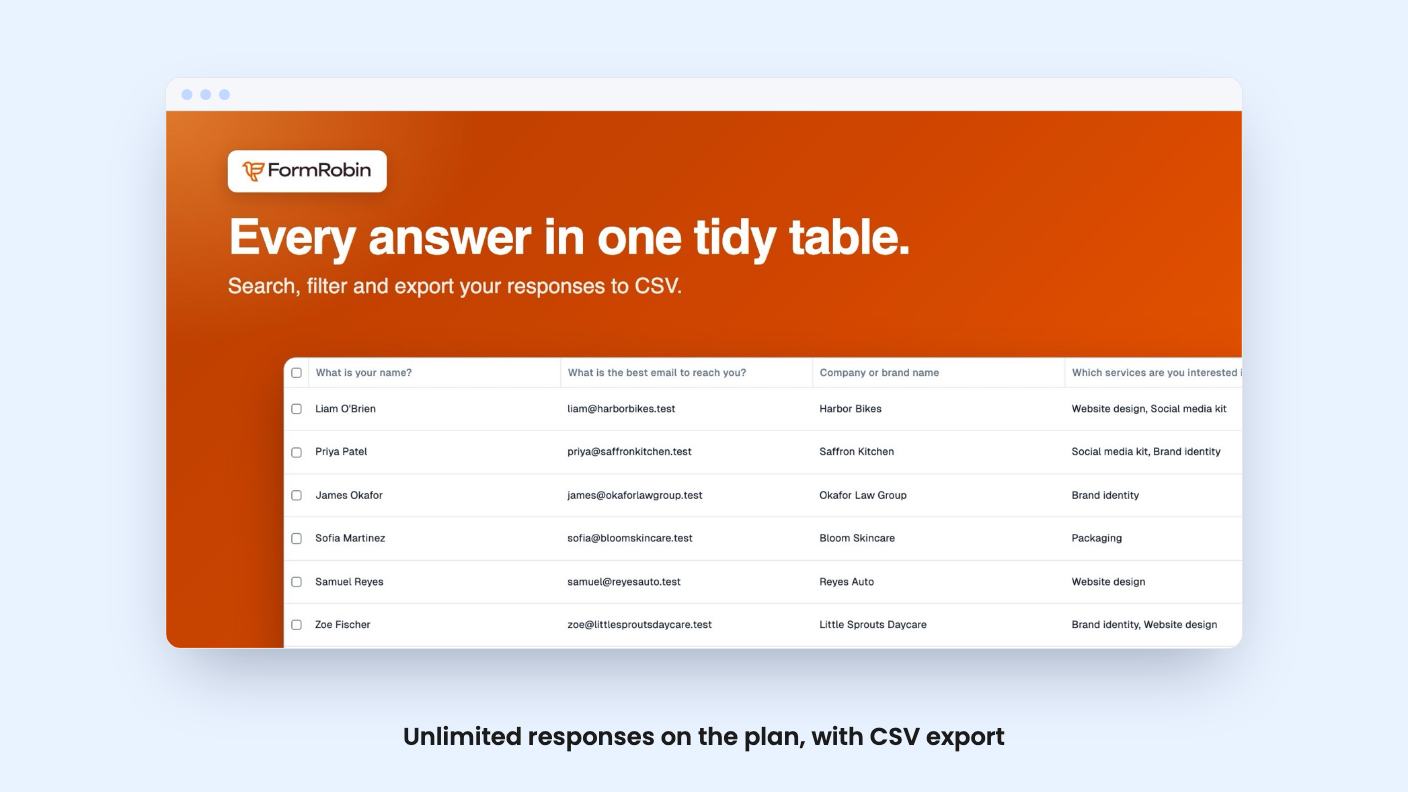
The headline feature is that every plan gets unlimited monthly responses. No response meter, no surprise tier jump when a campaign works. Responses export to CSV, so your data isn’t stuck inside the tool.
That’s a genuine advantage over the tools FormRobin names as alternatives, Typeform and Jotform, both of which are known for tying volume to paid plans. The savings come from that, not from fancy features.
CSV is the only export route the listing mentions. If you want responses to flow into a CRM or an email list automatically, you have some work to do, which brings us to the integration gap.
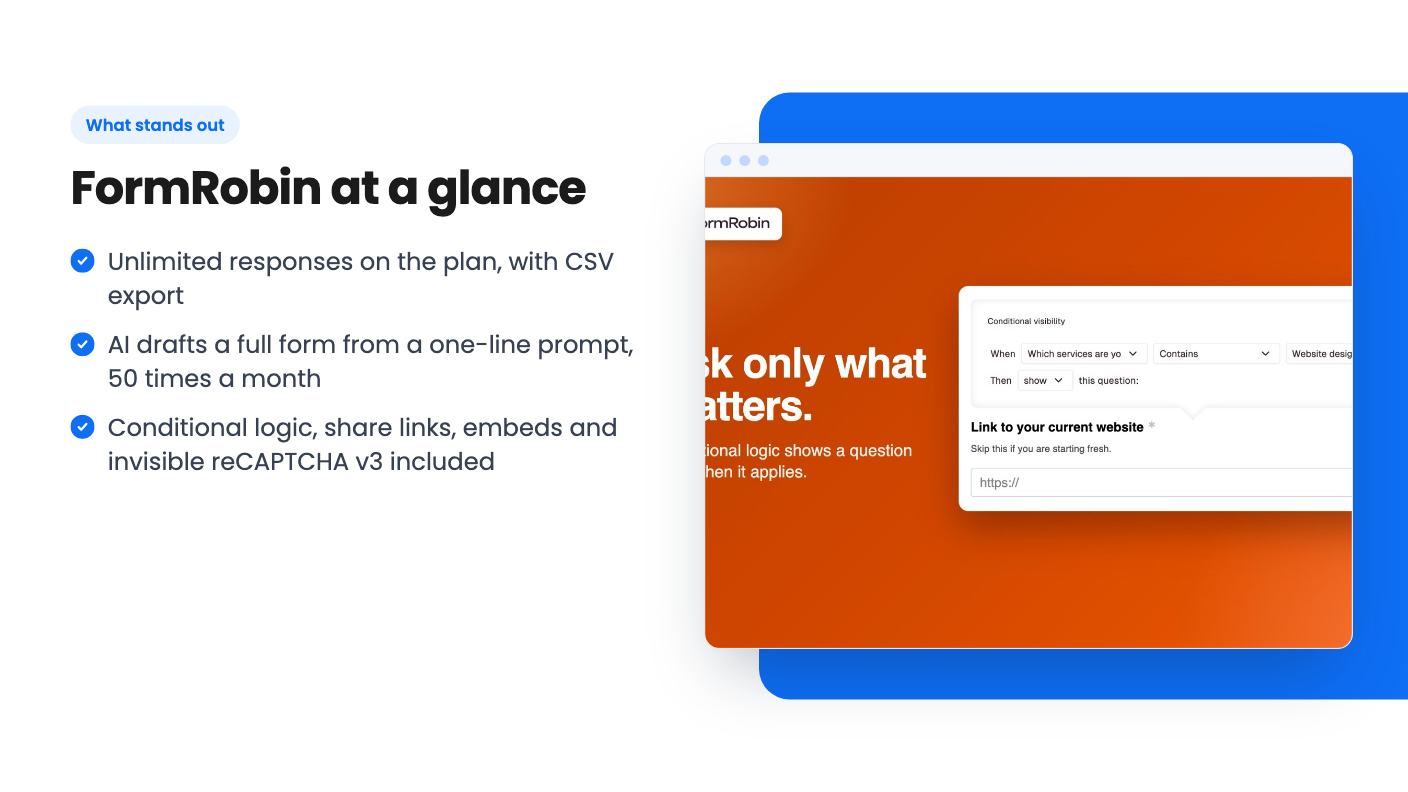
The design options are modest. You can change background and font colors to match your brand, and you can add simple conditional logic so questions appear based on earlier answers. The aim is a form that feels more like a conversation than a wall of fields.
The word “simple” in the listing is doing some work. Don’t expect deep branching, scoring or calculated fields. Buyer feedback summarised by AppSumo also flags limited customization, which fits what the listing describes.
Sharing is straightforward. You copy a direct link or paste an embed code onto your site. The listing also says you can control where forms appear, but it doesn’t explain how, so check that before counting on it.
Spam protection comes built in. Every form uses invisible reCAPTCHA v3, and the team says it pays for it. That’s a nice detail, because bot submissions are the first thing that spoils a free form tool.
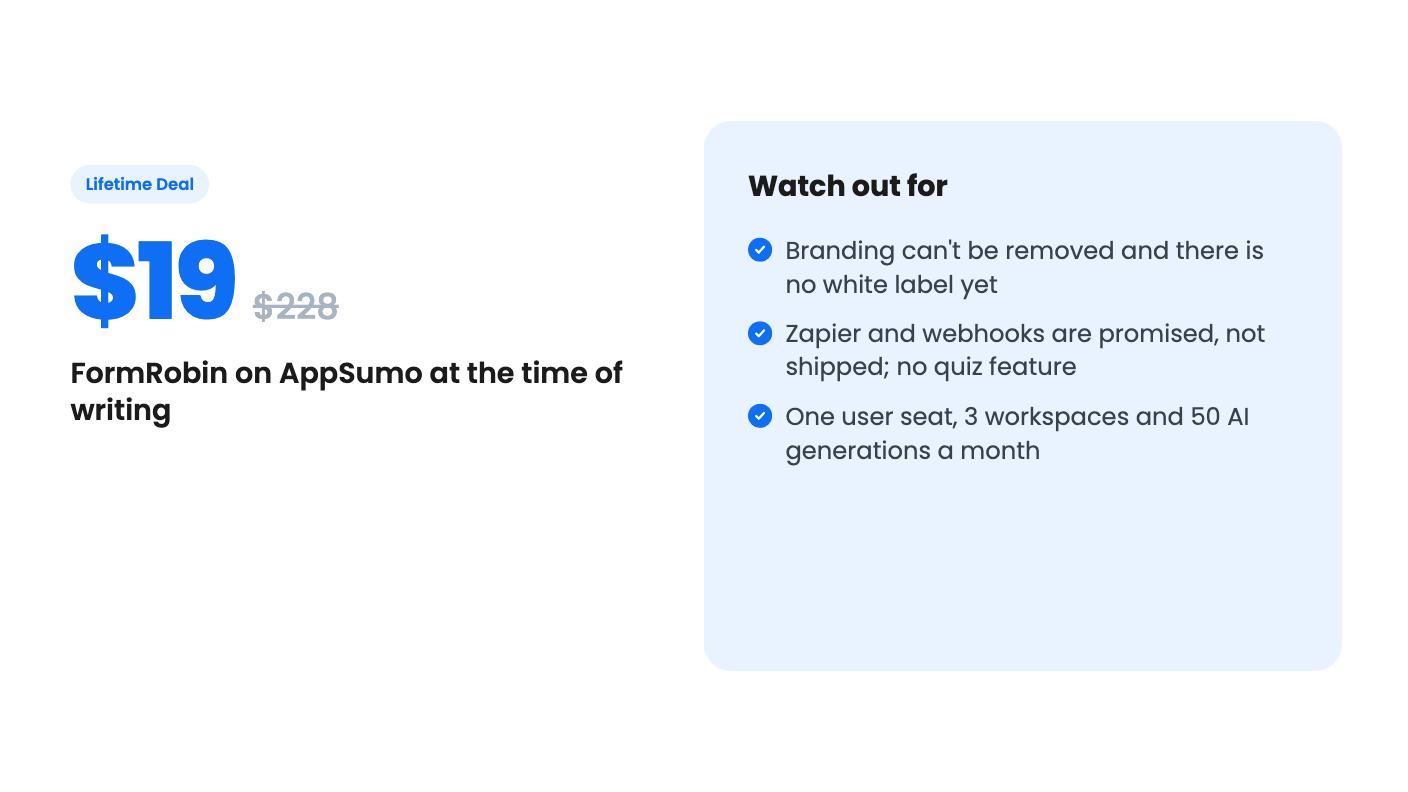
There’s one tier at $19. It covers 1 user, 3 workspaces and 50 AI generations per month, plus future updates to the Basic Plan (Tier 1). If the plan gets renamed, your deal transfers to the new one.
One seat is the biggest practical limit. If you want a colleague building forms in the same account, the listing gives you no way to add them. Three workspaces help you separate a few brands or clients, but they don’t add people.
Branding is the next catch. AppSumo’s summary says buyers can’t remove it, and that matters if you send forms to clients or customers and want them to look like yours. White label is exactly what the planned Agency Plan is meant to cover, but it’s in the “very early stages” with no date. Treat it as a maybe, not a reason to buy.
Integrations are the third gap. The listing says an API is available to all users, with documentation inside the app. Webhooks and Zapier are described as coming “in the coming days and weeks.” That’s a promise, and you should price the deal as if it might not land.
Skip it if you need quizzes. The team says quiz functionality wasn’t built, though conditional logic plus the API might approximate it. That’s a workaround for developers, not a feature.
Skip it too if you rely on automations today. Without webhooks or native Zapier, a form that can’t push data anywhere is a spreadsheet exercise. Agencies wanting white-labelled forms for clients should wait for the Agency Plan to exist before spending anything.
The product is also young, and the team describes itself as small. Support questions on the deal page may wait, and the team asks for bug reports by email at support@formrobin.com. That’s normal for an early product, but it means you’re buying a direction as much as a finished tool.
AppSumo shows 29 reviews averaging 3.97 out of 5. That’s decent, not glowing, and the complaints line up with the limits above. The 60-day money-back guarantee, which AppSumo’s summary mentions, takes most of the sting out of finding a missing feature.
For one person who needs contact forms, feedback surveys and event sign-ups without watching a response counter, $19 is an easy bet. Test the form types you actually use inside the refund window, and check the branding on a live embed before you decide to keep it.
According to the listing, no. Unlimited monthly responses are included on every plan, and you can export them to CSV. The limits that do exist are 1 user, 3 workspaces and 50 AI form generations per month.
Not today, based on the listing and the buyer feedback AppSumo summarises. An Agency Plan with white label is being brainstormed, but the team says there is no ETA and it could be weeks, months or longer.
Not natively yet. There is an API with docs inside the app, and the team says webhooks and Zapier are being worked on. Until they arrive, you'd be relying on CSV exports or building your own connection through the API.
How this review was made: researched from FormRobin's official listing, and written with help from AI. We have not tested FormRobin hands-on yet. Prices and deal terms change, so check AppSumo before you buy. See our affiliate disclosure.
zcal is a design-focused scheduling tool with team booking and custom domains. The lifetime deal runs $59 to $219, with user caps that matter.
AppSumo hasn't announced its Black Friday 2026 deals yet. Here's how to shortlist, check plan limits and which lifetime deals to watch.
Yoya swaps the booking form for an AI chat and sends you a pre-call brief. Here's what the $49, $129 and $249 AppSumo lifetime tiers really get you.

