
Forms & SchedulingReview
zcal Review: A Good-Looking Scheduler at a $59 Lifetime Price
zcal is a design-focused scheduling tool with team booking and custom domains. The lifetime deal runs $59 to $219, with user caps that matter.
Dashform builds AI quiz funnels that score leads 0 to 100. The AppSumo lifetime deal starts at $59, but monthly reply caps and a young product are worth weighing.
Lifetime deal price
$59$46887% off
Lifetime Deal
Our take: Buy the $59 tier if you run coaching, consulting or agency lead forms and want AI scoring without a monthly fee, and your volume stays under 1,000 replies a month. Skip it if you need a proven, full-featured form builder, custom domains on the cheapest tier, or high volume with no caps.
Picture a coach or a small agency with a contact form that gets forty submissions a week. Maybe ten are worth a call. The rest are people who can’t afford you, don’t need you, or typed three words and left. You still read every one, and you still book some of the wrong calls.
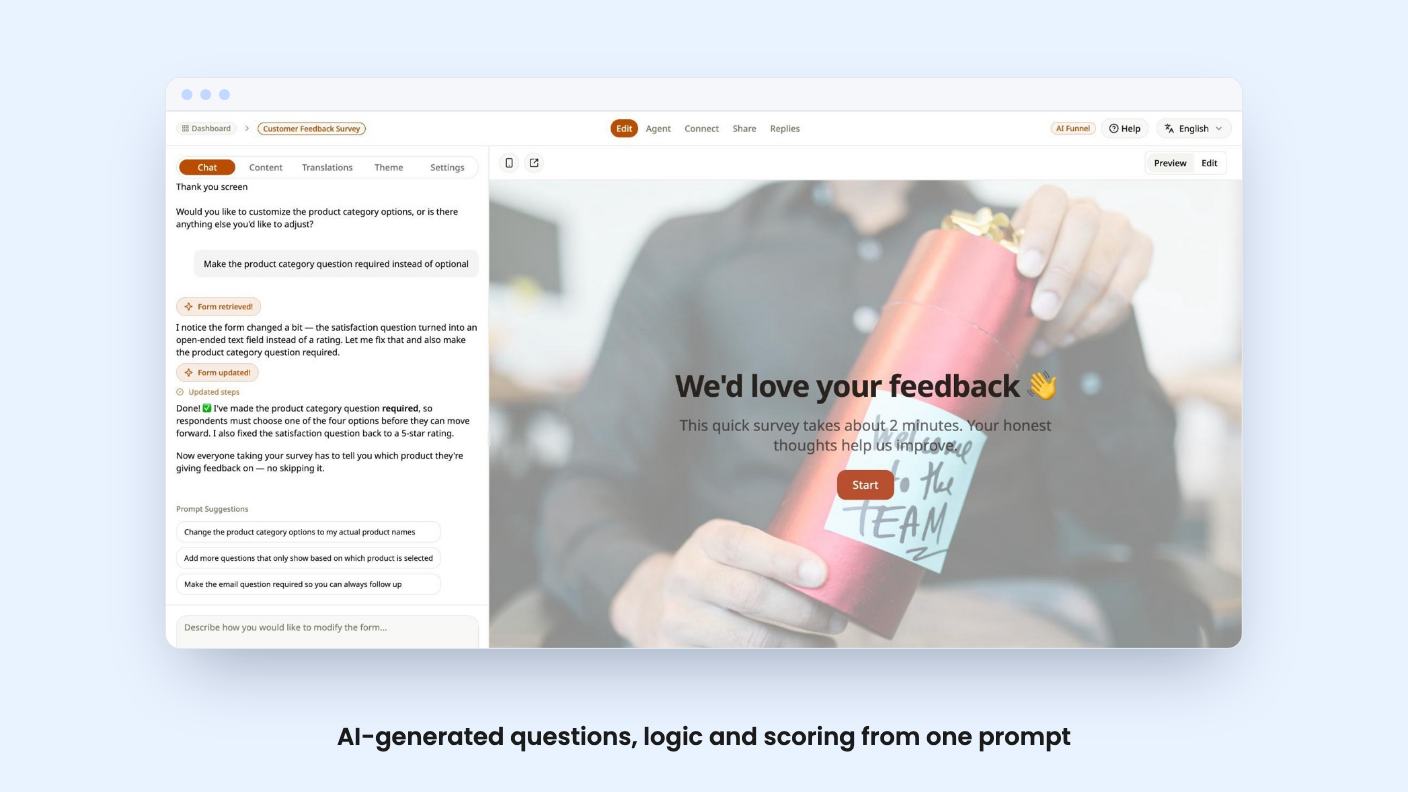
Dashform is built around that problem. It’s an AI quiz and form builder that scores each response so you can decide who gets your calendar. It’s currently on AppSumo as a lifetime deal starting at $59. We haven’t used it, so everything below comes from the listing, and we’ll flag where the listing is thin or contradicts itself.
The pitch is that you describe what you need in one sentence and Dashform generates the questions, logic and layout. The listing’s FAQ says this takes under 60 seconds and produces questions, scoring logic and routing rules. After that you can adjust scoring weights, add branding and connect integrations before launch.
That’s a reasonable way to skip the blank-page problem. But a first draft from AI is a first draft. The quality of the questions will decide whether this saves you time or just moves the work into editing, and the listing gives no sample output. There’s no demo video to check either.
You can publish with a share link or an embed. There’s also a preview step, and the listing says nothing goes live until you approve it. That’s a sensible guardrail for a tool that writes questions on your behalf.
Dashform has two funnel types. AI Funnels are conversational. They ask dynamic follow-up questions, so a vague answer gets pushed for more detail. Logic Funnels use a fixed question set. You can switch between the modes whenever you like.
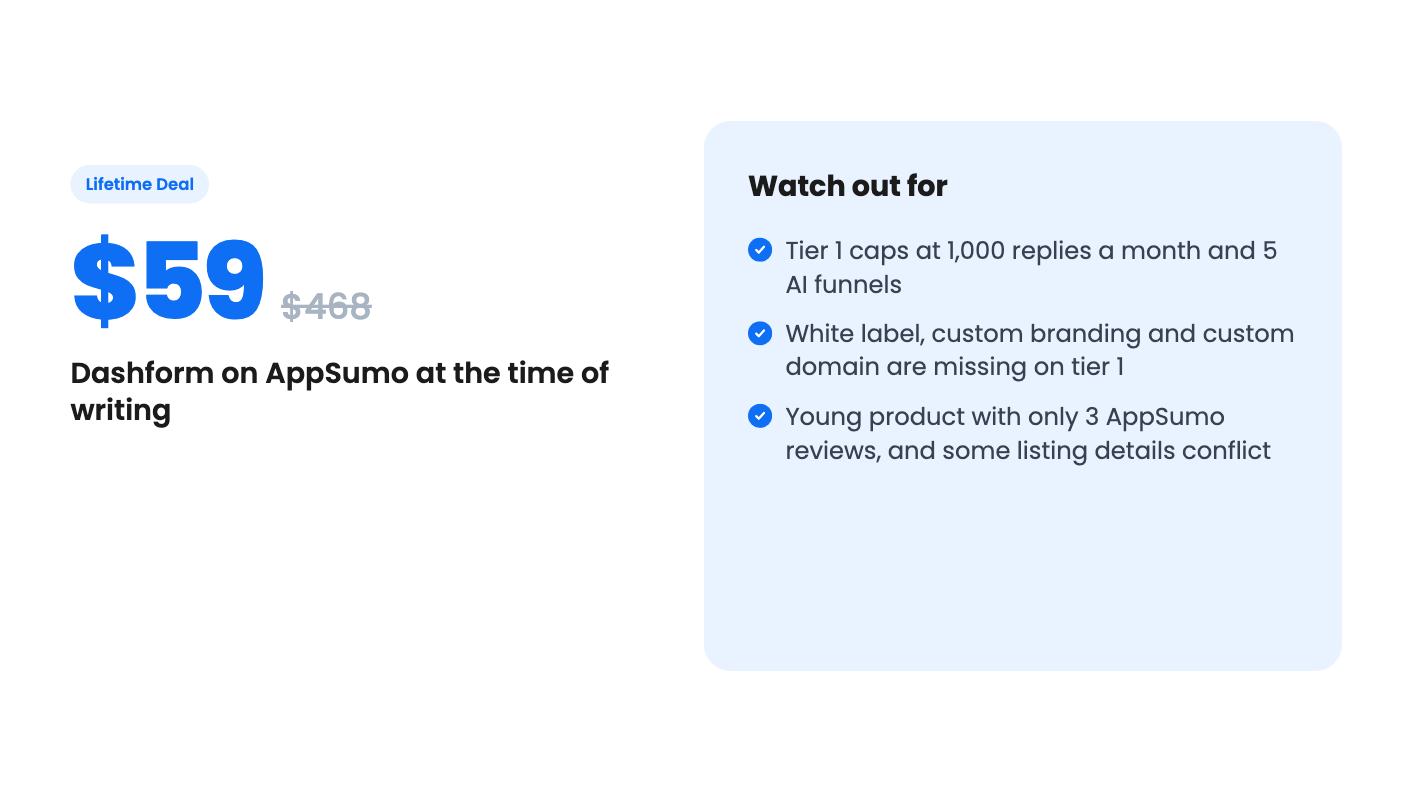
This split matters for your plan, because the caps differ. Tier 1 gives you 5 AI funnels and 25 logic funnels. If you run a handful of lead forms, that’s plenty. If you’re an agency building one per client, you’ll hit 5 quickly.
There’s also a live AI voice option, where respondents talk instead of type. It’s metered hard: 15 minutes a month on tier 1, 60 on tier 2 and 150 on tier 3. Treat voice as a feature to try, not one to build a process around.
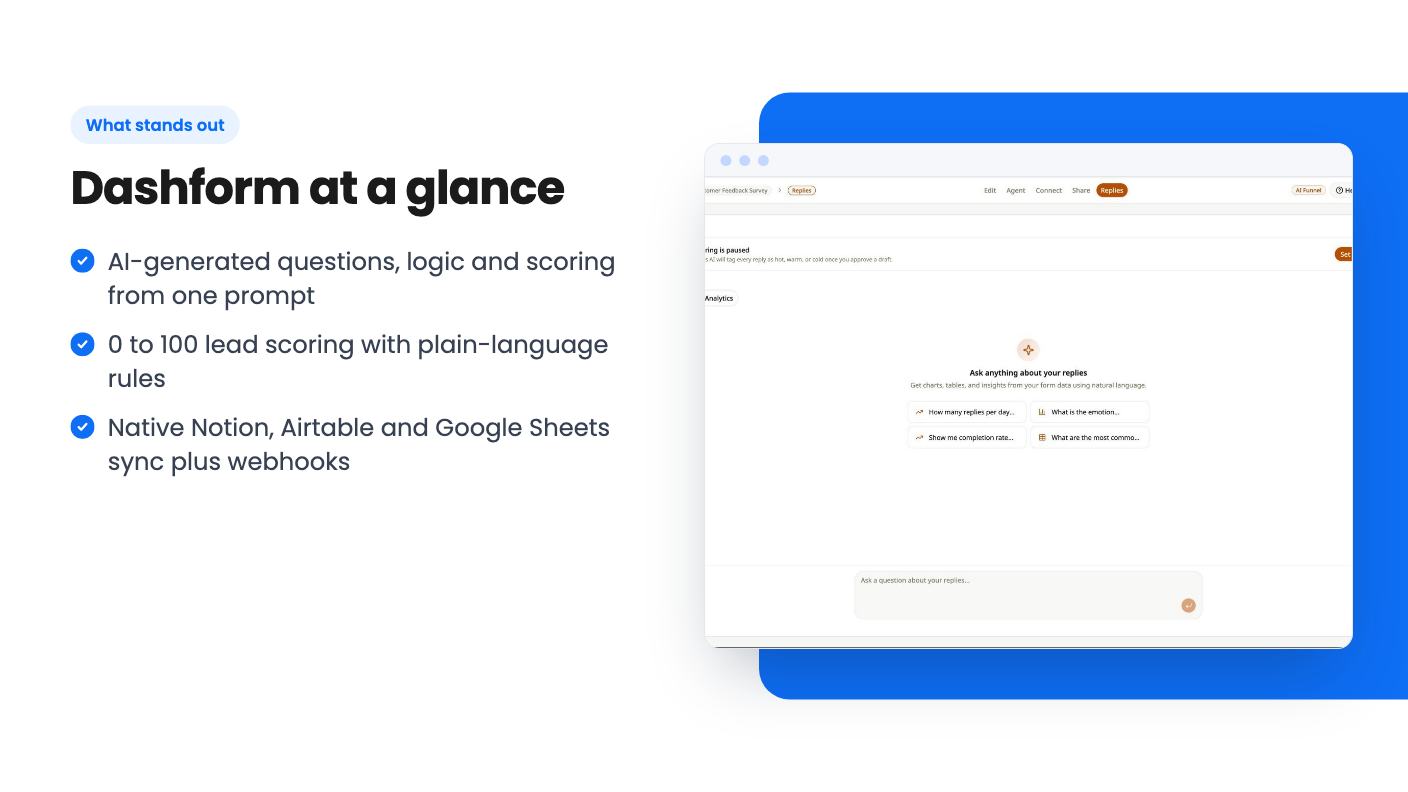
This is the part that justifies the product. Each submission gets a score from 0 to 100 against rules you write in plain language. The FAQ says leads land in three buckets: qualified, nurture and rejected.
Routing then sends people down different paths, so a hot lead can go to a booking page while a poor fit gets something gentler. The listing also says bookings can happen automatically when your rules allow it.
One claim needs a closer look. The FAQ says automated scoring “eliminates the need for manual rule configuration,” while the feature list says you write the rules yourself. Those can’t both be fully true. Our read is that the AI proposes rules and you refine them, but the listing doesn’t say so. Ask the team how much tuning a real scoring setup takes.
You can also question your reply data in plain language, such as completion rates, sentiment trends and drop-off points. That’s handy, though advanced analytics is listed on every tier, so it won’t be a reason to upgrade.
Dashform leans on a newer idea: forms that AI agents can find and fill in. Through MCP, tools like Claude Code, Codex and Cursor can build, publish and manage forms from your workspace. The listing also talks about giving “buyer agents” a direct path to discover your form, check fit and submit information.
The MCP part is easy to picture if you already work in those tools. The buyer-agent part is harder to judge. The listing doesn’t explain how agents discover a form, or how many real prospects arrive this way today. We’d treat it as an early bet, not a reason to buy.
MCP integration is on all three tiers, so you don’t pay extra to try it.
Native sync goes to Notion, Airtable and Google Sheets. Beyond that, the listing says you can reach 300+ tools through webhooks. It names HubSpot, Mailchimp and Slack on the page, while the FAQ mentions 5,000+ apps through Zapier, including Salesforce and GoHighLevel.
Those numbers don’t match. 300+ via webhooks and 5,000+ via Zapier are different claims. What you can count on is the three native syncs and webhook support. If your CRM matters to your workflow, confirm exactly how leads reach it.
The deal has three lifetime tiers. All include MCP, lead scoring, advanced analytics, and the 300+ integrations and webhooks. Here’s how the limits differ.
The branding split is the catch. White label and custom logo and brand colors are off on tier 1. If you want to remove Dashform branding for clients, you need tier 2 at minimum. Custom domain is listed as true only for tier 2 and false for tier 3, which looks like a listing error. Don’t buy tier 3 expecting a custom domain until you’ve confirmed it.
The “list prices” of $468, $1,404 and $2,808 are AppSumo’s framing. Ignore them and judge the deal by what you’d use.
The deal includes all future Pro updates for tiers 1 and 2, and Business updates for tier 3. You must activate your license within 60 days. You can upgrade between tiers while the deal is live, and downgrade within 60 days of purchase.
The bigger risk is age. AppSumo shows 3 reviews averaging 5.00, which is too few to tell you anything. Lifetime deals depend on a small company staying alive and keeping costs in check, and this one runs AI credits and voice minutes that cost real money to provide. The monthly caps are the company protecting itself, and they could change later.
Buy tier 1 if you’re a coach, consultant or small service business that wants a lead qualification form, expects under 1,000 replies a month, and is happy to try a young product for $59. The low price makes it a fair experiment, and the 60-day downgrade window gives you some room.
Pick tier 2 if you build for clients or need your own branding. That’s the cheapest tier that removes Dashform’s name from your forms.
Skip it if you need a mature builder with years of template and integration history, or if you collect thousands of replies a month. Typeform and Jotform are the listed alternatives, and they’re far better proven. Dashform’s case rests on AI scoring, and until you’ve seen its output on your own leads, that’s still a claim.
Per the listing, tier 1 allows 1,000 replies per month, tier 2 allows 5,000 and tier 3 allows 10,000. AI credits are capped too, at 1,000, 2,500 and 5,000 per month.
Not on tier 1. White label and custom logo and brand colors start at tier 2 ($119). Custom domain is listed as true for tier 2 and false for tier 3, which looks odd, so confirm before buying.
It syncs natively to Notion, Airtable and Google Sheets. The listing also names HubSpot, Mailchimp and Slack, and says 300+ tools connect through webhooks. Check how those connections work before relying on them.
How this review was made: researched from Dashform's official listing, and written with help from AI. We have not tested Dashform hands-on yet. Prices and deal terms change, so check AppSumo before you buy. See our affiliate disclosure.
zcal is a design-focused scheduling tool with team booking and custom domains. The lifetime deal runs $59 to $219, with user caps that matter.
AppSumo hasn't announced its Black Friday 2026 deals yet. Here's how to shortlist, check plan limits and which lifetime deals to watch.
Yoya swaps the booking form for an AI chat and sends you a pre-call brief. Here's what the $49, $129 and $249 AppSumo lifetime tiers really get you.

