
Forms & SchedulingReview
zcal Review: A Good-Looking Scheduler at a $59 Lifetime Price
zcal is a design-focused scheduling tool with team booking and custom domains. The lifetime deal runs $59 to $219, with user caps that matter.
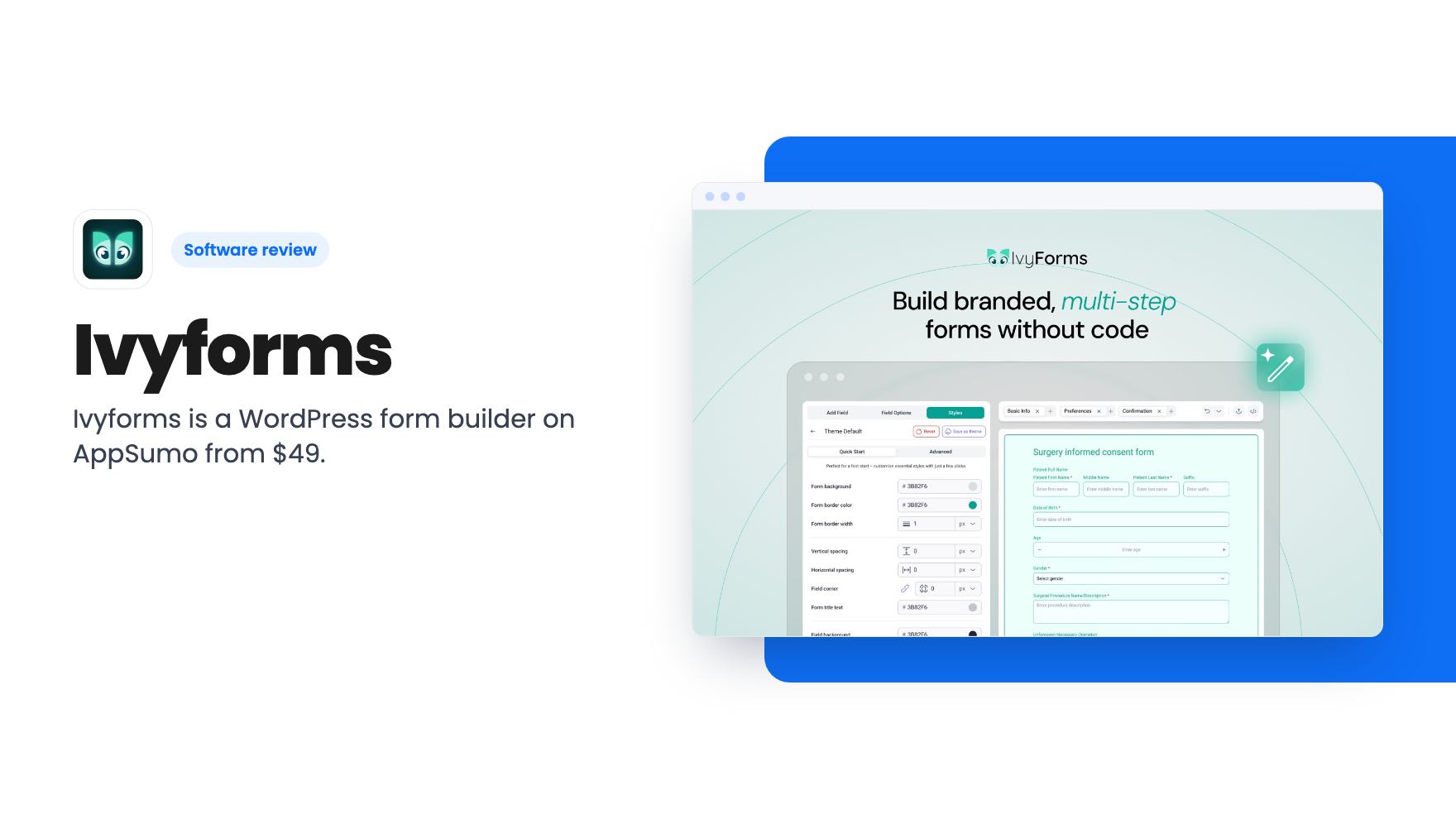
Ivyforms is a WordPress form builder on AppSumo from $49. It has conditional logic, payments and entry management, but the site limits per tier are unclear.
Lifetime deal price
$49$14967% off
Lifetime Deal · ends Dec 7, 2026
Our take: Worth a look if you build on WordPress and want to stop paying yearly for a form plugin. Skip it if you don't use WordPress, or if you need a mature, proven product. Confirm the site limits per tier before you buy, because the listing is muddled on that.
Picture a Friday evening. A potential client fills in the enquiry form on your WordPress site, the notification email lands in a crowded inbox, and by Monday nobody can say who replied. That’s the kind of mess a decent form plugin is supposed to prevent, and it’s the problem Ivyforms is aimed at.
Ivyforms is a form builder that runs inside WordPress. You build forms in a visual editor, publish them on your pages, and manage the submissions from the WordPress dashboard. The AppSumo deal starts at $49 for lifetime access, down from a $149 list price. The listing pitches it as an alternative to Gravity Forms and Typeform.
The product is WordPress only. If your site runs on something else, stop here.
The basics are in place. You can drag and drop fields, start from a template, or describe the form you want and let the AI build a first draft. The listing’s FAQ says there are 10+ field types, which is a modest number, so check that the field you need is on the list.
The features that matter for real forms are conditional logic and multi-page layouts. Conditional logic shows or hides fields based on earlier answers, so a visitor who picks “residential” never sees the commercial questions. The listing’s example of splitting a long form into Basic Info, Preferences and Confirmation is the sensible way to handle a long intake form. The FAQ also mentions conversational forms, though the feature list doesn’t explain how they work.
Styling happens in a styles panel where you adjust backgrounds, borders, colors and spacing. That should be enough to make a form look like your site rather than like a plugin. The listing doesn’t say how much finer control you get, such as custom CSS or typography settings, so don’t assume it.
Publishing is simple. Copy the shortcode, something like [ivyforms id=2], into a page, or use the Gutenberg block. Elementor and Divi are also supported.
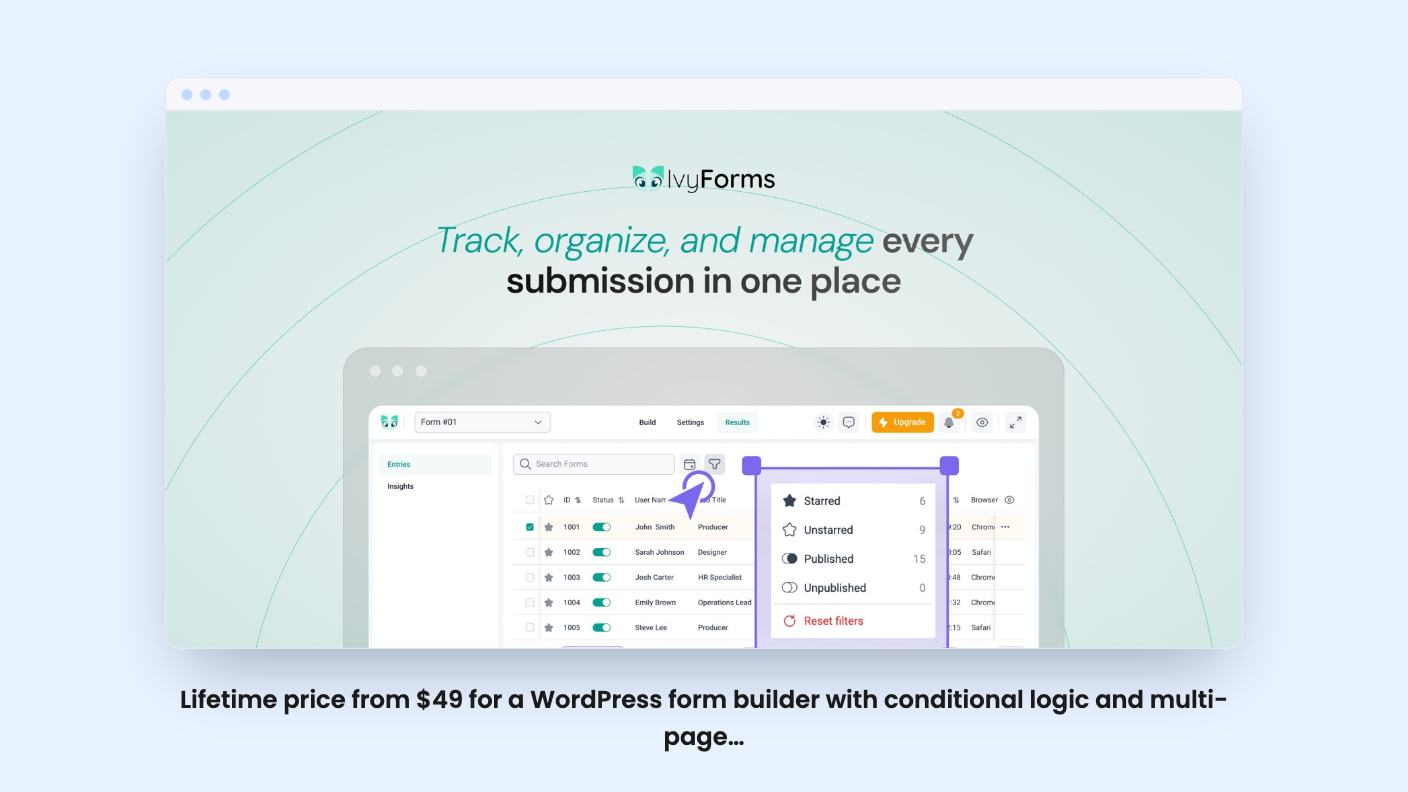
Every submission goes into an entries dashboard where you can search, star and filter. You can set up multiple email notifications per form, so the sales form can alert sales and the support form can alert support. Visitors get a custom confirmation message.
One detail from the FAQ deserves attention. Storing entries in the database is on by default, but you can switch it off per form. If you do, submissions only reach you by email, and that needs a working mail setup such as WP Mail SMTP. Plenty of WordPress sites have flaky email delivery, so leave storage on unless you have a reason not to.
Spam protection covers reCAPTCHA (v2, Invisible and v3), hCaptcha and Cloudflare Turnstile. The catch is that you can use only one security field per form. That’s fine for most people, but it means no stacking two checks on a form that gets hammered by bots.
Access control is a quiet strength. You can grant access to forms and entries by WordPress role or by individual user. If an agency lets a client or a junior team member see only their own forms, that matters more than any template.
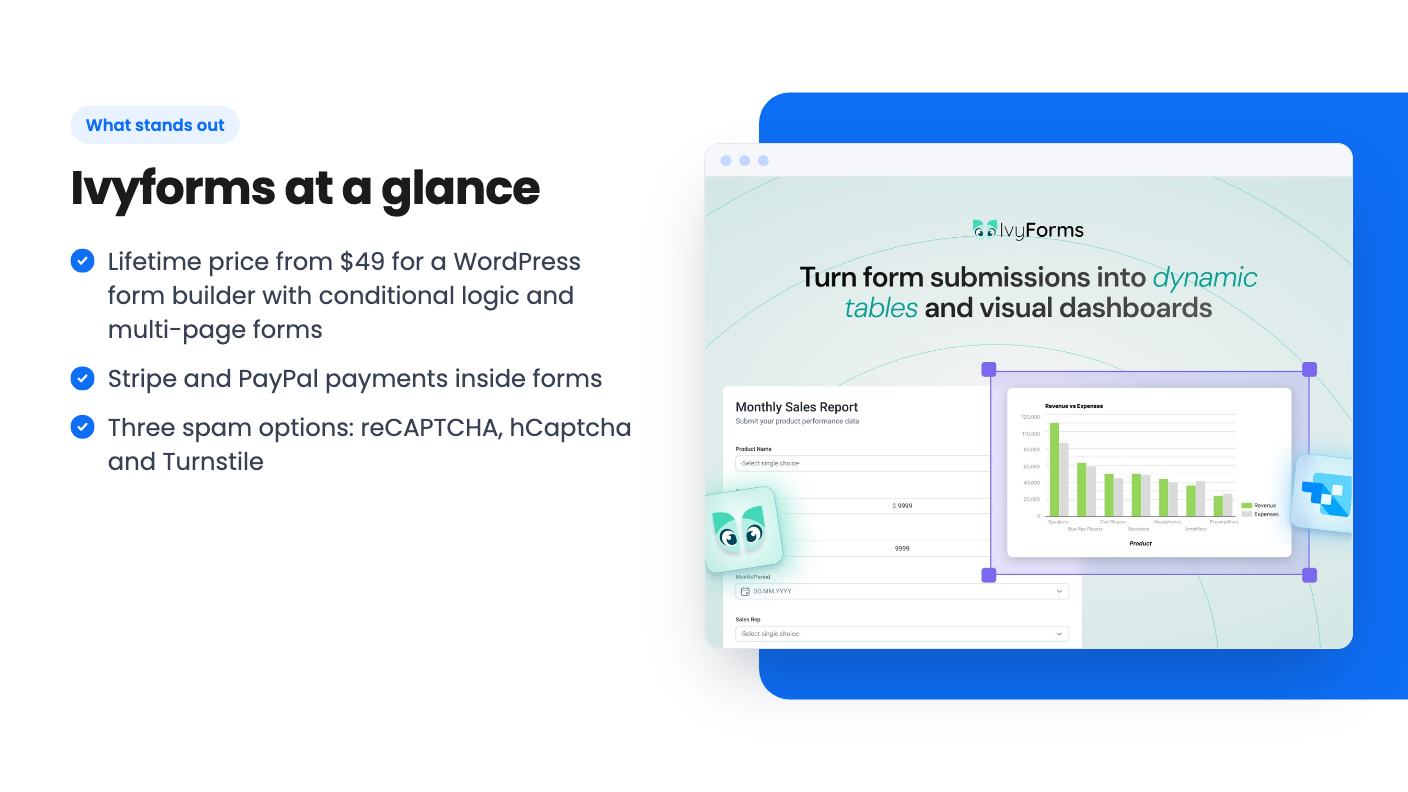
The listing says you can take payments and donations through Stripe and PayPal inside the form. That makes it usable for deposits, simple order forms and donation pages. It doesn’t say what fees apply beyond whatever Stripe and PayPal charge, or what payment features exist beyond basic checkout. Subscriptions, coupons and invoices aren’t mentioned, so assume they’re not there until you hear otherwise.
There’s also a link to Amelia, a WordPress booking plugin. The idea is to attach an intake form to a booking so you collect client details before each appointment. If you already run Amelia, that’s a neat fit. If you don’t, it’s irrelevant.
The reporting pitch is built around wpDataTables. Entries can feed filterable tables and charts, and the tables stay in sync as new entries arrive. The listing’s example is revenue versus expenses. That’s a stretch for a form plugin, and it presumably depends on wpDataTables being installed too. The listing doesn’t say whether that’s a separate purchase. Entries can also be mirrored to Google Sheets, which is the simpler route for most small teams.
The listing also mentions an MCP connection so AI assistants can create forms and review entries in plain English. It’s an interesting extra, but there’s no detail on setup or limits, so treat it as a bonus rather than a reason to buy.
The integration list at the top names Google Sheets, Mailchimp, Webhooks and Zapier. The FAQ names Google Sheets, Slack, Square and webhooks, plus a REST API. Those lists don’t match. Mailchimp and Zapier appear in one place and Slack and Square in the other.
Webhooks and a REST API mean you can probably connect almost anything with some effort. But if you’re counting on a particular native integration, ask before you pay. This sort of inconsistency is common in early listings, and it’s also a hint that the product is young. The listing doesn’t say how long Ivyforms has been on the market, and it has just one AppSumo review, a 5.00 from a single person. That’s not much evidence either way.
There are three lifetime tiers:
All three include lifetime access and future updates to the Essentials, Growth and Elite plans. If the plan name changes, your deal moves to the new plan automatically.
The sticking point is sites. The plan features read “Sites: Unlimited / 1 / 5”, which doesn’t line up neatly with tiers 1, 2 and 3 in that order. It could be a typo or a different ordering. Don’t guess. A one-site license is a very different product from an unlimited one, and you’ll want to know which you’re buying before you check out.
The terms are strict in the usual way. You must be a brand-new Ivyforms user, with no previous accounts, trials or paid plans. Codes must be redeemed within 60 days, and you can stack up to 3. The deal ends on 6 December 2026. The listing doesn’t mention a refund window, so check AppSumo’s own policy.
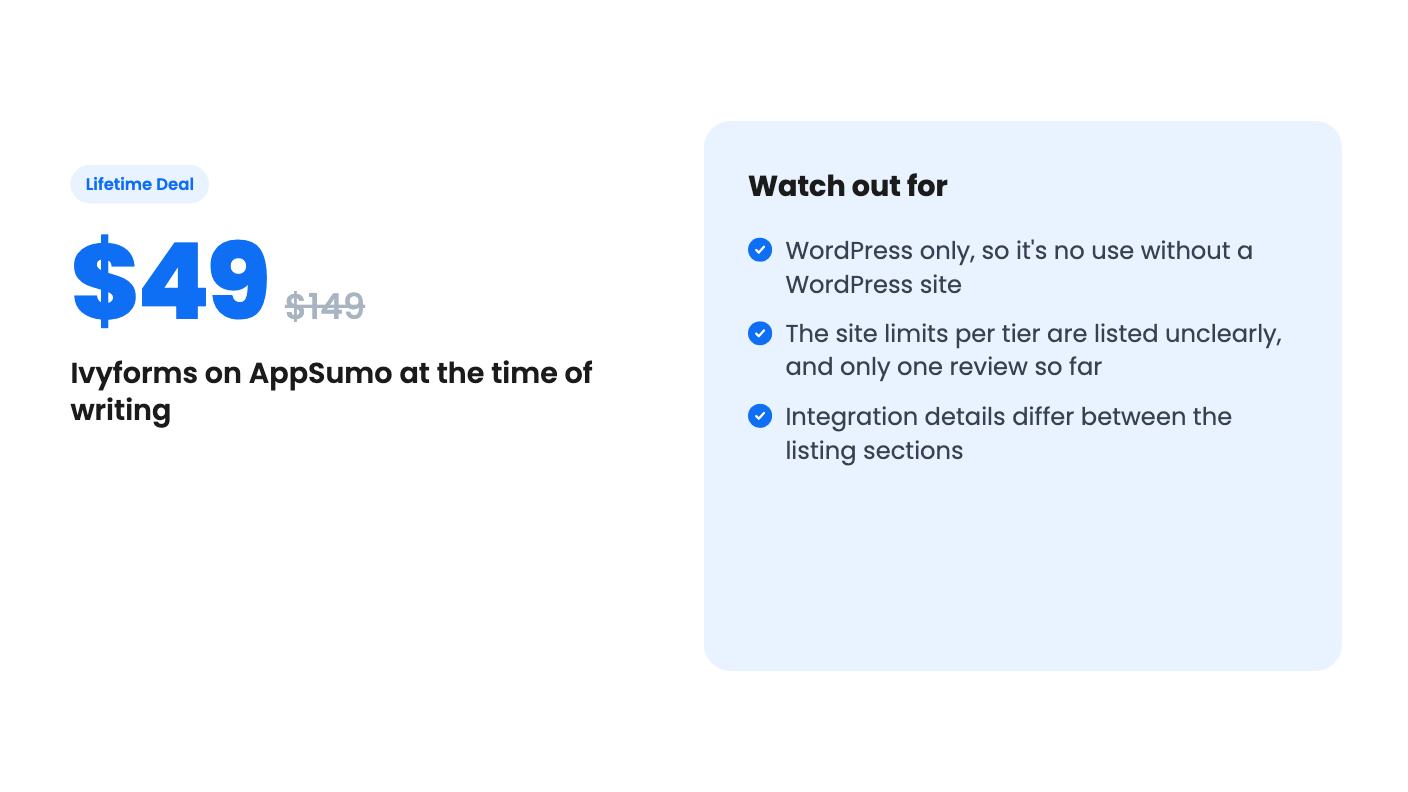
Skip it if you’re not on WordPress, since there’s no hosted version described. Skip it if you need a long track record, because one review and an unclear listing don’t tell you how well it holds up under real traffic. And skip it if you depend on a specific integration or advanced payment feature that the listing doesn’t confirm. If you run one or a few WordPress sites, want conditional logic, multi-page forms and Stripe or PayPal without a yearly renewal, the $49 entry price is low enough to be a reasonable bet, once you’ve pinned down the site limit.
No. The listing describes it as a WordPress form builder plugin. You install it on a WordPress site and publish forms with a shortcode or a Gutenberg, Elementor or Divi block.
The listing's plan features say Sites: Unlimited / 1 / 5 across the three tiers, but it doesn't say which number belongs to which tier. Ask the seller or check the checkout page before you buy.
Yes, according to the listing you can stack up to 3 codes and must redeem them within 60 days of purchase. The deal is only for brand-new Ivyforms users.
How this review was made: researched from Ivyforms's official listing, and written with help from AI. We have not tested Ivyforms hands-on yet. Prices and deal terms change, so check AppSumo before you buy. See our affiliate disclosure.
zcal is a design-focused scheduling tool with team booking and custom domains. The lifetime deal runs $59 to $219, with user caps that matter.
AppSumo hasn't announced its Black Friday 2026 deals yet. Here's how to shortlist, check plan limits and which lifetime deals to watch.
Yoya swaps the booking form for an AI chat and sends you a pre-call brief. Here's what the $49, $129 and $249 AppSumo lifetime tiers really get you.

