
Forms & SchedulingReview
zcal Review: A Good-Looking Scheduler at a $59 Lifetime Price
zcal is a design-focused scheduling tool with team booking and custom domains. The lifetime deal runs $59 to $219, with user caps that matter.
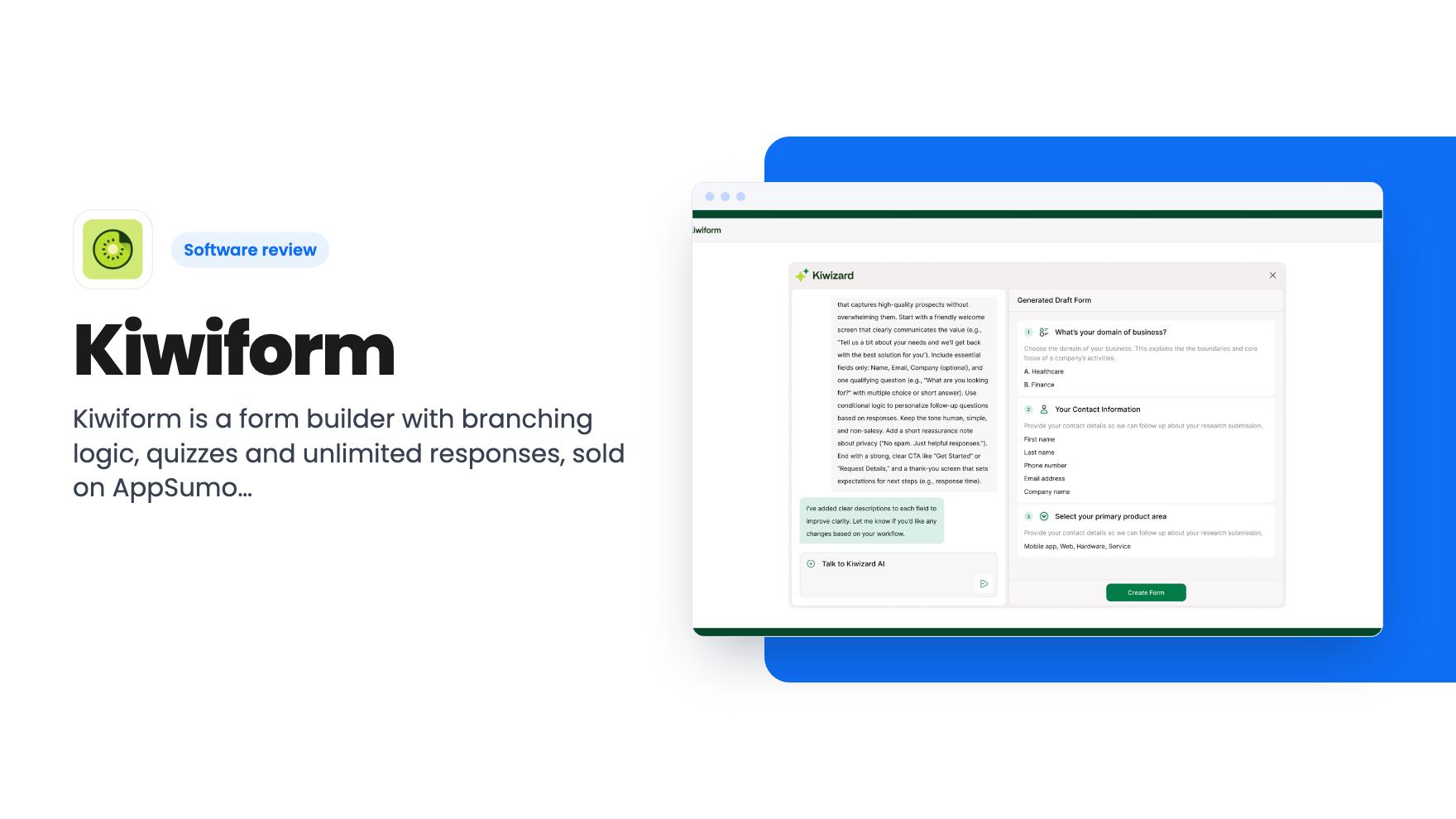
Kiwiform is a form builder with branching logic, quizzes and unlimited responses, sold on AppSumo from $79. Here's what each tier includes and where it falls short.
Lifetime deal price
$79$39980% off
Lifetime Deal · ends Jan 15, 2027
Our take: Kiwiform suits solopreneurs and small teams who want a Typeform-style form builder with unlimited forms and responses and don't want a monthly bill. Skip tier 1 if you need a custom domain, and skip the deal if you need deep design control or a long track record, since the listing shows only 7 reviews.
Say you run a small coaching business or a local service company. You’ve got a Google Form for enquiries, another for feedback, and a spreadsheet that someone has to clean up by hand every Friday. Every visitor sees the same fifteen questions, even though half of them don’t apply. That’s the situation Kiwiform is built for, and it’s a reasonable pitch for a lifetime deal.
Kiwiform is a form builder in the same family as Typeform and Jotform. AppSumo prices the entry tier at $79, down from a $399 list price. The deal ends on 15 January 2027. We haven’t used it, so everything here comes from the listing and the plan table, which is marketing material. I’ll point out where it gets vague.
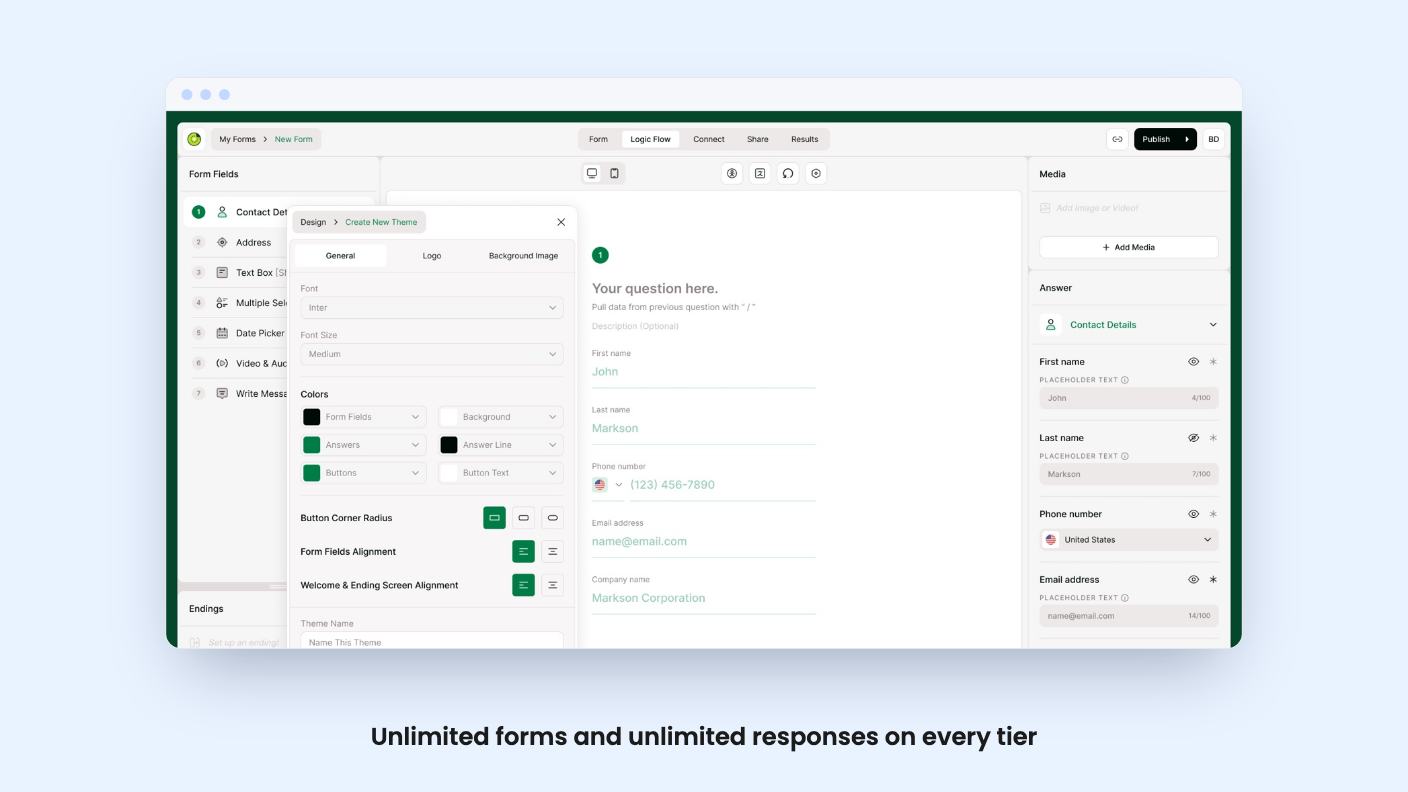
The listing describes a clean builder where you add fields, change layouts and apply conditional logic. You can also recall answers from earlier questions and use them later in the form, so a respondent who gives their first name sees it again further down. That kind of personalization is usually the difference between a form that feels like an interrogation and one that feels like a conversation.
Design controls cover themes, fonts, colors and alignment. You can add a logo, set custom metadata and configure the share thumbnail, which matters more than it sounds if you post form links in Slack or on social media. The FAQ also mentions that you can rewrite system messages such as button labels, validation errors and upload prompts.
There’s a built-in accessibility checker too. According to the listing, it flags colour contrast, missing alt text and unclear content. I like seeing this in a small-business tool, though the listing doesn’t say how thorough the checks are.
This is where the product earns its keep on paper. You can build branching paths based on answers, show or hide fields with conditional rules, and calculate scores that send people to different endings.
In practice that covers three jobs well:
The listing doesn’t say how many branches or rules you can stack, or how the logic editor looks once a form gets complicated. Complicated branching is where many form tools get messy, so check that in the trial or demo before committing.
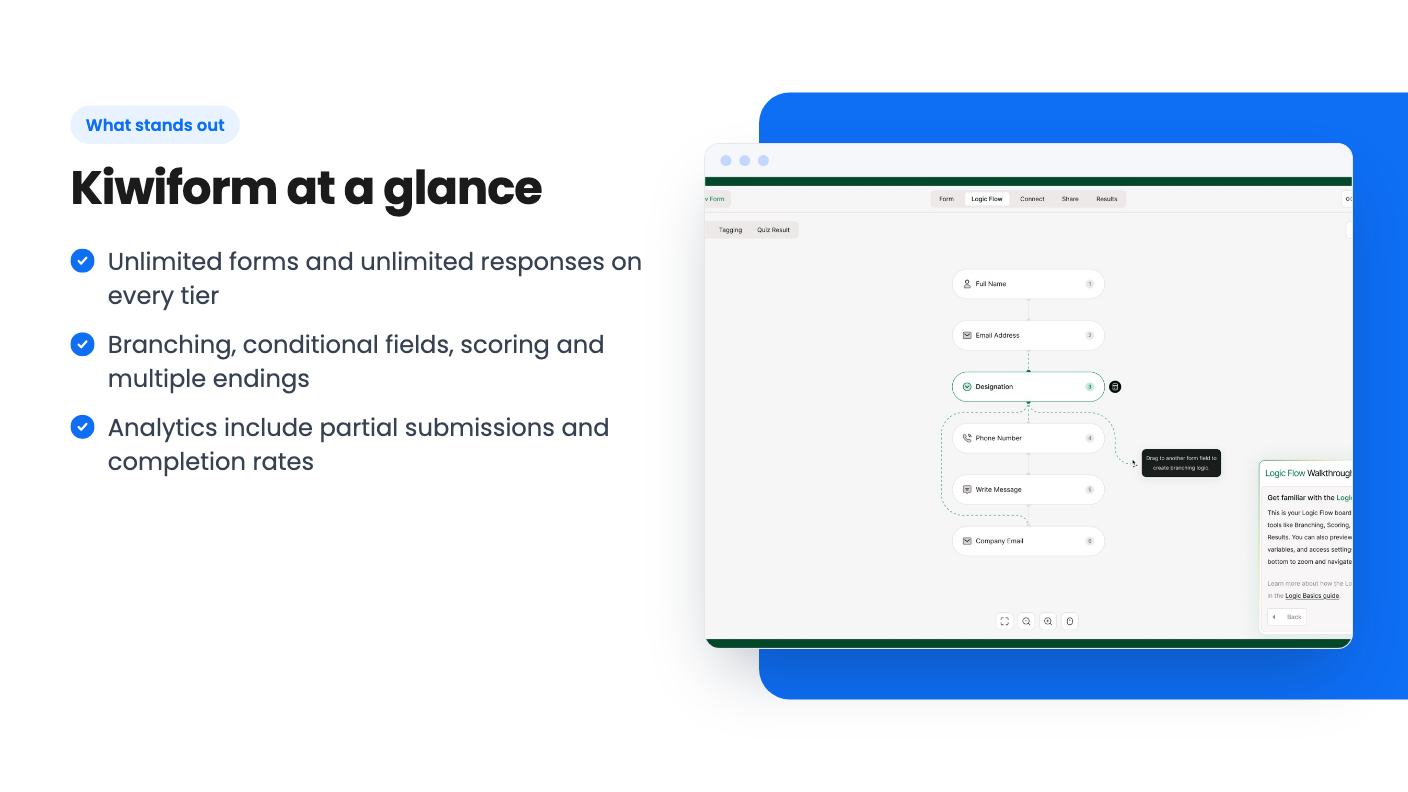
The analytics dashboard tracks views, submissions, completion rates and partial submissions. Partial submissions are the useful one. They show you where people quit, which is the first thing to fix on a form that isn’t converting. You can filter responses and export reports.
Settings are reasonably thorough. Per the FAQ, you can show a progress bar, number the fields, prevent duplicate submissions, autosave responses, switch on extra spam protection and show a cookie consent notice. You can also schedule start and end dates, set a submission limit and show custom opening or closing messages.
For integrations, the listing names Google Sheets, HubSpot, Slack, Stripe and Zapier. It also talks about triggering actions across 1000+ apps through webhooks and email notifications. Read that as Zapier and webhooks doing the heavy lifting. Only five integrations are named, so if your CRM isn’t on the list, you’ll be going through Zapier, which is a separate cost.
The three prices are $79, $158 and $237, mapped to Basic, Pro and Business. The listing also says you can stack up to three codes, and you must redeem them within 60 days of purchase. How stacking interacts with buying a higher tier directly isn’t explained clearly. If you plan to buy more than one code, ask support before you pay.
Across all three tiers, forms and responses are unlimited. After that the tiers split:
There are two oddities in the table. Email verification is listed as on for the first two tiers and off for Business. Blacklisting respondents is on only for the first tier. That looks like a data entry quirk or a genuine gap, and the listing doesn’t explain it. Don’t pay for tier 3 expecting those features until someone confirms.
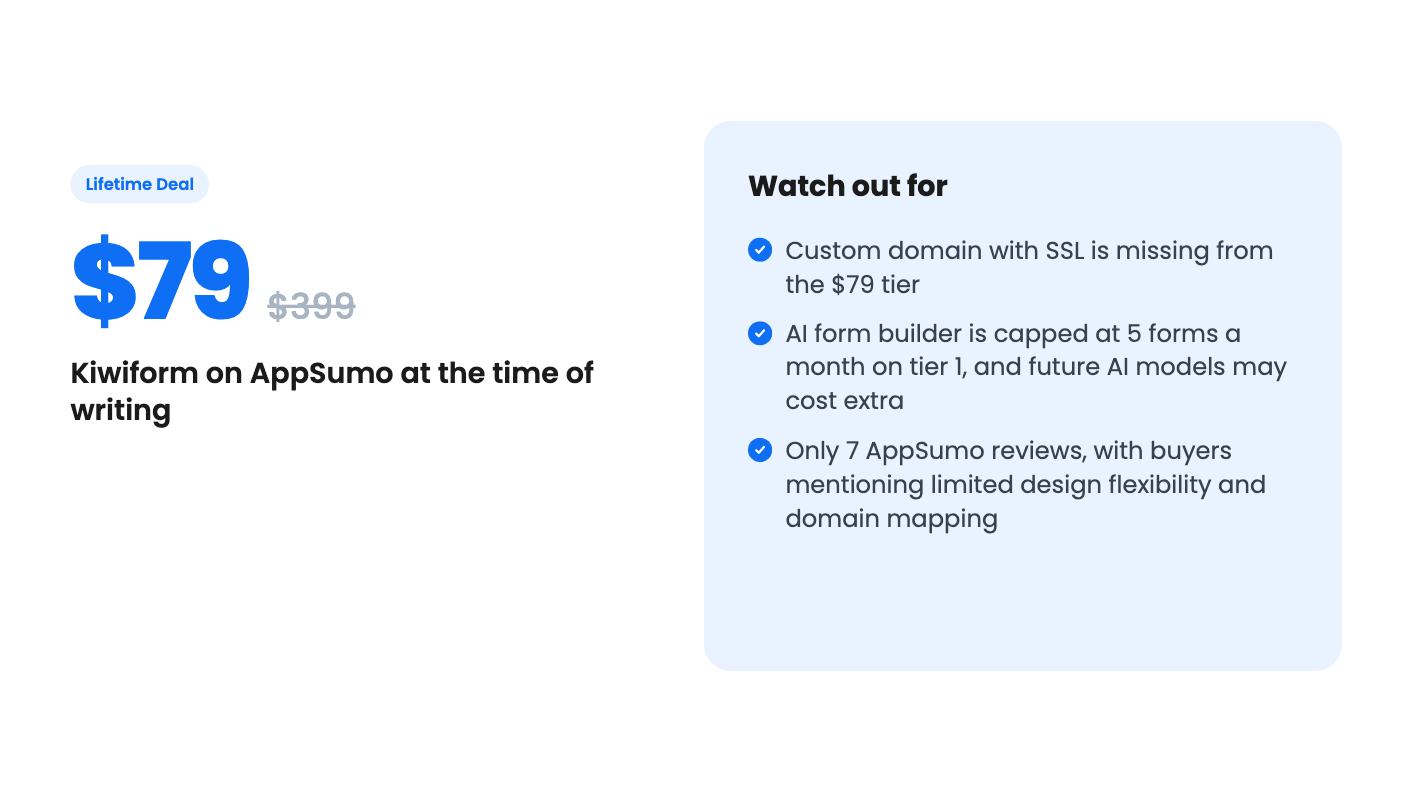
The $79 tier is the one most buyers will look at, and it has a real hole. No custom domain means your forms live on Kiwiform’s address. If you care about brand polish, you’re pushed to the $158 tier at least. AppSumo’s own review summary mentions domain mapping as a limitation, so that’s consistent.
Then there’s the AI line. The listing says access to future AI models may be discounted or may need an add-on. Translation: the lifetime price covers the current setup, and anything new on the AI side could cost more. Five AI-built forms a month on tier 1 is fine if you mostly build by hand.
This deal is also only for brand-new Kiwiform users. If you’ve tried the product or held a paid plan before, you can’t redeem it.
Skip it if you need a custom domain and don’t want to pay $158. Skip it if you need heavy design control, since reviewers mentioned wanting more flexibility there. And skip it if you need a deep list of native integrations, because the named ones are few.
Be careful about trust, too. AppSumo shows 7 reviews at an average of 4.71. That’s encouraging, but it’s a small sample, and the listing doesn’t say how long the product has existed or what the roadmap looks like. A lifetime deal only pays off if the company keeps running for years.
If your needs are modest, though, this is a fair bet. A solo consultant or a small marketing team that wants unlimited forms, quizzes and conditional logic without a monthly fee has a clear use for it. For that person, $79 is a low-risk way to replace a patchwork of free forms, as long as the custom domain and AI caps don’t matter yet. Check the refund terms on AppSumo, build one real form in the first week, and decide with your own data.
No. The listing says forms and form responses are unlimited on all three tiers. The limits are elsewhere: team members, workspaces, file upload size, total storage and monthly AI builds.
No. According to the plan table, custom domain plus SSL is off on tier 1 ($79) and on for tier 2 ($158) and tier 3 ($237). AppSumo's own review summary also mentions domain mapping as a limitation.
The Kiwizard AI builder is capped at 5 forms a month on tier 1 and 10 on tier 2. It is unlimited on tier 3. The listing also says future AI models may come at a discounted rate or need an add-on.
How this review was made: researched from Kiwiform's official listing, and written with help from AI. We have not tested Kiwiform hands-on yet. Prices and deal terms change, so check AppSumo before you buy. See our affiliate disclosure.
zcal is a design-focused scheduling tool with team booking and custom domains. The lifetime deal runs $59 to $219, with user caps that matter.
AppSumo hasn't announced its Black Friday 2026 deals yet. Here's how to shortlist, check plan limits and which lifetime deals to watch.
Yoya swaps the booking form for an AI chat and sends you a pre-call brief. Here's what the $49, $129 and $249 AppSumo lifetime tiers really get you.

