


The deals at a glance
| Tool | Suits | Price |
|---|---|---|
| BreezeDoc | Best value e-signature tool for freelancers and small teams | $19 |
If you send contracts as a freelancer, coach or small agency, the BreezeDoc vs DocuSign choice comes down to one question: do you want to pay once or every year? BreezeDoc is AppSumo’s own e-signature tool, sold for $19 or $49 once with unlimited documents. DocuSign is the best-known name in e-signatures, with plans from $132 to $540 per user a year.

Get BreezeDoc for $19 on AppSumo →
This page compares the two on price, features, legality and fit. AppSumo facts come from the BreezeDoc listing, and DocuSign facts come from DocuSign’s own pricing page, checked on November 13, 2026. For the full product breakdown, read our BreezeDoc review.
BreezeDoc vs DocuSign: which is better?
For most freelancers, coaches, consultants and small agencies, BreezeDoc is the better buy because it covers the core signing job for a one-time $19 or $49. DocuSign is the better fit for larger teams that need SSO, ID verification, advanced templates or dozens of users.
Both tools let you upload a document, place fields, send it, track it and get back a signed PDF with an audit trail. The difference is what sits around that core, and what you pay for it.
How much does each one cost?
BreezeDoc costs $19 once for Individual or $49 once for Agency. DocuSign’s US plans run $11, $30 and $45 a month on an annual commitment, which works out to $132, $360 and $540 a year.
| Plan | Price | 3-year cost | Documents | Users |
|---|---|---|---|---|
| BreezeDoc Individual | $19 once (list $180) | $19 | Unlimited | 1 |
| BreezeDoc Agency | $49 once (list $300) | $49 | Unlimited | Team of 4 |
| DocuSign Personal | $11/mo, $132/yr commitment | $396 | 5 envelopes a month | 1 |
| DocuSign Standard | $30/user/mo, $360/yr commitment | $1,080 per user | 100 envelopes per user per year | Up to 50 |
| DocuSign Business Pro | $45/user/mo, $540/yr commitment | $1,620 per user | 100 envelopes per user per year | Up to 50 |
| DocuSign Enhanced | Custom quote | Custom | Custom | 50+ |
DocuSign also offers monthly Standard and Business Pro plans with up to 10 envelopes per user a month, and it bills envelopes past your allowance at a pay-as-you-go rate. Its pricing page doesn’t list that rate.
Price is where the BreezeDoc vs DocuSign gap is largest. A solo consultant on DocuSign Personal pays $132 a year and can send 5 envelopes a month. The same consultant pays $19 once for BreezeDoc and has no monthly document cap. A three-person agency on DocuSign Standard pays $1,080 a year. On BreezeDoc Agency, the same team pays $49 once.
What do you get on each side?
BreezeDoc includes the features small businesses use most, and some that DocuSign keeps on its higher plans. DocuSign adds a deeper layer of admin, identity and enterprise controls.
| Feature | BreezeDoc Individual ($19) | BreezeDoc Agency ($49) | DocuSign Personal ($132/yr) | DocuSign Business Pro ($540/user/yr) |
|---|---|---|---|---|
| Documents | Unlimited | Unlimited | 5 a month | 100 per user per year |
| Templates | Yes | Yes | Reusable templates | Reusable, shared and locked |
| Automatic reminders | Yes | Yes | Yes | Yes |
| Bulk send | Up to 100 signers | Up to 500 signers | No | Yes |
| Public signing links or web forms | 10 links | Unlimited | No | Yes |
| Payment collection | Stripe | Stripe | No | Yes |
| Audit trail | Yes, with certificate of completion | Yes | Yes | Yes |
| API and Zapier | Yes | Yes | Not listed | Not listed |
| Webhooks and MCP server | No | Yes | Not listed | Not listed |
| Your branding | Lighter BreezeDoc branding | Your logo, small BreezeDoc branding | No | Custom branding |
Where BreezeDoc stands out
- Unlimited documents. The listing says every plan sends unlimited documents, and one document counts once however many people sign it.
- Autodetect. Upload a PDF and BreezeDoc finds and places signature, initials, date and text fields, names them and assigns them to the right signer.
- Bulk send and public links at a small-business price. Send one template to a CSV of signers, or put a public signing link on your site for waivers, NDAs and intake forms. Each person gets their own signed copy. DocuSign keeps bulk send and web forms on Business Pro.
- Stripe invoices. A client can sign and pay in one flow.
- AI-ready. Agency adds webhooks and an MCP server, so AI assistants like Claude and ChatGPT can draft and send documents for you.
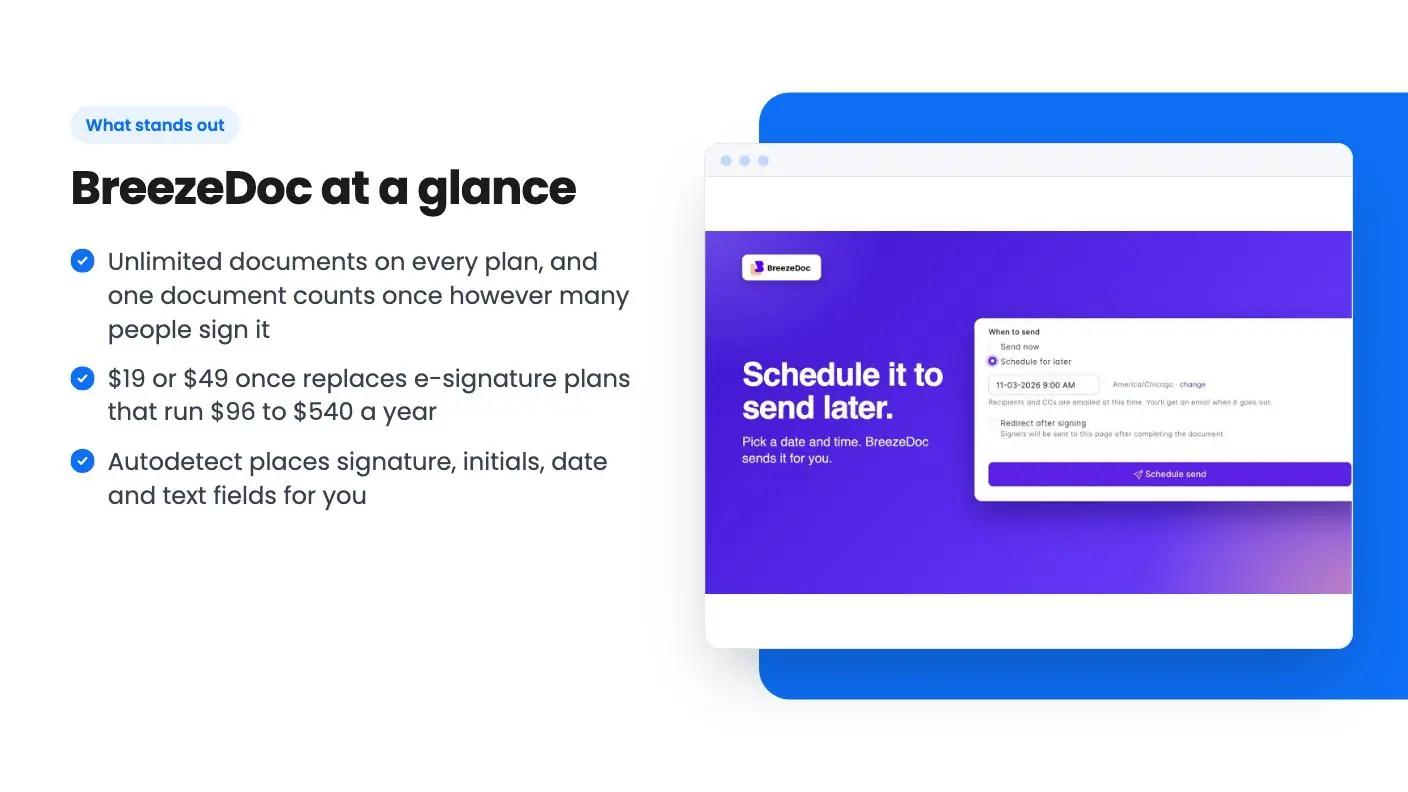
- Sign first, send later. Add yourself as “Me”, fill in your side, set the signing order and schedule the send.
Where DocuSign stands out
DocuSign’s pricing page lists a long set of features built for larger teams:
- Scale and admin. Up to 50 users on Standard and Business Pro, user and group permissions, team reports, and SSO and centralized org management on Enhanced.
- Signer options. Multi-language signing, in-person signing, delegated signing, signer attachments and a mobile app.
- Advanced fields and templates. Locked templates, drop-down and radio fields, PowerForms and envelope custom fields on Business Pro.
- Identity extras. Standard includes 5 one-time SMS deliveries and 5 one-time ID verifications as a bonus.
- Integrations. Slack, Teams, Zoom and Stripe integrations on Standard.
If those words describe daily needs at your company, DocuSign earns its price. Most of them sit on Standard or Business Pro, though, so a solo buyer comparing BreezeDoc with DocuSign Personal gets fewer of them than the feature list suggests. If they don’t, you’d be paying for features you’ll never open.
Are BreezeDoc signatures as legal as DocuSign’s?
For most US business contracts, yes. Both tools produce electronic signatures with an audit trail, and US law treats electronic signatures as valid for most commercial agreements.
The federal ESIGN Act says a signature or record can’t be denied legal effect just because it’s electronic. The Uniform Electronic Transactions Act (UETA) does the same at the state level in 49 states and Washington, DC, and New York has its own law with a similar effect. Some documents, such as wills, follow separate rules.
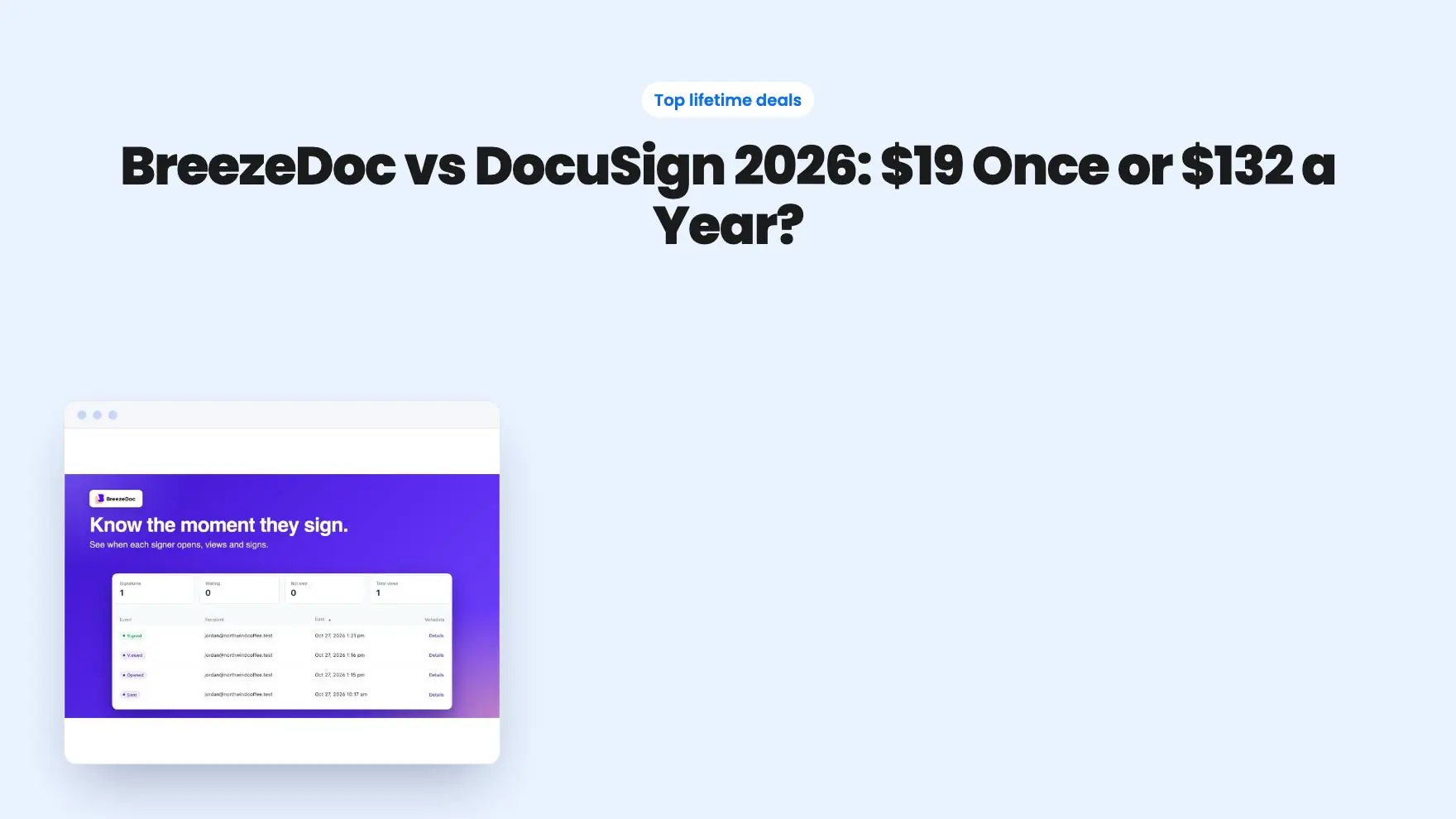
BreezeDoc sends every party the signed PDF with a certificate of completion and an audit trail showing when each signer opened, viewed and signed. You can add a passcode to sensitive documents.
There are two differences to know about in the BreezeDoc vs DocuSign legal picture. BreezeDoc’s FAQ says its signatures are simple electronic signatures, not eIDAS qualified signatures, and that it isn’t HIPAA-compliant. If your work needs either, choose an enterprise platform. For GDPR, BreezeDoc offers a Data Processing Agreement at breezedoc.com/dpa.
Get BreezeDoc for $19 on AppSumo →
Who should choose BreezeDoc?
Choose BreezeDoc if you’re a small business that sends contracts often and wants the cost to stop at one payment. It’s the right pick for:
- Freelancers and consultants sending service agreements, NDAs and statements of work.
- Coaches who want a signed agreement and a Stripe payment before the first session.
- Gyms, studios and event hosts collecting waivers from many people through a public signing link.
- Small agencies of up to four people who want documents to go out under their logo.
- Automation fans who want to send documents from Zapier, the API or an AI assistant.
Signers don’t need an account, and they can sign on any device. AppSumo’s summary mentions a 60-day money-back guarantee, and BreezeDoc has a free plan if you want to try it before buying.
Get BreezeDoc for $19 on AppSumo →
Who should choose DocuSign?
Choose DocuSign if your company needs enterprise controls more than it needs low cost. That usually means:
- Healthcare teams that need HIPAA, or European businesses that need eIDAS qualified signatures. BreezeDoc offers neither, so confirm what an enterprise vendor supports before you buy.
- Companies with more than four people sending contracts, or that need SSO and central admin.
- Teams that need built-in ID verification, in-person signing or multi-language signing.
- Businesses whose clients or partners expect to see the DocuSign name.
Signing emails sent from your own domain is another point. BreezeDoc’s FAQ says that isn’t available yet. If a signer can’t find the email, you can copy the signing link and send it yourself.
Can you switch from DocuSign to BreezeDoc?
Yes, and the switch is simple for most small businesses. Upload your existing contracts as PDFs, let Autodetect place the fields, and save each one as a template.
A practical plan:
- Start on BreezeDoc’s free plan and recreate your three most-used documents.
- Send one real contract and review it from your client’s side.
- Buy Individual ($19) or Agency ($49) on AppSumo and activate within 60 days, as the plan terms require.
- Keep DocuSign until your annual term ends, then let it lapse.
You can upgrade between the two BreezeDoc tiers while the deal is live, so starting small is low risk.
Get BreezeDoc for $19 on AppSumo →
The verdict on BreezeDoc vs DocuSign
The BreezeDoc vs DocuSign decision is clear for small businesses. BreezeDoc gives you unlimited documents, templates, reminders, bulk send, public signing links and Stripe payments for $19 once. DocuSign charges $132 a year for 5 envelopes a month on its entry plan, and puts bulk send and web forms on a $540-per-user plan.
DocuSign is still the right tool for big organizations that need SSO, central admin, ID verification and teams of up to 50 users per plan. For everyone else, BreezeDoc does the job for less than two months of DocuSign Personal.
Still weighing options? See our DocuSign alternatives guide or the full ranking of AppSumo Originals.
Why each one made the list
- BreezeDoc: $19 once (list $180) for unlimited documents, reminders, templates, Stripe payments and bulk send to 100 signers. $49 Agency adds a team of 4, bulk send to 500, unlimited public links, webhooks and an MCP server.
Frequently asked questions
Is BreezeDoc as good as DocuSign?
For sending contracts, NDAs and waivers and getting them signed with an audit trail, BreezeDoc covers the same core job. DocuSign adds enterprise features like SSO, locked templates, PowerForms, ID verification and teams of up to 50 users per plan, which matter more to larger companies.
How much cheaper is BreezeDoc than DocuSign?
BreezeDoc costs $19 or $49 once on AppSumo. DocuSign's own pricing page lists Personal at $132 a year, Standard at $360 per user a year and Business Pro at $540 per user a year. Over three years, DocuSign Personal costs $396.
Does DocuSign limit how many documents I can send?
Yes. DocuSign Personal includes 5 envelopes a month, and Standard and Business Pro include 100 envelopes per user per year on annual plans. BreezeDoc's listing says every plan sends unlimited documents.
Are BreezeDoc signatures legal like DocuSign's?
Both create electronic signatures backed by an audit trail. In the US, the ESIGN Act and state UETA laws give electronic signatures legal effect for most business contracts. BreezeDoc's signatures are simple electronic signatures, not eIDAS qualified signatures.
Can I bulk send with BreezeDoc?
Yes. Individual bulk sends a template to up to 100 signers from a CSV, and Agency raises that to 500. DocuSign includes bulk send on Business Pro, which costs $540 per user a year.
When should I choose DocuSign over BreezeDoc?
Pick DocuSign if you need SSO, ID verification, locked templates or a team larger than BreezeDoc Agency's 4 seats. If you need HIPAA or eIDAS qualified signatures, BreezeDoc doesn't offer them, so confirm support with an enterprise vendor. For solo businesses and small teams, BreezeDoc costs far less.