
Forms & SchedulingReview
zcal Review: A Good-Looking Scheduler at a $59 Lifetime Price
zcal is a design-focused scheduling tool with team booking and custom domains. The lifetime deal runs $59 to $219, with user caps that matter.
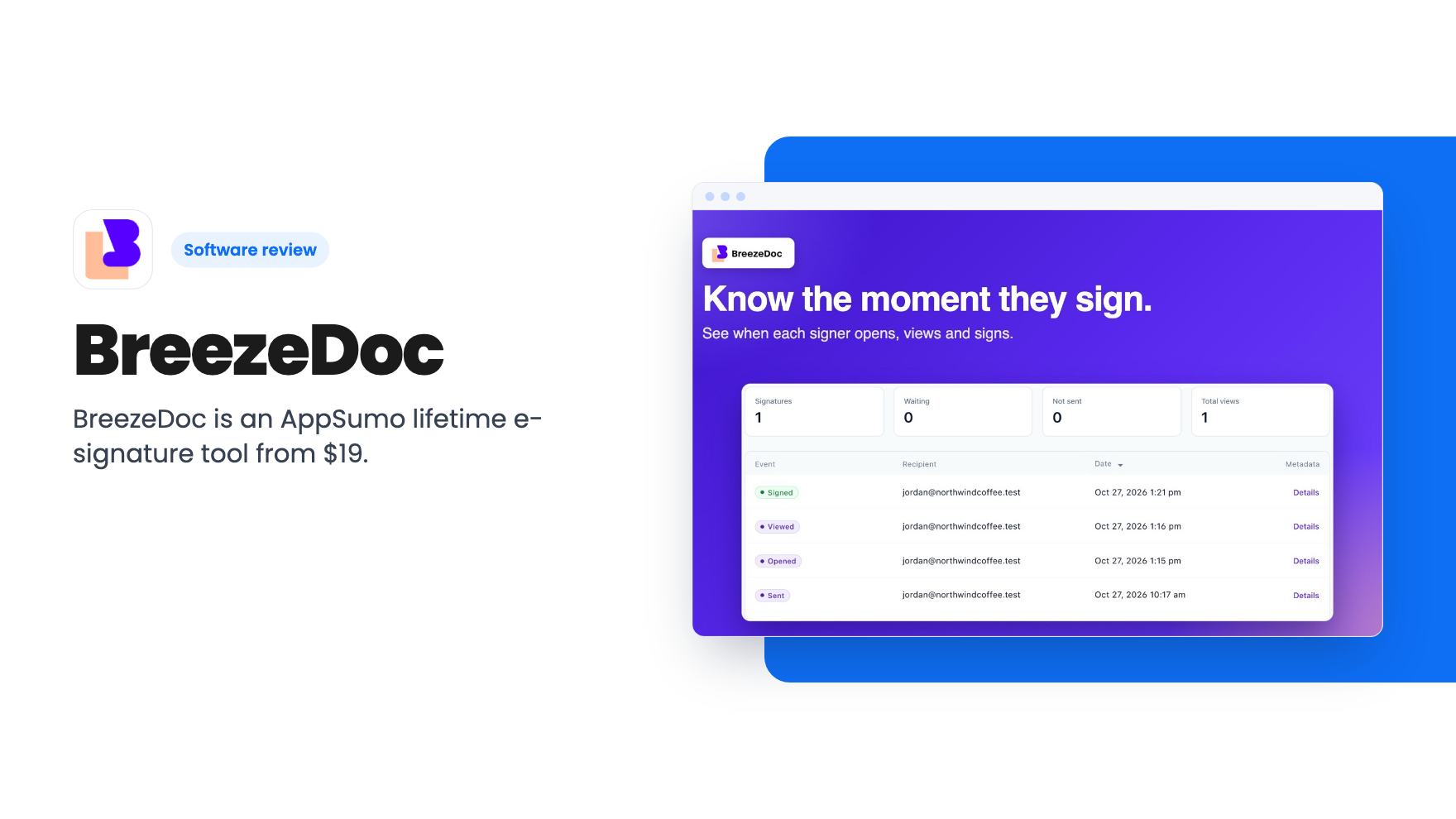
BreezeDoc is an AppSumo lifetime e-signature tool from $19. It's simple and cheap, but it's young, US-focused, and its monthly caps need a close look.
Lifetime deal price
$19$18089% off
Lifetime Deal
Our take: Buy the $19 or $49 deal if you're a freelancer, coach or consultant who sends a handful of contracts a month and wants to stop renting DocuSign. Skip it if you need GDPR or HIPAA compliance, a polished product, or high volume without checking the document caps first.
You’ve agreed terms with a new client over a call. Now you need a signature, and your options are a PDF that gets printed and scanned, or a monthly e-signature subscription that costs more than the project’s coffee budget. For someone sending a few contracts a month, that second option feels like overkill.
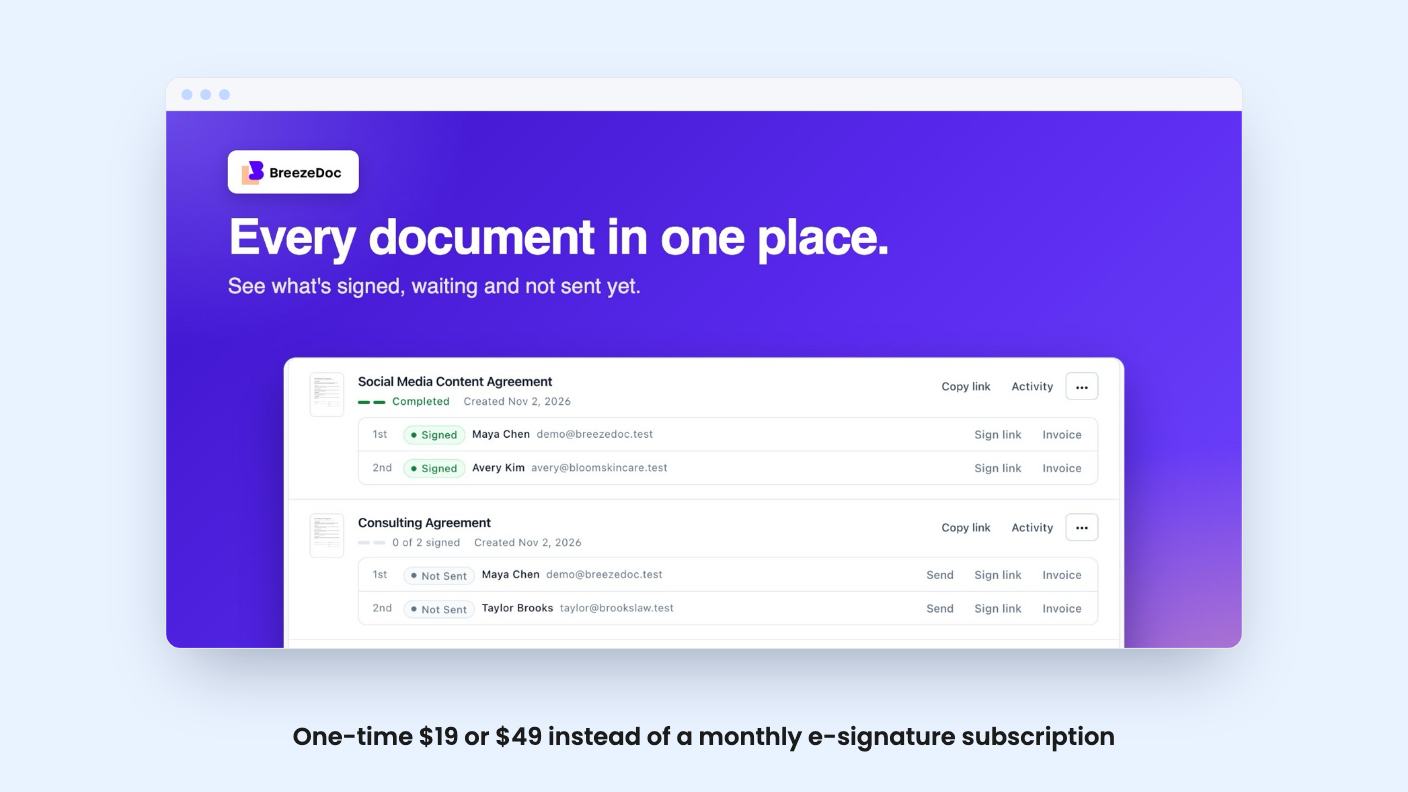
BreezeDoc is aimed squarely at that gap. It’s an e-signature tool sold on AppSumo as a lifetime deal, pitched as an alternative to DocuSign, HelloSign and Adobe Sign. The price is $19 for tier 1 (listed at $180) or $49 for tier 2 (listed at $300). AppSumo’s page says it suits consultants, freelancers and solopreneurs, and that’s a fair read of what the product is.
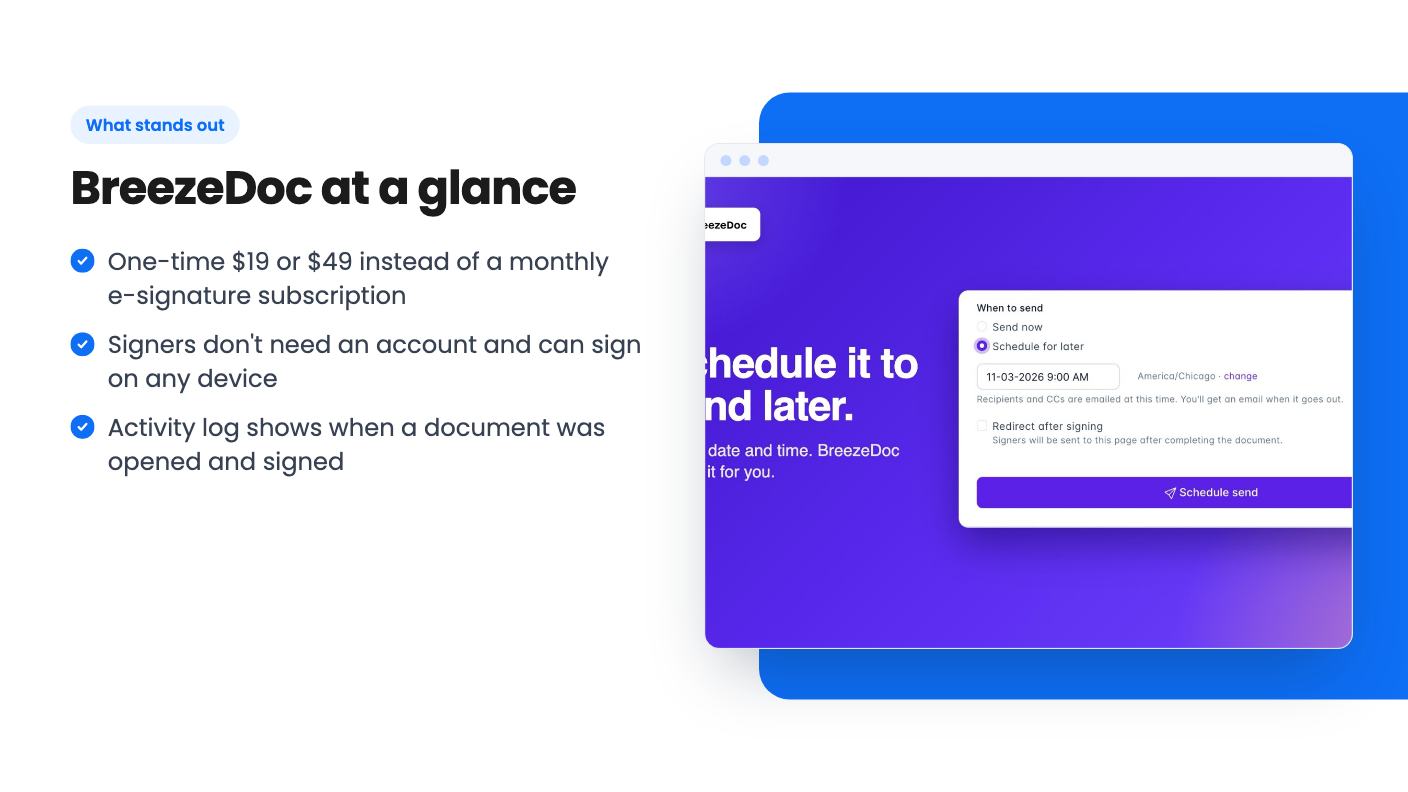
The core flow is simple. You upload a contract, mark where signatures, initials and dates go, and send it. You can set it up for one signer or several. Recipients don’t need an account, according to the listing. They click a link and sign on whatever device they have.
There’s also a small template library. The listing mentions marketing consulting, NDAs and general legal agreements, and the demo video shows four: a general business contract, a coaching business agreement, an NDA and a marketing project. You can delete those and upload your own, which is the more useful route if you already have contracts a lawyer has looked at. The listing is clear that you can turn your own past documents into templates.
After sending, you get an activity log showing when someone received, opened and acted on a document. The listing also promises automatic reminder emails to people who haven’t signed, and an automatic copy of the finished document to all parties. That’s the part that saves you from writing the “just checking in” email yourself.
The listing also says the invoicing feature lets you connect Stripe and accept payment after signing. It doesn’t explain how that works or what it costs, so check it before you count on it.
The video is a creator walkthrough, and it’s refreshingly blunt. The presenter says the product was released that day, carries a beta label, and looks basic. Their words: very bare bones. That’s useful to hear, because the listing copy reads much more confidently.
In the demo, they create a coaching contract from a template, fill in text boxes and a date, and send it to themselves as a test. They sign by typing a name, then show a handwritten option where you draw a signature. A second party then gets the document to sign. The presenter also shows copying the link to resend it by text, downloading the contract, and viewing an activity page with timestamps.
They mention that the record includes open times and an IP stamp. That’s the kind of audit trail you’d want if a client ever disputes a signature. The presenter calls the result legally binding. We can’t verify that, and a reviewer’s comment isn’t legal advice. If a contract matters, check how e-signatures are treated where you and your client are based.
The settings area looked thin too. The presenter expects more to arrive over time, but that’s their expectation, not a promise from the listing.
This is where we’d slow down. The listing’s plan feature table is garbled. It shows documents per month as “Unlimited / 20” followed by blanks, team members as “Up to 10 / 0”, branding as “None / Reduced”, and a string of true and false values for custom logo. It doesn’t say which value belongs to which tier.
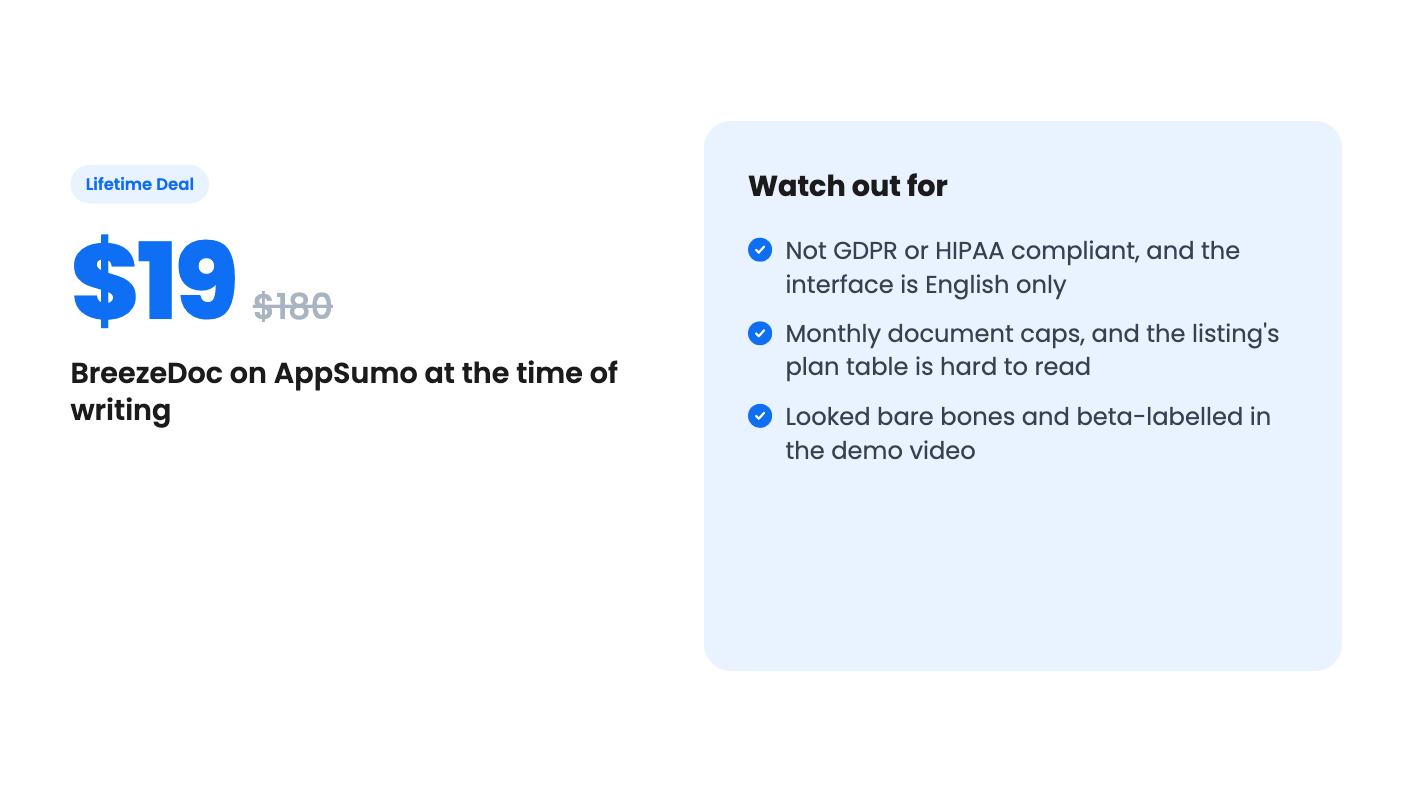
Other sources point in different directions. AppSumo’s review summary says the basic plan is limited to 40 documents per month. The video describes a free plan at 2 documents a month, then tiers at 5, 15 and 40. Those numbers come from launch day and may not match the two tiers you can buy now. The listing doesn’t settle it, so confirm the exact monthly limit for your tier before you pay.
One thing is clear from the FAQ. Custom logos on recipient-facing emails and documents come with tier 2. If you want your own branding in front of clients, that’s the $49 plan. At tier 1 you appear to get reduced BreezeDoc branding at best, though the listing doesn’t spell it out.
Practical points on the deal itself:
For one-time pricing, that last point matters most. Use the window to send a real contract to a real client, and see how the signing experience looks from their side.
Compliance is the clearest wall. The listing says BreezeDoc isn’t yet fully GDPR-compliant, with no date given, and that it isn’t HIPAA-compliant at all, because the cost wasn’t worth it for the audience. AppSumo’s own summary notes a focus on US compliance. If you serve clients in healthcare, or in Europe where data rules apply, you’d be taking that risk on yourself.
The interface is also English only for now. You can upload templates in any language, and the seller suggests translating existing ones with a tool like ChatGPT, but the buttons and emails your signers see won’t change.
The API is limited too. The seller says they offer some basic endpoints and are adding more. If you wanted to wire contracts into a CRM or an automation, expect gaps.
Then there’s the rating. 3.68 out of 5 across 172 AppSumo reviews is middling for a lifetime deal. The summary calls the drawbacks small bumps, but that’s marketing copy, and we haven’t seen the individual complaints. Read them before you buy.
One point in its favour: a document counts once even if you add addendums or edit it later, as long as it was sent for signing. For a solo operator, that’s a sensible way to count.
The lifetime price is low enough that the downside is small. At $19 you’re risking about what two months of a basic subscription would cost, and the money-back window softens it further. If you send a few contracts a month, work mostly in the US, and want a record of who opened and signed what, it’s a reasonable bet.
If you send contracts in volume, need branded emails on a tight budget, or work under GDPR or HIPAA, this isn’t the tool. A young product with a beta tag and an unclear plan table asks for patience, and you should only pay for that if the price makes sense for how little you’ll lean on it.
No. According to the listing, recipients click the link and sign on any device without creating an account.
No to both, per the listing. The team says it isn't fully GDPR-compliant yet and that HIPAA support would be too costly. If you work with European clients under strict rules or in healthcare, look elsewhere.
The listing says a document counts once, even with addendums or later edits, as long as it was sent out for signing.
How this review was made: researched from BreezeDoc's official listing and a transcript of its demo video, and written with help from AI. We have not tested BreezeDoc hands-on yet. Prices and deal terms change, so check AppSumo before you buy. See our affiliate disclosure.
zcal is a design-focused scheduling tool with team booking and custom domains. The lifetime deal runs $59 to $219, with user caps that matter.
AppSumo hasn't announced its Black Friday 2026 deals yet. Here's how to shortlist, check plan limits and which lifetime deals to watch.
Yoya swaps the booking form for an AI chat and sends you a pre-call brief. Here's what the $49, $129 and $249 AppSumo lifetime tiers really get you.

