
Forms & SchedulingReview
zcal Review: A Good-Looking Scheduler at a $59 Lifetime Price
zcal is a design-focused scheduling tool with team booking and custom domains. The lifetime deal runs $59 to $219, with user caps that matter.
WorkForm is a Typeform-style form builder with AI follow-up questions and Stripe payments, sold on AppSumo from $49. Here's what the listing leaves unclear.
Lifetime deal price
$49$21677% off
Lifetime Deal
Our take: WorkForm suits marketers and small agencies who want conversational lead-qualifying forms with Stripe payments and don't want a monthly Typeform bill. Skip it if you need deep integrations beyond HubSpot, Slack and Zapier, or if you can't confirm which tier gets which limits. The listing's tier table looks inconsistent, so ask before you pay.
If you’ve ever sent a lead a long contact form and watched half of them vanish at question four, you already know why people pay for Typeform. The trouble is that Typeform’s monthly pricing climbs quickly once you want branding removed, logic, or a decent number of responses. WorkForm is a newer form builder aiming at that same crowd, and it’s currently on AppSumo as a lifetime deal.
I haven’t used it. What follows comes from the AppSumo listing, which is marketing copy, so read it with that in mind.
There are two kinds of form. Standard Forms are the familiar kind: one page or several, and every respondent sees the same questions. The listing says to use these for surveys and contact forms. Fair enough.
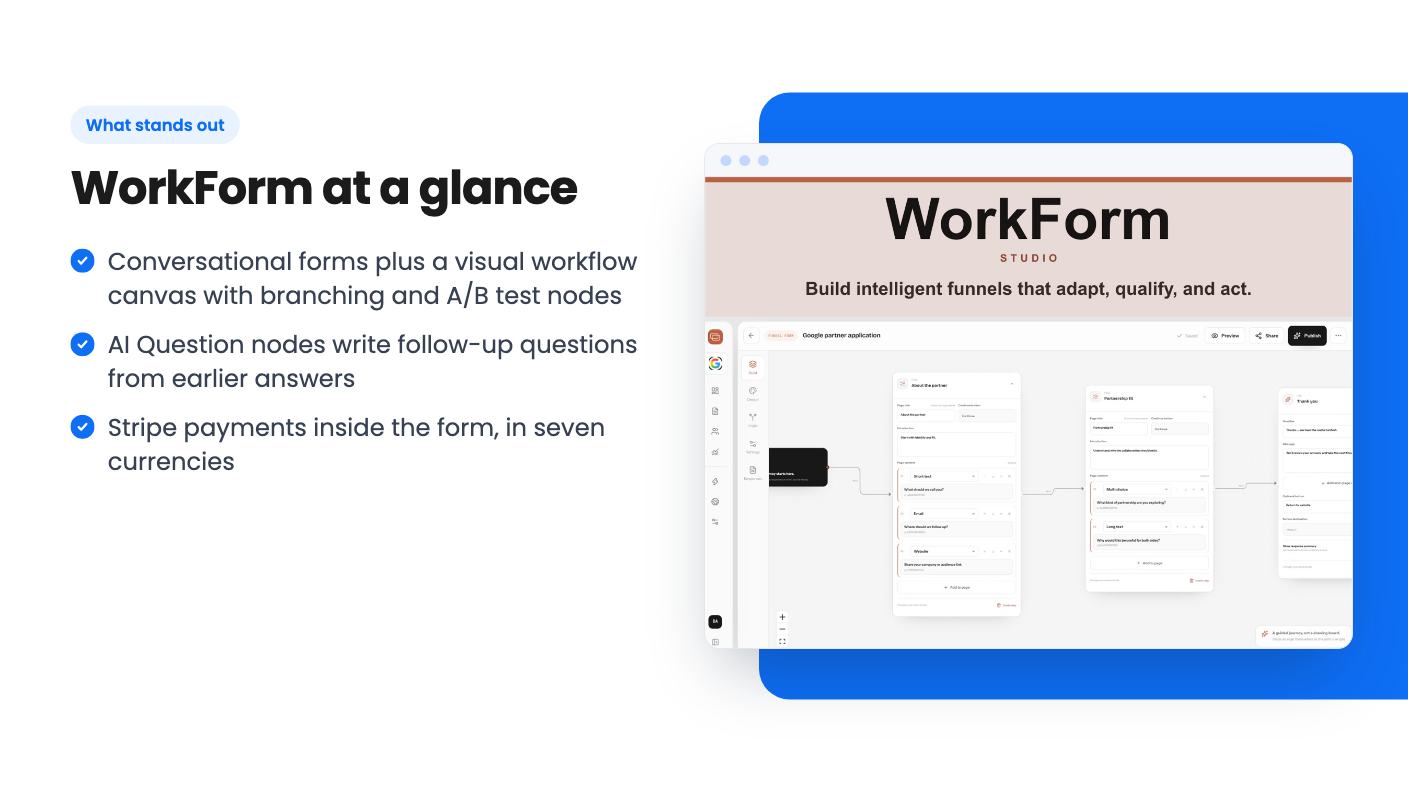
Workflow Forms are the more interesting half. You get a visual canvas and connect nodes together: Page nodes, Conditional nodes, A/B Test nodes, AI Question nodes, Payment nodes and End Pages. That lets the path change depending on what someone answers. A lead who says they run a ten-person agency can go down a different route than a solo freelancer.
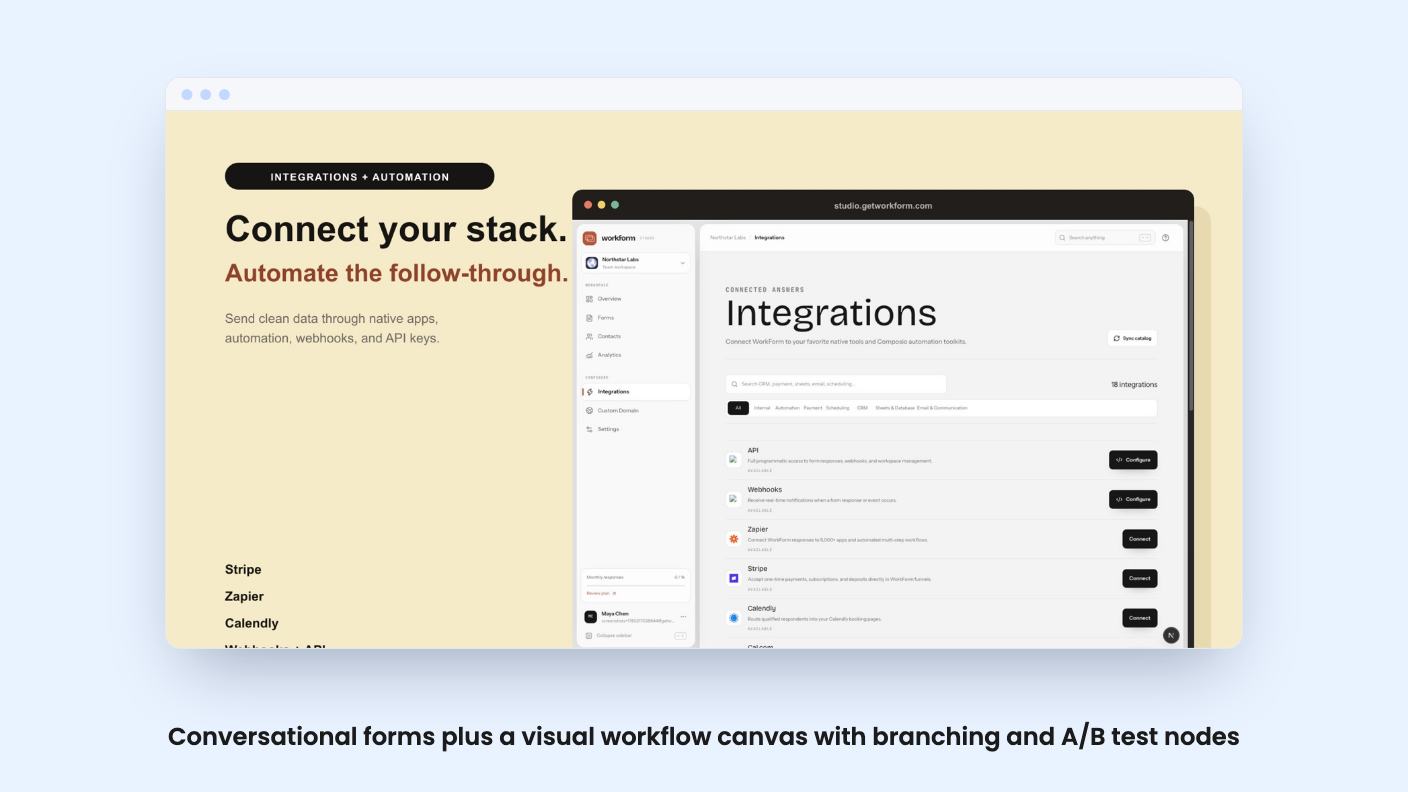
The listing also mentions a Typeform-like conversational design, where questions appear one at a time in a chat-like interface. That’s the style most people copy from Typeform, so it’s expected here, not a differentiator.
This is the headline feature. An AI Question node sits inside a Workflow Form. When someone reaches it, the AI reads all their earlier answers in that session and writes a relevant follow-up. You don’t build the branching by hand.
You control it with three settings. You set an information goal, such as understanding checkout pain points. You pick a style: open-ended, multiple choice, or mixed. And you choose how many follow-ups to generate, with 1 to 5 recommended.
That’s a sensible amount of control. It’s also where I’d be careful. Auto-generated questions are only as good as the goal you write, and the listing shows no examples of real output. For a lead-qualifying form, I’d want to see a few generated questions before trusting them in front of a prospect.
The listing also says AI questions are available on Professional and Business plans. So the cheapest lifetime tier may not include the feature the marketing leans on hardest. More on that below.
Payments run through Stripe. You connect with API keys, drop in a Payment question or node, and set a fixed or custom amount. Supported currencies are USD, EUR, GBP, CAD, AUD, JPY and INR. Card data goes through Stripe Elements, so it never touches WorkForm’s servers, and the respondent can’t move past that step until the payment succeeds.
That last point is useful for deposits or paid applications. The listing only describes one-time payments, so if you need subscriptions or recurring billing inside a form, it doesn’t say you can.
The listing also says you can collect bookings live inside the form. It doesn’t name the scheduling tool behind that, so find out which calendar apps work.
Integrations listed are HubSpot, Slack, Stripe and Zapier. Beyond that there are webhooks and a REST API with permission-scoped keys, which the FAQ ties to Professional and Business plans. The Zapier line in the FAQ is cut off mid-sentence in the text I have, so I can’t tell you its exact status.
Two analytics features are included on every plan, even the free one, according to the listing.
Drop-off Funnels show abandonment per question and per page. You can filter by country, device and time window. For anyone tuning a lead form, that’s the report you actually open.
The Live Response Map plots where respondents are, using IP geolocation with country-level filtering. It’s more of a nice-to-have, but it costs nothing extra.
There are three lifetime tiers:
All three include lifetime access and future plan updates. You must activate your license within 60 days, and you can move between the three tiers later. No codes and no stacking.
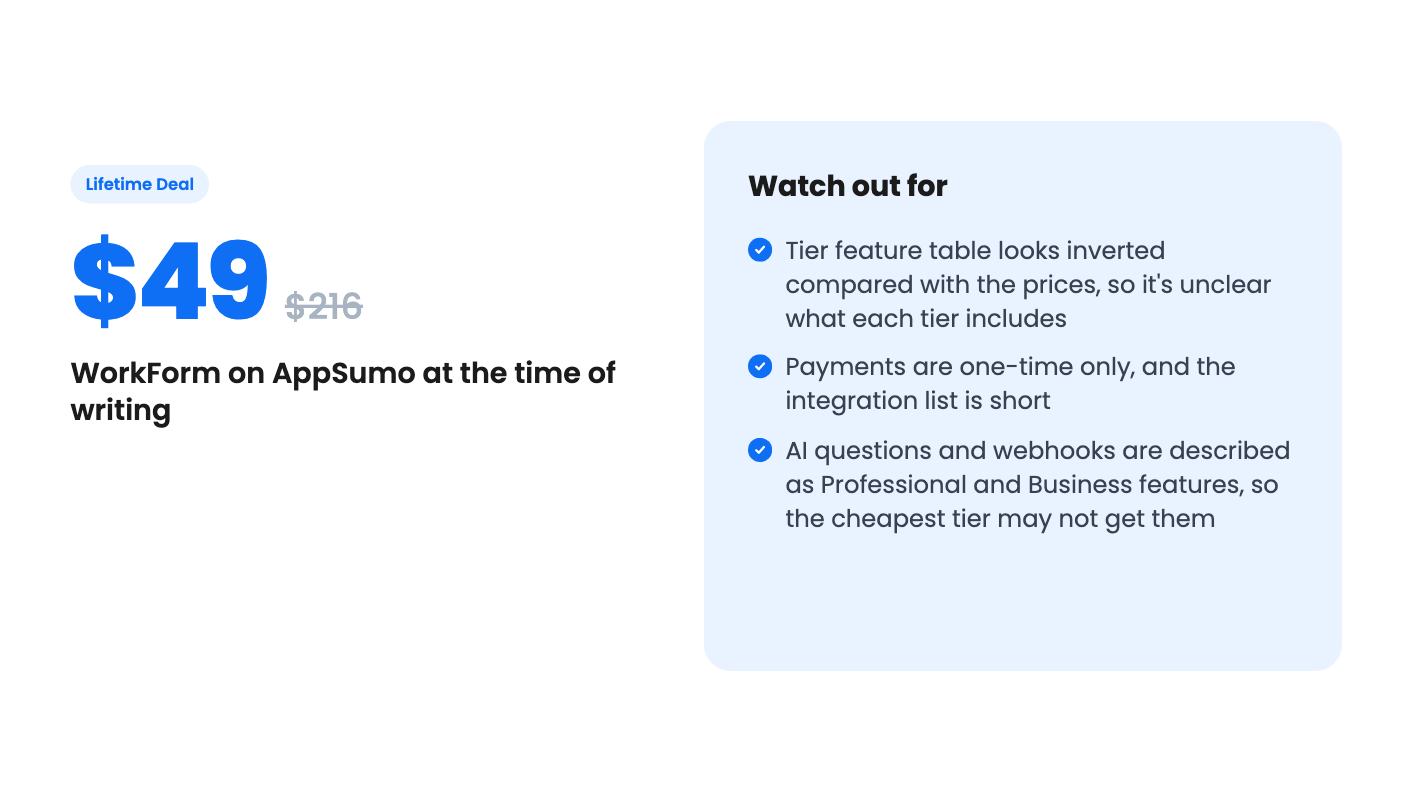
Now the problem. The plan feature table lists team members as Unlimited, 1, 1. File upload limits are 500MB, 100MB, 10MB. Custom domain, branding removal and webhook/API access are true, true, false. Read in price order, that gives the $49 tier the most and the $199 tier the least. That’s backwards from how every pricing page works.
My guess is that the columns are in a different order than the prices, but the listing doesn’t say so. Don’t buy on a guess. The FAQ says custom domains and branding removal start at Starter, and AI questions and webhooks need Professional. So if you want the AI feature that sells this product, you probably need a middle or higher tier. Ask the seller in the AppSumo Q&A which tier maps to which plan before you spend anything.
The list prices also look inflated, as they often do on AppSumo. Judge the deal against what a comparable Typeform plan costs you monthly, not against the crossed-out number.
Skip it if you need a long list of native integrations. Four named integrations plus webhooks and Zapier is workable for HubSpot users, but thin if your stack is elsewhere.
Skip it if you’re nervous about a young product. The listing gives no founding date, no customer count and no roadmap. A lifetime deal is a bet on the company staying around, and nothing here lets you size that bet.
And skip it if one plain contact form is all you need. The free plan appears to cover basics, and you shouldn’t pay for AI nodes you won’t use.
For marketers and small agencies building qualifying funnels, it’s worth a look once the tier question is answered. AppSumo’s usual refund window is the safety net, so check the current terms on the page, and use the early days to build a real form and see what the AI asks.
Standard Forms are linear, single or multi-page forms where everyone sees the same questions. Workflow Forms use a visual canvas with Page, Conditional, A/B Test, AI Question, Payment and End Page nodes, so the questions can change based on earlier answers.
Yes, through Stripe. You connect your account with API keys and add a Payment question or node. The listing says it supports fixed or custom amounts in USD, EUR, GBP, CAD, AUD, JPY and INR, and the respondent has to pay before moving on. The listing only mentions one-time payments.
The listing says Starter and above can remove branding and use a custom domain. But its tier table shows these features for the first two tiers and not the third, which is the reverse of what the prices suggest. Confirm with the seller or support before buying.
How this review was made: researched from WorkForm's official listing, and written with help from AI. We have not tested WorkForm hands-on yet. Prices and deal terms change, so check AppSumo before you buy. See our affiliate disclosure.
zcal is a design-focused scheduling tool with team booking and custom domains. The lifetime deal runs $59 to $219, with user caps that matter.
AppSumo hasn't announced its Black Friday 2026 deals yet. Here's how to shortlist, check plan limits and which lifetime deals to watch.
Yoya swaps the booking form for an AI chat and sends you a pre-call brief. Here's what the $49, $129 and $249 AppSumo lifetime tiers really get you.

