
Forms & SchedulingReview
zcal Review: A Good-Looking Scheduler at a $59 Lifetime Price
zcal is a design-focused scheduling tool with team booking and custom domains. The lifetime deal runs $59 to $219, with user caps that matter.
FormRobin is a $19 AI form builder with unlimited responses. WorkForm costs $49 to $199 and adds branching, Stripe payments and AI follow-up questions.
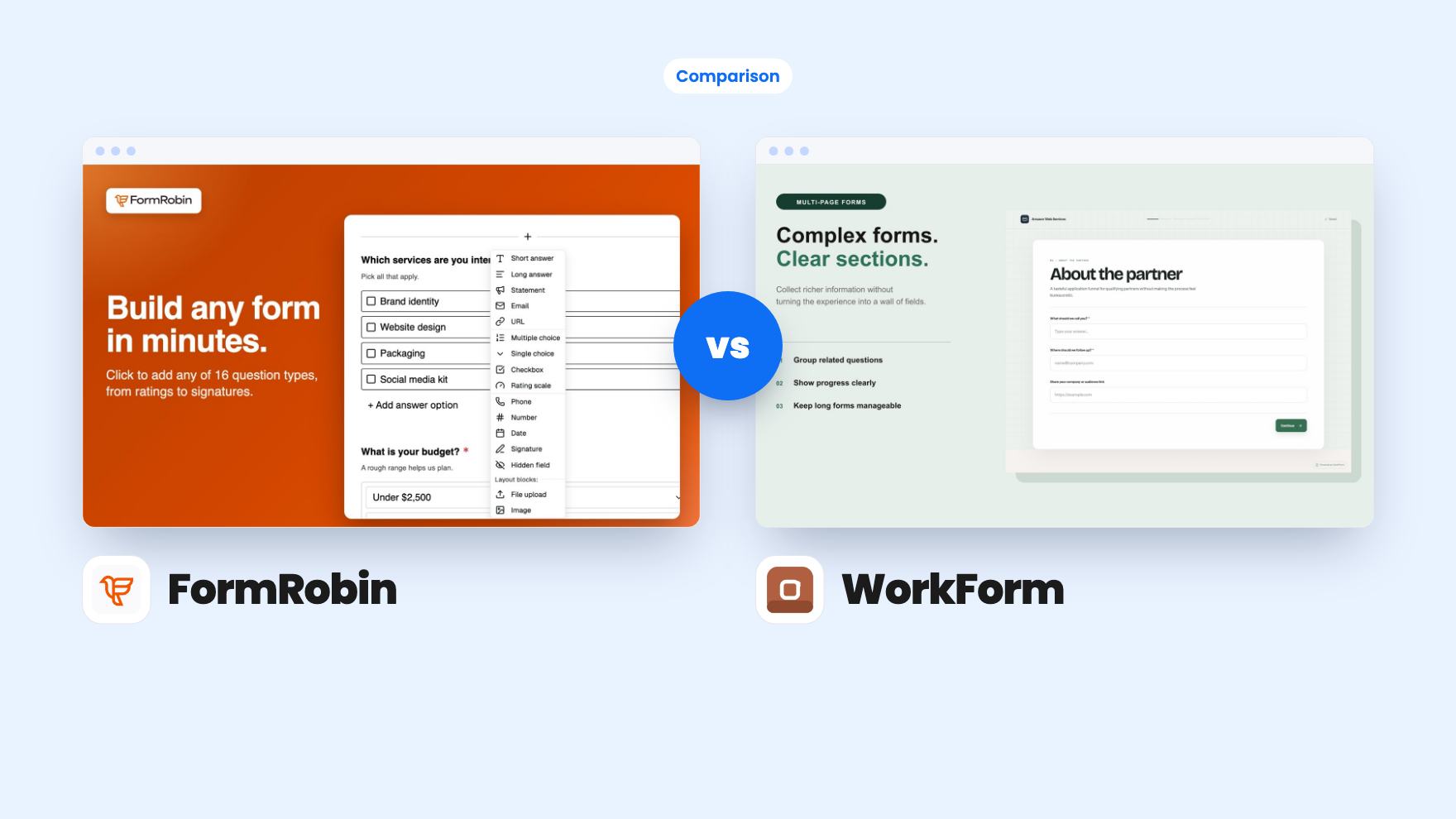
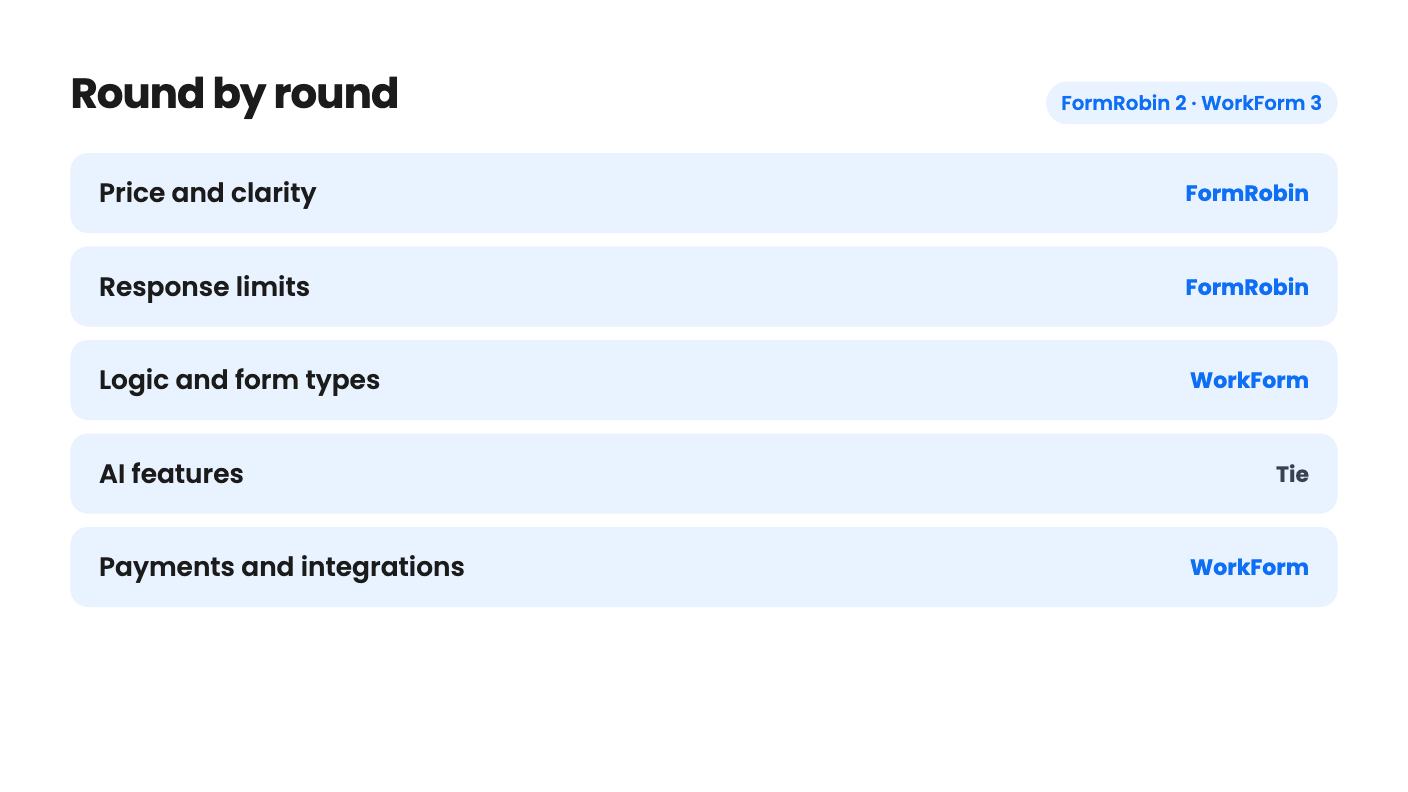
FormRobin takes 2 rounds, WorkForm takes 3.
| Round | Winner | Why |
|---|---|---|
| Price and clarity | FormRobin | FormRobin is one $19 tier with its limits spelled out, while WorkForm's $49, $99 and $199 tiers have a feature table that looks scrambled. |
| Response limits | FormRobin | FormRobin states unlimited monthly responses on every plan, and the WorkForm listing we have gives no response limits either way. |
| Logic and form types | WorkForm | WorkForm's Workflow Forms offer Conditional, A/B Test and Payment nodes, while FormRobin lists only simple conditional logic. |
| AI features | Tie | FormRobin drafts whole forms (50 per month) and WorkForm writes live follow-up questions, but WorkForm limits AI questions to Professional and Business plans. |
| Payments and integrations | WorkForm | WorkForm lists Stripe, HubSpot, Slack and Zapier, while FormRobin offers only an API and CSV export, with webhooks and Zapier still promised. |
| Branding and seats | WorkForm | WorkForm's listing offers branding removal, custom domains and team seats on some tier, while FormRobin has one seat and no branding removal. |
| FormRobin | WorkForm | |
|---|---|---|
| Starts at | $19 | $49 |
| List price | $228 | $216 |
| Plan | Lifetime Deal | Lifetime Deal |
| Deal ends | Not listed | Not listed |
| Best for | Marketers, Marketing agencies, Small businesses | Marketers, Sales managers, Agencies |
| Alternative to | Typeform, Jotform | Gravity Forms, Typeform |
You build a contact form, a campaign finally sends it some traffic, and the free plan stops collecting responses. That’s the itch both of these tools are aimed at, and both sit on AppSumo as lifetime alternatives to Typeform. They scratch it in quite different ways.
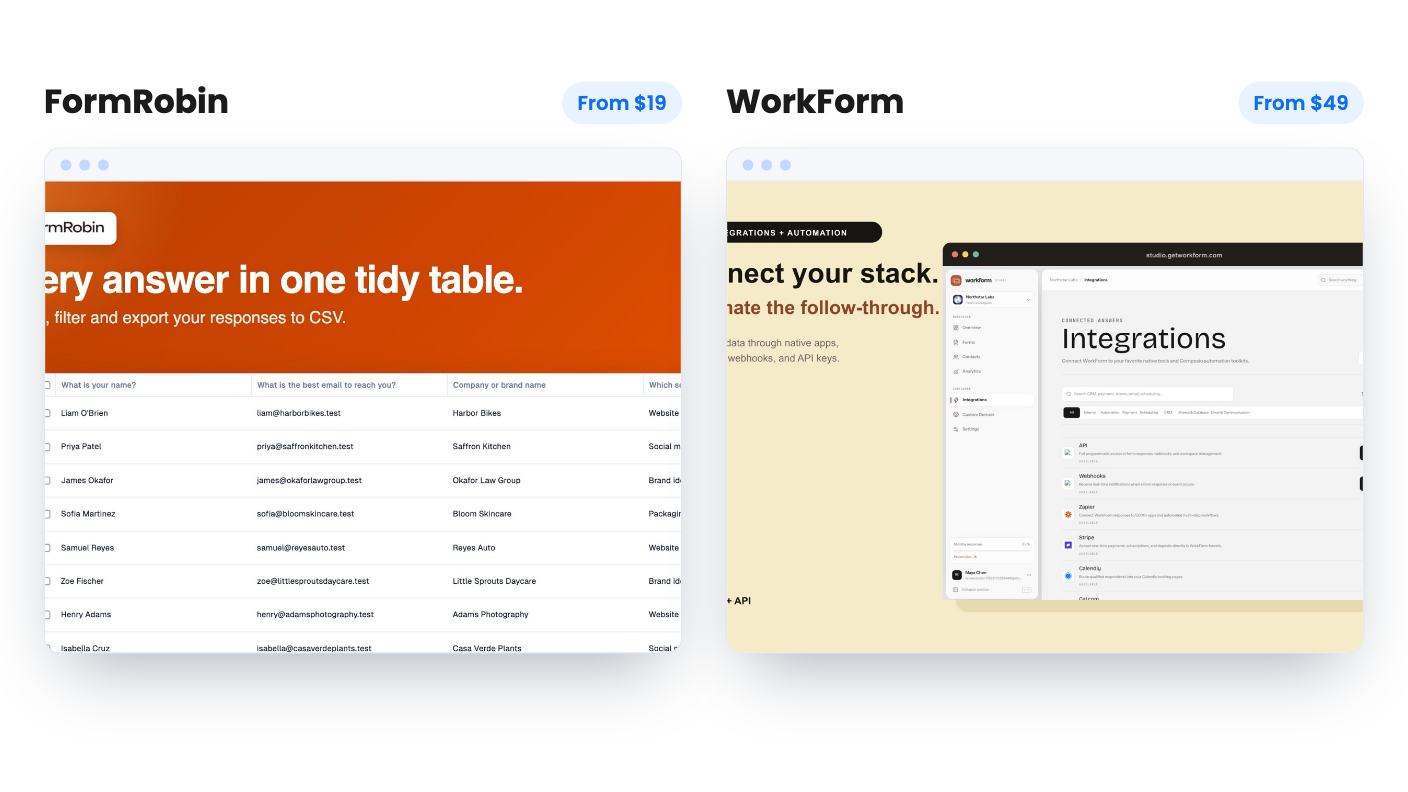
We haven’t tested either one. Everything here comes from the listings, which are marketing copy, so treat the claims with some care.
FormRobin is a plain form builder with an AI first draft. You type what you want, it produces a title, description and questions, and you edit from there. You can change background and font colors, add simple conditional logic, and share by link or embed code. That’s about it, and the listing doesn’t pretend otherwise.
WorkForm is built around funnels. It has Standard Forms, where everyone sees the same questions, and Workflow Forms, where you connect nodes on a visual canvas. The node types are Page, Conditional, A/B Test, AI Question, Payment and End Pages. A lead who says they run a ten-person agency can follow a different path from a solo freelancer.
That’s the real split. FormRobin wants to replace the capped free plan of a basic form tool. WorkForm wants to replace the Typeform bill for people who qualify leads.
If you only ever send a contact form and a feedback survey, WorkForm’s canvas is more than you need. If you qualify leads, FormRobin’s simple conditional logic will feel thin quickly.
FormRobin has one tier at $19, down from a listed $228. You get 1 user, 3 workspaces and 50 AI form generations a month, plus future Basic Plan updates. Responses are unlimited on every plan, with CSV export. The listing is also clear about what’s missing, which we like.
WorkForm has three tiers: $49 (list $216), $99 (list $576) and $199 (list $1,176). All include lifetime access and future plan updates, and you must activate your license within 60 days. You can move between tiers later. The list prices look inflated, as they often do on AppSumo, so compare against a monthly Typeform plan instead.
Then there’s the table problem. The listing shows team members as Unlimited, 1, 1, file uploads as 500MB, 100MB, 10MB, and custom domain, branding removal and webhook/API access as true, true, false. Read in price order, the $49 tier gets the most and the $199 tier the least. That’s backwards.
Most likely the columns are in a different order than the prices, but the listing doesn’t say. Don’t pay on a guess. Ask the seller in the Q&A which tier maps to which plan, because the FAQ says AI questions and webhooks need Professional.
The listing we have for WorkForm doesn’t state response limits for the lifetime tiers. That doesn’t mean there are none. It means you should ask. FormRobin answers the question directly.
Both tools use AI, but for different jobs.
FormRobin’s AI works before anyone sees your form. It saves you from the blank page, which is the slow part of building one. The 50 generations a month will cover most small businesses. The listing doesn’t say whether editing an existing form counts against that.
WorkForm’s AI works while the respondent is filling the form out. An AI Question node reads the earlier answers in that session and writes a relevant follow-up. You set an information goal, a style (open-ended, multiple choice or mixed) and a number of follow-ups, with 1 to 5 recommended.
It’s a clever feature for lead qualifying. It’s also unproven in the listing, which shows no sample output. Generated questions are only as good as the goal you write, and you’d want to see a few before putting them in front of a prospect.
The catch is that AI questions are limited to Professional and Business plans. If you want WorkForm mainly for this, the cheapest lifetime tier may not include it. We can’t tell from the listing.
This is where WorkForm pulls ahead.
Payments go through Stripe. You connect with API keys, add a Payment question or node, and set a fixed or custom amount in USD, EUR, GBP, CAD, AUD, JPY or INR. Card data goes through Stripe Elements and the respondent can’t continue until payment succeeds. That suits deposits and paid applications. Only one-time payments are described, so don’t assume subscriptions.
The listing also mentions HubSpot, Slack and Zapier, plus webhooks and a REST API with permission-scoped keys. Its Zapier line is cut off in the text we have, so confirm the status before relying on it. It also mentions collecting bookings inside the form without naming the scheduling tool.
FormRobin has none of this today. It has an API with documentation inside the app. Webhooks and Zapier are promised for the coming days and weeks, and we’d price the deal as if they might not arrive. Without them, your data leaves by CSV.
Branding splits the two as well. AppSumo’s summary says FormRobin buyers can’t remove its branding, and white label is tied to an Agency Plan the team calls very early, with no date. WorkForm says the Starter plan and above can remove its badge and use a custom domain, though which lifetime tier that means is the open question.
One seat is the other FormRobin limit. The listing offers no way to add a colleague. WorkForm’s team members row says Unlimited on one tier and 1 on the others, subject to that same table issue.
On analytics, WorkForm includes Drop-off Funnels and a Live Response Map on every plan, even the free one. The funnel shows abandonment by question and page, filterable by country, device and time window. FormRobin’s listing mentions no analytics at all.
Buy FormRobin if your needs are modest and your budget is small. It’s $19, the limits are stated, and the AppSumo summary mentions a 60-day money-back guarantee. Its 29 reviews average 3.97 out of 5, which is decent and matches the limits above. Build the forms you actually use, then check the branding on a live embed.
Skip it if you need white label, quizzes, native Zapier or webhooks today, or more than one seat. It’s a young product from a small team, so you’re buying a direction as much as a finished tool.
Buy WorkForm if you’re a marketer or small agency building qualifying funnels, taking Stripe payments or feeding leads to HubSpot or Slack. The Workflow canvas and drop-off reporting are what you’d pay the extra money for.
Skip it if you can’t get a straight answer on the tiers, or if one plain contact form is all you need. The listing gives no founding date, customer count or roadmap, and a lifetime deal is a bet on the company sticking around. Check the current AppSumo refund terms before you buy.
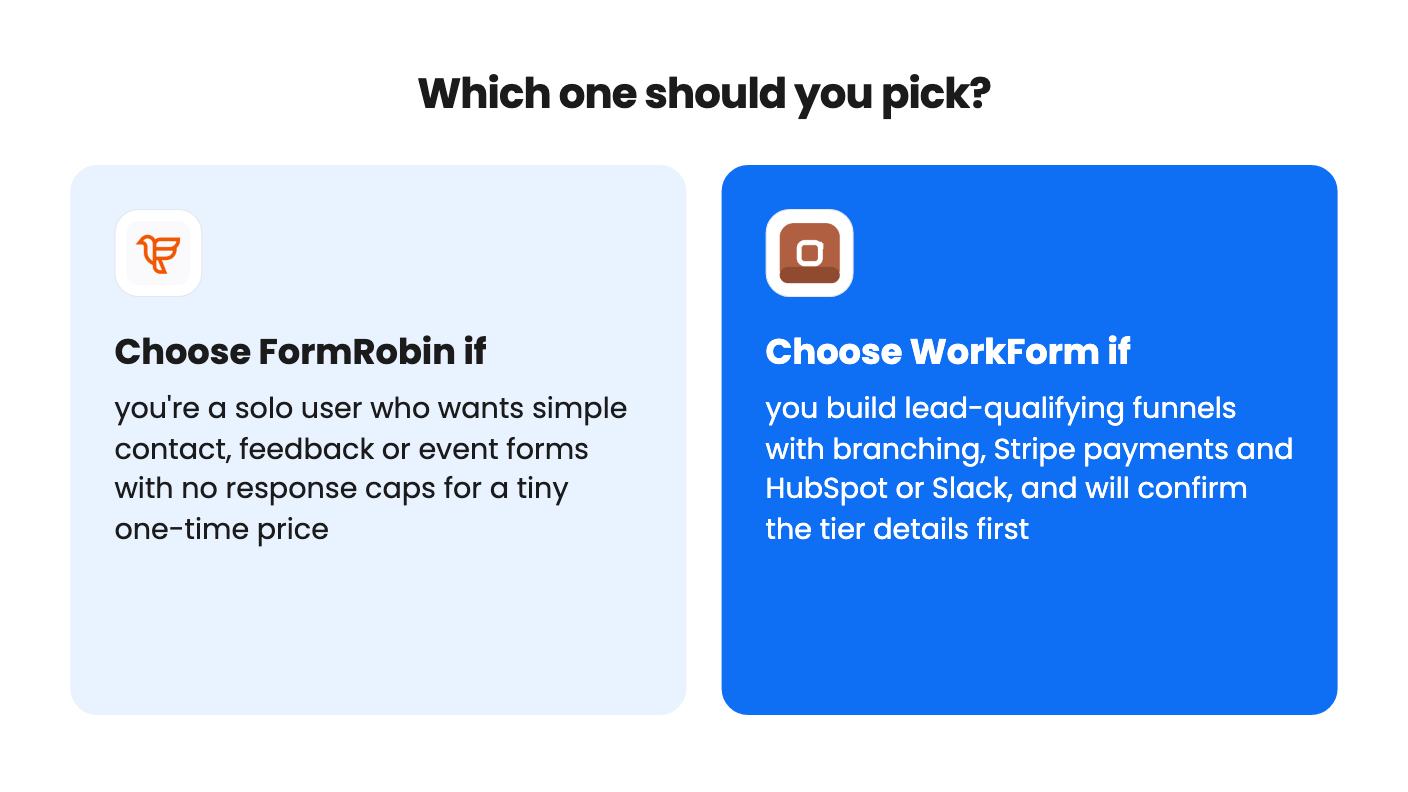
Our lean: for most solo owners with simple forms, FormRobin is the easier yes. For funnel builders, WorkForm is the more capable tool, once the seller confirms what each tier includes.
Not on FormRobin. AppSumo's buyer summary says branding can't be removed, and white label is planned for an Agency Plan with no date. WorkForm's FAQ says the Starter plan and above can remove its badge and use a custom domain. Its tier table is confusing, so ask which lifetime tier maps to which plan.
WorkForm, on paper. It lists HubSpot, Slack, Stripe and Zapier, plus webhooks and a REST API on Professional and Business plans. FormRobin has an API today, but webhooks and Zapier are only described as coming in the coming days and weeks. The listing text we have for WorkForm's Zapier status is cut off, so confirm it.
FormRobin is the smaller risk. It costs $19 and the AppSumo summary mentions a 60-day money-back guarantee. WorkForm costs more and its listing gives no founding date, customer count or roadmap. For its refund terms, check the current AppSumo page.
How this comparison was made: researched from both tools' official listings and demo videos, and written with help from AI. We have not tested FormRobin or WorkForm hands-on yet. Prices and deal terms change, so check AppSumo before you buy. See our affiliate disclosure.
zcal is a design-focused scheduling tool with team booking and custom domains. The lifetime deal runs $59 to $219, with user caps that matter.
AppSumo hasn't announced its Black Friday 2026 deals yet. Here's how to shortlist, check plan limits and which lifetime deals to watch.
Yoya swaps the booking form for an AI chat and sends you a pre-call brief. Here's what the $49, $129 and $249 AppSumo lifetime tiers really get you.

