
Project ManagementAlternatives
Monday.com lifetime deal alternatives on AppSumo, compared
Five AppSumo lifetime deals named as Monday.com alternatives, from $49 to $109, with the limits and gaps that matter and who each one suits.
Syncupp bundles tasks, GPS attendance and gamification. Tarsen is a simple Kanban board with voice control. Both start at $49, but they suit different teams.
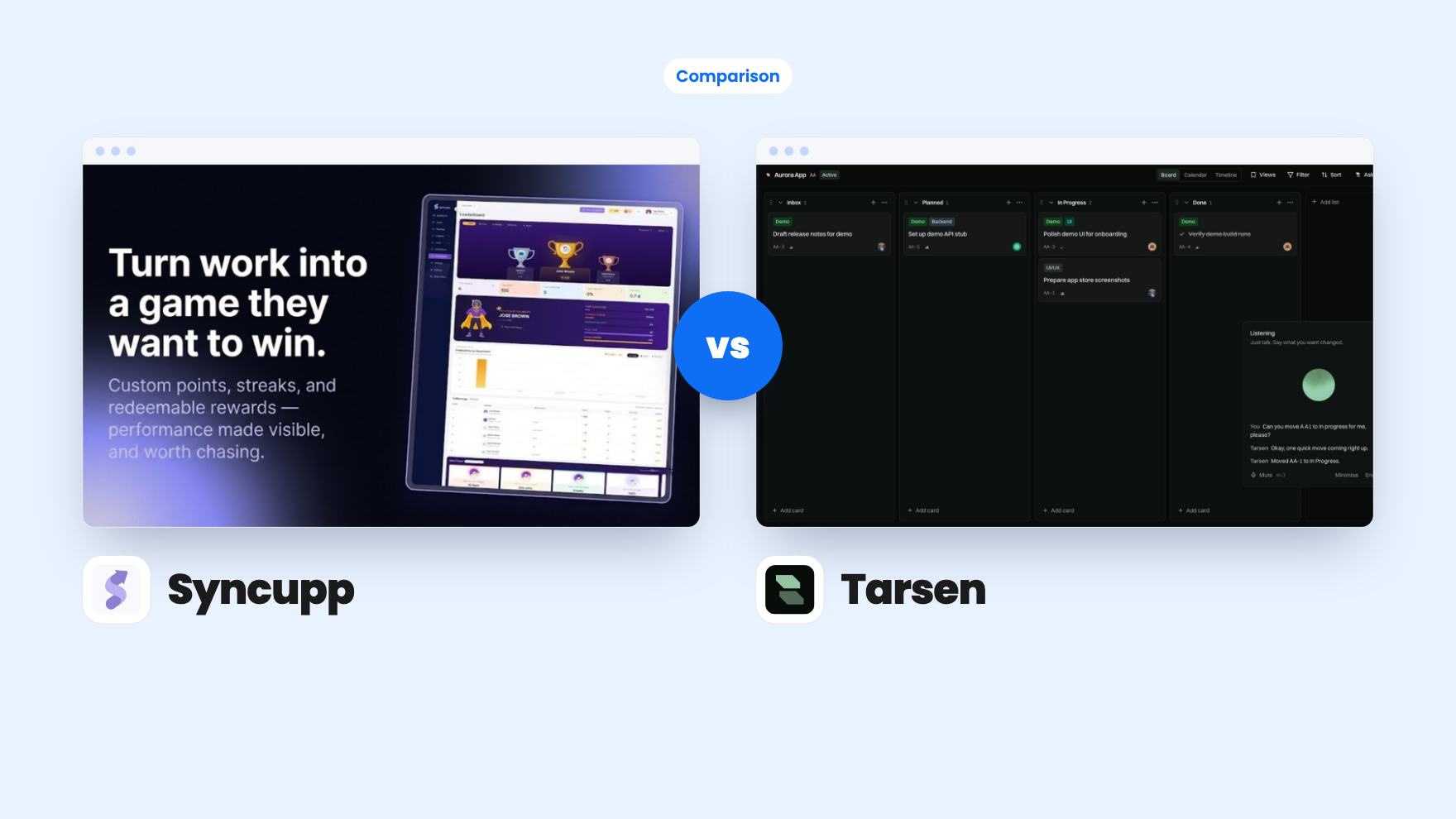
Syncupp takes 3 rounds, Tarsen takes 2.
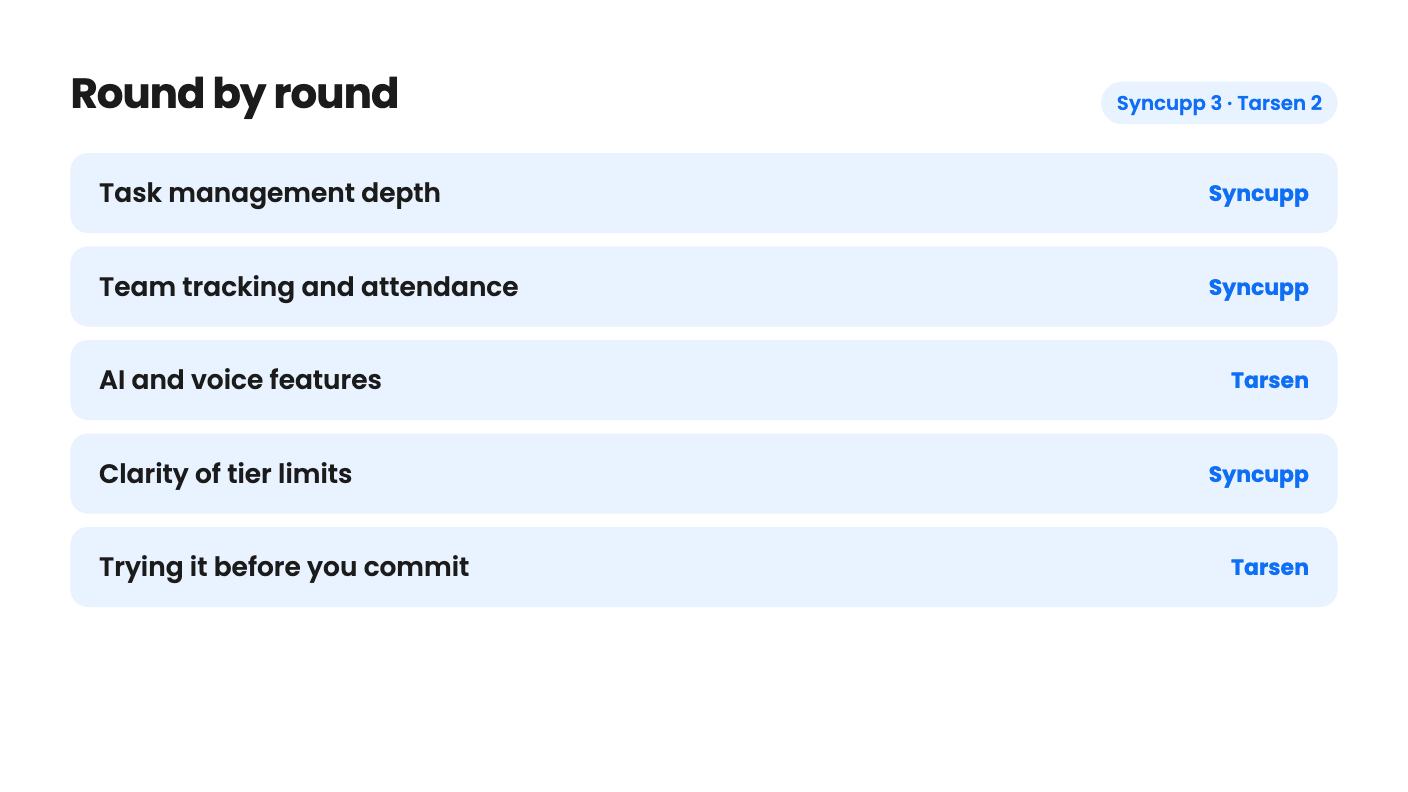
| Round | Winner | Why |
|---|---|---|
| Task management depth | Syncupp | Syncupp lists kanban, list and calendar views, subtasks, dependencies, custom fields and recurring tasks, while Tarsen's listing covers only a Kanban board with cards, comments and assignments. |
| Team tracking and attendance | Syncupp | Syncupp includes GPS check-in, leave balances, auto timesheets and billing reports, and Tarsen's listing mentions none of these. |
| AI and voice features | Tarsen | Tarsen offers 24 voice commands, Mission Mode planning and an MCP server with 13 tools, though voice is capped at 15 free minutes a month on the entry tier. |
| Clarity of tier limits | Syncupp | Syncupp states users, workspaces and AI credits per tier, while Tarsen's limits are unlabelled and its seat rules contradict each other. |
| Trying it before you commit | Tarsen | Tarsen has a free plan with everything except adding teammates, plus free JSON and CSV export, while Syncupp relies on the 60-day refund. |
| Entry price | Tie | Both start at $49, though Syncupp's entry tier allows only 2 users and Tarsen's seat count is unclear. |
| Syncupp | Tarsen | |
|---|---|---|
| Starts at | $49 | $49 |
| List price | $360 | $399 |
| Plan | Lifetime Deal | Lifetime Deal |
| Deal ends | Not listed | Not listed |
| Best for | Marketing agencies, Project managers, Remote teams, Small businesses | Not listed |
| Alternative to | Asana, ClickUp, Monday.com, Trello | Asana, Monday.com, Trello |
Your task board has gone stale, half the team updates things in chat, and you’ve got $49 to spend on a lifetime deal. Two of them land at that price and both claim to replace the Trello board you stopped trusting. They go about it in very different ways.
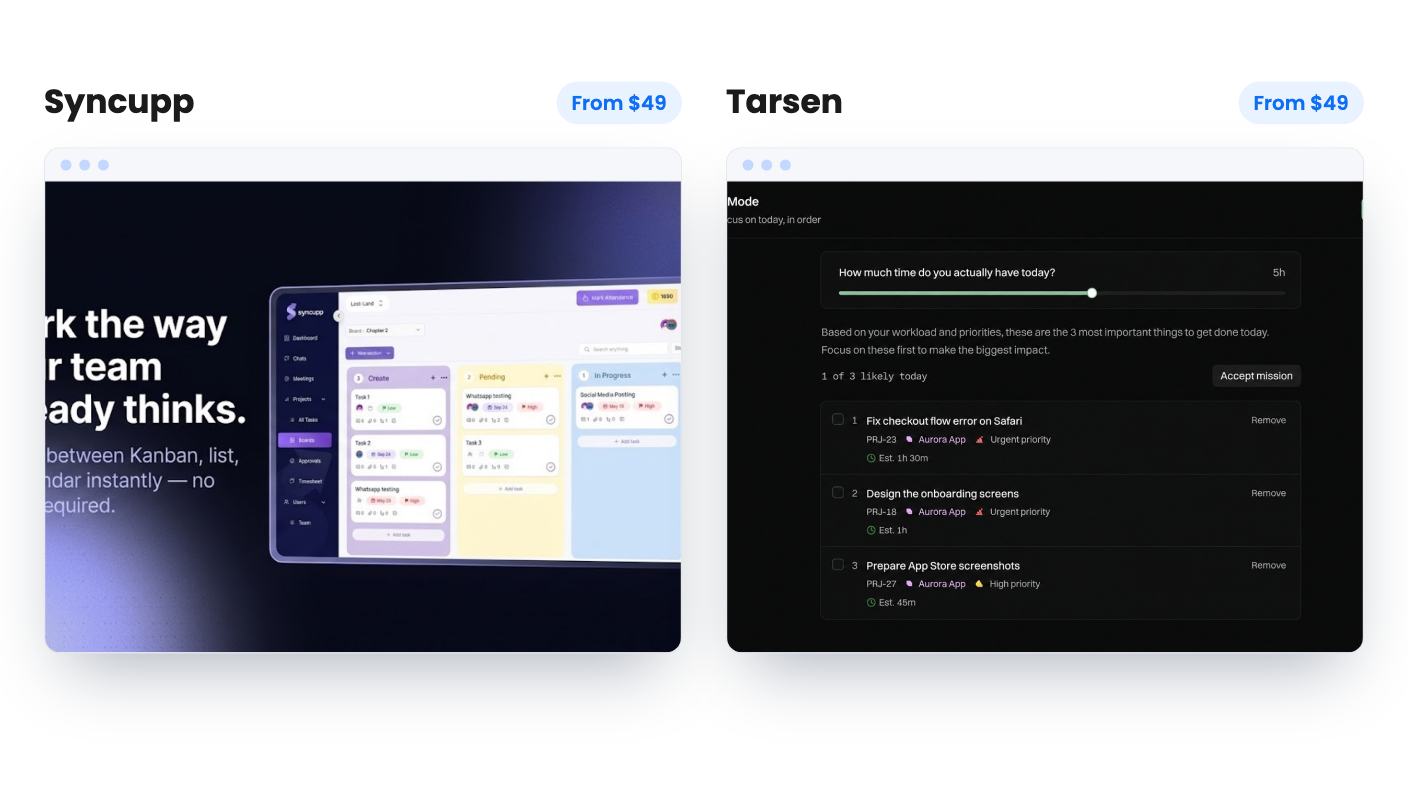
Syncupp wraps tasks in attendance tracking, WhatsApp alerts and a points game. Tarsen keeps a plain Kanban board and asks you to talk to it. One is a bundle. The other is a narrow tool with a clever input method.
Syncupp’s pitch comes from a founder who says he ran a marketing agency with over 50 clients and 25 to 30 teammates. His complaint is that ordinary project tools have no built-in motivation or accountability. So the product hands out coins and XP for logging in, finishing tasks and delivering on time, with a live leaderboard you can filter by department or period. That’s his claim about why it works, and the listing offers no data on whether it improves on-time delivery.
Tarsen starts from a quieter problem. Boards go stale because dragging cards is a chore. Its answer is to press Cmd+J, say what moved, and let the card update. It’s a smaller idea, and honestly a more believable one.
So the real question isn’t which has more features. It’s whether your problem is team accountability or board upkeep.
Syncupp is the deeper task tool on paper. You get kanban, list and calendar views, subtasks, dependencies, priorities and custom fields. One list shows every task across every board, and recurring tasks can auto-assign daily, weekly or monthly. It also imports from ClickUp, Asana and Trello through CSV or Excel files, which saves you rebuilding a board by hand.
Tarsen’s base is simpler. Cards, comments, assignments and a drag-and-drop Kanban layout that syncs live without a refresh. Every card keeps a permanent ticket number, which is handy if you refer to tasks by number in chat or commit messages.
The listing for Tarsen says nothing about dependencies, Gantt charts, timelines, reporting or automations. If you manage client work with deadlines that depend on each other, that gap matters. Syncupp doesn’t list Gantt charts or workload views either, so neither is a full Asana replacement, whatever the comparison tags suggest.
This is Tarsen’s strongest ground. Voice runs 24 commands on your real board, including moving, labelling, commenting, checklists and archiving, and it always confirms before deleting. Mission Mode builds a day plan from the hours you have, using due dates, priority, staleness and blocked status, and it never moves anything without you. Ask Tarsen answers questions from your own boards and can propose cards from pasted notes.
Then there’s the MCP server for Claude, Gemini, Cursor, Copilot and Windsurf. It exposes 13 tools, 5 read-only and 8 that can change things, with scoped keys that hold an agent to its own assigned work. If you code with AI assistants, that’s a real reason to look at Tarsen. If you don’t, skip past it.
The limit is voice time. The workspace gets 15 minutes a month on Tarsen’s OpenAI account, shared across everyone. After that you bring your own OpenAI key and pay OpenAI directly.
Syncupp’s AI lives mostly in WhatsApp. You verify a personal number once, with no Business account needed, and then you can reply to create or update tasks, approve leave and review task approvals through the Syncupp AI assistant. It also lists a Claude MCP integration, but the listing doesn’t explain what it can do, so don’t buy for that alone.
For a manager who lives on their phone, Syncupp’s WhatsApp loop is more practical. For someone sitting at a desk with a board, Tarsen’s voice is the more interesting experiment.
Syncupp includes GPS attendance with one-tap check-in, late marks, half-days and leave balances, plus an export for payroll. Auto timesheets feed client-ready billing reports. Chat channels, DMs and Google Meet calls synced with Google Calendar come in the same package.
If you run a field crew or an agency that bills by the hour, that’s a lot of useful ground. The catch with any wide bundle is that each piece may be shallow, and the listing gives no way to judge depth. Its AppSumo rating of 3.75/5 from 4 reviews is a small, mixed sample.
Tarsen has no demo video and no reviews in what we have, so its claims are even less checked. It also admits it isn’t mobile-first and you may hit issues on a phone. Syncupp’s field-team angle makes that gap bigger.
Syncupp has four tiers:
The limits are clearly stated. Seats include you, pending invites count, and clients invited as Viewers don’t use a seat. A task-creating action costs 3 credits, so 300 credits is roughly 100 such actions a month with nothing else used. A busy team can burn through that.
Tarsen has three tiers at $49, $99 and $149, and here the listing gets muddy. The plan features show three numbers per limit, voice at 30 / 45 / 15, Ask requests at 1000 / 500 / 300 and storage at 10GB / 5GB / 2GB, without saying which belongs to which tier. The FAQ mentions 15 voice minutes and 2GB, which would fit the entry tier, but that’s an inference.
Seats are also unclear. The FAQ says three people per code, up to nine on three codes, while the tier text says no codes, no stacking. Ask before assuming you get nine seats.
Both list prices are inflated marketing, so ignore the struck-through numbers. Both require activation within 60 days and let you switch tiers.
A lifetime deal only pays off if the company stays around. Both look like young products from small teams, and neither listing gives customer counts or a roadmap.
Syncupp gives you AppSumo’s 60-day refund window, so you can import a real project and see if anyone cares by week two. Tarsen gives you a free plan with every feature except adding team members, and free export to JSON or CSV at any time. The free plan means you can test it solo before paying, which is a lower barrier than a refund claim.
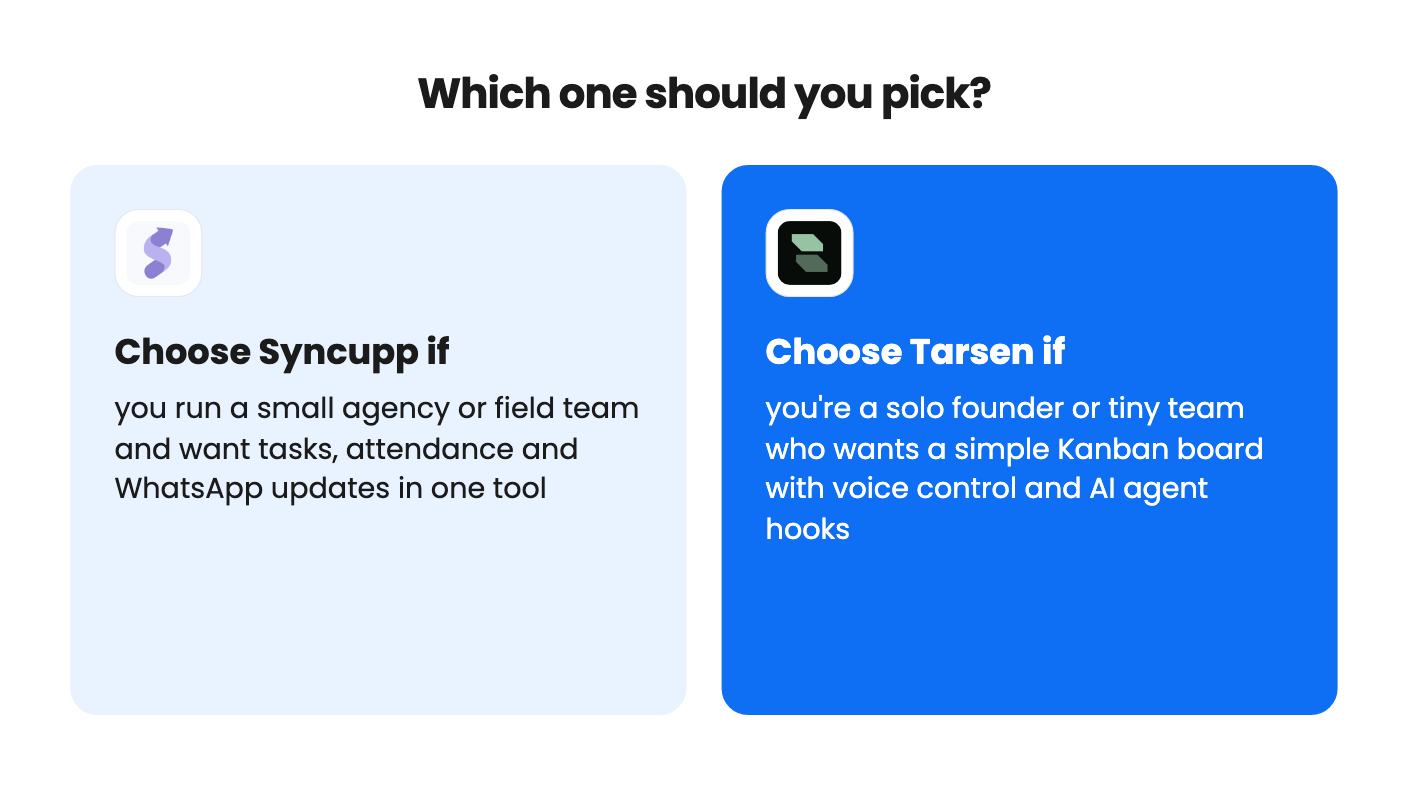
Pick Syncupp if you run a small agency or field team and want attendance, timesheets, WhatsApp updates and task tracking together. Start at $99 or $199 if you have more than two people, since the $49 tier is really you plus one. Skip it if gamification sounds patronising to your team.
Pick Tarsen if you’re a solo founder or a tiny team who wants a simple board you can talk to, especially if you work with AI coding agents. Start on the free plan, use voice for a week, and confirm the tier limits with the seller before you spend more than $49.
If you need serious planning, reporting or a mobile app your team will live in, neither listing shows it. Buy for the problem you actually have this month.
Syncupp looks like the better fit. It has client-ready billing reports from timesheets, free Viewer seats for clients, and multiple workspaces on higher tiers. Tarsen's listing doesn't mention time tracking, reporting or client features.
Both have caps. Syncupp gives 300 to 5,000 AI credits a month depending on tier, and a task-creating action costs 3 credits. Tarsen gives 15 free voice minutes a month, then you add your own OpenAI key and pay OpenAI directly.
Syncupp has AppSumo's 60-day refund window. Tarsen has the same activation rule and a free plan you can test first, plus free JSON or CSV export. Neither listing shows a long track record.
How this comparison was made: researched from both tools' official listings and demo videos, and written with help from AI. We have not tested Syncupp or Tarsen hands-on yet. Prices and deal terms change, so check AppSumo before you buy. See our affiliate disclosure.
Five AppSumo lifetime deals named as Monday.com alternatives, from $49 to $109, with the limits and gaps that matter and who each one suits.
Five AppSumo lifetime deals named as ClickUp alternatives, grouped by need, with the seat caps, credit limits and gaps the listings show.
Five AppSumo lifetime-deal alternatives to Asana, grouped by need, with seat caps, credit limits and gaps spelled out so you can see who each one suits.