
Project ManagementAlternatives
Monday.com lifetime deal alternatives on AppSumo, compared
Five AppSumo lifetime deals named as Monday.com alternatives, from $49 to $109, with the limits and gaps that matter and who each one suits.
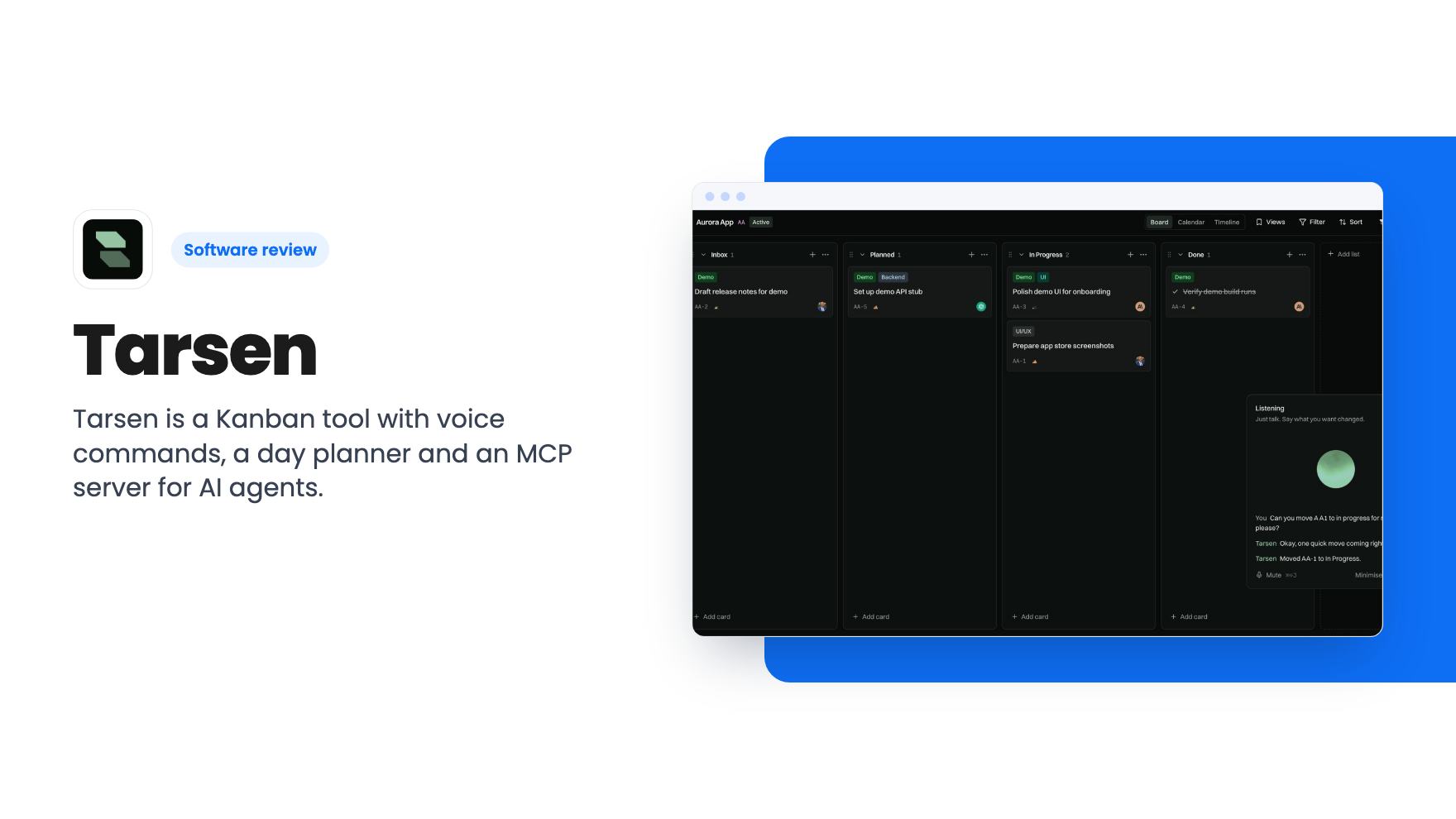
Tarsen is a Kanban tool with voice commands, a day planner and an MCP server for AI agents. Lifetime deals start at $49 on AppSumo, with tight monthly caps.
Lifetime deal price
$49$39988% off
Lifetime Deal
Our take: Buy the $49 deal if you're a solo founder or a tiny team that wants a simple Kanban board, likes the idea of talking to it, and works with AI coding agents. Skip it if you need Gantt charts, reporting, a mature mobile app or a proven track record, because the listing shows none of those.
If your to-do list lives in a mix of sticky notes, a half-abandoned Trello board and your own memory, the problem usually isn’t the tool. It’s the friction of keeping the board up to date. You finish something, you mean to drag the card across, and you never do. Two weeks later the board is fiction.
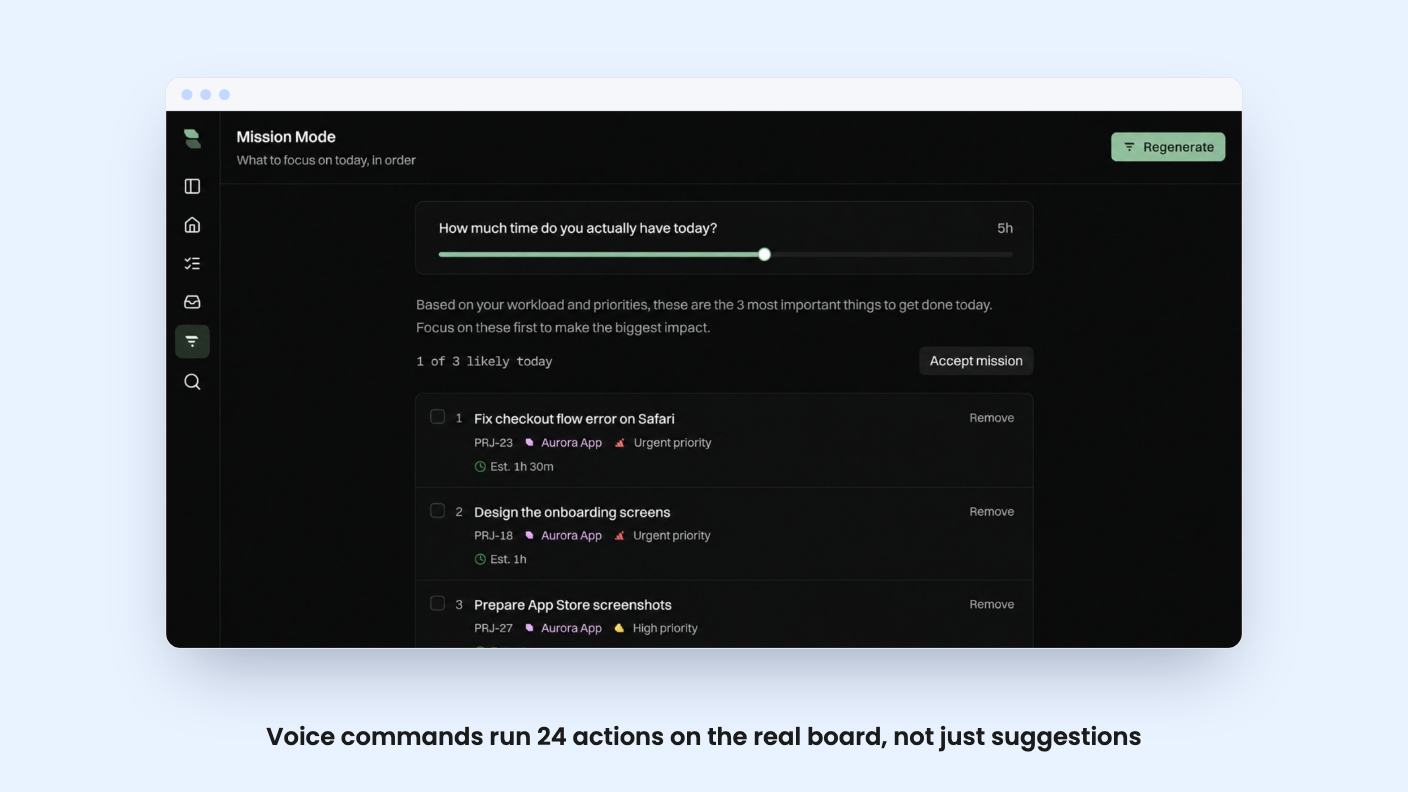
Tarsen is built around that exact problem. It’s a drag-and-drop Kanban board, but the pitch is that you shouldn’t have to do the dragging yourself. AppSumo lists it at $49 for the entry tier (list price $399), positioned as an alternative to Asana, Monday.com and Trello.
We haven’t used it hands-on, and there’s no demo video in the listing, so everything below comes from the AppSumo page. Read it as a buyer’s analysis of the claims, not a verdict from experience.
The base product is what you’d expect. Cards, comments, assignments and a Kanban layout. According to the listing, changes sync live without a refresh, and every card keeps a permanent ticket number. That last detail is small but useful if you refer to tasks by number in chat or in commit messages.
The extras sit on top of that board. There are four of them: voice control, a day planner called Mission Mode, a question-and-answer feature called Ask Tarsen, and an MCP server for AI agents. Each is worth a look, and each has limits.
Tarsen Voice is the headline feature. You press Cmd+J, say what moved, and the card updates. The listing says it covers moving, labeling, commenting, checklists and archiving, and the FAQ puts the total at 24 commands that act on your real board. It also says plainly that this isn’t a chat box suggesting changes for you to make by hand.
One safeguard is worth noting: it always confirms before deleting anything. Given that you’re speaking commands out loud, that’s the right default.
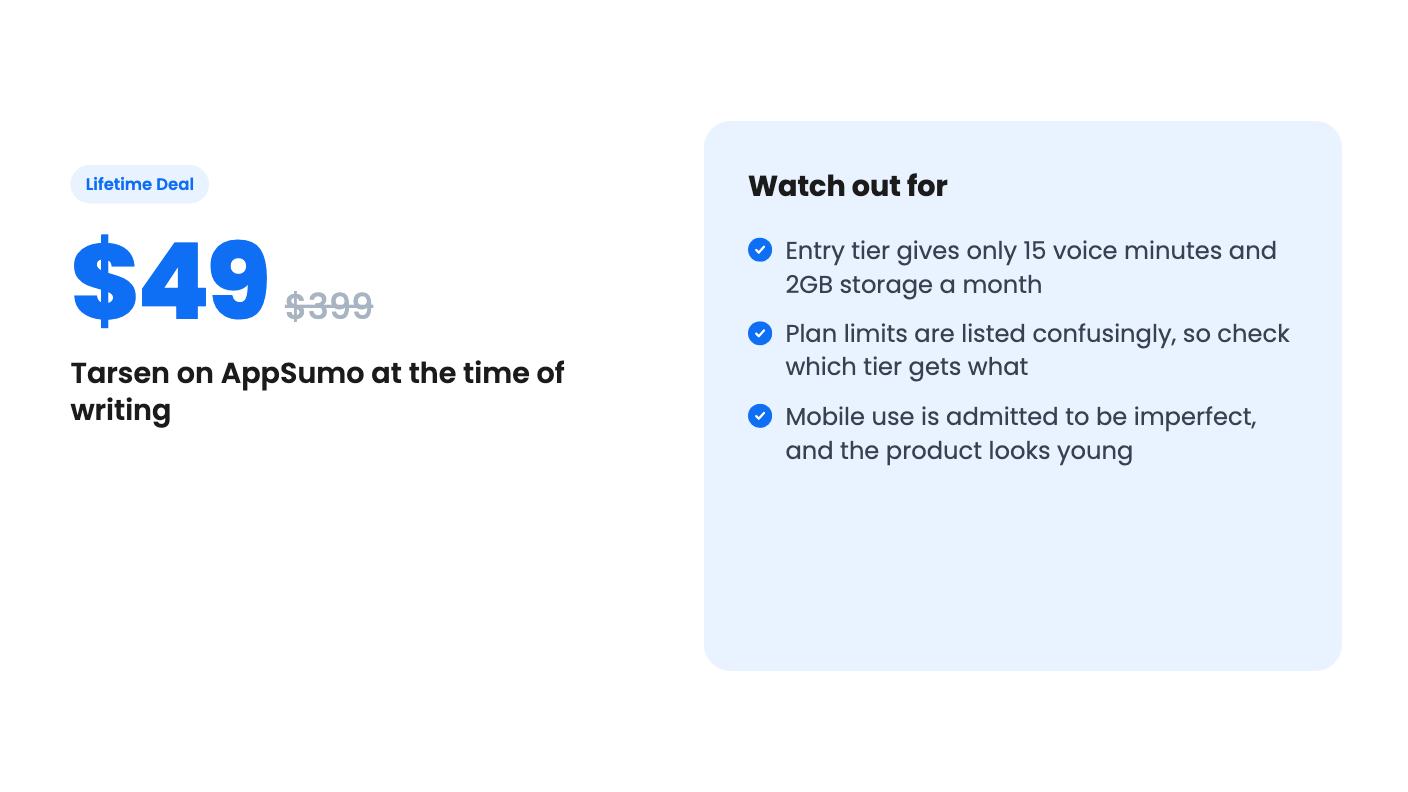
The catch is the allowance. The FAQ says the workspace gets 15 minutes of voice a month on Tarsen’s OpenAI account, shared across everyone. Fifteen minutes goes quickly if a team uses it all day. After that you add your own OpenAI key and pay OpenAI directly for the extra. So the voice feature is free to try but not free to rely on. Budget for that.
Mission Mode is the feature I find most sensible. You tell it how many hours you have, and it builds a day plan from due dates, priority, staleness and blocked status. The listing says it works with no AI key configured and never moves anything without you. A planner that suggests rather than acts is easier to trust.
Ask Tarsen answers questions from your own boards, not the internet. It can also propose new cards from pasted notes, though nothing changes until you confirm. That’s handy after a meeting when you have a messy block of text and need it turned into tasks.
The listing doesn’t say what model powers Ask, how it handles large boards, or how accurate it is. Those are the questions I’d want answered before trusting it with real project data.
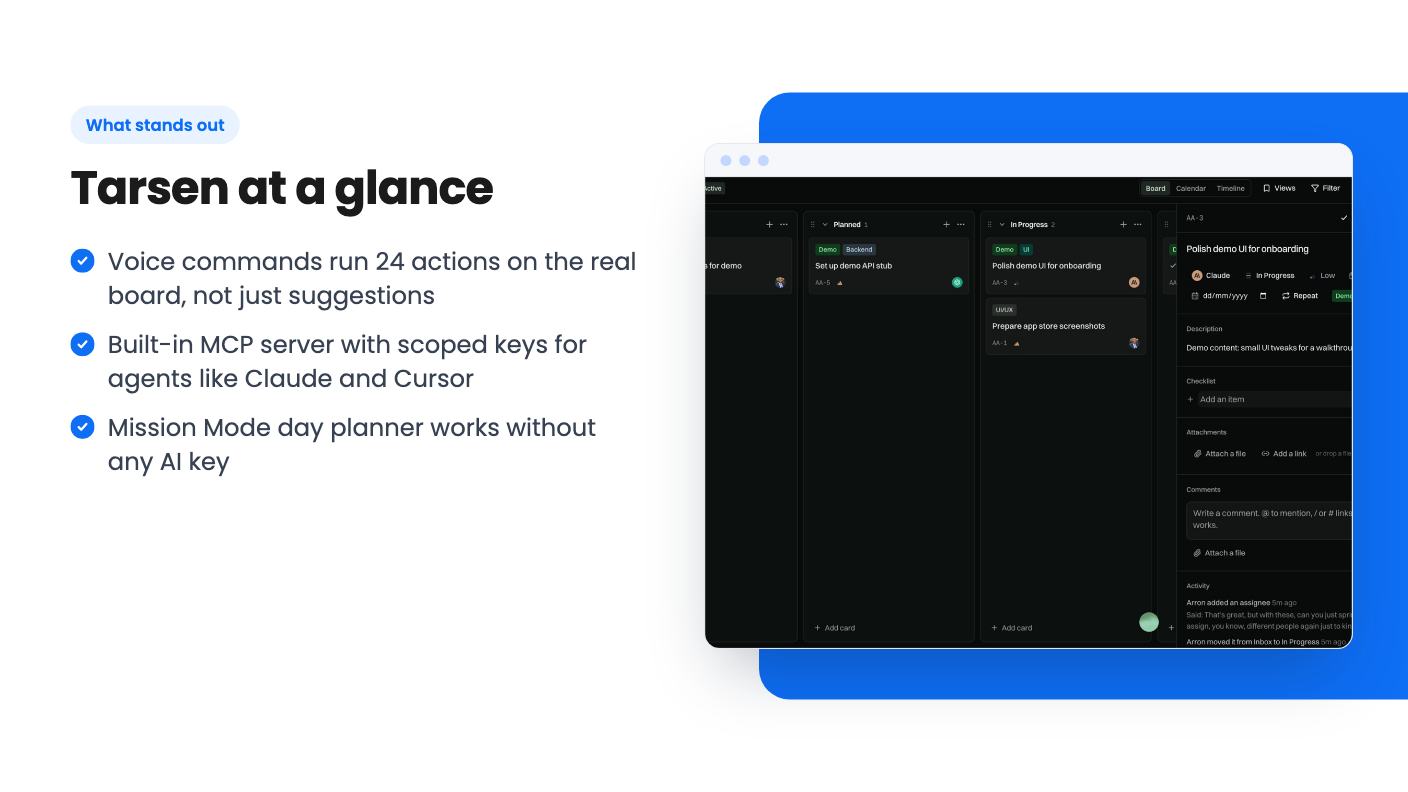
This is the part aimed at a narrower audience. Tarsen includes a built-in MCP server that connects to Claude, Gemini, Cursor, Copilot and Windsurf. It exposes 13 tools: 5 read-only and 8 that can change something. Scoped keys limit an agent to its own assigned work.
If you code with AI assistants, that’s a real idea. An agent can pick up a ticket, update it and comment on it, while you keep a board that shows what’s happening. The scoped keys matter because you probably don’t want an agent rewriting cards it wasn’t given.
If you don’t use coding agents, ignore this section entirely. It won’t make the tool better for you.
There are three lifetime tiers: $49 (was $399), $99 (was $599) and $149 (was $898.72). All include lifetime access and future plan updates, and you must activate your license within 60 days. You can move between tiers. Those struck-through list prices are marketing, so judge the deal on what you get, not on the discount.
Here’s where the listing gets muddy. The plan features show three numbers for each limit:
The listing doesn’t label which number belongs to which tier, and the orders don’t line up with each other. The FAQ, though, mentions 15 voice minutes and 2GB of storage, which would fit the $49 entry tier. That suggests the entry tier is the smallest on every count, but I’m inferring it. Ask AppSumo or the seller to confirm before you pay for a higher tier on the assumption it gets you more.
Seats have a similar wrinkle. The FAQ says three people per code, up to nine on three codes. The tier descriptions say ‘no codes, no stacking’. Those two statements don’t sit well together, so don’t assume nine seats until it’s confirmed.
On the plus side, the storage rule is fair: when you hit the cap, new uploads are refused and nothing already uploaded is touched. And you can export any project to JSON or CSV with no fee, which lowers the risk of lock-in. There’s also a free plan that, according to the listing, includes every feature except adding team members.
The listing says nothing about Gantt charts, timelines, time tracking, reporting, automations or integrations beyond the MCP server. If you’re running client projects with dependencies and budgets, this is not an Asana or Monday replacement, whatever the comparison tags say.
Mobile is another soft spot. The listing admits Tarsen works on phones because the layout is responsive, but it isn’t mobile-first and you may hit issues. If your team lives on their phones, test that on the free plan first.
Finally, this looks like a young product from a small team. The listing offers no customer counts, no roadmap and no track record. A lifetime deal only pays off if the company is still around in three years.
My advice is to start on the free plan, use the voice feature for a week, and see whether you actually keep the board current. If you do, $49 is a low-risk bet. If you don’t, no feature list will fix that.
No. According to the listing, the workspace gets 15 minutes of voice a month on Tarsen's own OpenAI account, resetting on the 1st. After that you can add your own OpenAI key in workspace settings, and OpenAI bills you directly for the extra.
The listing says three people per code, up to nine on three codes. It also says 'no codes, no stacking', which seems to contradict that, so confirm with the seller before you count on nine seats.
Yes. The listing says you can export any project to JSON or CSV at any time, with no fee and no waiting period.
How this review was made: researched from Tarsen's official listing, and written with help from AI. We have not tested Tarsen hands-on yet. Prices and deal terms change, so check AppSumo before you buy. See our affiliate disclosure.
Five AppSumo lifetime deals named as Monday.com alternatives, from $49 to $109, with the limits and gaps that matter and who each one suits.
Five AppSumo lifetime deals named as ClickUp alternatives, grouped by need, with the seat caps, credit limits and gaps the listings show.
Five AppSumo lifetime-deal alternatives to Asana, grouped by need, with seat caps, credit limits and gaps spelled out so you can see who each one suits.