Project ManagementAlternatives
Monday.com lifetime deal alternatives on AppSumo, compared
Five AppSumo lifetime deals named as Monday.com alternatives, from $49 to $109, with the limits and gaps that matter and who each one suits.
Five AppSumo lifetime-deal alternatives to Asana, grouped by need, with seat caps, credit limits and gaps spelled out so you can see who each one suits.
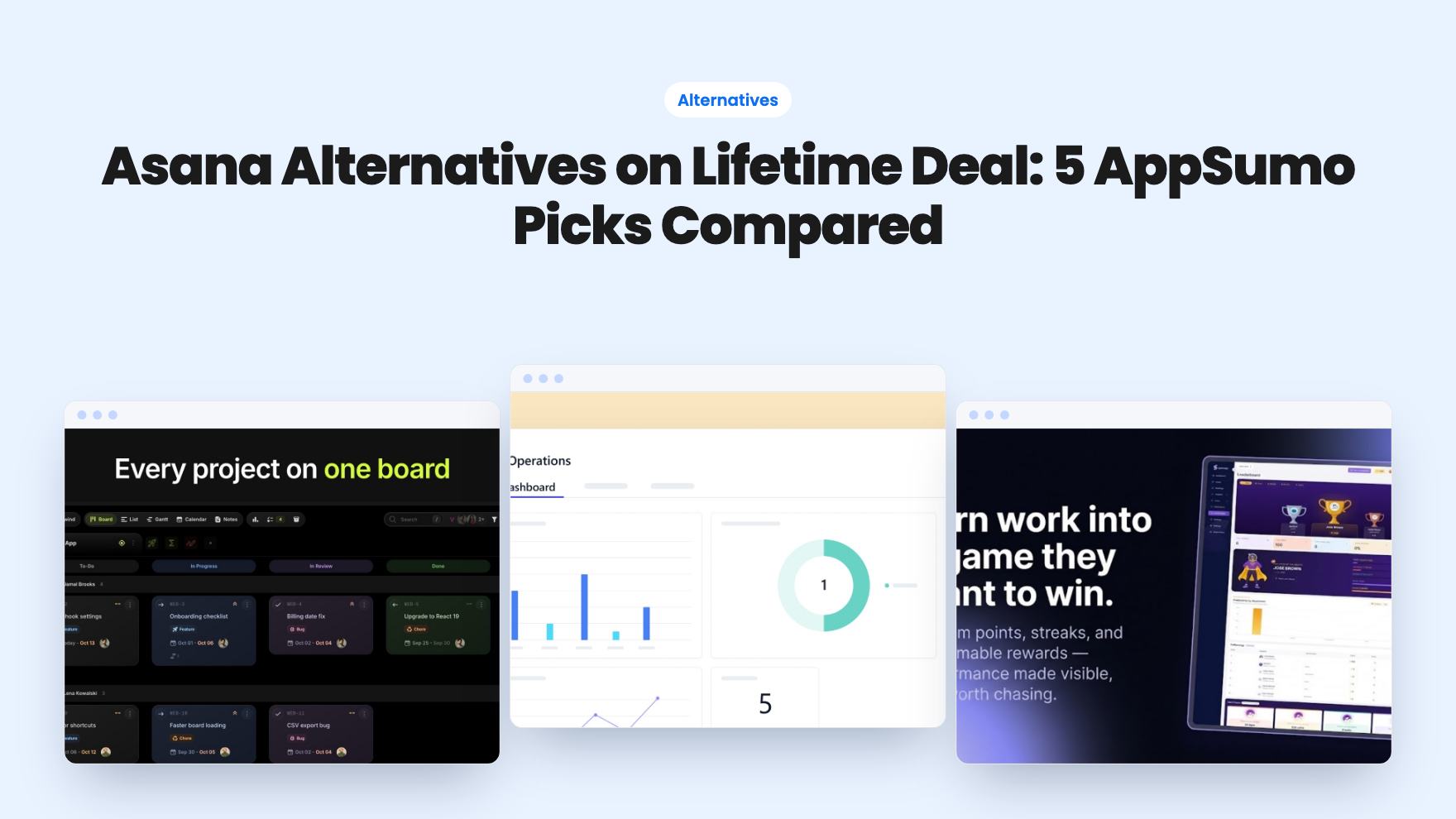
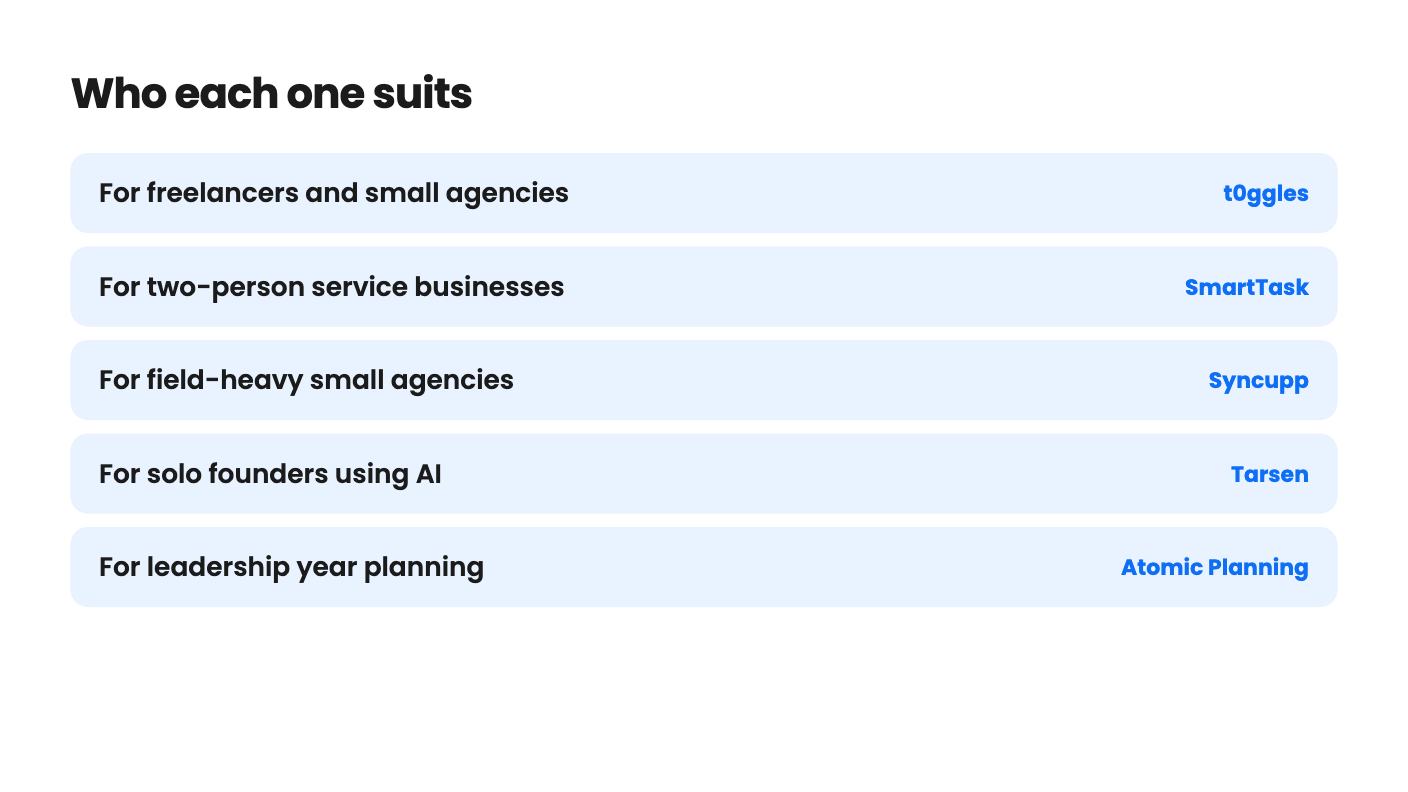
| Tool | Suits | Price |
|---|---|---|
| t0ggles | For freelancers and small agencies | $24 |
| SmartTask | For two-person service businesses | $49 |
| Syncupp | For field-heavy small agencies | $49 |
| Tarsen | For solo founders using AI | $49 |
| Atomic Planning | For leadership year planning | $49 |
Asana charges per seat, every month, and the bill grows each time you hire. A lifetime deal flips that arrangement, but none of the five tools below replaces all of Asana. Each one gives up some breadth in exchange for a one-time price, so the real decision is which slice of Asana your team actually uses.
All five are named on AppSumo as alternatives to it. We haven’t used any of them hands-on, so what follows is what the listings show, including the gaps they leave open.
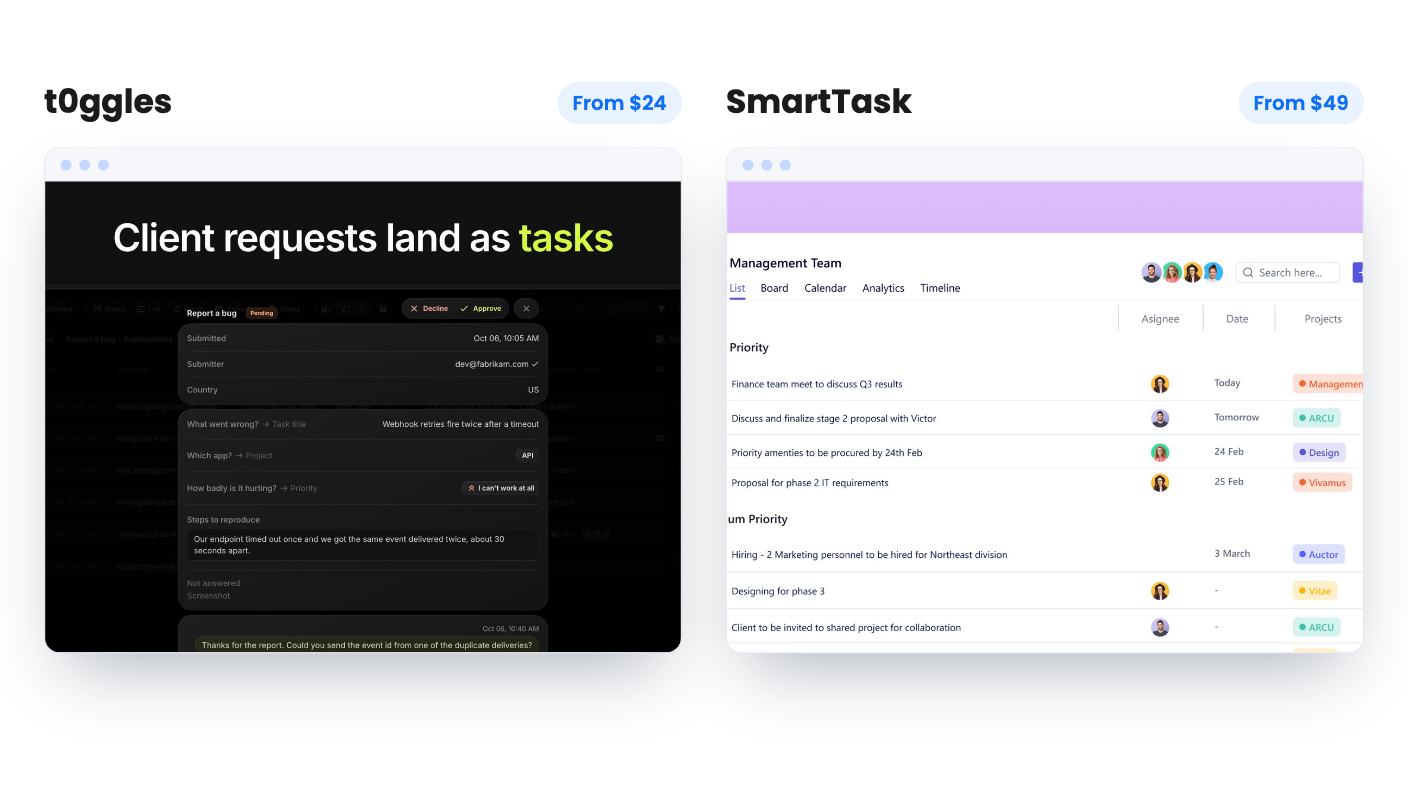
This is where the deals look strongest. If clients touch your workflow every day, start with t0ggles and SmartTask.
t0ggles runs from $24 to $399, and seats are the only thing that changes between tiers. Boards, projects, tasks, forms and storage are unlimited on all of them. You get client intake forms, guest access and custom-domain portals, plus Columns, List, Calendar and Gantt views built from the same tasks. AppSumo also gives you a 60-day refund window.
The weak spots are easy to name. Seats are the only lever, so a bigger team gets expensive fast. The listing’s seat order also looks inconsistent with the prices, so confirm what each tier includes before you pay. With only 3 AppSumo reviews, there isn’t much outside opinion to lean on either.
SmartTask costs $49 against a $432 list price. It puts tasks, time tracking, a light CRM and a client portal in one place, with timeline, board, calendar and gallery views. Guests are free and unlimited, so clients, freelancers and vendors cost you nothing extra.
The catch is the seat count. The lifetime plan has 2 seats. Workflows and AI agents draw on a pool of 1,000 non-recurring credits, which don’t expire and can be topped up, but you shouldn’t count on unlimited automation. The deal isn’t stackable, and the listing is vague on some plan details.
Our read: t0ggles fits if the team might grow. SmartTask fits if it’s really two people and a crowd of clients.
Syncupp is the odd one out. It mixes task management with XP, coins, leaderboards, WhatsApp alerts and GPS attendance, and every tier includes all of it, plus time tracking.
The practical piece is WhatsApp. Task alerts and approvals can be handled by replying in the chat, which helps if your people are on the road and ignore email. Clients invited as Viewers don’t use a seat. It’s also the only listing that mentions importing from Asana, via CSV or Excel.
The $49 tier allows 2 users, 1 workspace and 300 AI credits a month. Past 12 people, you’re looking at the $379 tier. The product is young, with 4 AppSumo reviews averaging 3.75 out of 5, and the listing shows no proof that gamification improves output. If leaderboards would make your team roll their eyes, skip it.
Tarsen is a Kanban tool you can talk to. Its voice commands run 24 actions on the real board, so they do the work instead of only suggesting it. A Mission Mode day planner works without any AI key, and a built-in MCP server with scoped keys lets agents like Claude and Cursor connect.
The $49 tier is tight: 15 voice minutes and 2GB of storage a month. The listing describes plan limits confusingly, so check which tier gets what. It also admits mobile use is imperfect, and there’s no sign of Gantt charts or reporting.
There’s a free plan that lets you try nearly everything first. Use it. For a young product, that’s the cheapest way to find out whether you’ll actually talk to your task board.
Atomic Planning isn’t really a task manager, and it says so. Objectives, projects and monthly milestones sit in one grid, and statuses come from the plan itself, so nobody has to update them. It connects to Claude, Cursor or any MCP client with one URL and no API key.
There’s no Gantt, no dependencies and no task tracking. If your team lives in task lists, this won’t stand in for Asana. If your leadership group keeps a spreadsheet with many tabs for the year plan, it might.
The $49 tier allows only 2 planner seats and no custom teams, while the top tier has unlimited read-only viewers. The listing says nothing about data export, Asana or Jira sync, or how long the product has existed. That’s a lot of blanks for something you pay for once.
Seat caps are the pattern. Syncupp, SmartTask and Atomic Planning all limit their entry options to two people, so count your real headcount, including part-timers, before you pick a tier.
Then think about age. Several of these listings show few reviews or describe a young product, and a lifetime deal only pays off if the company is still running in three years. The listings can’t tell you that. Where you can, begin with the tool that offers a free plan or a refund window, and keep Asana running until the new setup has carried a real project from start to finish.
Not on the evidence in these listings. Each tool covers one part of what Asana does, such as client portals, a Kanban board or year planning, and each has gaps. Decide which parts of Asana your team actually uses before you buy.
Only Syncupp's listing mentions it, with CSV or Excel import from ClickUp, Asana and Trello. The other four listings don't say, so ask the seller before you pay.
t0ggles is priced by seats, so you pick a tier that fits. Syncupp's $379 tier is the one the listing points to for teams over 12. SmartTask's lifetime plan has 2 seats, and the entry tiers of Syncupp and Atomic Planning are limited to 2 users or planners.
How this article was made: researched from each tool's official listing and our reviews of it, and written with help from AI. We have not tested these tools hands-on. Prices and deal terms change, so check AppSumo before you buy. See our affiliate disclosure.
Five AppSumo lifetime deals named as Monday.com alternatives, from $49 to $109, with the limits and gaps that matter and who each one suits.
Five AppSumo lifetime deals named as ClickUp alternatives, grouped by need, with the seat caps, credit limits and gaps the listings show.
Ten AppSumo lifetime deals named as Notion alternatives, grouped by the job they replace, with the tier limits and gaps each listing shows.