
Project ManagementAlternatives
Monday.com lifetime deal alternatives on AppSumo, compared
Five AppSumo lifetime deals named as Monday.com alternatives, from $49 to $109, with the limits and gaps that matter and who each one suits.
Atomic Planning is a lifetime deal for planning objectives, projects and monthly milestones, with an MCP link to Claude. Seat caps and its age matter.
Lifetime deal price
$490
Lifetime Deal
Our take: Buy the $99 or $199 tier if you run a small leadership team that wants one readable year plan and not a spreadsheet with many tabs. Skip it if you need task-level tracking, Gantt charts or dependencies, or if two editors won't be enough on the $49 tier.
Most small companies plan their year in a spreadsheet. It starts tidy in January and has nine tabs by March. One person owns the real version, nobody trusts the status column, and every Monday someone asks what is actually shipping this month. Atomic Planning is built for exactly that mess.
The listing is upfront about what this is not. Its own FAQ says it is not a replacement for Asana or Jira. It holds the year at month altitude, from objectives down to milestones, and leaves daily task tracking to your existing tools.
That makes the listed alternatives (Asana, Google Sheets, Notion) a little misleading. The real competitor is the spreadsheet or Notion page where you keep the plan the leadership team reads. If you don’t have one of those, you probably don’t need this.
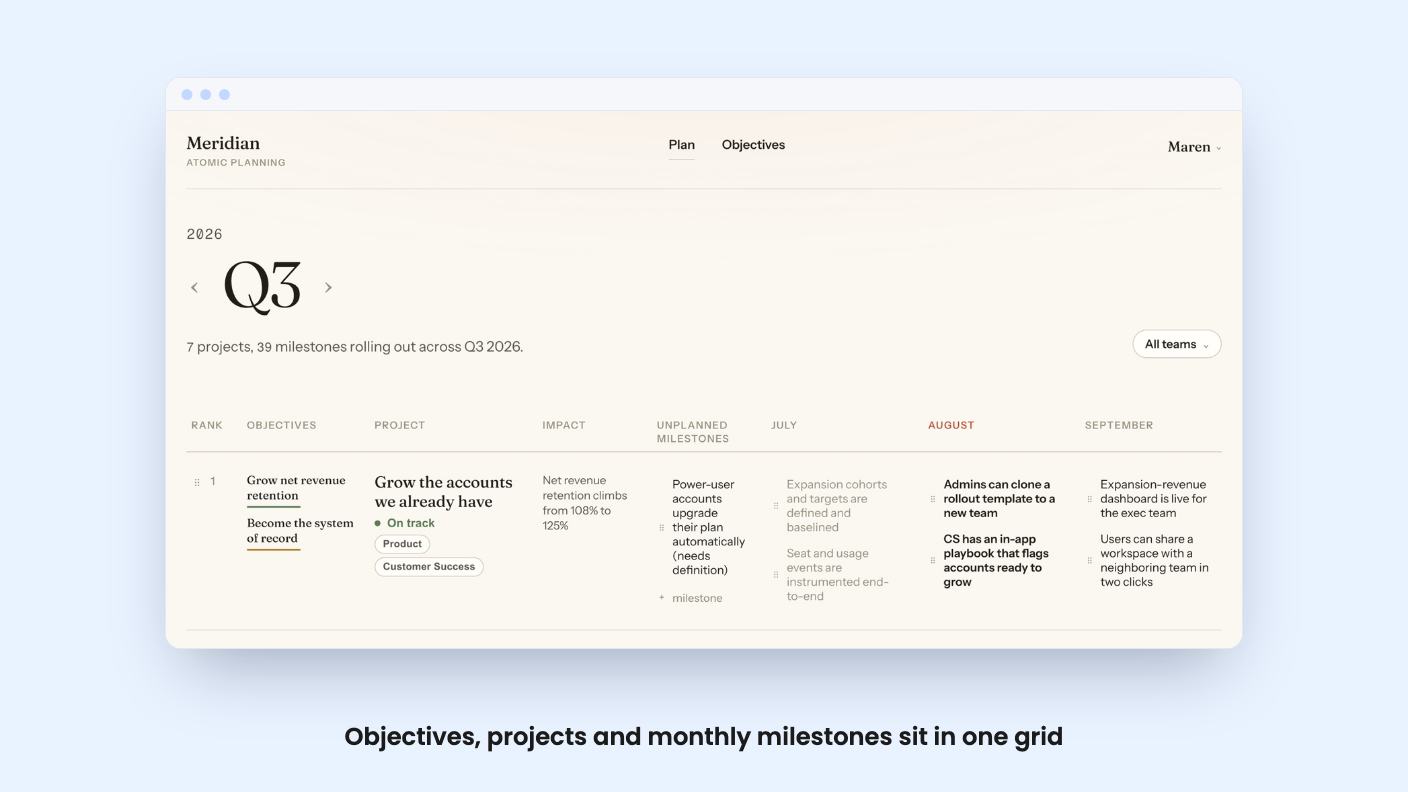
The structure is simple, which I like. You set a handful of objectives for the year, each with key results that would show it is working. Every project gets pinned to the objectives it serves. The listing is blunt about the payoff: work that can’t say why it exists is your cue to cut it.
Projects are then ranked in one company-wide order. That is a small feature with real bite. Anyone who has watched six projects all sit at priority one knows how useful a forced ranking is, and how uncomfortable.
Milestones land in the month they ship, and you drag them to a new month when reality moves. The whole year across every project shows in one grid that, according to the listing, behaves like a spreadsheet.
There is no Gantt chart, and the listing says so on purpose. Its argument is that exec planning needs what ships and roughly when, not a dependency graph. I think that is the right call for a team of ten. It is the wrong call if your work is full of hard handoffs, and the listing doesn’t mention dependencies at all.
Status is derived from the plan. A shipped milestone counts as Done. Anything scheduled this month is In motion. The rest waits its turn. Progress is written in plain words, such as 3 of 7 milestones shipped, instead of a percentage someone rounded up.
I like this because it removes the status meeting where people argue about whether green means green. The catch is that the plan is only as honest as the people dragging milestones around. A project that is quietly stuck will look fine until someone moves its milestone. The listing doesn’t describe an at-risk or blocked state, so don’t expect one.
The most current-feeling part is the MCP connection. You paste one URL into Claude, Cursor or any MCP client, sign in to approve it, and you are connected. There is no API key to create or rotate.
According to the listing, there are 18 tools covering the whole planning surface. You can ask what is in motion this month and get an answer from live data. You can also create objectives, projects and milestones by asking. Viewer accounts can’t write through the connection either, which is a sensible detail for a tool built around read-only seats.
Some gaps to note. The integrations line names Google Gemini, Claude and ChatGPT, but the feature copy only describes Claude, Cursor and generic MCP clients. The listing doesn’t say which AI plans or clients support MCP connections, and it doesn’t give rate limits. Treat the AI side as a convenience, not the reason to buy.
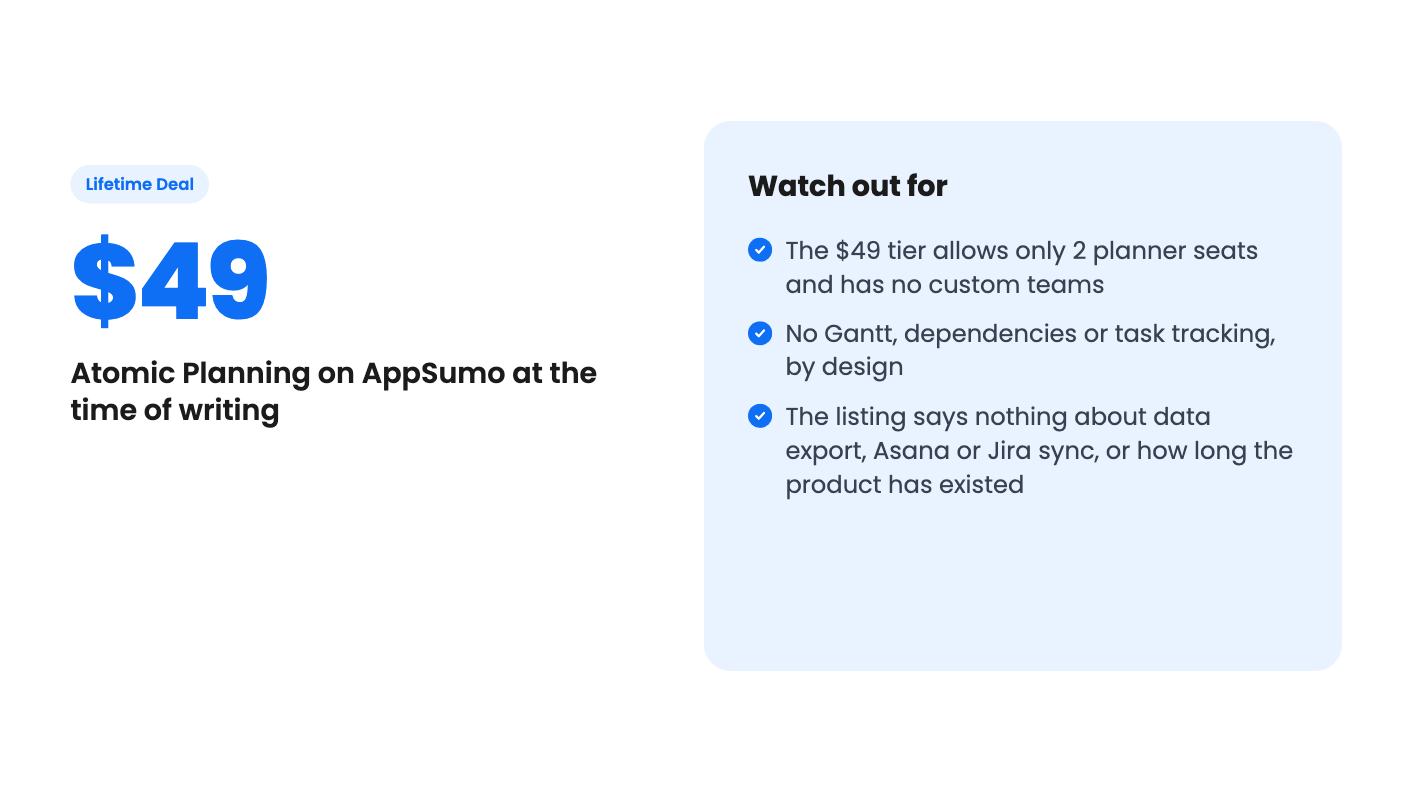
There are three lifetime tiers, at $49, $99 and $199. All three include lifetime access and future plan updates. You must activate your license within 60 days of purchase, and you can move between tiers. The listing shows a list price of $0, which is clearly a data placeholder, so we can’t tell you how big the discount is.
The feature table gives values as 15 / 5 / 2 for planner seats, which only makes sense if it runs from the $199 tier down to the $49 tier. That is my reading, so check the AppSumo page before you pay. On that reading:
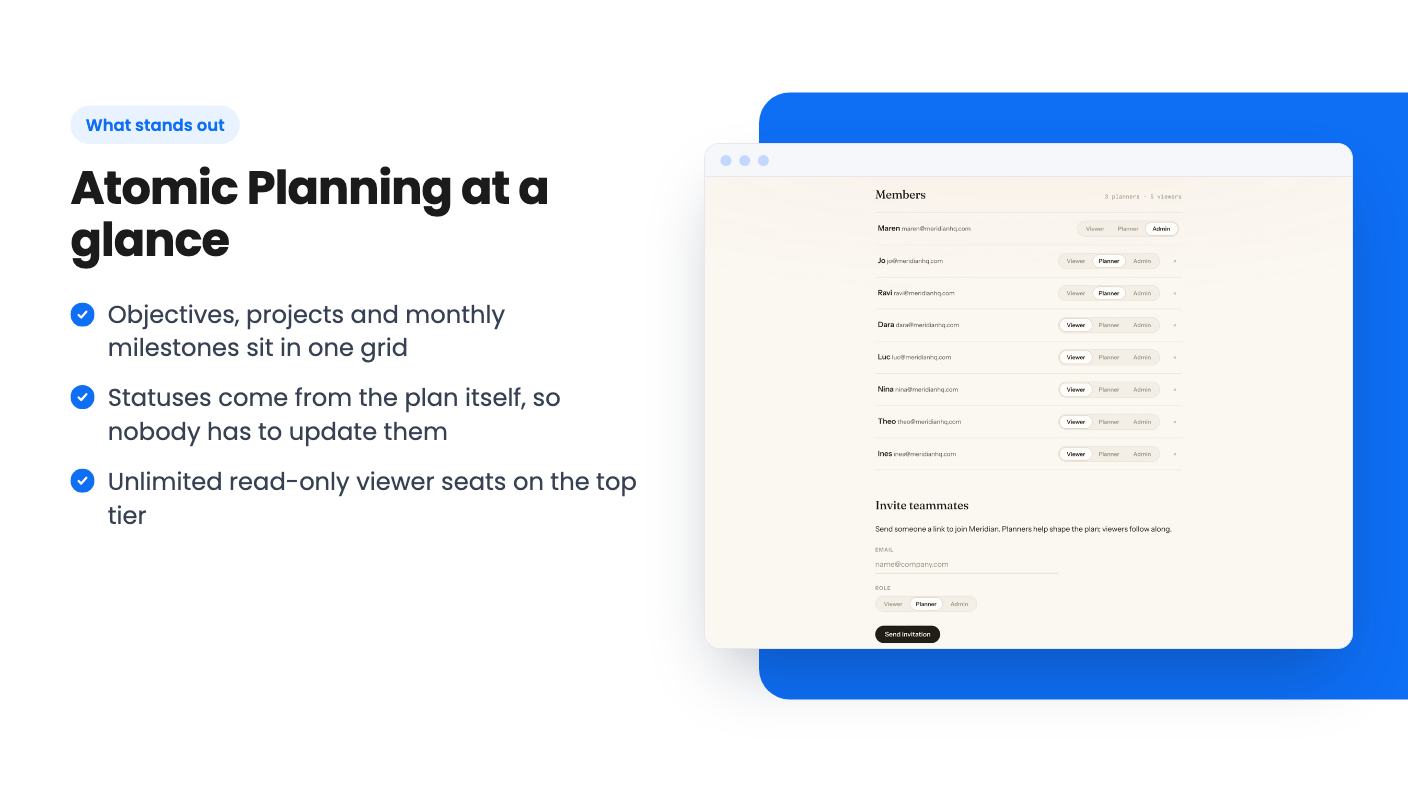
Planner seats are the real limit. Two editors is thin for a company where several people own projects. Viewers cost you nothing extra on the top tier, which suits a founder who wants the whole org to read the plan without editing it. When you hit a cap, the listing says nothing breaks. You can deactivate a member to free a seat or move up a tier.
Access is easy to set up. Admins invite by email, and anyone on your company email domain can join automatically or request approval.
Skip it if you need to manage tasks, assign daily work or track dependencies. This is not that tool, and it says so itself.
Skip it if you want it connected to Asana or Jira. The listing doesn’t describe any sync, so assume you would maintain the plan by hand alongside your task tool.
Be careful if you worry about lifetime deals from young products. The listing gives no launch date, customer count, roadmap or review history. It also doesn’t say whether you can export your plan if the product goes away. Those are normal questions for any lifetime deal, and here the answers are missing.
If the idea fits, the sensible move is to buy the tier that matches your planner count and use the 60-day refund window properly. Put one real quarter in the grid, rank the projects, and see whether your leadership team actually opens it. If they don’t, you will know within a few weeks.
No. The listing says it sits above them and covers the year at month level, from objectives down to milestones. Day-to-day tasks stay in whatever your team already uses.
The listing's feature table gives planner seats as 15 / 5 / 2 and viewer seats as Unlimited / 50 / 10. It reads as $199, $99 and $49 in that order, but confirm on the AppSumo page before buying. Viewers are read-only, and planners create and edit.
AppSumo's 60-day refund window applies, and the listing suggests putting a real quarter into it during that time. You also have to activate your license within 60 days of purchase.
How this review was made: researched from Atomic Planning's official listing, and written with help from AI. We have not tested Atomic Planning hands-on yet. Prices and deal terms change, so check AppSumo before you buy. See our affiliate disclosure.
Five AppSumo lifetime deals named as Monday.com alternatives, from $49 to $109, with the limits and gaps that matter and who each one suits.
Five AppSumo lifetime deals named as ClickUp alternatives, grouped by need, with the seat caps, credit limits and gaps the listings show.
Five AppSumo lifetime-deal alternatives to Asana, grouped by need, with seat caps, credit limits and gaps spelled out so you can see who each one suits.