Project ManagementAlternatives
Monday.com lifetime deal alternatives on AppSumo, compared
Five AppSumo lifetime deals named as Monday.com alternatives, from $49 to $109, with the limits and gaps that matter and who each one suits.
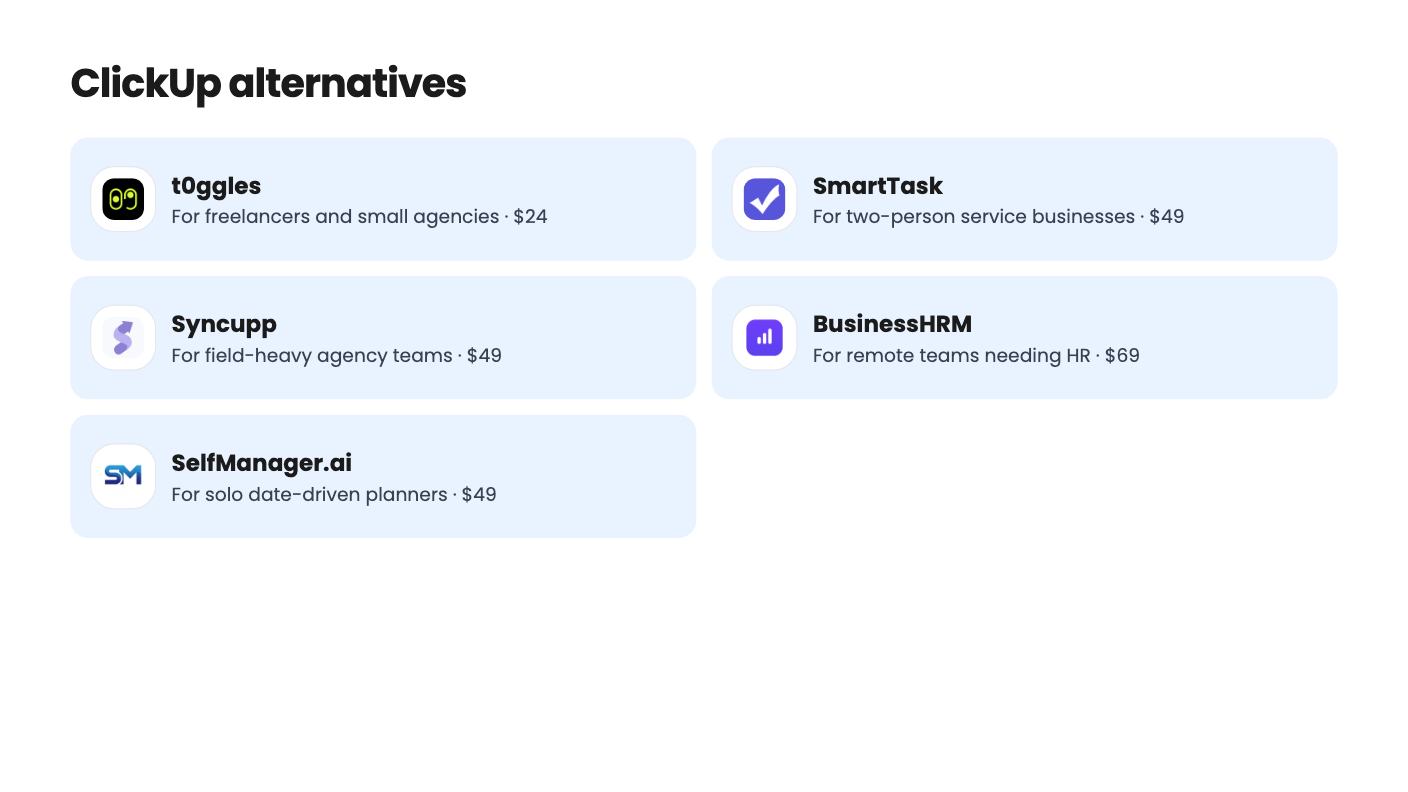
Five AppSumo lifetime deals named as ClickUp alternatives, grouped by need, with the seat caps, credit limits and gaps the listings show.
| Tool | Suits | Price |
|---|---|---|
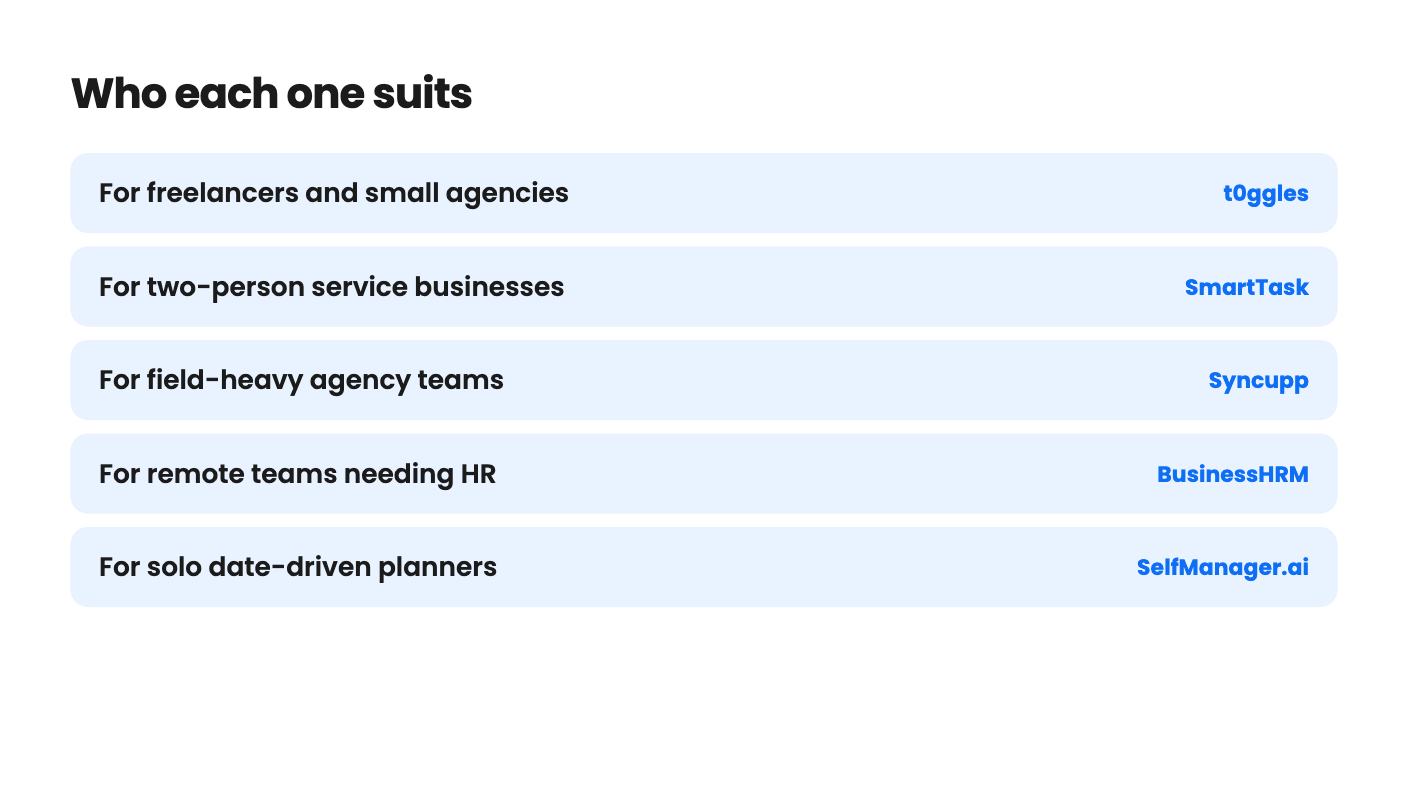
| t0ggles | For freelancers and small agencies | $24 |
| SmartTask | For two-person service businesses | $49 |
| Syncupp | For field-heavy agency teams | $49 |
| BusinessHRM | For remote teams needing HR | $69 |
| SelfManager.ai | For solo date-driven planners | $49 |
If you run a small business, ClickUp’s monthly per-seat bill is probably what sent you looking at lifetime deals. The catch is that none of the five tools below is a straight swap. Each one gives up something to get to a one-time price, whether that’s seats, maturity or breadth, so the real decision is which trade you can live with.
We haven’t used any of these. Everything here comes from the AppSumo listings, and where a listing is vague, we say so.
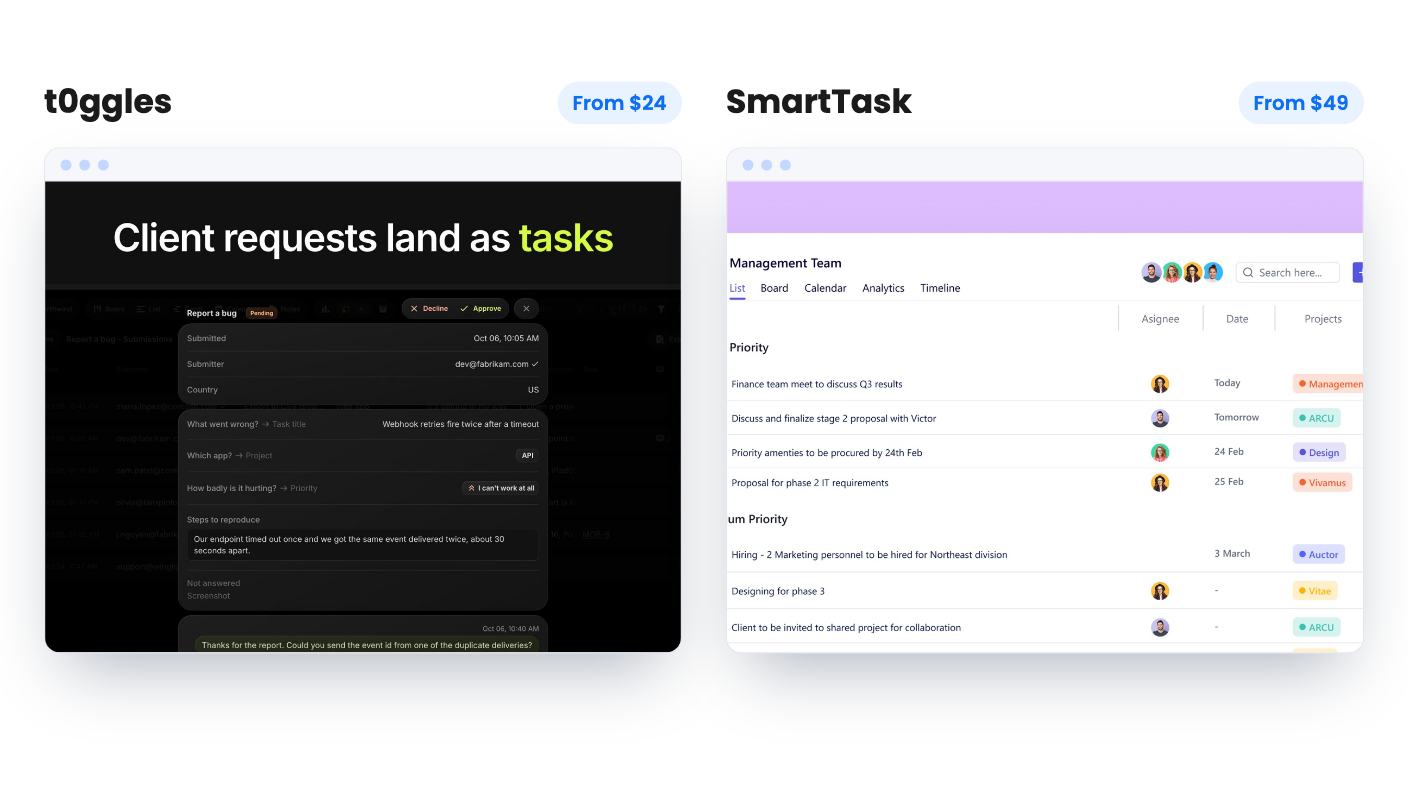
t0ggles is the closest to a ClickUp-style workspace in this group. The deal runs from $24 to $399, and the only thing that scales with price is team seats. Boards, projects, tasks, forms and storage are unlimited on every tier. You also get client forms, guest access and custom-domain portals, which is what an agency actually wants. Columns, List, Calendar and Gantt views all run from the same tasks.
There are two things to check. Larger teams get expensive fast because seats are the only lever. And the listing’s seat order looks inconsistent with the prices, so confirm what each tier includes before you pay. With only 3 AppSumo reviews, there’s little independent evidence either way. The 60-day refund window through AppSumo takes some of the sting out.
SmartTask costs $49 against a $432 list price and bundles more. You get tasks, a light CRM, time tracking and a client portal, with views including timeline, board, calendar and gallery. Guests are unlimited and free, so clients, freelancers and vendors don’t cost you anything extra.
The limit is blunt: 2 seats. If that’s you and a partner, fine. If you have three people, look elsewhere. Workflows and AI agents draw on a 1,000-credit pool that doesn’t recur. The credits don’t expire and you can buy more, but “lifetime” automation clearly has a ceiling here. The deal isn’t stackable either, and the listing is vague on some plan details.
This is where the list gets unusual. ClickUp users rarely ask for GPS check-ins, but some agencies and field teams do.
Syncupp costs $49 against a $360 list price and puts task management next to XP, coins, leaderboards, WhatsApp alerts and GPS attendance. Every tier includes the WhatsApp, gamification, GPS attendance and time tracking features. Task alerts and approvals can be handled by replying on WhatsApp, which is handy if your crew lives on their phones. It also accepts CSV or Excel imports from ClickUp, Asana and Trello, the only listing here that says so.
The $49 tier is thin: 2 users, 1 workspace and 300 AI credits a month. More than 12 people means the $379 tier. Clients invited as Viewers don’t use a seat, which helps. It’s a young product with 4 AppSumo reviews averaging 3.75/5. The listing also shows no proof that gamification improves output, so treat the leaderboards as a culture bet.
BusinessHRM starts at $69 against a $249 list price. It keeps HR records, attendance, tasks and performance check-ins in one database. Stackable codes scale to 40 team members and 100GB of storage. It connects to Slack, Google Workspace, Zapier and an API. That’s a reasonable setup for a remote team of up to 40 people that wants one login.
But it’s the least documented of the five. There’s no demo video, and little detail on what its nine modules do. There are no direct imports, so you’d migrate by hand with support’s help. The tier table is confusingly ordered, and the entry tier’s seat and storage caps are tight. If you need payroll, this isn’t it.
SelfManager.ai is a different animal. Every date gets its own workspace with unlimited tables, so there’s almost no setup. AI Plan drafts up to 31 days with up to 20 tasks a day, and you edit before saving. AI Review summarizes a week, month, quarter or custom period and takes follow-up questions.
At $49 against a $216 list price it’s cheap. It also has the longest history of the group, with development starting in 2016 and a public launch in 2022.
The weak spot is the AI credits. The listing never says how many the lifetime deal includes, and the AI features use them. Only one tier is listed, and it doesn’t say whether the Team plan’s collaboration features are covered. A date-first structure also fits ongoing projects badly. You won’t find boards, dependencies or client views. For a solo consultant it could work. For anyone replacing ClickUp across a team, it won’t.
Seat count is the first filter. SmartTask caps at 2, Syncupp’s entry tier at 2 users, and t0ggles prices by seat. Count the people who need a login, then eliminate whatever can’t reach that number at a price you accept.
Next, check for an import path. Syncupp is the only one that says it handles ClickUp files. For the rest, plan on rebuilding by hand.
Of the five listings, only t0ggles states a 60-day refund window. Check what the others offer before you buy, and run one real project through your pick inside that window.
Only Syncupp's listing says so, with CSV or Excel import from ClickUp, Asana and Trello. BusinessHRM has no direct imports yet and relies on manual migration with support's help. The other three listings don't say.
t0ggles prices by seats up to $399, Syncupp's $379 tier covers more than 12 people, and BusinessHRM's stackable codes reach 40 team members. SmartTask is limited to 2 seats on the lifetime plan.
The listings show real risk. Syncupp, t0ggles and BusinessHRM are young products with few reviews, and none of the listings prove long-term stability. Start with a small project and use the refund window before you move everything.
How this article was made: researched from each tool's official listing and our reviews of it, and written with help from AI. We have not tested these tools hands-on. Prices and deal terms change, so check AppSumo before you buy. See our affiliate disclosure.
Five AppSumo lifetime deals named as Monday.com alternatives, from $49 to $109, with the limits and gaps that matter and who each one suits.
Five AppSumo lifetime-deal alternatives to Asana, grouped by need, with seat caps, credit limits and gaps spelled out so you can see who each one suits.
Ten AppSumo lifetime deals named as Notion alternatives, grouped by the job they replace, with the tier limits and gaps each listing shows.