Project ManagementAlternatives
Monday.com lifetime deal alternatives on AppSumo, compared
Five AppSumo lifetime deals named as Monday.com alternatives, from $49 to $109, with the limits and gaps that matter and who each one suits.
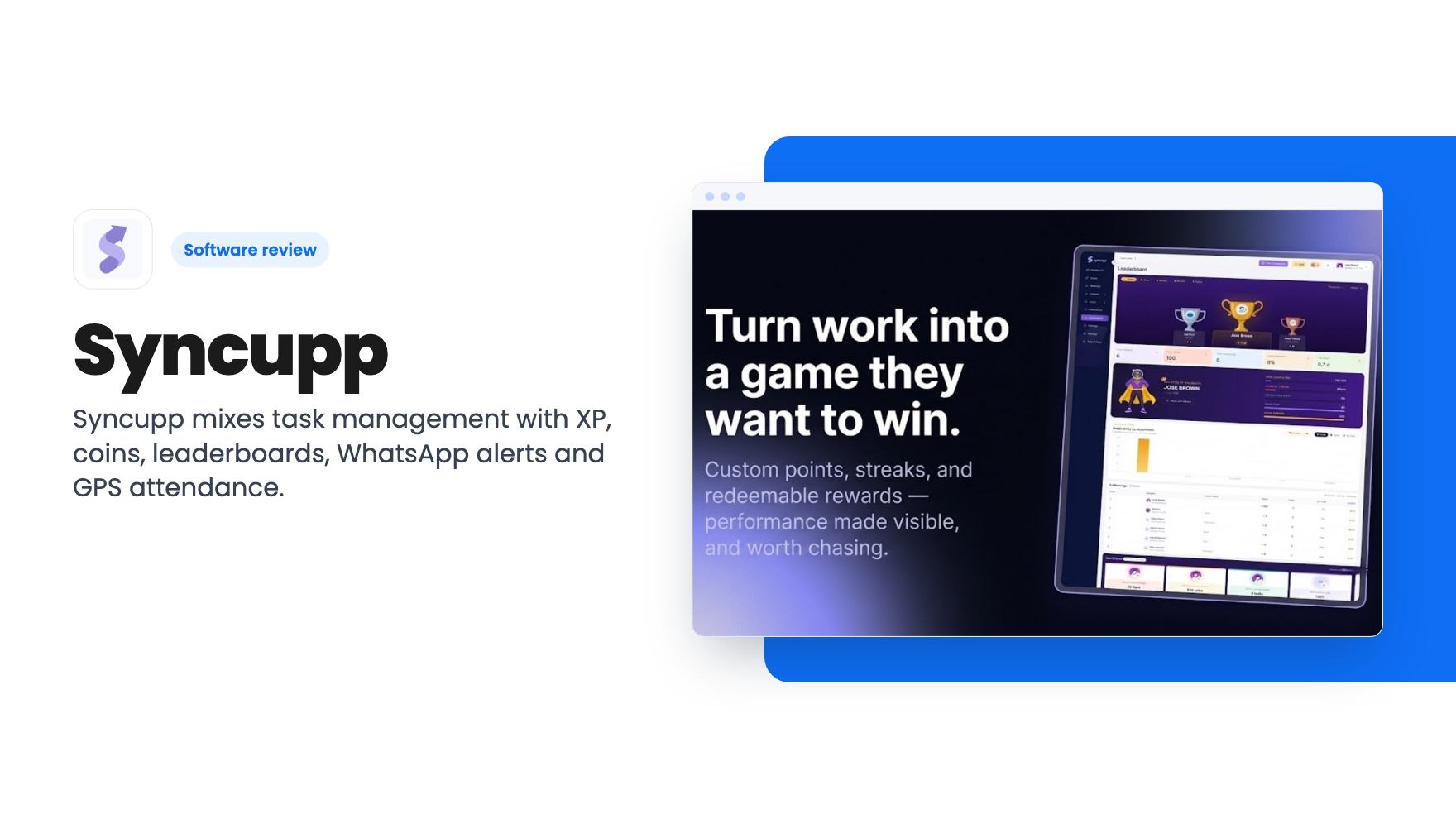
Syncupp mixes task management with XP, coins, leaderboards, WhatsApp alerts and GPS attendance. Here's what the AppSumo lifetime tiers really give you.
Lifetime deal price
$49$36086% off
Lifetime Deal
Our take: Syncupp suits small agencies and field-heavy teams that want task tracking, attendance and a bit of friendly competition in one place, especially at the $49 or $99 tier. Skip it if you need a proven, deep project tool, if you have more than 12 people but don't want the $379 tier, or if gamification sounds gimmicky to your team.
If you run a small agency, you probably know the Monday morning problem. Half the team swears the task was done, the client is chasing a deliverable, and someone posted their attendance in a WhatsApp group that nobody scrolled back to read. Syncupp is built around that mess, and it takes an unusual route to fix it: it turns the work into a game.
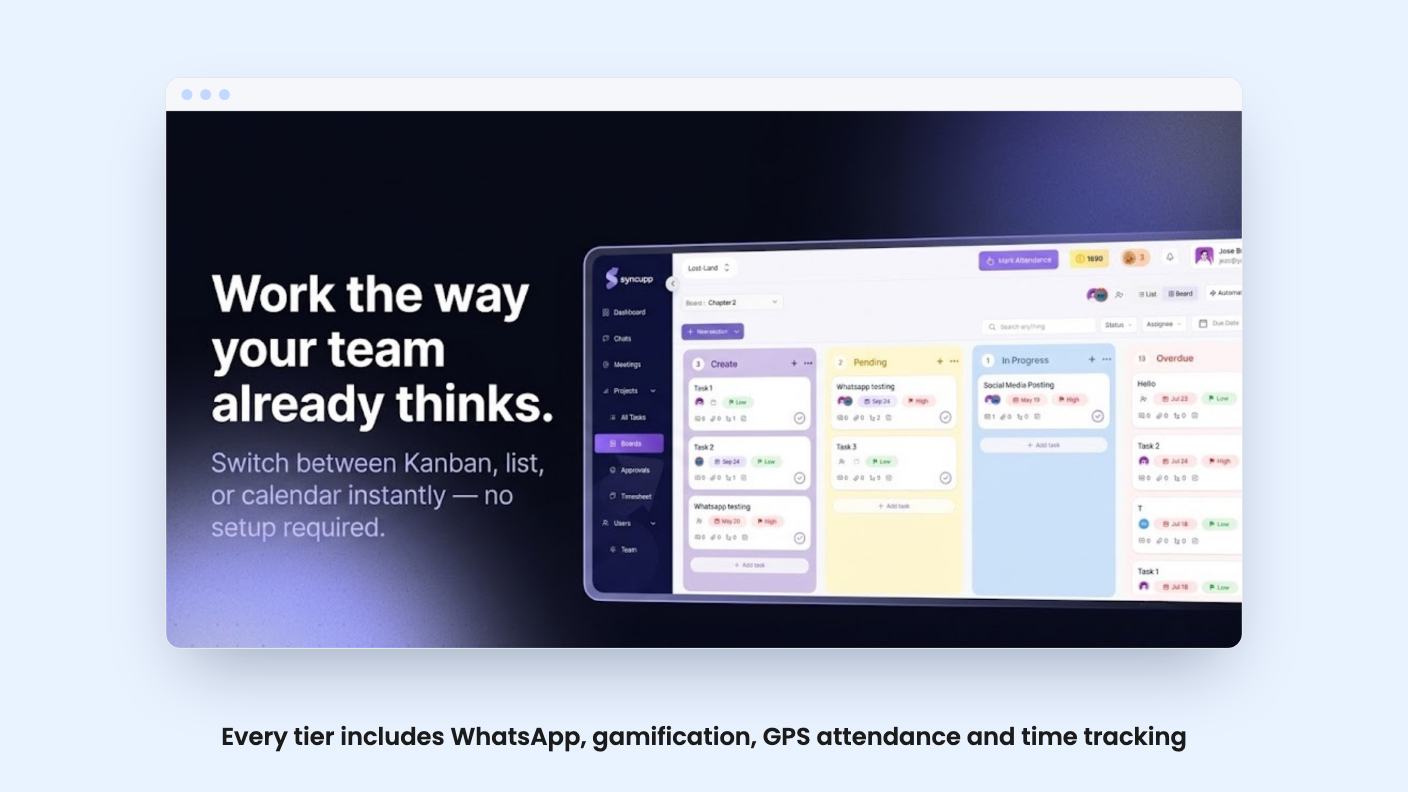
The founder says in the demo video that he built it while running a marketing agency with over 50 clients and 25 to 30 teammates. Deadlines slipped and the process felt slow and clunky. His argument is that ordinary project tools are manual and have no built-in motivation or accountability. That’s a fair complaint, though it’s also the pitch, so we’d treat it as a claim rather than a finding.
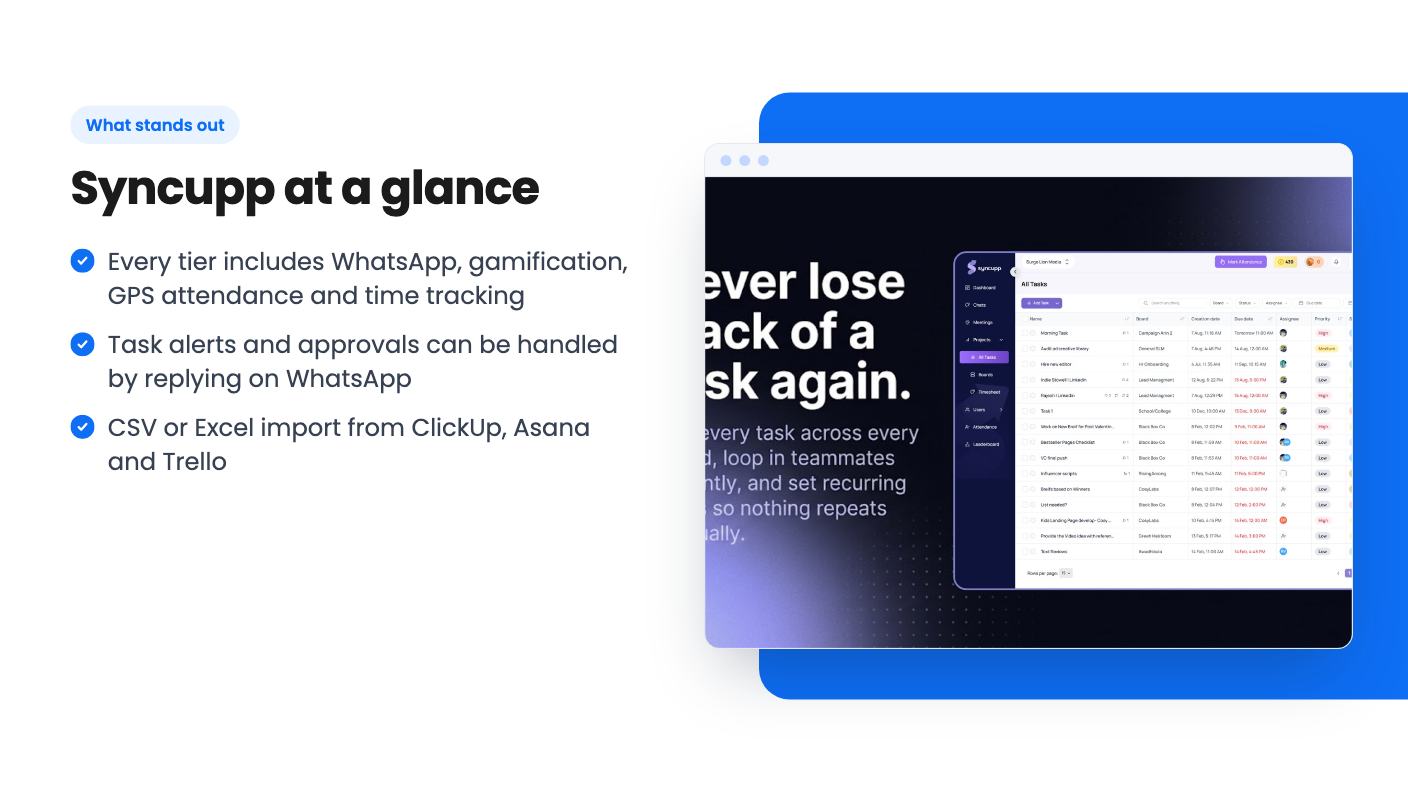
At its core, it’s a task manager. You get kanban, list and calendar views, plus subtasks, dependencies, priorities and custom fields. There’s one list that shows every task across every board, and recurring tasks can auto-assign on daily, weekly or monthly schedules.
Around that sit the extras. Chat channels and DMs, task comments, and Google Meet calls synced with Google Calendar. Attendance tracking with one-tap GPS check-in, late marks, half-days and leave balances. Auto timesheets that feed client-ready billing reports.
It’s a wide bundle for the money. The risk with wide bundles is that each piece is shallow, and the listing gives us no way to judge depth. It doesn’t mention things like Gantt charts, workload views or reporting beyond attendance and billing. If you rely on those in Asana or ClickUp, ask before buying.
Teammates earn coins and XP for logging in, finishing tasks and delivering on time. That builds streaks and rankings, and a live leaderboard can be filtered by department or time period. You can also set custom rewards that people redeem with their coins.
The co-founder says this gives managers insight into who is performing and where the bottleneck sits, and that the data could feed appraisals. Be careful with that last part. Rewarding logins and speed can nudge people to game the numbers, and a public leaderboard can sour a small team fast. Some groups will love it. Others will roll their eyes.
The listing offers no data on whether it actually improves on-time delivery. It’s a reasonable idea, not a proven one.
The WhatsApp piece is the most practical thing here. You verify a number once in Settings, and a personal number works, so you don’t need a WhatsApp Business account. Task alerts, deadline reminders, daily summaries and approval requests land in your chat.
You can reply to create or update tasks, approve leave requests and review task approvals, by chatting with the Syncupp AI assistant. For managers who live on their phones, that’s genuinely useful. For field teams, GPS check-in replaces the “reached site” message in a group chat.
There’s also Slack for reminders, Zapier, Make and Pabbly connections, and a Claude MCP integration for pulling Syncupp data into your AI workflow. The listing doesn’t explain what that last one can do, so don’t buy for it alone.
Not much, honestly. The video is the co-founder talking to camera. He covers the origin story, calls gamification the USP, and mentions a “beautifully designed dashboard with AI at its core.” There’s no walkthrough of boards, no look at the leaderboard, and no WhatsApp demo.
The transcript is also a bit garbled in places, with a repeated phrase near the end. So we can tell you what the founder says the product is, but not how it looks or feels to use. Ask for a trial or lean on the 60-day refund window.
All four tiers include WhatsApp, gamification, GPS attendance and time tracking. What changes is capacity:
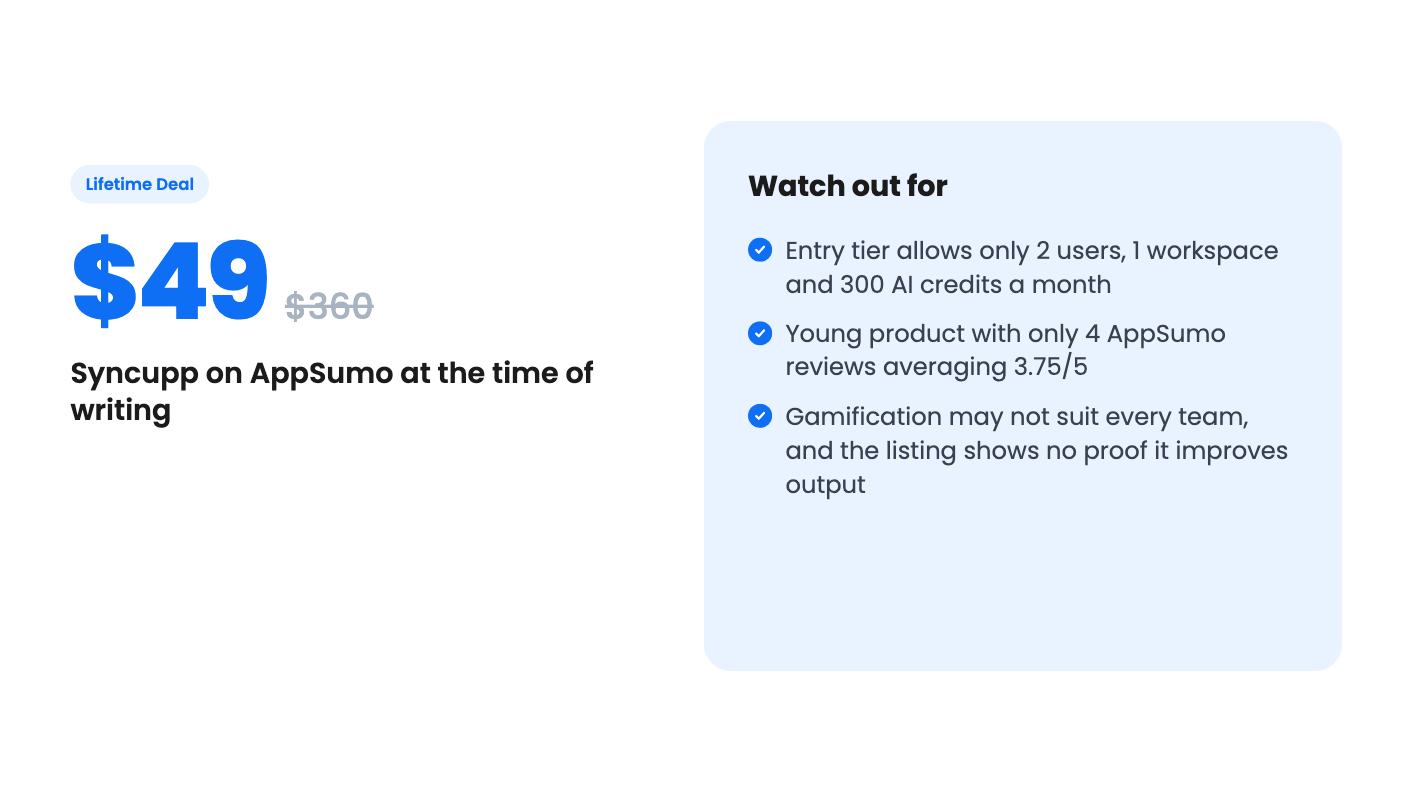
The $49 tier is really for a solo owner plus one person. Seats include you, and pending invites count until accepted or cancelled. Clients invited as Viewers don’t use a seat, which helps agencies. Seats are shared across workspaces.
AI credits reset monthly. A chat reply costs 1 credit, a lookup costs 2, and a completed action like creating a task costs 3. At 300 credits, that’s about 100 task-creating actions a month if you use nothing else. Replying to tasks from WhatsApp draws on the same pool, so a busy team could run through the entry allowance.
The list prices look inflated to us. $360 and $2,856 as comparison figures don’t tell you much. Judge it against what you’d pay for Trello or ClickUp, not against those numbers.
Other terms: you must activate within 60 days, you can switch between the four tiers, and AppSumo’s 60-day refund applies. Importing from ClickUp, Asana or Trello works through CSV or Excel files.
Skip it if your team is large and you don’t want to pay for the top tier. At 12 users you’re at $199, and past that it’s $379.
Skip it if you need a mature, deeply configurable project tool. AppSumo shows 4 reviews averaging 3.75/5, which is a small sample with a mixed result. This is a young product from a small team, and lifetime deals depend on the company surviving and continuing to ship.
And skip it if you suspect your team would find XP and coins patronising. The tool won’t fix a culture problem.
If you run a small agency or a field crew, and attendance and WhatsApp updates matter more than advanced planning, the $99 or $199 tier is a low-risk test inside the refund window. Import a real project, invite your actual team, and see whether anyone cares about the leaderboard by week two.
According to the listing, tier 1 ($49) allows 2 users and 1 workspace, tier 2 ($99) allows 6 users and 1 workspace, tier 3 ($199) allows 12 users and 2 workspaces, and tier 4 ($379) allows unlimited users and 4 workspaces. The owner counts as a seat, and pending invites count too.
No, according to the listing. Every tier includes WhatsApp integration, gamification, GPS attendance and time tracking. The tiers differ in user limits, workspace limits and monthly AI credits (300, 1,000, 2,500 or 5,000).
The listing says yes. You export a CSV or Excel file from ClickUp, Asana or Trello and upload it. Titles, descriptions, due dates, priorities, statuses, tags and assignees are mapped automatically. Comments and attachments aren't mentioned, so check before you commit.
How this review was made: researched from Syncupp's official listing and a transcript of its demo video, and written with help from AI. We have not tested Syncupp hands-on yet. Prices and deal terms change, so check AppSumo before you buy. See our affiliate disclosure.
Five AppSumo lifetime deals named as Monday.com alternatives, from $49 to $109, with the limits and gaps that matter and who each one suits.
Five AppSumo lifetime deals named as ClickUp alternatives, grouped by need, with the seat caps, credit limits and gaps the listings show.
Five AppSumo lifetime-deal alternatives to Asana, grouped by need, with seat caps, credit limits and gaps spelled out so you can see who each one suits.