HR & PayrollReview
ResumeUp.AI Review: A $49 Lifetime Deal Built for Job Seekers
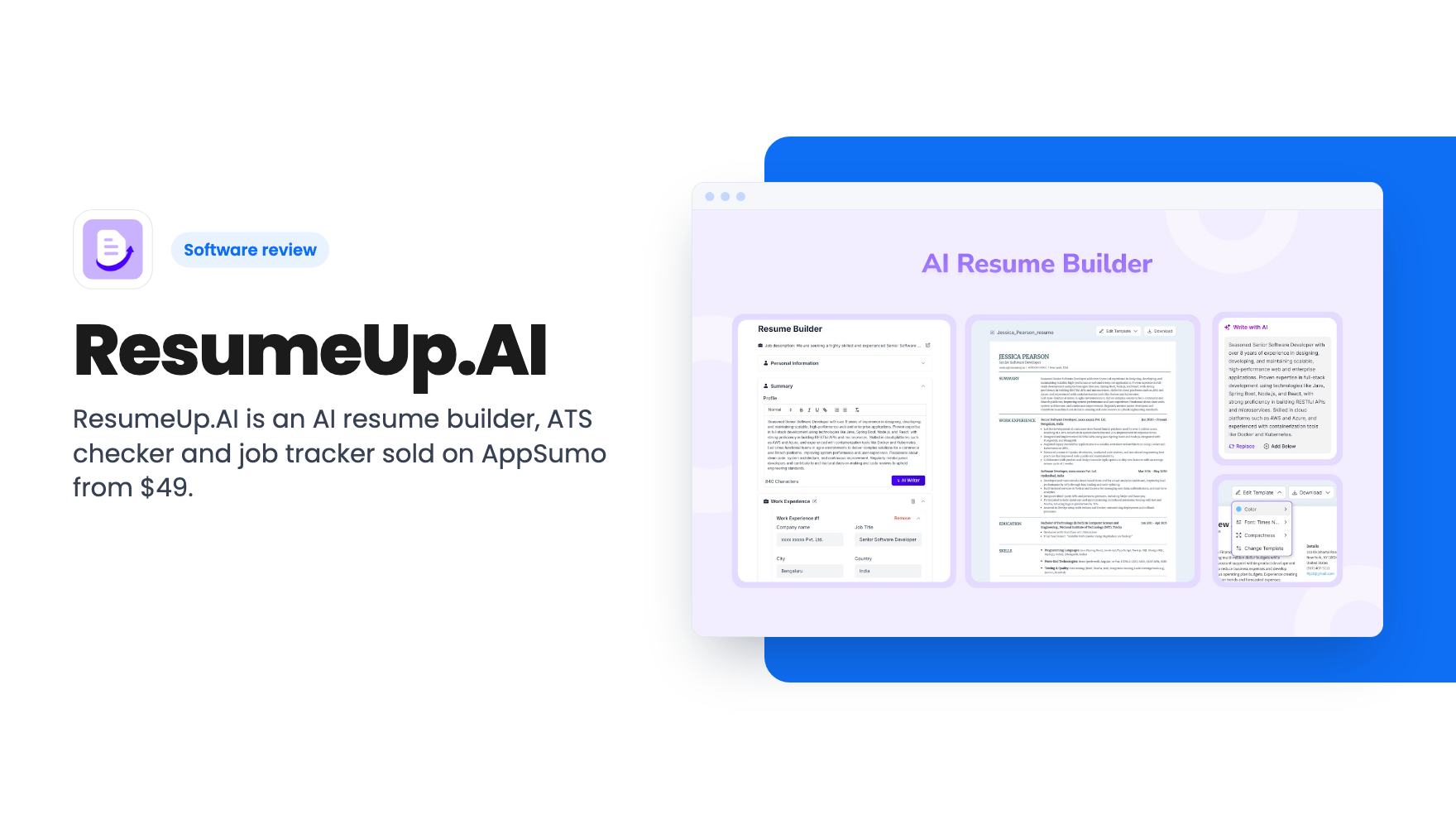
ResumeUp.AI is an AI resume builder, ATS checker and job tracker sold on AppSumo from $49. Here's what the listing says, what it leaves out, and who should buy.
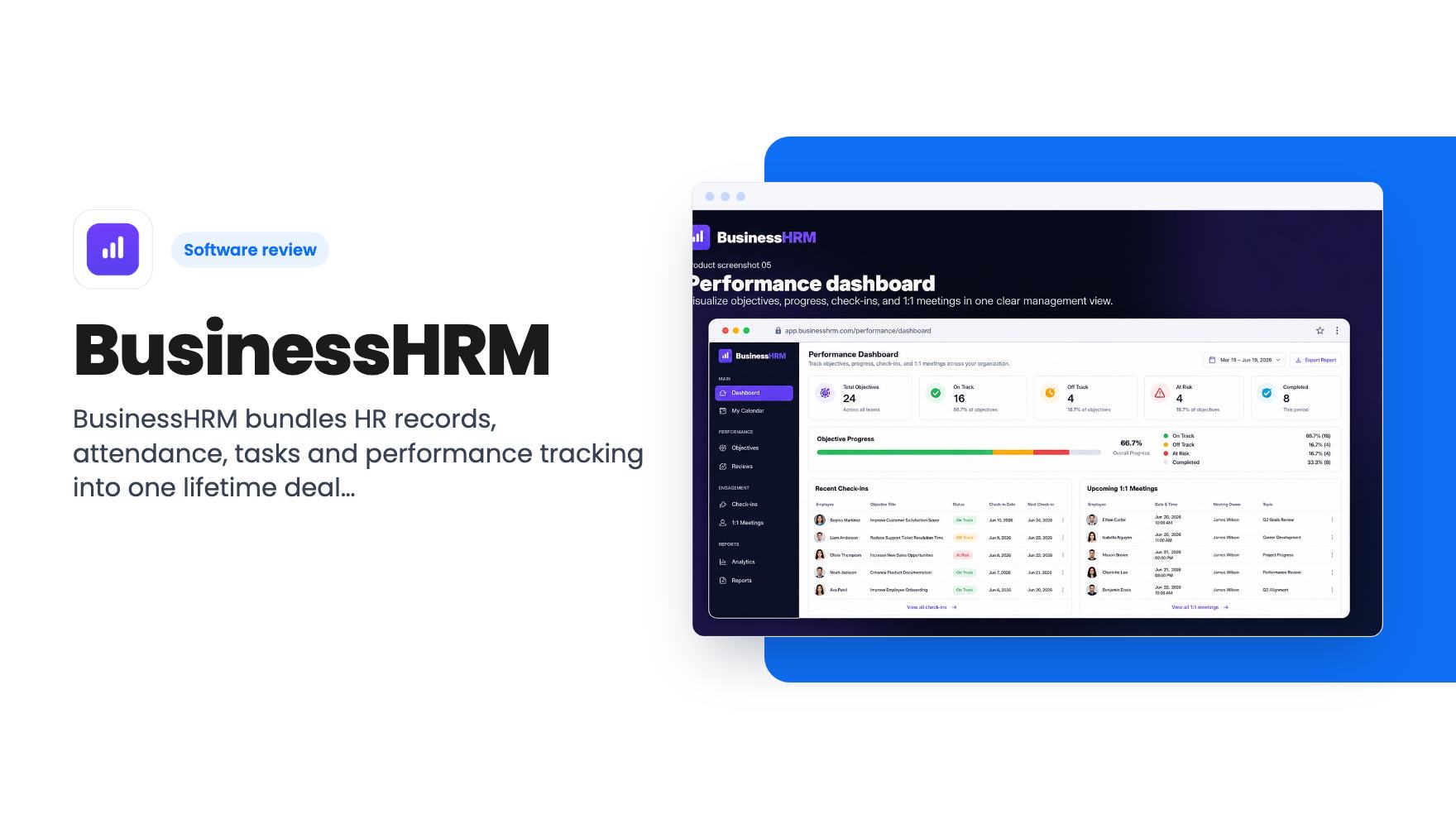
BusinessHRM bundles HR records, attendance, tasks and performance tracking into one lifetime deal from $69. Seat caps and missing imports limit it.
Lifetime deal price
$69$24972% off
Lifetime Deal
Our take: Worth a look for a small agency or remote team of up to 40 people that wants HR records, attendance and task tracking under one login and can live with manual migration. Skip it if you need payroll, imports from your current tool, or a vendor with a long track record.
Picture a ten-person agency where employee details live in one spreadsheet, time off gets requested in Slack, tasks sit in a project tool, and nobody can say quickly who worked from home on Tuesday. None of it is broken exactly. It’s just scattered, and every question takes three tabs to answer.
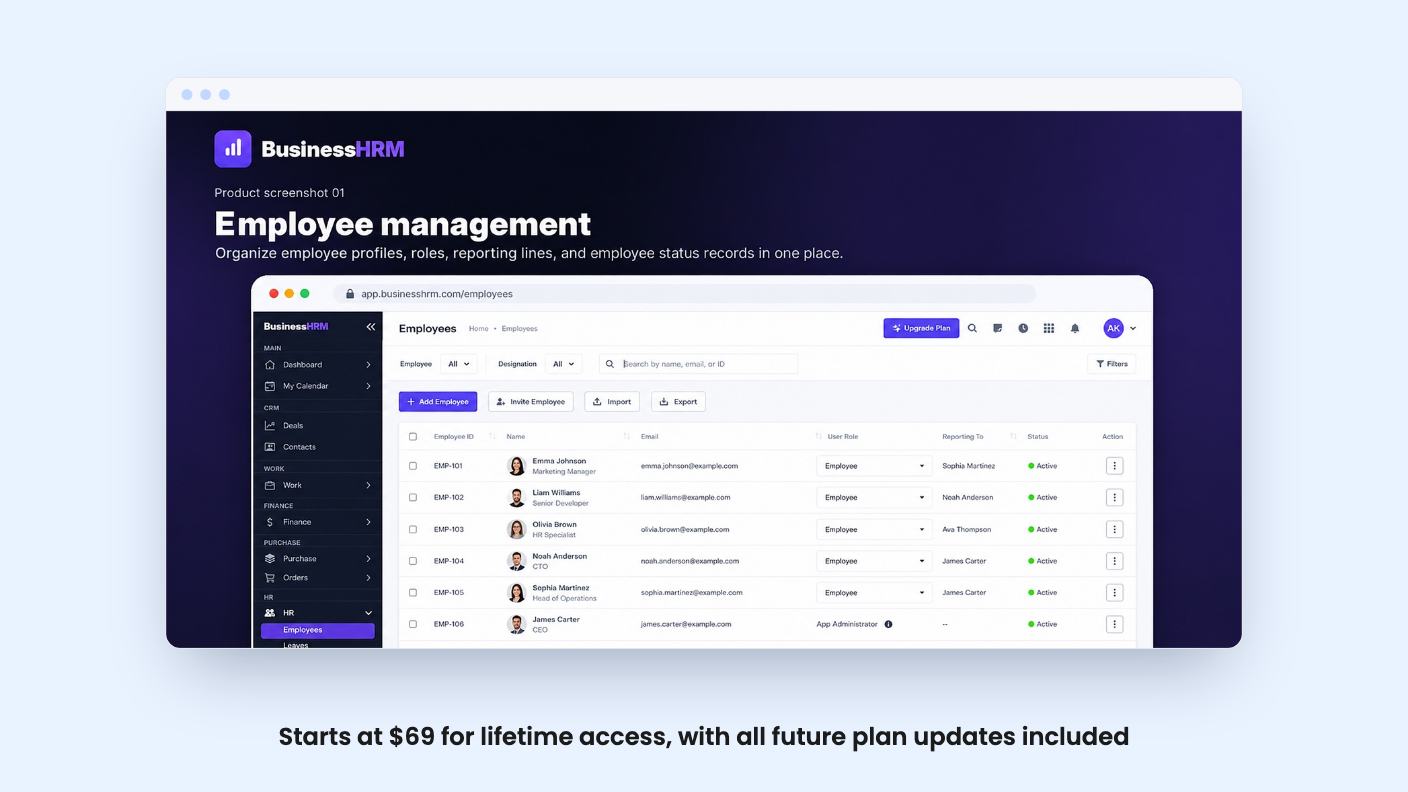
BusinessHRM is pitched at that mess. It’s an HR and operations tool that puts people records, attendance, tasks and performance tracking on one database. AppSumo has it at $69 for lifetime access, down from a $249 list price. We haven’t used it, and there’s no product video on the listing, so everything below comes from the listing text and nothing else.
The listing describes four feature areas. They’re worth taking one at a time, because the descriptions are short.
The employee side is a searchable dashboard of profiles, roles, reporting lines and active status. That’s a staff directory with an org structure attached. The listing doesn’t mention document storage, onboarding checklists or contracts, so don’t assume them.
Attendance is a monthly grid. It shows daily attendance, absences, late arrivals, leave, holidays and work-from-home status, with employee totals and filters. For a remote team, that grid is probably the most immediately useful screen. The listing doesn’t say how leave requests or approvals work, or whether employees clock in themselves.
Performance management covers objectives, check-ins, 1:1 meetings and progress updates. Items show as on track, off track, at risk or completed. It’s a goal tracker with meeting notes, not a full review-cycle system. There’s no word on 360 feedback, review templates or ratings.
Then there’s tasks and reporting: status, deadlines, assignees and project progress, with visual summaries and detailed tables. This is a lightweight project tracker. The listing lists ClickUp as an alternative, but we’d treat that as marketing. A reporting dashboard isn’t the same as a mature task tool with views, automations and subtasks.
The FAQ says BusinessHRM runs “all nine functions” on one database. It never lists all nine. From the FAQ wording we can guess at clients, deals, hours and projects, since it talks about re-keying hours into payroll and copying deals into projects. But that’s inference.
This matters because the pitch is the shared data. The idea is that the same people, clients and hours flow through every module, so you stop copying numbers between tools. That’s a real pain point, and if it works as described it’s the best argument for the product. But we can’t tell you from the listing whether there’s actual payroll, invoicing or a CRM in there, or how deep each module goes. Ask support for the full module list before you spend money.
The listing says most teams are running the same day. That’s plausible for a small team with a handful of people to add.
The catch is imports. Direct imports from Asana, Monday or your current HR tool are on the roadmap, not live. In the meantime, the team says it will migrate boards, tasks and people manually if you contact support after redeeming. That’s friendly, but it’s a manual process, and its speed depends on a small company’s support queue. If you have two years of task history in another tool, expect to leave most of it behind or wait.
The integrations are Google Workspace, Slack, Zapier and an API. Zapier and the API are the useful escape hatches here. If something you need isn’t built in, you may be able to connect it yourself. On security, the listing claims encryption in transit and at rest, role-based access and audit trails. That’s reasonable for HR data, though it’s a claim, not an audit report we’ve seen.
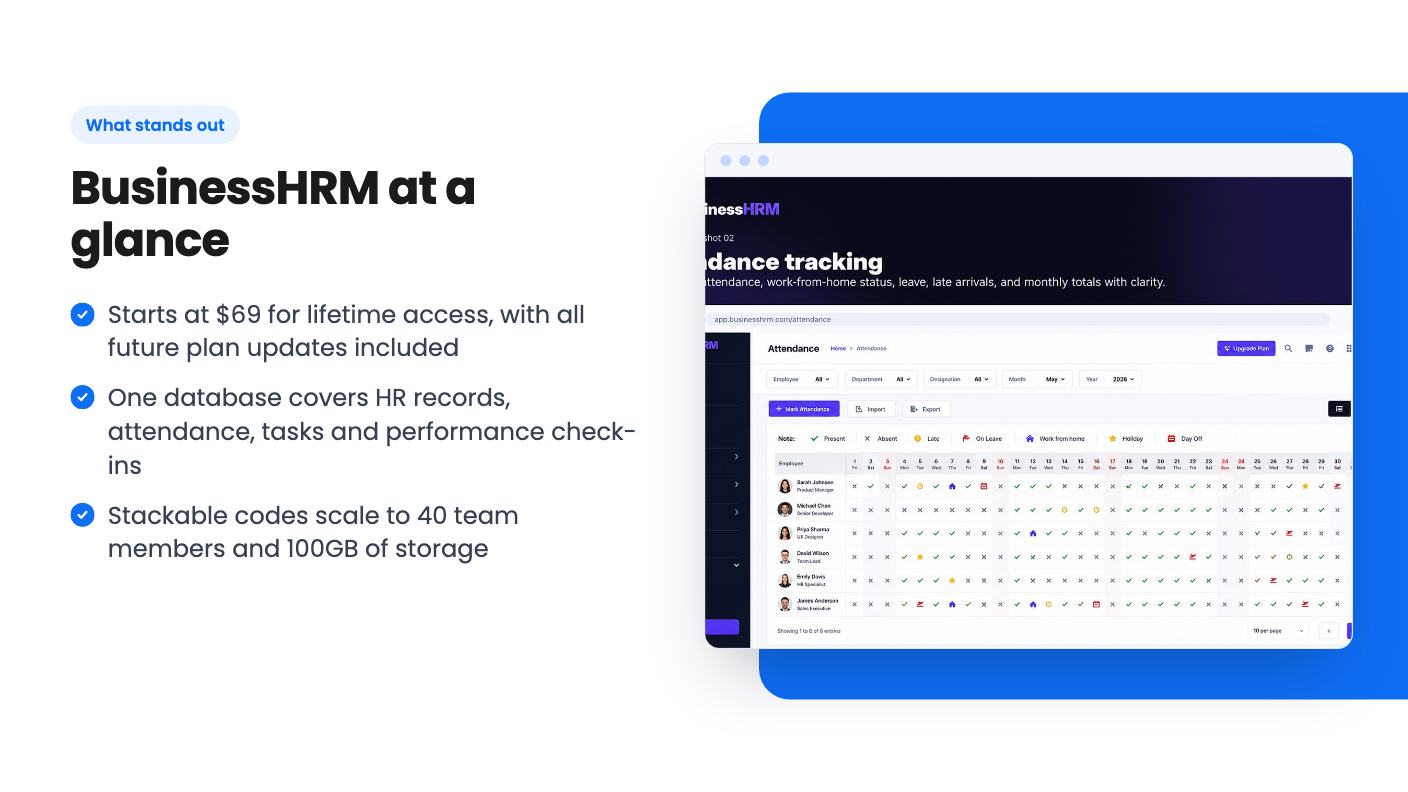
Here’s how the five tiers look. Each one stacks another code onto the same account.
Every tier includes lifetime access, all future plan updates, and a 60-day window to redeem your code. You can stack up to five codes.
The seat and storage numbers are where we’d slow down. The listing gives team members as 40 / 30 / 20 / 15 / 10 and storage as 100GB / 50GB / 20GB / 10GB / 5GB. Those are printed in descending order beside prices that ascend. Since the FAQ says stacking increases seats and storage, the sensible reading is that $69 gets you 10 team members and 5GB, and $345 gets you 40 and 100GB. That’s our reading, not something the listing spells out, so confirm it with AppSumo or the seller.
If that reading is right, the math is plain. Ten seats for $69 is about $6.90 a seat, once. Forty seats for $345 is under $9 a seat, once. Compared to monthly per-seat pricing from the established tools it replaces, that’s cheap. But it’s a hard cap. If your team grows past 40, you’ve got no path except a different tool.
A lifetime deal is a bet on the company surviving. BusinessHRM looks young. There’s no demo video, imports aren’t built, and the listing leans on comparisons to BambooHR, ClickUp and HubSpot without showing how it matches them. Those are big products with years of work behind them. A bundle that does nine things for $69 is probably doing most of them shallowly.
Also check the compliance side. HR records come with legal weight, and the listing says nothing about tax handling, regional labor rules or data residency. If you’re a US, UK or EU employer with formal payroll obligations, that silence is a red flag, not a footnote.
The 60-day redemption window is another small catch. Buy only when you’re ready to set it up, and use the refund window AppSumo offers to test the things that matter to you.
The best fit is a small agency, IT or security shop, or remote team that’s outgrown spreadsheets and doesn’t want to pay for three subscriptions. The listing names exactly those groups. If your needs are a staff directory, an attendance grid, simple goals and basic task tracking, the entry price is low enough that the risk is modest.
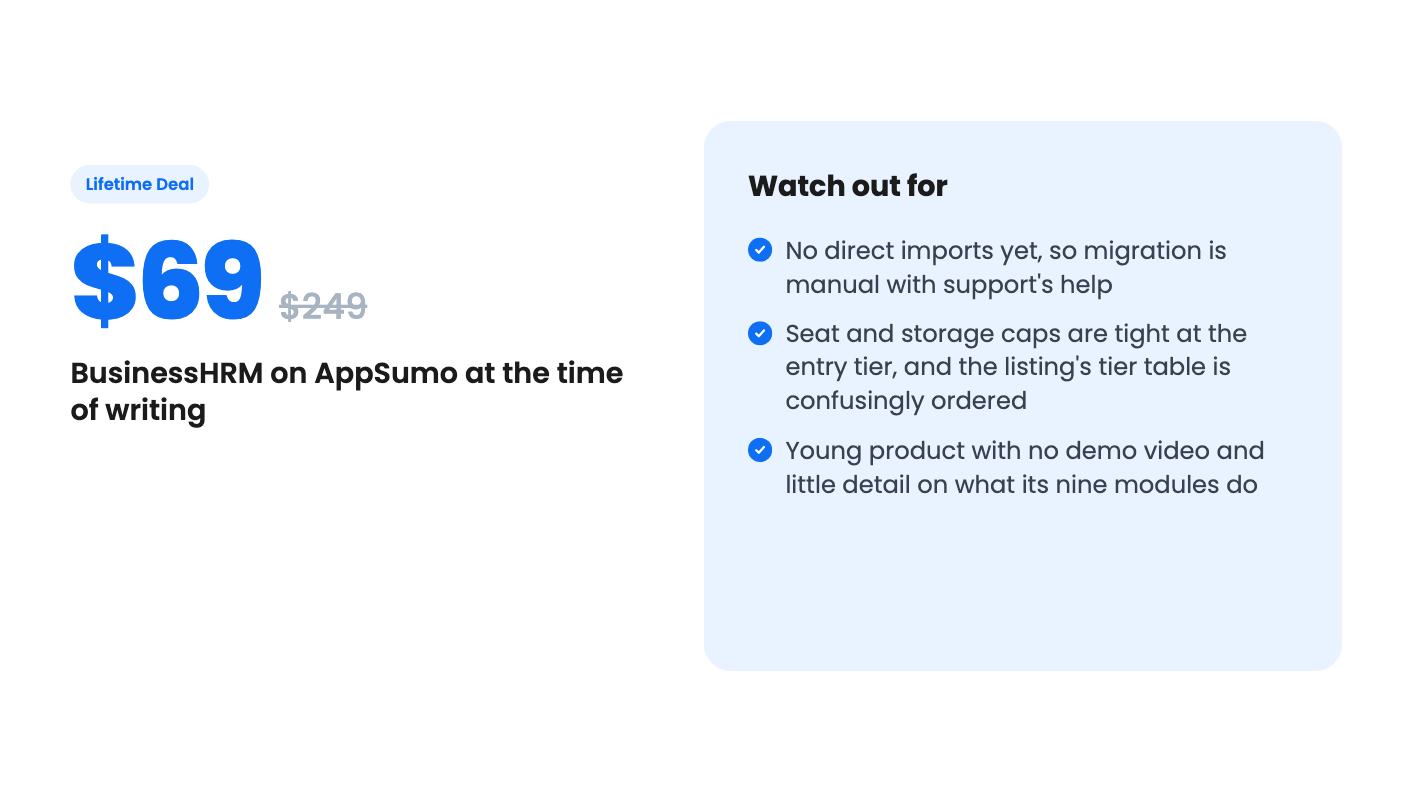
Skip it if you need real payroll, deep project management, or clean imports from a tool you’ve used for years. Skip it too if you’re likely to pass 40 people, or if you’d be uneasy depending on a young vendor for your HR records. For everyone else in between, ask the seller the three questions we’ve flagged (the nine modules, the true tier limits and the import timeline), then decide.
Seats depend on how many codes you stack. The listing shows 40, 30, 20, 15 and 10 team members across the five tiers, but it prints them in descending order next to ascending prices. Since stacking is meant to add seats, the $69 tier is most likely the 10-seat one. Check this before you buy.
Not directly yet. The listing says imports are on the roadmap, and that the team will help you migrate boards, tasks and people manually if you contact support after redeeming.
You must redeem within 60 days of purchase. You can stack up to 5 codes on one account, and all future plan updates are included.
How this review was made: researched from BusinessHRM's official listing, and written with help from AI. We have not tested BusinessHRM hands-on yet. Prices and deal terms change, so check AppSumo before you buy. See our affiliate disclosure.
ResumeUp.AI is an AI resume builder, ATS checker and job tracker sold on AppSumo from $49. Here's what the listing says, what it leaves out, and who should buy.
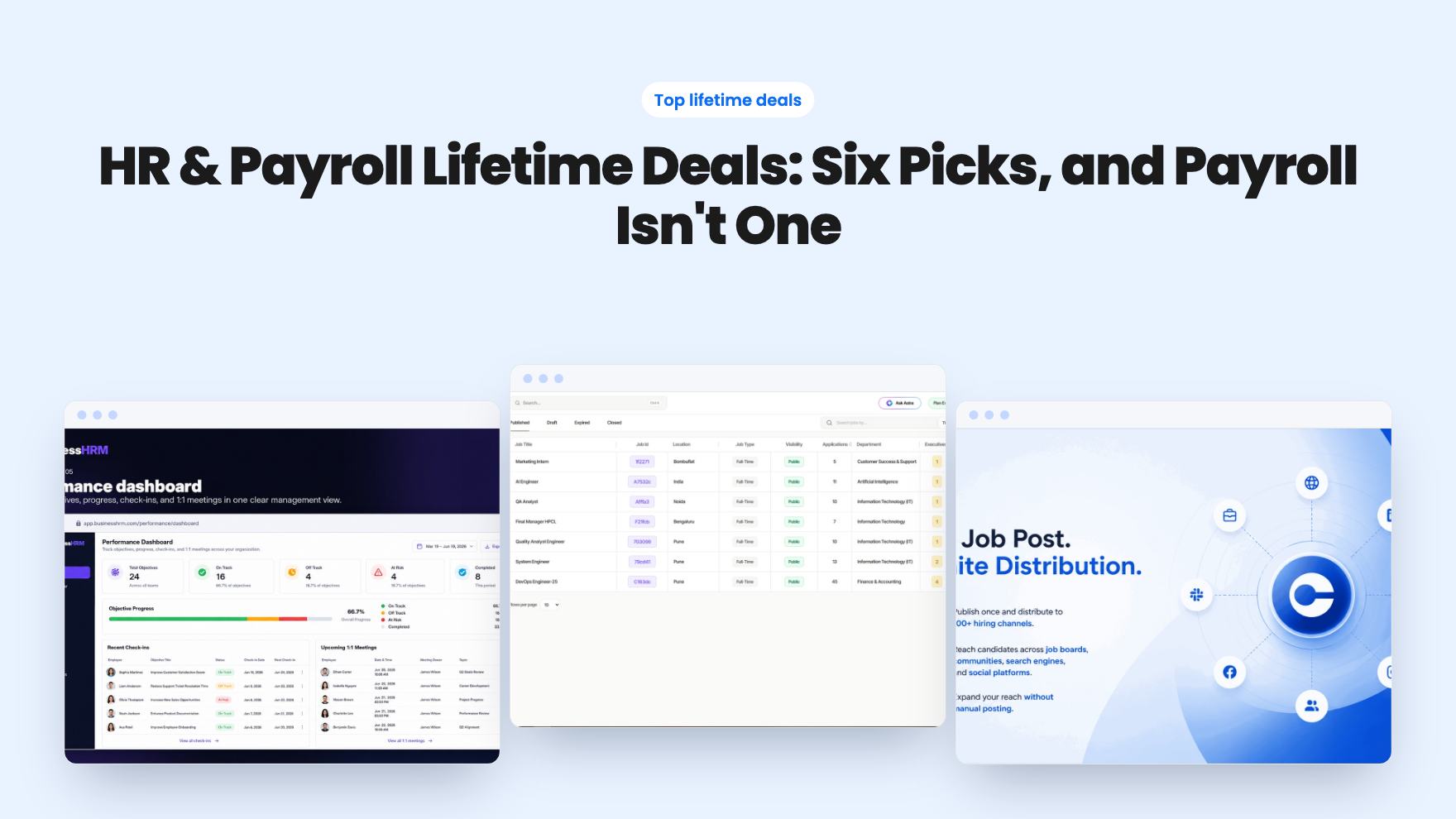
Six HR and hiring lifetime deals from $49 to $99, grouped by need. The listings don't mention payroll, and most are young products with caps to check.
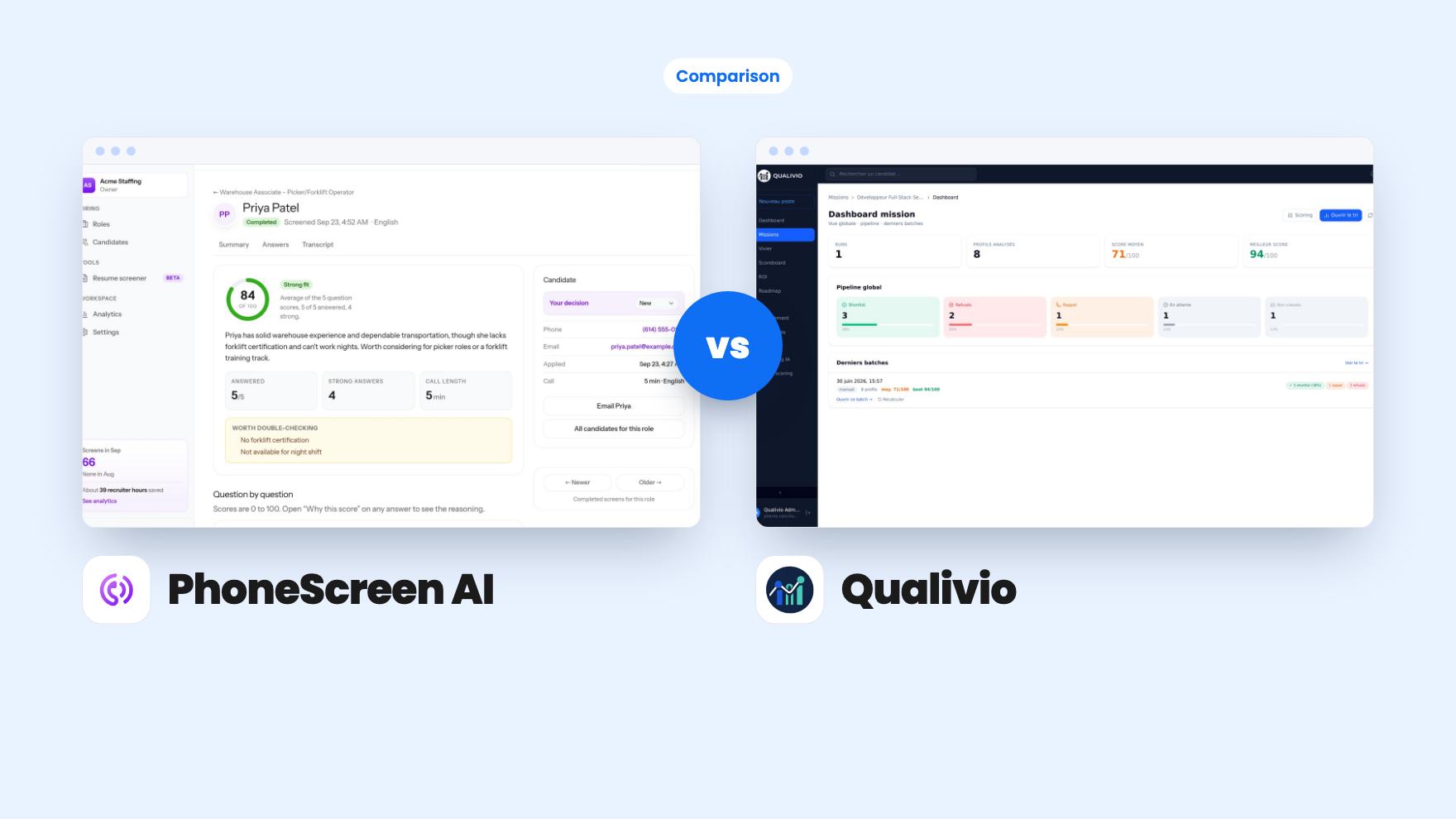
PhoneScreen AI phones candidates for $99 with 20 screens included. Qualivio ranks CVs from $69 with monthly caps. Here's which first round fits you.