
Design & MediaAlternatives
Kapwing Lifetime Deal Alternatives for Small Businesses
Five AppSumo lifetime deals that cover parts of what Kapwing does, from clip cutting to captions and dubbing. Each has caps worth knowing before you pay.
Keeprix at $109 saves streaming shows for personal viewing. SurFast from $19 grabs clips, audio and playlists from 1,000+ sites. Here's which suits you.
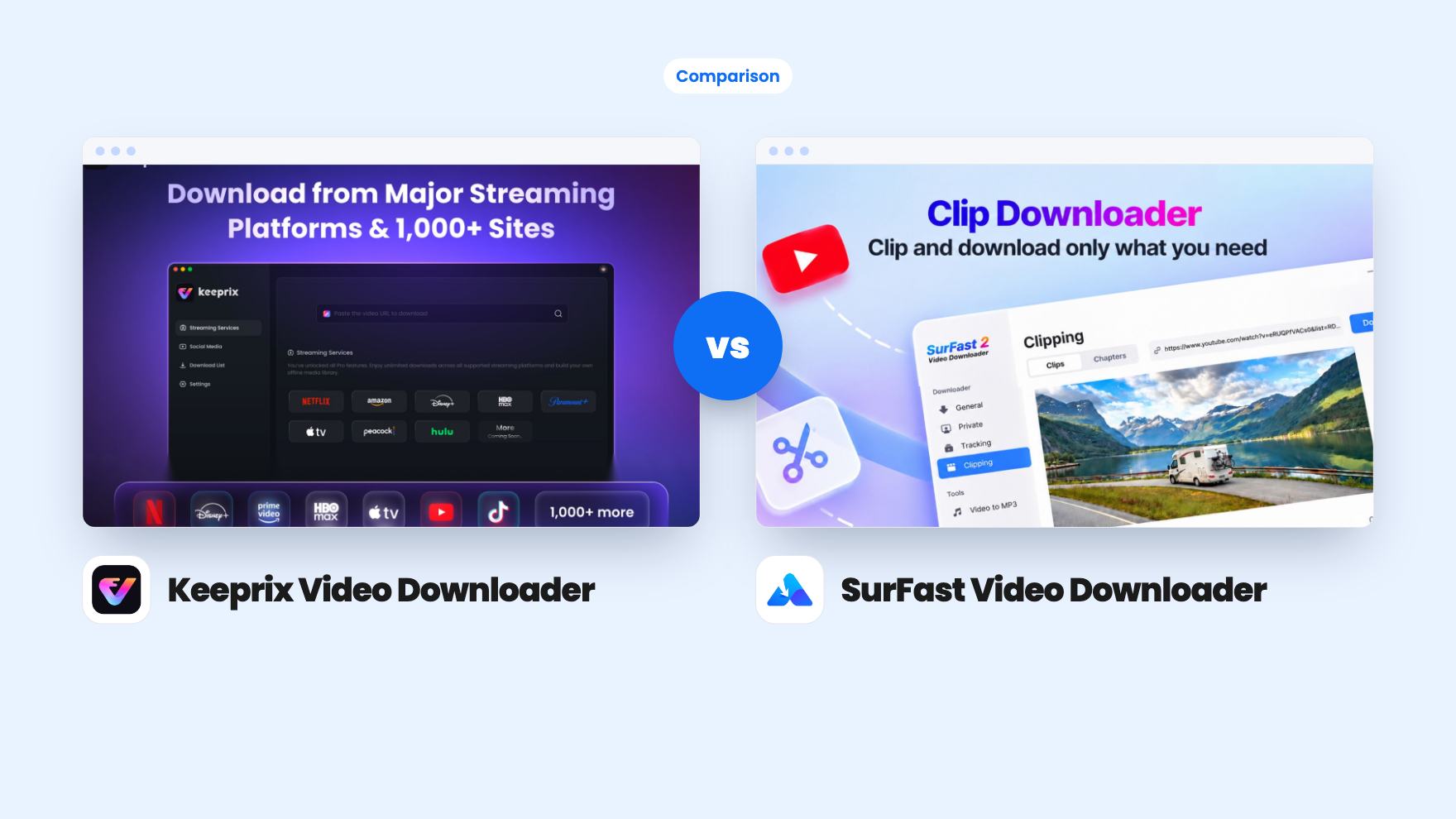
Keeprix Video Downloader takes 2 rounds, SurFast Video Downloader takes 4.
| Round | Winner | Why |
|---|---|---|
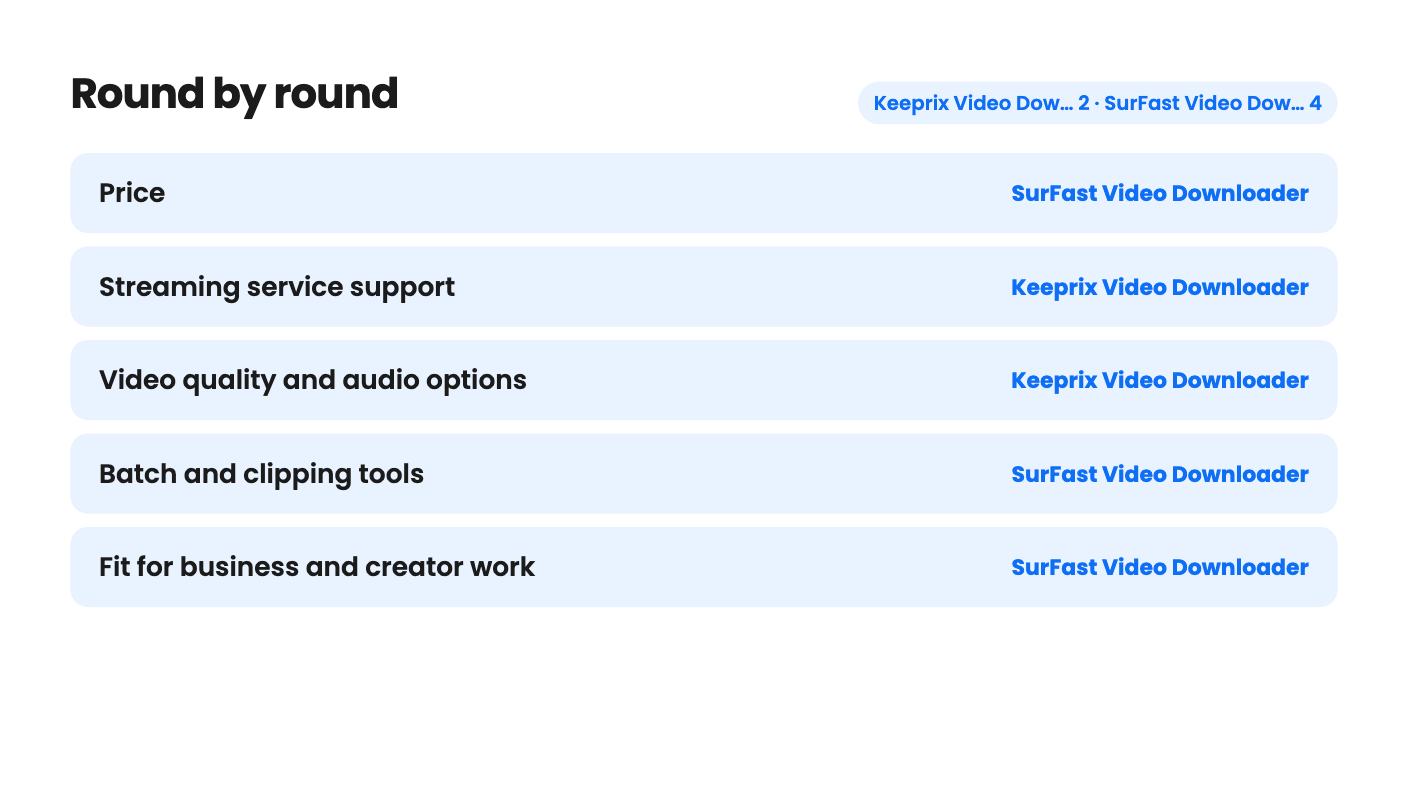
| Price | SurFast Video Downloader | SurFast starts at $19 for two computers, while Keeprix is a single $109 tier that also covers two computers. |
| Streaming service support | Keeprix Video Downloader | Keeprix names Netflix, Prime Video, Disney+, Max, Apple TV+, Hulu, Paramount+ and Peacock, while SurFast's listing names none of them. |
| Video quality and audio options | Keeprix Video Downloader | Keeprix lists 4K on five services, HDR10, Dolby Vision, Atmos, and all audio and subtitle tracks, though Netflix and Prime Video stop at 1080p. |
| Batch and clipping tools | SurFast Video Downloader | SurFast takes 50 links at once, whole playlists and channels, and clips by start and end time, while Keeprix queues seasons but has no clipping. |
| Fit for business and creator work | SurFast Video Downloader | Keeprix's own usage notice rules out commercial use, and the SurFast listing carries no such notice. |
| Evidence of reliability | SurFast Video Downloader | SurFast shows 118 AppSumo reviews averaging 4.39, while the Keeprix source gives no review data. |
| Keeprix Video Downloader | SurFast Video Downloader | |
|---|---|---|
| Starts at | $109 | $19 |
| List price | $159 | $50 |
| Plan | Lifetime Deal | Lifetime Deal |
| Deal ends | Not listed | Not listed |
| Best for | Content creators, Social media managers, YouTubers | Content creators, Educators, Marketing agencies |
| Alternative to | Camtasia, Screencastify, 4K Video Downloader | 4K Video Downloader, yt-dlp |
You have a long flight on Friday and three shows you’re halfway through. Or you have a client pitch on Monday and need a folder of reference clips by tonight. Both jobs get called ‘downloading videos’, and both of these AppSumo lifetime deals say they can do it. They aren’t the same tool, though, and the price gap shows it. Keeprix Video Downloader is $109 for a single tier. SurFast Video Downloader starts at $19.
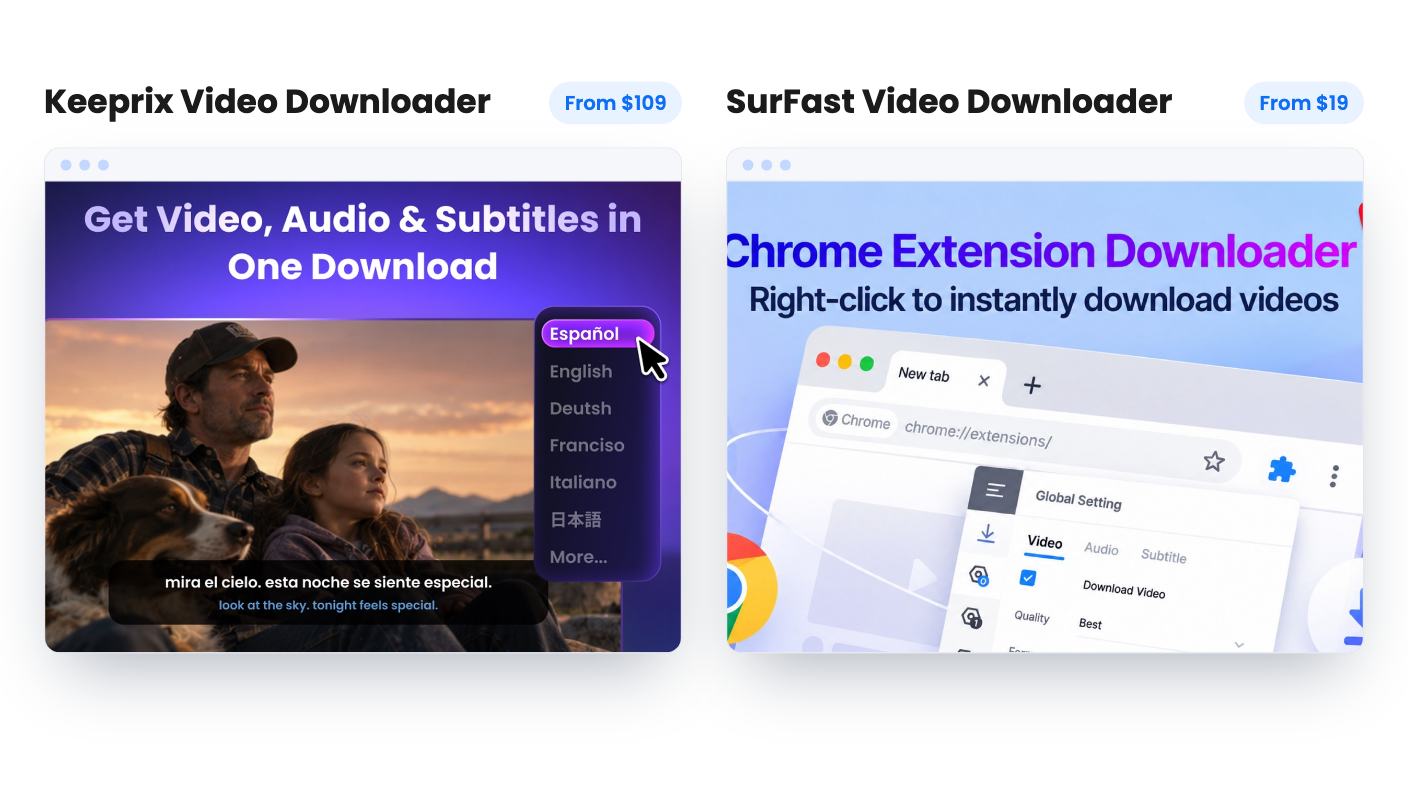
Keeprix is built around streaming subscriptions. You open Netflix, Disney+, Max or another service inside the app, sign in with your own account, pick a title and save it as an MP4 or MKV file. It also claims 1,000+ supported sites, including YouTube, TikTok, Instagram, Facebook and X, but the pitch is clearly your streaming library.
SurFast is built around range and volume. It claims 1,000+ sites as well, naming YouTube, Instagram, Facebook and TikTok, and it saves video, audio, thumbnails and subtitles. The formats listed are MP4, MKV, AVI, MP3 and GIF.
The biggest difference is what you’re allowed to do with the files. Keeprix’s own usage notice says it’s for personal, non-commercial offline viewing of videos you already have legitimate access to. Downloaded files must not be shared, redistributed, sold or used commercially.
That sits oddly with the AppSumo listing, which tags Keeprix as best for content creators and YouTubers. If you make content for a living, the vendor itself says this isn’t for that.
The SurFast copy we have carries no such notice, and it points at creators, educators and marketing agencies. That doesn’t make every download legal. Saving videos can break a platform’s terms or someone’s copyright, so stick to material you own or have permission to keep.
If your goal is watching subscription shows offline, Keeprix is the only one of the two that says it does that. The listing puts 4K on Disney+, Max, Apple TV+, Hulu (US) and Paramount+. Netflix, Amazon Prime Video, Peacock and Hulu (JP) top out at 1080p. YouTube can reach 8K, depending on the source.
That Netflix and Prime Video ceiling matters. Those are two of the most-used services around, so the 4K headline won’t apply if they’re your main ones.
Keeprix also lists HDR10, Dolby Vision, Dolby Atmos and 5.1 sound on selected platforms and titles. You’ll need playback gear that can handle them. The track handling is the part we like most: it keeps every audio language and subtitle track the platform offers, plus Audio Description, and you choose what to keep. Saved files have no expiry timers.
SurFast also advertises up to 8K, with 4K mentioned alongside it. That only matters if the original was uploaded at that quality, which is rare. The listing says nothing about HDR, Dolby formats or multiple audio tracks.
What SurFast does offer is audio conversion. It mentions pulling MP3 or other audio formats from YouTube, SoundCloud and Bandcamp, and subtitles can be saved separately or embedded, including original, auto-generated and auto-translated tracks. How good the translated text is, the listing doesn’t say.
Both tools batch, but they batch different things.
Keeprix queues individual episodes, a full season or several seasons, then lets you walk away. It can remember your preferred quality, audio and subtitle choices and apply them across the batch. The listing gives no figure for how many downloads run at once or how fast they go. It also recommends keeping daily volume ‘reasonable’ without defining that, which deserves a question to the vendor if you plan to pull whole series every week.
SurFast lets you paste up to 50 video or audio links in one go. You can also point it at a whole playlist, channel or album, and the FAQ says that extends to every video on a TikTok profile.
Then there’s the clip downloader. You type start and end times or drag a slider, and it saves only that section as video or extracted audio, with several clips queued at once. Downloading a two-hour webinar to keep ninety seconds is a waste of disk space, so this feature earns its place. Keeprix has nothing like it in the listing.
SurFast also has a Chrome extension, but it needs the desktop app running. It’s a remote control, not a standalone tool, so it won’t help on a locked-down work laptop.
Keeprix has one tier at $109, down from $159. It includes unlimited streaming downloads, free lifetime updates and activation on two computers. You must redeem the code within 60 days, and the deal isn’t stackable, so you can’t buy more codes for more machines.
There’s a useful safety net: the free version gives you one full download on each supported streaming platform, plus free downloads from YouTube, TikTok, Instagram, Facebook and X. You can test your real services before paying. Refund terms beyond AppSumo’s general policy aren’t mentioned.
SurFast has five tiers: $19, $38, $57, $76 and $95, listed at $50 to $250. The text on every tier is identical, and every tier shows a 2-computer license. So the listing doesn’t explain what the higher tiers add. Each step costs another $19, which hints at extra codes, but it never says so. Check checkout before paying more than $19.
For most people the $19 tier is the sensible pick. Two computers covers a laptop and a desktop, and stacking up to 4 codes for 8 PCs only makes sense for a small team. SurFast lists Windows 7 through 11 and macOS X 10.10 or higher. Keeprix lists Windows and Mac but gives no version requirements.
Downloaders live on a cat-and-mouse cycle. Sites change how they serve video, and the tools need patches. Neither listing gives release dates or an update history.
SurFast at least shows its record. It has 118 AppSumo reviews averaging 4.39, and AppSumo’s own summary admits that specific platforms sometimes break after updates. It also urges buyers to contact support before asking for a refund. That’s marketing copy, but it’s an honest warning.
Keeprix gives us less to go on. The source shows no review count, mentions only version 1.6, and says nothing about how fast it fixes things when a streaming service changes. Its security claim, that your login happens in the official site’s window and it never stores credentials, is the vendor’s word, and we haven’t verified it.
There’s also one gap in each FAQ. The Keeprix legal answer starts with ‘Generally, yes’ and cuts off, and the SurFast FAQ cuts off at a question about scheduling. We can’t tell you what either says.
Pick Keeprix if the shows you pay for are the point. Check first that your services are the ones that reach 4K, because Netflix and Prime Video stop at 1080p. Use the free single download per platform to confirm quality before spending $109, and keep the files for your own viewing.
Pick SurFast if you save lectures, reference footage, audio or whole playlists for work you’re permitted to reuse. At $19 for two computers it’s a low-risk bet, though you should try your three most-used sites on day one. If you want both jobs covered, the combined cost is still modest, but check each tool against your own services before relying on it.
Keeprix Video Downloader review · SurFast Video Downloader review
No. Keeprix's usage notice limits it to personal, non-commercial offline viewing of videos you already have access to. Files can't be shared, redistributed, sold or used commercially, even though AppSumo tags it for creators.
The listing doesn't say. It names YouTube, Instagram, Facebook, TikTok, SoundCloud and Bandcamp and claims 1,000+ sites, but never mentions streaming subscription services. Ask the vendor before buying for that purpose.
Both cover 2 computers, Windows or Mac. Keeprix isn't stackable, so you can't add more. SurFast lets you stack up to 4 codes for up to 8 PCs.
How this comparison was made: researched from both tools' official listings and demo videos, and written with help from AI. We have not tested Keeprix Video Downloader or SurFast Video Downloader hands-on yet. Prices and deal terms change, so check AppSumo before you buy. See our affiliate disclosure.
Five AppSumo lifetime deals that cover parts of what Kapwing does, from clip cutting to captions and dubbing. Each has caps worth knowing before you pay.
Seven AppSumo lifetime deals named as Loom alternatives, grouped by job: narrated tutorials, plain recording, interactive demos and personalized outreach video.
Eight AppSumo lifetime deals named as Descript alternatives, grouped by the job you need done, with the caps and gaps each listing shows.

