
Design & MediaAlternatives
Kapwing Lifetime Deal Alternatives for Small Businesses
Five AppSumo lifetime deals that cover parts of what Kapwing does, from clip cutting to captions and dubbing. Each has caps worth knowing before you pay.
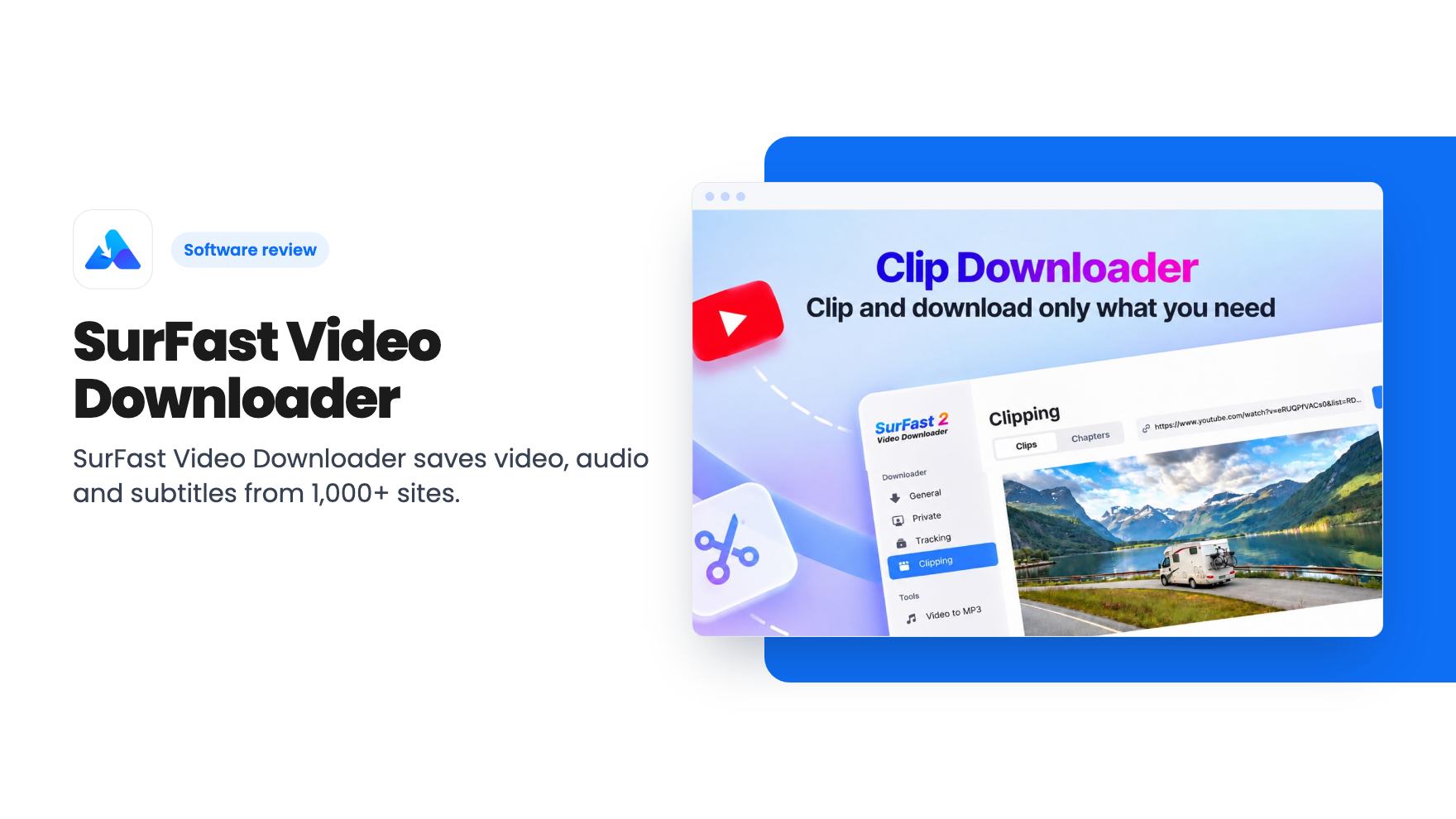
SurFast Video Downloader saves video, audio and subtitles from 1,000+ sites. We look at what the $19 AppSumo lifetime deal covers and where the listing is vague.
Lifetime deal price
$19$5062% off
Lifetime Deal
Our take: Buy it if you're a creator, educator or small agency that regularly saves reference footage, lectures or audio and wants a point-and-click app instead of yt-dlp. Skip it if you only grab the odd clip, you're happy on the command line, or you can't live with occasional breakage when a platform changes.
You need three minutes from a conference recording for a training deck. Or a folder of reference clips for a client pitch. Or the audio from a podcast episode you have permission to reuse. The browser gives you a play button and not much else.
SurFast Video Downloader is a desktop app aimed at that gap. The AppSumo lifetime deal starts at $19, down from a listed $50, and the listing pitches it as an alternative to 4K Video Downloader and yt-dlp. We haven’t used it ourselves, so everything below comes from the listing and AppSumo’s review summary. Both are marketing copy, and we’ll read them that way.
The headline claim is support for more than 1,000 sites, including YouTube, Instagram, Facebook and TikTok. According to the listing you can save video, audio, thumbnails and subtitles. Named formats include MP4, MKV, AVI, MP3 and GIF, with resolution up to 8K.
That 8K figure only matters if the source was uploaded in 8K, which is rare. For most small business work, 1080p or 4K is the practical ceiling, and no downloader can create quality that was never there.
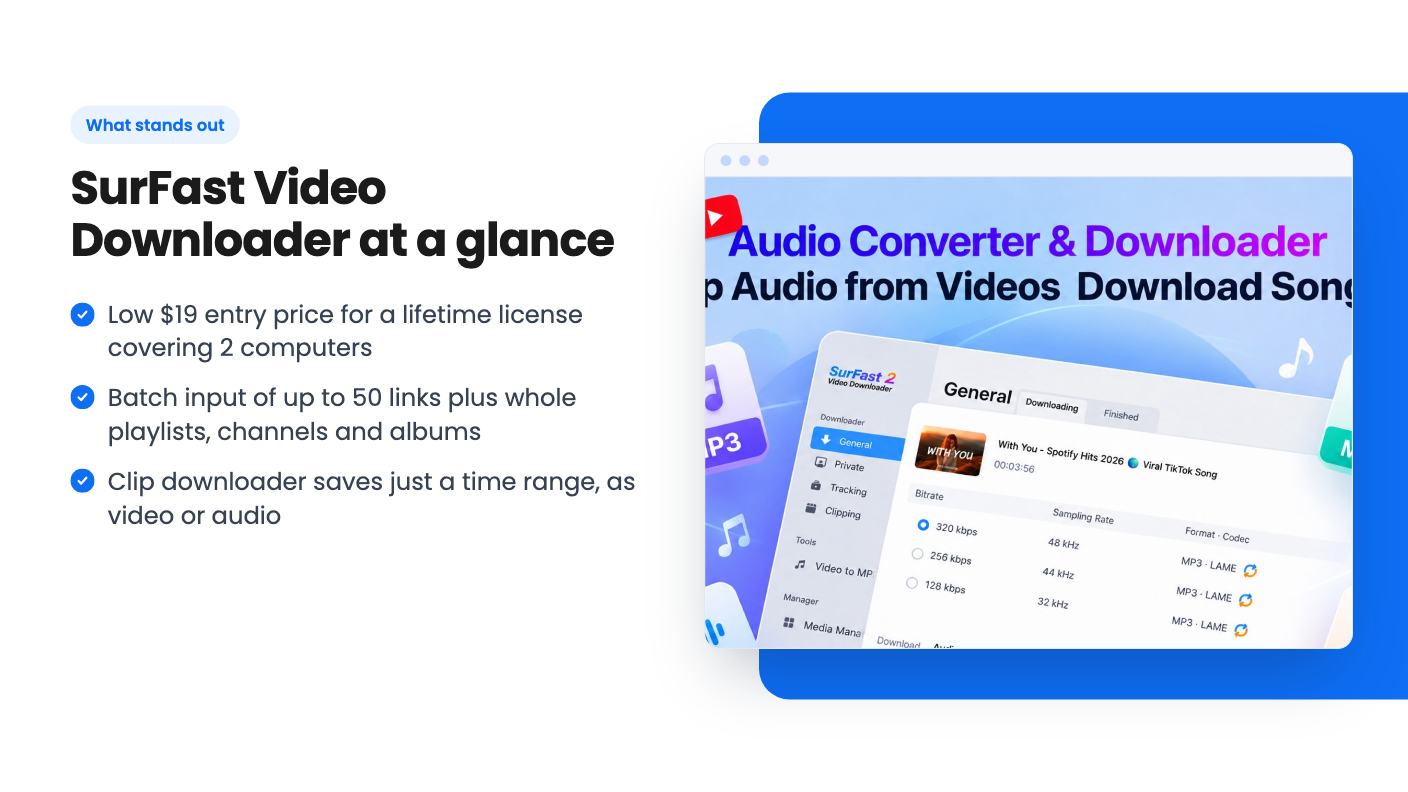
Audio conversion is the more useful line item. The listing mentions pulling MP3 or other audio formats from YouTube, SoundCloud and Bandcamp. If you cut podcasts or build sound libraries from material you’re licensed to use, that removes a conversion step.
Plenty of free tools download one video. Volume is where this one tries to earn its price.
You can paste up to 50 video or audio links and run them as one batch. You can also point the app at a whole playlist, channel or album, and the FAQ says that extends to every video on a TikTok profile. If you keep training libraries or reference archives, that’s an afternoon of clicking reduced to one paste.
The clip downloader looks like the other standout. You type start and end times or drag a slider, and it saves only that section, as video or as extracted audio. The listing says you can queue several clips at once. Downloading a two-hour webinar to keep ninety seconds is a waste of time and disk space, so this is a sensible feature.
Subtitles get a mention too. They can be saved separately or embedded in the video, and the FAQ covers original, auto-generated and auto-translated tracks. That helps educators and anyone repurposing content for other languages. How good the auto-translated text is depends on the platform, and the listing doesn’t say.
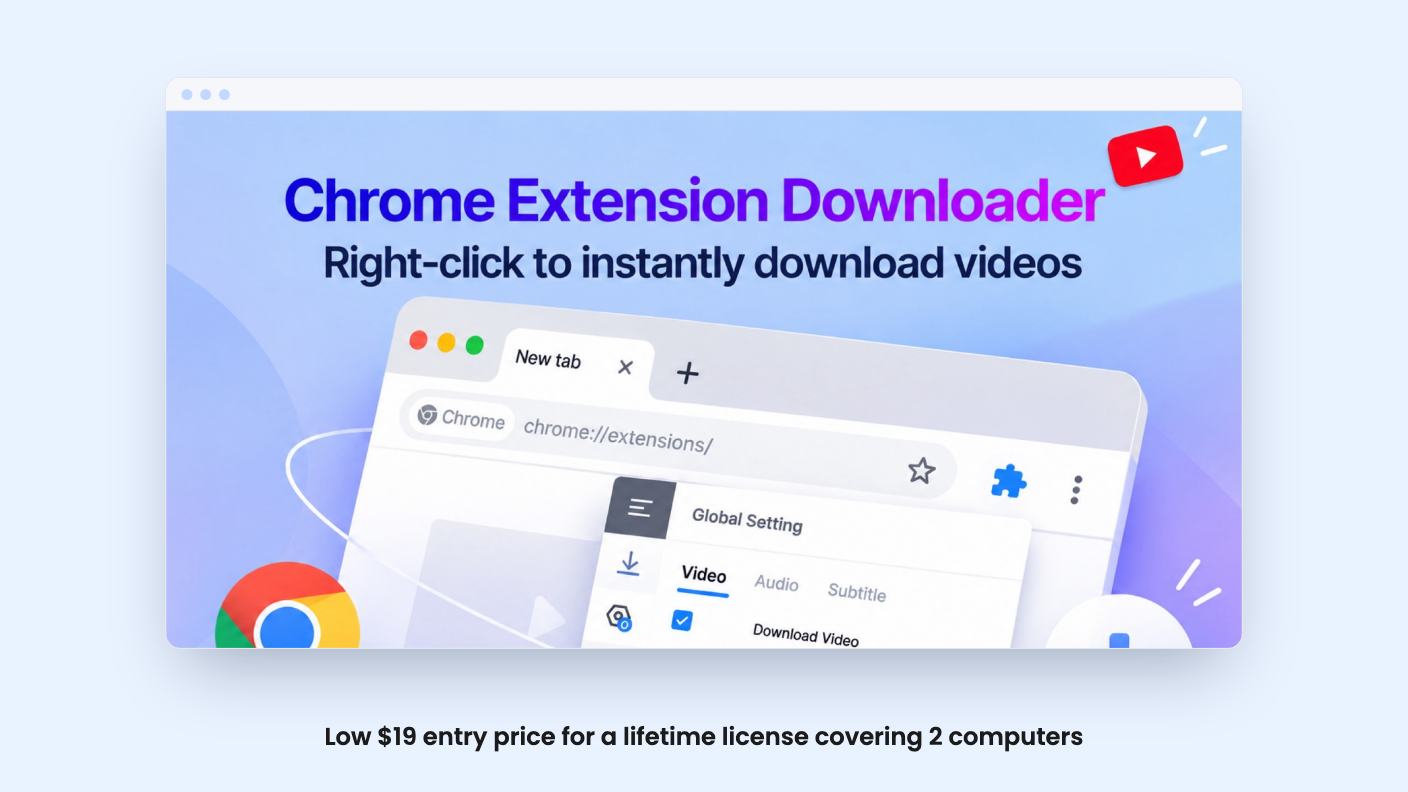
There’s a Chrome extension called SurFast Video Downloader Helper. Per the FAQ, you right-click a video and choose ‘Download with SurFast Video Downloader’. The feature blurb promises one-click download on the page.
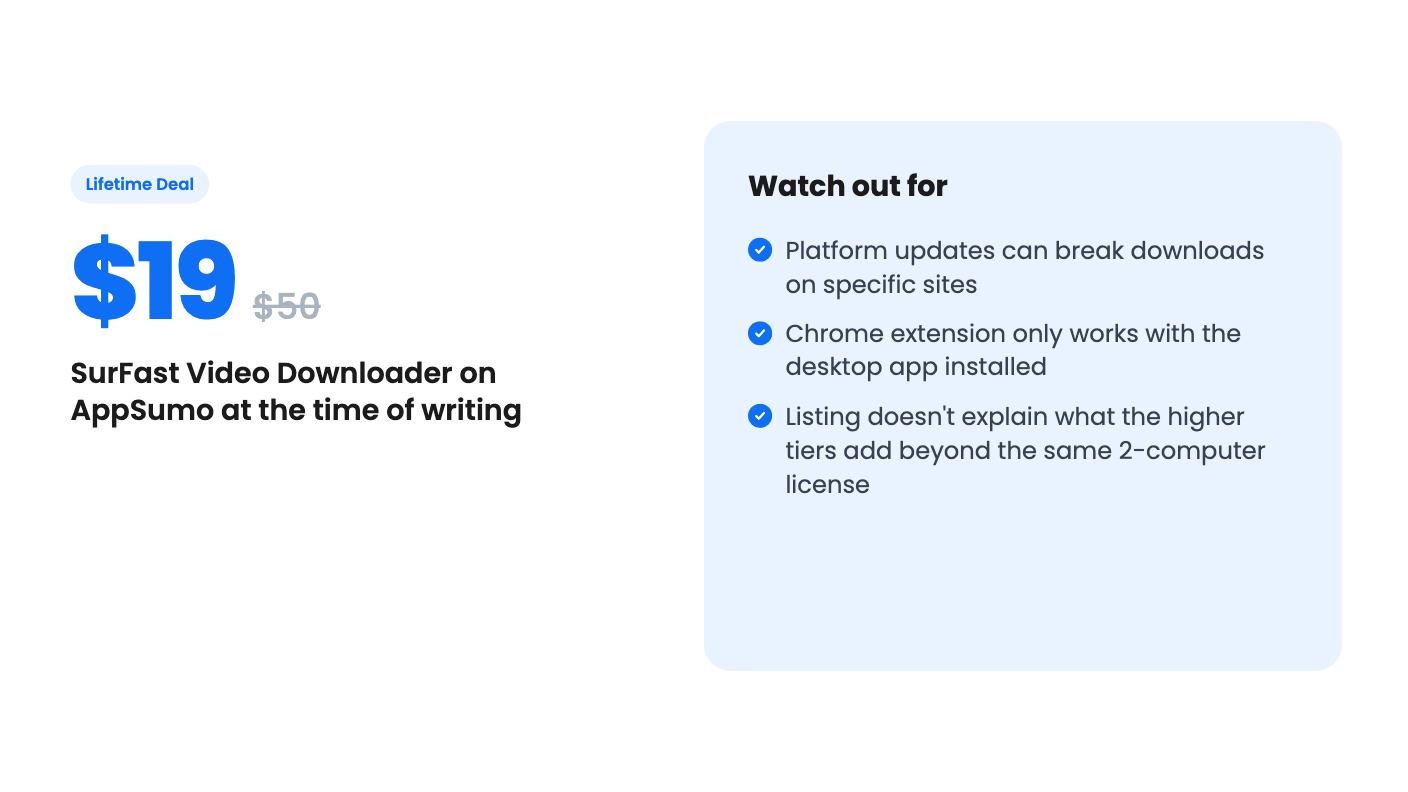
Here’s the catch. The extension requires the desktop application to work. It’s a remote control, not a standalone tool. That’s fine at your own desk. It won’t help on a locked-down work laptop where you can’t install software.
The private-video wording deserves a careful read. The marketing bullet says you can download private videos you already have access to. The FAQ clarifies that you log into your own account inside the app, and that other users’ private videos aren’t supported. That’s a sensible limit, and we’re glad it’s stated plainly.
The FAQ text we have is cut off at a question about scheduling downloads. We can’t tell you whether that feature exists.
There are five tiers: $19, $38, $57, $76 and $95, listed at $50, $100, $150, $200 and $250 before the discount. Every tier carries identical text: lifetime access, all future Lifetime Plan updates, a 60-day redemption window, and the option to stack up to 4 codes for up to 8 PCs.
The plan feature line shows a license for 2 computers, Windows or Mac, on every tier. So the listing doesn’t clearly say what the higher tiers add. Each step is another $19, which hints that you’re buying additional codes, but the listing never spells that out. Check the checkout page before you pay more than $19.
For most buyers, the $19 tier is the sensible pick. Two computers covers a laptop and a desktop. Stacking only makes sense if a small team each needs an install.
Requirements are modest: Windows 7 through 11, or macOS X 10.10 and up. Activation happens in the app through the Upgrade button, then ‘Click to enter activation code’. The listing doesn’t say whether you can move a license to a new machine later, so ask support before you count on that.
The listing shows 118 reviews averaging 4.39. That’s a decent sample and a decent score, though not a spotless one.
AppSumo’s summary praises fast downloads, an easy interface and wide format support. It also admits that specific platforms sometimes break after updates, and it urges buyers to contact support before asking for a refund. Treat that as an honest warning about how this whole product category behaves.
Downloaders live on a cat-and-mouse cycle. Sites change how they serve video, and tools need patches. yt-dlp, the free alternative, gets that attention from a large open-source community. A small vendor has to do the same work with a smaller team. The listing promises lifetime support and continuous improvements, but a promise isn’t a track record, and nothing in the source gives release dates or an update history.
There’s a legal side as well. Saving videos can break a platform’s terms or someone’s copyright. Stick to content you own, are licensed to use, or have permission to keep. The app won’t make that call for you.
If you save a video once or twice a year, free options are fine and you don’t need a license. If you’re comfortable in a terminal, yt-dlp does much of this for nothing, though it has no friendly clipping screen or browser extension.
Skip it too if your work depends on one platform behaving every single day. Occasional breakage appears in AppSumo’s own summary. For everyone else who regularly pulls footage, audio and subtitles for creative or teaching work, $19 for a two-computer lifetime license looks like a low-risk bet, especially with AppSumo’s refund window behind it. Redeem the code within 60 days, and try your three most-used sites on day one.
Each code covers 2 computers, Windows or Mac. You can stack up to 4 codes to cover up to 8 PCs. Per the listing, codes must be redeemed within 60 days of purchase.
Only content your own account can access. You log in inside the app. The listing says it does not download private videos from other people's accounts.
Yes. The listing names Windows 7, 8, 8.1, 10 and 11, and macOS X 10.10 or higher. It says nothing about a mobile or Linux version.
How this review was made: researched from SurFast Video Downloader 's official listing, and written with help from AI. We have not tested SurFast Video Downloader hands-on yet. Prices and deal terms change, so check AppSumo before you buy. See our affiliate disclosure.
Five AppSumo lifetime deals that cover parts of what Kapwing does, from clip cutting to captions and dubbing. Each has caps worth knowing before you pay.
Seven AppSumo lifetime deals named as Loom alternatives, grouped by job: narrated tutorials, plain recording, interactive demos and personalized outreach video.
Eight AppSumo lifetime deals named as Descript alternatives, grouped by the job you need done, with the caps and gaps each listing shows.

