
Design & MediaAlternatives
Kapwing Lifetime Deal Alternatives for Small Businesses
Five AppSumo lifetime deals that cover parts of what Kapwing does, from clip cutting to captions and dubbing. Each has caps worth knowing before you pay.
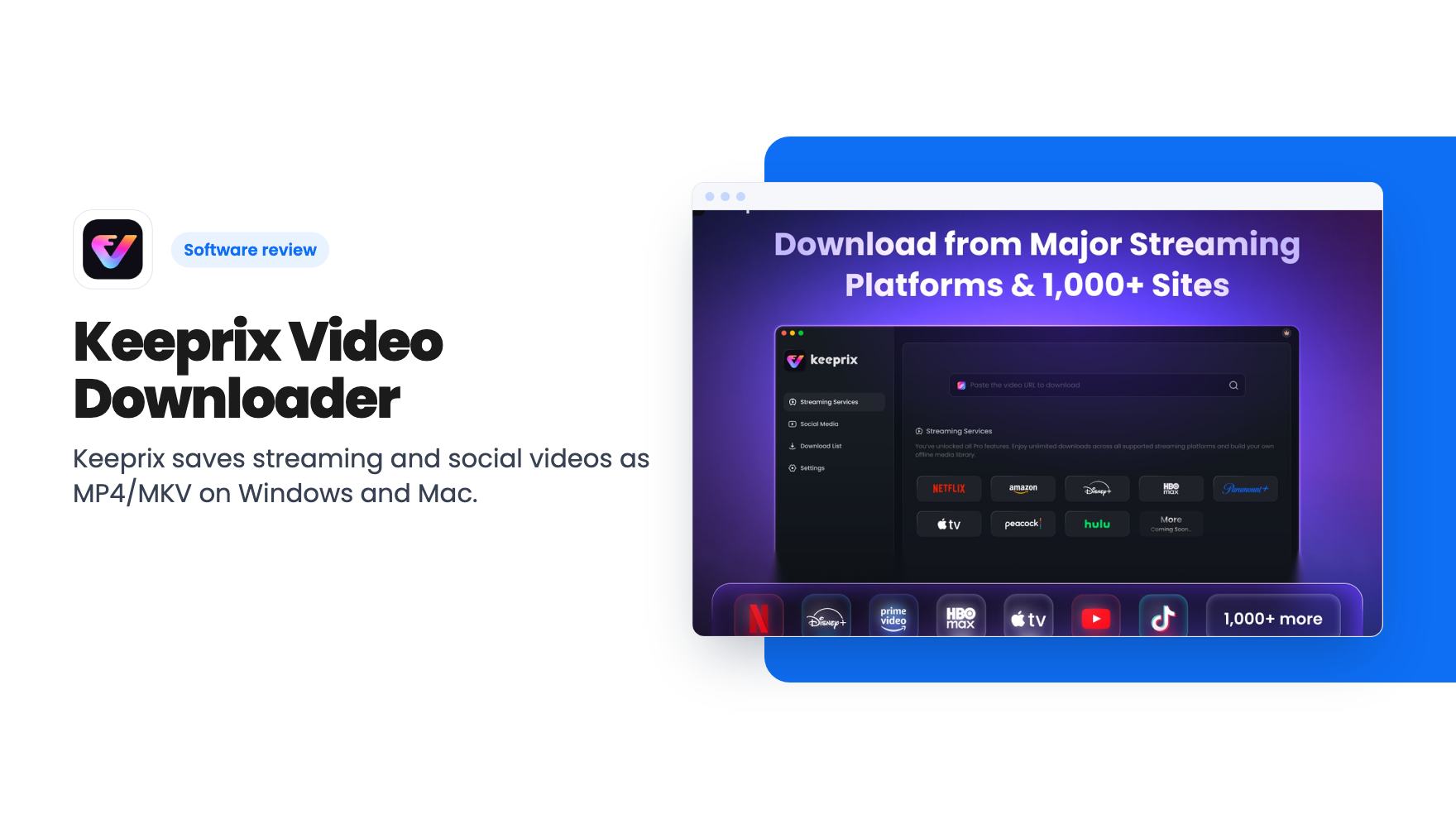
Keeprix saves streaming and social videos as MP4/MKV on Windows and Mac. The $109 AppSumo deal is for personal viewing only, which limits who it suits.
Lifetime deal price
$109$15931% off
Lifetime Deal
Our take: Buy it if you pay for several streaming services and want permanent offline copies on one or two computers for your own viewing. Skip it if you hoped to pull footage for client work, social posts or YouTube, because Keeprix's own usage notice rules out commercial use. Try the free version's one full download per platform first.
Streaming libraries shuffle constantly. A show you were halfway through vanishes, the hotel Wi-Fi is hopeless, and the offline option in the app is whatever the app decides to allow. Keeprix Video Downloader is a desktop app aimed at exactly that annoyance. It saves videos from streaming services and social sites as ordinary MP4 or MKV files on your Windows or Mac computer.
AppSumo is selling it as a lifetime deal for $109, down from a $159 list price. Before the price matters, though, there’s a restriction you need to read first.
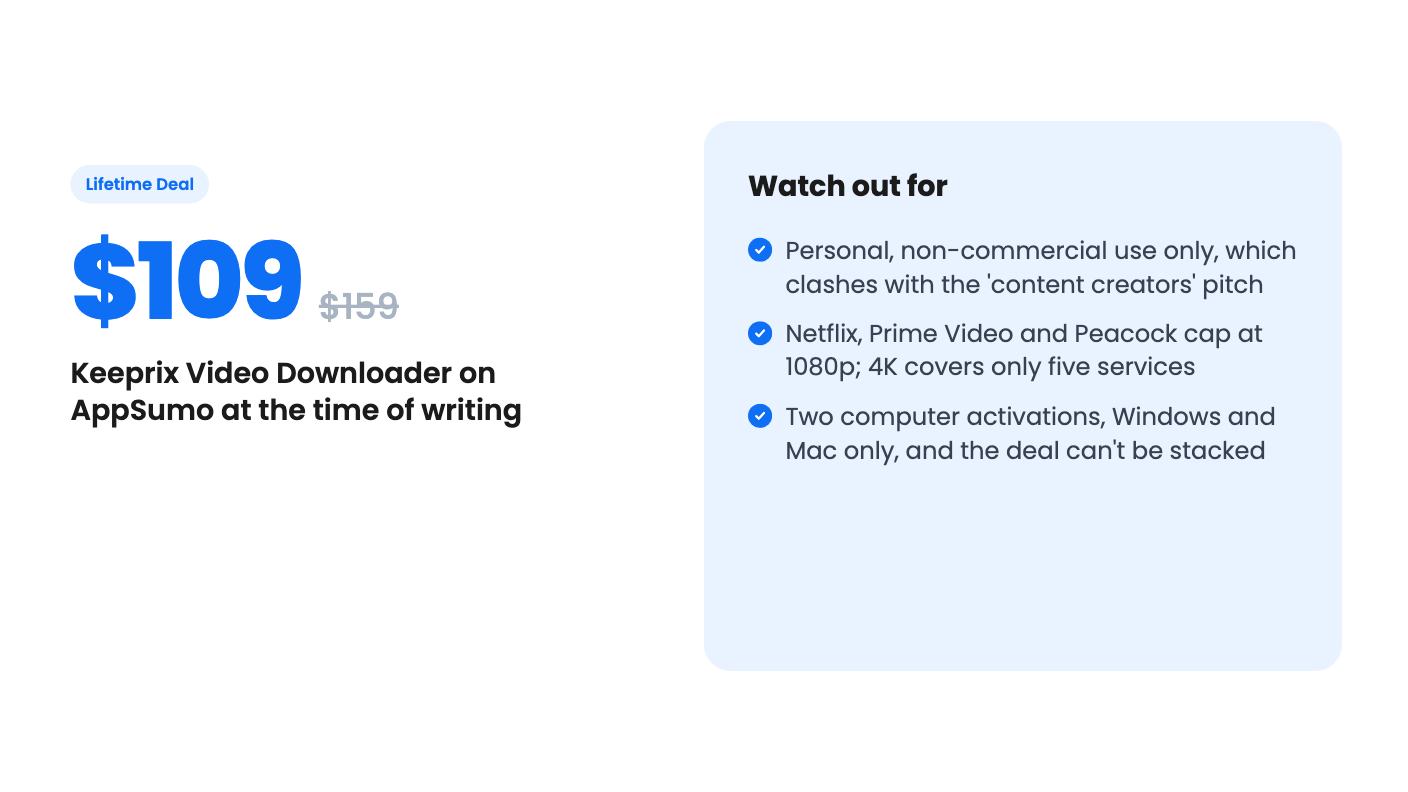
Keeprix’s own notice says the tool is for personal, non-commercial offline viewing of videos you already have legitimate access to through your own subscription. Downloaded files must not be shared, redistributed, sold or used commercially. You’re also responsible for copyright law and platform terms.
That sits awkwardly with how the deal is pitched. AppSumo tags it as best for content creators, social media managers and YouTubers, and lists Camtasia and Screencastify as alternatives. Those are tools for making and publishing work. Keeprix says what it downloads can’t be used that way. If you run a business and were picturing clips for client content, the vendor itself rules that out.
The listing’s legal FAQ begins with “Generally, yes”, but the copy we have cuts off mid-sentence, so we can’t tell you what the rest says. Downloading from a streaming service may also conflict with that service’s terms, whatever the app intends. Read them before you pay.
The workflow in the listing is simple. You open a streaming platform inside Keeprix, sign in with your own account, pick a video and choose your settings. The file lands on your machine as MP4 or MKV, with no screen recording involved.
Supported services named in the listing include Netflix, Amazon Prime Video, Disney+, Max, Apple TV+, Hulu, Paramount+ and Peacock. It also claims 1,000+ supported sites, including YouTube, TikTok, Instagram, Facebook and X. “More platforms on the way” is a promise, not a feature, so buy for what’s supported today.
On security, Keeprix says your login happens in the official site’s own window and that it never sees or stores your credentials. It only uses temporary authorization to read video info and finish the download. That’s the vendor’s claim. We haven’t verified it.
The headline says up to 4K, HDR and Dolby, and the FAQ is where you find the fine print. The listing’s own breakdown looks like this:
So two of the biggest names in the list, Netflix and Prime Video, cap at 1080p. If those are the services you actually use, the 4K pitch doesn’t apply to you. Results also depend on the title, your region and the formats on offer.
HDR10, Dolby Vision, Dolby Atmos and 5.1 sound are supported on selected platforms and titles, and the listing mentions Keeprix 1.6 specifically. You’ll need playback hardware and software that can handle them, too. A 4K Dolby Vision file does nothing for you on an old laptop screen.
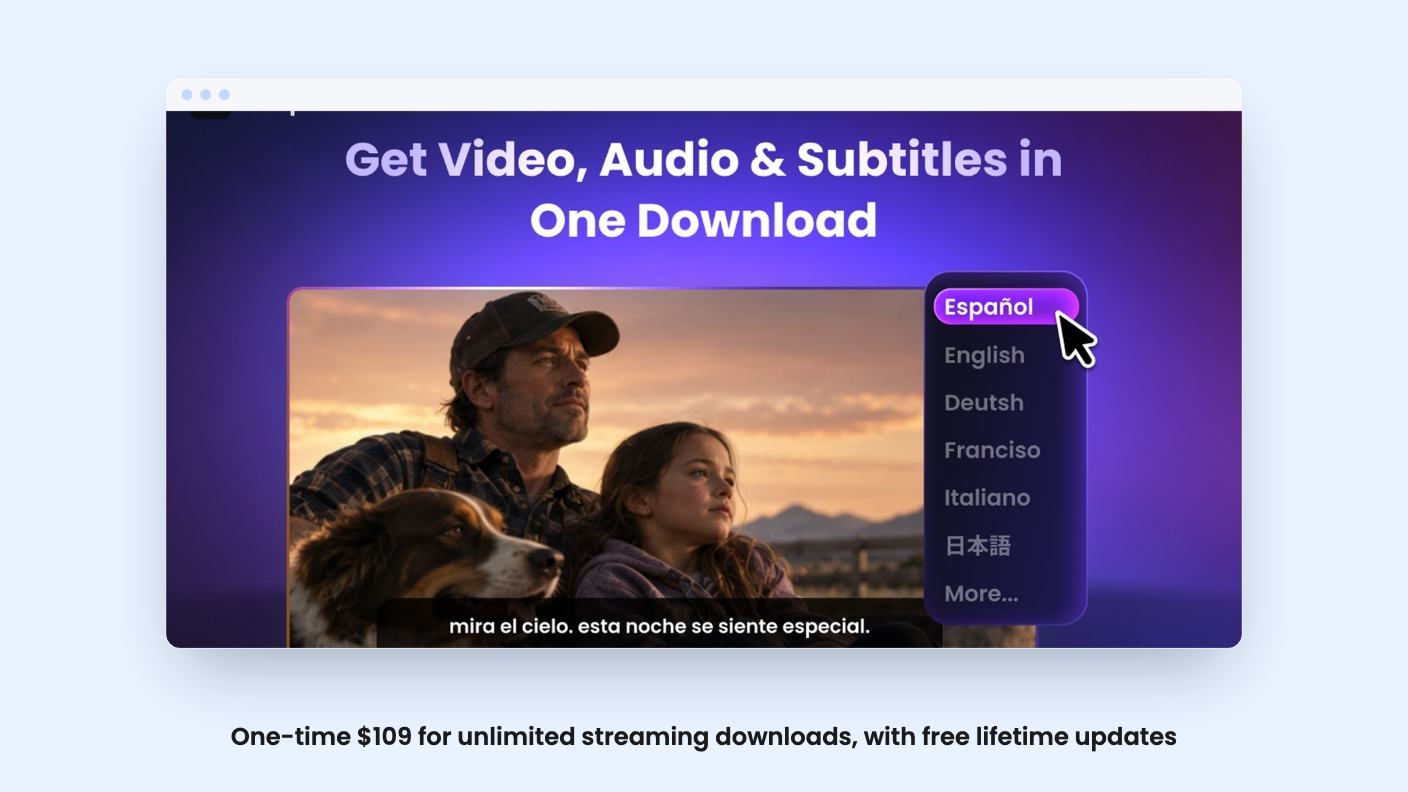
The track handling is the part we like. Keeprix says it keeps all the audio languages and subtitle tracks a platform offers, rather than only the one you were watching, plus Audio Description. You choose which to keep or save them all. For a household with several languages, or anyone who needs accessibility tracks, that’s useful.
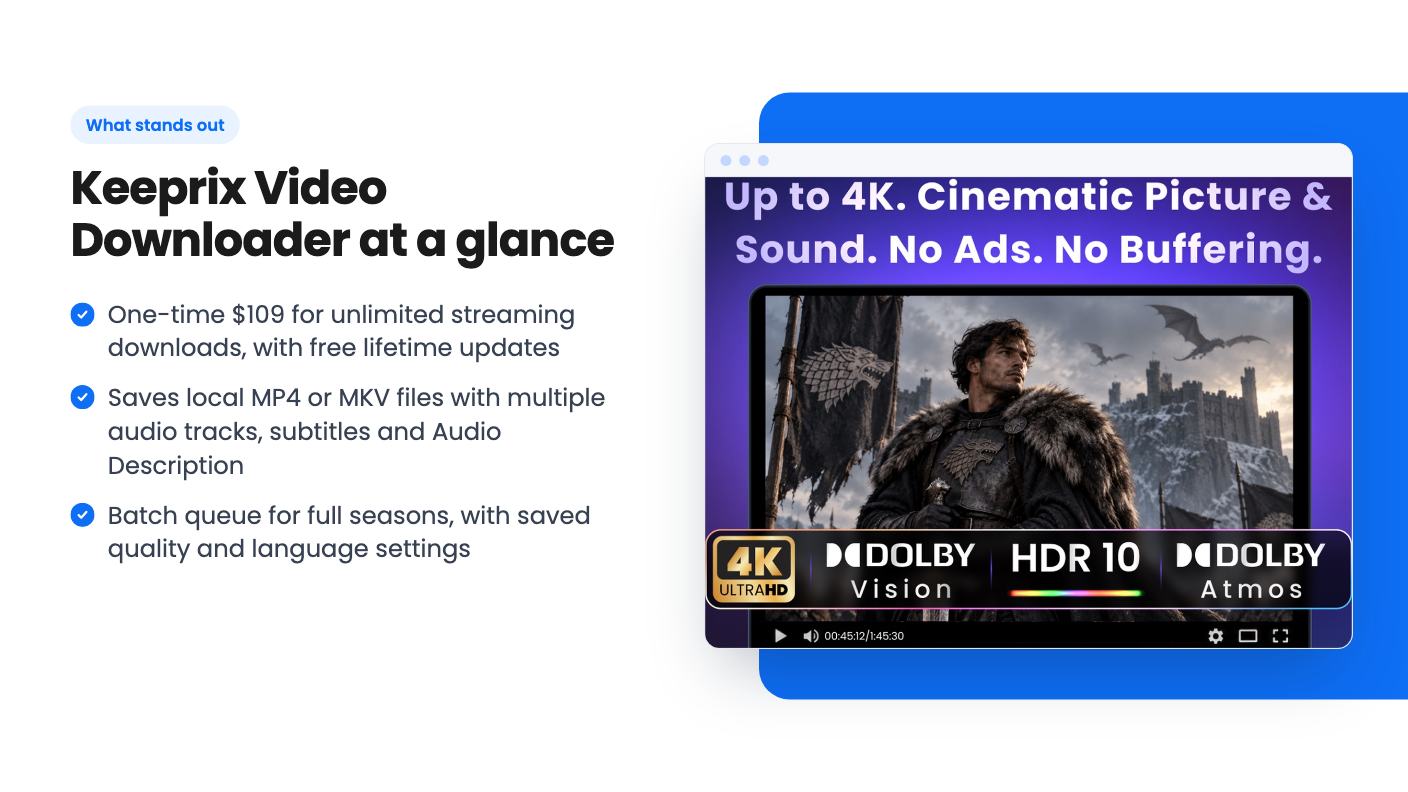
This is the other half of the paid tier. You can queue single episodes, a whole season or several seasons in one go, then walk away. Keeprix can save your preferred quality, audio and subtitle settings and match them across the batch.
The listing doesn’t say how many downloads can run at once or how fast they go. It also doesn’t give a number for what “reasonable” daily volume means, even though the FAQ recommends keeping it reasonable. If you plan to pull entire series every week, that vague line deserves a question to the vendor.
Files have no expiry timers and no platform check-ins, according to the listing. Once saved, they’re yours to play on compatible computers, phones, tablets, TVs and car systems, within the personal-use rule.
There’s one tier at $109. It includes unlimited streaming downloads, free lifetime updates, a one-time payment and activation on two computers, Windows and Mac. You have to redeem your code within 60 days of purchase, and the deal isn’t stackable, so you can’t buy extra codes to add more machines.
Here’s the thing to weigh. The free version already downloads from YouTube, TikTok, Instagram, Facebook and X, and gives you one full video download on every supported streaming platform. That means you can test your real services before spending anything. What the $109 buys is unlimited streaming downloads, batch mode and the premium formats.
A few gaps are worth naming. The listing says nothing about refund terms beyond AppSumo’s general policy, so check that yourself. It doesn’t say how quickly Keeprix fixes things when a streaming service changes how it delivers video, which is the main risk with any downloader. And it’s a young product: version 1.6 is the only version number mentioned, and the platform list is still growing.
Skip it if you need footage for work. That includes client videos, social posts, reaction content and anything you’d publish. The vendor’s own notice says no, and the “content creator” tagging on the listing doesn’t change that.
Skip it too if your main services are Netflix and Prime Video and you care about 4K, since both stop at 1080p here. And skip it if you want to run it on more than two computers.
If you’re a regular streaming subscriber who wants permanent local copies of shows you already pay for, with the right audio and subtitles, $109 once is easy to justify against a subscription-style downloader. Use the free trial downloads on your own services first. If the quality on those titles matches what the listing says, the deal makes sense. If it doesn’t, you’ve lost nothing.
The listing says no. Keeprix is intended for personal, non-commercial offline viewing, and downloaded videos must not be shared, redistributed, sold or used commercially. That holds even though AppSumo lists content creators and YouTubers as the best-for audience.
According to the listing, 4K works on Disney+, Max, Apple TV+, Hulu (US) and Paramount+. Netflix, Amazon Prime Video, Peacock and Hulu (JP) top out at 1080p. YouTube can reach 8K. Actual quality depends on the title, your region and the formats available.
The free version handles social video sites and gives you one full download on each supported streaming platform. The $109 deal adds unlimited streaming downloads, batch downloading and the premium features, on up to two Windows or Mac computers.
How this review was made: researched from Keeprix Video Downloader's official listing, and written with help from AI. We have not tested Keeprix Video Downloader hands-on yet. Prices and deal terms change, so check AppSumo before you buy. See our affiliate disclosure.
Five AppSumo lifetime deals that cover parts of what Kapwing does, from clip cutting to captions and dubbing. Each has caps worth knowing before you pay.
Seven AppSumo lifetime deals named as Loom alternatives, grouped by job: narrated tutorials, plain recording, interactive demos and personalized outreach video.
Eight AppSumo lifetime deals named as Descript alternatives, grouped by the job you need done, with the caps and gaps each listing shows.

