
Design & MediaAlternatives
Kapwing Lifetime Deal Alternatives for Small Businesses
Five AppSumo lifetime deals that cover parts of what Kapwing does, from clip cutting to captions and dubbing. Each has caps worth knowing before you pay.
Both are $19 lifetime screen recorders. FramioCam is a Chrome extension with an editor. Screenbolt is a Mac-only app built around a teleprompter.
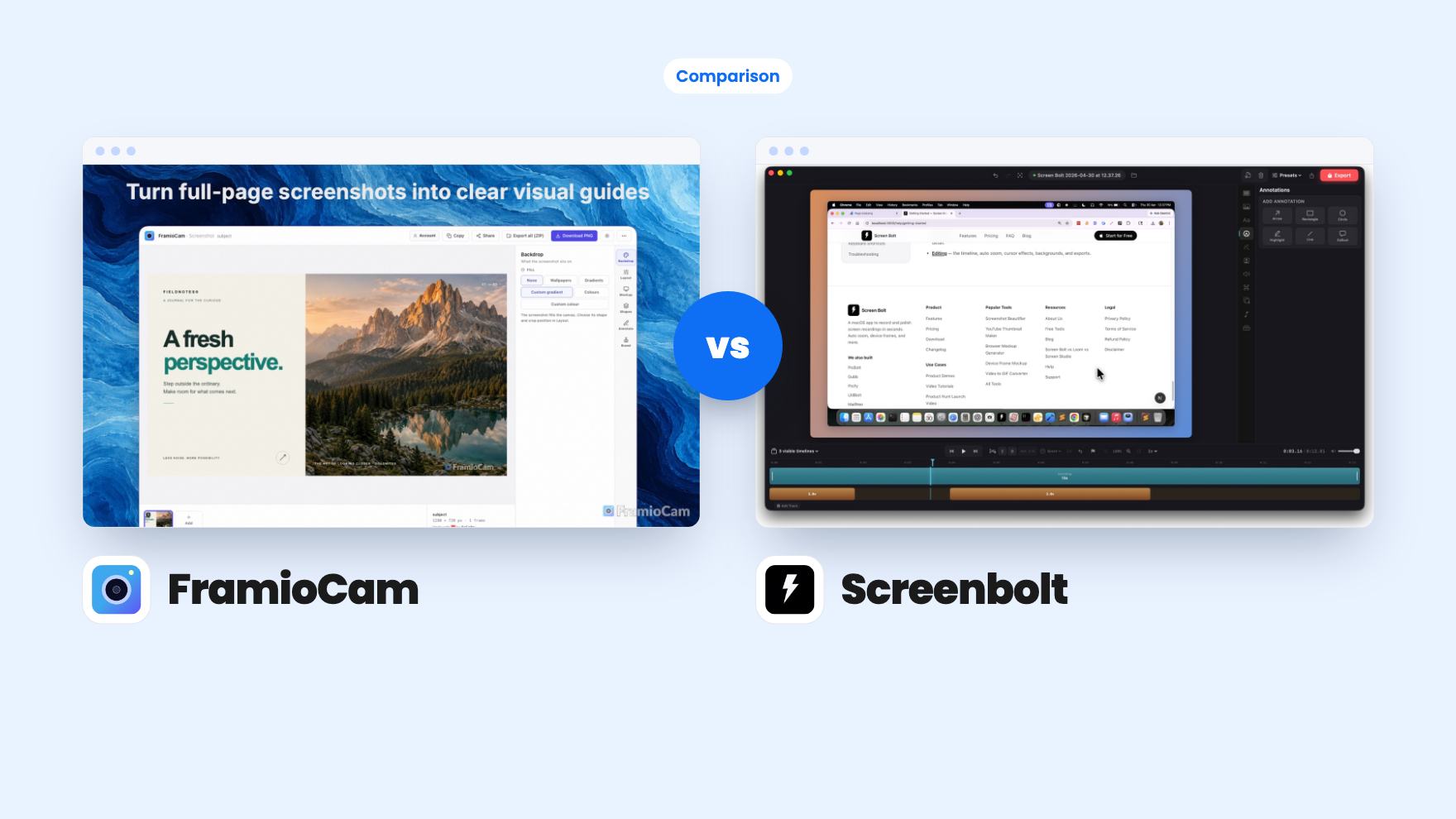
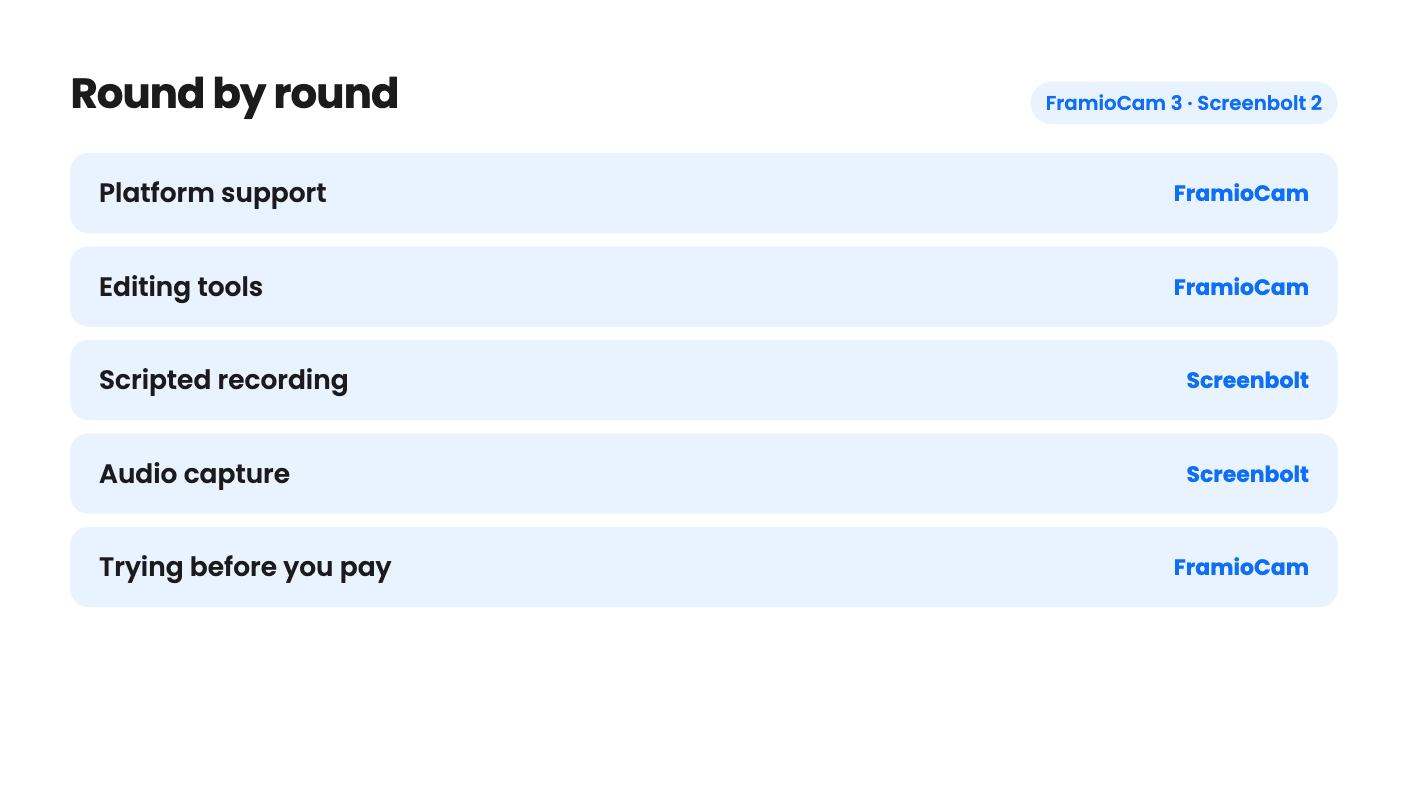
FramioCam takes 3 rounds, Screenbolt takes 2.
| Round | Winner | Why |
|---|---|---|
| Platform support | FramioCam | FramioCam runs in Chrome on macOS, Windows, Linux and ChromeOS, while Screenbolt needs a Mac on macOS 14.0 or later. |
| Editing tools | FramioCam | FramioCam lists a multi-lane timeline with trims, splits, transitions and click zooms, while Screenbolt's listing mentions no editing at all. |
| Scripted recording | Screenbolt | Screenbolt has a built-in teleprompter with director cues, speed control and auto-pace, and FramioCam has nothing comparable. |
| Audio capture | Screenbolt | Screenbolt states it records system audio, microphone or both, while FramioCam only lists microphone and webcam. |
| Trying before you pay | FramioCam | FramioCam lets you capture 50 screenshots, record and edit with no account, and Screenbolt's listing mentions no free trial. |
| Price and limits | Tie | Both start at $19, but FramioCam caps tier 1 at 2 browsers and Screenbolt's listing states no limits and doesn't say what it leaves out. |
| FramioCam | Screenbolt | |
|---|---|---|
| Starts at | $19 | $19 |
| List price | $49 | $79 |
| Plan | Lifetime Deal | Lifetime Deal |
| Deal ends | Not listed | Not listed |
| Best for | Course creators, Product managers, Solopreneurs | Content creators, Educators, Freelancers |
| Alternative to | Camtasia, Loom, Snagit | Loom, OBS, Screencastify |
You need to show a client how the new feature works, and you’d rather not add another monthly subscription to do it. Both of these tools are $19 lifetime deals on AppSumo, and both record your screen. That’s where the similarity ends. One is a Chrome extension with a built-in editor. The other is a Mac app with a teleprompter. We haven’t used either, so everything below comes from the listings.
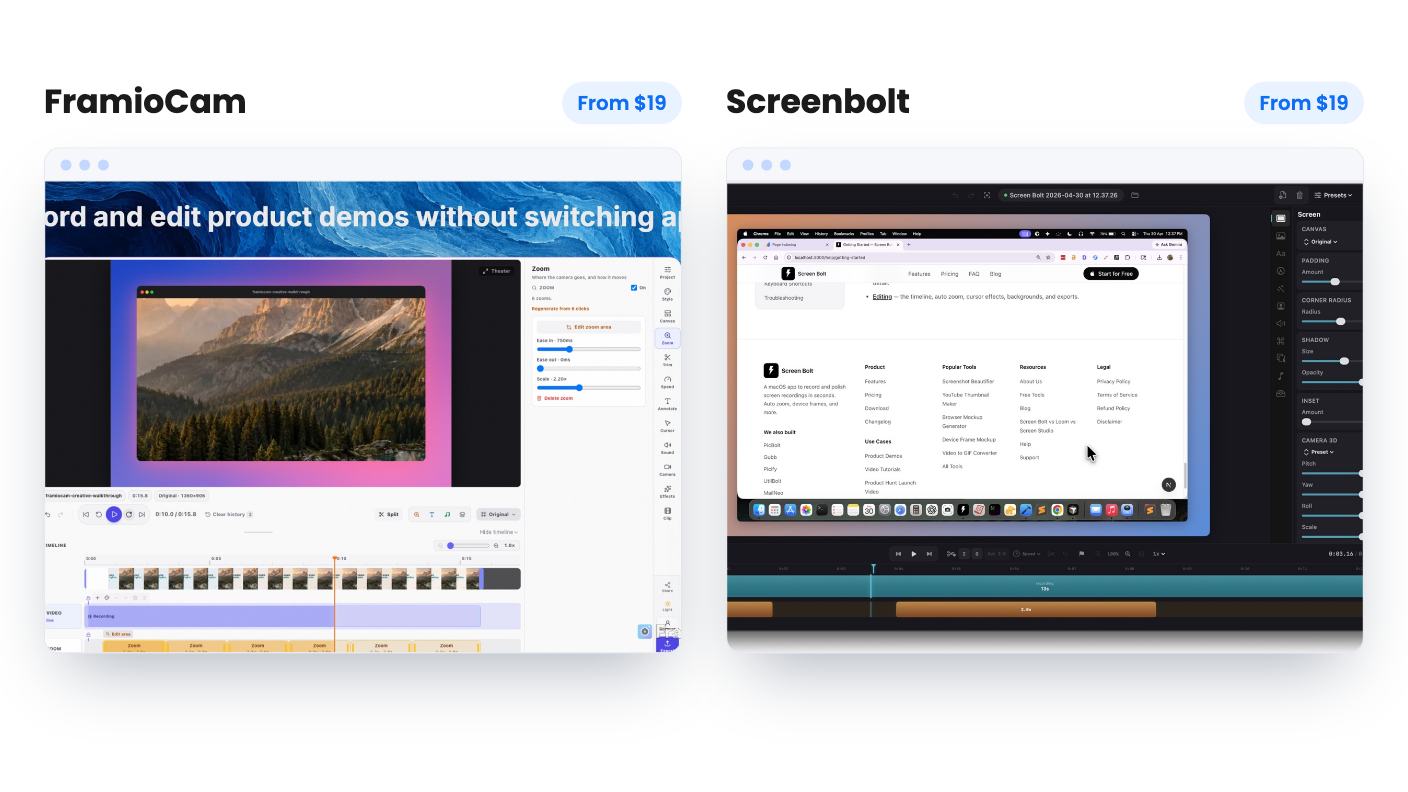
This is the first filter, and it settles the choice for a lot of people.
FramioCam is a Chrome extension. It works in Google Chrome on macOS, Windows, Linux and ChromeOS, and the listing mentions no other browser. Screenbolt is a native Mac app. It needs macOS 14.0 (Sonoma) or later and runs on both Apple Silicon and Intel.
If you’re on Windows, Screenbolt is out and the decision is made. If you’re on a Mac that can’t run Sonoma, same story. If you’re on a recent Mac and live in Chrome anyway, you can keep reading, because either one could work.
FramioCam covers the most ground on paper. You can record a tab, window, screen or selected area with microphone and webcam. Then a multi-lane timeline handles trimming, splitting and transitions. The standout is click-driven zoom, plus cursor effects and timed annotations. For demos where the button you’re pointing at is tiny, that’s the feature that saves editing time, assuming it works as described.
It also does screenshots: visible area, full page or selected region, finished in a Studio with backdrops, window mockups, cropping and annotations. And you can reshape one recording into widescreen, square or vertical layouts after the fact. The listing doesn’t say how much control you get over reframing, so a vertical cut of a wide desktop recording may need checking.
Screenbolt’s listing is much thinner. It names custom backgrounds (solid colors, custom images and mesh gradients) and a teleprompter. That’s it for features. There’s nothing about trimming, captions, cursor effects, export formats, resolution or maximum recording length. Those are the things you compare when picking a recorder, and the listing is silent on all of them. We’d call that a real gap, not a minor omission.
The teleprompter is the reason to look at Screenbolt at all. It comes with director cues, speed control and auto-pace. Speed control is self-explanatory. Auto-pace sounds like it adjusts the scroll for you, but the listing doesn’t explain how. Director cues are vaguer still, and with no demo video we can only guess.
Still, if you record course lessons or scripted walkthroughs, reading from inside the recorder beats keeping a script in another window and watching your eyes drift. FramioCam has no equivalent in its listing.
Audio is another point for Screenbolt. The FAQ says it captures system audio, microphone input, or both at the same time. FramioCam’s listing mentions microphone and webcam capture and doesn’t say anything about system audio. If you demo software that makes sound, ask before you buy.
Both tools keep your files off the vendor’s servers, which is a plus if you record client dashboards or anything under an NDA.
Screenbolt says everything is processed locally on your Mac and that it never uploads your recordings or personal data. Simple, and the listing mentions no cloud option, no share links and no team features. You export a file and send it yourself.
FramioCam stores captures and edits in your browser’s storage. That comes with a warning in its own FAQ: clearing browser data or removing the extension can delete local copies. You can download files or connect Google Drive, which sends uploads straight from your browser to your own Drive, share links included. Google Drive is the only integration listed. It’s not Loom-style hosting with view counts, but it’s closer to a shareable link than anything Screenbolt’s listing offers.
Screenbolt has one tier: $19, down from a $79 list price. You get lifetime access and all future plan updates. You must redeem within 60 days, and the deal doesn’t stack. It has 3 AppSumo reviews averaging 5.00, which is a pleasant signal but far too few to prove much.
FramioCam has three tiers, all with unlimited cloud sync and project sync:
The cap to watch is browsers. A device is a browser, and the seat is tied to its name. Chrome on a laptop and a desktop already uses both tier 1 seats, and a second Chrome profile adds to the count. You can release a browser from your account page, but that’s a chore. FramioCam also requires activation within 60 days and lets you move between tiers.
One more FramioCam detail: exports are MP4, WebM, GIF or a PNG frame, “subject to your plan, browser, and device.” The listing never says what differs by plan, so confirm resolution before you count on 1080p video. The upside is a real free test. The first 50 screenshots, recording and editing all work without an account, and video export needs only a free one. We saw no free test mentioned for Screenbolt.
Neither listing has a demo video, and neither has a long track record. At $19 the downside is small for both, but that’s a reason to buy one, not both.
Pick FramioCam if you want one tool for help-article screenshots, bug reports and short demos, and you’re comfortable living in Chrome. It’s the better pick on Windows, Linux or ChromeOS, because it’s the only one that runs there. Start at tier 1 and use the free test first.
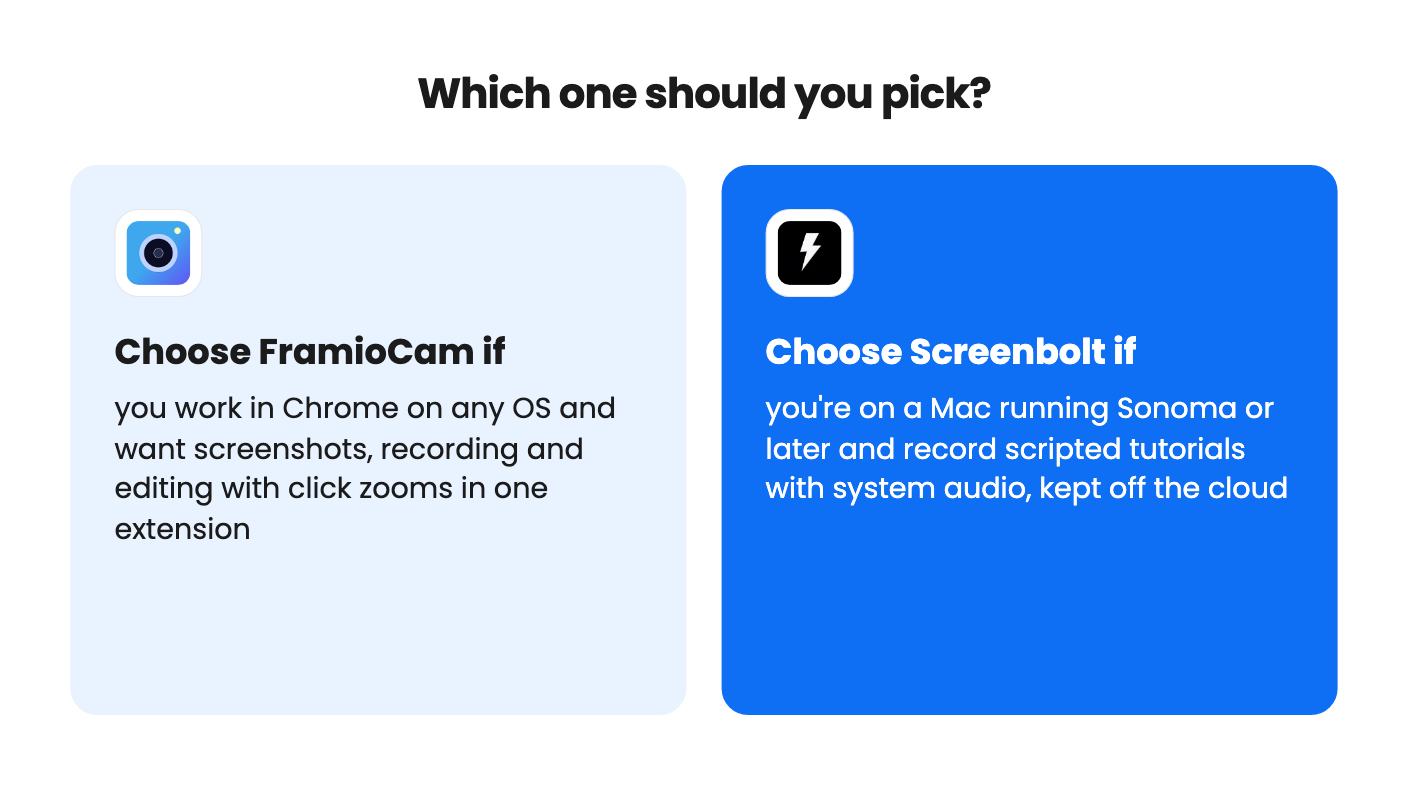
Pick Screenbolt if you’re on a recent Mac, you read from a script, and you want recordings that never leave your machine. Go in knowing the listing says nothing about editing or export, so check the Screenbolt site for sample exports before the 60-day redemption window runs out. If you want to cut, zoom and reshape your footage, Screenbolt’s listing gives you no reason to expect it.
No. The listing describes a Mac app that needs macOS 14.0 (Sonoma) or later, and it mentions no Windows version. FramioCam works in Chrome on Windows, macOS, Linux and ChromeOS.
Neither sends recordings to its own servers. Screenbolt says everything is processed locally. FramioCam keeps files in browser storage, with optional uploads to your own Google Drive.
Neither is a full match. Both listings skip hosted links and viewer analytics. FramioCam can send files to your Google Drive with share links, and Screenbolt's listing mentions no sharing at all.
How this comparison was made: researched from both tools' official listings and demo videos, and written with help from AI. We have not tested FramioCam or Screenbolt hands-on yet. Prices and deal terms change, so check AppSumo before you buy. See our affiliate disclosure.
Five AppSumo lifetime deals that cover parts of what Kapwing does, from clip cutting to captions and dubbing. Each has caps worth knowing before you pay.
Seven AppSumo lifetime deals named as Loom alternatives, grouped by job: narrated tutorials, plain recording, interactive demos and personalized outreach video.
Eight AppSumo lifetime deals named as Descript alternatives, grouped by the job you need done, with the caps and gaps each listing shows.

