
Design & MediaAlternatives
Kapwing Lifetime Deal Alternatives for Small Businesses
Five AppSumo lifetime deals that cover parts of what Kapwing does, from clip cutting to captions and dubbing. Each has caps worth knowing before you pay.
DemoFast builds clickable product demos for $49. VideoMule turns screen recordings into AI-narrated tutorials from $69. Here is which one fits your job.
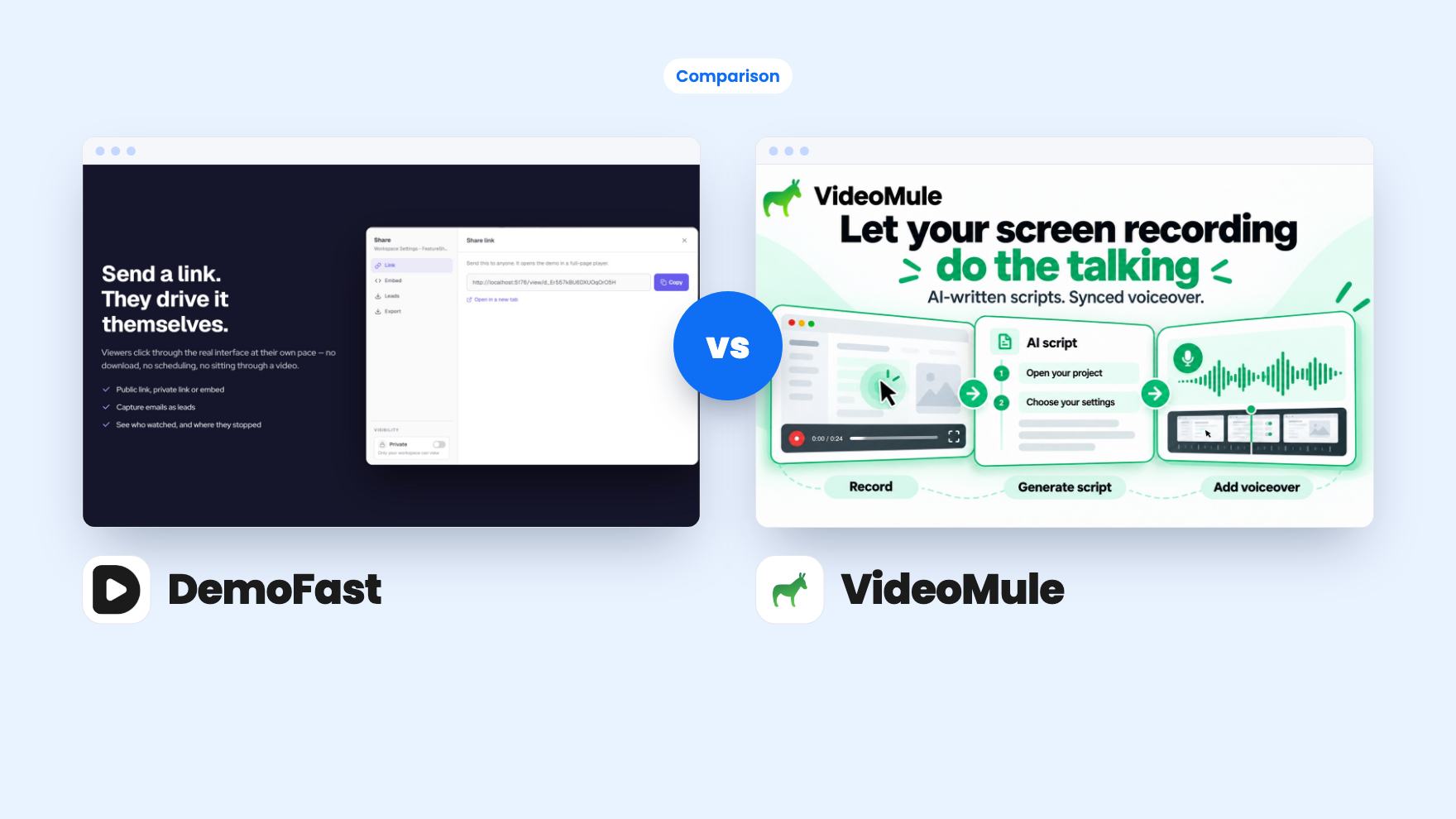
DemoFast takes 3 rounds, VideoMule takes 2.
| Round | Winner | Why |
|---|---|---|
| Entry price | DemoFast | DemoFast is one $49 tier with white-label branding included, while VideoMule starts at $69 and its Tier 1 caps are tight. |
| Usage limits | DemoFast | DemoFast offers unlimited demo views and 50 live demos, while VideoMule's Tier 1 gives 30 one-time analysis minutes and 5 translations. |
| Narration and translation | VideoMule | VideoMule generates editable AI scripts, 100+ voices and translations in 70+ languages, and DemoFast has no voiceover at all. |
| Lead capture and analytics | DemoFast | DemoFast lists lead capture with CSV export and an end-of-demo call to action, and VideoMule lists nothing comparable. |
| Room to grow | VideoMule | VideoMule has five tiers you can move between, while DemoFast's single tier is not stackable. |
| Proof before buying | Tie | Neither listing has a demo video, DemoFast is thin on detail and VideoMule's tier table has unlabeled columns. |
| DemoFast | VideoMule | |
|---|---|---|
| Starts at | $49 | $69 |
| List price | $540 | $249 |
| Plan | Lifetime Deal | Lifetime Deal |
| Deal ends | Not listed | Not listed |
| Best for | Product managers, SaaS, Sales managers | Content creators, Educators, SaaS |
| Alternative to | Camtasia, Loom, Vidyard | Descript, Loom, Synthesia |
A prospect lands on your pricing page and wants a look at the product before they book a call. Two weeks later, a new customer gets stuck on a settings screen and emails support. Both problems call for showing the product instead of describing it, and both DemoFast ($49) and VideoMule ($69) appear on AppSumo as Loom alternatives. They solve those two problems in very different ways. We haven’t used either tool, so everything here comes from the listings.
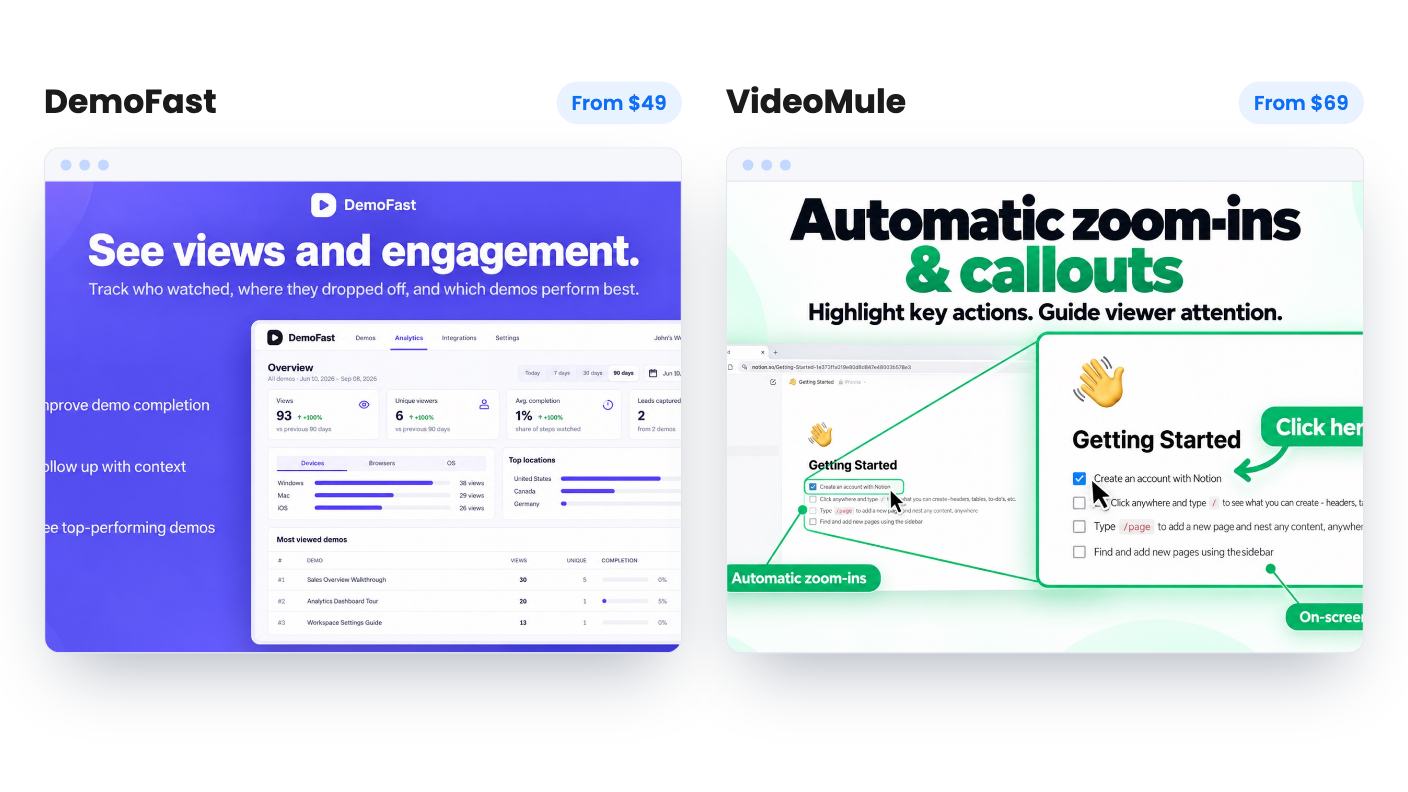
This is the real difference, so start here.
DemoFast builds interactive demos. A demo is a sequence of steps, each one a screen of your product with annotations on top, and the viewer clicks through at their own pace. You share it by link or embed it on a landing page, help doc or onboarding flow.
VideoMule makes a video. You record your screen with the Chrome extension or upload an existing recording. It analyzes what happens on screen, writes a script, and generates an AI voiceover synced to the footage. The viewer watches, and that’s all they do.
So one tool is aimed at prospects deciding whether to buy, and the other at customers or staff learning how to use something. There’s overlap in onboarding, which both listings mention. But if you picture the person on the other end, they’re usually in different moods.
DemoFast gives you two ways in. The Chrome extension records your flow and turns every click into a step, or you can upload screenshots and build the demo without a live session. You can also re-record a single step without redoing the whole thing. That last one will save you real time when your interface changes. The annotation set is plain: textboxes, click markers, custom areas and zoom areas. The listing doesn’t say whether the recorded steps are real HTML or flat images, and that decides how much cleanup you’ll do.
VideoMule does more of the work for you, at least on paper. Unlimited AI scripts, and you can edit any line and regenerate the voiceover. That’s the feature I’d care about most, because nobody gets narration right on the first pass. You then finish in a multitrack timeline for video, audio and captions, with automatic zoom-ins and callouts. The catch is that the script comes from what’s on screen, so a sloppy recording will likely give you a sloppy script. And neither listing includes sample output.
DemoFast is a single $49 tier, listed down from $540. You get 50 live demos, 3 creator seats, 5 read-only viewers, 100 steps per demo and unlimited demo views. White-label branding is included. For a small team, those numbers are generous. The weak spot is that the deal is not stackable, so if you outgrow 50 demos or 3 seats you can’t buy a second code.
VideoMule has five tiers: $69, $149, $279, $449 and $699. The feature table is confusing. The columns aren’t labeled and the numbers run backwards, with seats at 10 / 5 / 3 / 1 / 1. Read in reverse, Tier 1 gets one seat, 15 upload minutes a month, 30 one-time analysis minutes, 15 minute videos, 5 cloud renders a month, 5 GB of storage and 5 translations. Confirm those figures on the AppSumo page before paying.
The one-time pools are what would worry me. Video analysis minutes, avatar credits and translations don’t renew. Once the 30 minutes are gone you buy a 150-minute pack for $59, which is close to the price of Tier 1 itself.
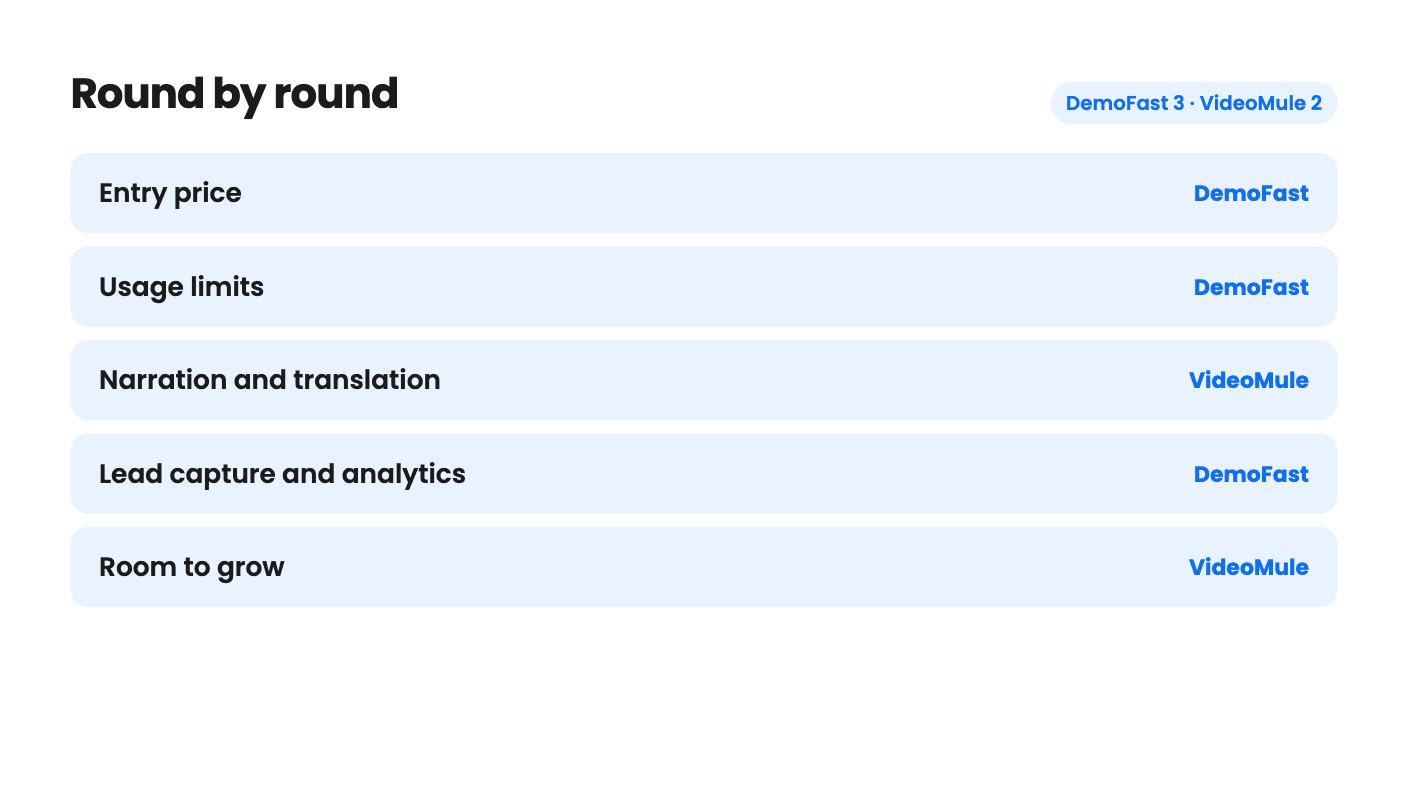
DemoFast has the sales-side tools. There’s an analytics dashboard, lead capture with CSV export, and an end-of-demo call to action that can send people to a booking page or trial signup. The listing’s FAQ says drop-off points come with the Pro plan, and it doesn’t say whether the lifetime tier matches, so check that. There’s no CRM connection listed, which means the CSV is a manual hand-off. MP4 and GIF export lets you reuse the content on social channels.
VideoMule has the language side. It can produce a translated version of a tutorial in 70+ languages, with a new script, voiceover and captions, all from the same recording. There are also 100+ AI voices in 35+ languages, and you can connect your own ElevenLabs key for premium voices, though the listing doesn’t say what that costs. I’d treat the avatars as garnish. Output is metered at 1 credit per minute at Normal quality, 3 at Standard and 4 at High, so Tier 1’s 5 credits get you about five minutes at Normal.
VideoMule’s listing has no analytics or lead capture at all. If you want to know who watched and follow up, that’s a gap.
Both deals ask you to redeem or activate within 60 days, and both promise future plan updates. Both are for products we can’t judge for longevity from the listing.
DemoFast’s listing doesn’t say how long the company has existed, how big its customer base is, or whether custom domains and integrations exist. VideoMule shows four AppSumo reviews averaging 4.5, which is encouraging but thin, and its listing text cuts off mid-sentence in the avatar FAQ. That cut-off is about credits during the refund window, and we can’t tell what it means. Ask before assuming you’ll get the full allowance on day one.
At these prices the downside is small either way. Just don’t skip the trial period.
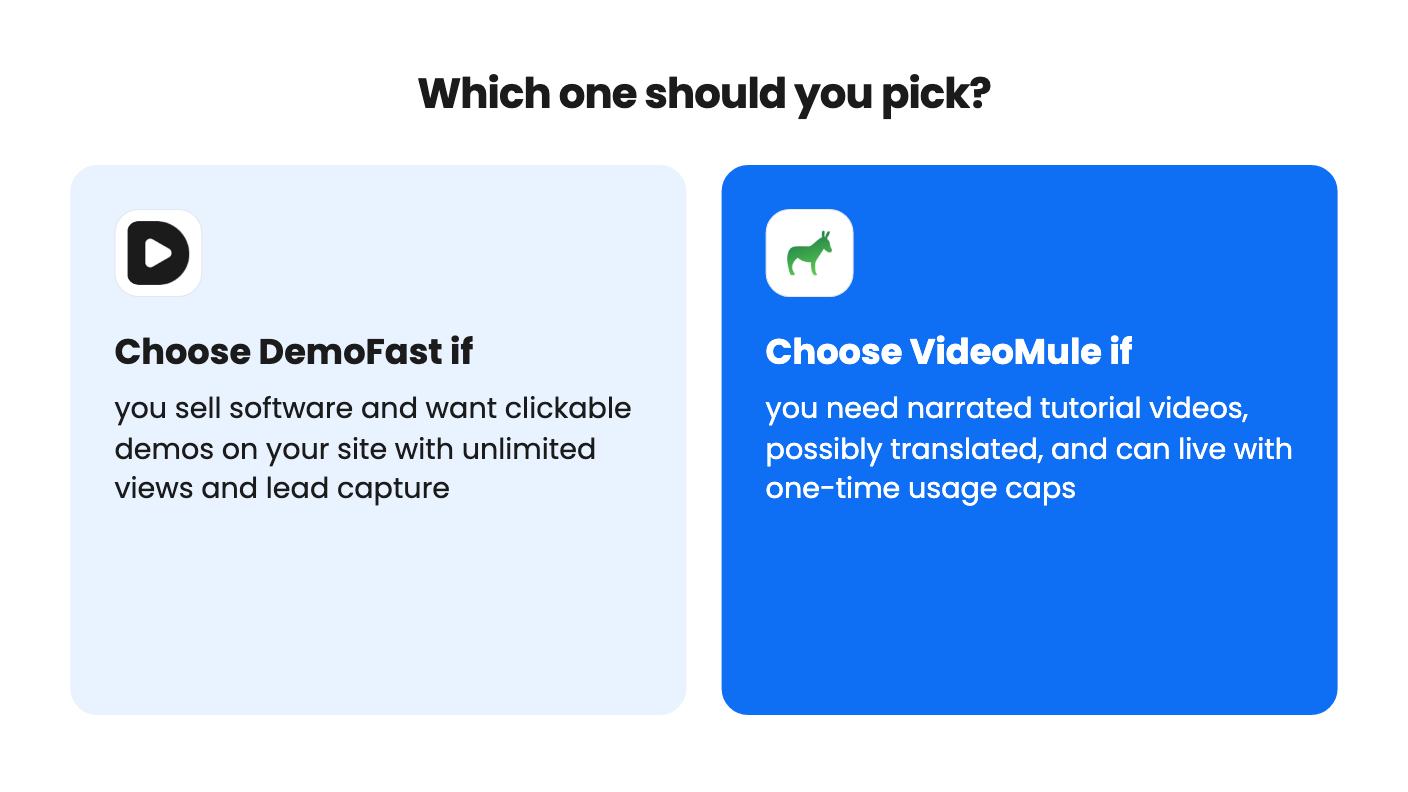
Pick DemoFast if you sell software and the job is getting prospects to explore your product without a call. The limits are roomy, views are unlimited, and the lead capture is the part that turns a walkthrough into a sales step. It’s also the cheaper entry.
Pick VideoMule if the job is teaching existing customers or staff, and you’d like editable narration without recording your own voice. It makes the most sense for a short list of tutorials, ideally with a couple needing translation. Skip it if you publish video weekly, because the one-time minutes will run out.
If you honestly need both jobs done, buy the one that matches your bigger pain first. Redeem the code early, build one real piece of content from your own product, and judge it inside the refund window.
Only partly. DemoFast makes clickable step-by-step demos with text annotations and can export MP4 or GIF, but the listing mentions no voiceover or script generation. VideoMule is the one built for narrated video.
VideoMule. Video analysis minutes, avatar credits and translations are one-time allowances, and extra analysis minutes cost $59 per 150-minute pack. DemoFast caps demos, seats and steps, but views are unlimited.
Neither listing mentions a CRM integration. DemoFast offers lead capture with CSV export, so the hand-off is manual. VideoMule lists only Chrome as an integration.
How this comparison was made: researched from both tools' official listings and demo videos, and written with help from AI. We have not tested DemoFast or VideoMule hands-on yet. Prices and deal terms change, so check AppSumo before you buy. See our affiliate disclosure.
Five AppSumo lifetime deals that cover parts of what Kapwing does, from clip cutting to captions and dubbing. Each has caps worth knowing before you pay.
Seven AppSumo lifetime deals named as Loom alternatives, grouped by job: narrated tutorials, plain recording, interactive demos and personalized outreach video.
Eight AppSumo lifetime deals named as Descript alternatives, grouped by the job you need done, with the caps and gaps each listing shows.

