
Design & MediaAlternatives
Kapwing Lifetime Deal Alternatives for Small Businesses
Five AppSumo lifetime deals that cover parts of what Kapwing does, from clip cutting to captions and dubbing. Each has caps worth knowing before you pay.
DemoFast builds clickable demos for prospects at $49. FramioCam is a $19 Chrome recorder and editor for videos and screenshots. Here's how to choose.
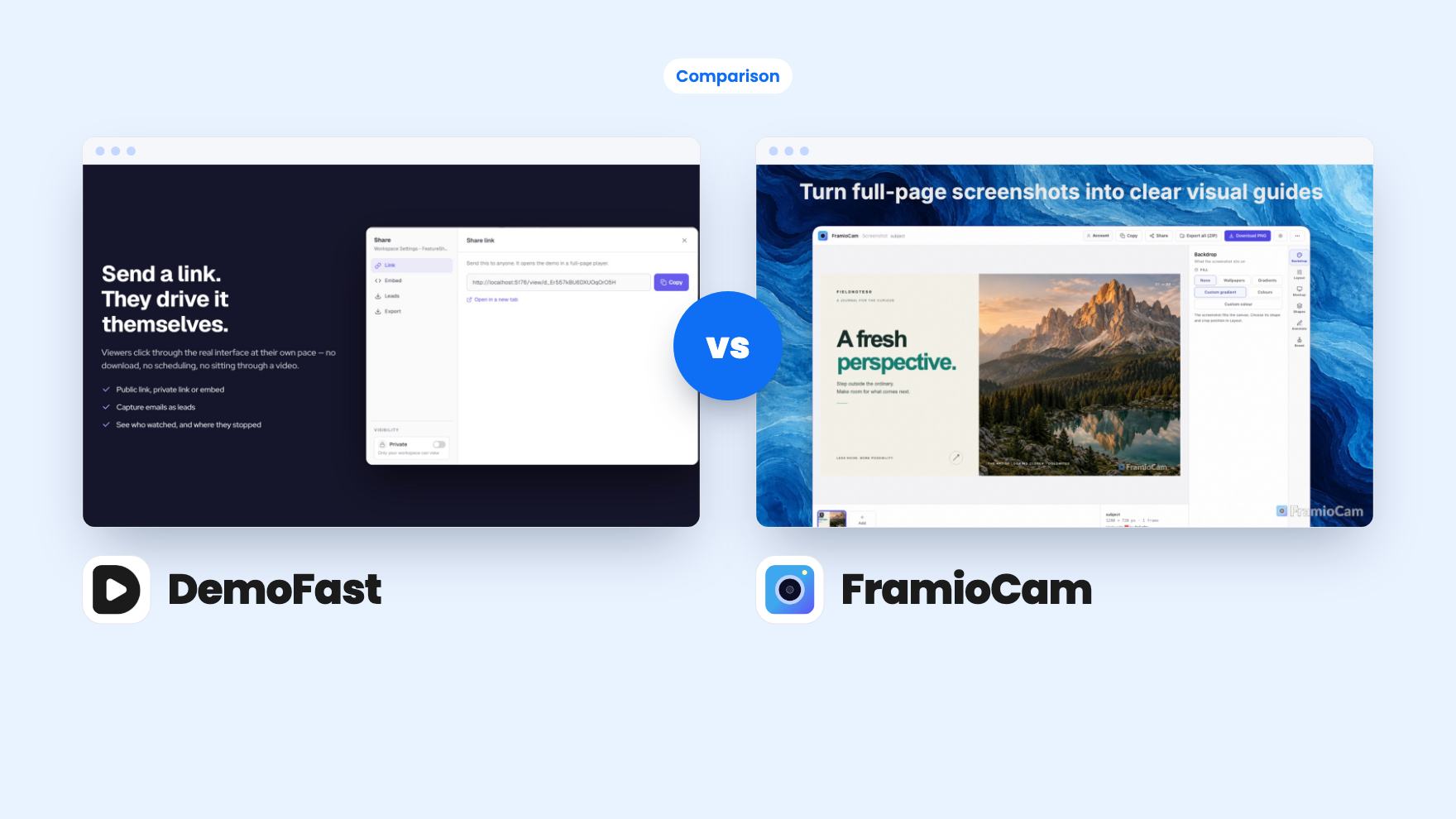
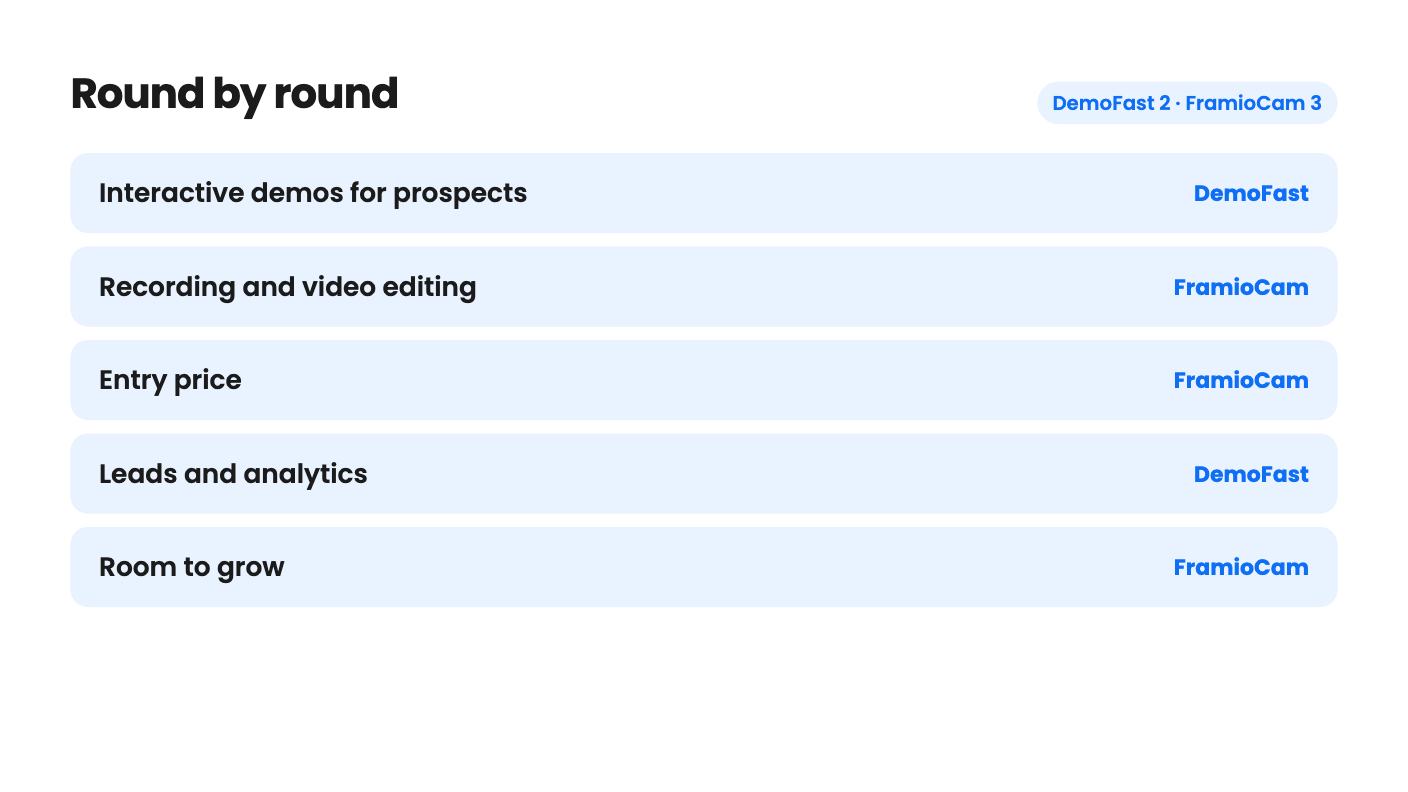
DemoFast takes 2 rounds, FramioCam takes 3.
| Round | Winner | Why |
|---|---|---|
| Interactive demos for prospects | DemoFast | DemoFast builds click-through demos with markers, zoom areas, embeds and a call to action, and FramioCam only produces files. |
| Recording and video editing | FramioCam | FramioCam offers tab, window and screen capture with webcam, a multi-lane timeline and click-driven zoom, while DemoFast only exports MP4 or GIF. |
| Entry price | FramioCam | FramioCam starts at $19 against DemoFast's single $49 tier, though they cover different jobs. |
| Leads and analytics | DemoFast | DemoFast lists lead capture with CSV export and an analytics dashboard, and FramioCam lists no viewer tracking or hosted sharing. |
| Room to grow | FramioCam | FramioCam has three tiers up to 10 people and 30 browsers, but DemoFast caps at 3 creator seats and 50 demos and can't be stacked. |
| DemoFast | FramioCam | |
|---|---|---|
| Starts at | $49 | $19 |
| List price | $540 | $49 |
| Plan | Lifetime Deal | Lifetime Deal |
| Deal ends | Not listed | Not listed |
| Best for | Product managers, SaaS, Sales managers | Course creators, Product managers, Solopreneurs |
| Alternative to | Camtasia, Loom, Vidyard | Camtasia, Loom, Snagit |
A prospect wants to see your product before they’ll book a call. On another day you need to show a teammate a bug, or cut a short tutorial for a help page. Both count as demo work, and both tools are listed on AppSumo as alternatives to Camtasia and Loom. But they solve different halves of the problem, and buying the wrong one would be an annoying $19 or $49 mistake.
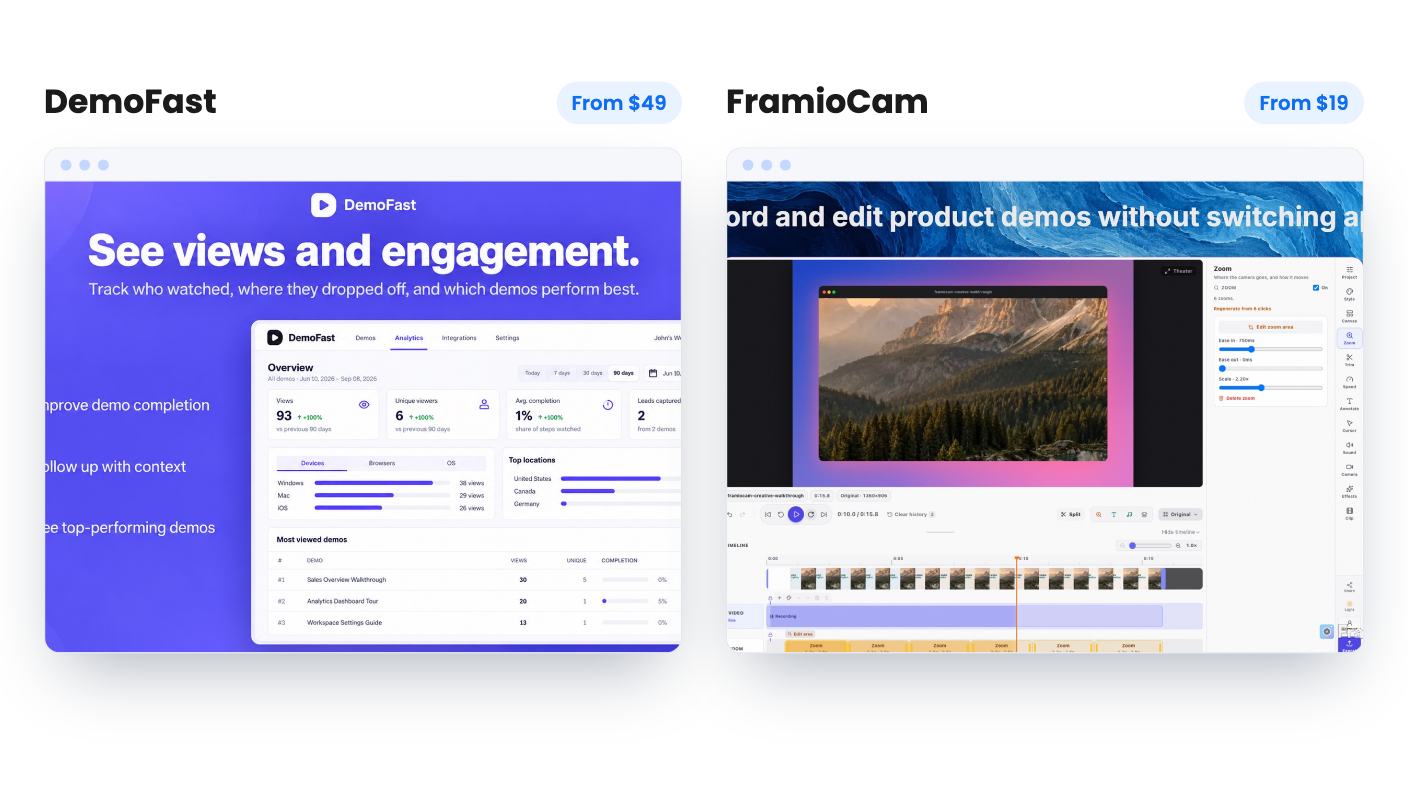
We haven’t tested either tool. Everything here comes from the two listings, and neither has a demo video attached.
DemoFast makes interactive demos. A demo is a series of steps, each showing a screen of your product with annotations on top, and the viewer clicks through at their own pace. It’s built to sit on a landing page and do some of the selling for you.
FramioCam is a Chrome extension for capturing and editing. You take screenshots, record your screen, trim the result, and export a file. Nobody clicks through anything. You hand over a video or an image.
So the question isn’t which is better. It’s whether your audience should watch something or poke at something.
You can build a demo two ways. A Chrome extension records your flow and turns every click into a step, or you upload screenshots and build the demo without a live session. The screenshot route is handy if your staging environment is messy or a feature isn’t finished yet.
The annotation set is plain but sensible: textboxes, click markers, custom areas to frame part of the screen, and zoom areas for small details. You can also re-record a single step without redoing the whole demo, which will matter the first time your interface changes.
Demos can be shared by link or embedded on landing pages, help docs and onboarding flows. There’s also an end-of-demo call to action, lead capture with CSV export, and an analytics dashboard. That combination is the real reason to buy it. It turns a product tour into something with a next step.
There are gaps. The listing doesn’t mention a CRM or email connection, so leads reach you as a spreadsheet. It also doesn’t say how the editor feels, how long a demo takes to build, or whether steps are real page elements or flat screenshots. The FAQ says drop-off data comes with the Pro plan, and it doesn’t say whether the lifetime tier is the same thing. Ask before you count on it.
FramioCam covers more ground at a lower price. On the screenshot side you can grab the visible area, a full page or a selection, then add backdrops, window mockups, cropping and annotations. The listing points to help articles, bug reports and product updates as the use cases.
On the video side you can record a tab, window or screen with microphone and webcam, then edit on a multi-lane timeline with trims, splits and transitions. The feature I’d watch closest is click-driven zoom, plus cursor effects and timed annotations. If it works well, it saves the tedious keyframing that makes demo editing slow.
You can also switch a recording between widescreen, square and vertical layouts after the fact. That’s useful if one walkthrough has to become a YouTube cut and a LinkedIn clip. The listing doesn’t say how much control you get over reframing, and a vertical crop of a wide desktop recording can look cramped. Treat that as unproven.
Exports are MP4, WebM, GIF or a PNG frame, but the listing says what you get depends on your plan, browser and device. It never says what the limits are. If you need 1080p MP4s, find out first.
DemoFast has one tier at $49, down from a listed $540. You get 50 live demos, 3 creator seats, 5 read-only viewers, 100 steps per demo, unlimited views and white-label branding. For a small team those limits are generous. The catch is that the deal isn’t stackable, so if you outgrow 50 demos or 3 seats, you can’t buy a second code.
FramioCam has three tiers, all lifetime, all with unlimited cloud sync and project sync:
The cap that bites is browsers, not people. A seat is tied to a named browser, so Chrome on a laptop and a desktop already fills tier 1. You can release a browser from your account page to free a seat, but it’s a chore. The listing also lets you move between tiers, which makes the cheap start low-risk.
Both require you to redeem or activate within 60 days.
This is where the two diverge most. DemoFast is built around sharing and measuring: links, embeds, a call to action, leads and analytics. The listing doesn’t spell out where demos are stored, but link and embed sharing implies hosting.
FramioCam goes the opposite way. Captures and edits stay in your browser’s storage, and nothing goes to FramioCam’s servers. Optional Google Drive sync sends files to your own Drive, with share links and editable project sync. That’s good for privacy. It also carries a real risk, because the FAQ says clearing browser data or removing the extension can delete local copies. Download what matters.
Google Drive is the only integration FramioCam lists. If you want viewer counts or comments on a video, this isn’t built for that.
Buy DemoFast if you sell software, even a small product, and you’d like prospects to explore it without a call. The lead capture, call to action and white-label branding point at that job. Skip it if you mostly need quick recordings, CRM connections, or room for more than 3 creators.
Buy FramioCam if you live in Chrome and produce help articles, bug reports and short tutorials. It’s the cheaper way in, and the free no-account trial lets you check the editor first. Skip it if you want a desktop app, Safari or Firefox support, or hosted video with analytics.
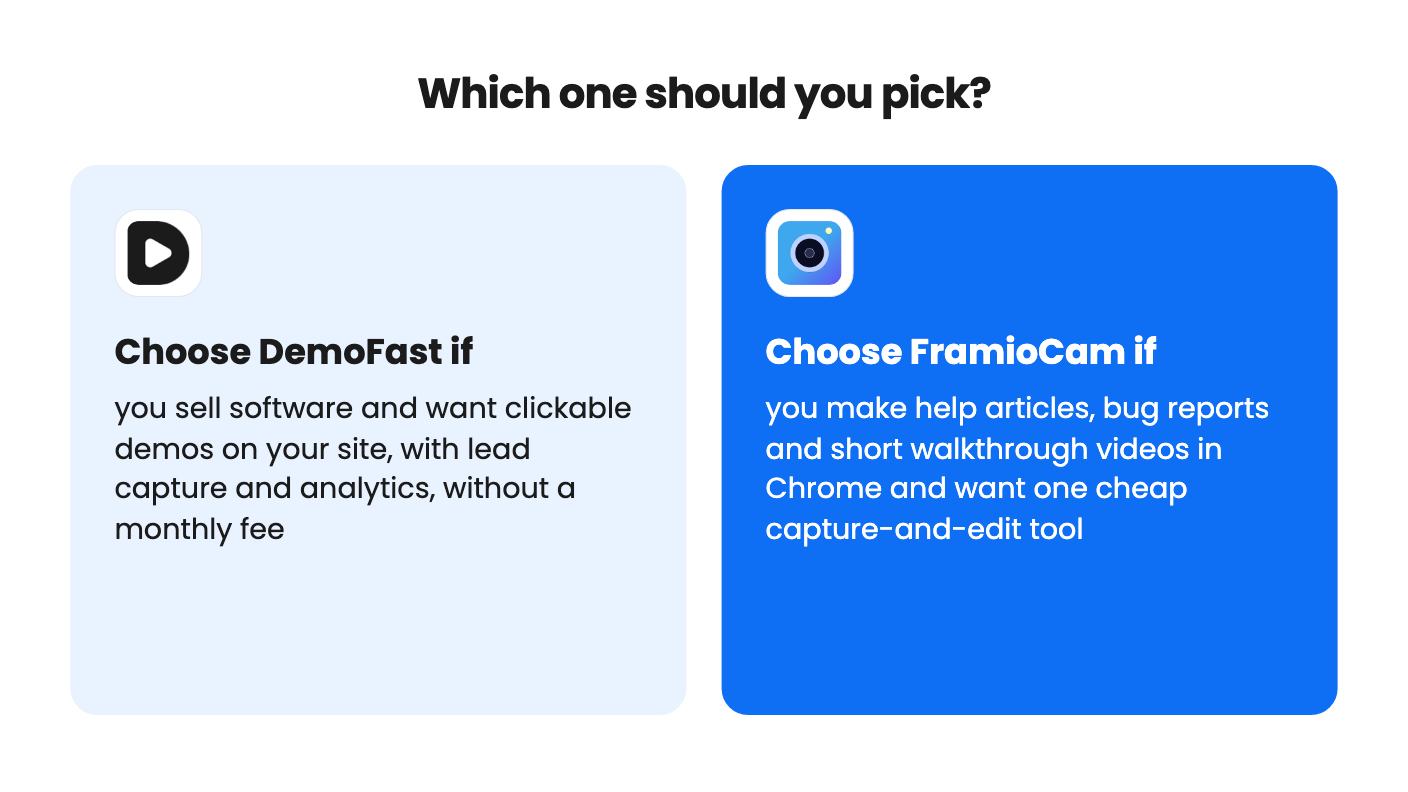
If you’re a one-person SaaS and truly need both jobs, $68 gets you DemoFast and FramioCam tier 1. I’d start with whichever matches your next real task, build one thing with it inside the refund or trial window, and only then decide about the second.
Neither is a full Loom replacement. FramioCam is closer for recording your screen with voice and webcam, but it stores files locally or in your Google Drive and doesn't list hosted sharing with view counts. DemoFast replaces recordings with clickable demos, which is a different format.
FramioCam has a free way in: the first 50 screenshots, recording and editing work without an account, and tier 1 costs $19. DemoFast has no free trial mentioned in the listing, so redeem the code early and check AppSumo's refund terms. Neither listing includes a demo video.
Yes, and they don't overlap much. You could use DemoFast for interactive demos on a landing page and FramioCam for screenshots and short videos. At $68 combined for DemoFast and FramioCam tier 1, that's a modest outlay if you really need both jobs.
How this comparison was made: researched from both tools' official listings and demo videos, and written with help from AI. We have not tested DemoFast or FramioCam hands-on yet. Prices and deal terms change, so check AppSumo before you buy. See our affiliate disclosure.
Five AppSumo lifetime deals that cover parts of what Kapwing does, from clip cutting to captions and dubbing. Each has caps worth knowing before you pay.
Seven AppSumo lifetime deals named as Loom alternatives, grouped by job: narrated tutorials, plain recording, interactive demos and personalized outreach video.
Eight AppSumo lifetime deals named as Descript alternatives, grouped by the job you need done, with the caps and gaps each listing shows.

