
Design & MediaAlternatives
Kapwing Lifetime Deal Alternatives for Small Businesses
Five AppSumo lifetime deals that cover parts of what Kapwing does, from clip cutting to captions and dubbing. Each has caps worth knowing before you pay.
CoProd builds a story and rough cut on Apple Silicon Macs for $49. SilenceTrimmer only cuts dead air, but runs on Mac and Windows for $89.
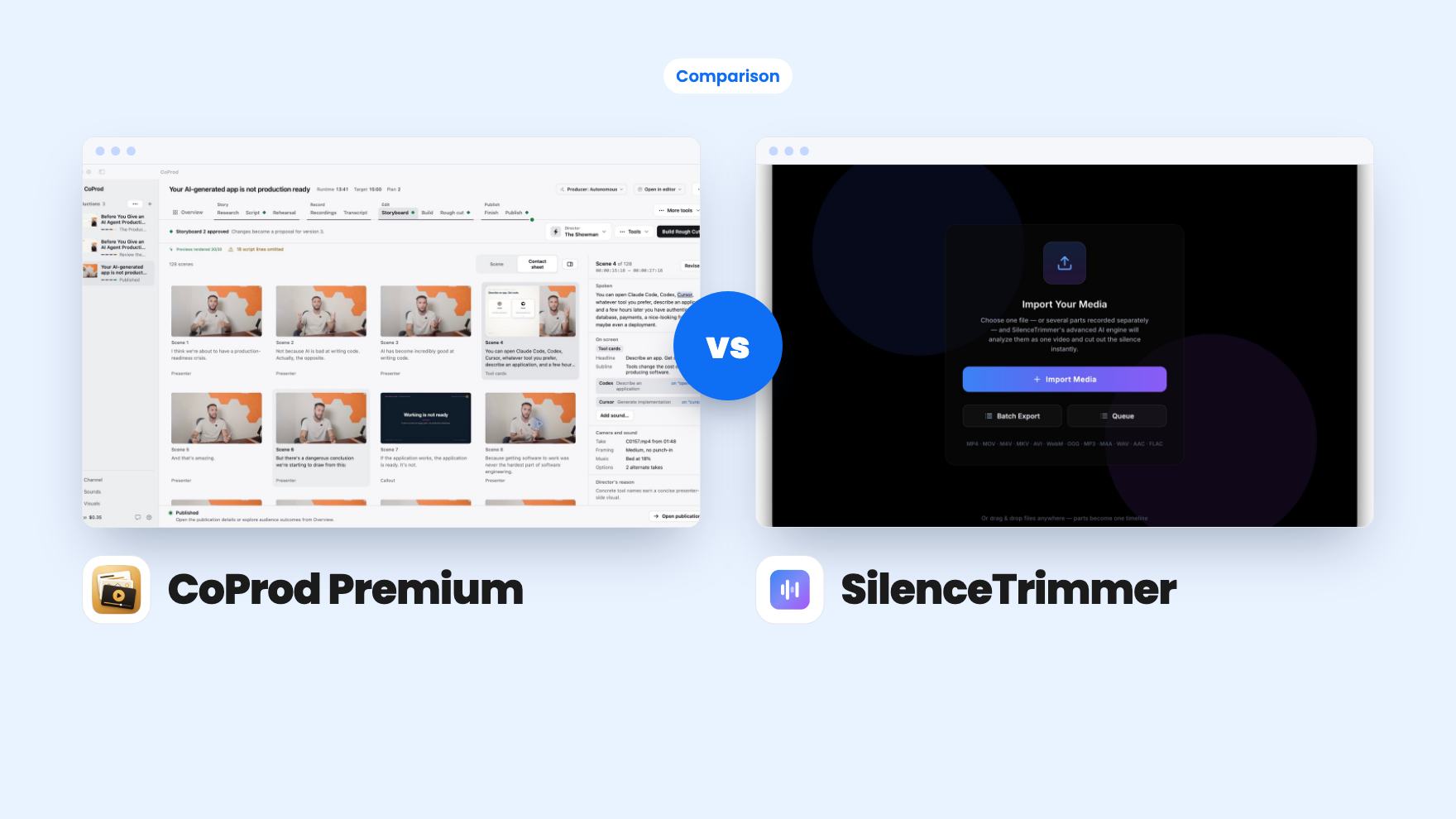
CoProd Premium takes 2 rounds, SilenceTrimmer takes 3.
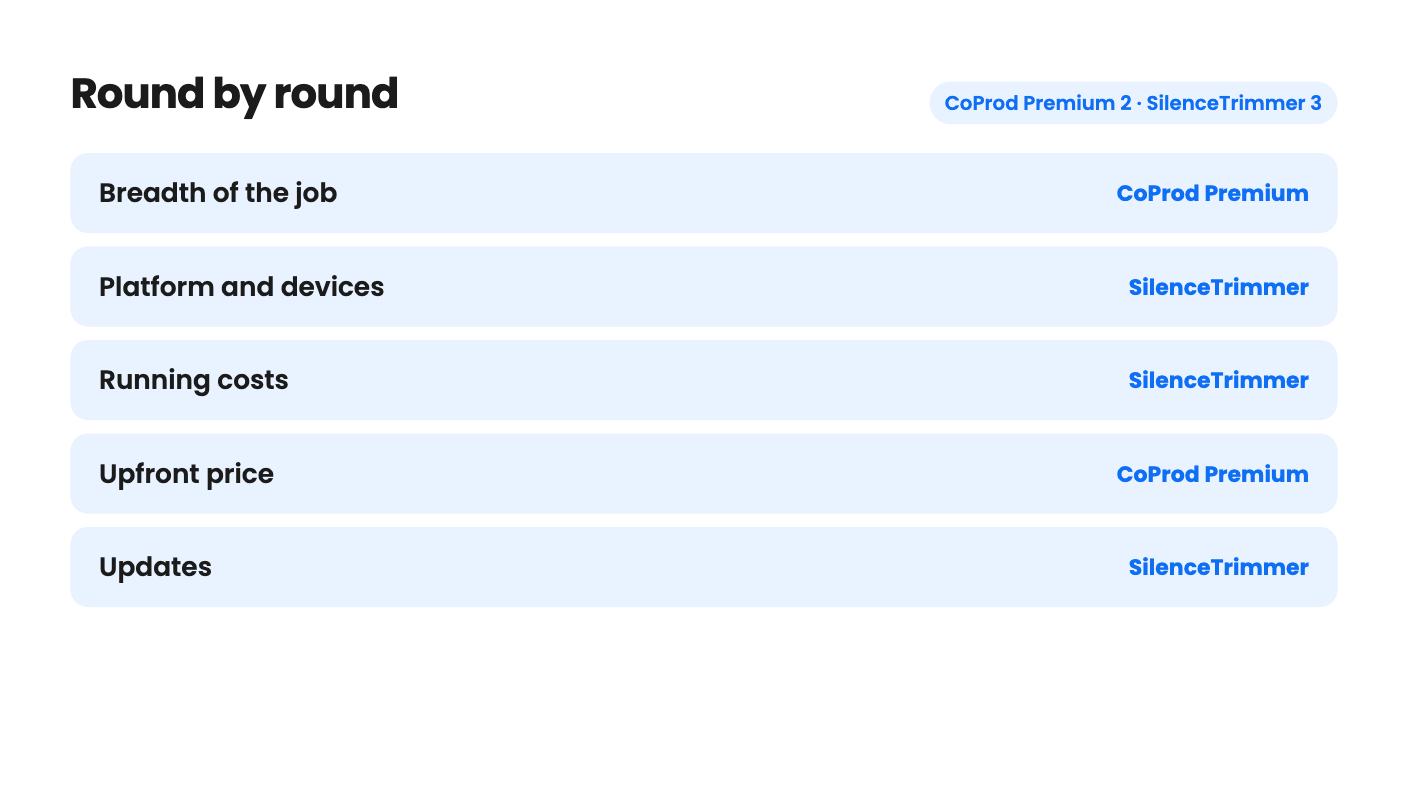
| Round | Winner | Why |
|---|---|---|
| Breadth of the job | CoProd Premium | CoProd drafts chapters, adds graphics, captions and sound, and prepares a YouTube package, while SilenceTrimmer only finds and cuts silence. |
| Platform and devices | SilenceTrimmer | SilenceTrimmer activates on two computers in any Mac and Windows mix, while CoProd needs one Apple Silicon Mac on macOS 14 or later. |
| Running costs | SilenceTrimmer | SilenceTrimmer runs fully offline with unlimited exports, while CoProd's cloud AI usage goes through your own API keys and is billed separately. |
| Upfront price | CoProd Premium | CoProd costs $49 against $89 for SilenceTrimmer, though CoProd's API bills are an unknown extra. |
| Updates | SilenceTrimmer | SilenceTrimmer includes all future updates, while CoProd includes two years of updates from license issuance. |
| Editor handoff | Tie | Both reach Final Cut Pro and DaVinci Resolve, SilenceTrimmer adds Premiere Pro, and CoProd hands over footage, graphics, captions and audio as separate clips. |
| CoProd Premium | SilenceTrimmer | |
|---|---|---|
| Starts at | $49 | $89 |
| List price | $149 | $149 |
| Plan | Lifetime Deal | Lifetime Deal |
| Deal ends | Not listed | Not listed |
| Best for | Content creators, Videographers, YouTubers | Content creators, Podcasters, YouTubers |
| Alternative to | Descript, CapCut | Descript |
Say you’ve just recorded a long talking-head video. Two jobs are waiting for you. One is dull and mechanical: cutting every pause. The other is harder: working out what the video is actually about and where the story sits. CoProd Premium and SilenceTrimmer both promise to take some of that off your plate, and both are lifetime deals on AppSumo. They don’t do the same thing, though, and buying the wrong one would be an easy mistake.
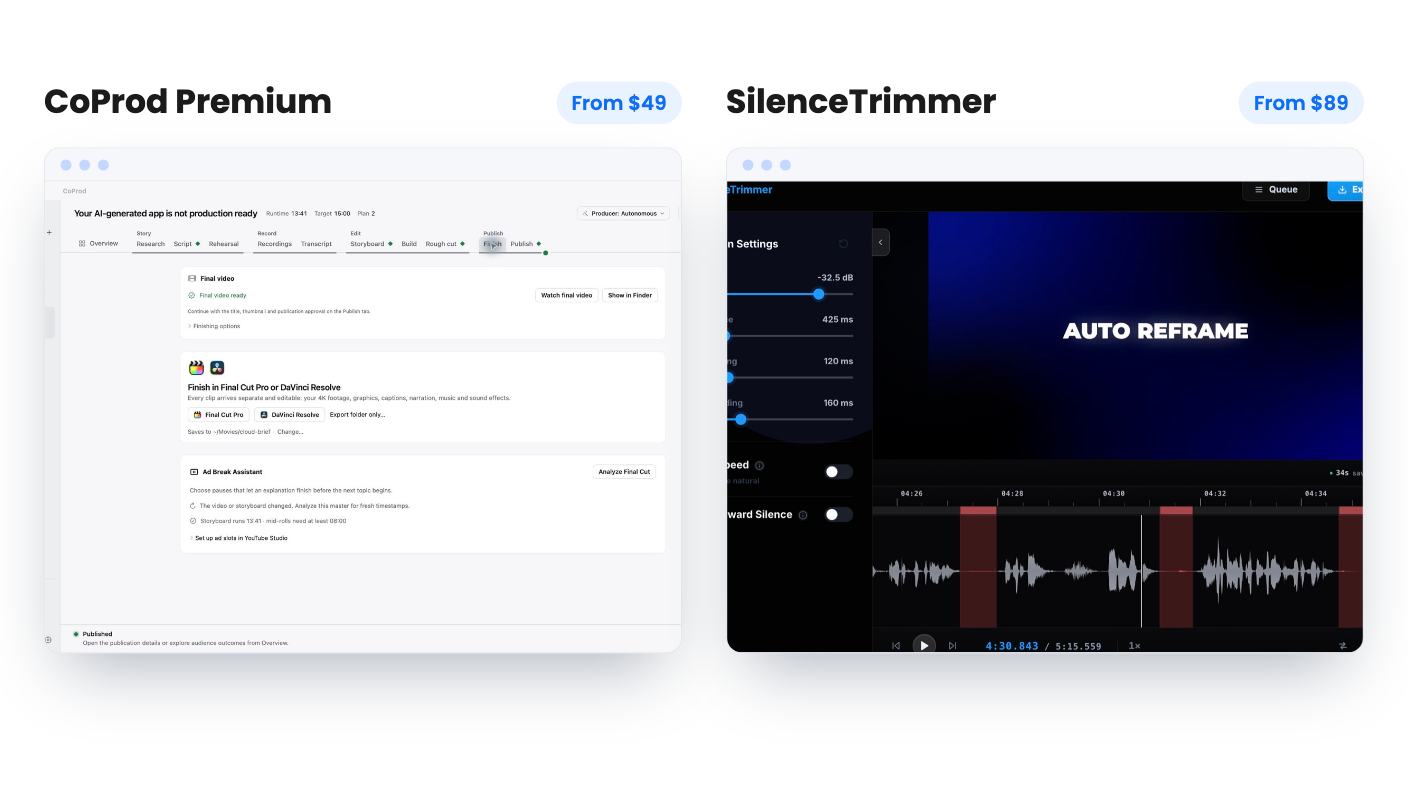
We haven’t used either tool. Everything here comes from the listings, so treat it as a read of what’s promised, not a verdict from the timeline.
SilenceTrimmer does one thing. It finds the quiet stretches in a recording, marks each cut on a waveform, and lets you drag, keep or restore them before anything is committed. You get sliders for threshold, minimum silence and padding, and the threshold auto-tunes per file as a starting point. That’s the whole product, and the listing is honest about it.
CoProd Premium is aiming much higher. You feed it recordings and its Story Editor drafts chapters from the words you said. Or you start from a script you approve yourself. An autonomous Producer then works through story review, storyboard checks, a visual pass, rendering and quality checks, and stops to bring findings back to you.
So the real question isn’t which is better. It’s whether your bottleneck is dead air or structure. If your recordings are already well planned and you just want the gaps gone, CoProd is far more tool than you need. If you ramble across forty minutes and need help finding the video inside it, silence removal won’t get you there.
CoProd’s scene review screen shows the selected footage, spoken lines, timing, graphics and sound, and you choose revisions from there. Built-in brand marks cover tools you mention on camera, with AWS, OpenAI, Claude and Docker named as examples. You can also import your own SVG, PNG, JPEG or WebP artwork and place it at spoken cues. That reads as a tech and software channel feature set.
The weak spot is evidence. The listing has no product video, so there’s no way to judge how good the first draft is, and that draft quality is the entire point. Narrated rehearsals and channel insights are listed with no detail at all. Don’t pay for those two lines.
SilenceTrimmer’s details are more concrete, and some are clever. Detection runs across the whole recording in one pass. Several files can be imported as one timeline, so a session recorded in parts is treated as a single take. Long pauses can be fast-forwarded at 1.5x to 8x instead of removed. It also flags variable frame rate footage from phones and screen recordings on import and includes a converter to constant frame rate. If you’ve ever fought drifting phone footage, that’s a thoughtful addition.
It keeps every audio track, and 10-bit and HDR sources stay 10-bit and HDR. What the listing doesn’t say is how the MP4 export handles codecs or quality settings. Check that before you rely on it for final delivery.
This is where the two overlap most. Both list DaVinci Resolve and Final Cut Pro, and both want to be a first pass rather than a replacement for your editor.
SilenceTrimmer writes EDL, FCPXML and Premiere XML, so the cuts open as a real sequence in Premiere Pro, Final Cut Pro or Resolve. It computes events in whole frames, which is meant to stop the timeline drifting. That’s the right claim to make, but we can’t confirm it without trying it.
CoProd exports footage, graphics, captions and audio as separate editable clips for Final Cut Pro or Resolve. It also renders a 1080p master locally. Nothing in the listing says it can render above 1080p, so a 4K master means finishing in your own editor. Premiere Pro isn’t listed, which matters if that’s where you live.
CoProd also prepares a YouTube package of title candidates, descriptions, chapters, tags and thumbnails. You approve every upload yourself, which is the sensible way to do it.
CoProd is $49 against a $149 list price. SilenceTrimmer is $89 against the same $149. Both are a single tier, neither stacks, and both require you to redeem within 60 days.
The license terms are where they split. One CoProd code covers one creator on one Mac, with perpetual use of your last eligible version and two years of app updates from license issuance. After that, you keep what you have and nothing more. For a product this young, the update window is where most of the value will land.
SilenceTrimmer says all future updates are included, and one license activates two computers in any mix of Mac and Windows. You can release one and move it. That sounds generous, but “all future updates” depends on the developer staying around, and the listing gives no roadmap, team details or history. AppSumo shows a single review, so that 5.00 average tells you almost nothing.
The SilenceTrimmer listing mentions AppSumo’s 60-day refund window with no reason needed. The CoProd listing doesn’t mention a refund window, so check AppSumo’s terms for that deal before you buy.
The $49 for CoProd isn’t the whole price. Paid AI usage runs through your own API keys and is billed separately. OpenAI is the only provider named, and there’s no estimate of what a typical video costs. So the real cost per video is unknown. Local transcription and rendering don’t need paid AI credits, which helps.
Privacy follows the same line. Your project library and media are stored locally, but tasks you send to a cloud AI provider share the inputs needed for that task. If you handle client footage or anything under NDA, read that carefully.
Then there’s hardware. CoProd needs an Apple Silicon Mac on macOS 14 or later. Local sound-effect generation with MOSS also needs at least 32 GB of unified memory and an engine setup step, so treat it as a bonus.
SilenceTrimmer is simpler. It runs entirely on your machine, your media is never uploaded, and exports are unlimited with no per-file, per-minute or per-month caps. You need a connection once to activate, then licenses verify offline. The honest limit is scope. The listing names Descript as an alternative, but nothing in it mentions transcription, filler-word removal, captions or text-based editing. If you want any of that, this isn’t it.
Pick CoProd Premium if you’re a solo YouTuber on an Apple Silicon Mac, record long takes, and finish in Final Cut Pro or Resolve. The $49 price is low, and the draft story and assembly could save real time. Just budget for API usage, and accept that you’re buying on promise because the listing has no demo video and no review history.
Pick SilenceTrimmer if you cut talking-head video, podcasts or tutorials every week, use Windows or a mix of machines, or work in Premiere Pro. It costs $89, but it has no usage meter, runs offline, and has a clear scope. Run a real project through it inside the refund window and check that the exported timeline lines up in your editor.
If you can only buy one and your footage is already tight, SilenceTrimmer is the safer, plainer tool. If your hardest hour is figuring out the story, CoProd is the only one of the two aimed at that problem.
SilenceTrimmer. Its license covers any mix of Mac and Windows on two computers. CoProd Premium needs an Apple Silicon Mac running macOS 14 or later.
Probably, if you use cloud AI features. The listing says paid AI usage runs through your own API keys and is billed separately, and it gives no estimate per video. Local transcription and rendering don't need paid AI credits.
Neither has much. AppSumo shows one review for SilenceTrimmer, a 5.00 average, and the CoProd listing shows no reviews. Both look like young products, and we haven't tested either.
How this comparison was made: researched from both tools' official listings and demo videos, and written with help from AI. We have not tested CoProd Premium or SilenceTrimmer hands-on yet. Prices and deal terms change, so check AppSumo before you buy. See our affiliate disclosure.
Five AppSumo lifetime deals that cover parts of what Kapwing does, from clip cutting to captions and dubbing. Each has caps worth knowing before you pay.
Seven AppSumo lifetime deals named as Loom alternatives, grouped by job: narrated tutorials, plain recording, interactive demos and personalized outreach video.
Eight AppSumo lifetime deals named as Descript alternatives, grouped by the job you need done, with the caps and gaps each listing shows.

