
Design & MediaAlternatives
Kapwing Lifetime Deal Alternatives for Small Businesses
Five AppSumo lifetime deals that cover parts of what Kapwing does, from clip cutting to captions and dubbing. Each has caps worth knowing before you pay.
BlitzReels turns long recordings into social clips for $179. Subclip is a $99 Mac editor where the AI is a separate bill. Here is which deal fits.
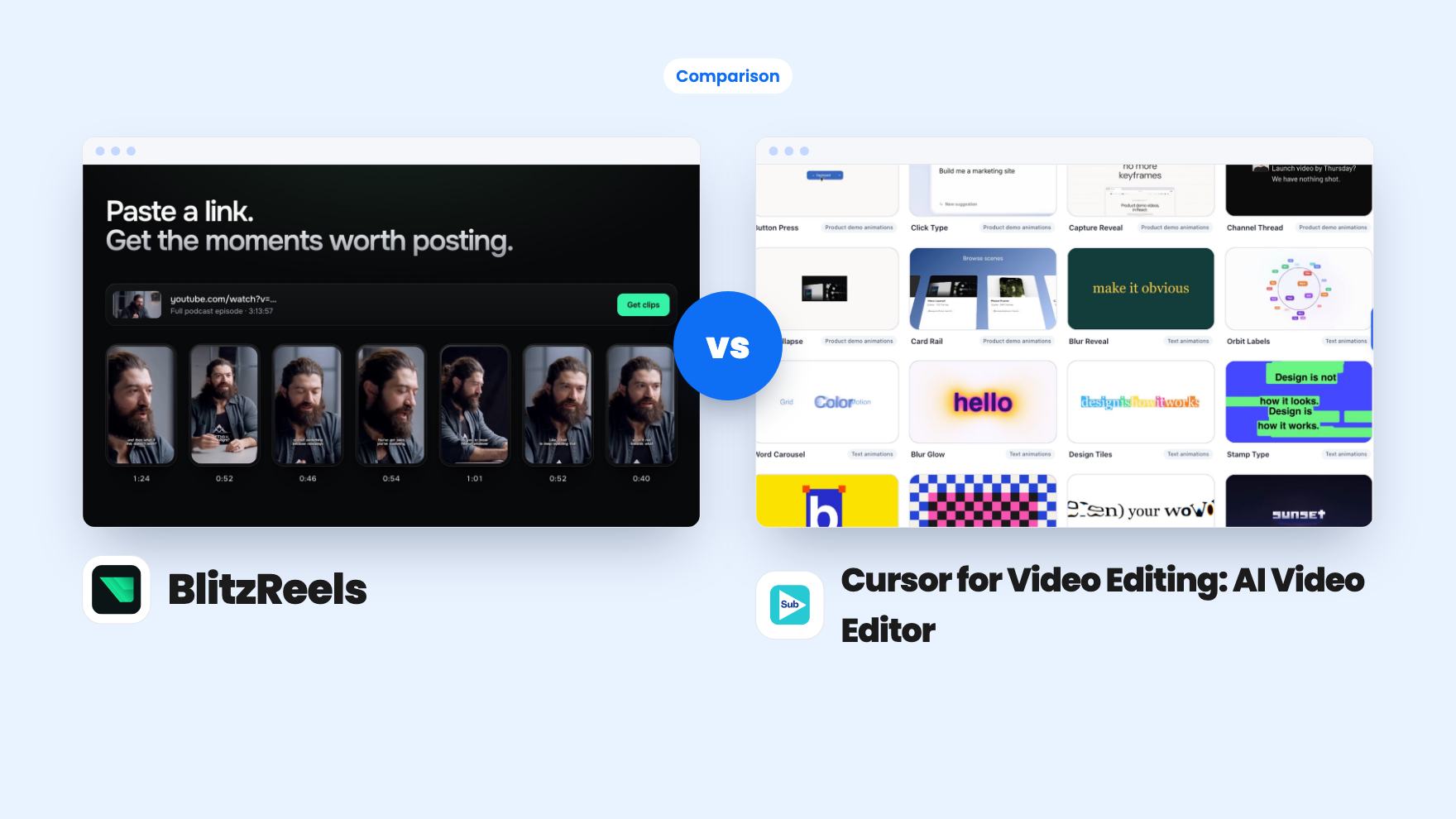
BlitzReels takes 3 rounds, Cursor for Video Editing: AI Video Editor takes 2.
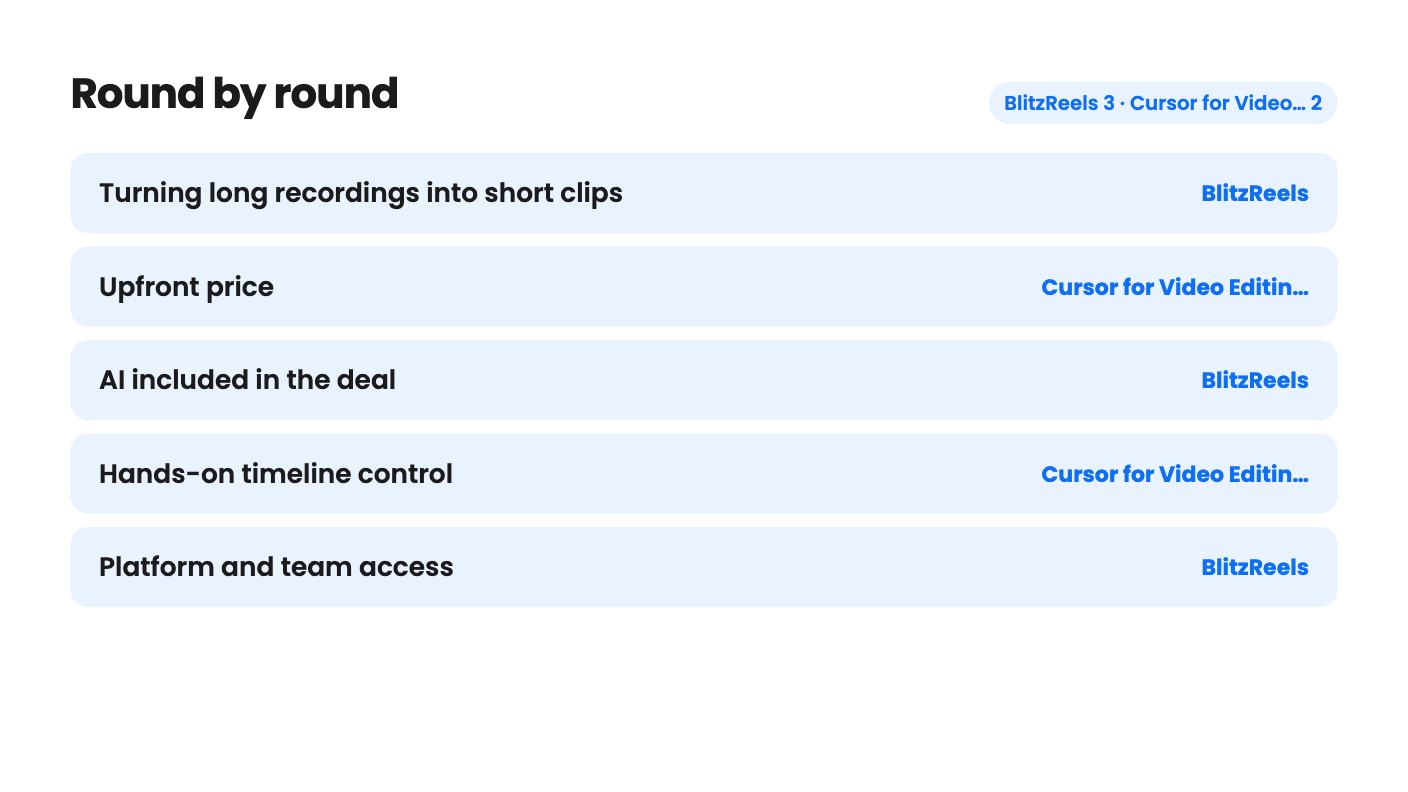
| Round | Winner | Why |
|---|---|---|
| Turning long recordings into short clips | BlitzReels | BlitzReels imports from links, finds usable moments and tracks speakers for vertical export, while Subclip's listing describes no clip-finding step. |
| Upfront price | Cursor for Video Editing: AI Video Editor | Subclip starts at $99 for one Mac against $179 for BlitzReels, though Subclip's AI costs extra elsewhere. |
| AI included in the deal | BlitzReels | BlitzReels includes 20 permanent AI credits, while Subclip includes none and relies on a separate subscription you connect. |
| Hands-on timeline control | Cursor for Video Editing: AI Video Editor | Subclip pairs an AI draft with a full timeline for arranging clips and adjusting timing, which BlitzReels does not describe. |
| Platform and team access | BlitzReels | BlitzReels lists three team members in one workspace with no platform limit, while Subclip is Mac only and licenses per device. |
| Captions | Tie | Both offer styled captions you can review, and neither listing states accuracy or language support. |
| BlitzReels | Cursor for Video Editing: AI Video Editor | |
|---|---|---|
| Starts at | $179 | $99 |
| List price | $468 | Not listed |
| Plan | Lifetime Deal | Lifetime Deal |
| Deal ends | Not listed | Not listed |
| Best for | Content creators, Marketing agencies, Social media managers | Content creators, YouTubers, Small business owners |
| Alternative to | Adobe Premiere, Descript, Kapwing | Adobe Premiere, Descript, CapCut |
You’ve got a 50-minute webinar recording and a feed that needs short vertical clips by Friday. Or you’ve got a screen walkthrough of your product that needs trimming, captions and a social cut. Both jobs eat afternoons, and these two lifetime deals attack them from different directions.
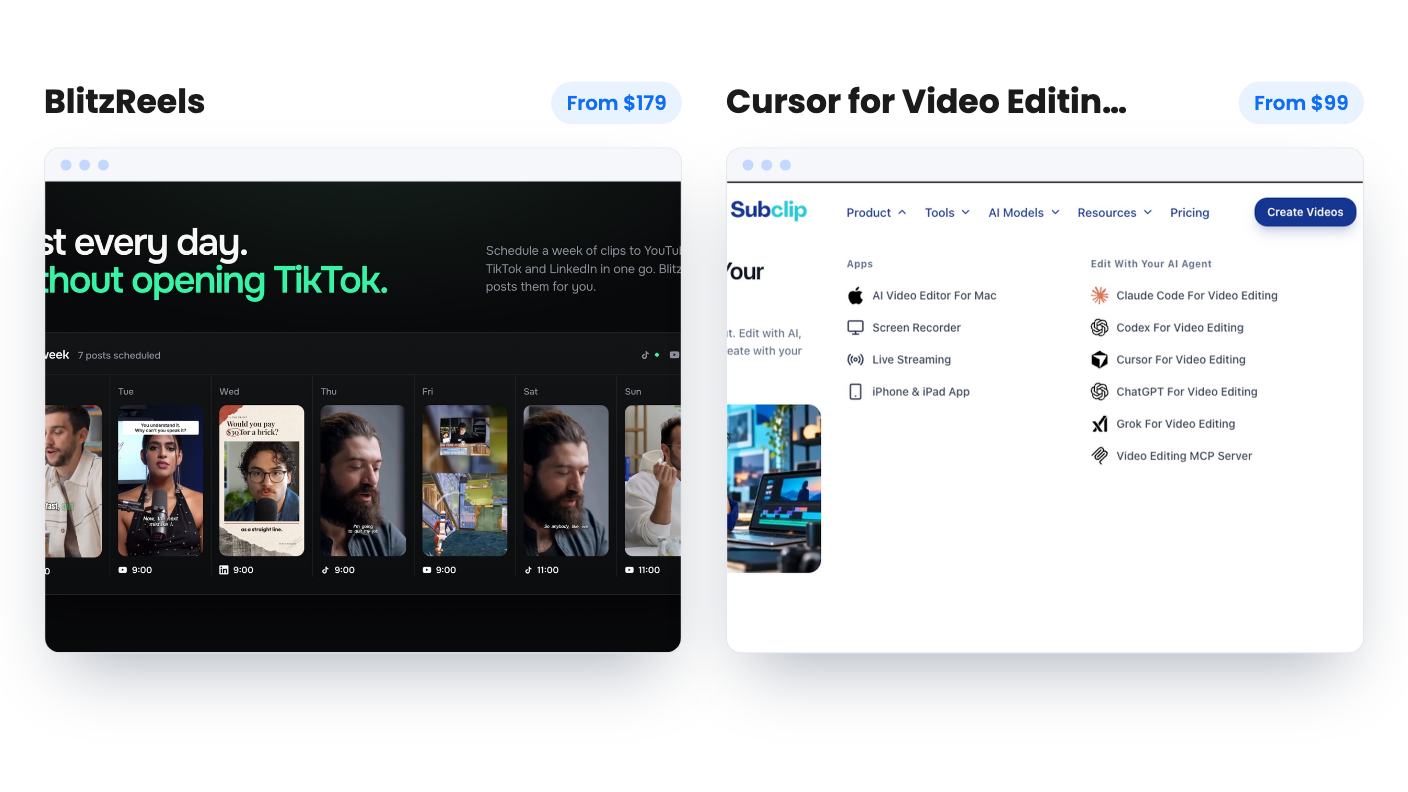
BlitzReels starts from a long recording and finds the clips for you. Subclip, which the listing titles “Cursor for Video Editing: AI Video Editor”, starts from your footage and lets an AI assistant carry out edits you describe. Both sit under Video Editing on AppSumo. Both name Premiere and Descript as alternatives. They overlap on short social video, and that overlap is the question here.
One caveat before anything else. We haven’t tested either tool, and neither listing has a demo video. Everything below is a read of the written claims.
The split is simple. BlitzReels is a clipping tool. You upload a file or paste a link from YouTube, TikTok, Instagram, Facebook, X, Google Drive or a direct video URL. It finds usable moments, drops each into an editor, tracks speakers as they move, and exports for Reels, Shorts and TikTok.
Subclip is an editor with an AI assistant attached. You import footage, tell the assistant in plain language what you want, review the result and refine it on a timeline. It also records your screen and camera in the same workspace.
So the first thing to settle is where your video comes from. If it’s long conversations that need mining for highlights, BlitzReels matches the job. If it’s screen recordings and demos you want to shape with prompts, Subclip does.
That said, BlitzReels doesn’t explain how its moment-finding works. The listing doesn’t say whether clips are ranked, how long they run or whether you can steer the search. That’s the step that decides whether the tool saves you time, and a sales page can’t answer it.
For BlitzReels, speaker tracking is the feature to care about. A wide horizontal recording turns into a vertical clip without you hand-adjusting the crop every time someone leans out of frame. Word-level caption styling with reusable brand presets is the other half. Set the look once and every clip matches.
Subclip leans on templates and a timeline. The template gallery is aimed at product demos, with scenes like Button Press, Click Type, Capture Reveal and Card Rail, plus animated text such as Blur Reveal and Stamp Type. The listing doesn’t say how many templates exist, so treat those as samples. The timeline lets you arrange clips, adjust timing and change anything the AI drafted. Wide and vertical formats are supported. Square isn’t mentioned.
Captions are close to a draw. Both let you style captions and review them. Neither listing says anything about accuracy, supported languages or length limits, so run your own audio through whichever you pick, especially if you have accents or technical vocabulary.
This is where the two deals feel most different, and where Subclip needs a careful read.
Subclip’s $99 buys the editor and no AI. The listing says AI usage is separate and that Subclip works with compatible existing AI subscriptions, plus a built-in MCP client for compatible servers. It names workflows for Claude Code, Codex, Cursor, ChatGPT and Grok. Access, charges and limits depend on whatever you connect. It doesn’t say which plans work or how the AI copes with long footage.
If you already pay for one of those services, that could be a good arrangement. If you don’t, the true cost of the headline feature is a monthly bill somewhere else. You also have to configure the services yourself, which suits a developer more than someone who just wants a Reel posted.
BlitzReels is more self-contained but thin on this front. You get 20 permanent AI credits for images and video. They don’t expire and they don’t refill. More are sold as paid top-ups, with no price and no per-generation cost given. Treat the 20 credits as a trial allowance. Its core job, clipping and captioning, doesn’t depend on them.
BlitzReels has one tier at $179, down from a listed $468. You get 100 projects, 3 team members, 25 GB of storage and 150 export jobs per month. Redeem within 60 days. It isn’t stackable, so you can’t buy a second code to raise the limits.
The 150 exports works out to roughly five a day. That’s plenty for one creator and goes quickly if you export multiple versions or run client accounts through one workspace. The 25 GB worries me more. Long source recordings are large files, and keeping originals in the tool could fill that space sooner than you’d expect.
Subclip has three one-time tiers with identical features. Only the number of Macs changes:
The plan table in the listing is jumbled, with prices and device counts in different orders. Go by the FAQ above and check the checkout page before you pay. You must activate within 60 days, you can switch between tiers, and future updates are included. The listed original price is $0, so we can’t say how big the discount is. Neither listing mentions refund terms, so read AppSumo’s own policy.
On sticker price Subclip wins, but only if the AI you’d connect is already paid for. Otherwise the gap closes fast.
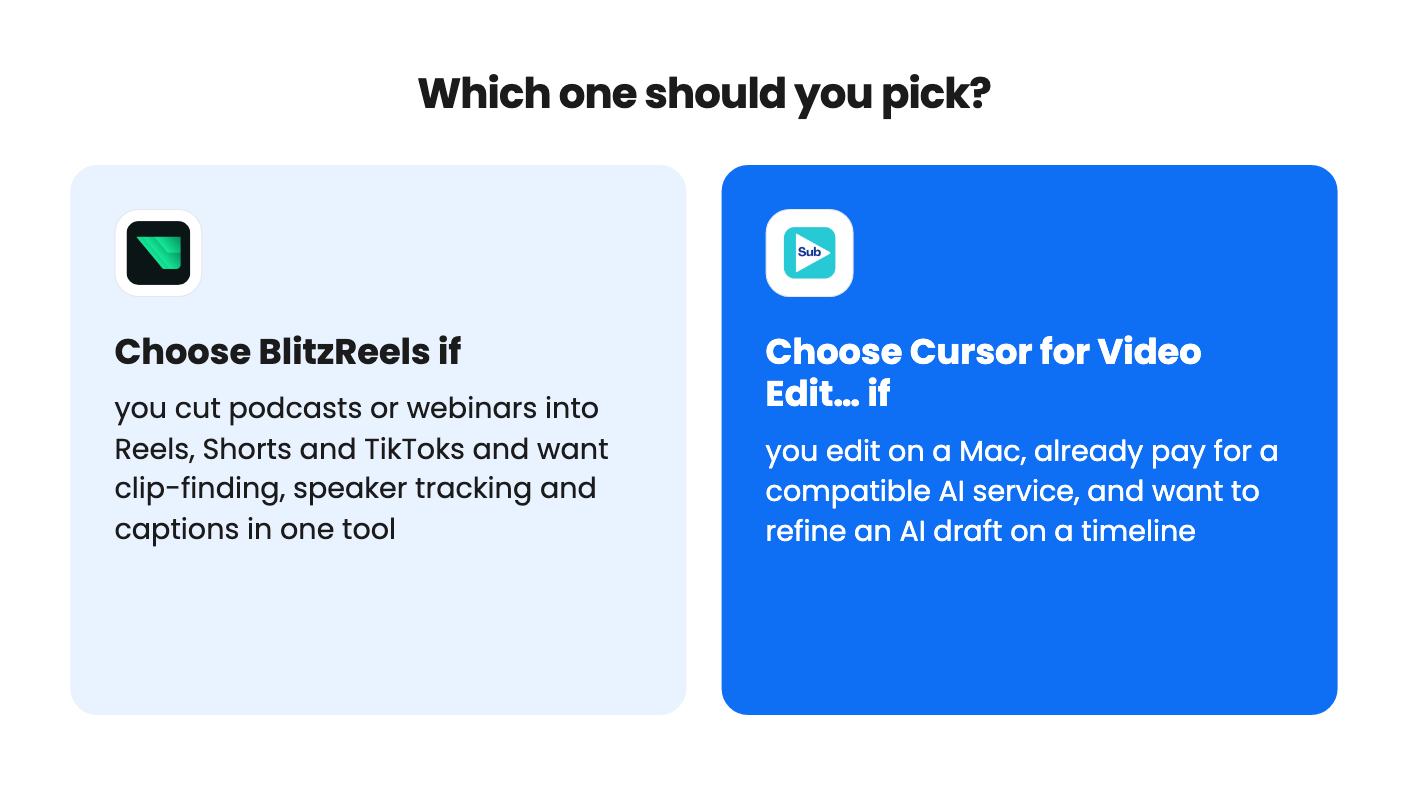
Pick BlitzReels if your raw material is podcasts, webinars or interviews, you post short video every week and you’d like a team of up to three in one workspace. It has no stated platform restriction, which matters if anyone on your team uses Windows.
Pick Subclip if you’re on a Mac, make tutorials, demos or lessons, already subscribe to a compatible AI service and like the idea of correcting a draft instead of starting from a blank timeline. The single Mac tier is the sensible one. The three-Mac plan only makes sense if you have a desktop, a laptop and a teammate, and unlimited is for agencies.
Skip both if you need heavy timeline work. BlitzReels doesn’t claim it. Subclip doesn’t mention colour grading, multi-camera editing, audio cleanup or export presets, so we can’t say they’re missing, only that the listing is silent. Subclip also reads as a young product with a short feature list.
If I had to pick one for a typical small business owner who records conversations, I’d lean to BlitzReels. It does one job and the listing says what it costs. Whichever you buy, run a real project through it early, well before the 60 day window closes.
BlitzReels review · Cursor for Video Editing: AI Video Editor review
No. The listing says no AI credits come with any tier. You connect a compatible AI subscription you already pay for, and its cost and limits depend on that service.
The $179 tier includes 100 projects, 3 team members, 25 GB of storage and 150 export jobs per month. It also includes 20 permanent AI credits that never renew.
The Subclip listing covers a Mac editor only. BlitzReels is described as a web-style tool with link imports, and the listing names no operating system restriction.
How this comparison was made: researched from both tools' official listings and demo videos, and written with help from AI. We have not tested BlitzReels or Cursor for Video Editing: AI Video Editor hands-on yet. Prices and deal terms change, so check AppSumo before you buy. See our affiliate disclosure.
Five AppSumo lifetime deals that cover parts of what Kapwing does, from clip cutting to captions and dubbing. Each has caps worth knowing before you pay.
Seven AppSumo lifetime deals named as Loom alternatives, grouped by job: narrated tutorials, plain recording, interactive demos and personalized outreach video.
Eight AppSumo lifetime deals named as Descript alternatives, grouped by the job you need done, with the caps and gaps each listing shows.

