Lead GenerationReview
KingSumo Review: Free Giveaway Tool With a $49 Pro Upgrade
KingSumo runs viral email giveaways. Free tier has unlimited contests, and a one-time $49 Pro adds branding removal, tracking and Mailchimp, Kit and Klaviyo.
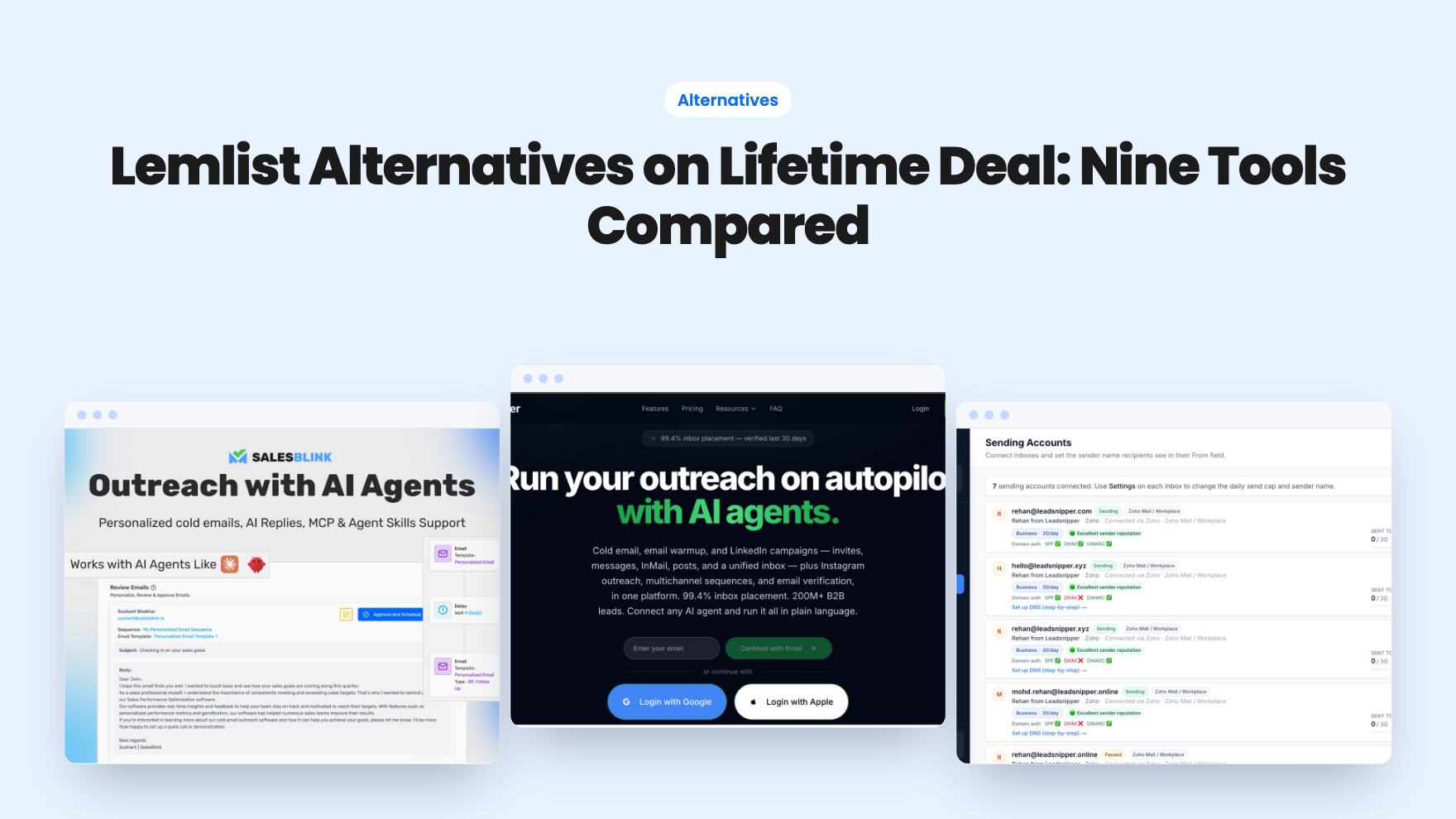
Nine AppSumo lifetime-deal alternatives to Lemlist, grouped by need: cold email, LinkedIn, local prospecting and video outreach, with caps and prices.
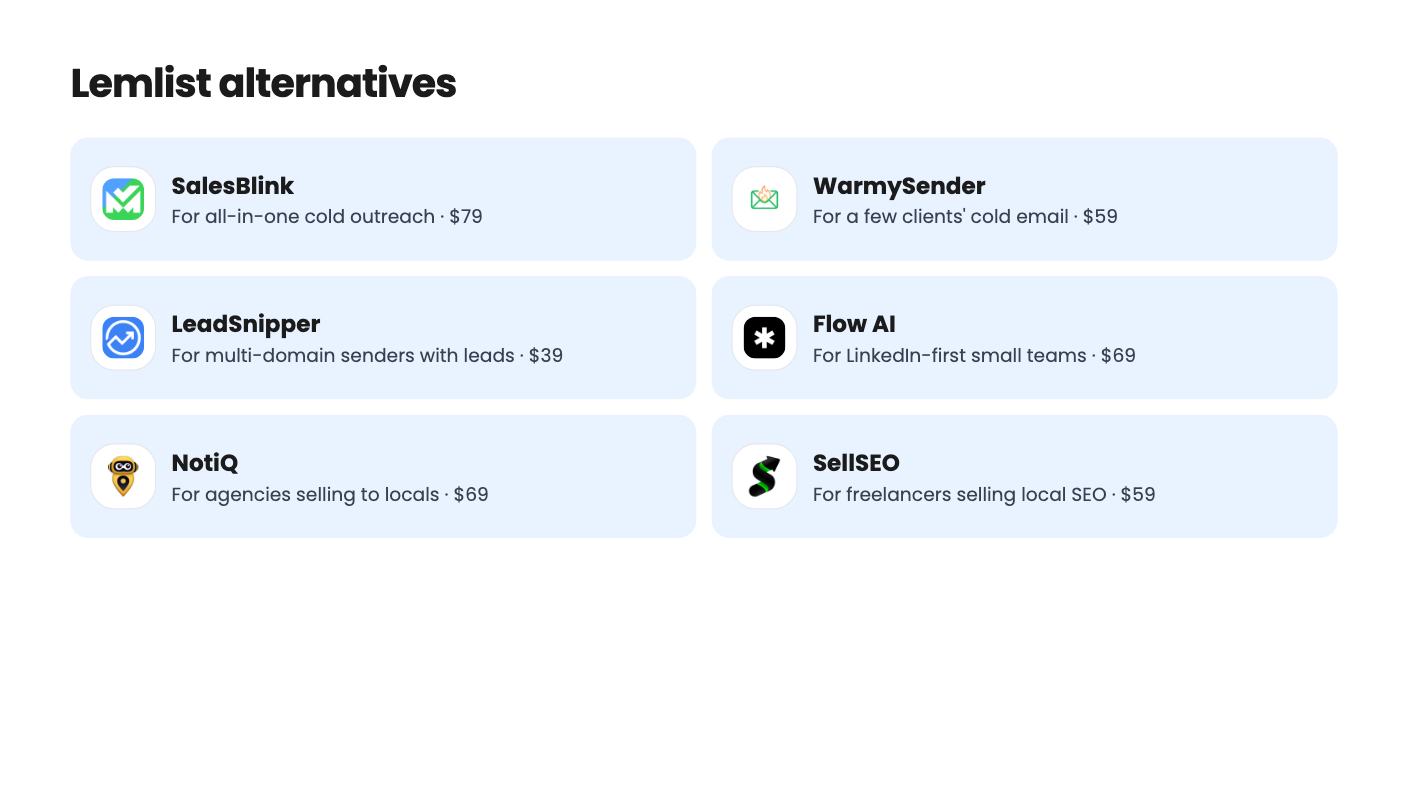
| Tool | Suits | Price |
|---|---|---|
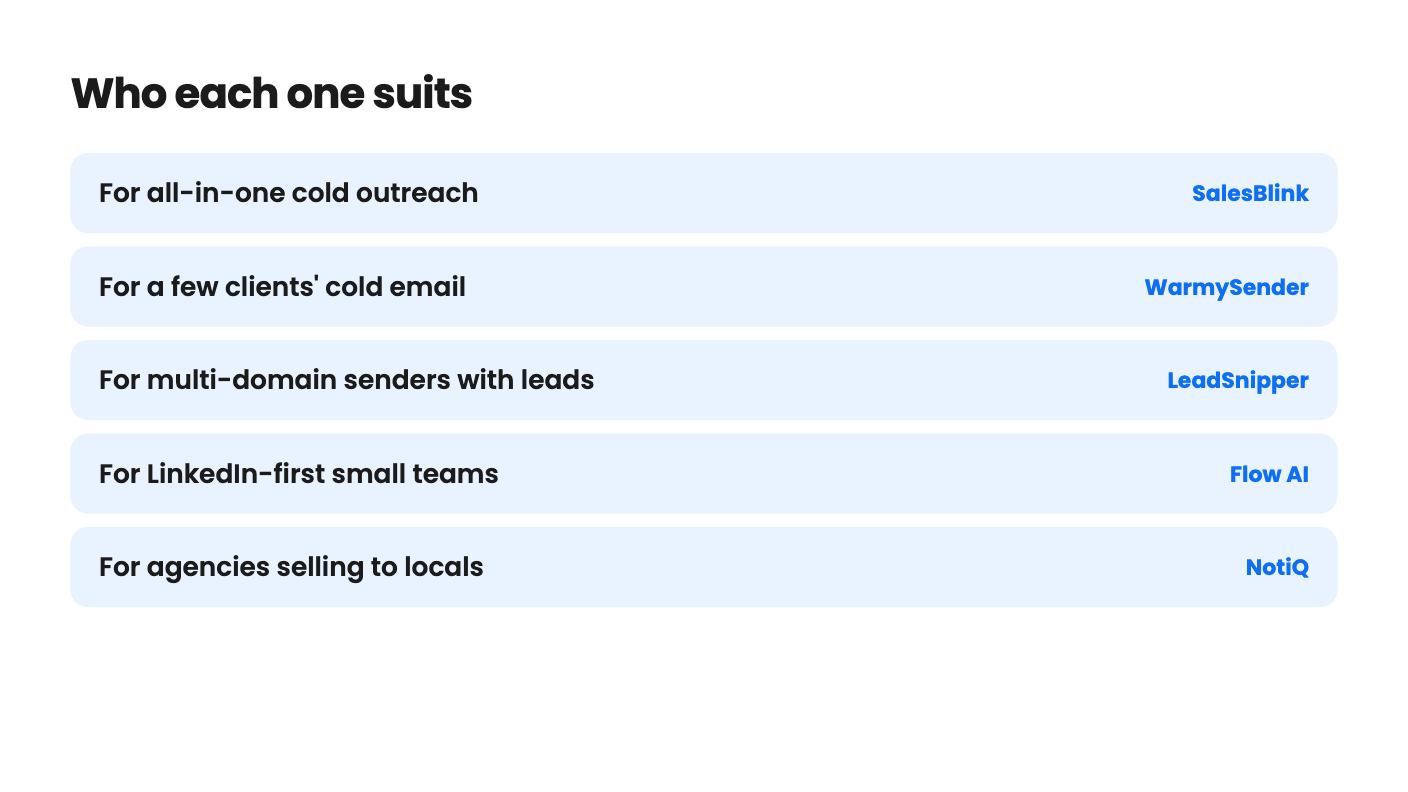
| SalesBlink | For all-in-one cold outreach | $79 |
| WarmySender | For a few clients' cold email | $59 |
| LeadSnipper | For multi-domain senders with leads | $39 |
| Flow AI | For LinkedIn-first small teams | $69 |
| NotiQ | For agencies selling to locals | $69 |
| SellSEO | For freelancers selling local SEO | $59 |
| Ozigi | For solo founders on a budget | $49 |
| ConnectSafely | For LinkedIn comment visibility | $79 |
If you’re shopping for a Lemlist alternative, the real decision is how much of the outreach job you want one tool to carry. Some people want sending, warmup and verification under one login. Others only need a cheap way to reach prospects on LinkedIn. A lifetime deal makes the sums attractive, but the caps and the age of the product matter more than the sticker price.
None of what follows comes from hands-on use. We’re reading the AppSumo listings, and we’ll say where they’re vague.
This is the closest match to what Lemlist does for most people, and the three tools here take different routes.
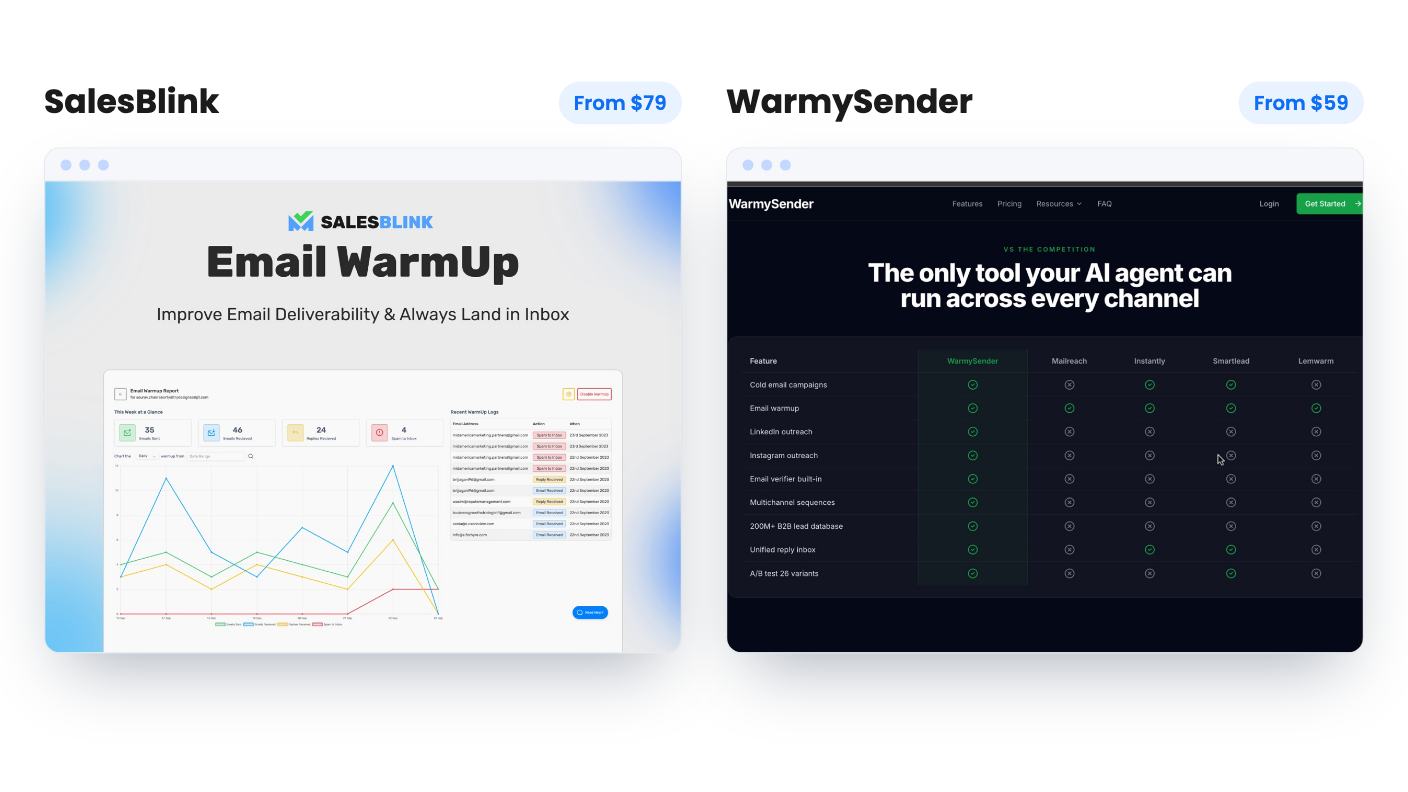
SalesBlink starts at $79 (list $600) and packs sending, warmup, verification, a shared inbox, meetings and a basic CRM into one login. Nine of its ten tiers have unlimited sends, and there’s a drag and drop builder with five templates. The catch is the tier table, which is ordered in a way that doesn’t match the prices, so you can’t easily tell what a higher tier gets you. The databases also looked small in the demo video. Buy low, and use the 60-day guarantee.
WarmySender runs from $59 to $999 across six tiers. Its builder has eight conditional branch types and lets you test up to 26 subject lines. It also has a pre-send spam score checker and verification that flags catch-all addresses. The weak spot is evidence. The deliverability and database claims are self-reported with no method shown, and monthly lead and verification caps apply even though the deal is lifetime.
LeadSnipper is the narrowest of the three. It sends, verifies with Reoon, rotates inboxes and auto-pauses to protect your domains. There’s no contact database, so you supply the leads. The $39 tier is thin at 10,000 emails a month and 5 senders. Tier 2 at $79 gives 50,000 emails and 20 senders, which is where it starts to make sense for multi-domain setups. The listing also contradicts itself on webhooks, mailbox limits and PDF export, so ask before you rely on any of those.
Lemlist users who’ve drifted toward LinkedIn have three options here, and they’re quite different.
Flow AI costs $69 (list $960) and combines lead search, outreach, a shared inbox and a light CRM. An MCP link lets Claude or ChatGPT run campaigns. It has a 4.92 average across 106 AppSumo reviews, which is the strongest social proof in this group. But it publishes no daily sending limits, search credits or lead caps, and the plan table clashes with its own unlimited accounts claim. Letting an AI assistant run outreach overnight sounds efficient and is risky.
ConnectSafely does something smaller. It drafts LinkedIn comments in your voice and queues each one for your approval. At $79 you get 150 comments per account per month and no company page commenting. The listing says little about account safety, and it has only 2 reviews. It suits a founder who wants visibility, not a pipeline engine.
Ozigi starts at $49 and scrapes leads from LinkedIn, Hacker News and npm before sending LinkedIn and email sequences. That source list tells you who it’s for: technical buyers. The tier table is garbled and contradicts the FAQ on LinkedIn and CRM access. The 8.4% reply rate claim has no source or sample size, so ignore it. Credits reset every 30 days without rolling over, and LinkedIn sends use your personal account.
If your clients are plumbers, dentists and restaurants, a general B2B database is the wrong starting point.
NotiQ finds local businesses on Google Maps, verifies emails and runs AI follow-ups. Five tiers run from $69 to $989. Tier 1 allows only 200 verified emails a month, API and MCP access needs Tier 3, and white-label needs Tier 4. If you target anything beyond local firms, skip it.
SellSEO goes a step further for people who sell SEO. It scans a niche, builds an audit page with your branding and booking calendar on paid plans, and sends a proposal the client can accept online. It sends from your own mailbox. The $59 entry price is easy to justify, but monthly credits cap your scanning and contact lookups, the per-contact cost isn’t spelled out, and the listing has no demo video.
Outvid is the odd one out. You record roughly 90 seconds once, and it produces a different researched video for each prospect, then sends across email, LinkedIn, WhatsApp and Instagram with stop-on-reply. Tiers run from $99 to $469, and credits go from 50 a month to 300.
The listing never says how many credits one video uses. That’s a significant gap, because it means you can’t work out how many prospects you can actually reach. The $99 tier also keeps Outvid branding and allows one clone and one sending account. This is for a few high-value targets, not volume.
Start with what you already have. If you’ve got leads and several domains, LeadSnipper’s second tier is the plainest fit. If you want everything in one bill, compare SalesBlink and WarmySender and check their tier tables with support before paying for a higher tier. If your clients are local, start with NotiQ or SellSEO.
Whichever you choose, buy the lowest tier and test it against real sends before the refund window closes. Nearly every product here is young, and the listings leave real gaps.
They carry more risk than an established subscription, because most of these products are young and some have only a handful of reviews. Several listings mention a 60-day refund window, including SalesBlink, Flow AI, WarmySender, SellSEO and NotiQ. Use that window to test deliverability and limits before it closes.
It varies. WarmySender lists a 200M-contact database, and SalesBlink includes databases that looked small in its demo video. LeadSnipper has no contact database, so you bring your own leads. NotiQ and SellSEO source local businesses instead of general B2B contacts.
SalesBlink, WarmySender, LeadSnipper and NotiQ focus on email. Flow AI and ConnectSafely focus on LinkedIn. Ozigi covers both email and LinkedIn sequences, and Outvid sends video across email, LinkedIn, WhatsApp and Instagram.
How this article was made: researched from each tool's official listing and our reviews of it, and written with help from AI. We have not tested these tools hands-on. Prices and deal terms change, so check AppSumo before you buy. See our affiliate disclosure.
KingSumo runs viral email giveaways. Free tier has unlimited contests, and a one-time $49 Pro adds branding removal, tracking and Mailchimp, Kit and Klaviyo.
XMagnet bundles prospecting, warm-up, sequences and newsletters. The $59 to $539 AppSumo deal has one-time credits and mailbox caps worth checking first.
Five AppSumo lifetime deals that cover parts of what ZoomInfo does, from contact data to cold email and local prospecting, and who each suits.