Lead GenerationReview
KingSumo Review: Free Giveaway Tool With a $49 Pro Upgrade
KingSumo runs viral email giveaways. Free tier has unlimited contests, and a one-time $49 Pro adds branding removal, tracking and Mailchimp, Kit and Klaviyo.
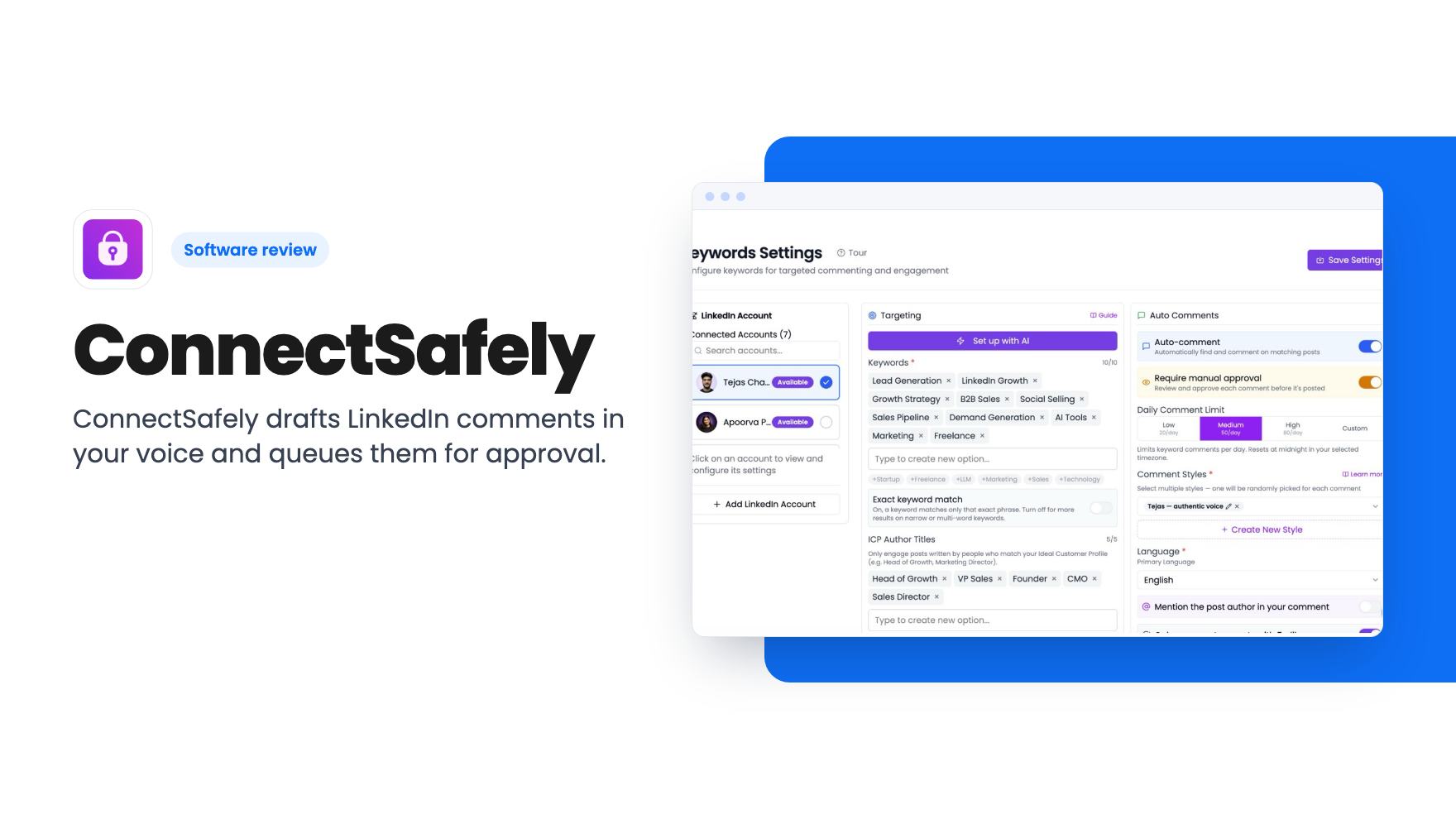
ConnectSafely drafts LinkedIn comments in your voice and queues them for approval. Here's what the $79-$549 AppSumo lifetime tiers include and where the limits are.
Lifetime deal price
$79$43282% off
Lifetime Deal · ends Nov 27, 2026
Our take: Worth a look at $79 if you're a founder, consultant or recruiter who wants to stay visible on LinkedIn without scrolling the feed all morning, and you're fine approving each comment yourself. Skip it if you want a tool with a proven track record, clear account-safety details or heavy volume, since the product is young, the caps are modest and the tier table has gaps.
Commenting on LinkedIn is one of those jobs everyone agrees is useful and nobody wants to do. You know the routine. Open the feed, find a post from a prospect or a potential client, write something that isn’t just “Great insight!”, then repeat it tomorrow, and the day after, for months.
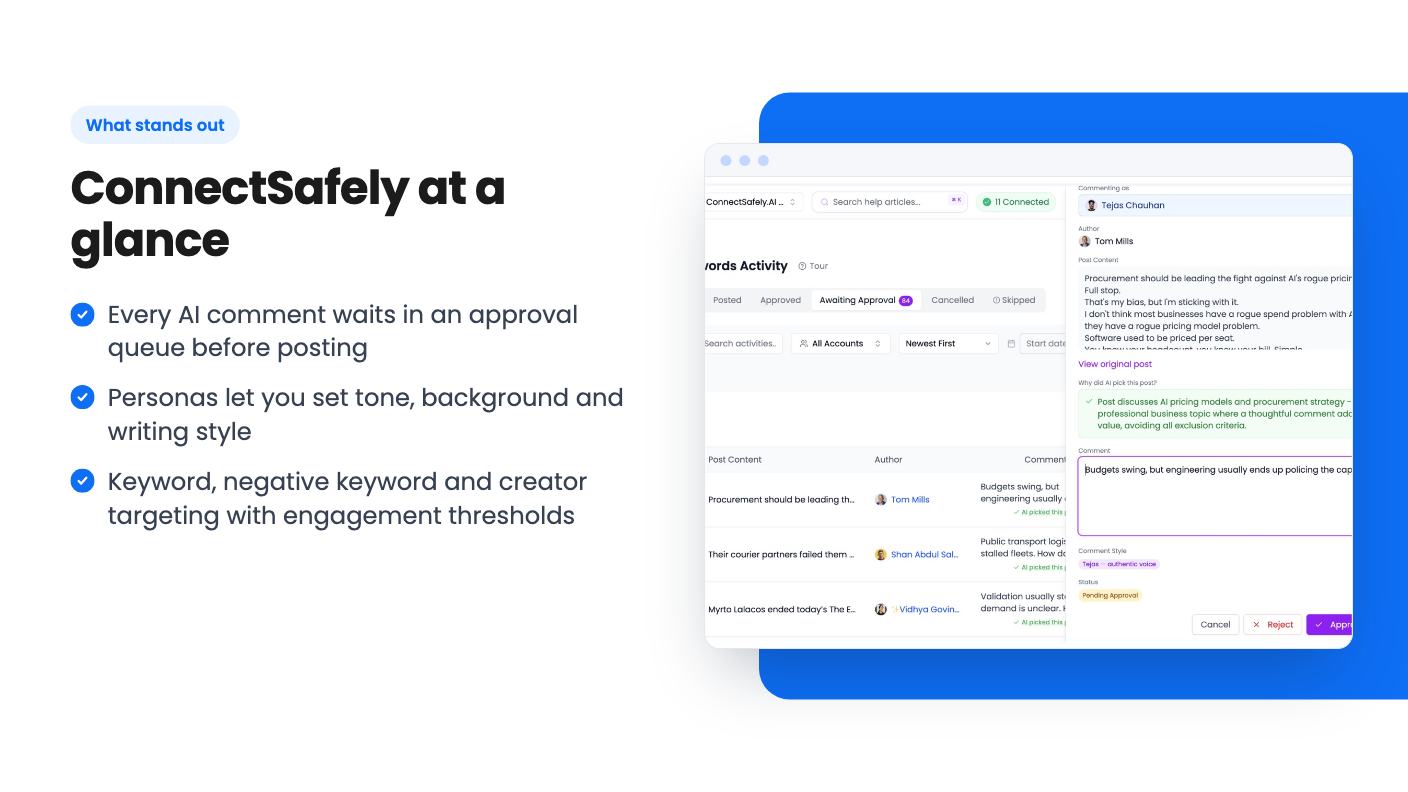
ConnectSafely is built to take most of that work off you. It finds posts from the people you want to reach, drafts a comment in a voice you’ve defined, and waits for you to approve it. It’s currently an AppSumo lifetime deal starting at $79, and it’s worth understanding what you’d actually be getting before you click.
The pitch is inbound. Instead of cold messaging strangers, you show up under their posts often enough that they recognise your name before you ever contact them. The listing describes it as generating AI comments and targeting creators to turn engagement into inbound leads.
In practice that means three jobs. It decides which posts are worth your attention, it writes a draft comment for each, and it gives you a dashboard to approve, edit or reject them. AppSumo files it under Sales Outreach and lists Lemlist and Outreach as alternatives, which is a stretch. Those are email and sales-sequence tools. This is a LinkedIn engagement tool, and you shouldn’t expect it to replace either.
Targeting is where the controls are most detailed. You set keyword filters and ideal customer profile author titles, so you see posts from decision-makers rather than everyone who mentions your topic. Negative keywords let you exclude off-topic posts. There’s also an engagement threshold, so you can skip posts with little reach.
The second route is creator targeting. You pick creators your ideal customers follow, and the tool comments when they publish. The listing says this keeps you visible without manually monitoring anyone’s feed.
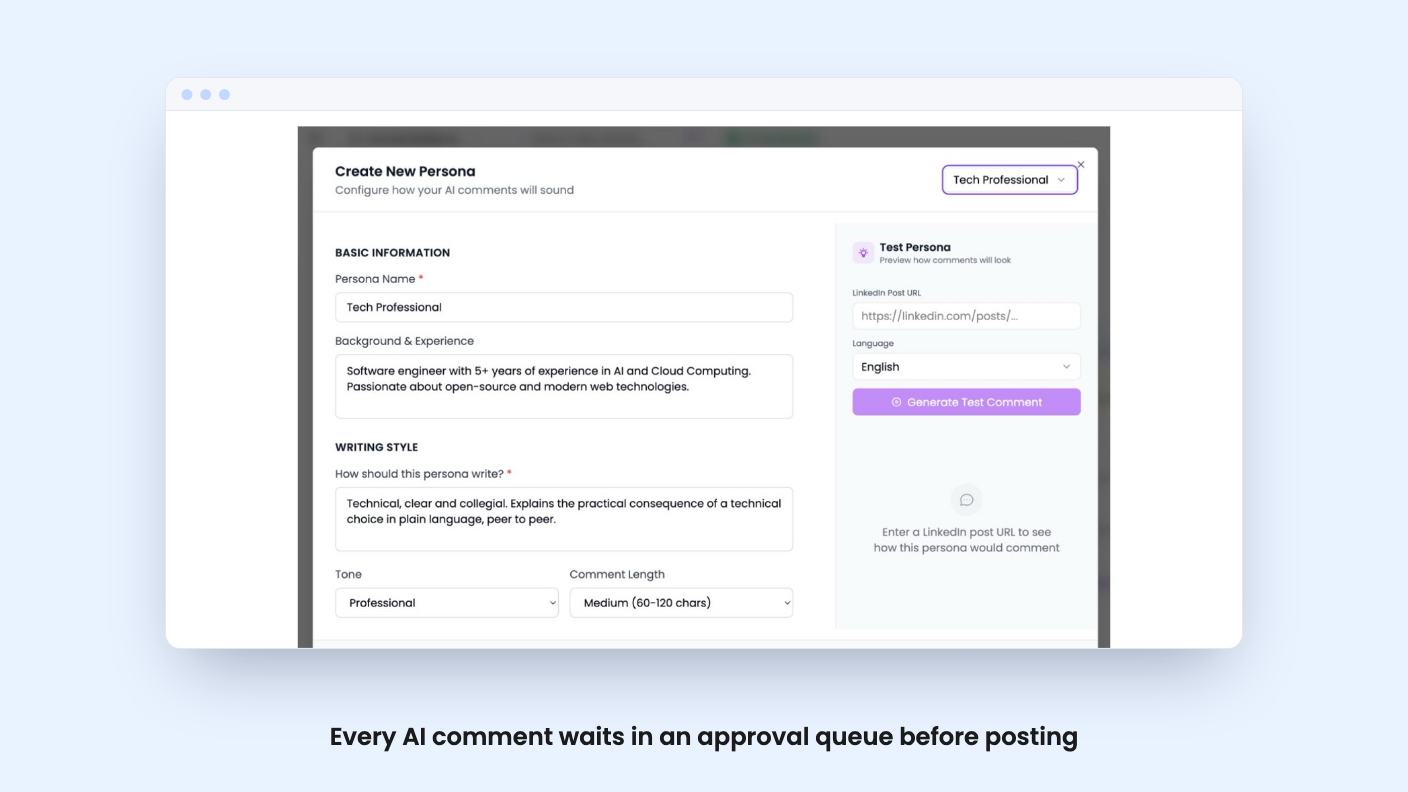
Personas handle the voice. You define tone, background and writing style, choose from several comment styles, and the AI rotates through them so your comments don’t all read alike. You can also paste a live LinkedIn post URL and preview how a persona would comment on it. That preview is the feature I’d use first, because it lets you judge the writing before you connect anything important.
The approval queue is the safety net. Nothing posts without your sign-off, per the listing. There’s also a tracking view by keyword or creator, so you can see which conversations get traction.
One thing is unclear. The creator feature talks about auto-commenting the moment someone publishes, while the approval feature says nothing goes live without you. Those can both be true if the draft is created automatically and you approve it later. But if a creator’s post is hours old by the time you approve, the speed advantage shrinks. The listing doesn’t say.
The video is a short founder pitch from Karan, a co-founder, and it’s light on product footage. In the transcript he describes the flow in four steps: tell it who your buyers are, it finds their posts, it writes a comment in your voice, you check it and post it. He says the company started two years ago with a focus on inbound.
He also says this isn’t spam because every comment is checked by you and it’s “built to keep your LinkedIn account safe.” That’s a claim, not an explanation. Neither the video nor the listing says how the tool paces comments, what limits it respects, or what happens if LinkedIn objects to the activity. If your LinkedIn profile is how you earn a living, that gap matters.
The video also says you can get results “in a first month, just from comments,” but the transcript gives no number. There are no customer examples either. The transcript also spells the product name oddly, and the listing refers to the plans as Presence Booster, so expect the naming to be a little loose.
The deal has five lifetime tiers. Here’s what the plan table lists:
The account counts don’t climb in order. Tier 1 lists three accounts and tier 2 lists one. That could be a listing error, or the starter plans may be structured differently from the Pro plans. Either way, ask before you buy.
The volume is modest. At 150 comments a month you’re looking at roughly five a day, and 300 is about ten. That’s plenty for a founder building a presence, and thin for an agency running many clients through one account. Since you approve each comment, you probably wouldn’t want much more.
There are a few deal terms to read closely. You have 60 days to activate your license. You can upgrade while the deal is live, but you can only downgrade within 60 days of purchase. And the listing says access to future AI models may come at a discount or may need an add-on. In plain terms, the model quality you get today may not be what you get free forever.
The deal ends on 2026-11-26, so there’s time to try the persona preview first.
The social proof is thin. AppSumo shows two reviews averaging 4.5, which is too few to tell you anything about reliability, support or how the tool behaves after a few months. Treat the rating as a starting point only.
Skip this if you want volume. The caps are small, and every comment needs your eyes. Skip it too if your LinkedIn presence is fragile or tied to a regulated job, because the listing doesn’t explain its safety approach beyond a claim. And skip it if you wanted a full outbound platform. Despite the Lemlist comparison, this is a commenting tool, with HubSpot, Zapier and API connections around the edges.
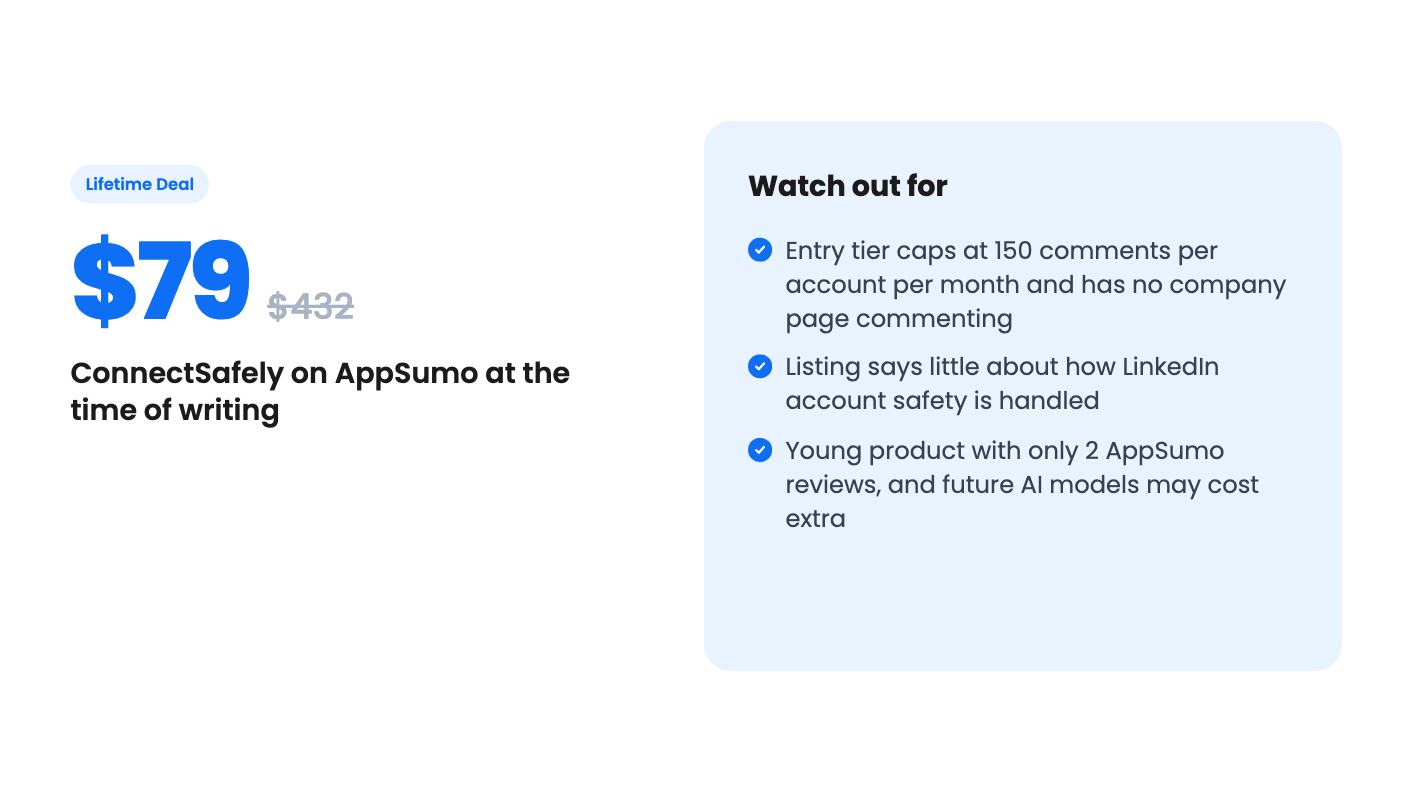
If you’re a solo founder, consultant or recruiter who already spends time on LinkedIn and wants help with the grind, the $79 tier is a low-cost way to find out. Just remember the first tier skips company page commenting, so if you post as a business, the $149 tier is the real starting point.
According to the listing, no. Every AI-generated comment is queued for review, and you can edit, approve or reject it from one dashboard. The listing also mentions auto-commenting when a target creator publishes, so check in the product how that works alongside the approval step.
Tier 1 ($79) lists 150 comments per account per month. Tiers 2 to 5 list 300 per account per month. Tier 1 also lists no company page commenting, which the other four tiers include.
The listing names HubSpot, LinkedIn and Zapier. The FAQ also describes a REST API, an MCP server, a CLI, and support for n8n, Make, Claude Desktop and Cursor. We haven't verified how deep any of these go.
How this review was made: researched from ConnectSafely's official listing and a transcript of its demo video, and written with help from AI. We have not tested ConnectSafely hands-on yet. Prices and deal terms change, so check AppSumo before you buy. See our affiliate disclosure.
KingSumo runs viral email giveaways. Free tier has unlimited contests, and a one-time $49 Pro adds branding removal, tracking and Mailchimp, Kit and Klaviyo.
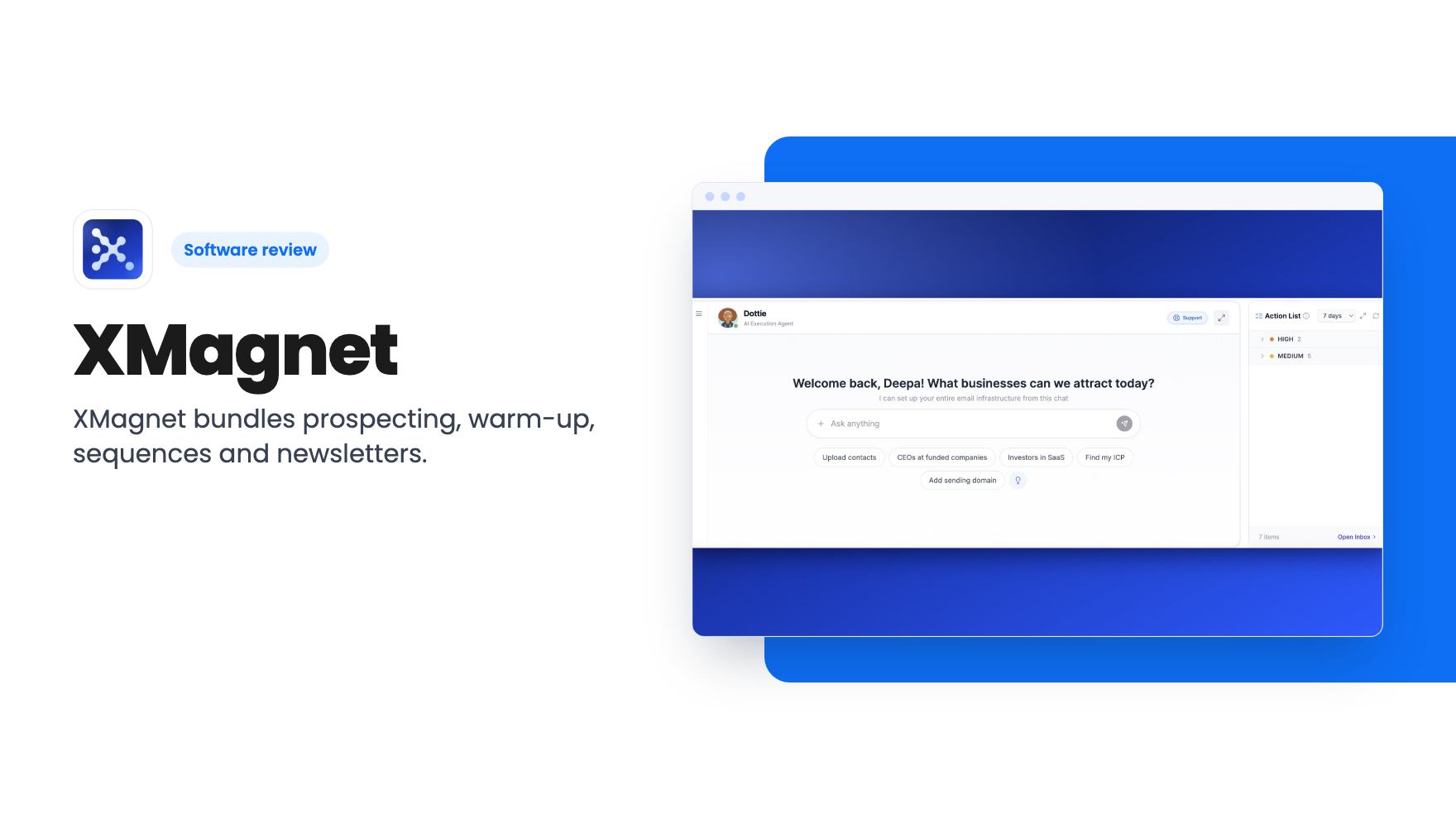
XMagnet bundles prospecting, warm-up, sequences and newsletters. The $59 to $539 AppSumo deal has one-time credits and mailbox caps worth checking first.
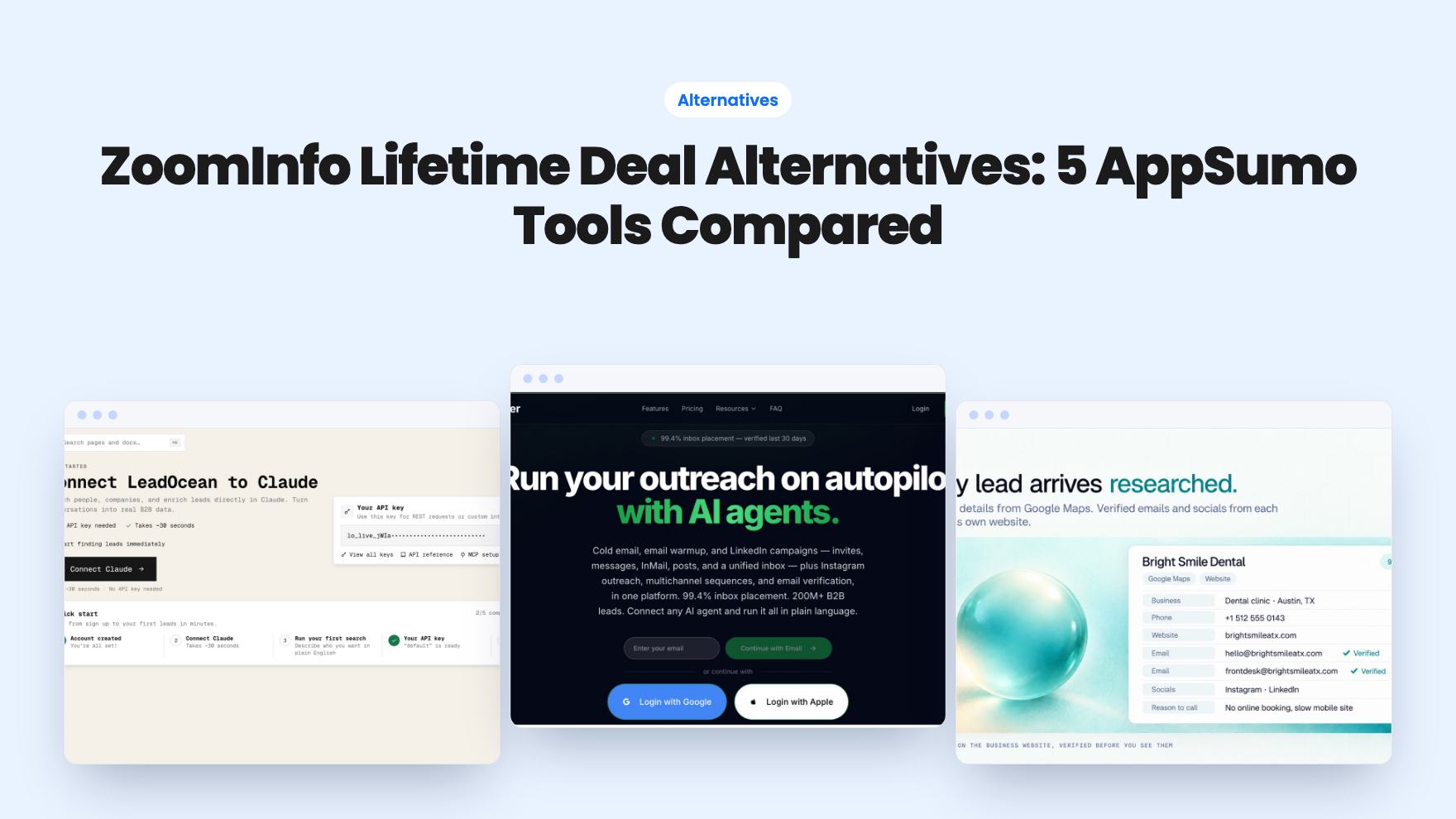
Five AppSumo lifetime deals that cover parts of what ZoomInfo does, from contact data to cold email and local prospecting, and who each suits.