Email MarketingReview
Million Dollar Email Templates 2.0 Review: Free Swipe File Deal
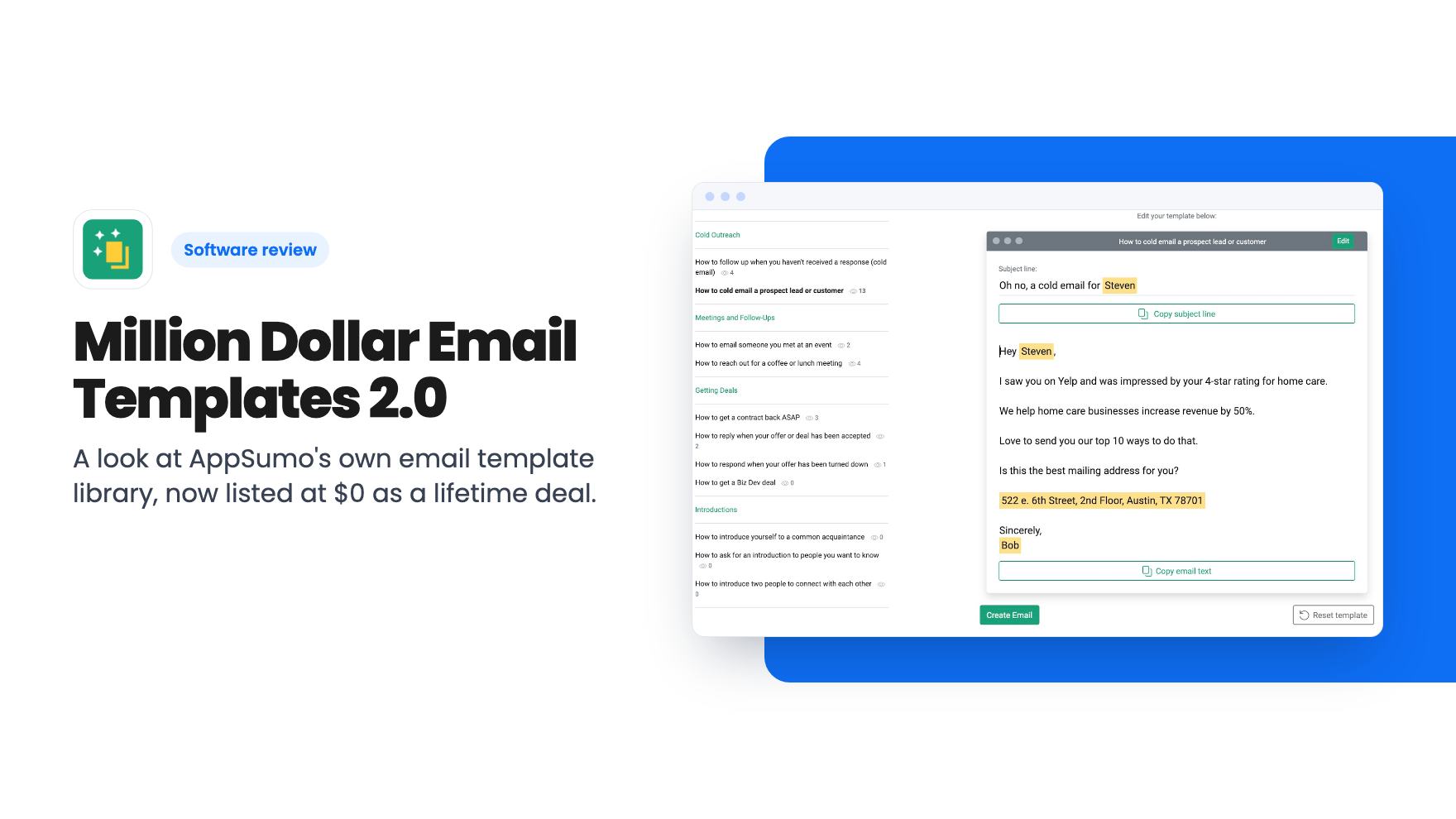
A look at AppSumo's own email template library, now listed at $0 as a lifetime deal. What you get, what's vague, and who should grab it.
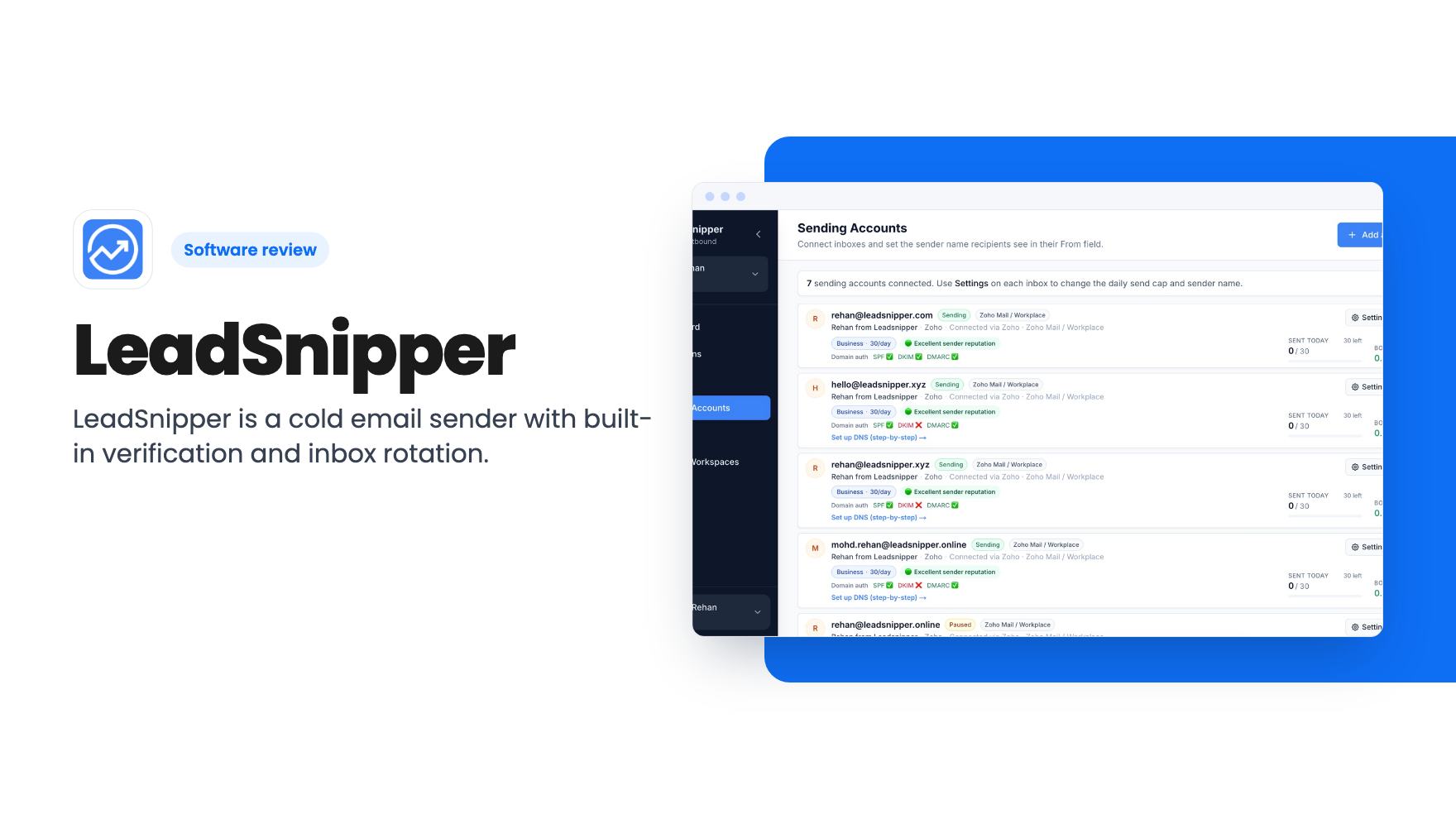
LeadSnipper is a cold email sender with built-in verification and inbox rotation. Its AppSumo lifetime tiers run $39 to $159 and the caps differ a lot.
Lifetime deal price
$39$6943% off
Lifetime Deal
Our take: Buy the $79 tier if you run cold outreach from several domains and already have a lead source. Skip it if you want a contact database, a newsletter tool, or you're sending a few dozen emails a week. The $39 tier is thin, and some listing details don't add up.
Picture a small agency that sends outreach from one company domain. A list goes out with a few hundred stale addresses, the bounces pile up, and suddenly even your invoices land in spam. That’s the scenario LeadSnipper is built around, and it’s the reason to look at it rather than at a general email tool.
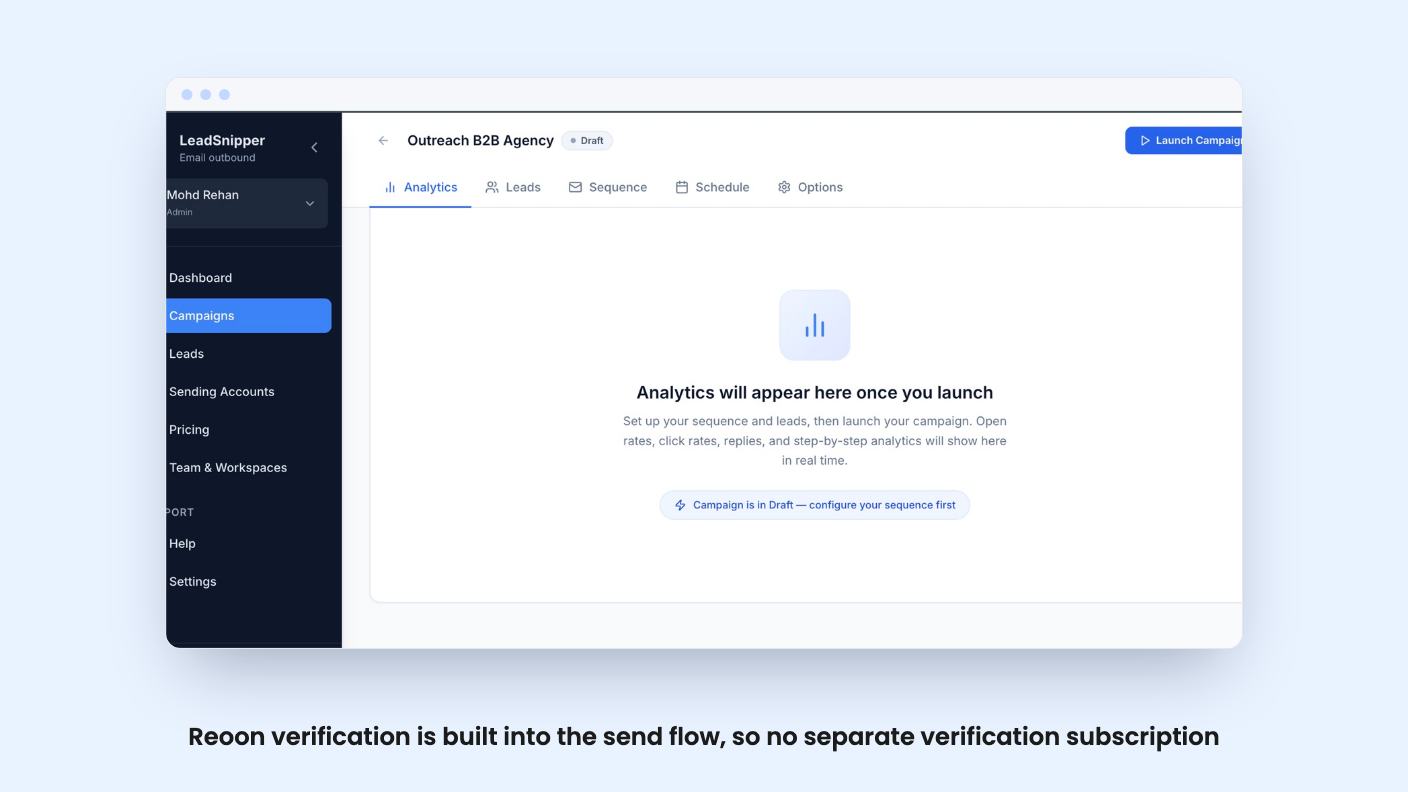
This is a cold email sending platform, not a newsletter app. You connect your own inboxes, import leads, run multi-step sequences and let the software spread the volume around. The listing positions it against Lemlist and Mailchimp, but the Mailchimp comparison is a stretch. The listing’s own FAQ says newsletter teams are better served by Mailchimp.
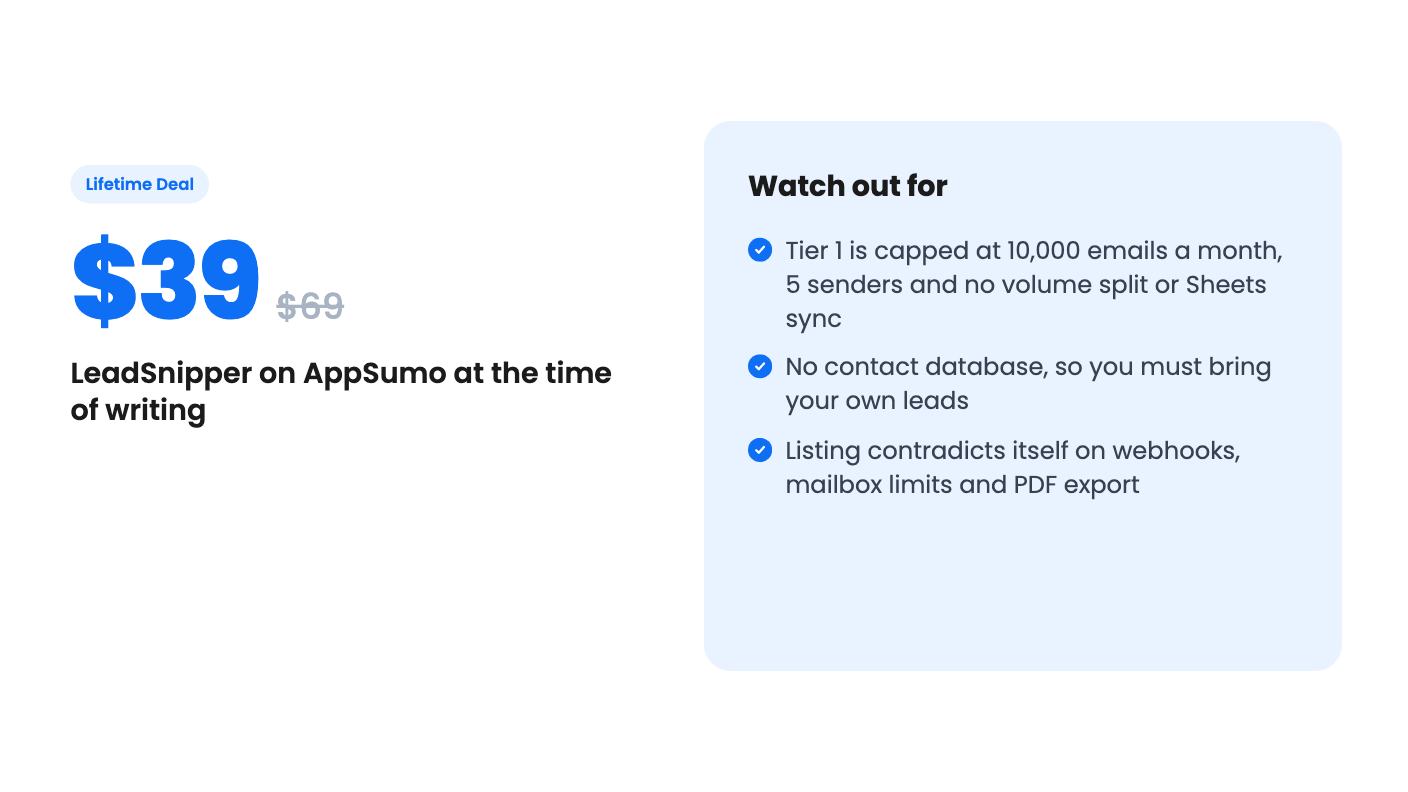
LeadSnipper handles the sending layer. It doesn’t find contacts. The FAQ is blunt about this: there’s no database like Apollo, and you bring leads from Apollo, LinkedIn, a CSV, Clay or a CRM sync.
So the shape of the workflow is: get leads somewhere else, bring them in, verify, send, and watch replies. If you don’t already have a lead source, factor that cost in before you decide this deal is cheap.
This is the pitch, so it’s worth reading closely.
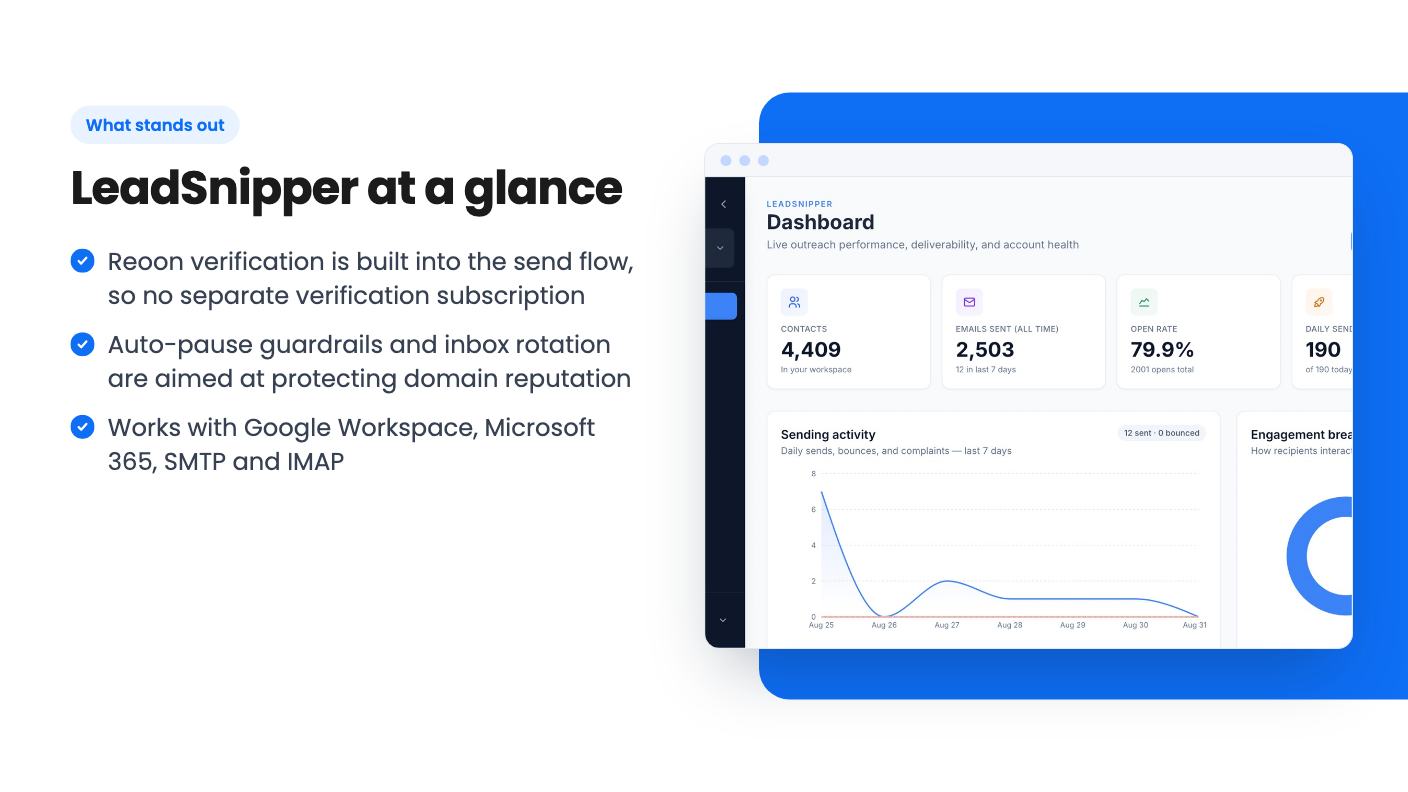
The verification piece is the most interesting. The listing says Instantly and Smartlead rely on separate verification subscriptions, and that LeadSnipper folds Reoon into the send flow. That could save real money. What the listing doesn’t say is whether verification has a credit allowance, a per-month cap, or a fair-use limit. With no video and no pricing detail on that, we can’t tell you.
The same goes for how the auto-pause works. We don’t know the thresholds, whether you can change them, or what happens to a half-sent campaign when a sender gets paused. Treat it as a promising claim, not a proven safeguard.
The listing says Google Workspace and Microsoft 365 connect through OAuth in one click, with no passwords stored. Custom SMTP and IMAP (Zoho, Fastmail, GoDaddy, corporate servers) take about 10 minutes. It also describes automatic SPF, DKIM and DMARC setup with live DNS checks.
After that, sequences stop automatically on reply, and replies are categorised with sentiment detection. For a small team that matters more than it sounds. Nothing is worse than a follow-up landing on someone who already said yes.
The listing claims most teams are sending within 5 to 10 minutes. That’s marketing arithmetic. DNS changes and domain warmup don’t care about a setup wizard, and the listing mentions warmup in an FAQ without describing it in the feature list. Ask before you buy what warmup actually involves.
Reporting covers deliveries, opens, clicks, bounces and complaints, per sender, with PDF exports for client reporting. Agencies will like the per-sender view. It’s the quickest way to find the one inbox that’s dragging things down.
All three tiers give lifetime access and future plan updates. Here’s what differs.
Tier 1 is where I’d be careful. The volume split is one of the headline features, and the cheapest tier doesn’t have it. Without it, you lose much of the point of connecting five inboxes. Ten thousand emails a month is fine for a solo operator testing outreach, but it’s the sort of cap you outgrow quickly.
Tier 2 looks like the sensible middle. For $40 more than tier 1 you get five times the volume, and the features that make the product distinctive. Tier 3 only makes sense for an agency running many client workspaces.
There’s also a 60-day window to activate your license, and you can move between tiers. That flexibility is useful given how different the caps are.
A few things are inconsistent, and you should know before buying.
The feature section promises unlimited mailboxes, but the plan table caps connected senders at 5, 20 or unlimited depending on tier. Same product, two answers.
The feature section says API and webhooks are coming soon, yet the plan table lists custom webhooks as available on tier 3. Either the table is ahead of the product or the feature text is stale. And PDF export is shown as available on tiers 1 and 2 but not tier 3, which looks like a mistake in the table.
Then there’s the Premium Managed AWS SES service, a flat monthly retainer for teams sending 100,000 to 500,000 or more emails a month. The price isn’t listed. It tells you the company has a paid upsell, and it suggests the lifetime tiers are aimed at the smaller end.
This is also a young-product situation. Several features are marked as coming soon, and sending reputation depends on infrastructure the company has to keep running. A lifetime deal only pays off if they’re around in three years.
Skip it if you send 50 emails a day and don’t think about deliverability. The listing says as much. Skip it if you need a newsletter tool, a CRM, or a lead database, since none of those are here.
If you already have leads, run outreach from a few domains, and are tired of paying for a sender plus a verifier, the $79 tier is a reasonable bet for a small price. Just read the tier table twice, ask support about the webhook and warmup questions, and don’t buy tier 1 expecting the full feature set.
No. The listing says it handles sending, verification, warmup and campaigns only. You import contacts from Apollo, LinkedIn, a CSV or another source.
Tier 2 at $79 looks like the practical pick. It gives 50,000 emails a month, 20 connected senders, 115 domains, 3 workspaces, Google Sheets sync and multi-sender volume split. Tier 1 lacks the last two.
According to the listing, you can upgrade or downgrade between the three license tiers. You also have to activate your license within 60 days of purchase.
How this review was made: researched from LeadSnipper's official listing, and written with help from AI. We have not tested LeadSnipper hands-on yet. Prices and deal terms change, so check AppSumo before you buy. See our affiliate disclosure.
A look at AppSumo's own email template library, now listed at $0 as a lifetime deal. What you get, what's vague, and who should grab it.
Five AppSumo lifetime deals named as Mailchimp alternatives, grouped by what you send, with the caps and catches in each listing.
Ten email marketing lifetime deals from $29 to $79, grouped by job: sending, list cleaning, and the odd extras. Caps, catches and who should skip each one.