
Forms & SchedulingReview
zcal Review: A Good-Looking Scheduler at a $59 Lifetime Price
zcal is a design-focused scheduling tool with team booking and custom domains. The lifetime deal runs $59 to $219, with user caps that matter.
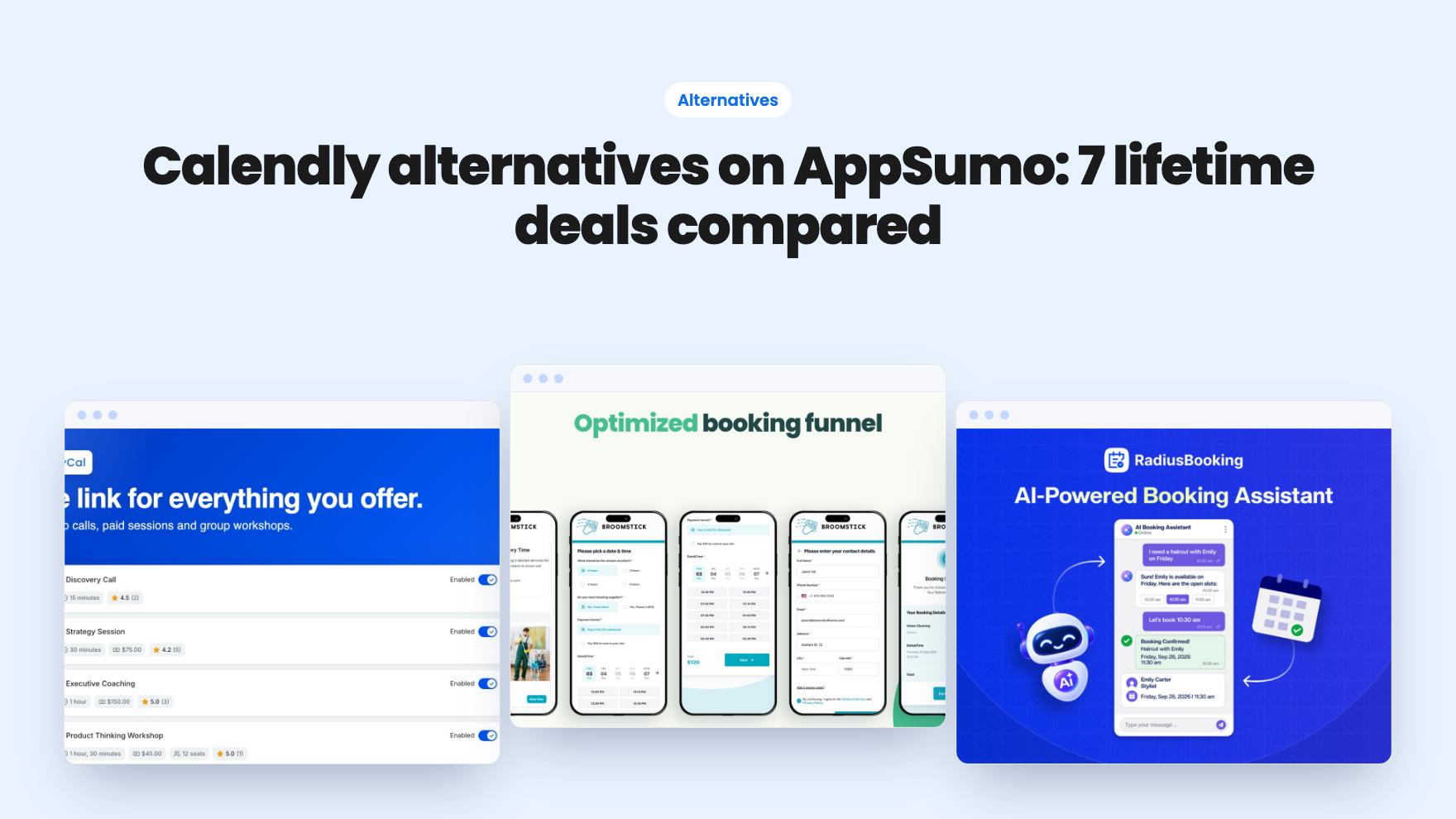
Seven AppSumo lifetime deals named as Calendly alternatives, from $19 to $69. We compare what each listing shows, what it leaves out and who each suits.
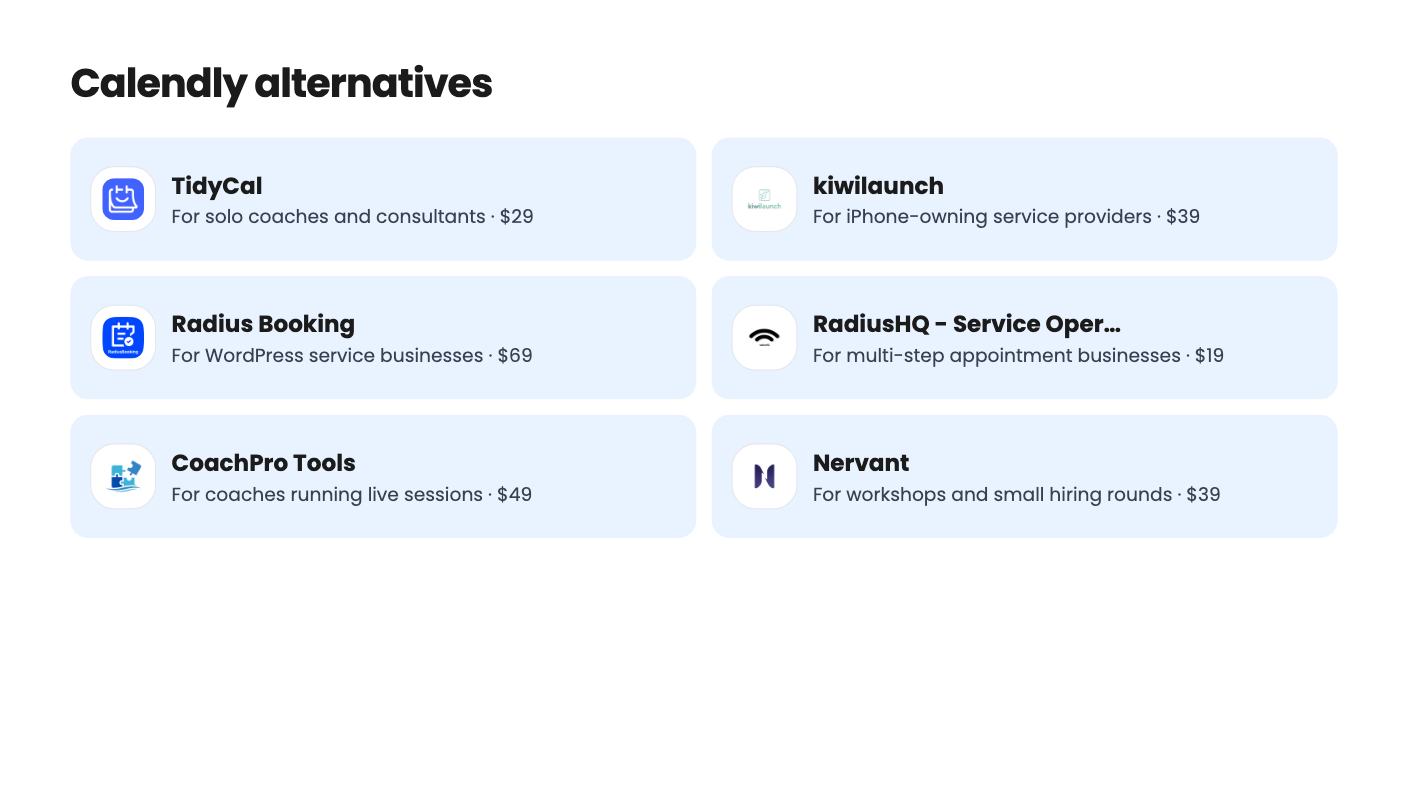
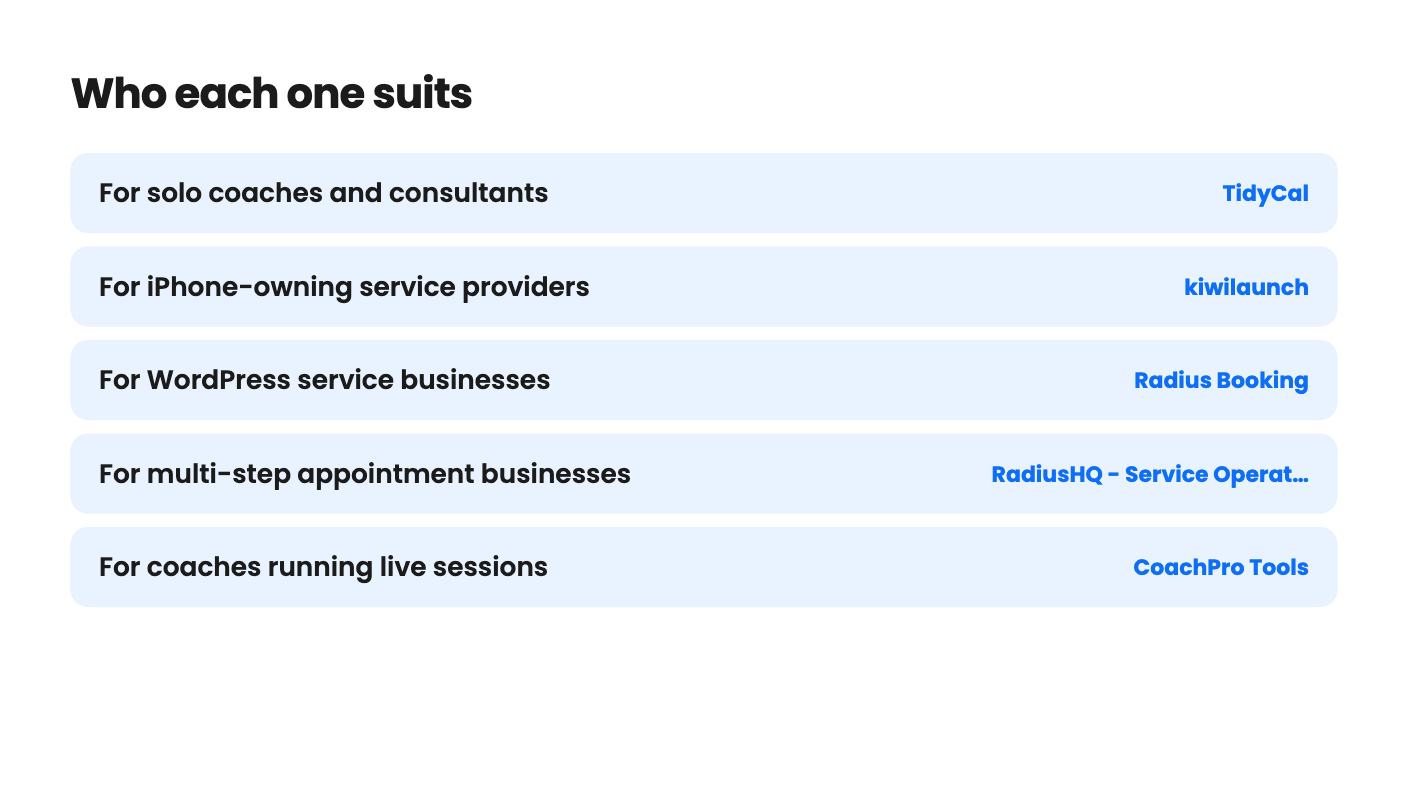
| Tool | Suits | Price |
|---|---|---|
| TidyCal | For solo coaches and consultants | $29 |
| kiwilaunch | For iPhone-owning service providers | $39 |
| Radius Booking | For WordPress service businesses | $69 |
| RadiusHQ - Service Operations Workspace | For multi-step appointment businesses | $19 |
| CoachPro Tools | For coaches running live sessions | $49 |
| Nervant | For workshops and small hiring rounds | $39 |
| Seendesk | For cheap, low-stakes booking pages | $29 |
The choice in front of you is simple to state and harder to settle. You can keep paying a monthly fee for a scheduling link, or you can pay once for a lifetime-deal tool that does most of the job and accept some risk that the product stays small. We haven’t tested any of these tools hands-on, so everything below comes from the AppSumo listings and what they do or don’t say.
Lifetime deals favor people with a narrow, predictable need. If you book discovery calls and nothing more, a $29 tool can pay for itself in a few months. If your calendar is the backbone of a ten-person business, the math and the risk look different.
TidyCal is the one that most resembles what you’re replacing. It costs $29 once on the entry tier (list price $144), with a $79 tier above it. You get unlimited bookings and multiple booking types, and Zoom, Google Meet and Teams links are created automatically. Payments run through Stripe or PayPal, and it lists packages, subscriptions and coupon codes too.
The catches are real. Lifetime plans keep a Powered by TidyCal bar and a TidyCal logo in emails. There’s no custom domain on either tier, and that needs the Pro plan at $8.25 a month billed yearly. A 1% platform fee applies to paid bookings on top of Stripe or PayPal fees. On the $79 tier, SMS only covers the US and Canada. There’s a free plan and a 60-day refund window, so you can try it before committing.
Seendesk is also $29, but we’d wait. It lists custom reschedule and cancel rules, email and SMS updates and staff access controls. What it never confirms is Google or Outlook calendar sync, payments or video links, and those are the things a Calendly replacement has to do. Tier limits and prices are inconsistent between sections of the listing. The single AppSumo review gives it 1 out of 5. That’s not enough evidence to build a business on.
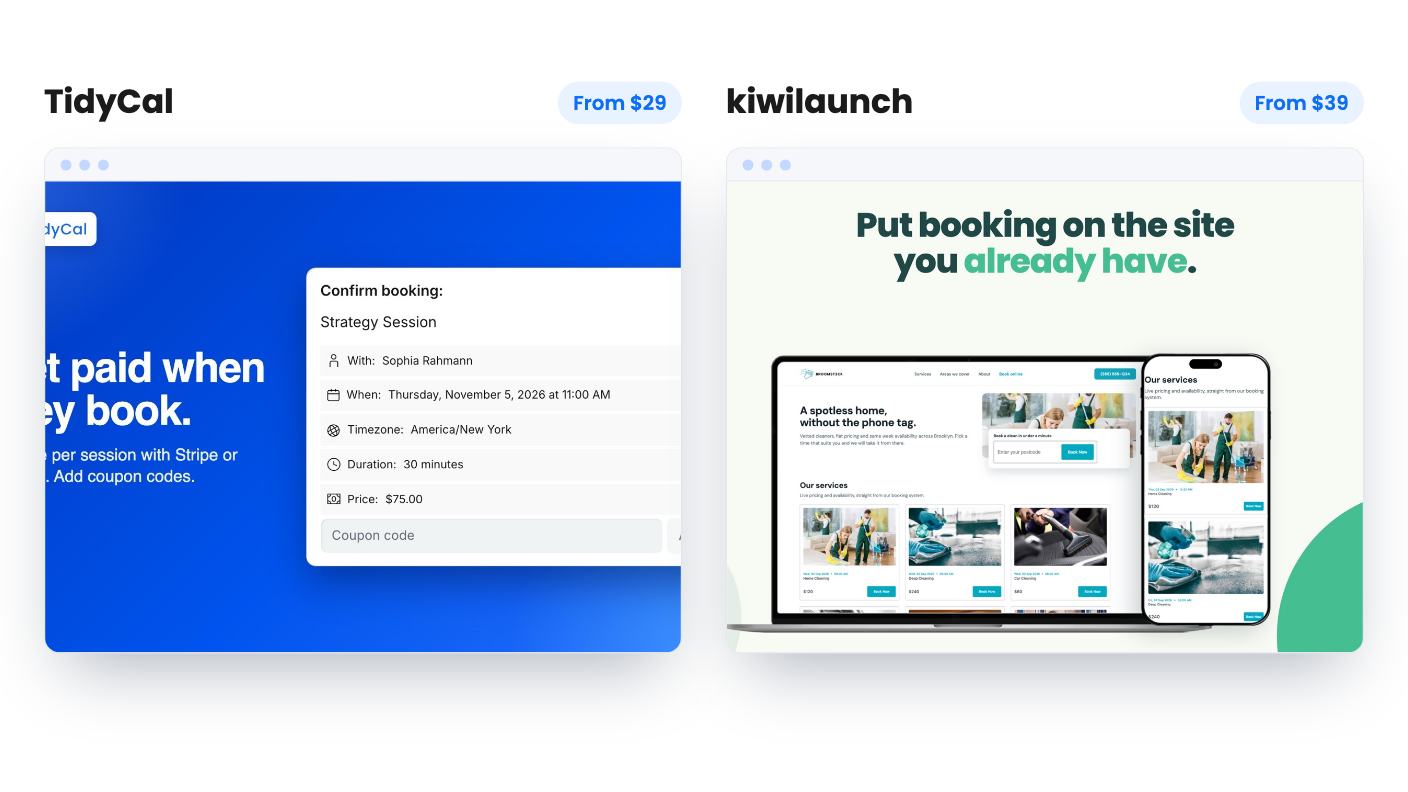
If you get paid when you show up, kiwilaunch is the more interesting option at $39. Tap to Pay on iPhone lets you take cards without a separate terminal, and the booking widget and catalog embed on your own site with one script. It connects your own Stripe account, so payments go to you. A 4.62 average across 48 AppSumo reviews is the strongest track record among these seven.
It’s iPhone only for now. The Android app is still under construction, and there’s no public roadmap. The admin panel carries kiwilaunch branding, and the listing doesn’t spell out plan limits, so you can’t see any caps before you buy. That last point bothers us. A 60-day money-back guarantee softens it, but you shouldn’t have to use a refund to find out what a plan includes.
Radius Booking is for a different reader entirely. It’s a WordPress plugin at $69, so there’s no hosted booking link to send around. In return you get unlimited staff with individual hours, breaks and days off, plus deposits, Stripe, PayPal, WooCommerce checkout and PDF invoices. An AI booking chat is included, but it runs on your own OpenAI or Gemini key, and the listing doesn’t say what that will cost you. Site limits on the tiers are listed unclearly. If your site already runs on WordPress, it’s a sensible fit. If not, skip it.
Some businesses can’t use a simple slot picker. A salon visit might be a cut, a color and a wait in between.
RadiusHQ is built for that. It handles multi-service carts, segmented visits and overlap bookings, with unlimited bookings and five team members for $19. PayPal works at booking, with refund rules and a payments table, and you can export bookings, clients and payments as CSV. Stripe and UPI are only listed as coming soon, which rules it out if card payments matter today. It’s also brand new, with one AppSumo review and no higher tier shown. At $19 the risk is small, but treat it as a bet.
CoachPro Tools at $49 is really a coaching toolkit with a booking page attached. It lists 285+ browser-based interactive tools across 15 categories with PDF export, plus client profiles, kanban agreements, video calls and a whiteboard. Clients need no login or install, and you can export your data. White label is a separate paid add-on with no price given, and the listing states no usage caps. It’s a young product with one named founder, so we’d call it a fit for solo coaches only.
Nervant starts at $39 and mixes live polls, word clouds, quizzes and Q&A with a scheduling page that includes Zoom and Teams links. Participants join by QR code or join code with no app or account. That suits workshop hosts. The plan table is hard to read and doesn’t clearly map to the three lifetime tiers, and there’s only one AppSumo review. A tool covering this many jobs may be shallower at each, so don’t buy it mainly for scheduling.
One practical step before you spend anything: put a real booking through whichever tool you choose, including payment and calendar sync, inside the refund window. The listings are thin in places, and a single test booking will show you gaps faster than any comparison can.
For a solo person who mainly needs a booking link, payments and video links, TidyCal or kiwilaunch may be enough on paper. If you depend on deep team routing or long-proven integrations, the listings don't show that these tools match it.
TidyCal lists Stripe and PayPal, kiwilaunch connects your own Stripe account, Radius Booking lists Stripe, PayPal and WooCommerce checkout, and RadiusHQ takes PayPal with Stripe still coming soon. Seendesk's listing never confirms payments.
TidyCal, kiwilaunch and CoachPro Tools each list a 60-day refund window or money-back guarantee. Use that time to run a real booking through your own calendar and payment setup before it closes.
How this article was made: researched from each tool's official listing and our reviews of it, and written with help from AI. We have not tested these tools hands-on. Prices and deal terms change, so check AppSumo before you buy. See our affiliate disclosure.
zcal is a design-focused scheduling tool with team booking and custom domains. The lifetime deal runs $59 to $219, with user caps that matter.
AppSumo hasn't announced its Black Friday 2026 deals yet. Here's how to shortlist, check plan limits and which lifetime deals to watch.
Yoya swaps the booking form for an AI chat and sends you a pre-call brief. Here's what the $49, $129 and $249 AppSumo lifetime tiers really get you.

