
Forms & SchedulingReview
zcal Review: A Good-Looking Scheduler at a $59 Lifetime Price
zcal is a design-focused scheduling tool with team booking and custom domains. The lifetime deal runs $59 to $219, with user caps that matter.
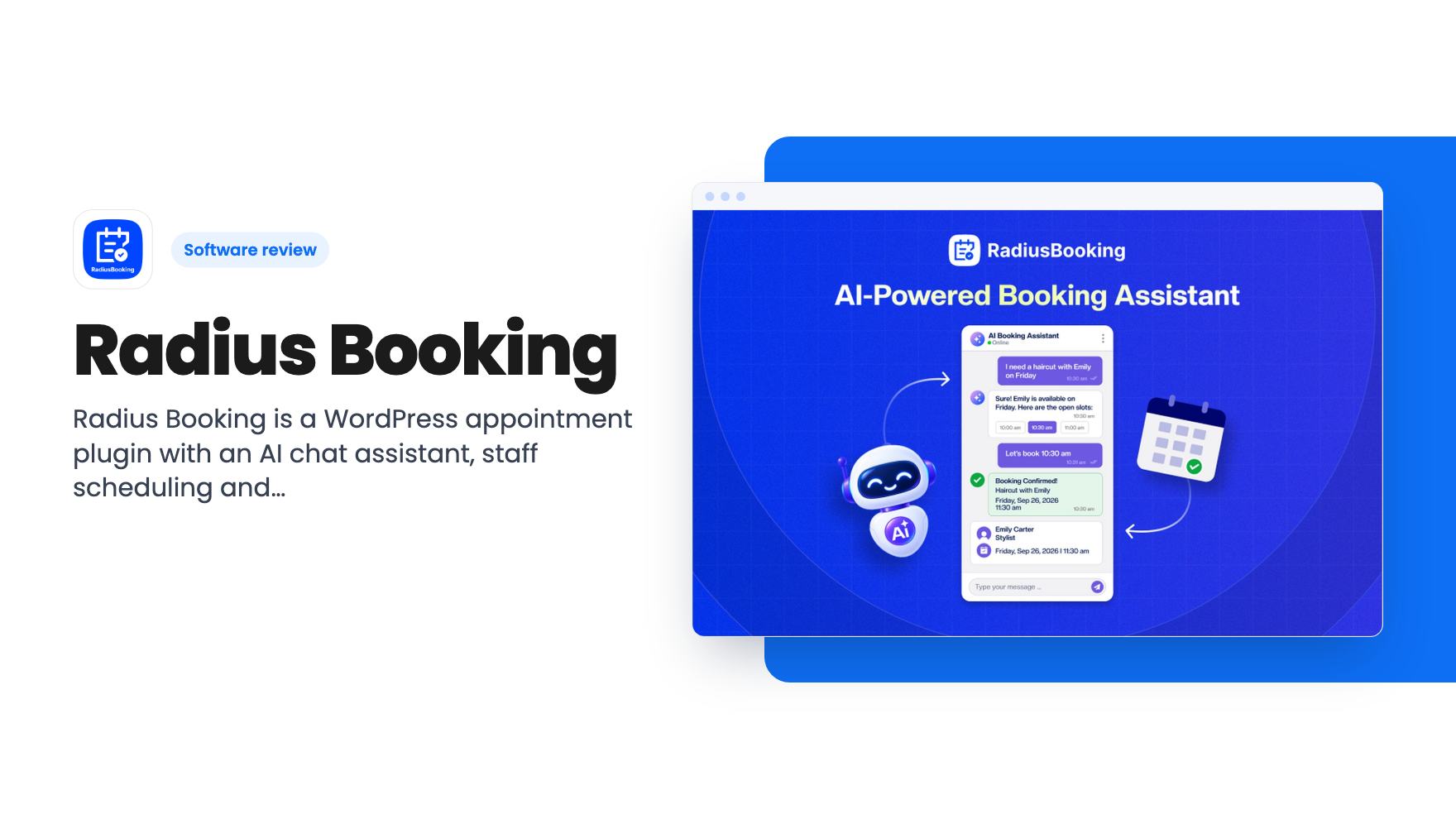
Radius Booking is a WordPress appointment plugin with an AI chat assistant, staff scheduling and Stripe payments, sold on AppSumo from $69.
Lifetime deal price
$69$34980% off
Lifetime Deal
Our take: Buy it if you run a service business on WordPress and want booking, staff schedules and payments on your own site without a monthly fee. Skip it if you don't use WordPress, want a hosted link like Calendly, or need proof the product is mature, since the listing gives little of that.
Picture a salon owner whose inbox is full of messages like “can you do Friday?” and “does Emily have space after lunch?” Every one of those is a booking someone has to answer by hand, check against a calendar, and confirm. Radius Booking is built to take that job off your plate, and it does it inside your WordPress site rather than on someone else’s platform.
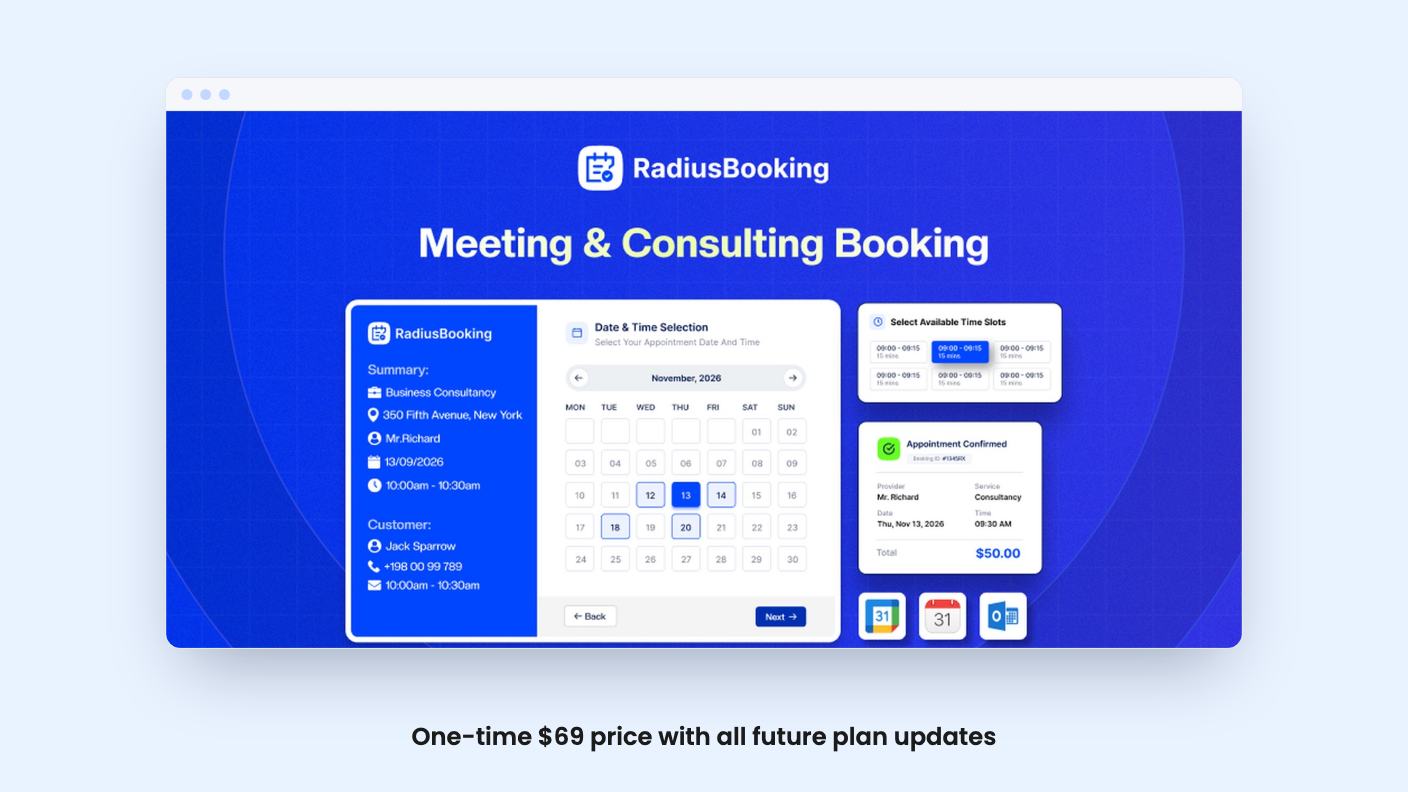
The lifetime deal on AppSumo starts at $69, down from a list price of $349. That’s a lot less than a year of most hosted schedulers. Whether it suits you depends mostly on one question: is your website already on WordPress?
This is the first thing to get straight, because the AppSumo comparison to Calendly and Cal.com can mislead. Those are hosted services where you share a link. Radius Booking is a WordPress plugin. You install it, set up services, staff and business hours, then drop the booking form on a page with the shortcode [radius_booking_form], an Elementor widget, or a Gutenberg block.
If your site is on Wix, Squarespace or Shopify, this isn’t for you. If you’re on WordPress, it means bookings happen on your own pages, under your own branding, with no third-party booking page in the way. Many small service businesses will like that. Some will miss the convenience of a link they can paste into an Instagram bio, and the listing doesn’t mention a standalone page.
The feature AppSumo leads with is the AI booking assistant. A customer types something like “haircut with Emily on Friday,” and the assistant checks real-time availability, suggests open slots, and completes the booking. The same chat can reschedule and cancel. The listing pitches it as a 24/7 front desk that needs no extra staff.
That’s appealing, but read the fine print. The assistant runs on your own OpenAI or Gemini key. The listing frames this as “no per-booking fees,” and that’s true of Radius Booking itself. But you’d be paying OpenAI or Google for the usage, and the listing doesn’t say how much a typical booking conversation costs or which models it supports beyond those two providers.
It also doesn’t say how well the assistant handles messy requests, such as a customer asking for two services back to back. There’s no demo video to judge it by. Treat it as a promising extra on top of a normal booking form, not the reason to buy.
The scheduling core is where this looks strongest on paper. You get unlimited staff, each with their own hours, breaks and days off. Services can be assigned to the right people, with per-staff pricing and capacity. Staff can also get their own dashboard, which matters if you’d rather not manage everyone’s calendar yourself.
Customers can book service-first or staff-first. That sounds minor until you run a business where half your clients want “whoever is free” and the other half only want their regular stylist. You can also add buffer times between appointments.
Beyond one-to-one appointments, the plugin handles events. The listing mentions registration with sessions, ticket tiers, capacity limits and waitlists. If you run workshops or classes alongside appointments, that saves you from bolting on a second tool. How deep the event features go isn’t spelled out, so check them against your actual use case.
Calendar sync is covered too. The listing says Google Calendar syncs two ways, and the FAQ adds that Pro brings Apple Calendar and iCloud sync, plus automatic Google Meet or Zoom links.
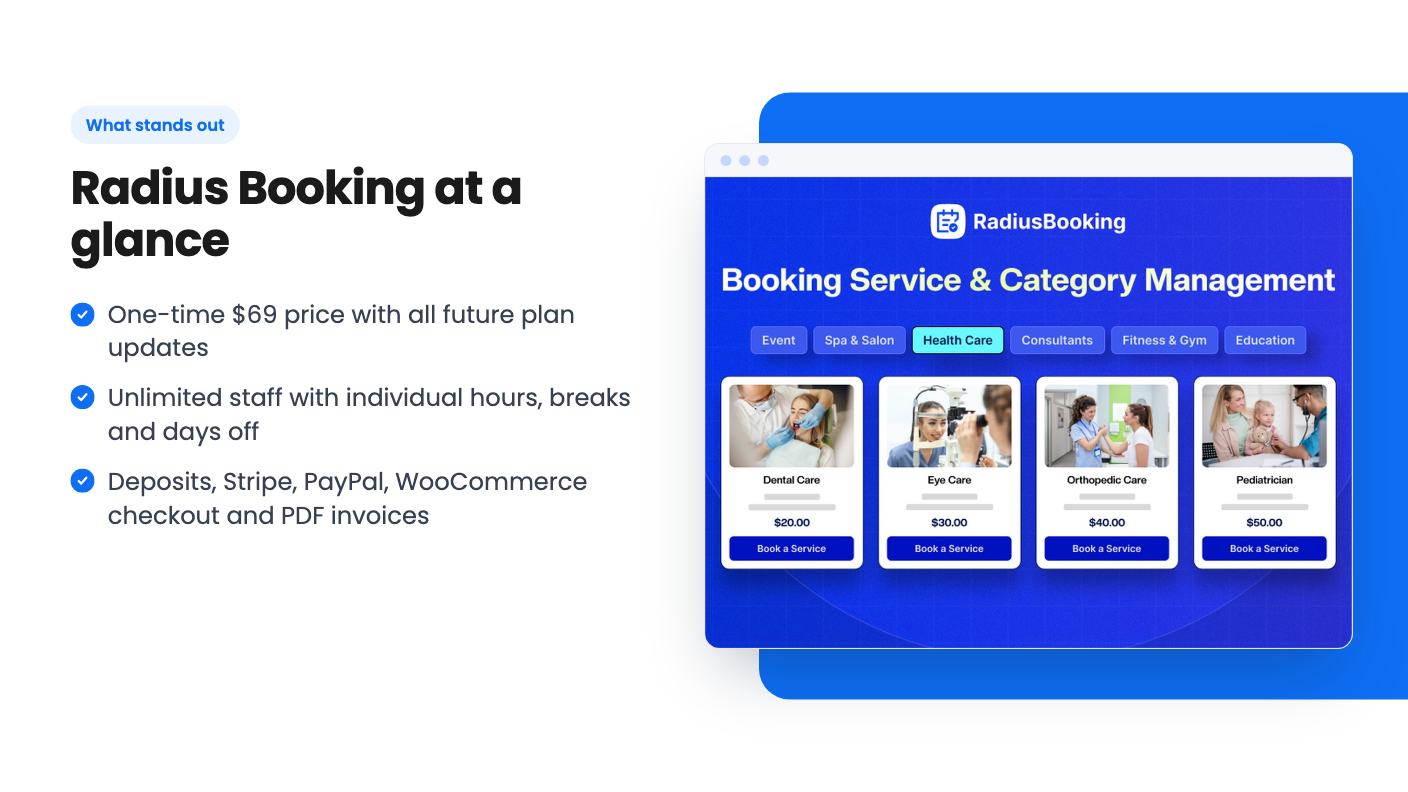
Payments are where service businesses get burned by no-shows, so this section matters. The plugin takes PayPal, Stripe and WooCommerce checkout. You can charge a deposit, full payment, or allow offline payment for in-person customers.
There’s more. Coupons and dynamic pricing can vary by time, day, season or availability, so you could charge more for Saturday slots. Tax rates are supported, and PDF invoices are emailed automatically.
Here’s a detail that’s easy to miss. According to the FAQ, the free version includes PayPal, while Stripe and deposit options are Pro features. The listing says you get “lifetime access to Radius Booking” and doesn’t explicitly say the deal includes Pro. It almost certainly does, given the price tiers and the Pro features it advertises, but get that confirmed on the listing page or by asking the seller before you pay.
There are three tiers: $69 (was $349), $119 (was $499) and $199 (was $699). All three include lifetime access, all future plan updates, and the option to stack up to 3 codes. You must redeem within 60 days of purchase.
The tiers differ by how many sites you can use. The listing shows “Sites: 5 / Unlimited / 10,” which doesn’t line up neatly with three rising prices. It could be a typo in the listing. Don’t guess here. If you build sites for clients, that number is the whole decision, so check it before you pick a tier.
What the listing doesn’t tell you is just as useful. There’s no mention of SMS reminders, only email notifications. There’s no mention of how long the product has existed, how many people use it, or how fast support responds. The video transcript isn’t available either, so everything here comes from the seller’s own description. A lifetime deal is only worth what the developer keeps building, and this listing gives you little to judge that by.
The low entry price is the best argument for taking the risk. At $69, you’re not betting much.
Skip it if your site isn’t on WordPress. Skip it if you want a hosted scheduling link for sales calls, where Calendly or Cal.com is a more natural fit. And skip it if you expect the AI assistant to work for free, because you’ll be paying for your own API usage.
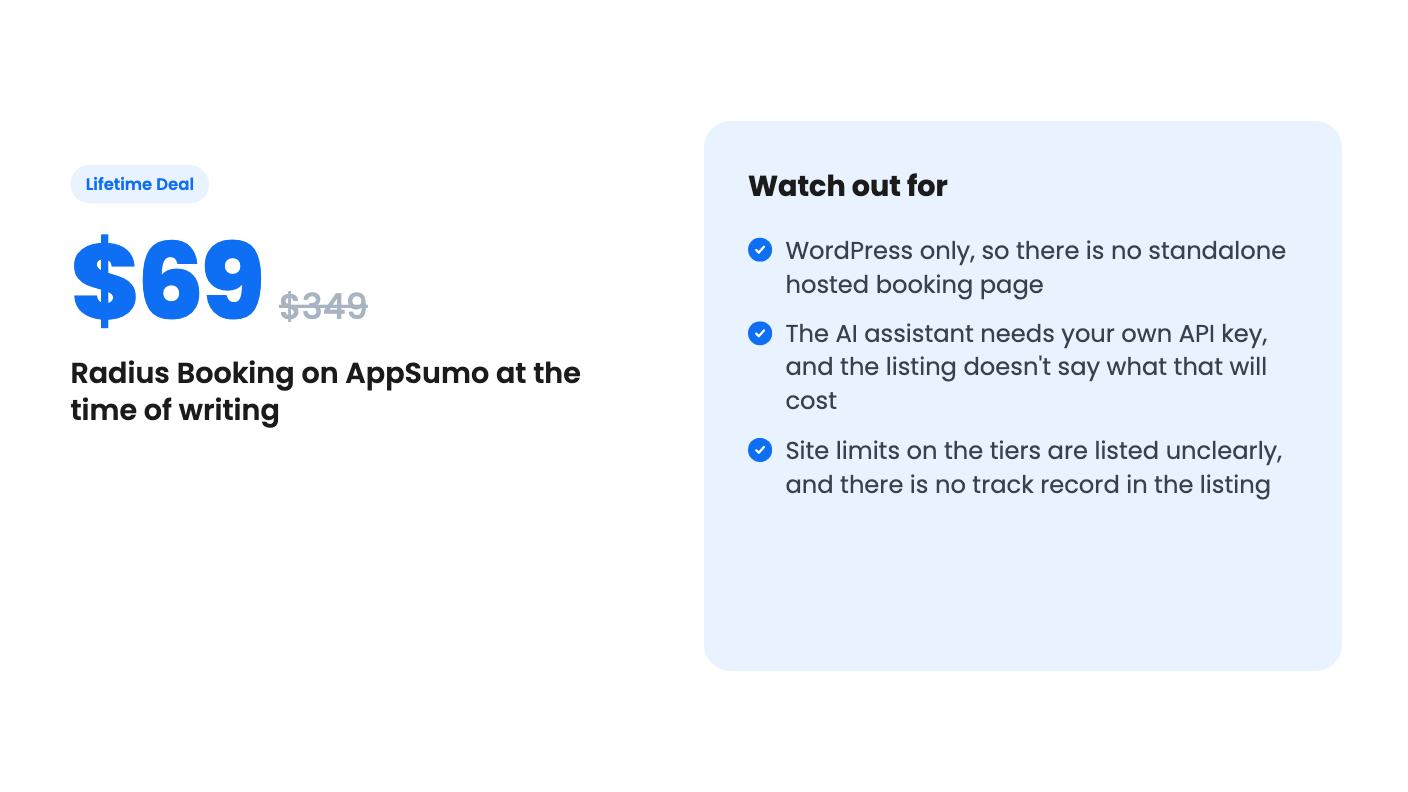
It also isn’t the best pick if you need a long track record before you commit. Nothing in the listing shows one. If you’re a salon, clinic, studio or consultancy owner already running WordPress, tired of paying monthly for booking software, and comfortable with a younger product, the $69 tier is a cheap way to find out. Just confirm the Pro features and the site limits first.
Based on the listing, no. It's described as a WordPress appointment booking plugin, and you add it to pages with a shortcode, an Elementor widget or a Gutenberg block.
The listing says there are no per-booking fees because the assistant runs on your own OpenAI or Gemini key. You would still pay those providers for usage, and the listing doesn't estimate that cost.
The listing shows site counts of 5, Unlimited and 10 across the three tiers, but the order is unclear. Confirm which tier gets which number before you buy.
How this review was made: researched from Radius Booking's official listing, and written with help from AI. We have not tested Radius Booking hands-on yet. Prices and deal terms change, so check AppSumo before you buy. See our affiliate disclosure.
zcal is a design-focused scheduling tool with team booking and custom domains. The lifetime deal runs $59 to $219, with user caps that matter.
AppSumo hasn't announced its Black Friday 2026 deals yet. Here's how to shortlist, check plan limits and which lifetime deals to watch.
Yoya swaps the booking form for an AI chat and sends you a pre-call brief. Here's what the $49, $129 and $249 AppSumo lifetime tiers really get you.

