Picture a Tuesday workshop. You’ve got 40 people in a room or on a call, you want a quick poll to wake them up, a word cloud to collect ideas, and a booking link so the interested ones can grab a follow-up slot. Most of us end up with three tabs, three logins and three subscriptions. Nervant is trying to put all of that behind one account, and it’s selling a lifetime deal on AppSumo starting at $39.
That’s an ambitious spread, and it’s worth being straight about what we know. We haven’t used Nervant, and there’s no demo video attached to the listing. Everything below comes from the listing’s own description, which is marketing copy, so read it with that in mind.
The listing names Calendly, Kahoot and Mentimeter as the products Nervant replaces. That tells you the shape of it. Part of Nervant is live audience engagement, part is scheduling, and part is a team workspace plus a hiring assessment layer.
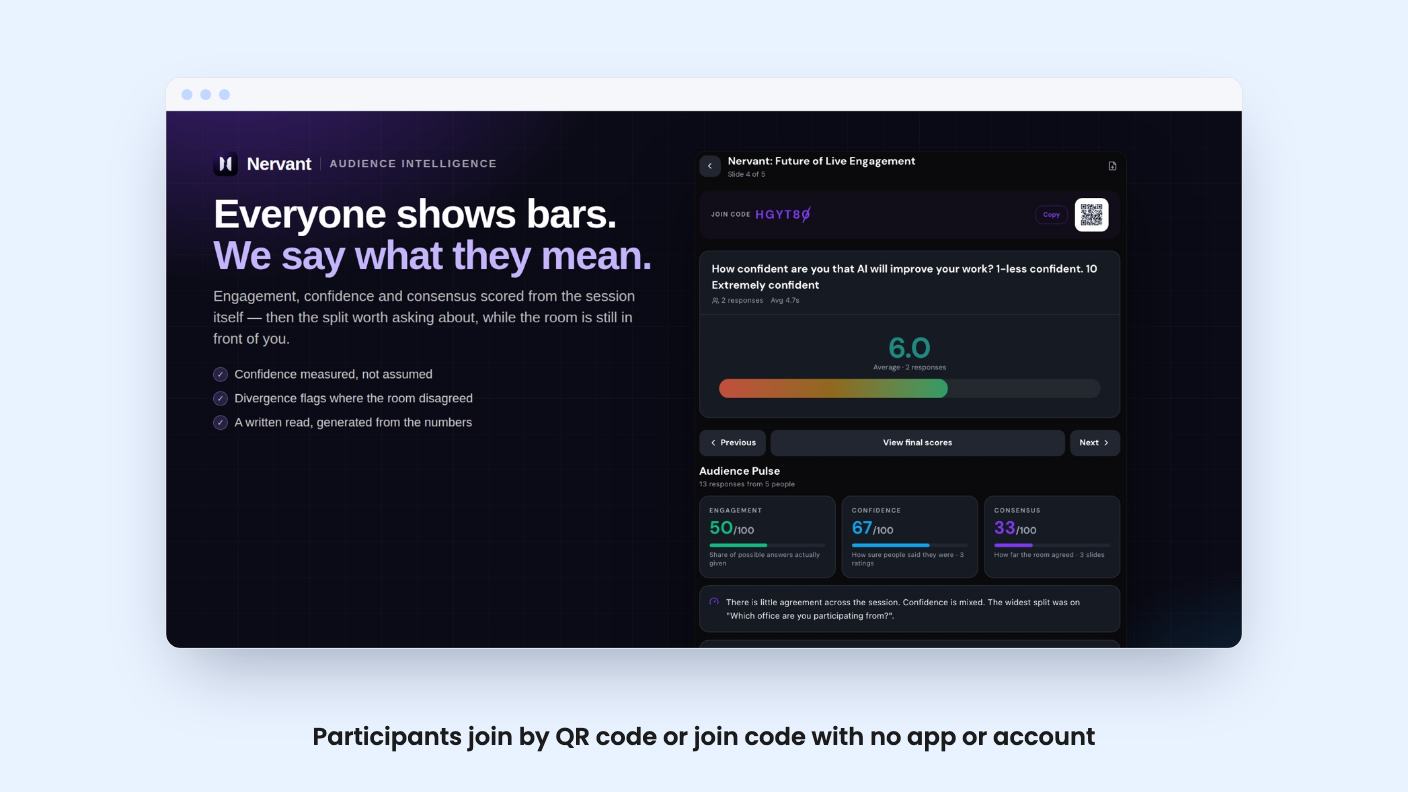
The audience side covers live polls, word clouds, scales, quizzes, Q&A and presentations. One join code gives you all of them, so you can mix formats in a single session without switching tools. Results show up on a live screen the host can react to during the session.
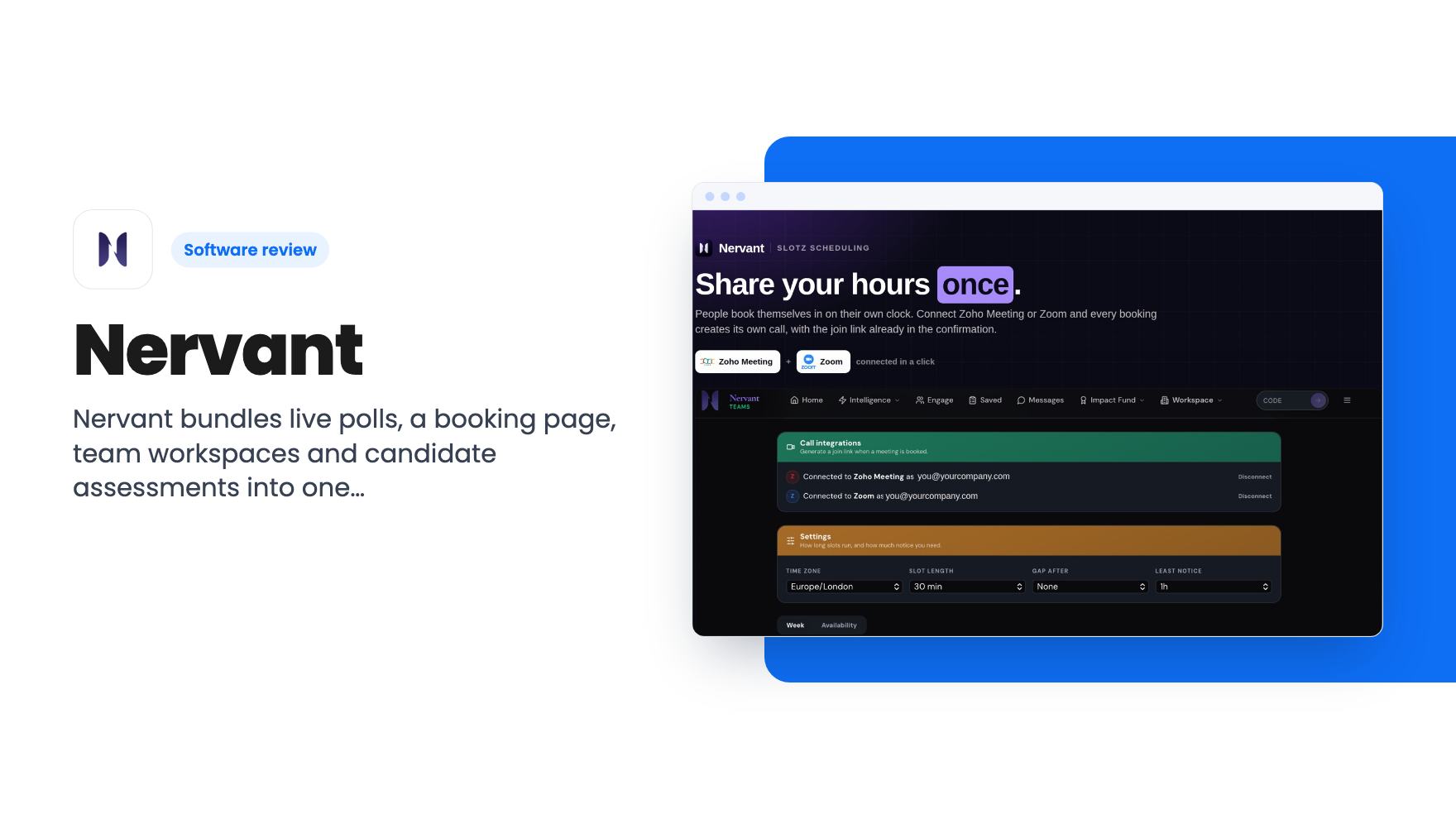
The scheduling side is called Slotz. It gives you a public booking page, a shared busy calendar across event types, calendar invites, confirmation emails, Zoom or Teams links and invitee self-cancel. The listing says unlimited event types come with paid plans, while the free plan gets one.
How a session works
Joining is the part that’s easiest to like. Participants scan a QR code or enter a join code. No app, no account. If you’ve ever watched a room of people fail to sign up for a polling tool while the clock ticks, you’ll see why that matters.
The interesting claim is what happens after the votes come in. The listing says most competitors stop at bar charts, while Nervant adds written insights on top of those charts so you can decide quickly. Its example is an executive meeting in five minutes. You can export insight summaries and reports to PowerPoint and PDF, and review them after the session ends.
The listing doesn’t explain how those insights are produced, or how good they are. That’s the feature I’d want to see before trusting it. A summary sentence under a chart is only useful if it’s accurate and says something you couldn’t read off the chart yourself.
Pods and the hiring layer
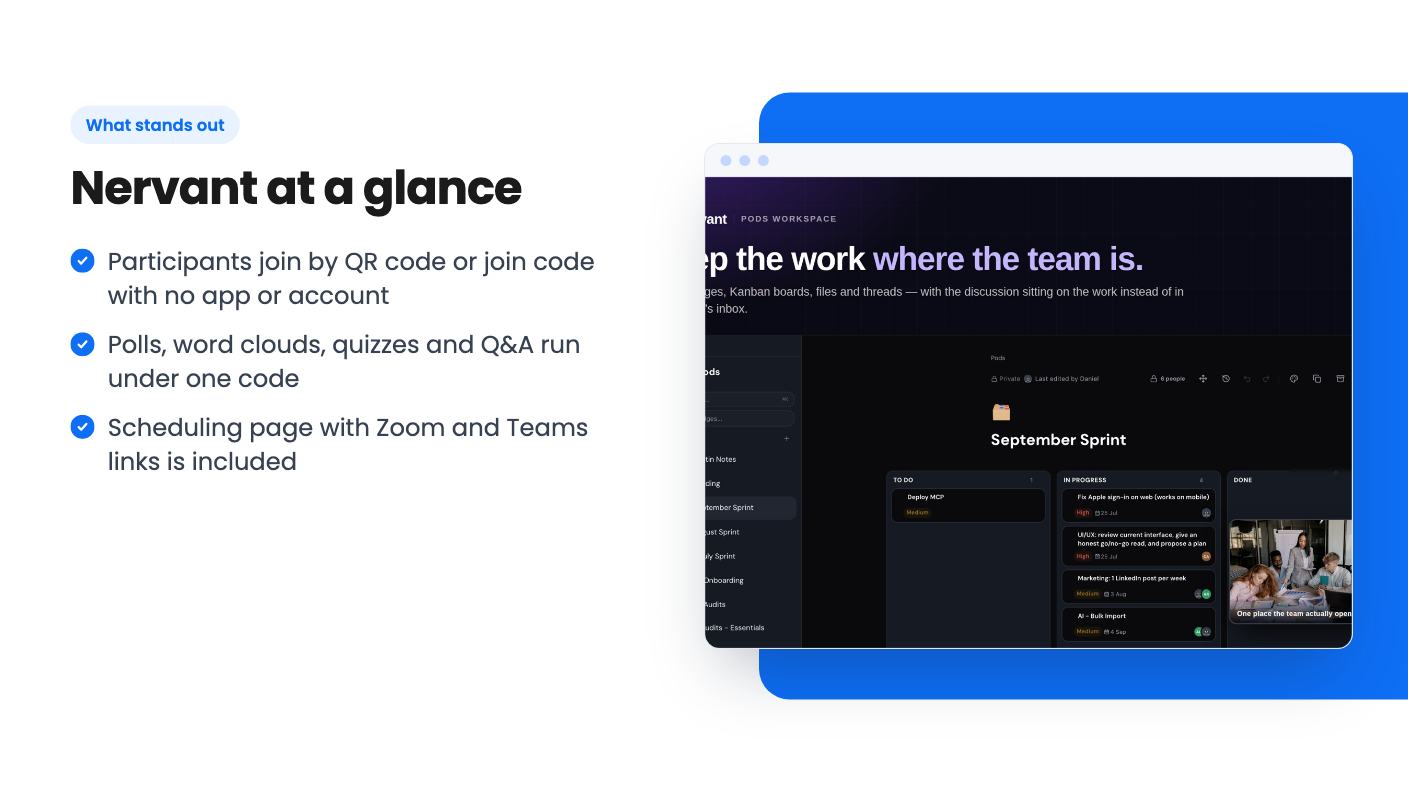
Then things get a bit wider. Pods are team workspaces for things like a quarterly roadmap or to-do lists, with file sharing and cross-team coordination. It’s a thin description. There’s no mention of task views, comments or limits on file storage, so I wouldn’t count on Pods replacing a project management tool.
The recruiting side is stranger still. Nervant Intelligence is described as a cognitive assessment layer that scores reasoning, adaptability and performance under pressure across five dimensions. It produces a personal NQ score and job-fit matches. Hiring teams can compare candidates before interviews and issue employer assessments, but the listing says that is on the Teams and Business plans.
I’d treat this with caution. The listing gives no validation, no research behind the scoring and no information on how the scores are used fairly in hiring. If you plan to screen candidates with it, do your own due diligence first.
The deal, and the part that’s hard to read
There are three lifetime tiers:
- Tier 1: $39 (was $99)
- Tier 2: $89 (was $299)
- Tier 3: $189 (was $1,035)
All three include lifetime access and all future plan updates. You have to activate within 60 days, and you can move up or down between the three tiers later. There are no codes and no stacking.
Here’s my complaint. The listing never plainly says what each tier contains. The plan table is a row of seven values per feature, such as participants per session running 500 / 500 / 150 / 150 / 500 / 1,000 / 2,000+, with no column labels. The FAQ gives Free at 15, Pro at 150, Teams at 500, Business at 1,000 and Enterprise at 2,000+. So I can’t tell you whether $39 gets you the 150 cap or something else. Pods, organisation roles and permissions, and the candidate pipeline appear as true for some plans and false for another, and the same unlabeled problem applies.
That matters because the recruiting features are limited to specific plans and the assessment allowances vary, from 25 to 250 a month in the table. Ask the seller, or read the checkout page carefully, before you pick a tier. The lifetime price only helps if the tier you buy includes the thing you’re buying it for.
What to be careful about
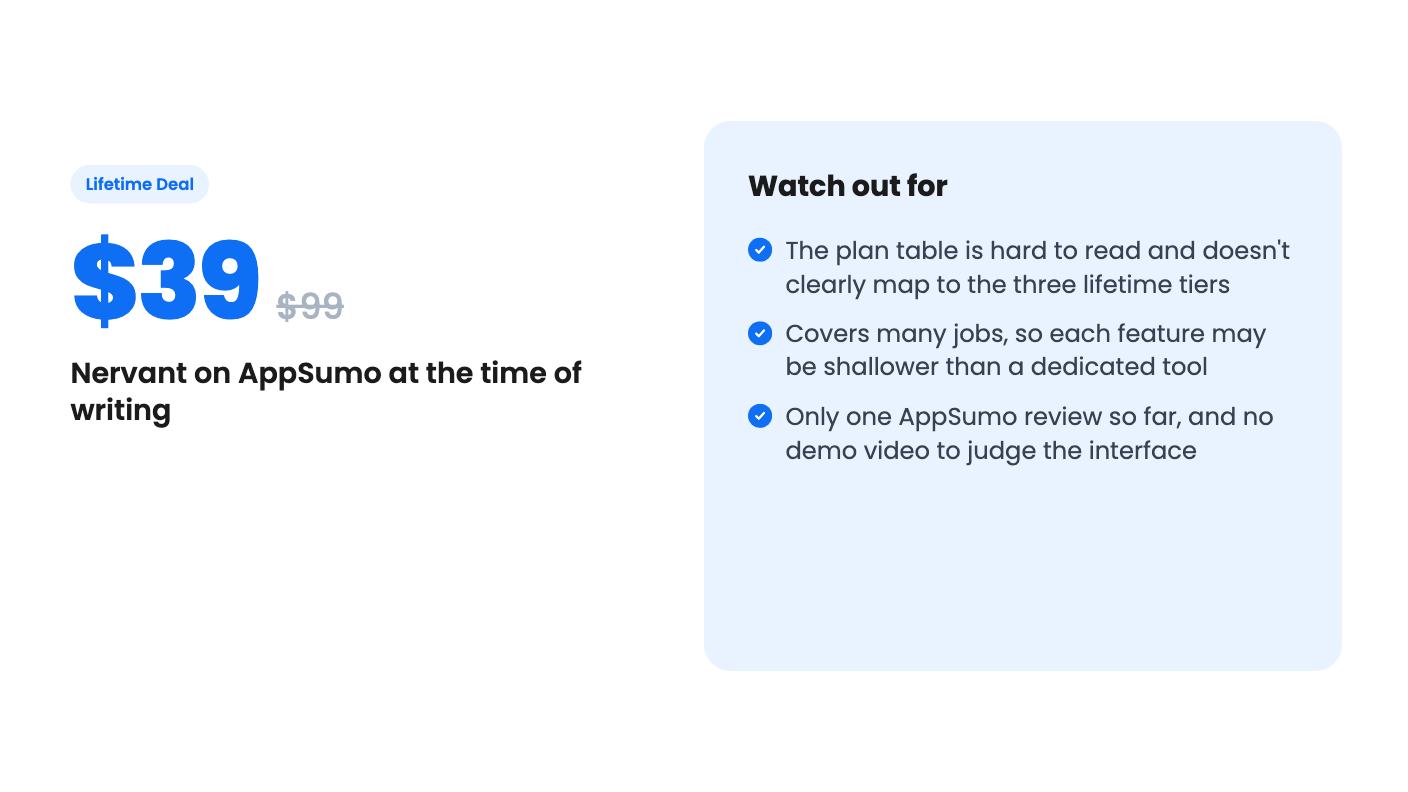
A product that does polling, scheduling, team workspaces and candidate scoring is spread across a lot of ground. Specialist tools do each of those things for years. Nervant may do all of them adequately, or it may do one well and the others thinly. With a single AppSumo review so far (a 5.00 average from one person) there’s very little outside evidence either way.
The integrations list is short too: Microsoft Teams, Zoho and Zoom. If your calendar or video setup lives elsewhere, check that it connects. The listing doesn’t mention which calendars Slotz syncs with.
On the free plan, every account starts with live sessions for up to 15 participants, one Circle, one Slotz event type and the daily intelligence test. That’s a decent way to try the join flow before you decide, and it costs nothing, so I’d do that first.
Who should buy, and who should skip
The best fit is a trainer, teacher, event organiser or small consultancy who currently pays for a polling tool and a booking tool and would be happy with one cheaper login. At $39, the risk is small, and the activation window gives you 60 days to decide.
Skip it if you need a mature, heavily supported polling platform for large paid events, or if the recruiting assessments are your main reason for buying. The Intelligence scoring is the least explained part of the listing, and it’s the one with the most consequences if it’s wrong. If you can’t get a clear answer on which tier includes what, wait.
How this review was made: researched from Nervant's official listing, and written with help from AI. We have not tested Nervant hands-on yet. Prices and deal terms change, so check AppSumo before you buy. See our affiliate disclosure.