
Forms & SchedulingReview
zcal Review: A Good-Looking Scheduler at a $59 Lifetime Price
zcal is a design-focused scheduling tool with team booking and custom domains. The lifetime deal runs $59 to $219, with user caps that matter.
RadiusHQ is a $19 AppSumo lifetime booking tool with multi-service carts, overlap bookings and PayPal payments. Stripe is still coming soon.
Lifetime deal price
$19$34895% off
Lifetime Deal
Our take: Buy it if you run a service business with multi-step appointments, take PayPal, and can accept a young product for $19. Skip it if you need Stripe, SMS reminders, more than five team members or a tool with a long track record.
Picture a hair colorist who paints a client’s roots, then waits while the color sets. For that stretch the stylist is free to take someone else, but most booking tools treat the appointment as one solid block and lock the calendar. Or picture a clinic that sells a consult, a procedure and a follow-up as a single visit. Those awkward shapes of work are what RadiusHQ is built around, and right now it’s $19 on AppSumo.
That’s a big discount on a list price of $348, so the useful question is what you actually get and where the catches are. The listing is clear on some things and silent on others, and we’ll point out both.
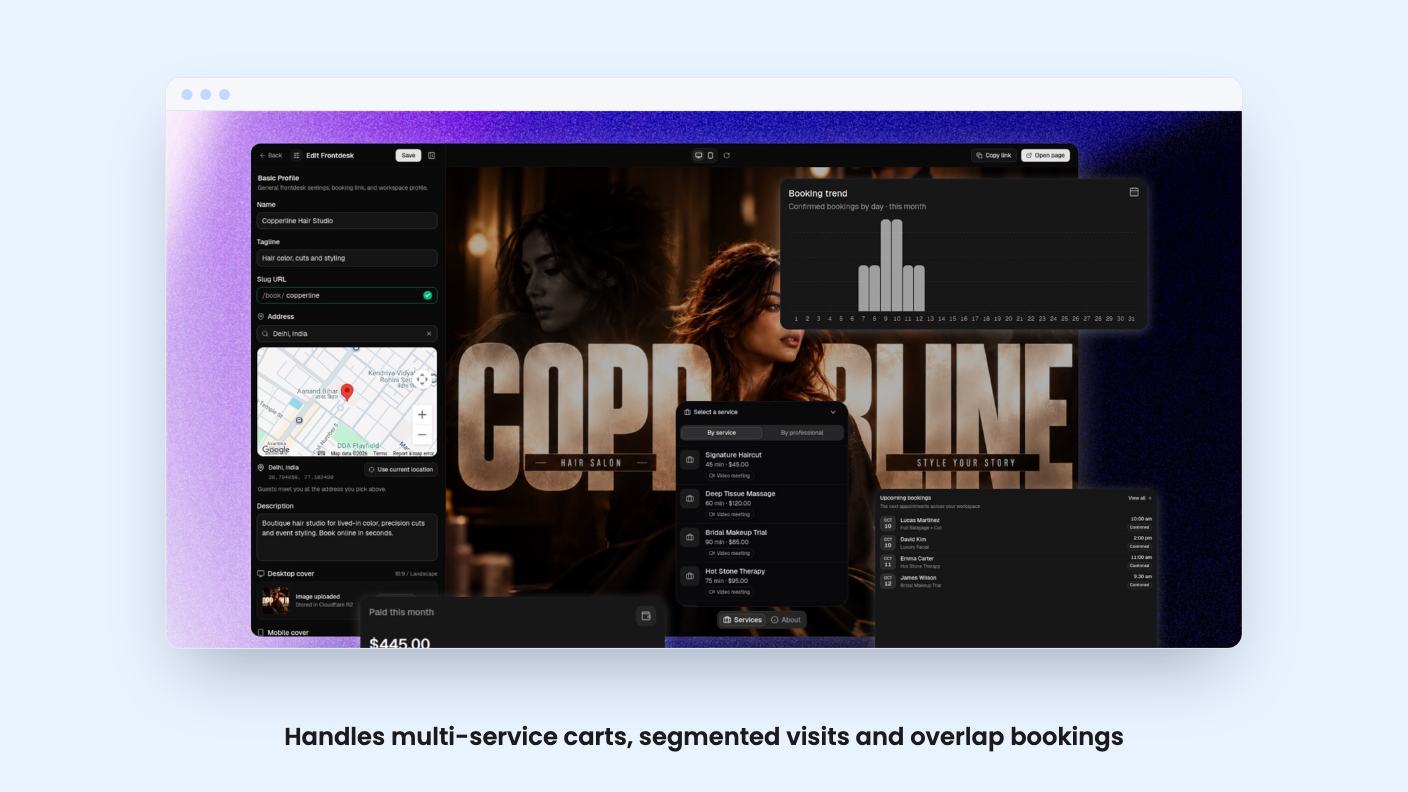
The pitch is flexible booking, and the details back it up. Clients can pick one or several services, choose a professional (or take the first available one), and pay for the whole cart in one checkout. According to the listing, each service can be marked required or optional within a visit, so a consult can be mandatory while a follow-up is an add-on.
The overlap feature is the one I’d look at first. It lets a pro take other bookings during processing time, like the color-setting example above. If your business has dead time inside appointments, that’s money you’re currently leaving on the table, and plenty of cheaper schedulers don’t handle it.
Each service also gets one of four location types: video, phone, in person with a map picker, and one more the listing doesn’t name. Given the Google Maps integration, the map picker is probably how in-person addresses reach the client, but the listing doesn’t say.
Availability is set per team member with several intervals per day, and slots are timezone aware. You can add buffers before and after appointments, set a minimum notice, and limit how far ahead people can book. The booking window is 60 days, which is fine for a salon and may feel short if you sell seasonal or long-lead work.
Cancellation and rescheduling follow your own notice rules. You can also show or hide any service whenever you like, handy for pausing something without deleting it.
Payments are where you need to read carefully. Clients can pay by PayPal at booking, using a pending hold, then approval, then capture, with verified webhooks. You pick a refund rule: always refund, never refund, or refund if cancelled a set number of days ahead. A payments table with search and a revenue dashboard sit on top.
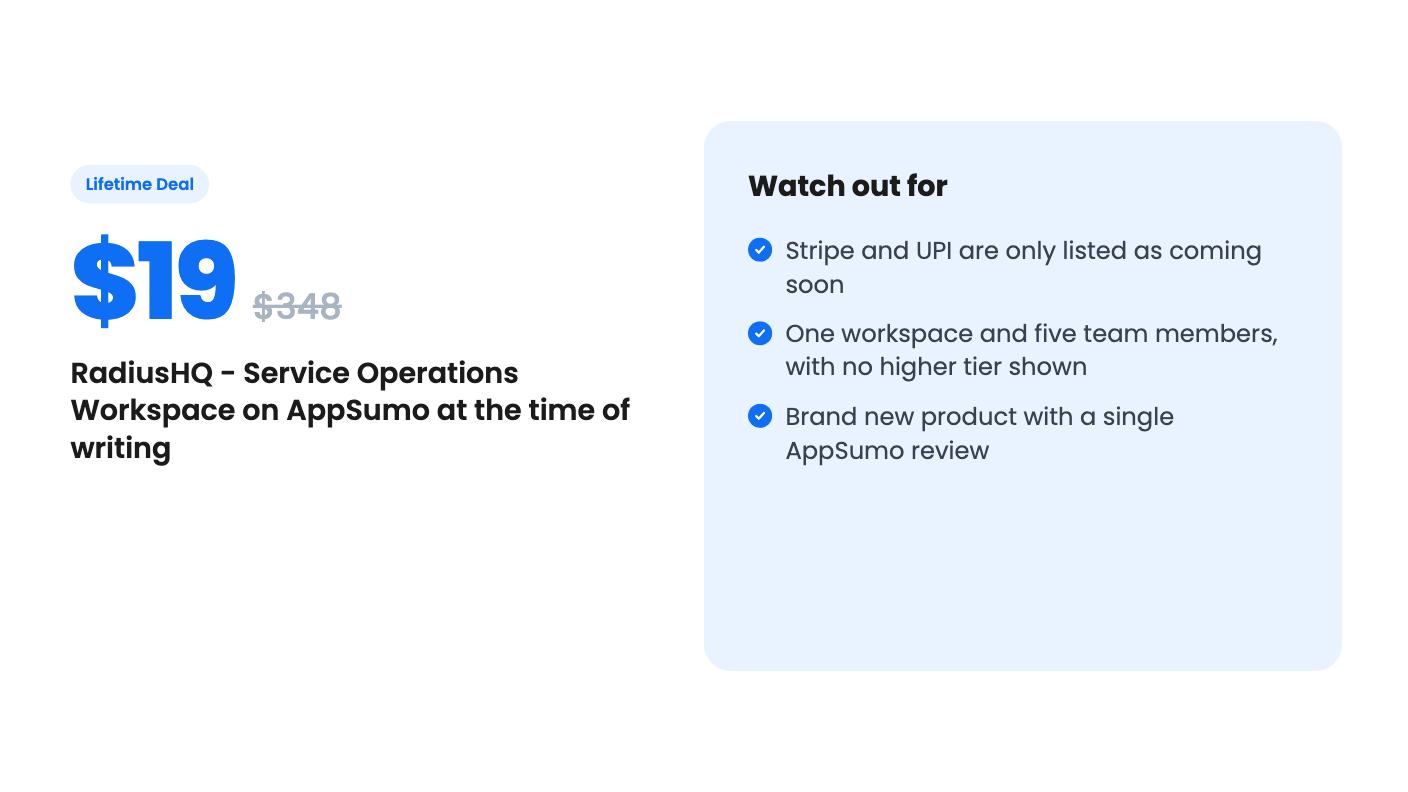
That is the whole payments story today. Stripe and UPI are marked “coming soon,” and the listing’s FAQ says the price won’t change when Stripe arrives. That’s a reasonable promise, but a promise isn’t a feature. Plan around PayPal only.
The booking page is hosted on a subdomain, so you don’t need a website. You get a live desktop and mobile preview, themes, cover images and social links. Behind it sits a simple client CRM with booking history, roles and pro assignments. Reminders go out as emails: confirmation, reschedule, cancel, plus 24-hour and 1-hour reminders.
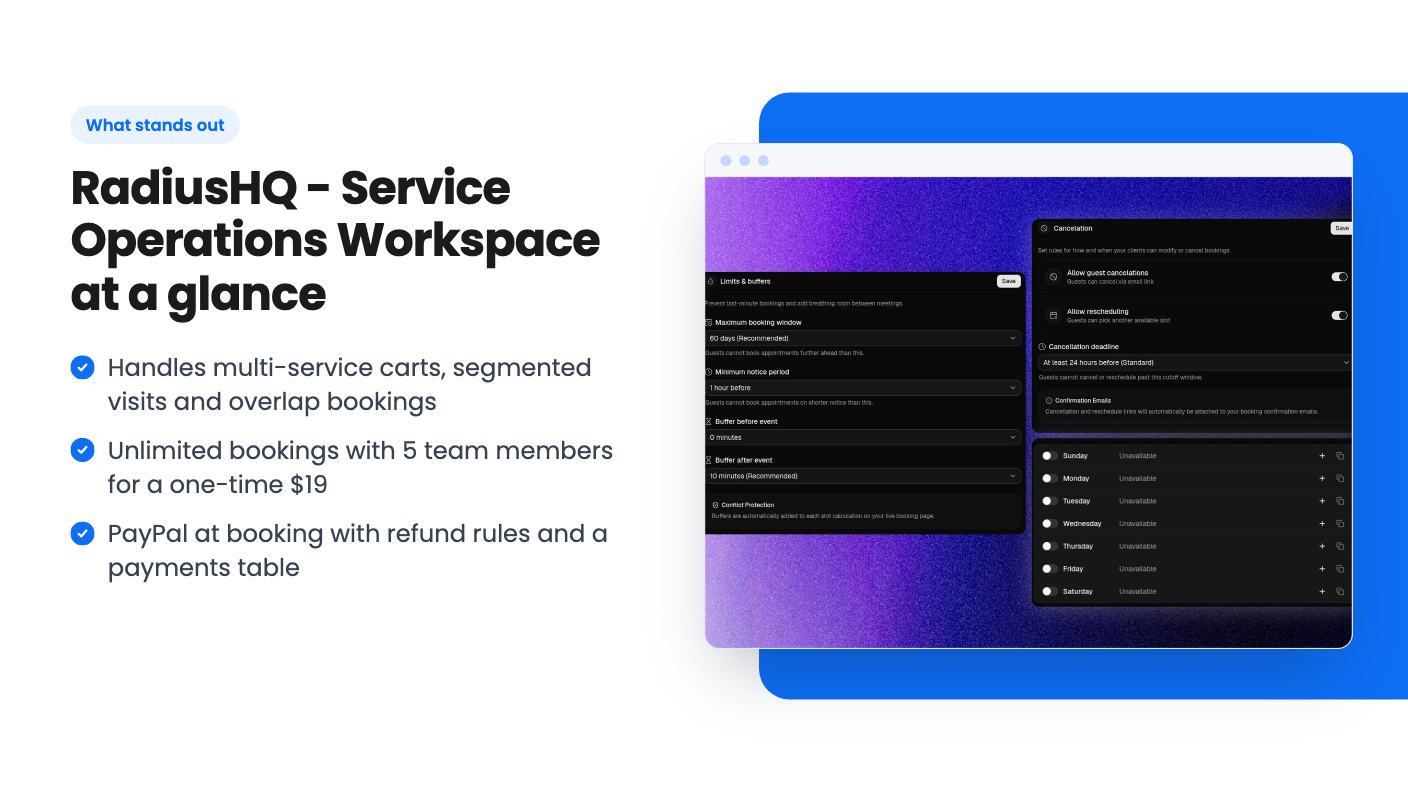
There’s one tier. For $19 you get lifetime access, all future updates to that plan, unlimited bookings per month, one workspace and up to five team members with owner, admin and member roles. You must activate the license within 60 days of purchase, and AppSumo’s 60-day refund window applies.
The listing says you can export bookings, clients and payments to CSV at any time. That matters with a young product, because it gives you an exit if things go sideways.
Five seats and one workspace are plenty for a solo practitioner or a small shop. They’ll pinch a multi-location business, and the listing shows no larger plan to grow into.
Start with age. AppSumo shows one review, a 5.00 average. That tells us almost nothing. A single happy buyer isn’t a track record, and a lifetime deal is only as good as the company’s willingness to keep the servers running.
Next, communication. Reminders are emails only, according to the listing. WhatsApp and Instagram appear in the integrations list, but the listing never explains what they do, so don’t assume WhatsApp reminders. If your no-shows depend on text messages, that is a real hole.
The Google Calendar integration is listed, but the details are missing. We don’t know whether sync is one-way or two-way, which matters if your team also books personal time there. Ask before you rely on it.
The custom domain is also vague: “you can add a custom domain later” doesn’t say whether it’s available now. And the listing doesn’t mention intake forms, packages, memberships or a mobile app, so assume none of them exist.
Buy it if you run a salon, clinic, studio or similar service business where visits have several parts, your clients are comfortable paying through PayPal, and you want a cheap tool with a CSV escape hatch. At $19 with a 60-day refund window, the risk is small enough to try it on a real week of bookings.
Skip it if you need card payments through Stripe today, SMS or WhatsApp reminders, more than five people on the team, or a vendor with years behind it. In those cases, pay for an established scheduler instead. If you only need simple one-hour slots, a free Calendly plan does that job without the unknowns.
Not directly, according to the listing. Payments at booking go through PayPal. Stripe and UPI are marked as coming soon, with no date given.
The listing says unlimited bookings per month. The caps it does state are 5 team members and 1 workspace.
No. Your booking page is hosted at yourslug.radiushq.cc. The listing says a custom domain can be added later, but it gives no detail on how or when.
How this review was made: researched from RadiusHQ - Service Operations Workspace's official listing, and written with help from AI. We have not tested RadiusHQ - Service Operations Workspace hands-on yet. Prices and deal terms change, so check AppSumo before you buy. See our affiliate disclosure.
zcal is a design-focused scheduling tool with team booking and custom domains. The lifetime deal runs $59 to $219, with user caps that matter.
AppSumo hasn't announced its Black Friday 2026 deals yet. Here's how to shortlist, check plan limits and which lifetime deals to watch.
Yoya swaps the booking form for an AI chat and sends you a pre-call brief. Here's what the $49, $129 and $249 AppSumo lifetime tiers really get you.

