Project ManagementAlternatives
Monday.com lifetime deal alternatives on AppSumo, compared
Five AppSumo lifetime deals named as Monday.com alternatives, from $49 to $109, with the limits and gaps that matter and who each one suits.
Syncupp tracks people with GPS attendance and WhatsApp. t0ggles plans client work with intake forms and Gantt. Here's which lifetime deal fits.
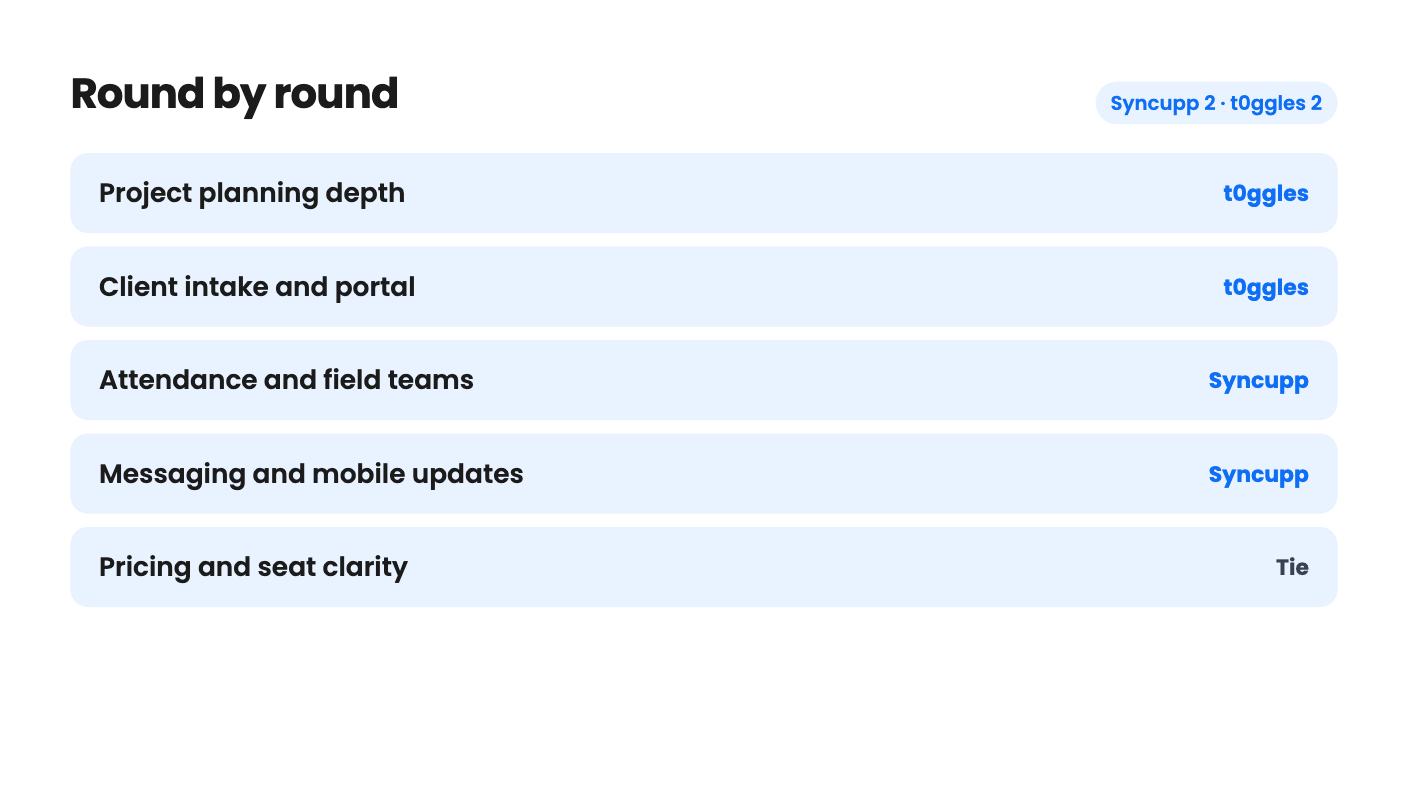
Syncupp takes 2 rounds, t0ggles takes 2.
| Round | Winner | Why |
|---|---|---|
| Project planning depth | t0ggles | t0ggles lists Gantt, dependencies with lag days, milestones and burndown reports, while Syncupp's listing mentions no Gantt or workload views. |
| Client intake and portal | t0ggles | t0ggles offers intake forms with an approval queue, free guest access and a custom domain, and Syncupp only mentions Viewer invites. |
| Attendance and field teams | Syncupp | Syncupp has one-tap GPS check-in, late marks, leave balances and payroll export, and t0ggles lists nothing comparable. |
| Messaging and mobile updates | Syncupp | Syncupp pushes alerts to a personal WhatsApp number and lets you approve and create tasks by replying, which t0ggles doesn't list. |
| Pricing and seat clarity | Tie | Syncupp's limits are clear but tight, while t0ggles starts at $24 but prints its seat counts in what looks like reversed order. |
| Track record shown | Tie | Syncupp has 4 AppSumo reviews at 3.75/5 and t0ggles has 3 at 5.00/5, and both samples are too small to settle anything. |
| Syncupp | t0ggles | |
|---|---|---|
| Starts at | $49 | $24 |
| List price | $360 | $60 |
| Plan | Lifetime Deal | Lifetime Deal |
| Deal ends | Not listed | Not listed |
| Best for | Marketing agencies, Project managers, Remote teams, Small businesses | Freelancers, Project managers, Agencies |
| Alternative to | Asana, ClickUp, Monday.com, Trello | Asana, ClickUp, Trello |
Picture two different Monday mornings. In one, you have six clients, six boards and a pile of “quick one, can you also…” emails. In the other, you have a team of eight, half of them out on site, and nobody is sure who turned up or who finished what. Syncupp and t0ggles are both project tools sold as lifetime deals, but each is built for one of those mornings.
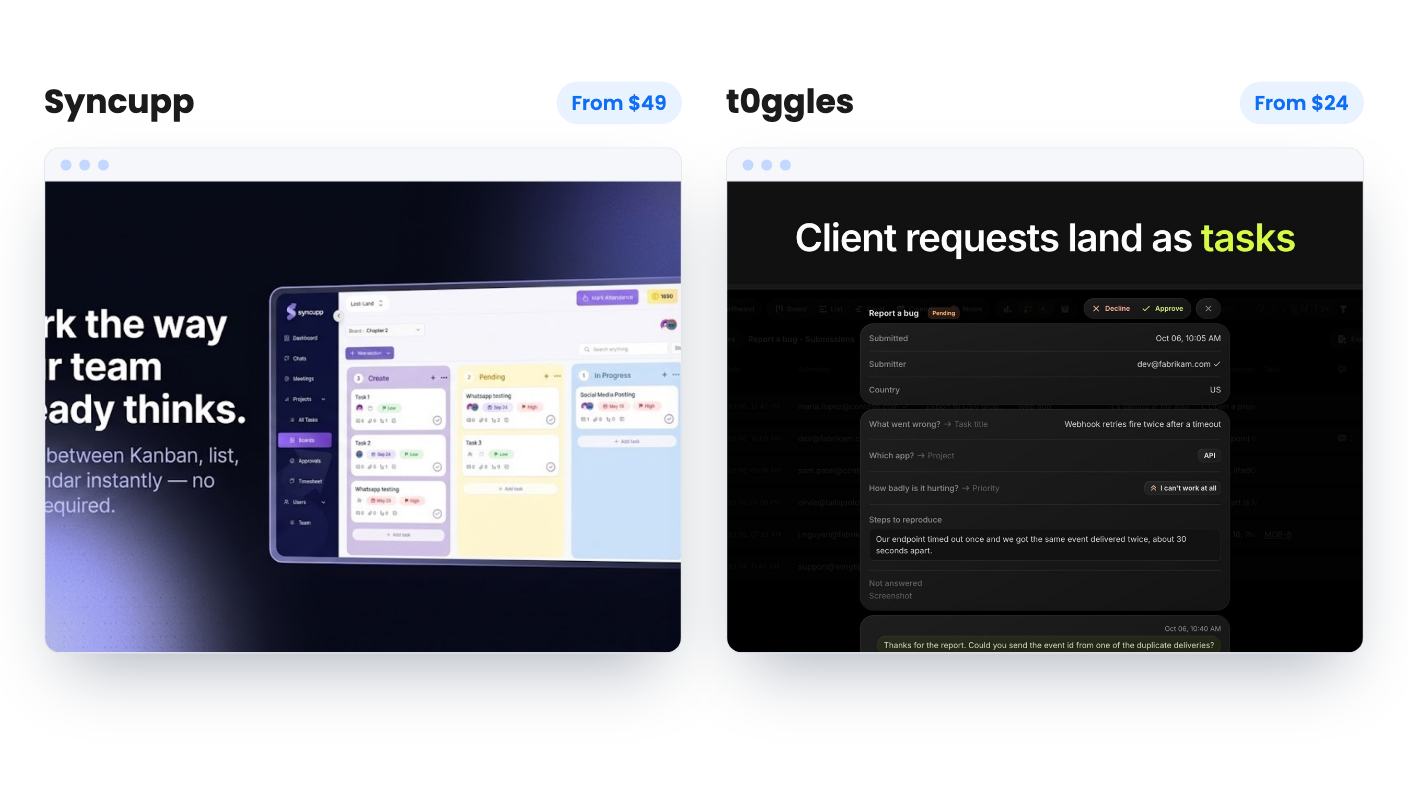
We haven’t used either tool. Everything here comes from the AppSumo listings, so read it as a buyer’s comparison of what’s promised, not a field report.
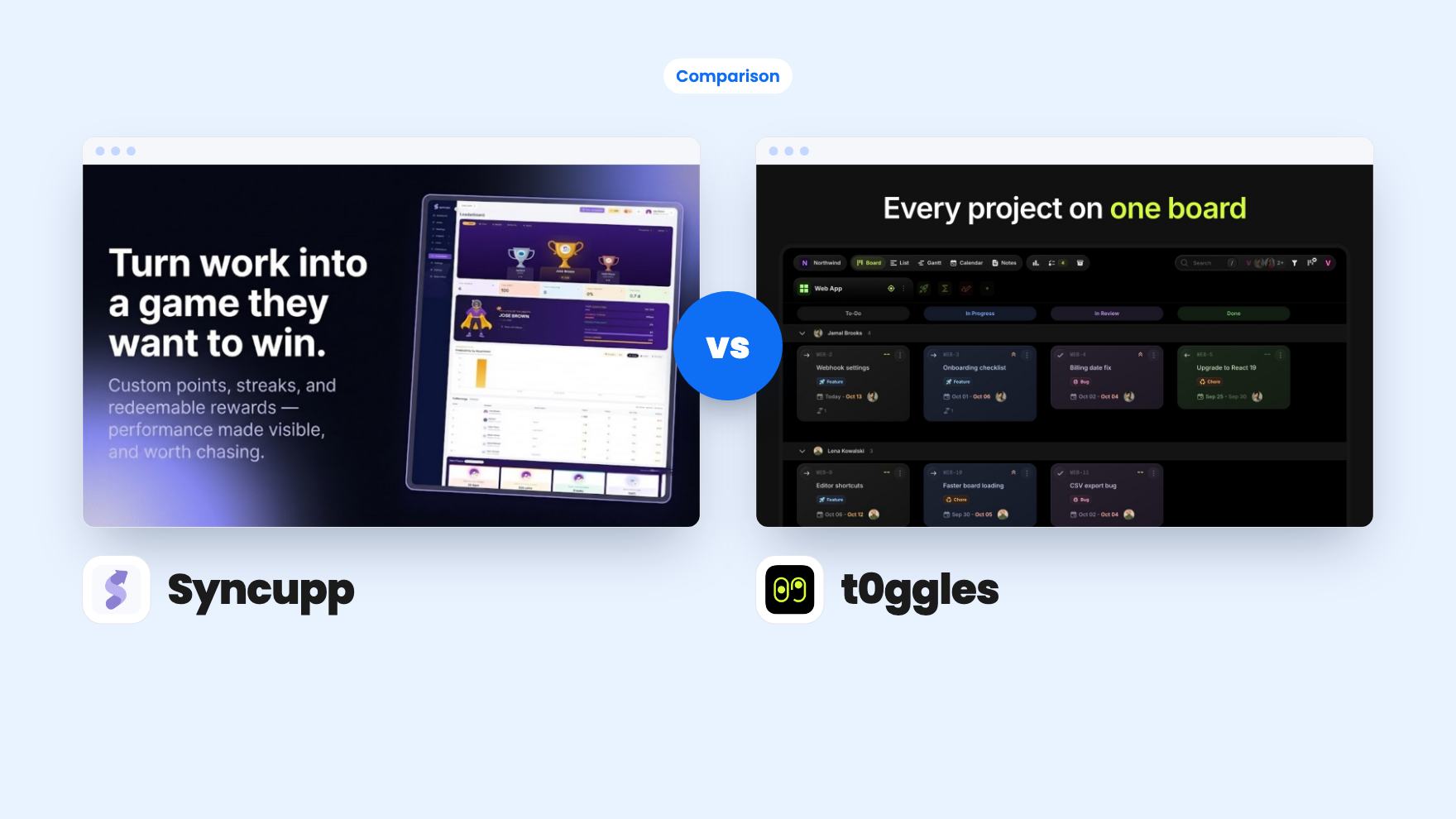
t0ggles is a planning and client-intake tool. Its main idea is one board that shows every project’s tasks, statuses and due dates side by side. When you want to focus on one client, Focus mode turns a single project into its own Kanban board. Swim lanes group work by assignee, priority, milestone, tag or due date.
Syncupp is closer to a team-management bundle with a task manager inside. You get kanban, list and calendar views, and you also get chat channels, Google Meet calls, GPS attendance, leave balances, auto timesheets and a gamified leaderboard.
So the choice isn’t about which has more features. It’s about whether your pain is managing clients and timelines, or managing people and accountability.
This is where t0ggles pulls ahead, and by a fair margin. It offers four views (Columns, List, Calendar and Gantt) built from the same tasks, so the Gantt chart doesn’t drift out of date. Tasks link as predecessors and successors with lag days, and the app refuses dependency loops. Milestones show progress bars. Reports cover burndown, team workload and dependency health, and they export to CSV or PDF.
Syncupp has subtasks, dependencies, priorities, custom fields and recurring tasks that auto-assign. That’s a decent core. But the listing never mentions Gantt charts, workload views or reporting beyond attendance and billing. If you plan around dates and dependencies today in Asana or ClickUp, that silence matters.
The client side widens the gap. t0ggles lets you publish a form that files each submission as a task, then approve or decline it from a queue and reply by email from the same thread. Clients join as guests who don’t use a seat, and you can serve a board on your own domain. The listing doesn’t say how far you can style that portal, so ask.
Syncupp’s only client hook is that Viewers don’t use a seat, plus billing reports generated from auto timesheets. That helps with invoicing. It isn’t a client portal.
Here the roles flip. Syncupp has one-tap GPS check-in, late marks, half-days, leave balances and an attendance export for payroll. t0ggles doesn’t list anything like it. If you run a field crew, that alone could settle the choice.
The WhatsApp piece is the most practical part of Syncupp. You verify a number once, and a personal number works, so no WhatsApp Business account is needed. Alerts, reminders, daily digests and approval requests arrive in your chat, and you can reply to create tasks or approve leave. For a manager who lives on their phone, that’s real convenience.
Then there’s the gamification. Teammates earn coins and XP for logging in, finishing tasks and delivering on time, with a leaderboard you can filter by department or period. We’re skeptical. Rewarding logins and speed invites people to game the numbers, and a public ranking can sour a small team quickly. The listing offers no data showing it improves on-time delivery. It’s an idea, and so far an unproven one.
Both tools mention Claude through MCP, and both connect to Zapier. Beyond that they diverge.
t0ggles leans toward developers. It has a built-in MCP server that works with Claude, ChatGPT, Cursor and VS Code, a free desktop app called t0ggles Crew where AI coding agents pick up tasks, and two-way GitHub sync. It also lists Figma and Google Calendar. If nobody on your team writes code, most of this is background.
Syncupp lists Slack, Make, Zapier, Pabbly and WhatsApp. It also meters its AI. Credits reset monthly at 300, 1,000, 2,500 or 5,000, depending on tier. A chat reply costs 1, a lookup costs 2, and a completed action like creating a task costs 3. On the entry tier that’s roughly 100 task-creating actions a month, and WhatsApp replies draw from the same pool. A busy team could burn through it. t0ggles lists no such cap, though it doesn’t tell us how good its AI is either.
Syncupp’s tiers are easy to read:
Seats include you, and pending invites count until accepted or cancelled.
t0ggles has five tiers at $24, $49, $139, $279 and $399. The listing prints the seat counts as 50 / 30 / 10 / 3 / 1, which would put 50 seats on the cheapest tier. That can’t be right. The more likely reading is 1 seat at $24, 3 at $49, 10 at $139, 30 at $279 and 50 at $399. The listing doesn’t confirm it, so check the tier details before paying.
If that reading holds, t0ggles looks cheaper at the sizes we can compare. Ten people would cost $139 there, against $199 for twelve on Syncupp. Everything else in t0ggles is unlimited, including boards, projects, forms, storage, AI, automations and custom domains. The catch is that the listing gives no price for extra seats, so growth is hard to budget.
Both deals require activation within 60 days, allow tier changes, and carry AppSumo’s 60-day refund window.
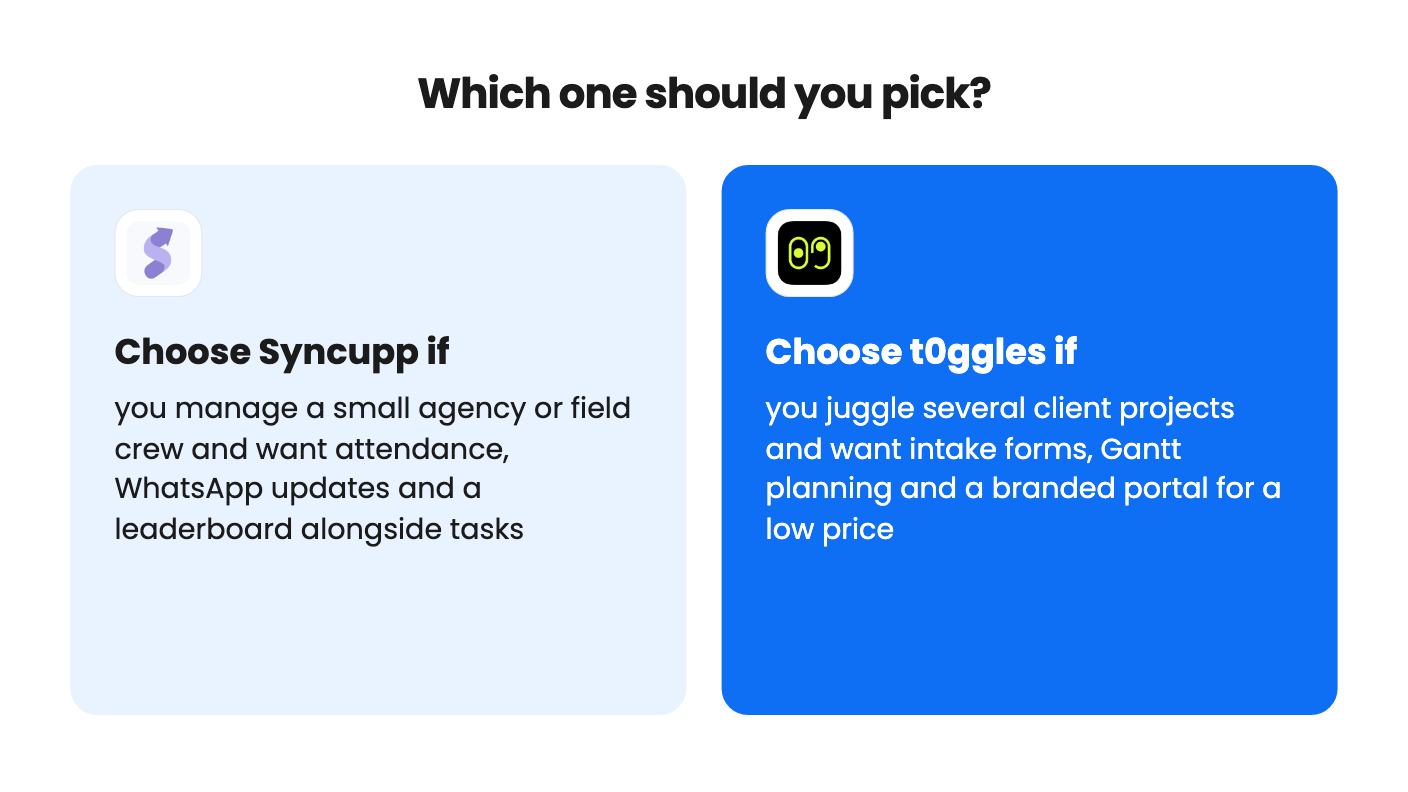
Pick t0ggles if clients sit at the center of your work. Freelancers and small agencies running several projects at once get the most from the single board, the intake form and the guest access. It also suits you if Gantt charts and dependencies matter. A solo owner or a team of three could start cheaply.
Pick Syncupp if your team needs to be tracked as well as scheduled. Field crews, remote staff and agencies with leave and attendance to sort out will see value in the GPS check-in and WhatsApp flow. The $99 or $199 tier is the sensible entry point, since $49 covers only two people.
Skip both if you need a mature, deeply configurable tool. Neither listing shows company age or track record, and the review samples are tiny, so remember that a lifetime deal depends on the company staying alive and shipping updates.
Whichever you choose, use the 60-day window properly. Import one real project, invite the people who will actually use it, and see by week two whether they open it without being nagged.
t0ggles probably is. Its listing prints seats as 50 / 30 / 10 / 3 / 1, which most likely means $49 buys 3 seats. Syncupp's $49 tier covers only 2 users and its $99 tier covers 6. Confirm the t0ggles seat counts on AppSumo before buying.
Probably not at first. Syncupp caps AI at 300 to 5,000 credits a month, and a task-creating action costs 3 credits. t0ggles lists no credit limits, but its listing doesn't say how well the AI or agent features perform.
Yes, in both cases. Syncupp imports CSV or Excel exports from ClickUp, Asana and Trello. t0ggles imports CSV, JSON or XML with column mapping and exports back to CSV or JSON. Both sit inside AppSumo's 60-day refund window.
How this comparison was made: researched from both tools' official listings and demo videos, and written with help from AI. We have not tested Syncupp or t0ggles hands-on yet. Prices and deal terms change, so check AppSumo before you buy. See our affiliate disclosure.
Five AppSumo lifetime deals named as Monday.com alternatives, from $49 to $109, with the limits and gaps that matter and who each one suits.
Five AppSumo lifetime deals named as ClickUp alternatives, grouped by need, with the seat caps, credit limits and gaps the listings show.
Five AppSumo lifetime-deal alternatives to Asana, grouped by need, with seat caps, credit limits and gaps spelled out so you can see who each one suits.