
Design & MediaAlternatives
Kapwing Lifetime Deal Alternatives for Small Businesses
Five AppSumo lifetime deals that cover parts of what Kapwing does, from clip cutting to captions and dubbing. Each has caps worth knowing before you pay.
SilenceTrimmer cuts dead air offline for $89 with no caps. Timbre turns long videos into social clips for $29, but its 500 credits are unexplained.
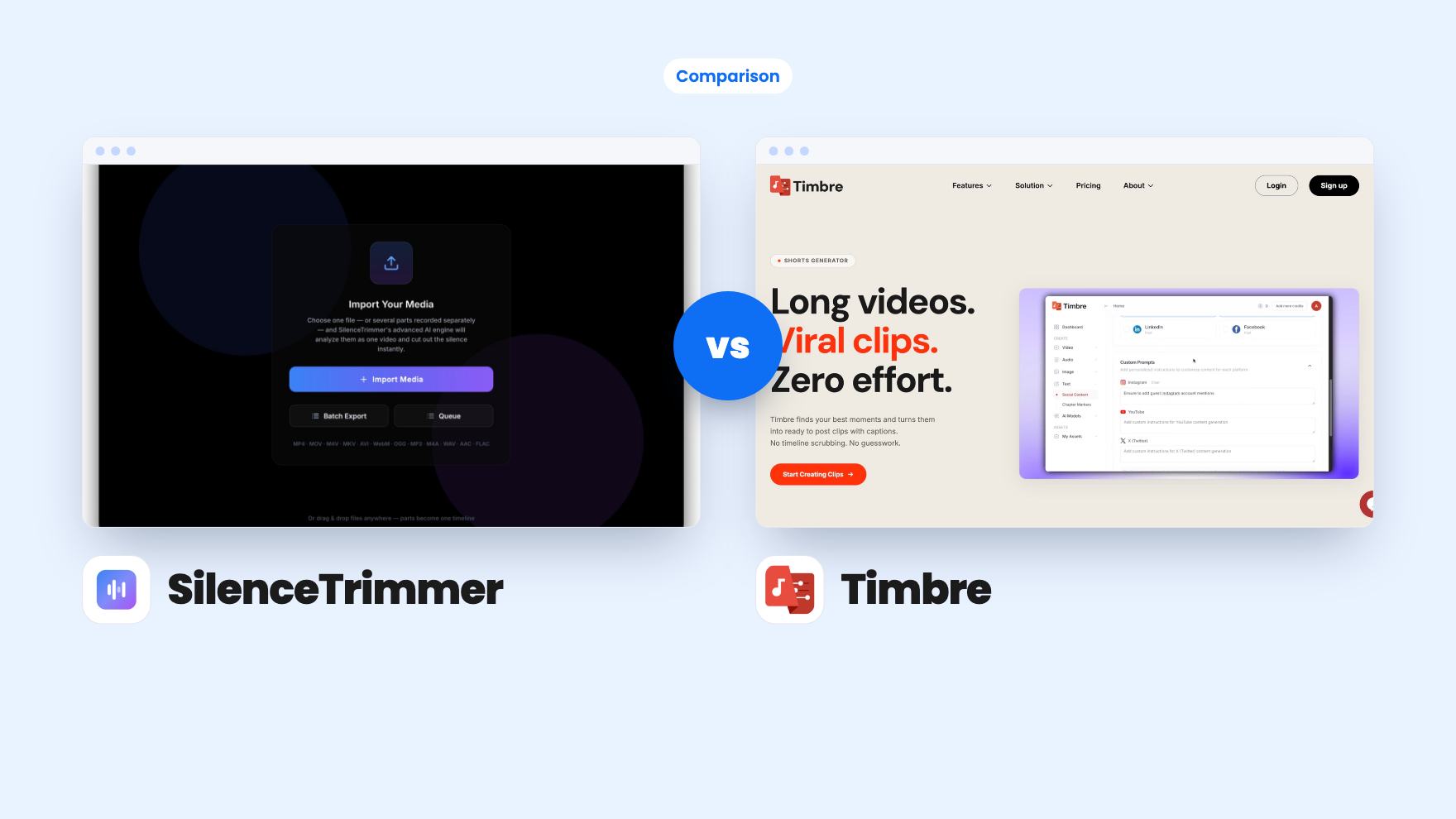
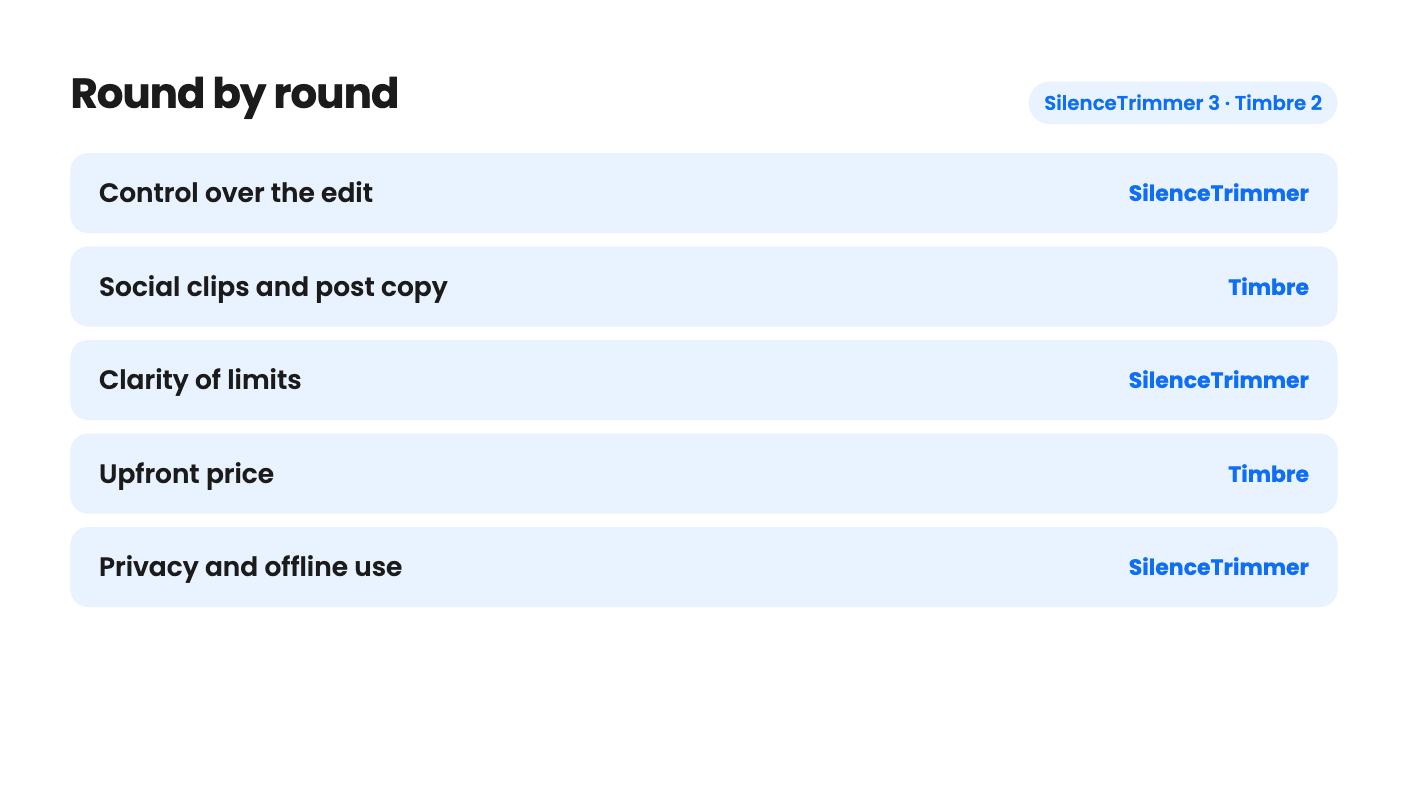
SilenceTrimmer takes 3 rounds, Timbre takes 2.
| Round | Winner | Why |
|---|---|---|
| Control over the edit | SilenceTrimmer | SilenceTrimmer lets you drag, keep or restore every cut on the waveform and set threshold, minimum silence and padding, while Timbre's listing never says you can set clip count or length. |
| Social clips and post copy | Timbre | Timbre generates 4 to 12 clips per upload plus captions, titles, post copy, transcripts and chapters, none of which SilenceTrimmer attempts. |
| Clarity of limits | SilenceTrimmer | SilenceTrimmer states unlimited exports and two computers, while Timbre never says what its 500 credits buy or whether they refill monthly. |
| Upfront price | Timbre | Timbre costs $29 against $89 for SilenceTrimmer, which makes it the smaller gamble if the credits turn out to be enough. |
| Privacy and offline use | SilenceTrimmer | SilenceTrimmer runs entirely on your machine and verifies offline after activation, while Timbre is a browser tool where you upload your video. |
| Proof of a track record | Tie | SilenceTrimmer has one AppSumo review and Timbre's listing gives no review count or company history, so neither shows much evidence of staying power. |
| SilenceTrimmer | Timbre | |
|---|---|---|
| Starts at | $89 | $29 |
| List price | $149 | $240 |
| Plan | Lifetime Deal | Lifetime Deal |
| Deal ends | Not listed | Not listed |
| Best for | Content creators, Podcasters, YouTubers | Marketing agencies, Podcasters, Videographers |
| Alternative to | Descript | Descript, Kapwing |
You’ve got a 50-minute recording on your drive and two very different problems you could point at it. One is that it’s full of dead air, false starts and “let me find that tab” pauses. The other is that nobody will watch 50 minutes, and someone wants six short clips by Friday. SilenceTrimmer and Timbre are both lifetime deals on AppSumo for podcasters and video creators, and both name Descript as the tool they replace. They fix those two problems separately, though, and buying the wrong one means paying for a fix you didn’t need.
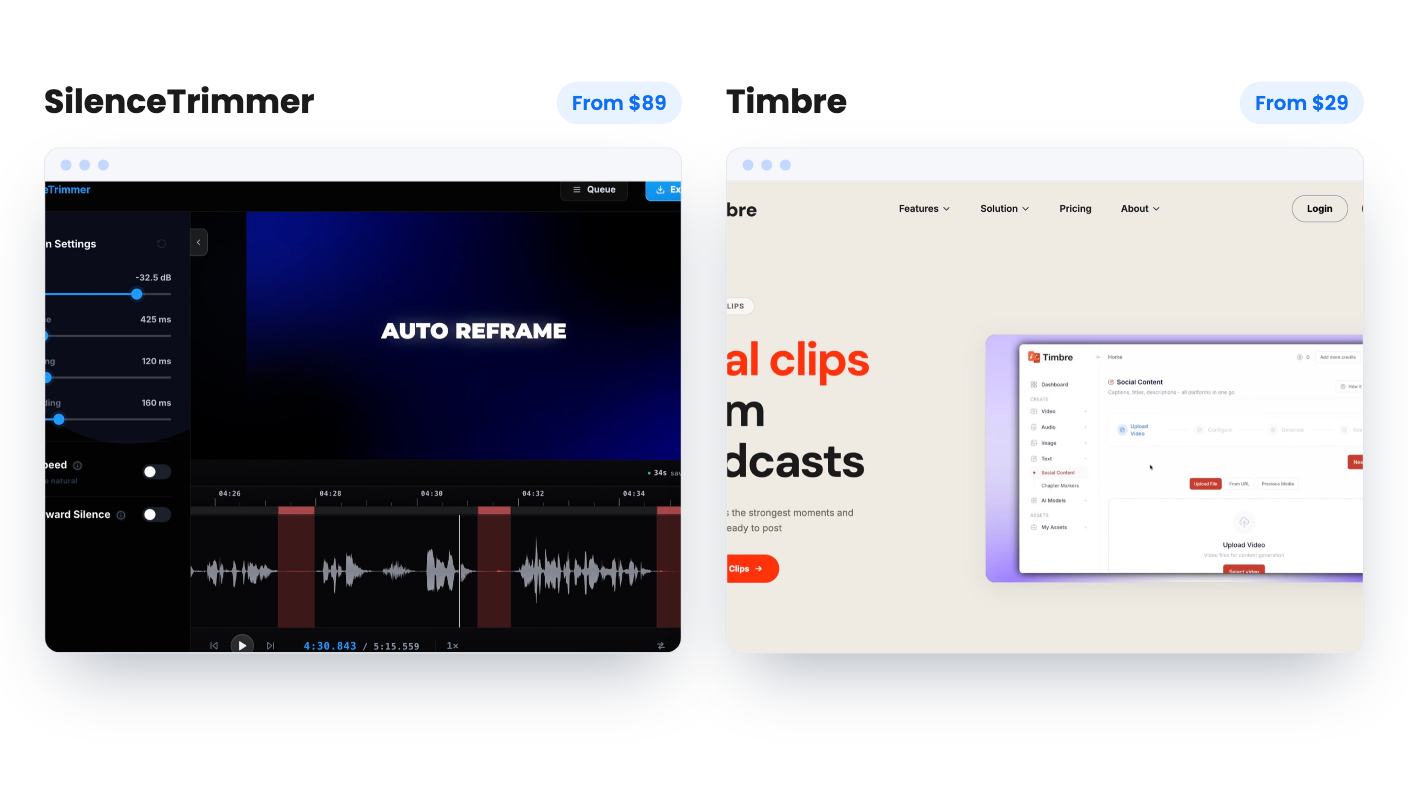
SilenceTrimmer costs $89, down from a $149 list price. Timbre costs $29, down from $240. We haven’t used either, so everything here comes from the listings.
SilenceTrimmer is a desktop app for Mac and Windows. It finds quiet stretches, marks each cut on a waveform and lets you drag, keep or restore any of them before you commit. The output is either a finished MP4 or an EDL, FCPXML or Premiere XML timeline that opens in Premiere Pro, Final Cut Pro or DaVinci Resolve. It makes a long recording tighter. That is the whole job.
Timbre runs in your browser. You upload a long video and it hands back 4 to 12 clips chosen by what the listing calls AI-powered moment scoring. It also produces captions, titles, post copy, transcripts with speaker detection and chapter markers. It makes a long recording shorter and gets it ready to post.
So the deciding question is what happens to your footage afterward. If the full episode is the product, you want it cleaner. If the full episode is raw material for social posts, you want clips.
SilenceTrimmer gives you dials. Threshold, minimum silence and padding are all adjustable, and the threshold auto-tunes per file so you start close. A preview plays the edit with the silence skipped, and you can fast-forward long pauses at 1.5x to 8x instead of cutting them. Keyboard controls cover J/K/L shuttle, frame stepping, split and undo. Automatic silence removal always gets a few things wrong, and here you can fix them where you see them.
Timbre goes the other way. It picks the moments and you take what comes. The listing doesn’t say whether you can ask for fewer clips, set a length or tell it what to look for. It says clips are optimized for social platforms but lists no aspect ratios or platforms, which matters if you need vertical video. I’d want those answers before paying.
If you like deciding, SilenceTrimmer is the better fit. If you’d rather not decide, Timbre is the appeal, but you’re trusting scoring that nobody has shown us.
Timbre adds cleanup tools. Studio Sound removes background noise in one click, Eye Contact Correction adjusts gaze on talking-head video, and Automatic B-Roll adds visuals timed to the footage. The listing also claims captions, translations and dubbing in 30+ languages. None of this comes with a demo video or sample, so treat it as unproven. The B-roll claim is the vaguest: no word on where the visuals come from, whether you can swap them or what the usage rights are.
SilenceTrimmer has no extras like these. Nothing in its listing mentions transcription, captions or filler-word removal. What it does cover is practical. It keeps every audio track, keeps 10-bit and HDR sources intact, imports a wide range of formats from MP4 and MOV to WAV and FLAC, and queues files in Batch Export. It also flags variable frame rate phone and screen recordings on import and converts them to constant frame rate, which is exactly the sort of detail that stops timelines drifting.
Timbre also lists Premiere Pro as an integration, but the listing doesn’t explain what that integration does. Don’t assume it works like SilenceTrimmer’s timeline export.
Timbre is the cheaper sticker by $60. The catch is the plan: 500 credits, one seat, not stackable. The listing never says what a credit buys. It could be a minute, a clip or a feature run. An FAQ says unused credits roll over to the next month, which hints at a monthly allowance, yet the plan details don’t say whether 500 is monthly or a one-time pool. Another answer says that when credits run out, features stop until credits are added, with no word on how or at what price. A third talks about stopping your subscription at any time, which is odd for a lifetime deal. Until those are cleared up, $29 buys an unknown amount of use.
SilenceTrimmer is plainer. Exports are unlimited, with no per-file, per-minute or per-month caps. One license activates two computers in any mix of Mac and Windows, and you can release one and move it. Media is never uploaded, you need a connection once to activate, and after that licenses verify offline. It’s also not stackable, but with no usage cap you shouldn’t need a second code.
Both deals ask you to redeem within 60 days, include future updates, and sit inside AppSumo’s refund window. Timbre also has a free trial, and its exports carry no watermark. SilenceTrimmer’s listing mentions no trial, so the refund window is your trial.
Lifetime deals are only as good as the company behind them. SilenceTrimmer shows one AppSumo review at 5.00, which tells you almost nothing. It looks like a young product, with no roadmap or team details in the listing. Timbre’s listing shows no review count and doesn’t say how long the product has existed.
So neither has earned much faith yet. The difference is exposure. If Timbre disappears, you’ve lost $29. If SilenceTrimmer disappears, you’ve lost $89, though the app runs locally and licenses verify offline, so a copy you’ve already installed should keep working. That’s my inference from the listing, not something it promises.
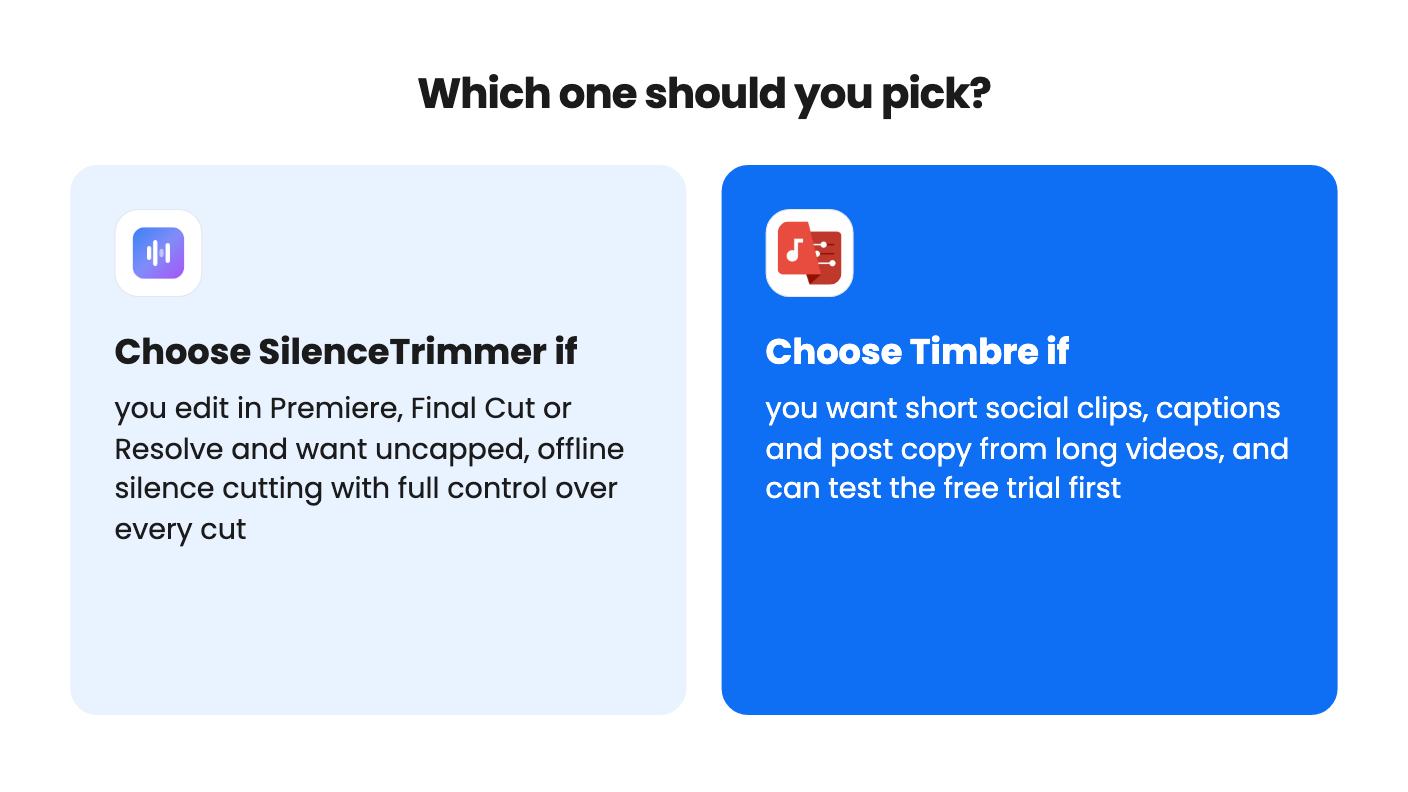
Buy SilenceTrimmer if you cut talking-head video, podcasts or tutorials every week in Premiere, Final Cut or Resolve and the dull first pass is eating your evenings. The editable cuts, timeline export and lack of caps are the reasons. It’s also the one to pick if you handle client footage and don’t want it uploaded anywhere.
Buy Timbre if your real goal is social posts from a few long recordings a month, and you’re a solo podcaster, consultant or small marketing team. The clips, captions and post copy cover more of the publishing checklist. Use the free trial first, and write down how many credits one full video uses.
Skip Timbre if you work through a steady queue of client footage or need more than one seat. Skip SilenceTrimmer if you want transcript-based editing, a full editor, or clips picked for you. Buying both is possible at $118 combined, but only after each has proved itself on one real project.
Whichever you choose, run an actual recording through it well inside the 60-day window. For SilenceTrimmer, check that the exported timeline lines up in your editor. For Timbre, check the credit count and the clip format you need.
No. The listing describes silence detection and cutting, with MP4 or timeline export. It mentions no clip finding, captions, transcripts or post copy.
The listing doesn't say. It never explains what a credit buys, whether the 500 is monthly or one-time, or what top-ups cost, so use the free trial and note the credit cost of one real video.
Neither has much track record. SilenceTrimmer has one 5.00 review and Timbre's listing shows none. Both fall under AppSumo's 60-day window, and Timbre also has a free trial, while SilenceTrimmer's listing mentions none.
How this comparison was made: researched from both tools' official listings and demo videos, and written with help from AI. We have not tested SilenceTrimmer or Timbre hands-on yet. Prices and deal terms change, so check AppSumo before you buy. See our affiliate disclosure.
Five AppSumo lifetime deals that cover parts of what Kapwing does, from clip cutting to captions and dubbing. Each has caps worth knowing before you pay.
Seven AppSumo lifetime deals named as Loom alternatives, grouped by job: narrated tutorials, plain recording, interactive demos and personalized outreach video.
Eight AppSumo lifetime deals named as Descript alternatives, grouped by the job you need done, with the caps and gaps each listing shows.

