
Design & MediaAlternatives
Kapwing Lifetime Deal Alternatives for Small Businesses
Five AppSumo lifetime deals that cover parts of what Kapwing does, from clip cutting to captions and dubbing. Each has caps worth knowing before you pay.
NarrateAI adds AI narration and docs to silent recordings for $49. Screenbolt is a $19 local Mac recorder with a teleprompter. Here's who each suits.
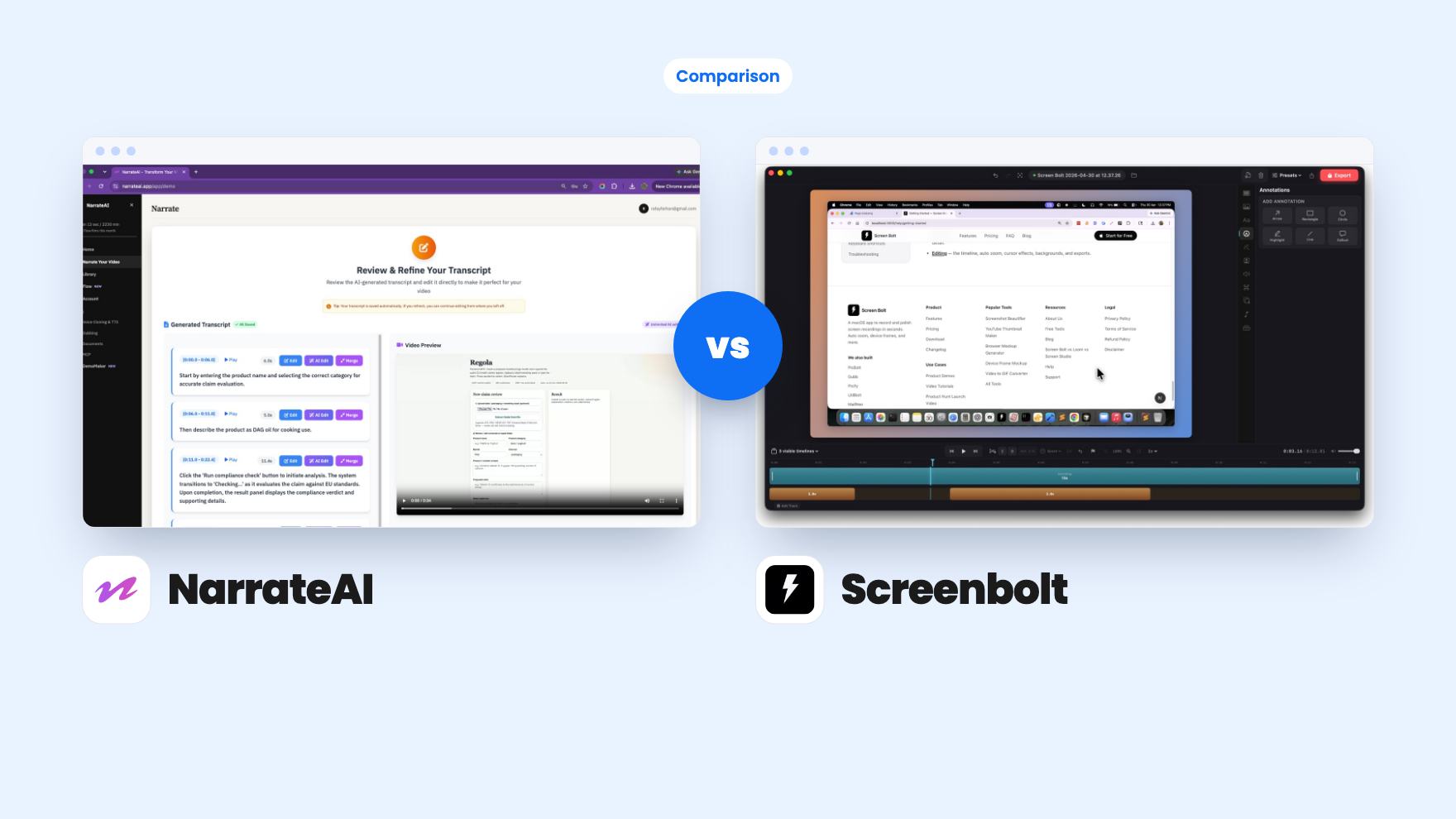
NarrateAI takes 2 rounds, Screenbolt takes 2.
| Round | Winner | Why |
|---|---|---|
| Getting a voiceover | NarrateAI | NarrateAI writes the script and voices it, with cloning from 10 to 15 seconds of audio, while Screenbolt still needs you to speak. |
| Price of entry | Screenbolt | Screenbolt is a single $19 tier, while NarrateAI starts at $49 and reaches $147 for more minutes. |
| Privacy and file control | Screenbolt | Screenbolt says everything is processed locally and nothing is uploaded, while NarrateAI works on files you upload. |
| Extras beyond the video | NarrateAI | NarrateAI adds SRT captions, 20+ language dubbing, five document templates and MCP tools, and Screenbolt lists backgrounds and a teleprompter. |
| Clarity of limits | Tie | NarrateAI states its caps (45 minutes a month at tier 1) but they're tight, while Screenbolt lists no limits and also says nothing about export or recording length. |
| NarrateAI | Screenbolt | |
|---|---|---|
| Starts at | $49 | $19 |
| List price | $252 | $79 |
| Plan | Lifetime Deal | Lifetime Deal |
| Deal ends | Not listed | Not listed |
| Best for | Not listed | Content creators, Educators, Freelancers |
| Alternative to | Descript, Loom | Loom, OBS, Screencastify |
You’ve got a feature to show a client and no patience for ten takes of your own voice. Two lifetime deals on AppSumo promise to fix that, and they go about it in opposite ways. NarrateAI takes a silent recording and talks over it for you. Screenbolt records your screen and puts a teleprompter in front of you so you can read a script and sound prepared. Both are filed as Loom alternatives. Neither listing has a demo video, and we haven’t used either tool, so everything below comes from what the listings say.
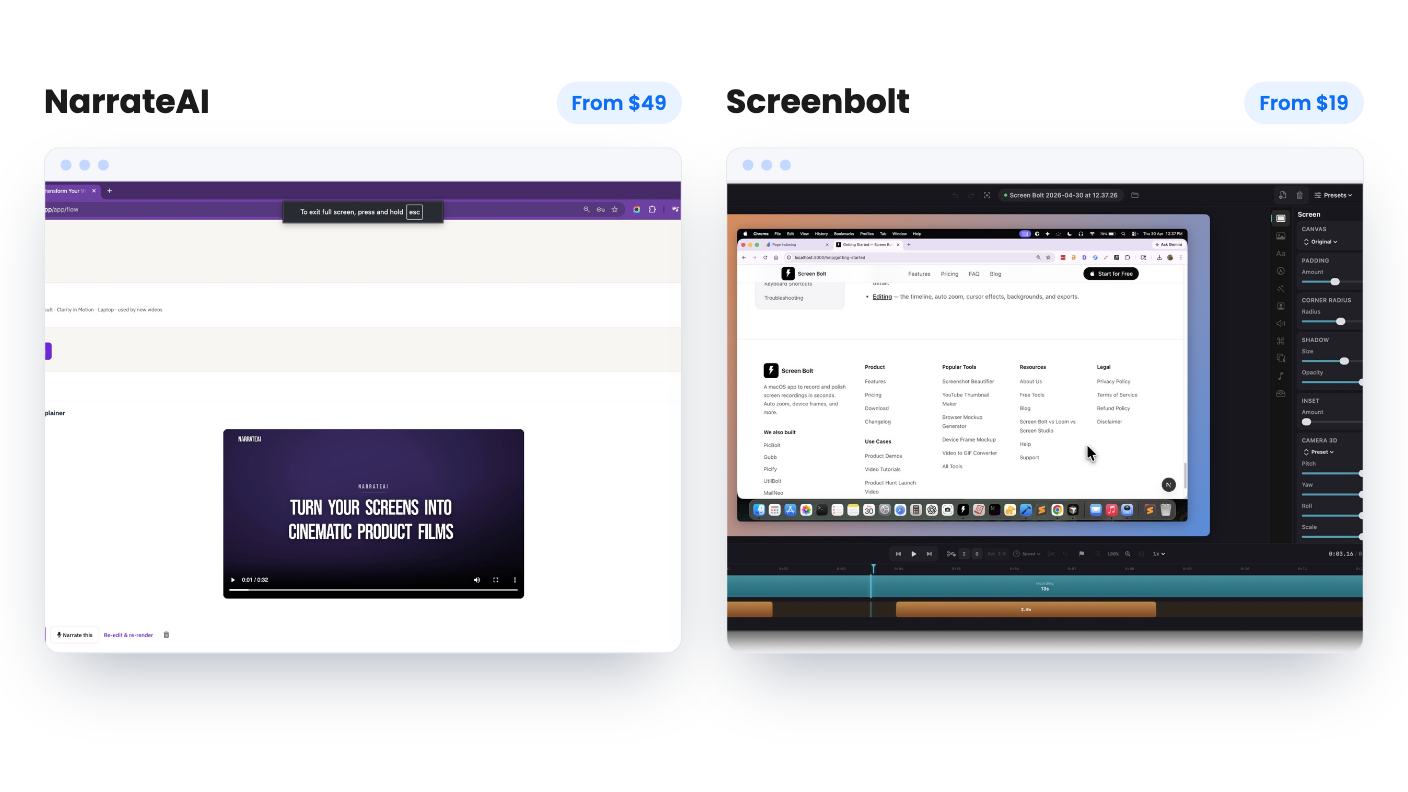
The real difference is who does the talking.
With NarrateAI, you don’t. You upload a silent MP4 (MOV, AVI and most common formats are listed too), the AI watches what’s on screen and drafts a timed script, and you can edit any segment before the voiceover is baked in. You then download the narrated video and an SRT caption file. The vendor says most videos are ready in 5 to 10 minutes. We can’t confirm that.
With Screenbolt, you still do the talking, but the teleprompter takes the sting out of it. You read from inside the recorder instead of a second window, so your eyes stay put. That’s a practical fix for people who already have a script and just want to sound smooth.
So the question is simple. Is your problem the recording, or is it the voice? If it’s the voice, NarrateAI is aimed at you. If you’re happy to talk but get tangled, Screenbolt is.
NarrateAI is not a recorder, and that matters. It works on footage you’ve already captured, so you’d pair it with whatever you record with. The listing compares it to Descript and Loom, which flatters it a bit. It adds narration, captions and documents. It isn’t a place to cut or rearrange footage.
What it does add is a lot for $49. You can pick from a library of AI voices or clone your own. The AppSumo summary also mentions a recent update for bringing your own ElevenLabs voices, though the listing doesn’t explain how that interacts with your processing minutes. Auto dubbing covers 20+ languages with an option to keep background music, but no languages are named and there’s no sample.
Then there’s the stuff most buyers won’t expect. A feature called Flow turns screenshots or a recording into a branded walkthrough with your colours, type, captions and music. The same video can become a written guide from one of five templates, including Tutorial Guide and Feature Showcase, pre-filled with screenshots and keyframes. And developers get 18 MCP tools, so Cursor or Claude can record a walkthrough of a running app and hand back a narrated MP4.
We’d treat the written docs as a first draft. AppSumo’s own summary admits technical terms sometimes need edits, so plan on a read-through every time.
Short answer: less, and the listing is honest about how little it covers.
The named features are the teleprompter (director cues, speed control, auto-pace) and custom backgrounds in solid colours, custom images and mesh gradients. Speed control is self-explanatory. Auto-pace and director cues aren’t explained, and we won’t pretend to know what they do. The listing also doesn’t say whether backgrounds apply to the screen, the webcam or both.
The FAQ does cover three things clearly. It captures system audio, microphone input, or both at once. It needs macOS 14.0 (Sonoma) or later, running natively on Apple Silicon and Intel. And everything is processed locally, with no uploads of your recordings or personal data.
That last point is the real selling point for some people. If you record client dashboards or anything under an NDA, a tool that never sends files to a server removes a worry. The flip side is that the listing mentions no hosted links, comments or viewer stats. You’d export a file and send it yourself.
It also says nothing about export formats, resolution, recording length, trimming, captions or cursor effects. Those are exactly what people compare when picking a recorder. With only 3 reviews on AppSumo (averaging 5.00), we’d ask the seller before buying.
Screenbolt is one tier at $19, down from $79. You get lifetime access and all future plan updates. You must redeem within 60 days, and the deal isn’t stackable. No limits are listed, which sounds good until you notice that the listing is also silent on most things.
NarrateAI has three tiers, and the caps are the story:
All three include lifetime access and future plan updates, with the same 60-day redemption window and up to 3 stackable codes. Overage is $0.40 per minute.
The $49 tier is tight. Forty-five minutes covers a few short demos, but a team making training videos weekly will hit it fast, and 20 segment edits can vanish if you fix several lines per video. The listing doesn’t say whether that count resets monthly, or whether unused minutes roll over. It also doesn’t define a processing minute. There’s an oddity too: tier 3 lists auto dubbing for up to 3 videos, while tier 2 lists up to 15. That could be a typo, so check with the seller before choosing between those two.
NarrateAI has 10 reviews averaging 5.00, and AppSumo’s summary of them reads like marketing copy. Ten reviews is a small sample. The 60-day money-back guarantee mentioned in that summary is your real safety net, so upload a real recording in the first week.
Pick NarrateAI if the voiceover is the thing stopping your videos from getting made. A founder, support lead or solo developer who records a handful of demos a month, wants captions and a written guide from the same footage, and doesn’t mind editing a script will get the most from the $49 tier. Developers living in Cursor or Claude get a bonus. Just don’t buy it for volume, and don’t expect an editor.
Pick Screenbolt if you’re a Mac-based freelancer, teacher or course creator who reads from a script and wants files kept on your own drive. At $19 the downside is small. Skip it if you’re on Windows, need hosted share links or team features, or want proof of editing and export options before paying.
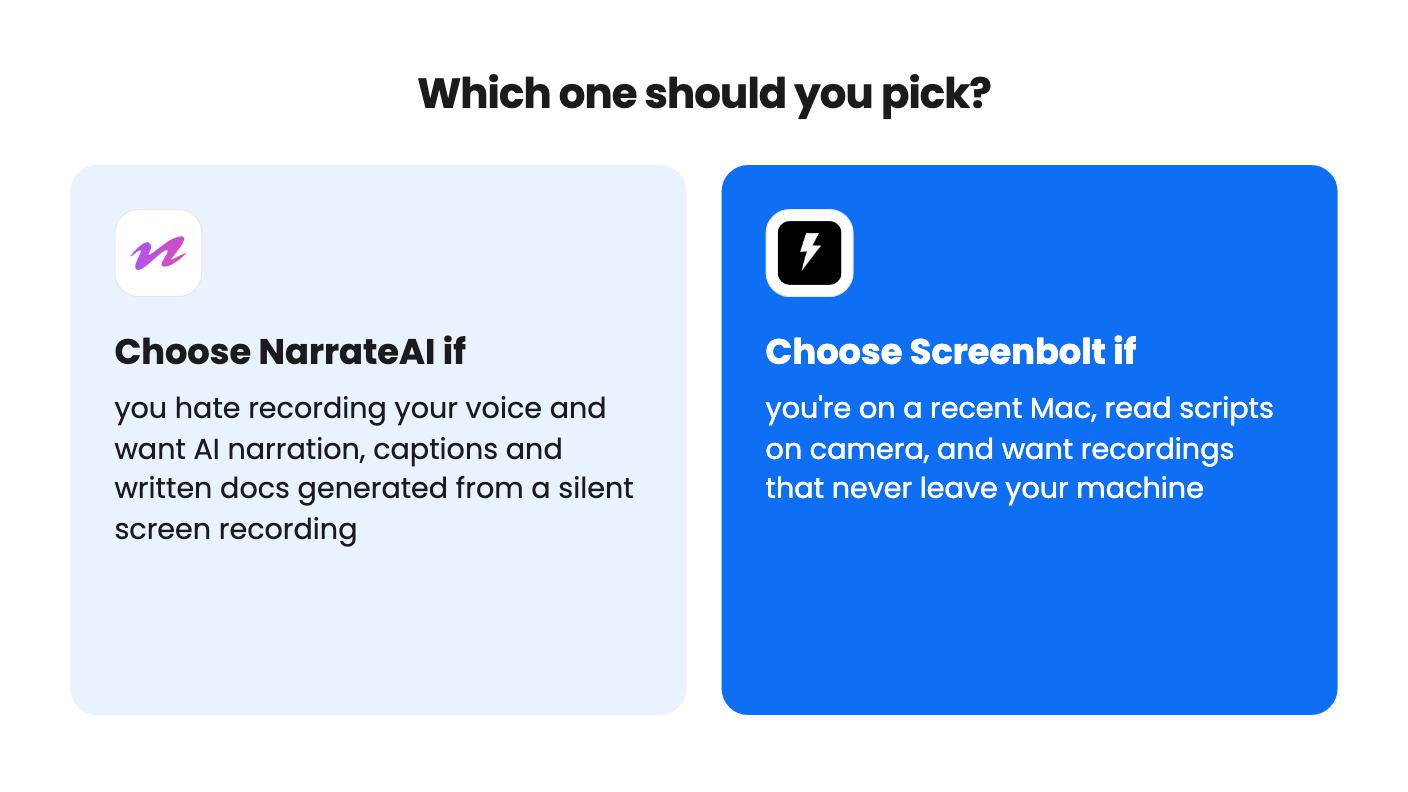
These aren’t strictly rivals, and a few people could reasonably own both: one to record, one to narrate. If you can only buy one, decide whether you’d rather talk or be talked for. Then use the 60-day windows on both to test with a real recording of your own product.
They overlap on tutorial and demo videos but not on method. Screenbolt records your screen and helps you read a script, while NarrateAI takes a recording you already have and adds an AI script and voice.
Screenbolt requires macOS 14.0 (Sonoma) or later, so it's out on Windows. The NarrateAI listing doesn't state platform requirements, though it works from uploaded video files such as MP4, MOV and AVI.
NarrateAI. Tier 1 gives 45 processing minutes a month and 20 AI segment edits, with $0.40 per minute overage. Screenbolt's listing mentions no limits, but it also doesn't cover recording length or export options.
How this comparison was made: researched from both tools' official listings and demo videos, and written with help from AI. We have not tested NarrateAI or Screenbolt hands-on yet. Prices and deal terms change, so check AppSumo before you buy. See our affiliate disclosure.
Five AppSumo lifetime deals that cover parts of what Kapwing does, from clip cutting to captions and dubbing. Each has caps worth knowing before you pay.
Seven AppSumo lifetime deals named as Loom alternatives, grouped by job: narrated tutorials, plain recording, interactive demos and personalized outreach video.
Eight AppSumo lifetime deals named as Descript alternatives, grouped by the job you need done, with the caps and gaps each listing shows.

