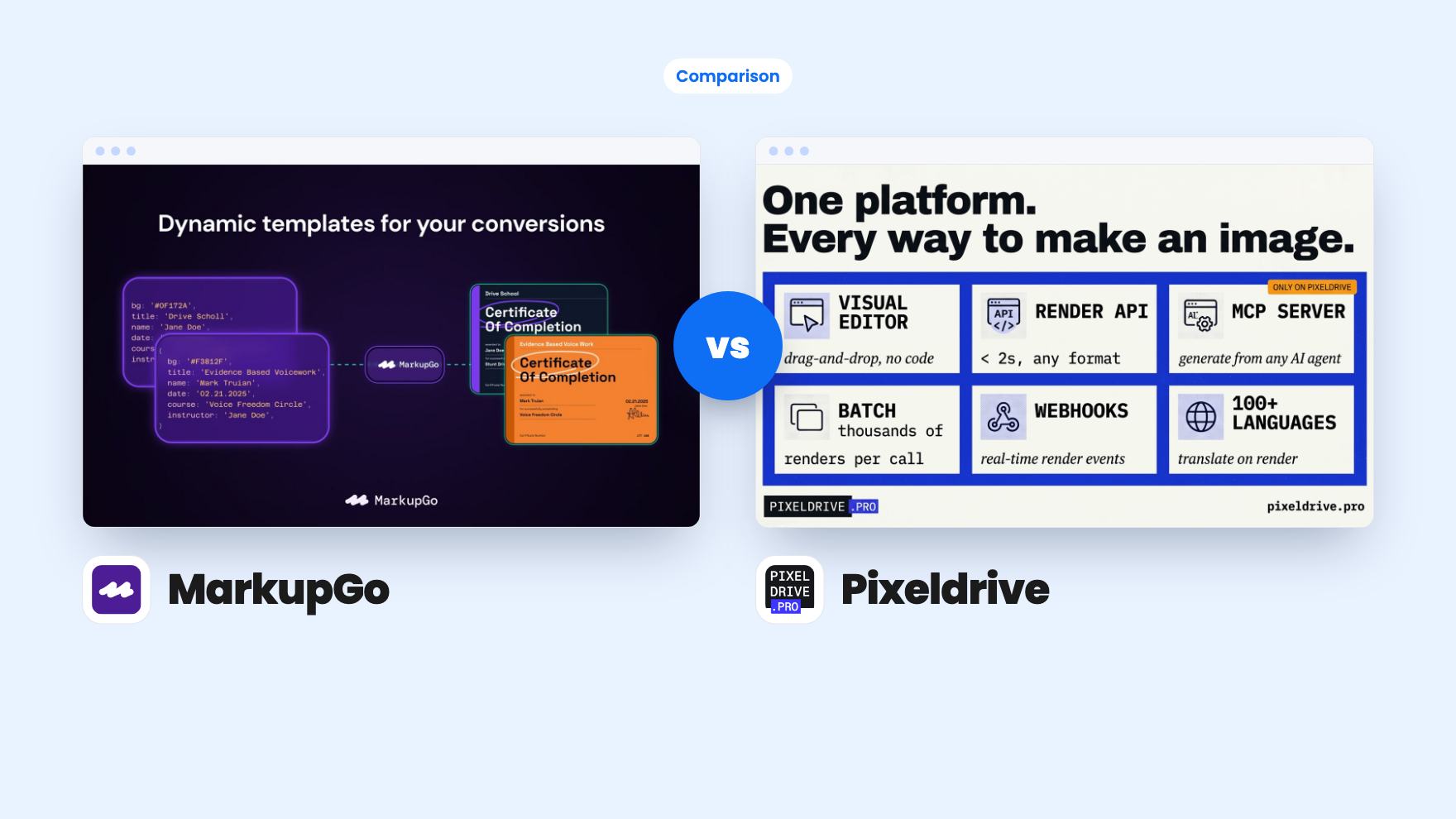
Say you run a small training business. Every week you need certificates with student names, a handful of social graphics, and a preview image for each new blog post. Doing that by hand in a design tool gets old fast, which is why both of these lifetime deals exist. They overlap a lot. They are not the same product, though.
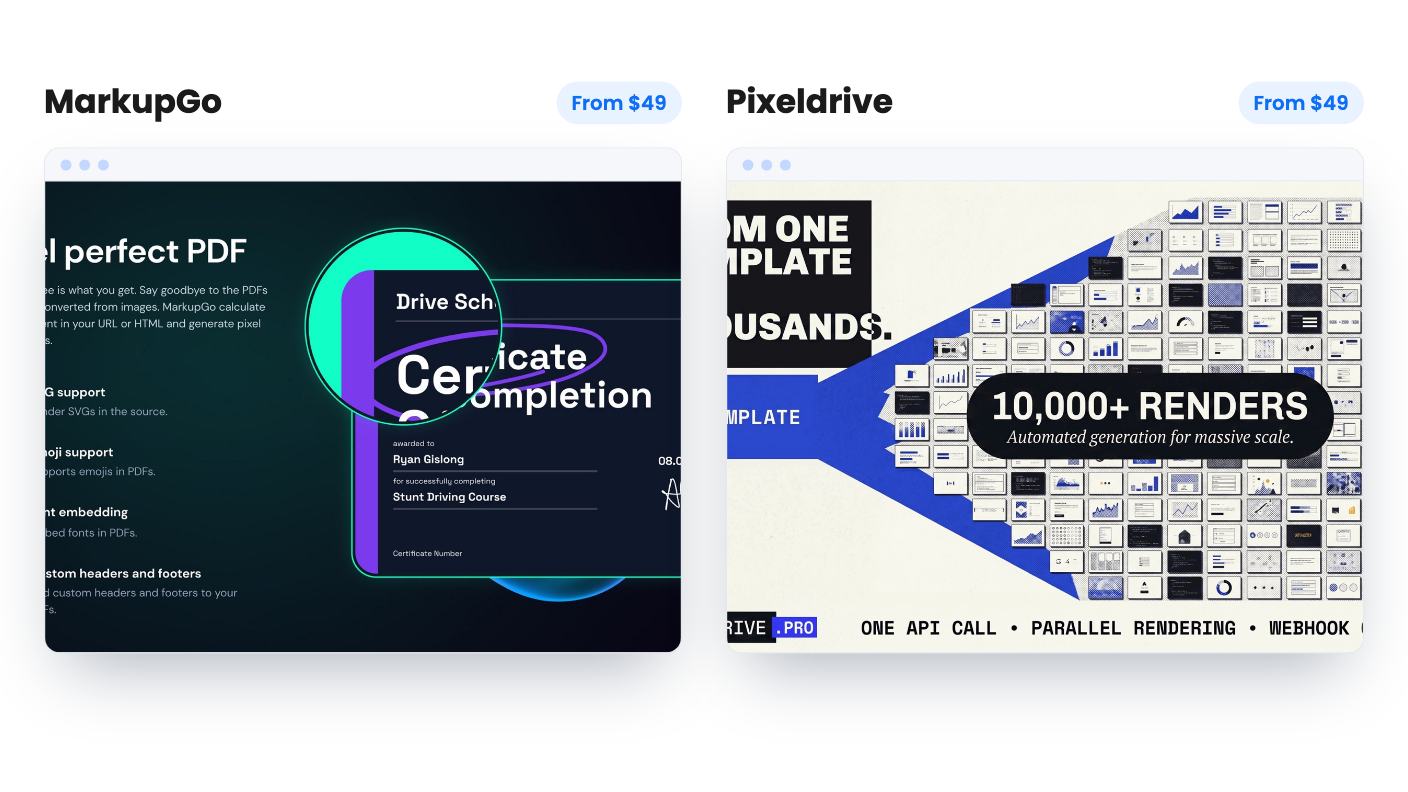
MarkupGo and Pixeldrive both let you design a template once and fill it with data on demand. Both sit under APIs and Integrations on AppSumo, and both start at $49. The differences are in what they output, how they count usage, and how much of that the listing actually tells you. We haven’t tested either one, so everything here comes from the listings.
PDFs and images versus images only
The biggest split is file type. MarkupGo turns HTML, a public URL, Markdown or a saved template into PNG, JPEG, WebP or PDF. You can set headers, footers, margins and metadata on PDFs, and it renders SVG and emoji the way a browser does. There’s also an Office to PDF API in beta that converts 130+ document formats. A beta label means you should try it on your own files before relying on it.
Pixeldrive is about images. The listing talks about og:image tags, mass email banners and layouts that adapt to different text. It never mentions PDF output. If your invoices, reports or certificates need to be PDFs, that settles it in MarkupGo’s favour.
If you only need images, the question gets more interesting.
Credits and what $49 buys
MarkupGo is refreshingly specific here. An image costs 1 credit and a PDF costs 3. One code gives you 1,000 credits a month, and each extra code adds more, up to 13,000 a month with seven codes. At the entry level that means 1,000 images a month, or about 333 PDFs. Templates are capped at 10 on one code and 30 on two, and they’re unlimited from three codes up.
The seven tiers run from $49 to $343, and you can stack up to 7 codes. Two codes at $98 is where the Image Transformation API comes in, which resizes, crops and rotates images through a query string. If you want that, plan on at least two codes.
Pixeldrive’s numbers look bigger and are murkier. The plan features list 250,000, 100,000 and 30,000 lifetime image credits, with unlimited, 75 and 15 active templates. The listing doesn’t say which goes with $299, $149 or $49. The obvious guess is 30,000 credits and 15 templates at $49, but that’s a guess.
Then there’s a contradiction we can’t resolve. The credits are called lifetime, yet the FAQ says fresh renders pause until you top up or the month rolls over. Either the pool refreshes monthly or it’s a one-time balance. Those are very different purchases, and the page doesn’t say which one you’re getting. Ask before you pay.
Caching, previews and the bill
Pixeldrive has a real advantage in how it bills repeat traffic. One fresh render costs one credit whatever the size or format. If the same template is called with the same inputs, you get the stored file back for free. It claims 19ms responses from a global edge cache. When you hit your plan limit, cached files keep serving, so a live email or blog post doesn’t break.
That suits a shared image that gets hit thousands of times. It helps far less with one-to-one personalisation. A banner carrying each recipient’s name is a new input every time, so each one is a fresh render and a credit. Do the maths on your own volume.
Pixeldrive’s previews are also free, including those made in the editor or by an AI agent. You only pay for the final render. MarkupGo’s listing doesn’t mention caching or free previews, so we can’t say whether repeated identical requests cost credits. Assume they do until MarkupGo says otherwise.
On the other hand, MarkupGo gives you an activity log showing each task’s format, size and dimensions, plus usage and bandwidth analytics. You can set an expiry on generated files or bulk delete them, and it says your input HTML and data are never stored. That matters if customer data passes through it.
AI agents, translation and no-code routes
Pixeldrive’s most unusual piece is a hosted MCP server with 26 tools, listed in the official registry as pro.pixeldrive/pixeldrive. Connect it to Claude or Cursor and the agent can create templates, arrange elements, search stock imagery, mark variables, preview and render. The free previews make that sensible, since an agent can iterate without burning credits.
Treat it as a promising idea rather than a proven one. The listing is the vendor describing itself, and there are no examples of results. Pixeldrive also offers translation: add lang=de and every text layer is translated, with results cached for 90 days. It says the model runs on its own servers. It names no supported languages and says nothing about quality, so have a native speaker check anything customer-facing.
MarkupGo goes a different direction. Templates are built with HTML, CSS and JavaScript in a built-in editor, filled with JSON and Handlebars variables, and called through a REST API or a Node.js client. If you don’t code, a Magic Template URL takes your data as query parameters, and tools like Zapier, Make and n8n can call it through HTTP steps. For a developer, full HTML and CSS control is a big plus. For everyone else, the URL route is the lower-effort way in.
Support, refunds and risk
Both deals require you to redeem or activate within 60 days. Beyond that they differ on safety nets. MarkupGo has a 60-day money-back guarantee per AppSumo’s summary, a chat icon and email address for support, and a seller who says they answer messages personally. A 4.84 average across 37 AppSumo reviews is encouraging, with the usual caveat that deal-platform reviews skew positive. Reviewers reportedly mention no direct PDF editing and occasional performance issues.
Pixeldrive’s listing gives us no refund detail beyond the standard terms, no support channel, no company history and no review data. It looks like a young product. That doesn’t make it a bad buy, but a lifetime deal on an unproven service deserves a smaller bet. You can move between its three tiers, which helps a little.
Neither listing tells us how long the vendors have been around, so both carry the usual lifetime-deal risk.
Which one to buy
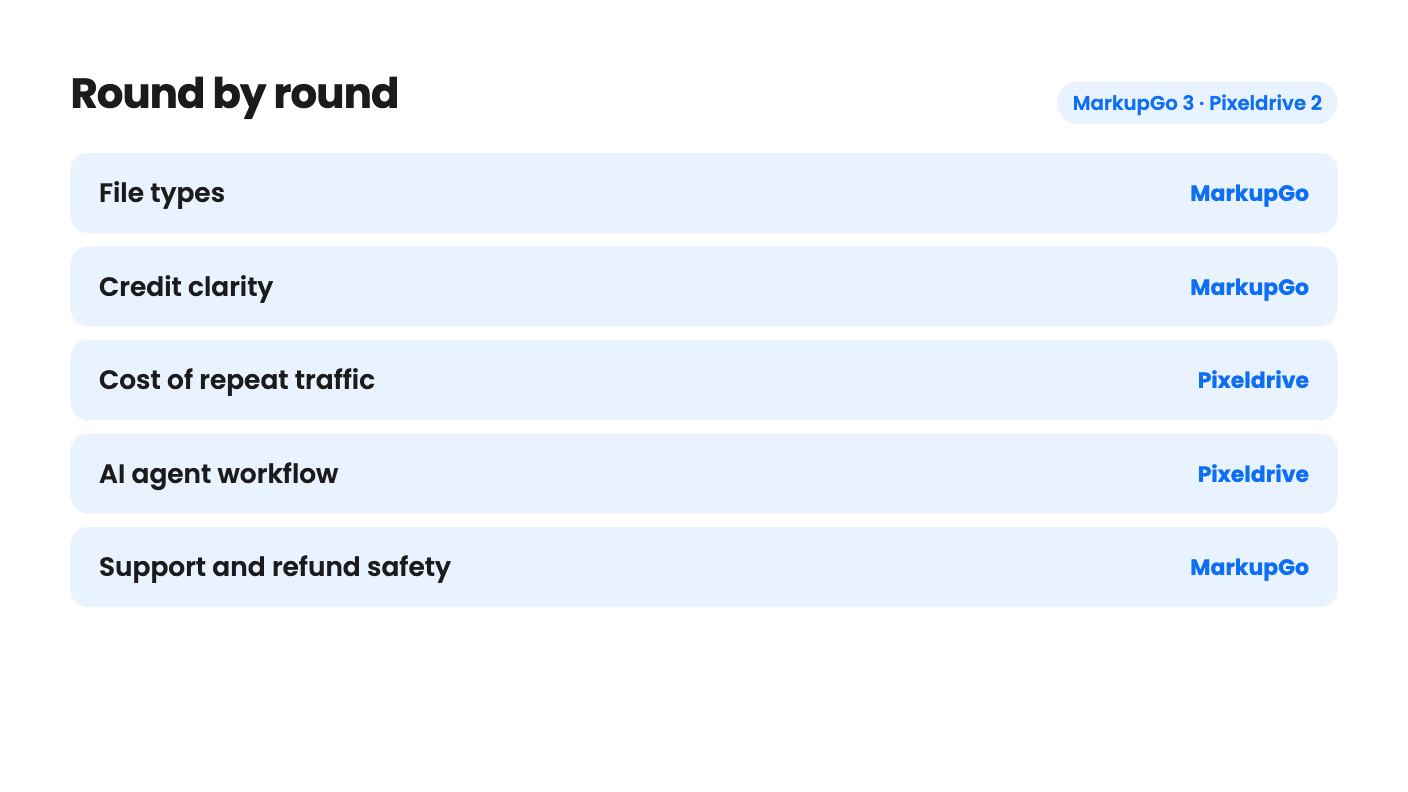
Pick MarkupGo if your work includes PDFs, if you want to know your monthly limits before paying, or if you’d like a refund window to test against real data. Its main weakness is that capacity renews monthly and starts at 1,000 credits, so heavy PDF users will want to stack codes.
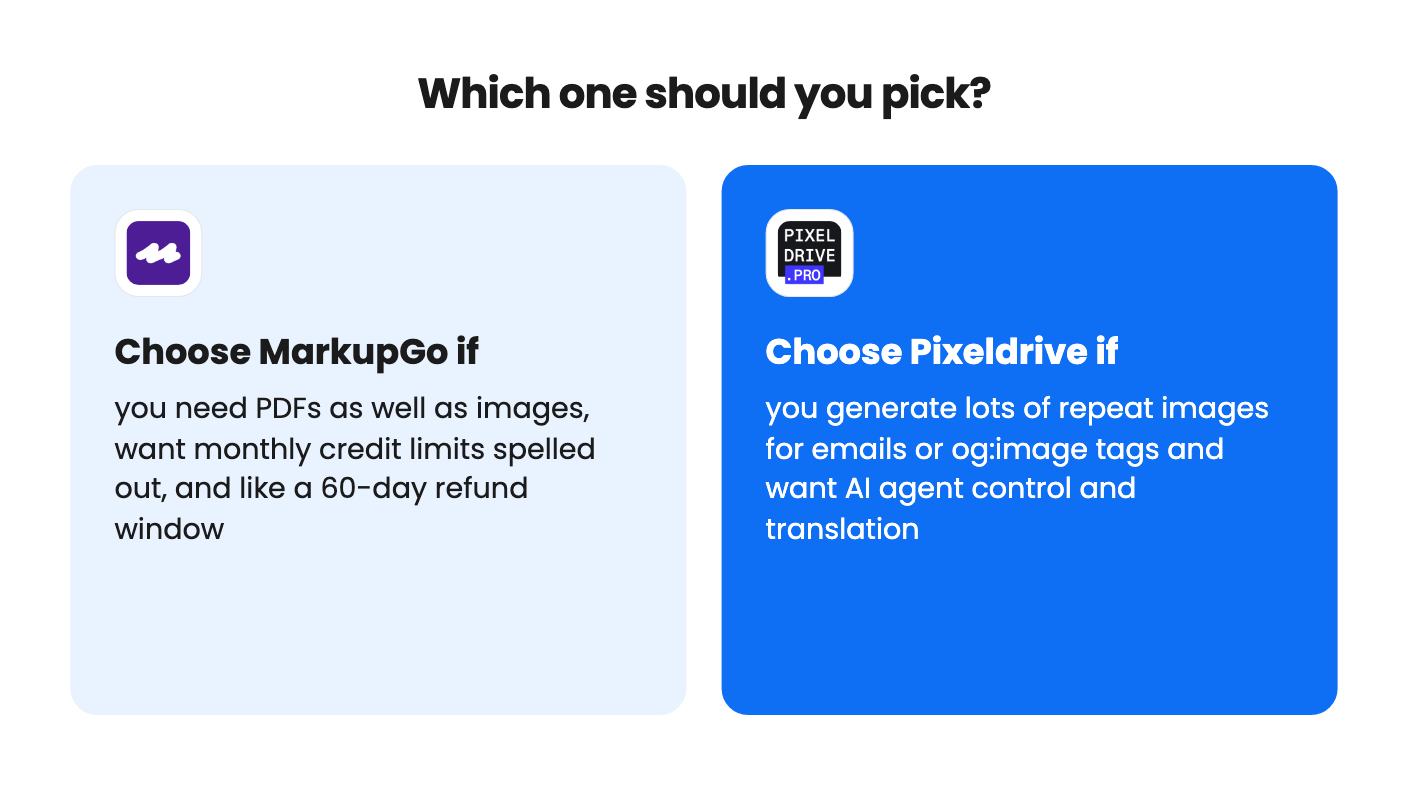
Pick Pixeldrive if you generate images in volume for email and og:image tags, and you like the idea of an AI agent building templates. Get a straight answer on credit refresh first. Until then, the $49 tier is the one to try.
How this comparison was made: researched from both tools' official listings and demo videos, and written with help from AI. We have not tested MarkupGo or Pixeldrive hands-on yet. Prices and deal terms change, so check AppSumo before you buy. See our affiliate disclosure.