Picture a small online course business that sends a weekly email with a banner carrying each student’s name, or a blog that needs a fresh social preview image for every post. Somebody ends up opening a design tool, swapping the text, exporting, and uploading. Do that fifty times and you start to resent it.
Pixeldrive is built for exactly that chore. You design a template once, mark which parts are variables, and then generate images by calling an API or by asking an AI agent to do it. AppSumo files it under APIs and Integrations, lists Photoshop as the alternative, and names course creators, developers and event organizers as the best fit. I’d treat the Photoshop comparison as marketing. This is a templating and rendering service, not an editor for hand-crafted artwork.
What the product actually does
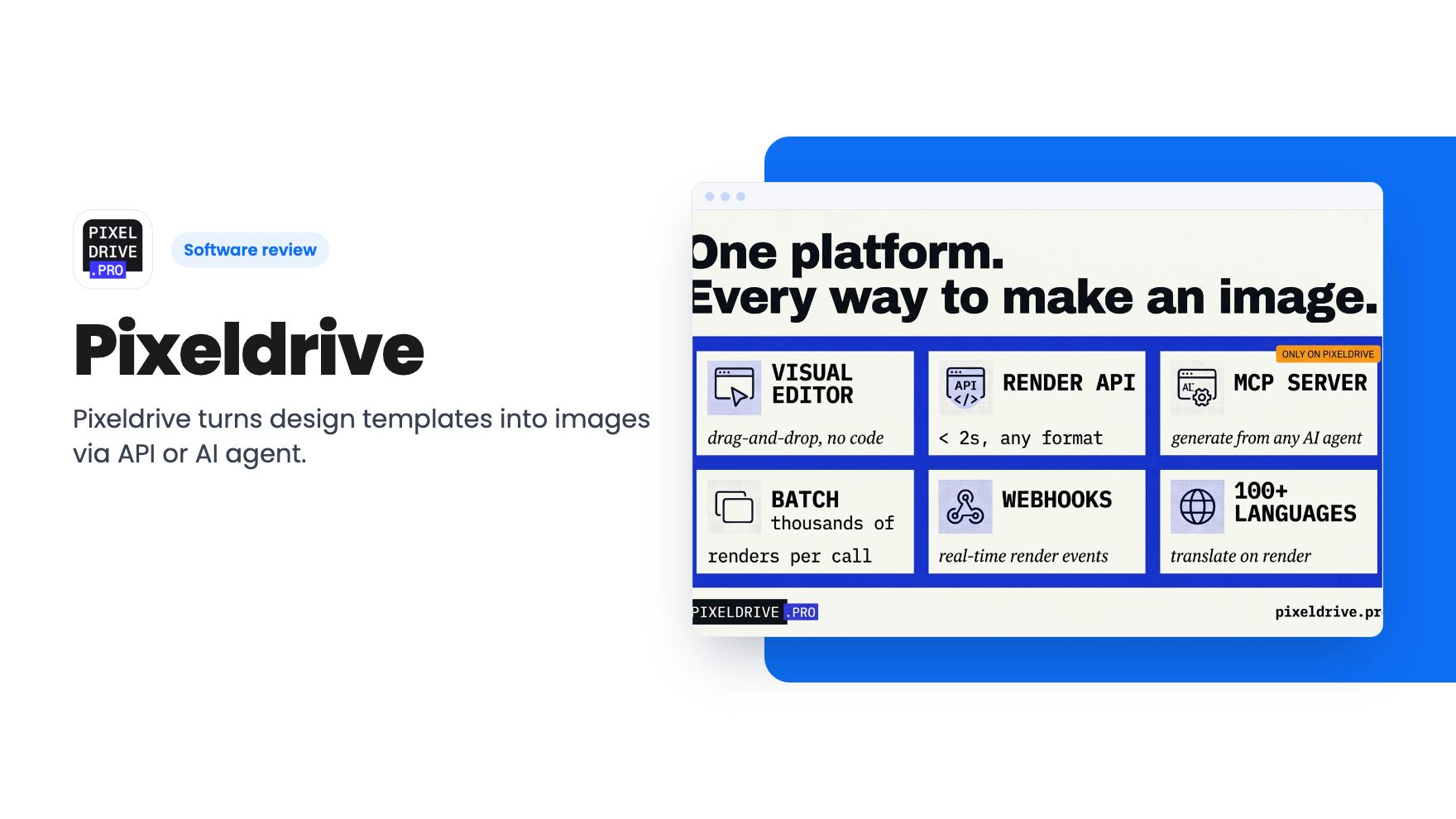
The listing describes a template editor, a render API and a hosted MCP server. In the editor you add elements, arrange them and mark variables. To render, you send a request with your values and get an image back.
The stated use cases are practical ones: dynamic og:image meta tags, images dropped into mass email campaigns, and layouts that adapt to different text. The listing also mentions letting an LLM read template layers and nudge element coordinates to fix broken text wrapping. Text that overflows its box is the classic failure of templated graphics, so that’s a sensible thing to automate.
What the listing doesn’t give us is a feature list for the editor itself. There’s no mention of supported fonts, file formats beyond a passing reference to render formats, or how complex a layout can get. There’s no product video either. That means we can’t say how pleasant the editor is to use, and you should check it before paying.
The AI agent angle
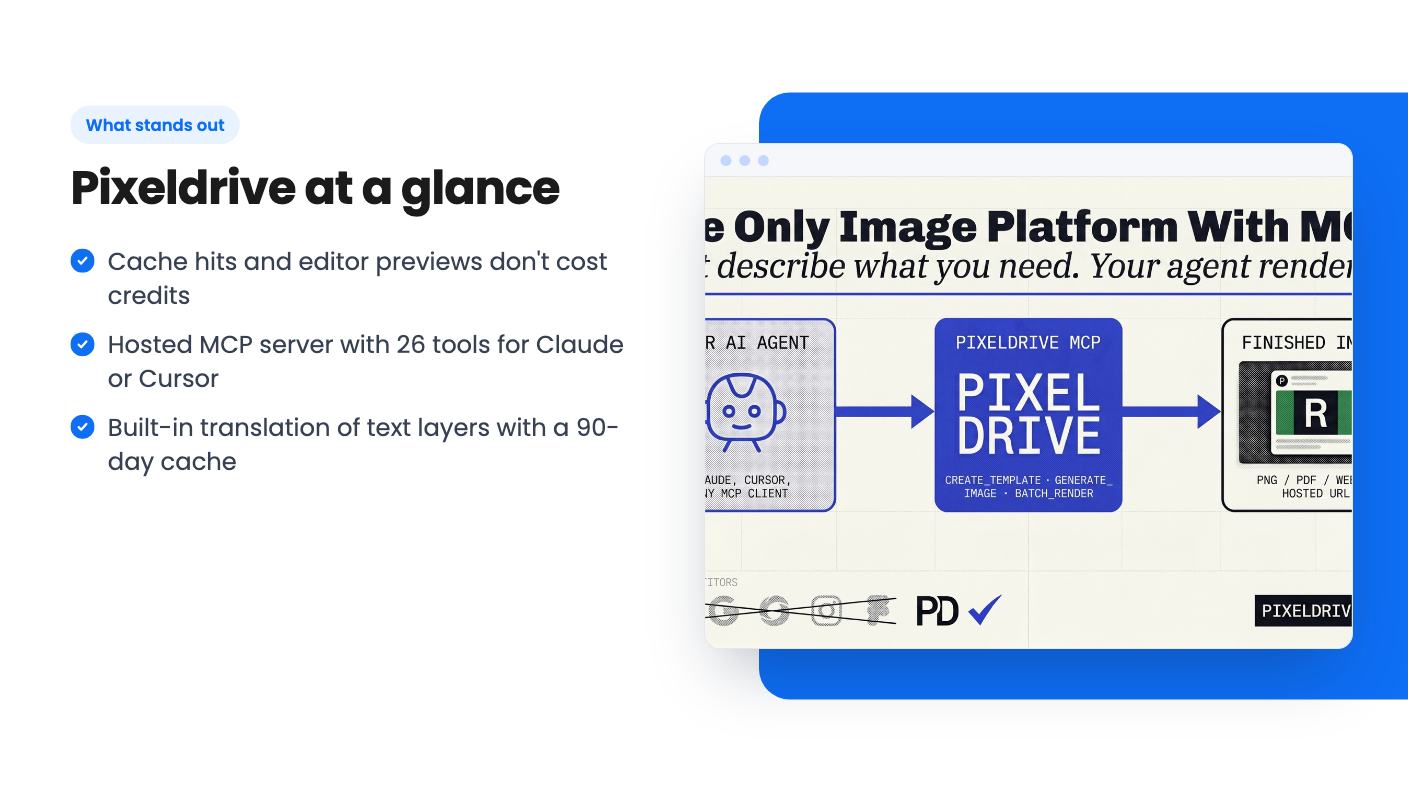
The most distinctive claim is the hosted MCP server. According to the listing it exposes 26 tools and is published in the official registry as pro.pixeldrive/pixeldrive. You connect it to an agent such as Claude or Cursor, and the agent can do what you can: create templates, add and arrange elements, search stock imagery, mark variables, preview and render.
The detail that makes this more than a gimmick is the free preview. The agent can iterate on real pixels without spending a credit, and only the final render costs one. Without that, letting an AI loose on a metered rendering API would be a good way to burn through your balance on drafts.
Still, this is the vendor describing its own tool. How well an agent handles layout in practice depends on the model and your prompts, and nothing in the listing shows results. Think of it as a promising option, not a proven workflow.
Credits, caching and the bill you won’t get
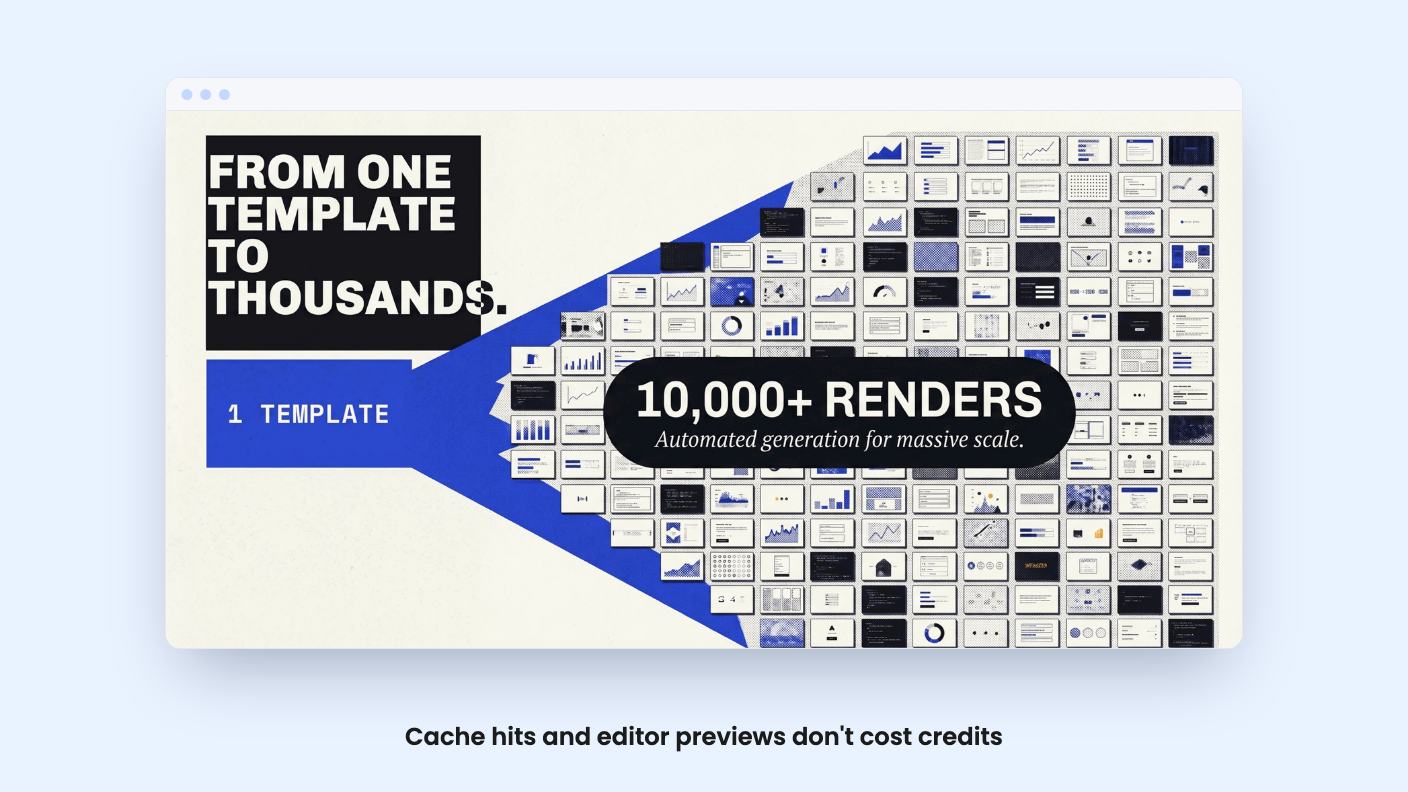
The pricing model is simple to state. One fresh render equals one credit, whatever the size or format. If the same template is called with the same inputs, you get the stored file back and pay nothing. The listing claims 19ms responses for cached requests from a global edge cache.
That matters if you hotlink images in emails or og:image tags. A popular post or a big send might hit the same image thousands of times, and only the first request costs anything. When you hit your plan limit, cached files keep serving, so live pages don’t break. Only fresh renders pause. You can also set rate limits per token, so one misbehaving integration can’t drain the account.
There’s a catch worth thinking about. Personalised images, like a banner with each recipient’s name, produce a different input every time, so every one is a fresh render and a credit. Caching helps with shared images, not with true one-to-one personalisation. Do the sums on your own volume before you pick a tier.
The tiers and what’s unclear
AppSumo has three lifetime tiers. The listing gives these prices and list prices:
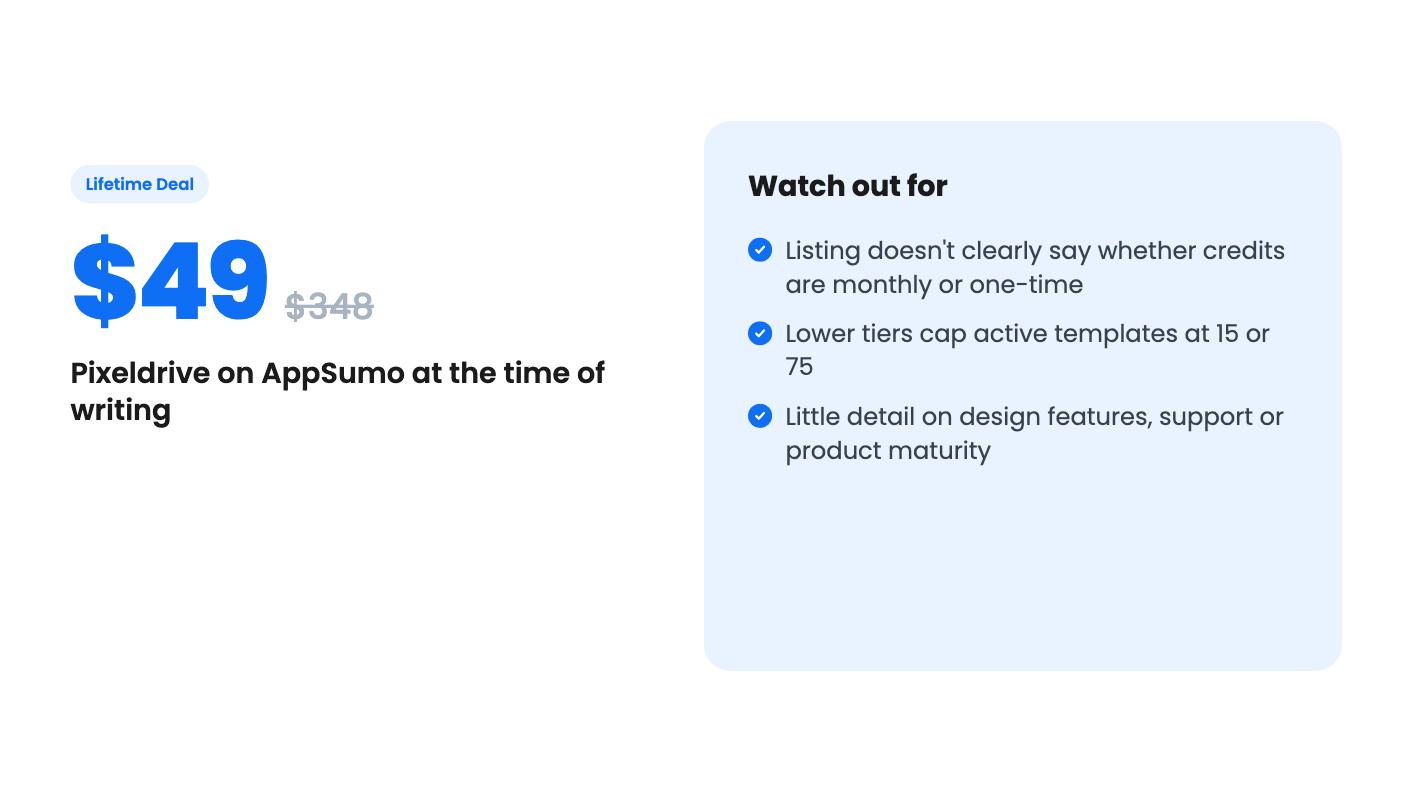
- $49 (was $348)
- $149 (was $948)
- $299 (was $2,388)
The plan features show 250,000, 100,000 and 30,000 lifetime image generation credits, and unlimited, 75 and 15 active templates. The listing doesn’t say which number goes with which price. The sensible reading is that $299 gets 250,000 credits and unlimited templates, and $49 gets 30,000 and 15 templates, but confirm that before you buy.
Then there’s the bigger question. The credits are called lifetime, yet the FAQ says fresh renders pause until you top up or the month rolls over. Those two statements don’t sit comfortably together. Either credits refresh monthly, or the pool is one-time and the month reference is loose wording. The listing doesn’t say, and it affects what you’re really buying.
Other terms are standard for AppSumo: you must activate within 60 days, you get all future plan updates, and you can move between the three tiers. The list prices are worth ignoring, as they usually are.
Translation as a side feature
One extra is built-in translation. Add lang=de to a render and every text layer is translated, or you can set it per field. The listing says the model runs on Pixeldrive’s own servers, so there are no per-word vendor fees and your copy isn’t sent elsewhere. Translations are cached for 90 days, so repeats are instant.
For an event organizer or course seller with an international audience, that could save real effort. The listing doesn’t name supported languages or say how good the output is, though. Machine translation on short banner text is usually fine, but I’d have a native speaker check anything customer-facing.
Who should skip it
If you design one-off graphics, Pixeldrive isn’t for you. It’s about repeatable templates, and the lower tiers limit you to 15 or 75 active templates anyway. If your team lives in Canva or Photoshop and nobody touches an API, the setup effort will outweigh the savings.
Skip it too if you need a track record. The listing gives no company history, support details or roadmap, and the product looks young. A lifetime deal on a young product carries the usual risk that the service changes or fades.
The buyer who fits is technical, or works with someone who is, and has a steady stream of templated images. For that person, $49 to try the smallest tier looks like a low-risk way to find out, provided the credit question gets a straight answer first.
How this review was made: researched from Pixeldrive's official listing, and written with help from AI. We have not tested Pixeldrive hands-on yet. Prices and deal terms change, so check AppSumo before you buy. See our affiliate disclosure.