Developer & AI BuildersAlternatives
Lovable Alternatives on AppSumo: 4 Lifetime Deals Compared
Four AppSumo lifetime deals named as Lovable alternatives, from $39 to $99. We compare limits, credits and code ownership, and say who each one suits.
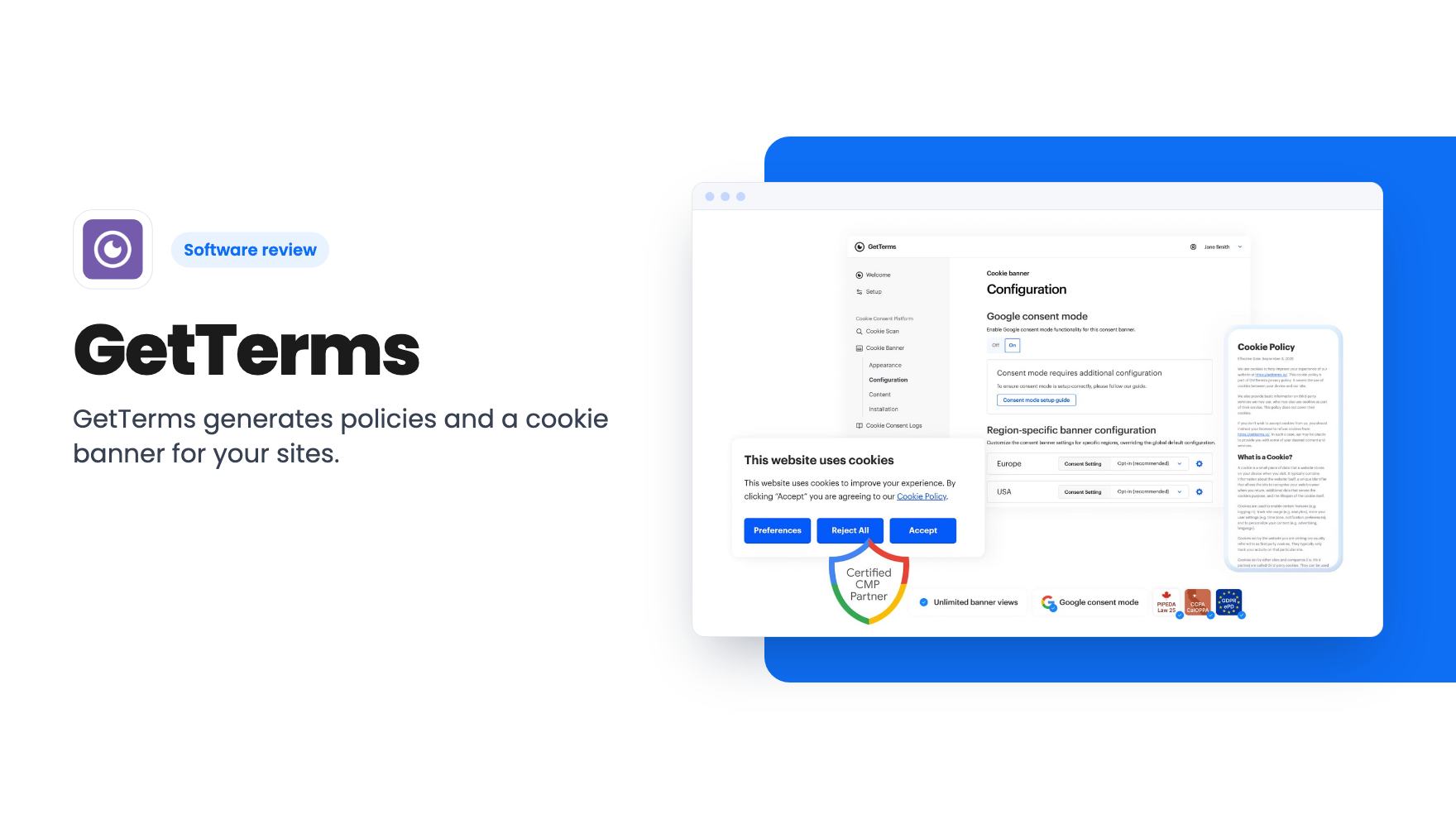
GetTerms generates policies and a cookie banner for your sites. The AppSumo deal runs from $79 for 3 sites to $559 for unlimited. Here's what it covers and where it falls short.
Lifetime deal price
$79$49984% off
Lifetime Deal
Our take: Buy the $79 or $139 tier if you run a handful of small sites, or client sites, and want policy pages and a cookie banner without paying a lawyer for each one. Skip it if you need legal advice for a regulated business, or if you'd have to spend $449 or more to cover a big client list.
Most small business sites get their legal pages the same way. Somebody mentions you need a privacy policy, you open a competitor’s site, and you copy what looks reasonable. The reviewer in the demo video admits to doing exactly that for years. It works until you add Google Analytics, start collecting emails, or sell to someone in Europe, and suddenly you also need a cookie banner that actually blocks things.
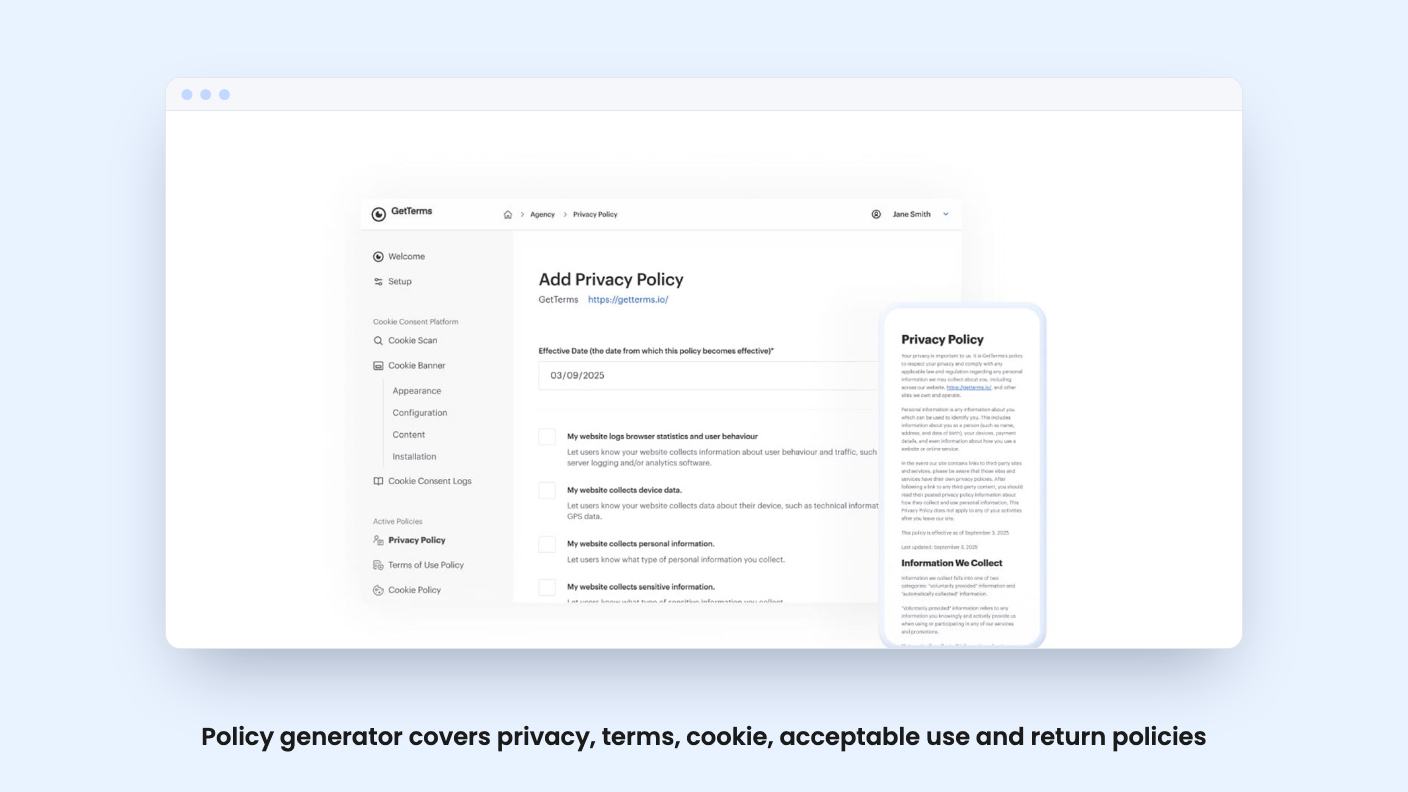
GetTerms is built for that gap. It generates policies from a questionnaire and adds a cookie consent banner you install with one script. The AppSumo deal is a lifetime license, and it’s now at the very end: the listing says it closes today, November 4, at noon Central.
You pick a site type, enter some company details, then tick boxes describing what your site does. Collect names and emails? Device data? Do you sell products? Some boxes open dropdowns, and you can add your own entries. The output is a set of documents.
According to the listing, those are a privacy policy, terms of service, cookie policy, acceptable use policy and return policy. All five tiers include all of them, plus unlimited policy edits, hosting and PDF export. In the demo, the reviewer also copied the text out as plain text, HTML or markdown.
The edit flow matters more than the first draft. You reopen the same form, change an answer, and the documents update. If you use the live embed, the change appears on your site automatically. If you pasted the text, you’ll have to paste it again.
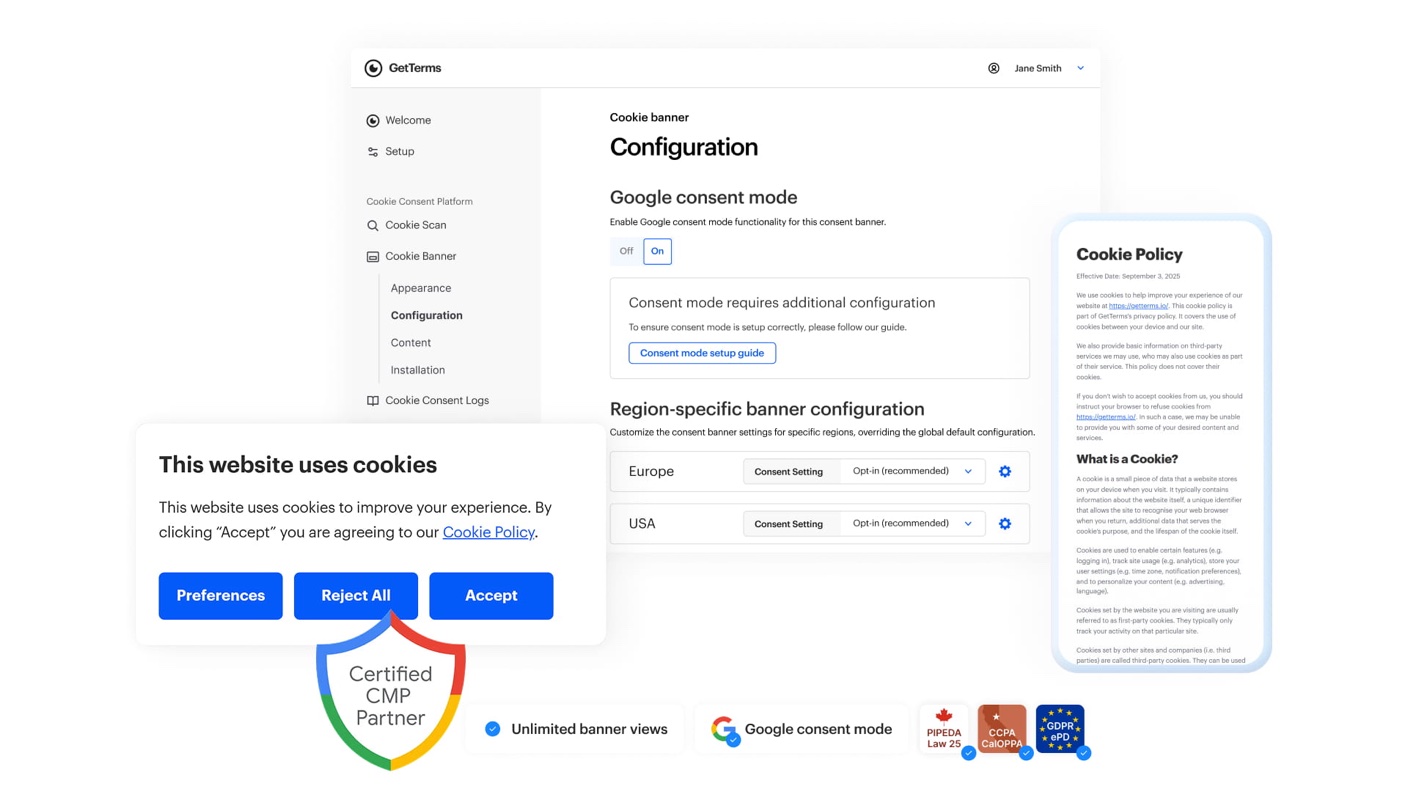
This is the part with more moving pieces. The banner can be a card, a banner, a pill or a pop-up, and you can change fonts, colors and button styles. The demo showed settings to block page interaction until the visitor chooses, to allow or hide a reject-all button, and to block scripts from setting cookies until consent is given.
The listing adds Google Consent Mode v2, geo-tagging so blocking can vary by visitor region, and consent logs. The listing’s FAQ calls it Google Advanced Consent Mode, so the two descriptions aren’t quite the same. If you run Google Ads, ask which mode you’re getting.
Installation has one catch the video spells out. The GetTerms script must be the first script tag on the page. If your analytics script loads before it, GetTerms can’t block it. Anyone using a site builder with limited header control should check that before buying.
The video comes from a WordPress-focused YouTube channel, and the reviewer says it contains an affiliate link. That doesn’t make it wrong, but it does mean he’s not a neutral party.
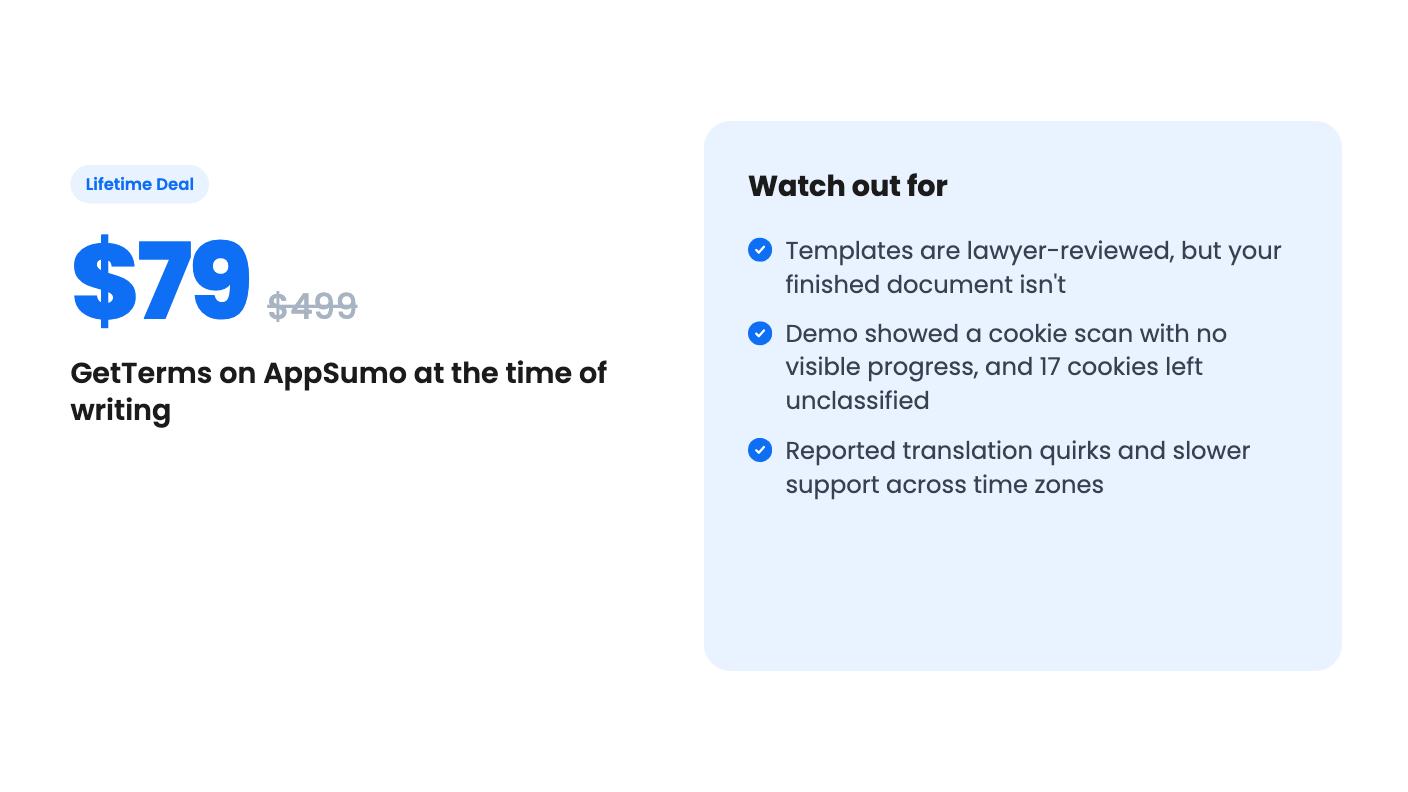
He generated five policies in roughly 5 to 10 minutes from the form. He scrolled through the output and noted the Canadian privacy commissioner appeared because he’d entered Canada as his country. He was also upfront that the policy was produced in seconds, so no lawyer had looked at it. Only the templates were reviewed. We’d keep that distinction in mind, because the listing’s “written by lawyers” reads a little more reassuring than that.
The cookie scan was less polished. He paused the video to wait for it and said he had no real indication it was working. When it finished, it listed a test cookie, a WordPress test cookie, advertising and performance categories, and 17 unclassified cookies. Unclassified cookies are the ones you’d have to sort out yourself.
He also said he didn’t think a WordPress plugin existed. The listing says one is included on every tier, and its FAQ describes shortcodes. Either the plugin arrived after the video or he missed it. We haven’t tested it, so confirm before you rely on it.
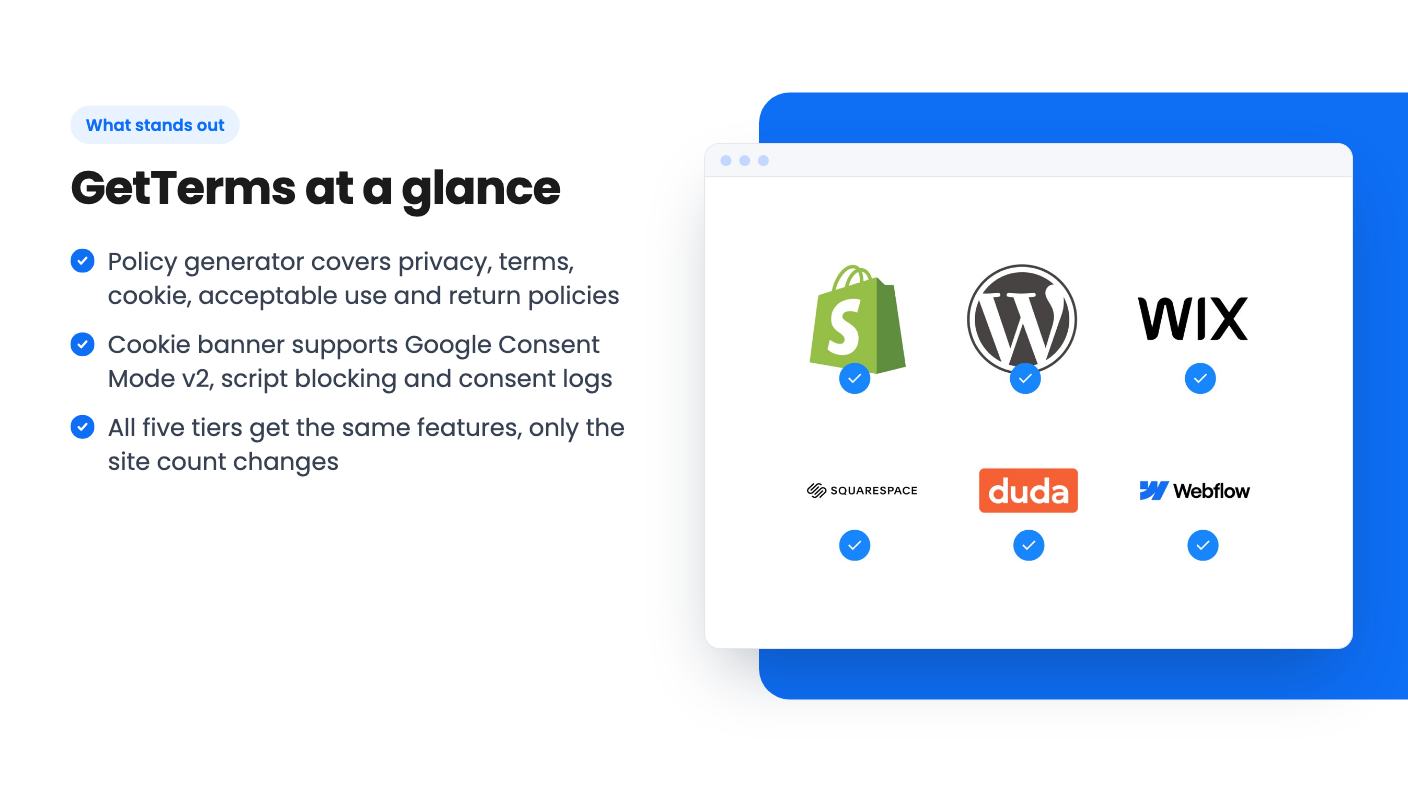
The features don’t change between tiers. Only the site or app count does:
The video quotes $129 and $500 for the upper tiers, which differs from the listing. Go by the listing, since the deal page is what you’ll pay.
The lifetime terms are straightforward. You get future updates to the Compliance Pro plan, you can upgrade between tiers while the deal is live, and you can downgrade within 60 days. You also have to activate your license within 60 days of purchase.
The $79 tier is the sensible entry point. Three sites at that price is hard to argue with. The $449 and $559 tiers only make sense if you’re an agency with many client sites. The video’s suggestion to delete and recreate policies to stretch the limit is a workaround. It breaks down if you use the live embed, because the policy has to stay active.
The listing talks about GDPR, CCPA, CalOPPA and PIPEDA, and mentions regulation monitoring in its FAQ. It doesn’t explain how that monitoring works or how fast policies update when a law changes. That’s a vendor claim we can’t check.
AppSumo’s own review summary, which is marketing copy, mentions minor translation issues and support delays from time zone differences. The listing offers six languages plus one custom translation. If you serve visitors in Italian, French or Hindi, test the output before you publish it.
The agency angle is also thin on detail. The listing says you can invite clients to manage their own policies. It doesn’t say how client access is organized, whether there’s white labeling beyond removing GetTerms branding, or how billing for clients would work.
The score is decent: 4.45 from 67 AppSumo reviews. That’s a small sample, and it says little about what happens as laws shift.
Skip GetTerms if your business handles health, financial or children’s data. A generated template shouldn’t be your only protection there, and you’d want actual legal advice. Also skip it if you only need a single privacy page once. A free generator might be enough, though you’d lose the cookie banner and consent logs.
It’s also a poor fit if you can’t control the head of your pages, since the banner must load first. For everyone else with a few sites and no legal budget, the $79 tier is a low-risk bet, and the 60-day window gives you time to check the cookie scan and banner on a real site before you’re committed.
Only the number of sites or apps. According to the listing, $79 covers 3, $139 covers 10, $279 covers 25, $449 covers 50 and $559 is unlimited. Every tier gets the same policy tools, cookie banner, consent logs and WordPress plugin.
The listing says they're written by lawyers. The demo video is more precise: a lawyer reviewed the templates, but no lawyer reviewed the specific policy generated for the reviewer's site. Treat the output as a solid starting point, not legal advice.
AppSumo's summary mentions a 60-day money-back guarantee, and the listing says you must activate your license within 60 days of purchase. You can also downgrade tiers within 60 days. Check the refund terms on the deal page before you buy.
How this review was made: researched from GetTerms's official listing and a transcript of its demo video, and written with help from AI. We have not tested GetTerms hands-on yet. Prices and deal terms change, so check AppSumo before you buy. See our affiliate disclosure.
Four AppSumo lifetime deals named as Lovable alternatives, from $39 to $99. We compare limits, credits and code ownership, and say who each one suits.
Ten AppSumo lifetime deals for developers and AI builders, grouped by need, with the caps, missing details and refund terms the listings show.
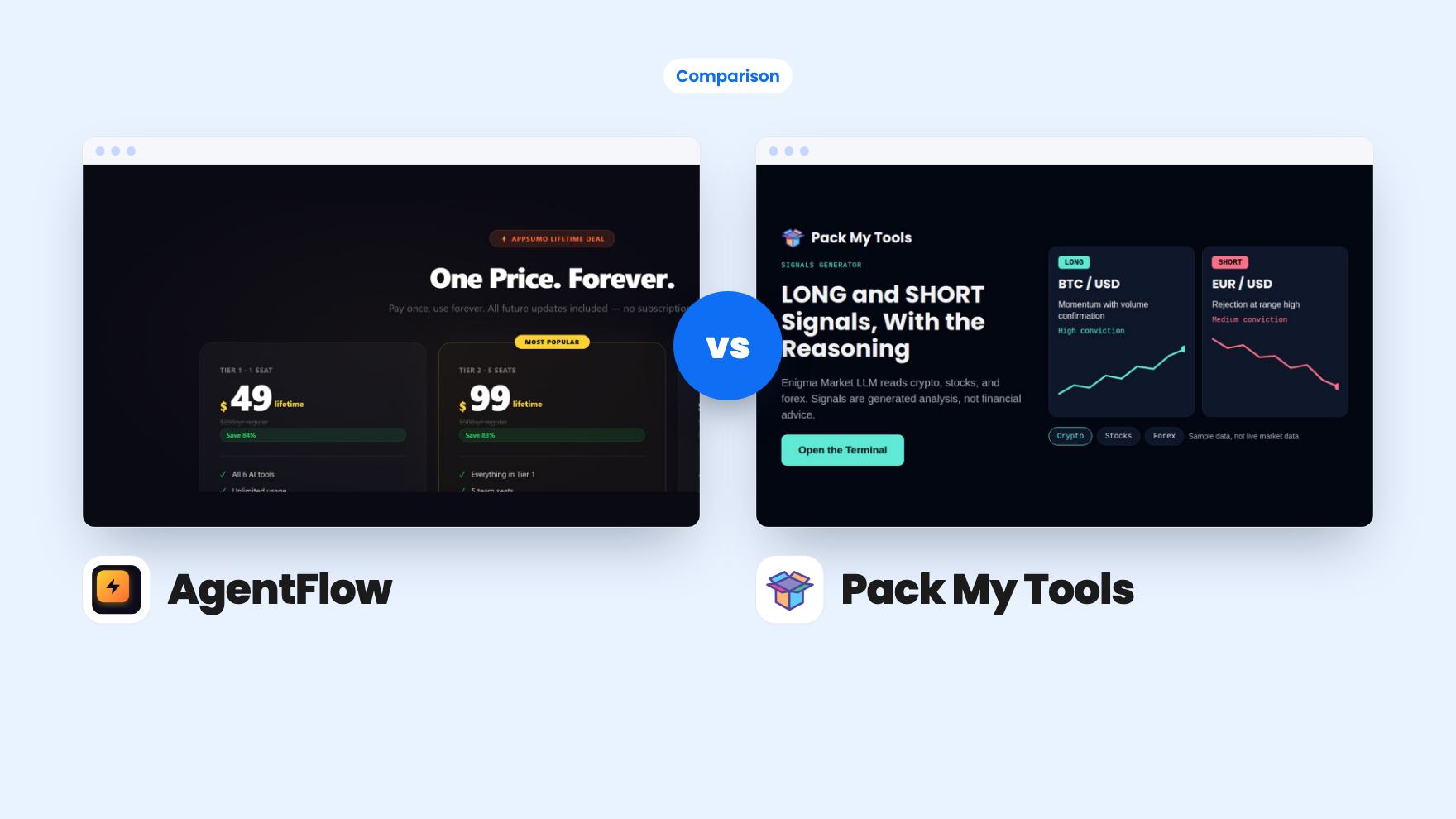
AgentFlow is a $19 six-tool suite that runs on your own Groq key. Pack My Tools is $59 for 120+ tools on a monthly credit allowance.