What MarkupGo is
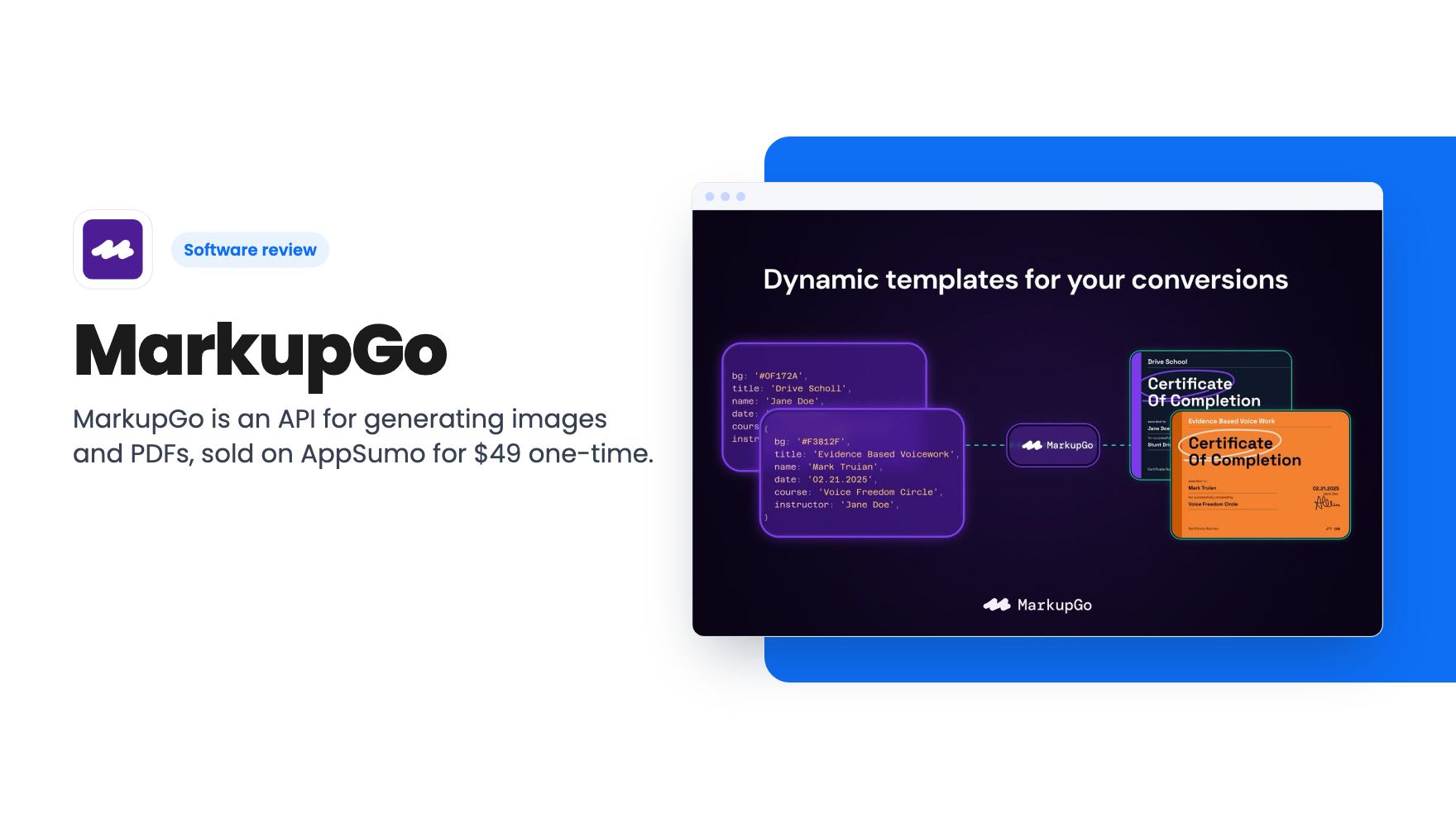
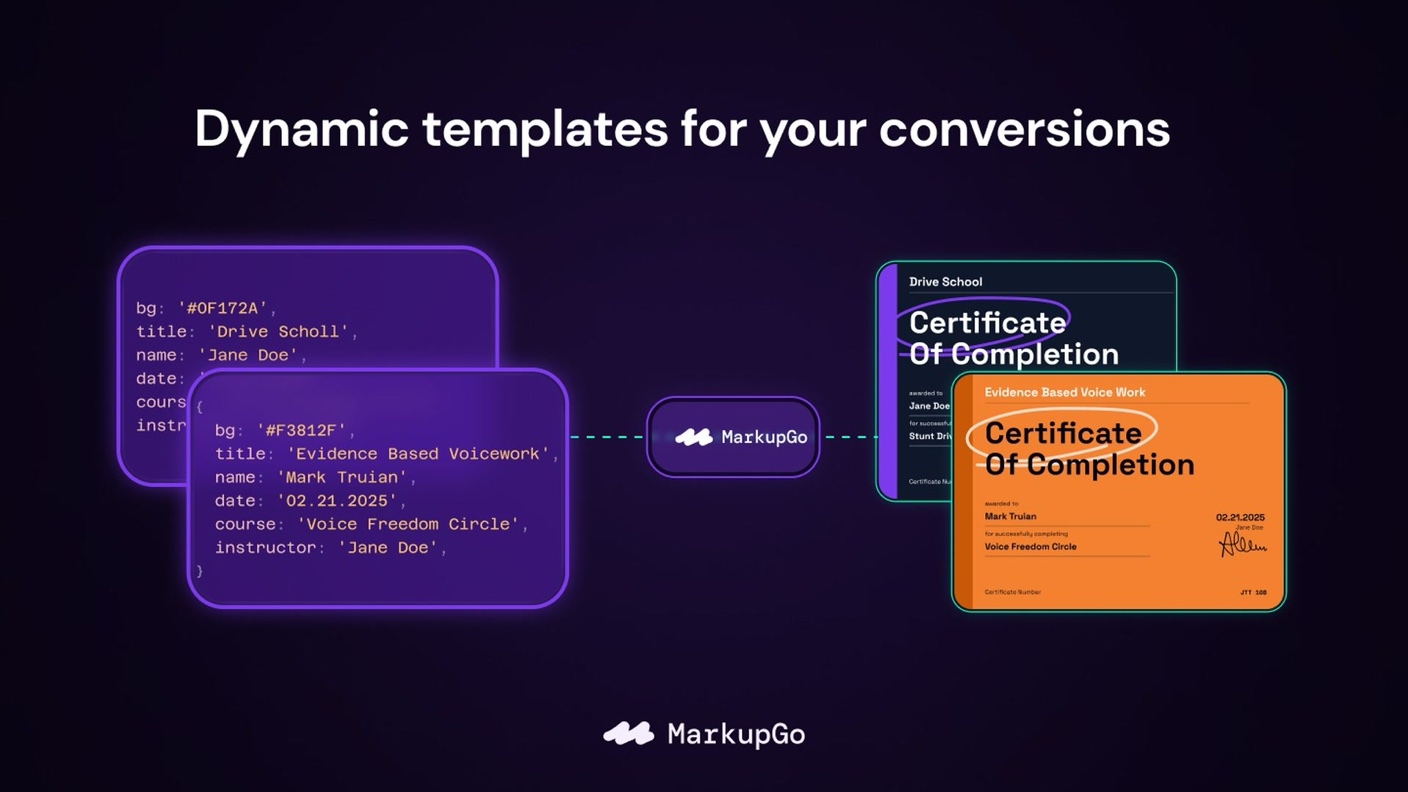
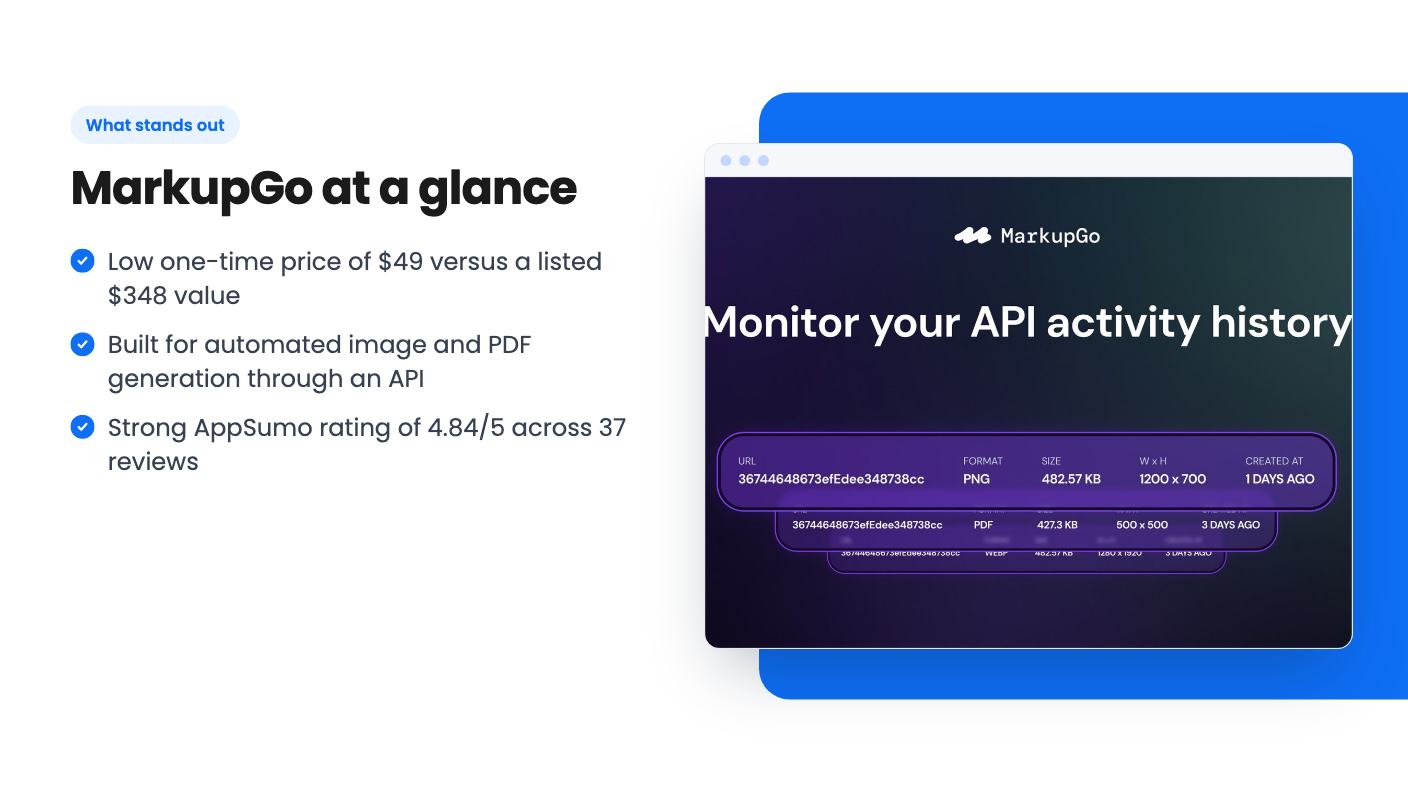
MarkupGo is an API-based tool for creating images and PDFs automatically. Instead of designing each file by hand, you send a request and get a finished file back. The AppSumo listing describes it as an image transformation API, and AppSumo’s summary of buyer reviews also points to PDF generation.
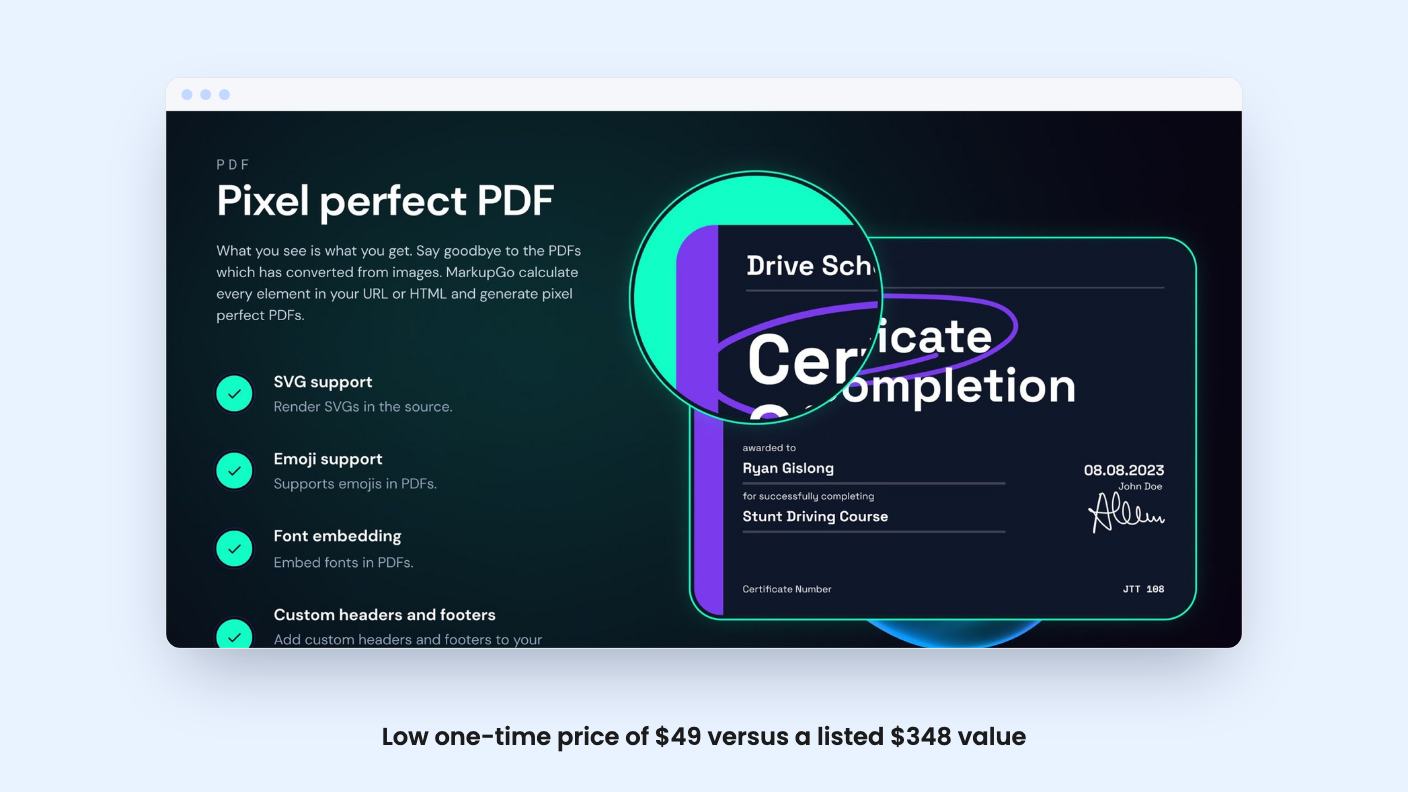
This is a developer-leaning product. It suits teams that want to produce certificates, social graphics, reports or similar files from their own data. The listing doesn’t give a detailed feature walkthrough, so some of what follows is limited to what buyers and AppSumo say.
Key features
The listing’s feature table is short. It confirms one thing across every tier: the image transformation API.
AppSumo’s summary of buyer reviews adds a bit more. Reviewers reportedly value:
- API integration that they describe as seamless
- High-quality image and PDF output
- Responsive customer support
That summary is marketing copy, so treat it as a starting point. The same summary also notes limits. Some users mention that there is no direct PDF editing, and some report occasional performance issues.
The listing doesn’t say which file formats, templates, editors or integrations are included. Check these on the MarkupGo website before you buy.
How it works
There was no product demo video for this review, so we can’t describe the interface. From the listing, the basic idea is API-driven: your app, script or automation tool sends a request to MarkupGo, and the service returns a generated image or PDF.
That model works well for repeat jobs. If you generate the same kind of document many times with different data, an API saves manual design work. The trade-off is that you need someone comfortable wiring up API calls, or a no-code platform that can make them.
Because the listing mentions no direct PDF editing, expect to generate new files rather than open and change existing ones.
Pricing and the AppSumo deal
The deal is a lifetime license with seven tiers. Each tier is the same product with more stacked codes:
- 1 code: $49 (listed as $348)
- 2 codes: $98 (listed as $696)
- 3 codes: $147 (listed as $1,044)
- 4 codes: $196 (listed as $1,392)
- 5 codes: $245 (listed as $1,740)
- 6 codes: $294 (listed as $2,088)
- 7 codes: $343 (listed as $2,436)
The listing says you get lifetime access and all future Lite Plan updates. You must redeem your code within 60 days of purchase, and you can stack up to 7 codes. AppSumo’s summary also mentions a 60-day money-back guarantee.
Two cautions apply. First, the listing doesn’t state what the Lite Plan includes in terms of monthly usage, credits or file limits, so you can’t judge from the page how far one code goes. Second, the “list price” figures are the seller’s reference prices, not proof of what you would pay elsewhere. Lifetime updates are tied to the Lite Plan, so higher plans or new premium features may not be covered.
If you plan to stack codes for more capacity, confirm first how stacking affects limits. The listing doesn’t explain this.
Who it’s for (and who should skip it)
A good fit if you:
- Build apps, automations or internal tools that need to generate images or PDFs on demand
- Prefer a one-time payment to a monthly subscription for a utility like this
- Want a refund window to test the API against your own workflow
Probably skip it if you:
- Need to edit or annotate existing PDFs
- Need clear, published usage limits before committing
- Aren’t comfortable working with APIs and don’t use a no-code platform that can call one
- Want a long-established vendor, since the listing doesn’t tell us how long the product has been around
Bottom line
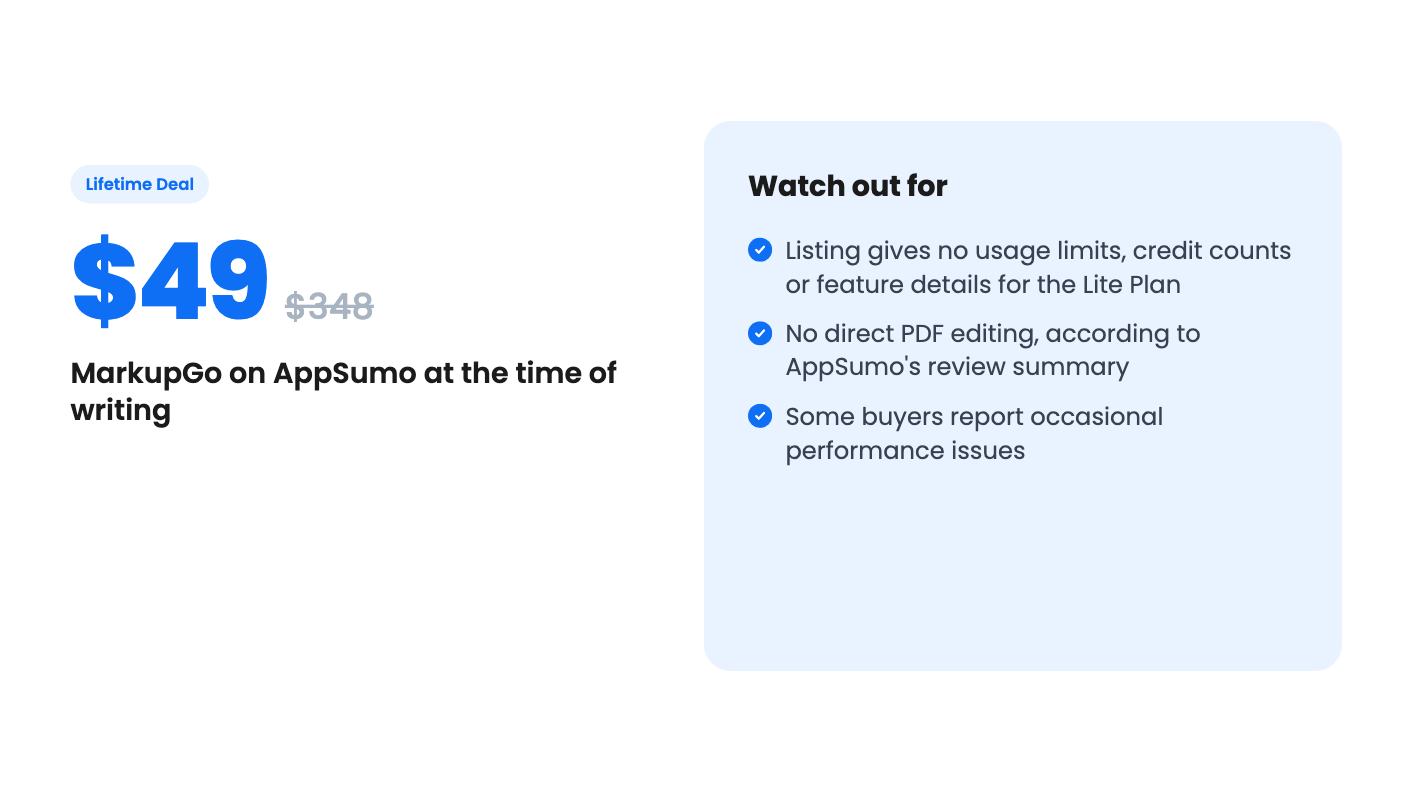
At $49, MarkupGo is a low-risk way to try automated image and PDF generation. A 4.84 average from 37 AppSumo reviews is encouraging, though reviews on a deals platform tend to run positive. The main gap is detail: the listing is thin on limits and features. Use the 60-day guarantee to run a real test with your own data before the window closes, and check performance on the volumes you expect.
How this review was made: researched from MarkupGo's official listing, and written with help from AI. We have not tested MarkupGo hands-on yet. Prices and deal terms change, so check AppSumo before you buy. See our affiliate disclosure.