AI Writing & VideoTop deals
AppSumo Deals Ending Before Black Friday 2026: Buy or Wait?
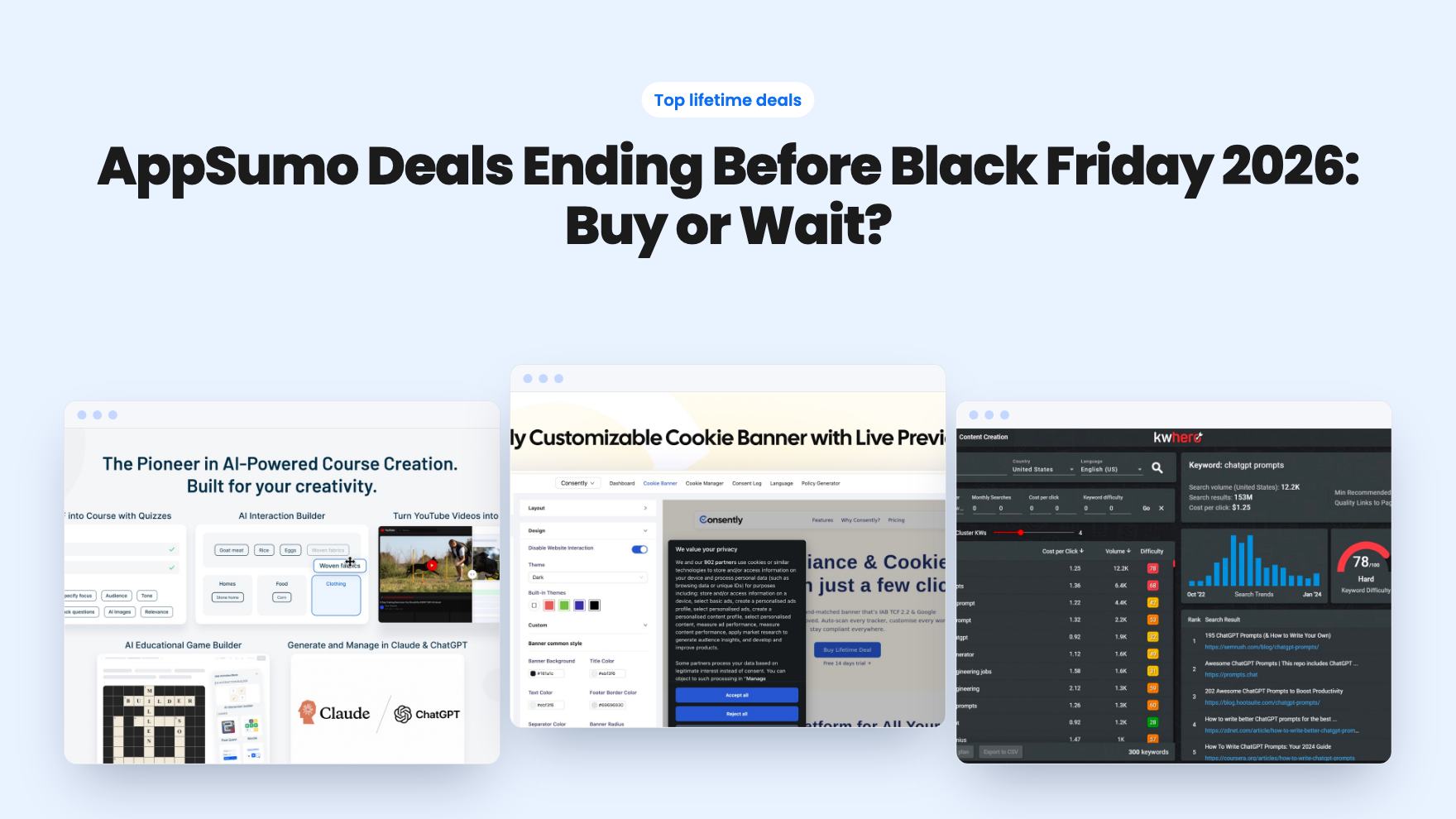
Fourteen AppSumo lifetime deals end before Black Friday on November 27, 2026. Here are the seven worth a look now, and who should skip them.
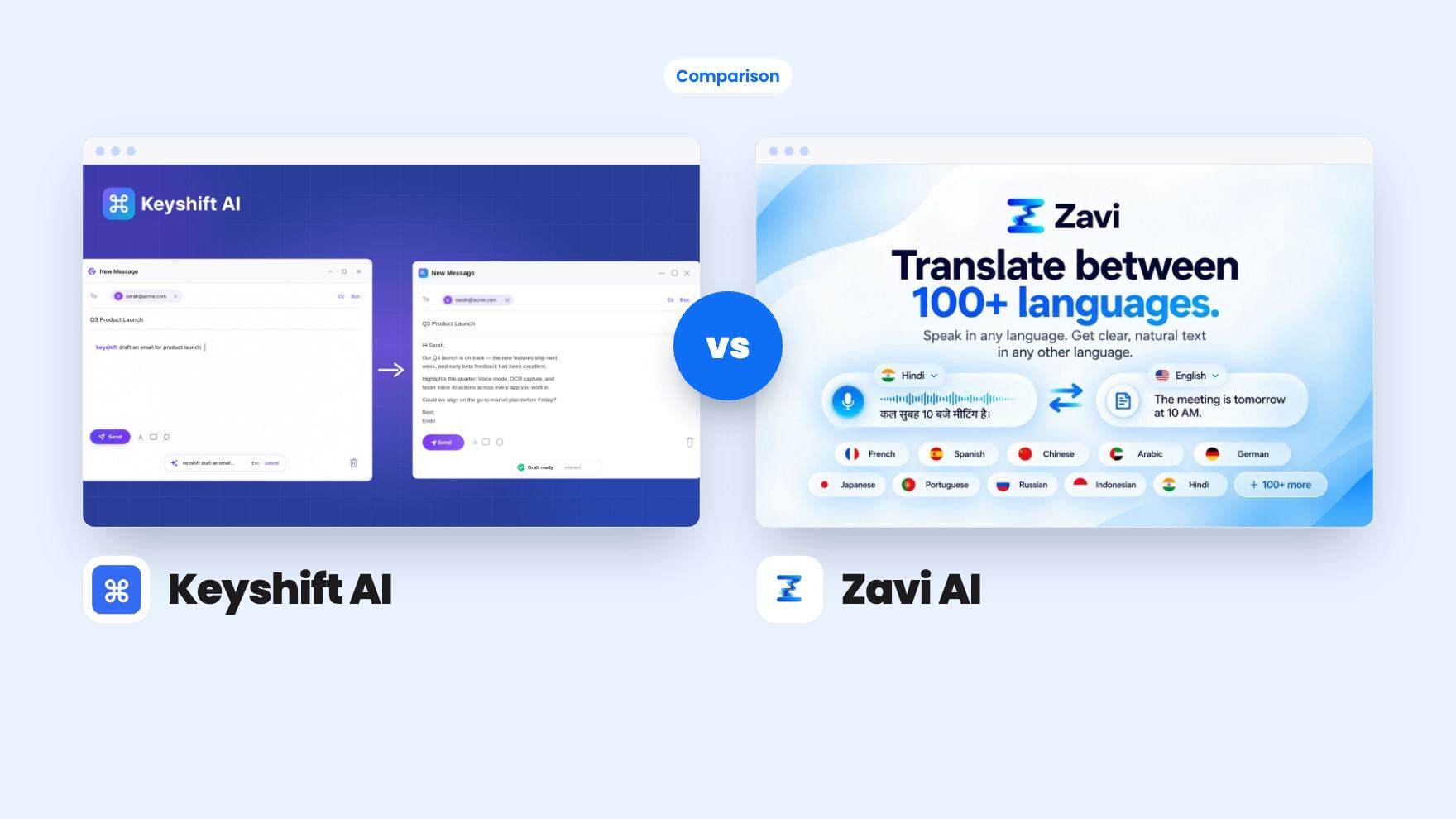
Keyshift AI rewrites text you type, from $19. Zavi AI turns speech into text on four platforms, from $49. Here's how the two lifetime deals compare.
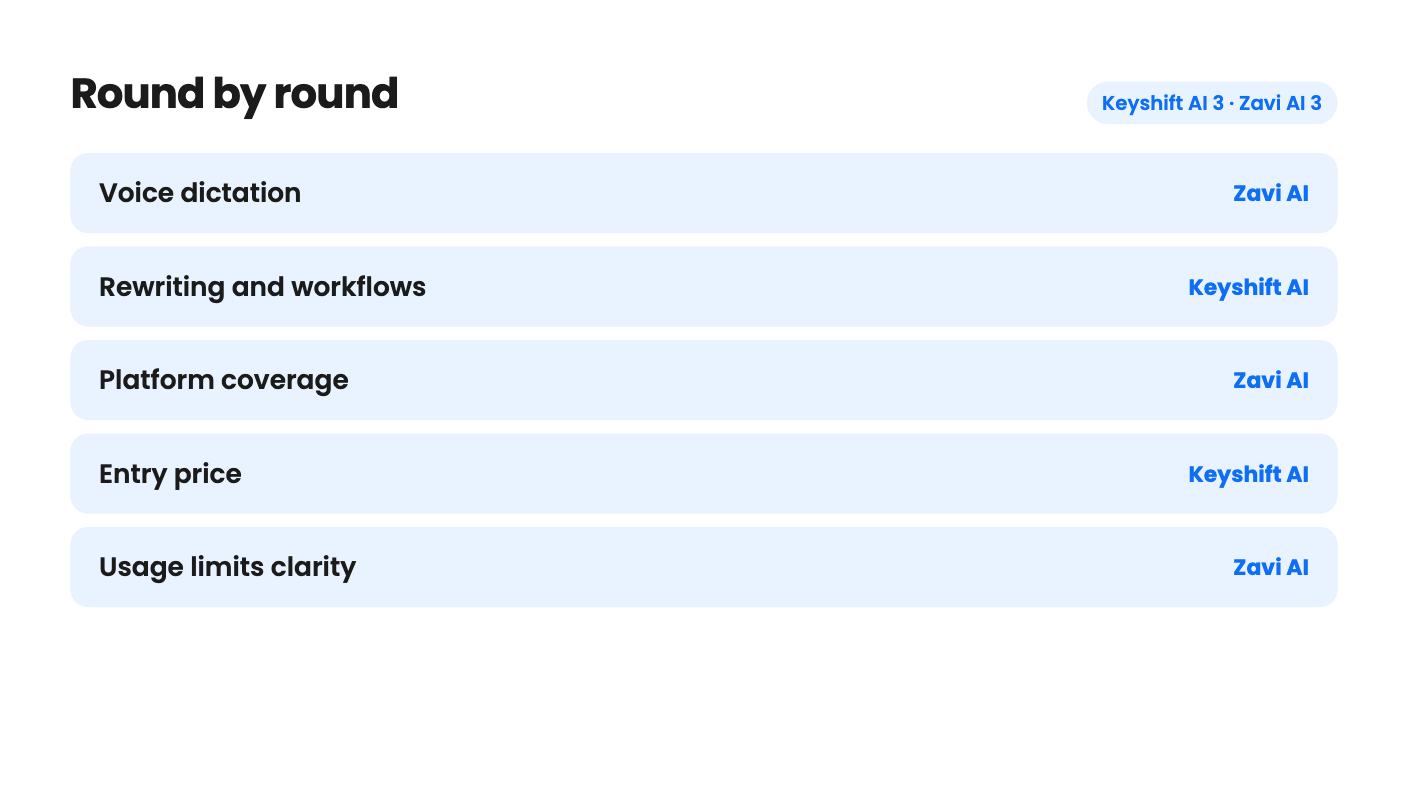
Keyshift AI takes 3 rounds, Zavi AI takes 3.
| Round | Winner | Why |
|---|---|---|
| Voice dictation | Zavi AI | Dictation is Zavi's core job, with filler removal, auto punctuation and 100+ languages, while Keyshift's voice input is one feature among several and its accuracy and languages aren't stated. |
| Rewriting and workflows | Keyshift AI | Keyshift offers a preview window before text is replaced plus multi-step workflows and reusable modes, and Zavi's listing mentions neither. |
| Platform coverage | Zavi AI | Zavi runs on macOS 12+, Windows 10+, iOS 16+ and Android 8+, while Keyshift names only Windows and macOS. |
| Entry price | Keyshift AI | Keyshift starts at $19 against Zavi's $49, and both come with the 60-day AppSumo refund window. |
| Usage limits clarity | Zavi AI | Zavi defines its cloud words (200,000 a month on Tier 1), whereas Keyshift never says what one of its 2,000 monthly credits buys. |
| Deal availability | Keyshift AI | Keyshift's deal is listed to run until November 16, 2026, while Zavi's listed end date of October 28, 2026 has passed. |
| Keyshift AI | Zavi AI | |
|---|---|---|
| Starts at | $19 | $49 |
| List price | $70 | $948 |
| Plan | Lifetime Deal | Lifetime Deal |
| Deal ends | Nov 17, 2026 | Not listed |
| Best for | Content creators, Copywriters, Solopreneurs | Content creators, Remote teams, SaaS |
| Alternative to | Copy.ai, Grammarly, WisprFlow | Otter.ai, Superwhisper, WisprFlow |
Some people fix a clumsy sentence by retyping it. Others would rather say it out loud and let software tidy it up. That split is the real difference between Keyshift AI and Zavi AI, even though both promise to improve your writing inside whatever app you already have open.
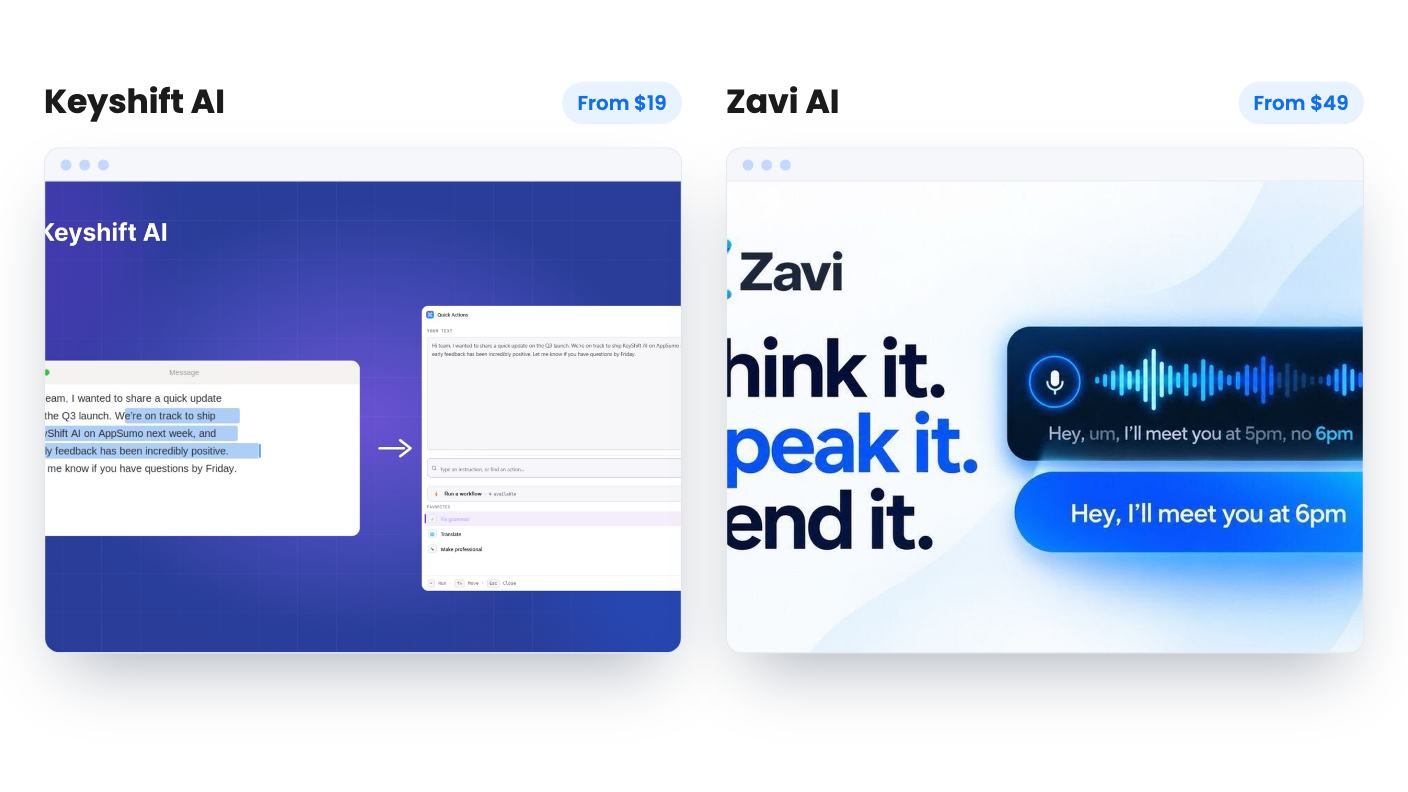
We haven’t used either tool. Everything below comes from the AppSumo listings, and a few details in them are thin or inconsistent, so we’ll point those out as we go.
Keyshift AI begins with text. In any text field you type “keyshift” followed by an instruction, such as “keyshift+translate to French”, and the result appears in place. You can also select a rough Slack draft or a clunky Gmail message and have it replaced. It’s a rewrite, translate and summarize layer for people who already type a lot.
Zavi AI begins with your voice. You speak, and it types cleaned-up text at the cursor in Gmail, Slack, Notion, WhatsApp, Google Docs, ChatGPT, LinkedIn and other fields. It strips filler words, fixes grammar and adds punctuation, so you can say a message and send it.
They do cross over. Zavi’s Magic Wand lets you select text and say “make this shorter” or “translate to Spanish”, which is close to what Keyshift does with typed commands. Keyshift has voice input too, so you can dictate an instruction or dictate your own words and apply an action to them. Still, each tool’s centre of gravity is clear. Keyshift is an editor that can listen. Zavi is a dictation tool that can edit.
Keyshift has the more detailed editing toolkit. A keyboard shortcut opens a floating editor, you pick a one-click action or type your own instruction, and the result shows in a preview before it replaces anything. If the text is going to a customer, that pause is worth having.
It also lets you chain steps in the dashboard. The listing’s example turns raw meeting notes into a summary, action items and a follow-up email in one run. You can save reusable modes too, like legal tone or brand voice. If you send the same kind of message every day, that’s where the time savings would come from.
Zavi’s editing is quicker to describe. Select text, say the change, and it lands in place with no prompt box. The listing doesn’t mention a preview step or multi-step chains. It does mention a style and tone engine, plus a shared brand voice for teams on Tier 2 and above, but it doesn’t explain how either works in practice.
One caution on Keyshift: you confirm a command by pressing space twice, or you let it auto-run when you pause. The listing doesn’t say how that pause is timed. If you think slowly while typing, try it during the refund window before you trust it.
Zavi covers more ground. It has native apps for macOS 12+ and Windows 10+, plus iOS 16+ and Android 8+. If you want one voice habit on your laptop and your phone, that’s a clear point in its favour.
Keyshift names only Windows and macOS. Its shortcuts are all written as Ctrl combinations, and the listing doesn’t say how they map on a Mac. You can rebind hotkeys in settings, which should help, but it’s a gap the seller should fill.
Keyshift also says it works in every app on your system. That’s a big claim for software that hooks into text fields, and AppSumo’s own summary mentions minor bugs from buyers. Zavi has a single review so far, a 4.00, which tells us almost nothing about reliability. Keyshift’s 4.90 from 20 reviews is more encouraging, though it’s a small pool and the summary is marketing copy.
Keyshift has five lifetime tiers: $19, $69, $129, $239 and $499. Credits are monthly, with 2,000 on Tier 1, 4,000 on Tier 4 and 8,000 on Tier 5. The listing never says what a credit buys. Does a short rewrite cost one? Does each workflow step cost one? On 2,000 a month, that answer decides whether you’re comfortable or rationing by the 20th. The table also shows Tier 2 with 1,000 credits and no workflows, and Tier 3 with zero credits. That looks like a data entry slip, so don’t buy either until someone explains it.
Zavi has four tiers, each defined by cloud words per month and seats:
That’s easier to reason about, because a word is a word. Zavi’s own prices are a little muddled, though. The review text gives $49, $119, $239 and $439, while the plan list shows $49, $129, $249 and $449. Confirm the real numbers before you commit. On-device processing is available on every tier, but the listing doesn’t say how its quality compares with the cloud path.
Bring-your-own-key is another split. Zavi limits it to Tiers 3 and 4, which means 7 or 15 seats, so a solo user who wants their own API keys pays for a team plan. Keyshift lets you connect OpenAI, Anthropic or Google keys. Whether that sidesteps the credit cap isn’t stated, and the answer would change the value of the $19 tier a lot.
Then there’s timing. Keyshift’s deal is listed to run until November 16, 2026. Zavi’s listing gives October 28, 2026, which is already behind us, so check that it’s still on sale before you plan around it. Both offer 60-day refunds and require activation within 60 days.
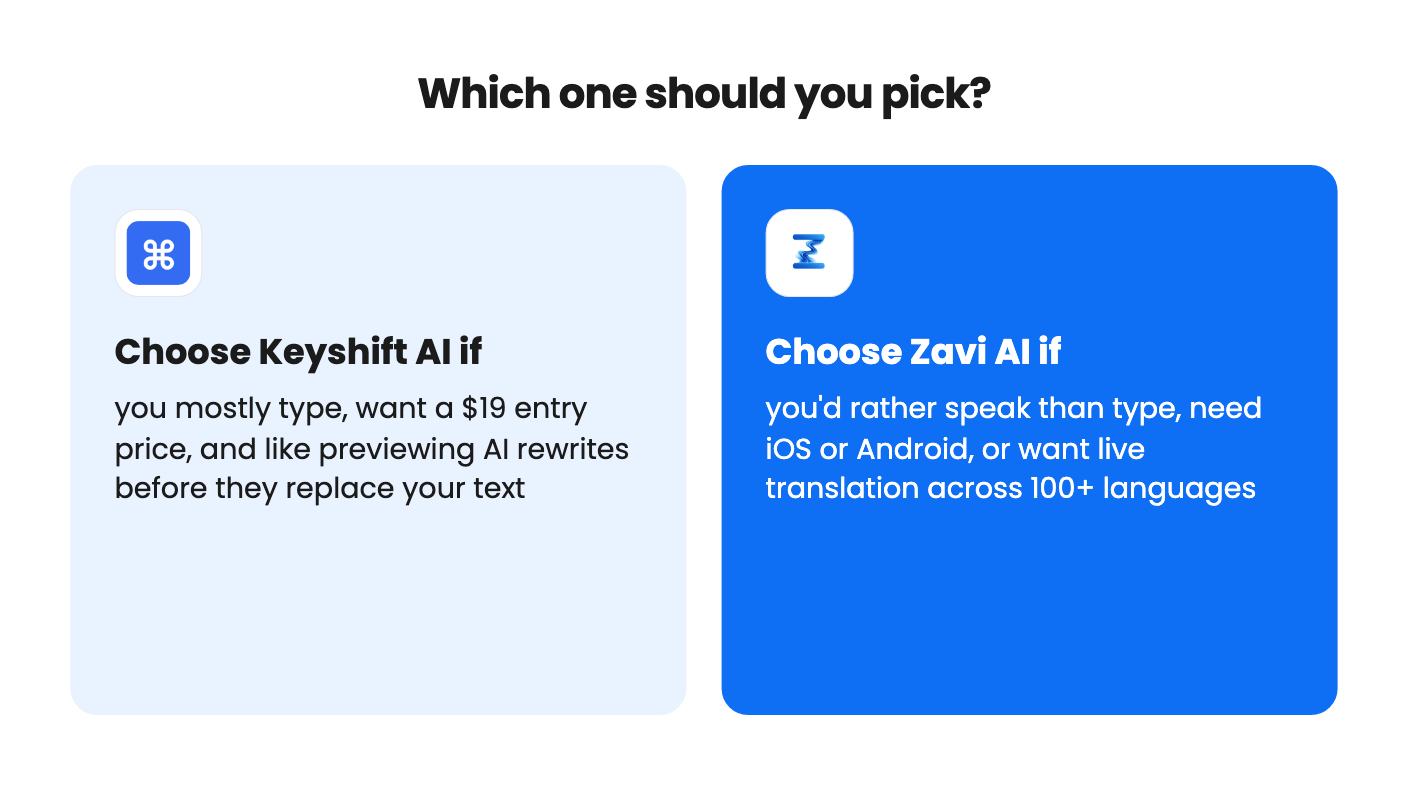
Pick Keyshift AI if your day is mostly typed Slack, email and social copy and you want a cheap way to stop pasting into a chatbot. The $19 tier is a reasonable gamble, and the preview step and workflows give you control that Zavi’s listing doesn’t describe. Stay on Tier 1 until the credit question is answered.
Pick Zavi AI if you’d honestly rather talk than type, if you need your phone in the mix, or if you write across languages. Live translation across 100+ languages is listed on every tier, and the word cap is easy to understand. Estimate your monthly volume first, since heavy dictators can burn through 200,000 words, and the listing doesn’t say what upgrading costs.
If you can’t decide, the refund window makes either one a low-cost experiment. Use Keyshift to see whether typed commands fit how you write. Use Zavi to see how accurate dictation is in your own apps and how fast you approach the word cap. Neither listing gives accuracy figures, so that checking is on you.
They overlap but start from different places. Keyshift AI works from text you type or select and has a voice option. Zavi AI is built around dictation and also edits selected text by voice. Both work inside other apps.
Keyshift AI starts at $19 and Zavi AI at $49. Zavi's listing shows two different sets of prices for its upper tiers, so confirm the final numbers at checkout. Neither listing says what upgrading costs.
Only Zavi AI. Its listing names iOS 16+ and Android 8+ alongside macOS and Windows. Keyshift AI names only Windows and macOS.
How this comparison was made: researched from both tools' official listings and demo videos, and written with help from AI. We have not tested Keyshift AI or Zavi AI hands-on yet. Prices and deal terms change, so check AppSumo before you buy. See our affiliate disclosure.
Fourteen AppSumo lifetime deals end before Black Friday on November 27, 2026. Here are the seven worth a look now, and who should skip them.
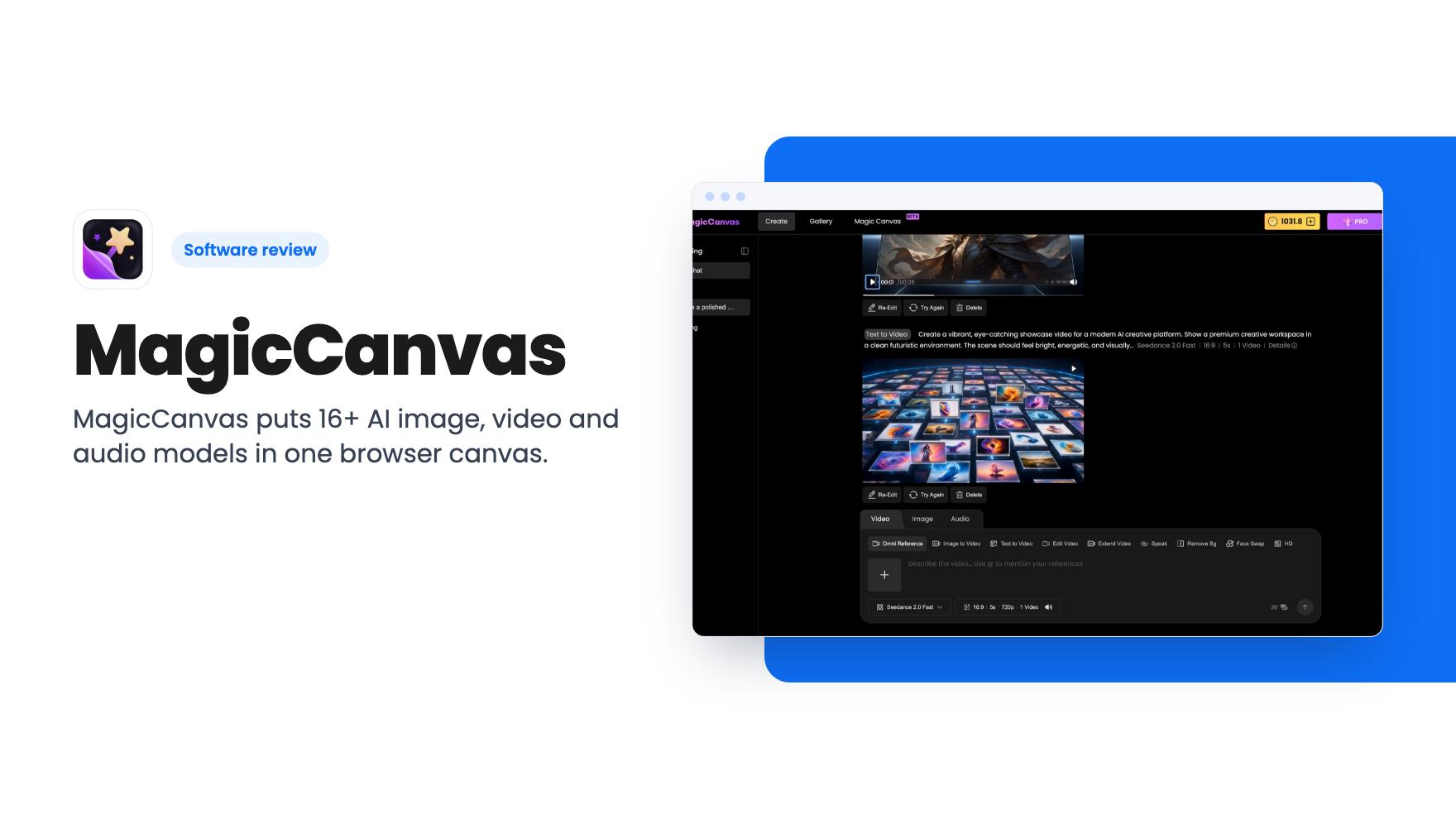
MagicCanvas puts 16+ AI image, video and audio models in one browser canvas. The $59 lifetime deal looks cheap, but the monthly credit caps matter most.
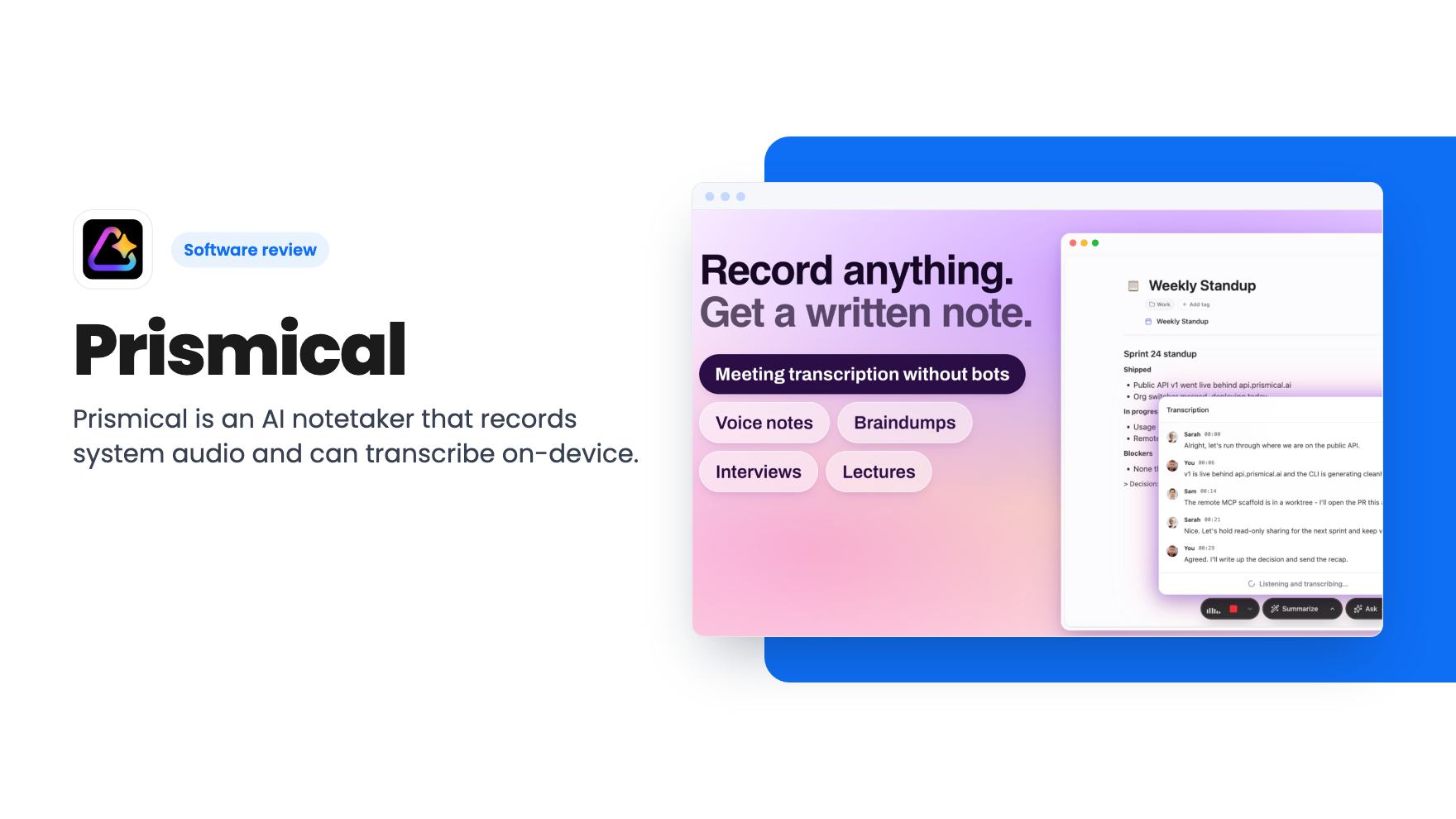
Prismical is an AI notetaker that records system audio and can transcribe on-device. The AppSumo lifetime deal runs $59 to $749, and the tier limits matter.