AI Writing & VideoTop deals
AppSumo Deals Ending Before Black Friday 2026: Buy or Wait?
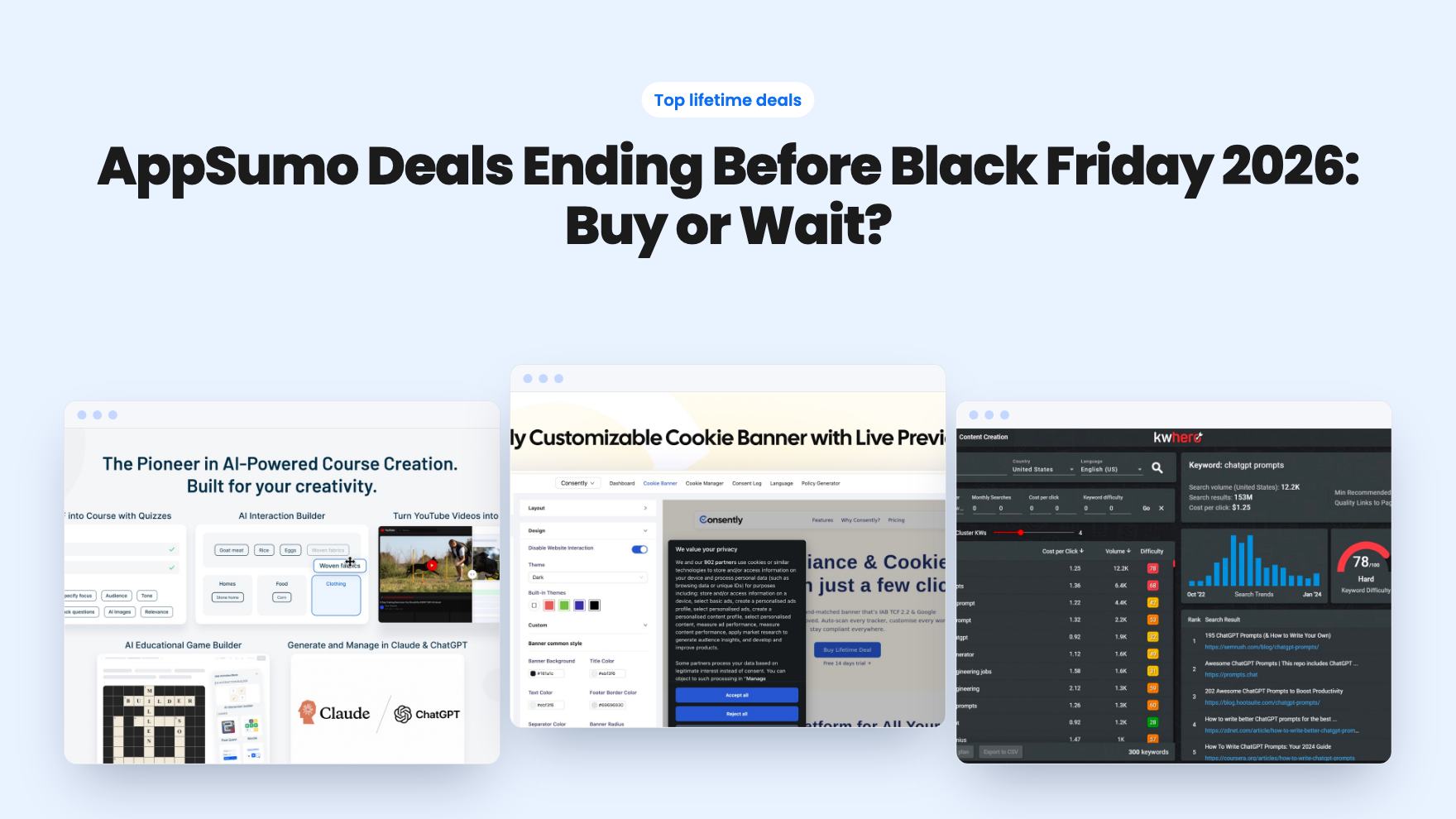
Fourteen AppSumo lifetime deals end before Black Friday on November 27, 2026. Here are the seven worth a look now, and who should skip them.
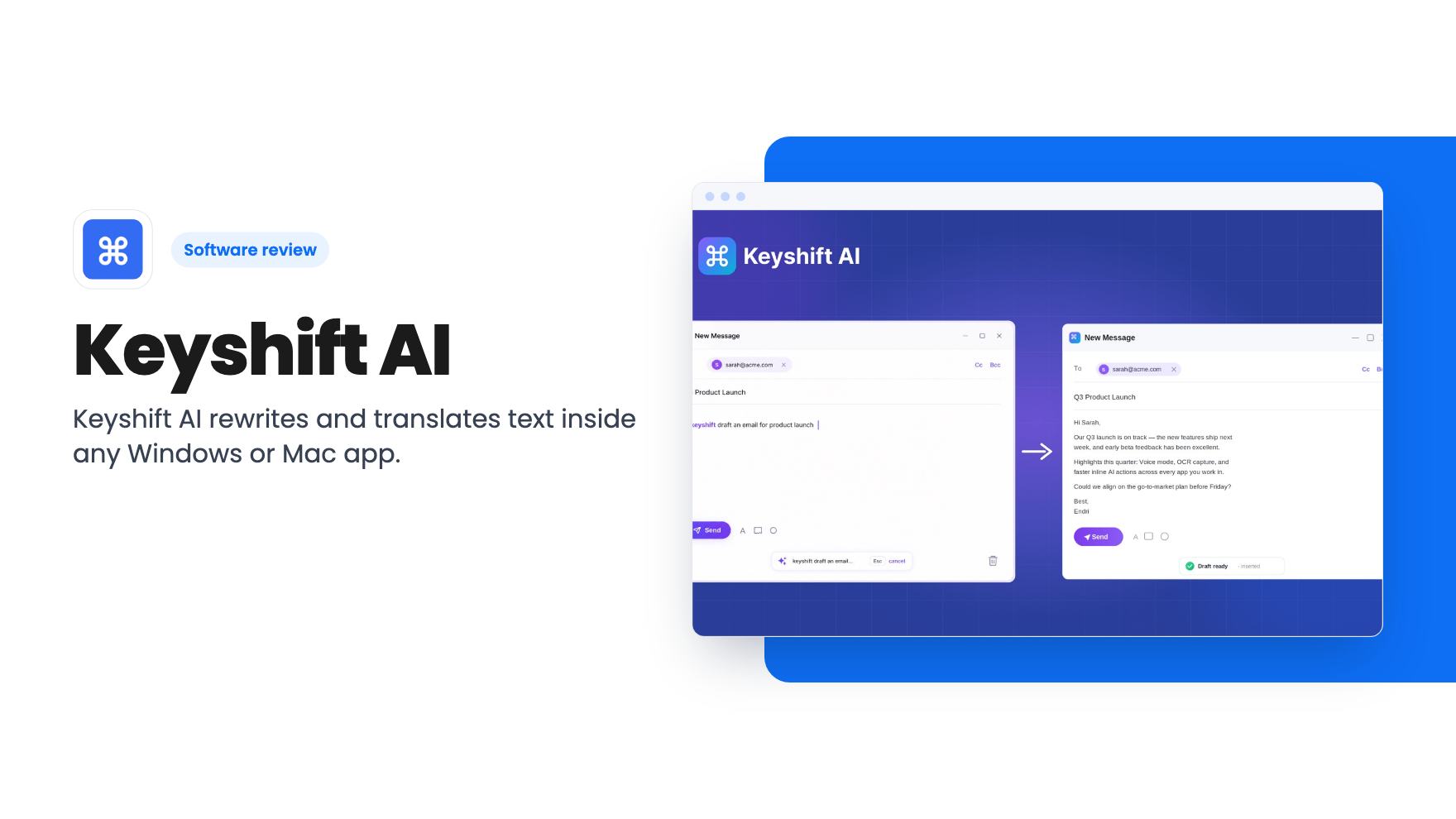
Keyshift AI rewrites and translates text inside any Windows or Mac app. We look at the $19 AppSumo lifetime deal and where its credit limits are unclear.
Lifetime deal price
$19$7073% off
Lifetime Deal · ends Nov 17, 2026
Our take: The $19 entry tier is a reasonable bet for a solo operator who writes a lot of Slack, email and social copy and is tired of pasting text into a chatbot. Skip it if you need Linux or mobile, want a full writing suite, or need to know what a credit buys before you pay. Hold off on Tiers 2 and 3 until the odd entries in the tier table are explained.
You’ve just written a Slack message that sounds shorter-tempered than you meant. Or a client email needs one more pass before it goes out. The usual fix is a small ritual: copy the text, open an AI chat in another tab, paste, explain what you want, copy the answer back. It takes maybe half a minute, and you repeat it all week.
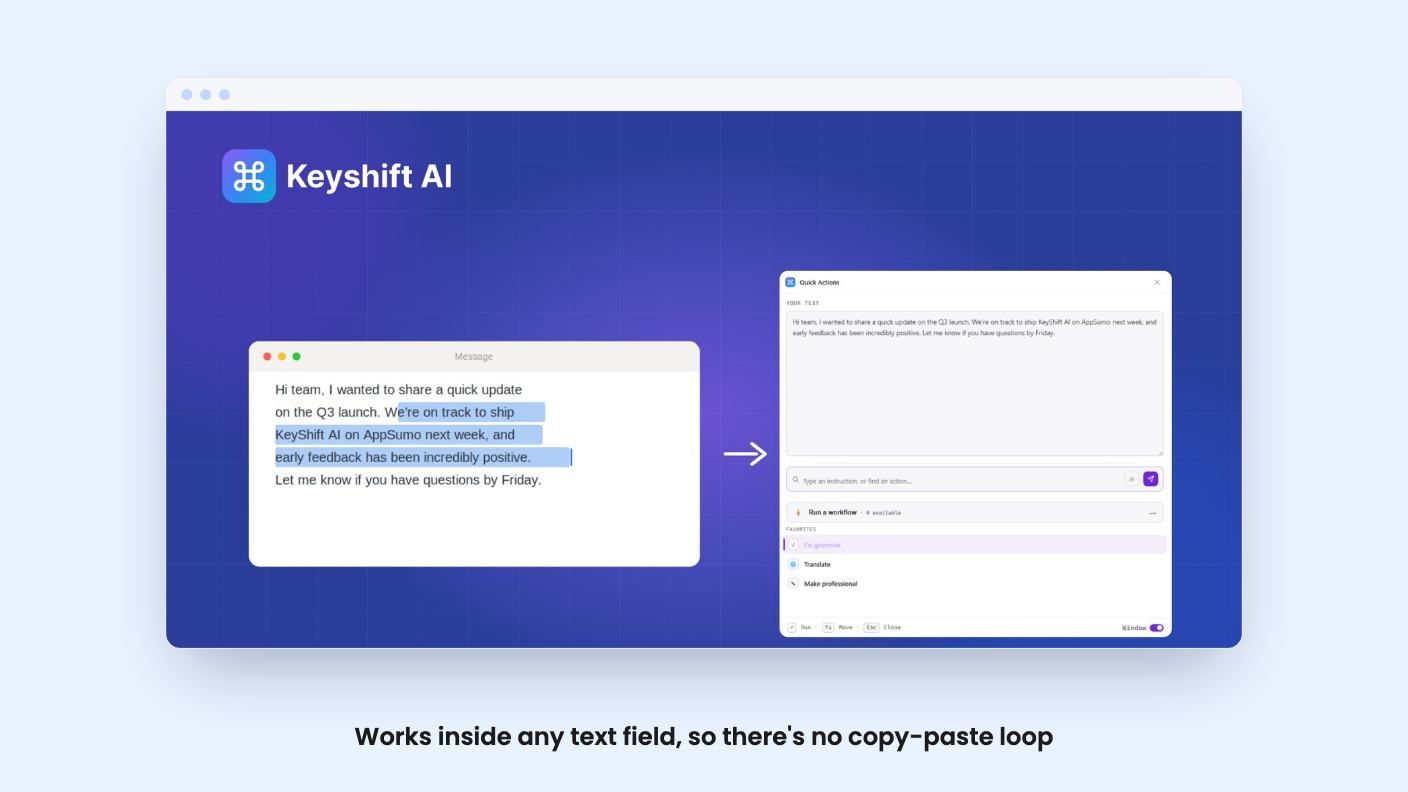
Keyshift AI is built to remove that ritual. It’s a desktop app for Windows and macOS that rewrites, translates and summarizes text inside whatever app you’re already typing in. The AppSumo lifetime deal starts at $19 against a $70 list price and runs until November 16, 2026.
We haven’t used it, and there’s no product video to go on, so everything here comes from the listing. That matters, because a few details in that listing are thin.
The core trick is simple. In any text field you type “keyshift” followed by an instruction, such as “keyshift+translate to French”, and the result appears in place. You can also select existing text and have it replaced. The listing’s examples are a rough Slack draft and a clunky Gmail message.
You confirm by pressing space twice, or you let it auto-run when you pause. The second option sounds convenient and a little risky. If you stop mid-thought, will it fire on half an instruction? The listing doesn’t say how the pause is timed or whether you can adjust it.
The FAQ says it’s designed to work in every app on your system and names Discord, Slack, WhatsApp and X. “Every app” is a big claim for something that hooks into text fields, since some apps handle input in odd ways. AppSumo’s own summary mentions minor bugs from buyers, so expect some apps to behave better than others.
If typing a command feels fiddly, there’s a second route. A keyboard shortcut opens a floating editor on top of your current app. You pick a one-click action or type a custom instruction, and the result shows in a preview window before it replaces anything.
That preview is the feature we like most on paper. AI rewrites drift from what you meant, and looking first is cheap insurance when the text is going to a customer.
The listed shortcuts are Quick Actions (Ctrl+Shift+A), Command Palette (Ctrl+K), Voice Input (Ctrl+Shift+M) and Clipboard AI (Ctrl+Shift+V). They’re all written as Ctrl combinations, and the listing doesn’t say how they map on a Mac. You can change the hotkeys in settings, which helps if one clashes with another app.
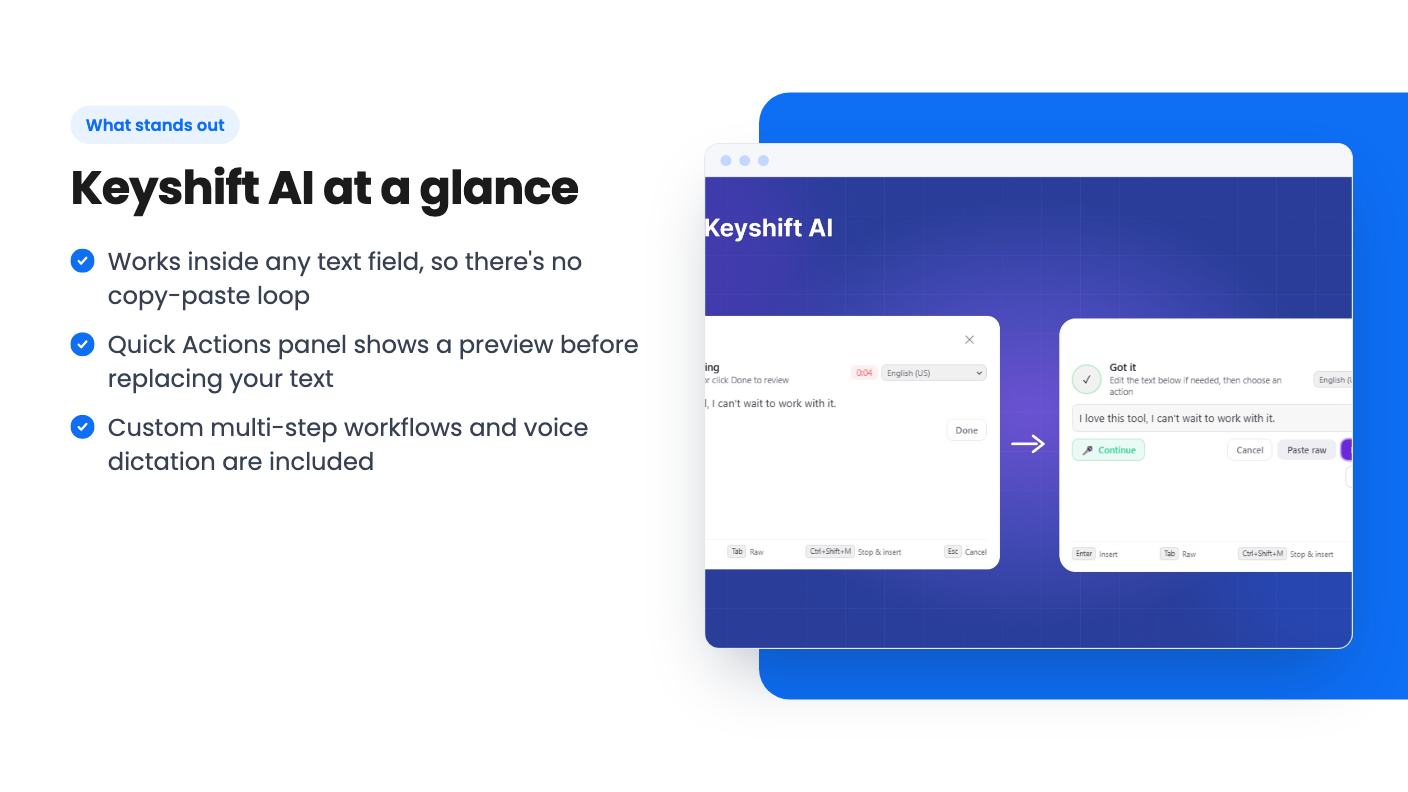
Voice works the way you’d hope. You dictate an instruction, or dictate your own words and apply an action to them, such as turning a spoken ramble into a polished email or a translation. The result goes in at your cursor, or you copy it. Transcription accuracy and supported languages aren’t mentioned, so treat both as unproven.
One-off rewrites are handy. Repeatable chains are where a tool like this starts saving real time.
In the dashboard you chain AI steps together. The listing’s examples are raw meeting notes turned into a summary, action items and a ready-to-send follow-up email in one run, or translate first and then rewrite as a social post. To run one, you select text, press the shortcut and pick the workflow.
The FAQ also describes reusable custom modes, like legal tone, TLDR summaries, technical writing or brand voice. If you send the same kind of message every day, saving that prompt once beats retyping it.
Workflows are also where the tier table gets confusing.
All five lifetime tiers carry the same promise: lifetime access plus future updates to the Lifetime (Tier 1) or Pro (Tiers 2-5) plan. Prices run from $19 (list $70) to $499 (list $1,120). You can upgrade between tiers while the deal is live and downgrade within 60 days of purchase, and you must activate your license within those same 60 days.
The feature table lists monthly credits and a workflows flag:
Read that twice. The second tier shows half the credits of the first and no workflows, and the third shows zero credits. That looks like a data entry slip rather than a deliberate plan design, though there may be context we can’t see. Either way, don’t buy Tier 2 or 3 until the seller or AppSumo confirms what they include.
The bigger gap is that the listing never says what a credit is. Does a short rewrite cost one credit, or does the cost depend on text length or the model used? Does a multi-step workflow burn a credit per step? On 2,000 a month, that answer decides whether you’re comfortable or rationing by the 20th. Credits are monthly, so the lifetime part covers access, not unlimited use.
Per the FAQ, your prompts, selections and clipboard content aren’t used to train models. Clipboard history stays on your device and only leaves when you run an AI action on a specific item.
You can also connect your own OpenAI, Anthropic or Google API key, so your text goes directly to that provider without passing through Keyshift AI. That’s the detail we’d check first. If a personal key sidesteps the monthly credit cap, the entry tier gets much more attractive. The listing doesn’t say whether it does, so ask before you count on it.
Skip it if you work on Linux or mostly on a phone, since only Windows and macOS are named. Skip it if you want long-form drafting, SEO briefs or brand templates, because this is a layer for editing text in place, not a full writing suite. And skip the middle tiers until the credit table is explained.
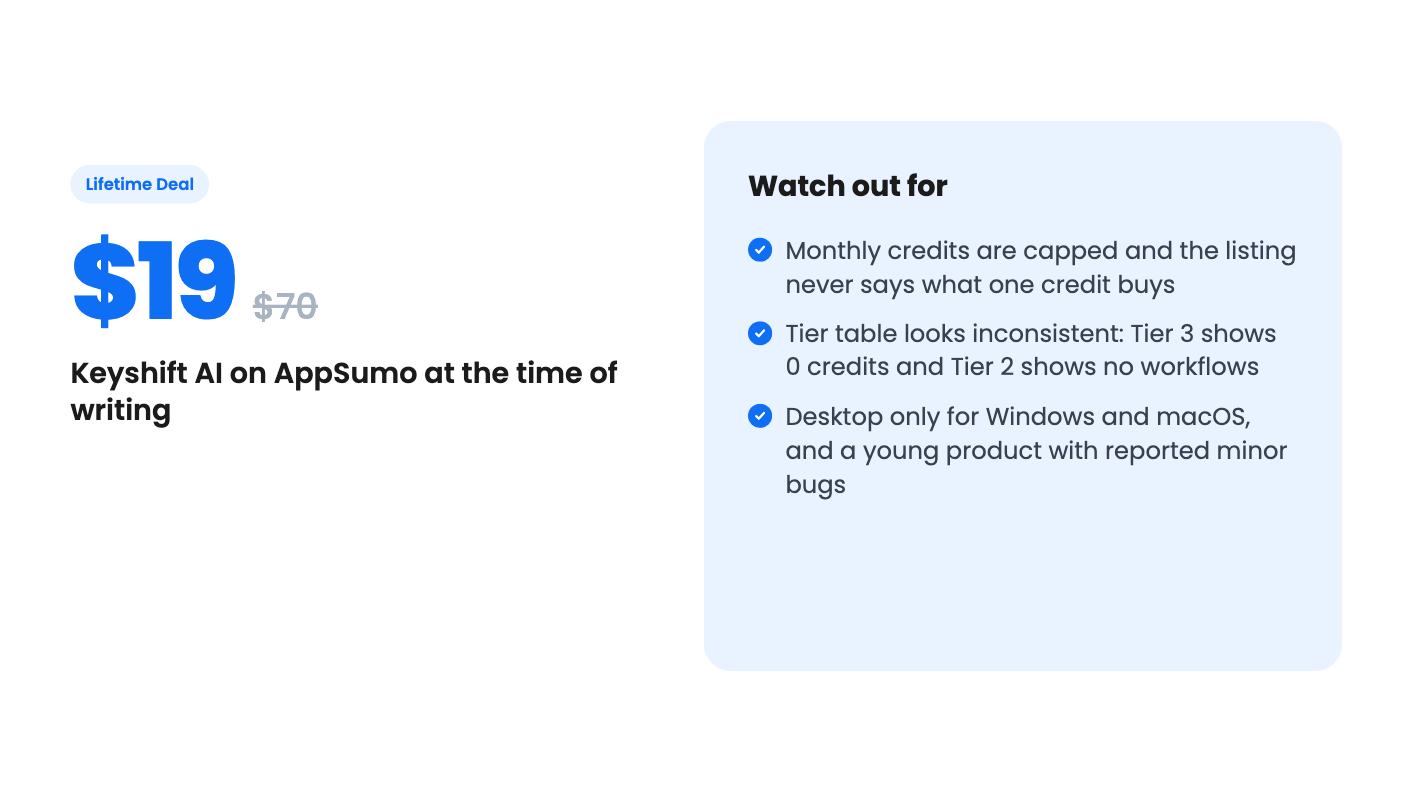
For everyone else, $19 is a low-risk way to find out whether this fits how you write. AppSumo lists a 60-day money-back guarantee, and the 4.90 average from 20 reviews is encouraging, though it’s a small pool and the summary is marketing copy. Reviewers apparently flagged minor bugs and a need for UI improvements. The product is young, and the question that matters most, what a credit buys, is still unanswered. Treat the entry tier as a trial with a refund window, and don’t pay for the higher tiers on faith.
Tier 1 gives lifetime access, future Lifetime Tier 1 updates, and 2,000 credits per month with AI workflows included, according to the plan table. You must activate the license within 60 days of purchase. The deal ends November 16, 2026.
The listing only mentions Windows and macOS. It says nothing about Linux, iOS or Android, so assume it's desktop only.
Per the listing FAQ, prompts, selections and clipboard content are never used to train models. You can also connect your own OpenAI, Anthropic or Google API key so your text goes straight to that provider.
How this review was made: researched from Keyshift AI's official listing, and written with help from AI. We have not tested Keyshift AI hands-on yet. Prices and deal terms change, so check AppSumo before you buy. See our affiliate disclosure.
Fourteen AppSumo lifetime deals end before Black Friday on November 27, 2026. Here are the seven worth a look now, and who should skip them.
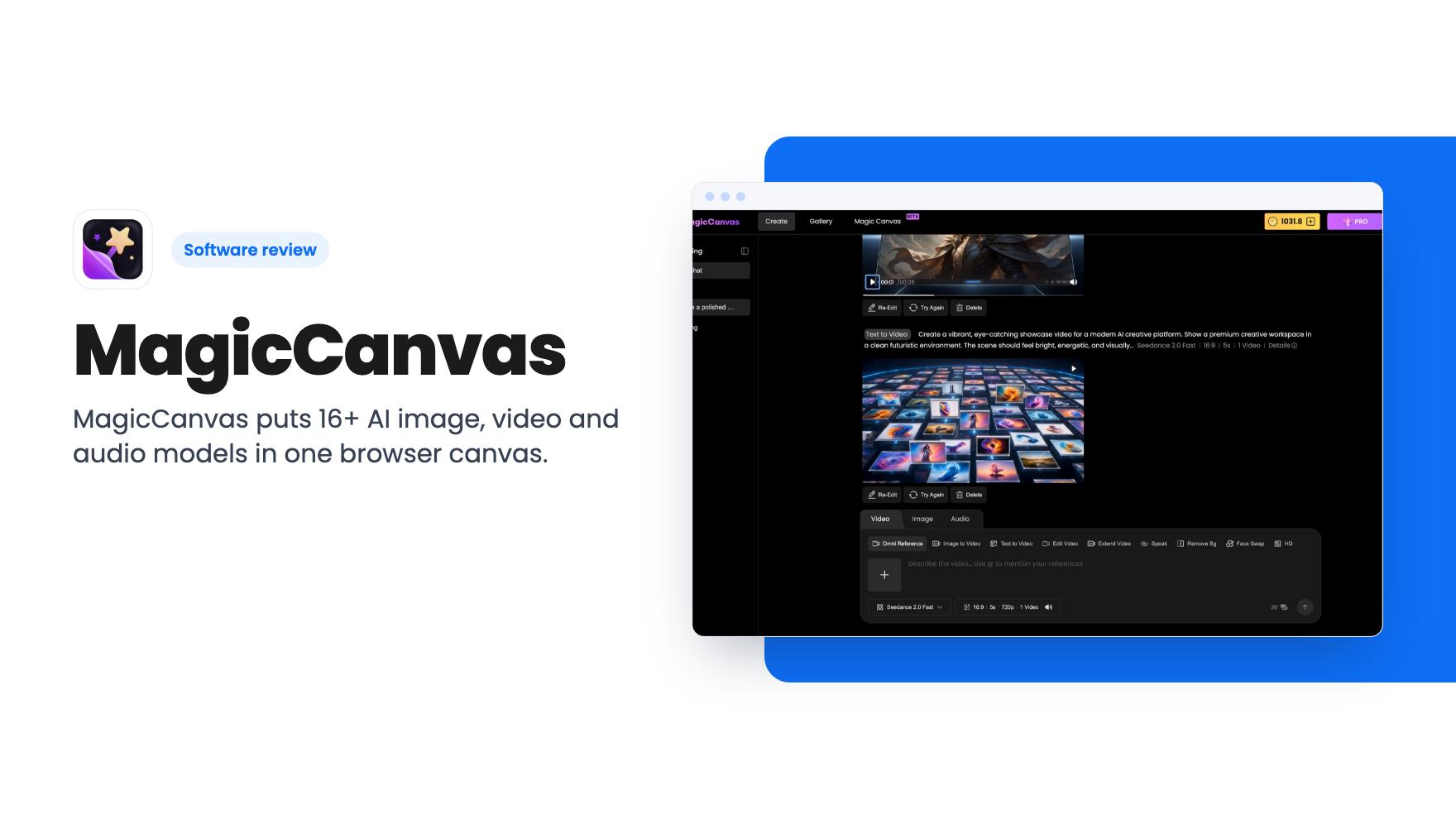
MagicCanvas puts 16+ AI image, video and audio models in one browser canvas. The $59 lifetime deal looks cheap, but the monthly credit caps matter most.
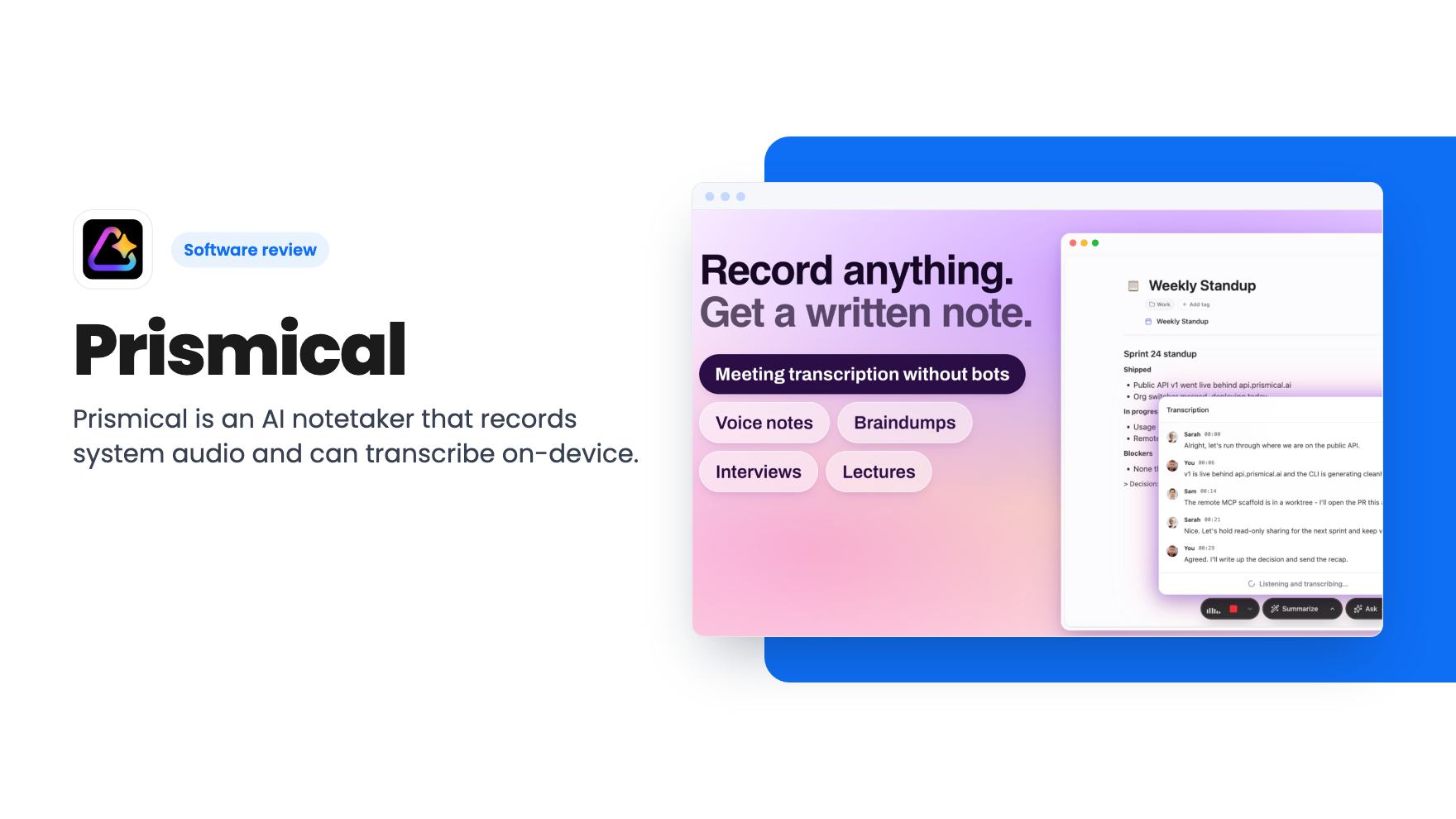
Prismical is an AI notetaker that records system audio and can transcribe on-device. The AppSumo lifetime deal runs $59 to $749, and the tier limits matter.