AI Writing & VideoTop deals
AppSumo Deals Ending Before Black Friday 2026: Buy or Wait?
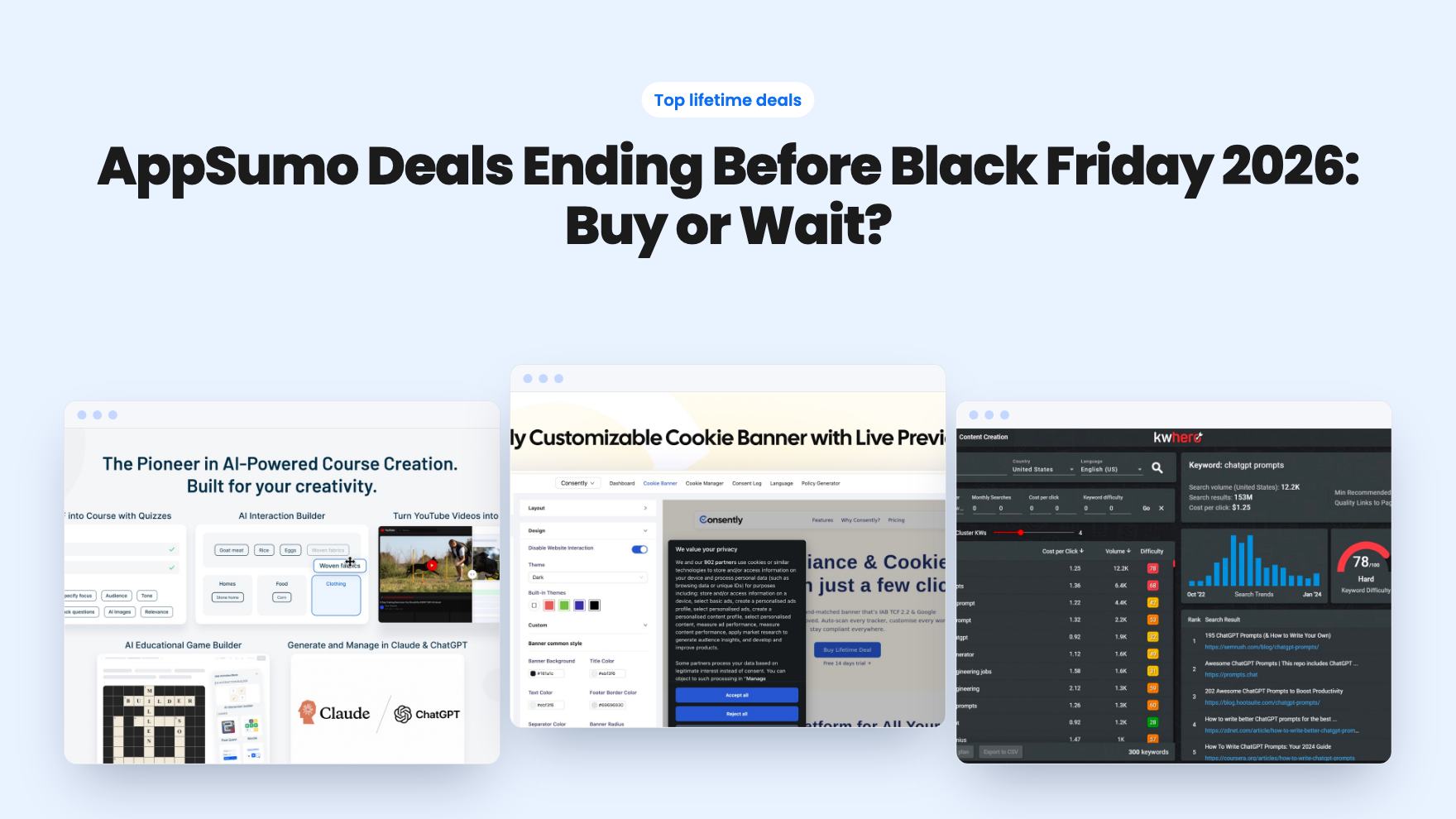
Fourteen AppSumo lifetime deals end before Black Friday on November 27, 2026. Here are the seven worth a look now, and who should skip them.
Inkriv helps solo writers draft in their own voice from $49. Quibo plans, writes and schedules SEO blog posts into your CMS from $79. Here's who fits which.
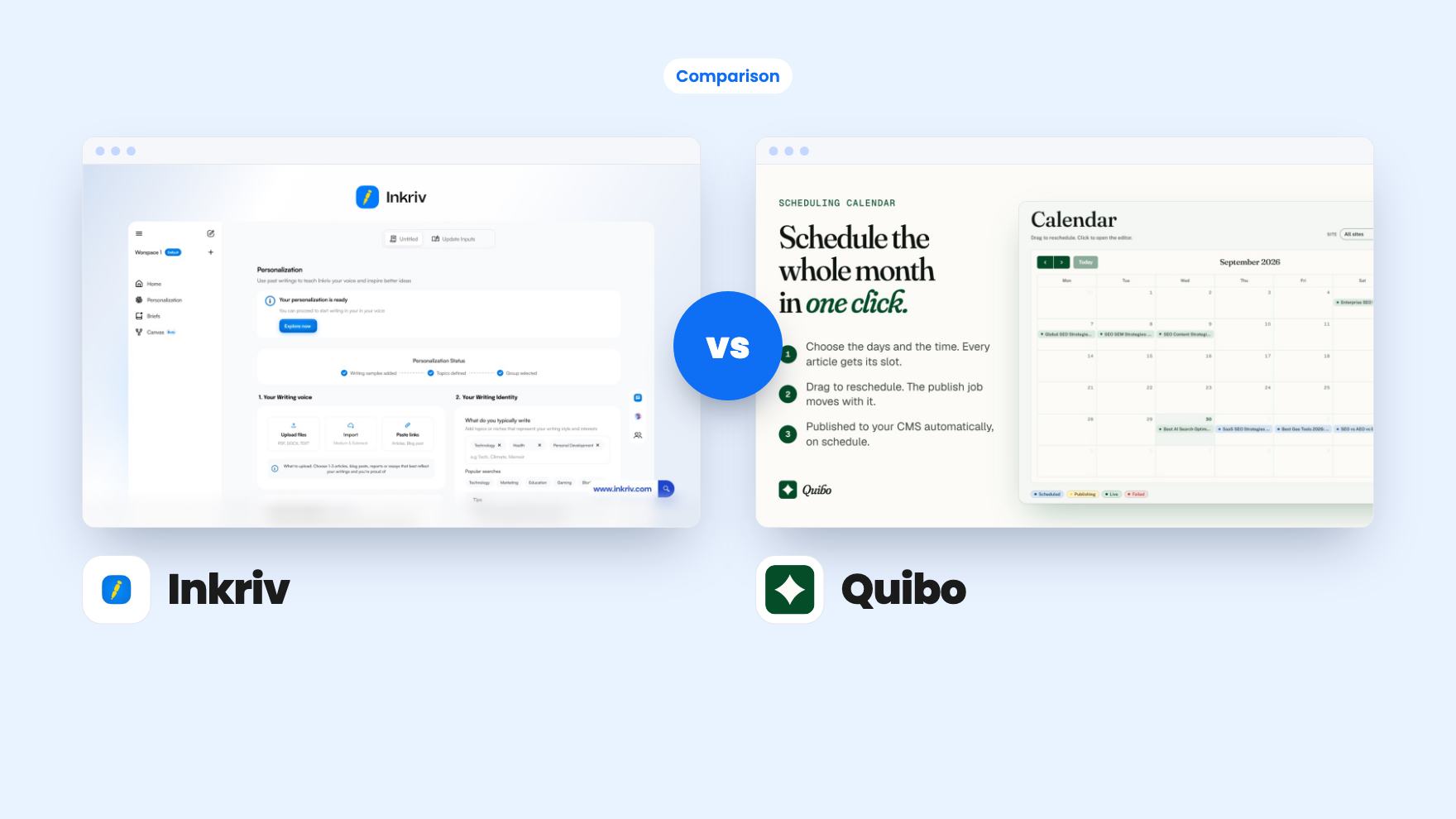
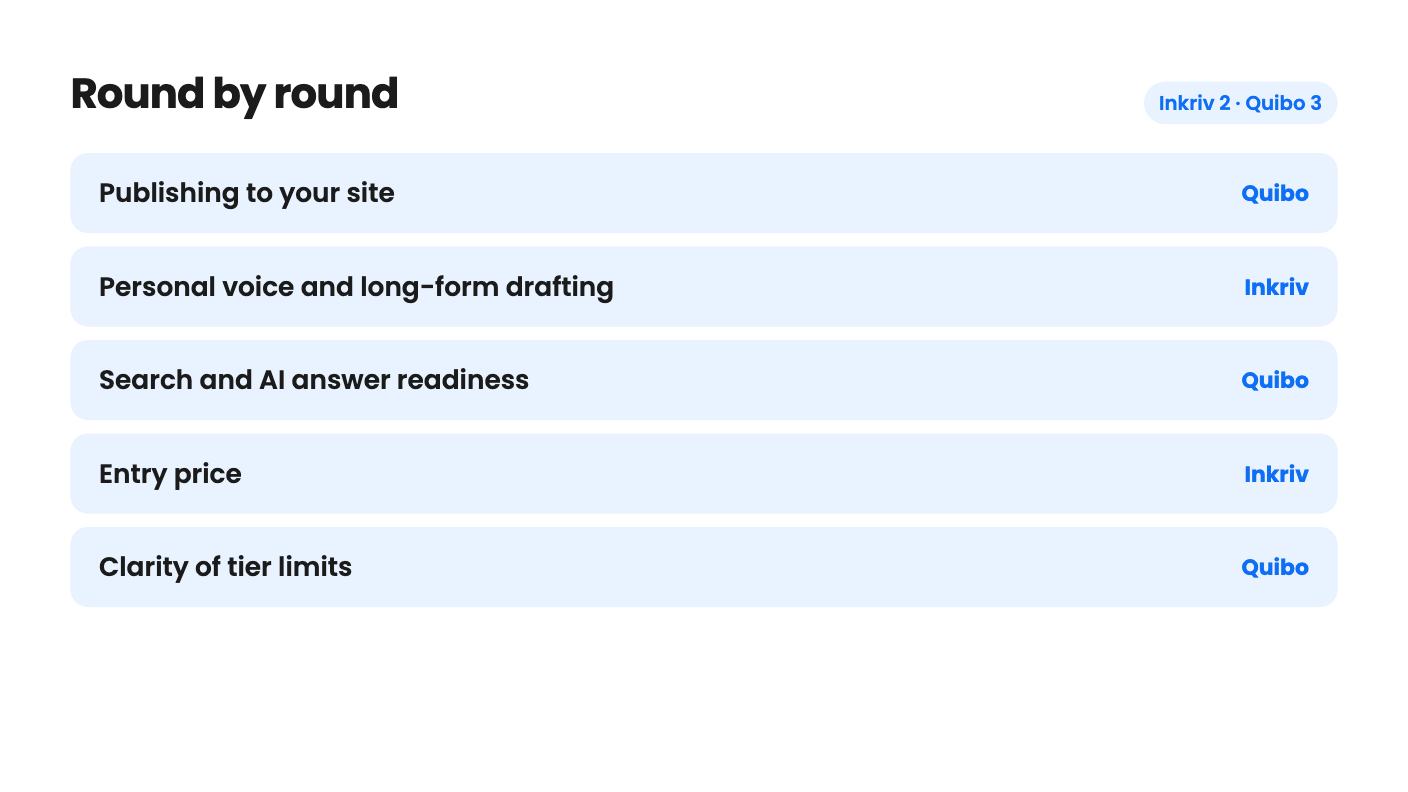
Inkriv takes 2 rounds, Quibo takes 3.
| Round | Winner | Why |
|---|---|---|
| Publishing to your site | Quibo | Quibo lists eight CMS connectors on every tier, while Inkriv lists only Google Drive and Medium. |
| Personal voice and long-form drafting | Inkriv | Inkriv learns tone, vocabulary and rhythm from your own samples and adds outlines and briefs, which suits one writer with a recognisable style. |
| Search and AI answer readiness | Quibo | Quibo writes question headings, JSON-LD, meta tags and cover images; Inkriv's listing mentions no SEO tooling. |
| Entry price | Inkriv | Inkriv starts at $49 against Quibo's $79, though Inkriv's lowest tier looks tightly capped. |
| Clarity of tier limits | Quibo | Quibo's plan table reads in a consistent descending order, while Inkriv's words row (15,000 / 200,000 / 75,000) breaks the pattern. |
| Control over what goes live | Tie | Quibo holds every article as a draft until you approve it, and with Inkriv you write and publish in your own editor, so neither publishes unseen. |
| Inkriv | Quibo | |
|---|---|---|
| Starts at | $49 | $79 |
| List price | $240 | Not listed |
| Plan | Lifetime Deal | Lifetime Deal |
| Deal ends | Not listed | Not listed |
| Best for | Bloggers, Entrepreneur-curious, Agencies | Bloggers, Marketing agencies, SaaS |
| Alternative to | Copy.ai, Jasper | Copy.ai, Jasper |
Picture two people with the same itch. One has a newsletter and a pile of old posts, and every AI draft comes back sounding like a brochure. The other runs a plumbing supply shop with a blog that went quiet in March. Both are looking at an AI writing lifetime deal, and both could land on these two tools. They’d be buying for very different reasons.
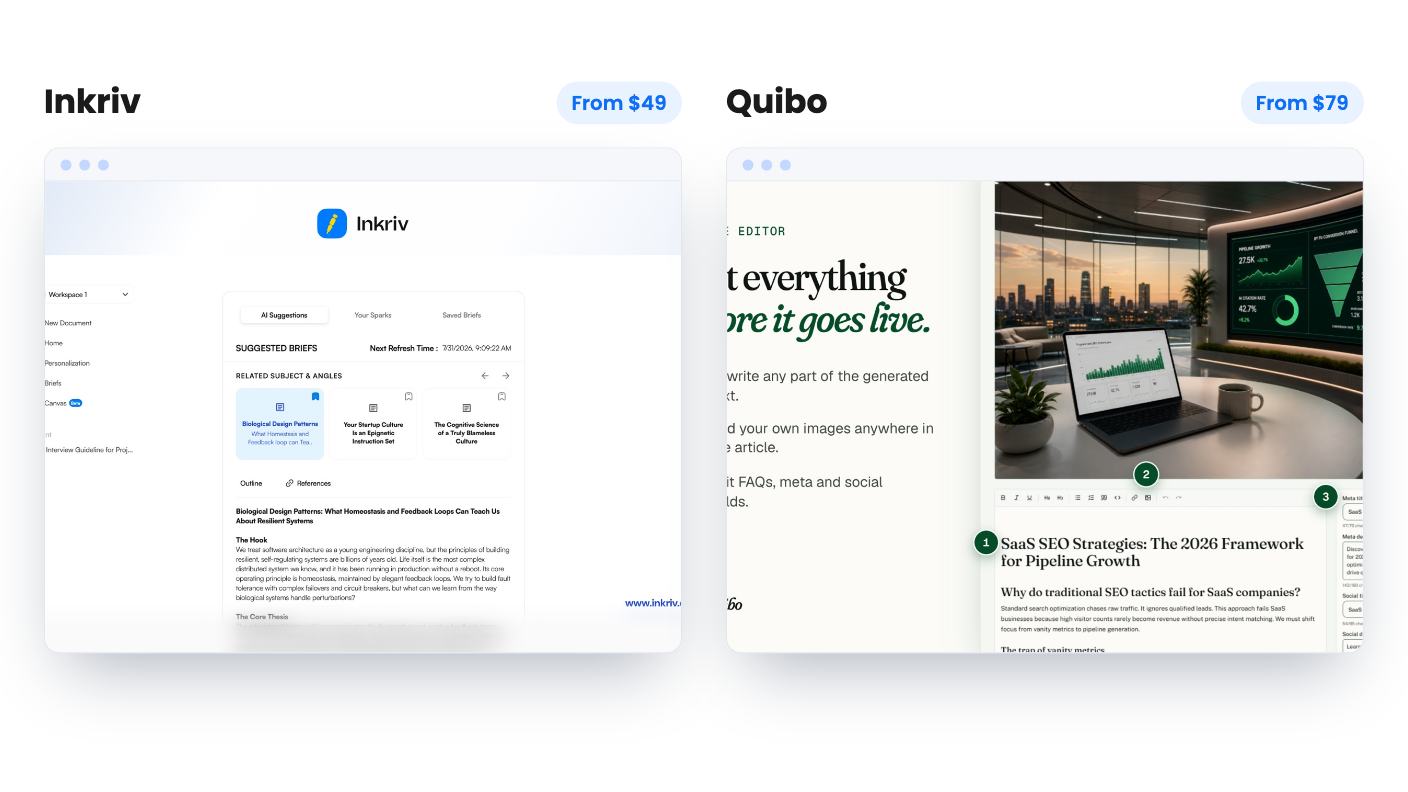
We haven’t used either one. Everything here comes from the AppSumo listings and the vendors’ own claims, so read it as a buyer’s guide to what’s on the page, not a hands-on verdict.
Inkriv is a writing companion. You bring your ideas and your past work, and it helps you plan, draft and refine long-form pieces that sound like you. You’re still the author. The listing says it learns your tone, vocabulary, rhythm and structure from samples you import.
Quibo is closer to a content production line. You connect your site, pick keywords from a ranked list, and it generates a month of drafts in roughly ninety minutes, then lines them up on a calendar. You review, approve and let the schedule run.
That’s the real difference. Inkriv helps a person write. Quibo helps a business keep a blog alive. If you can’t say which of those you need, answer this: do you want to be in the editor for hours, or would you rather spend an afternoon approving drafts?
Inkriv’s pitch is strongest for writers who care how they sound. It suggests topics and angles from your interests and previous writing, builds an outline with a clear argument, and hands you a brief before you start. That planning stage is the part we’d look at hardest, because many writers stall at the angle, not the typing.
Inside the editor you get rewrite, explain, summarize, fact-check and reference tools, plus sentence autocomplete and a chat assistant that works on selected passages. The listing doesn’t say where references come from or how reliable the fact-checking is. Treat that as a prompt to check things yourself.
The Audience Simulator is the odd one out. It runs your draft past simulated readers and gives feedback on clarity, tone and argument. It’s a model’s guess, not real readers, so use it as a second opinion. It’s also one of the tightest caps in the plan table.
Quibo also builds a brand voice profile, by reading your existing pages when you connect a site. You can edit it any time. That’s a sensible control, but we can’t tell you how closely the drafts follow it, and the listing shows no sample article. Inkriv’s listing doesn’t show output either, so neither side gets a free pass on voice.
Here Quibo is far ahead. You paste one key per site and it discovers your fields, authors and categories. The FAQ names eight CMSs: WordPress, Shopify, Webflow, Wix, Ghost, HubSpot, Sanity and Framer. The integration badge shows only four, so go by the FAQ, which says every connector is included on every tier.
Articles are written natively in ten languages, including Italian, Spanish, German, French, Brazilian Portuguese, Dutch, Polish and Japanese. If your site isn’t in English, that’s a genuine advantage.
Inkriv lists Google Drive and Medium as integrations. That’s thin. The listing doesn’t explain how finished text reaches WordPress, Ghost or an email platform, so you should assume copy and paste until someone tells you otherwise. For a solo writer who drafts in one place and publishes by hand, that may be fine. For anyone hoping for a pipeline, it isn’t.
One point for Quibo’s design: articles live on your own domain in your own CMS, so nothing vanishes if you stop using it.
Quibo writes headings as the questions people search, puts the answer in the first sentence beneath, and generates JSON-LD with Article, FAQPage and BreadcrumbList data. It adds a meta title and description, and a cover image made for each piece. AI use is declared in the markup as contentRating: AI-generated, human-reviewed.
Our reservation is sameness. If every post follows the same shape, a blog can feel formulaic after a few months. We can’t judge that without a sample.
The approval gate is the feature we like most. Every article waits as a draft, and approving it arms the scheduled publish. Nothing goes live unattended. The cost is your time: on the top tier that could be 40 posts a month to read, and the listing doesn’t say how long they are or how facts get checked.
Inkriv’s listing mentions no SEO scoring at all. If search traffic is the reason you’re buying, that’s a gap.
Both deals are lifetime licenses with future plan updates, tier switching, and a 60-day activation window. Both say no code stacking. A lifetime license doesn’t mean unlimited use, though, because both have monthly caps.
Inkriv has three tiers: $49, $149 and $299. Quibo has four: $79, $179, $349 and $549. Quibo shows no list price, just $0, so there’s no discount to weigh.
Quibo’s table reads 40 / 25 / 12 / 5 posts, matching its prices in descending order, so we’ve read it that way. The $79 tier gives 5 posts and 20 keywords a month, one website, one seat, one keyword research run a month and no Search Console report. Five posts is a little over one a week, which can work for one local business. The $179 tier gives 12 posts, 3 sites and the Search Console report. Agencies should note the top tier’s 20 sites and 40 posts: if that cap is shared, it’s two posts per client. The listing doesn’t say.
Inkriv’s table is murkier. Most rows fall in descending order, but the words row reads 15,000, 200,000, then 75,000. If the last column is Tier 1, the $49 plan means 5 simulator reviews, 10 briefs, 10 active Canvases and 3 embeds a month, with 3 workspaces and no priority support. That’s tight for weekly publishing. Ask support which column is which before you pay.
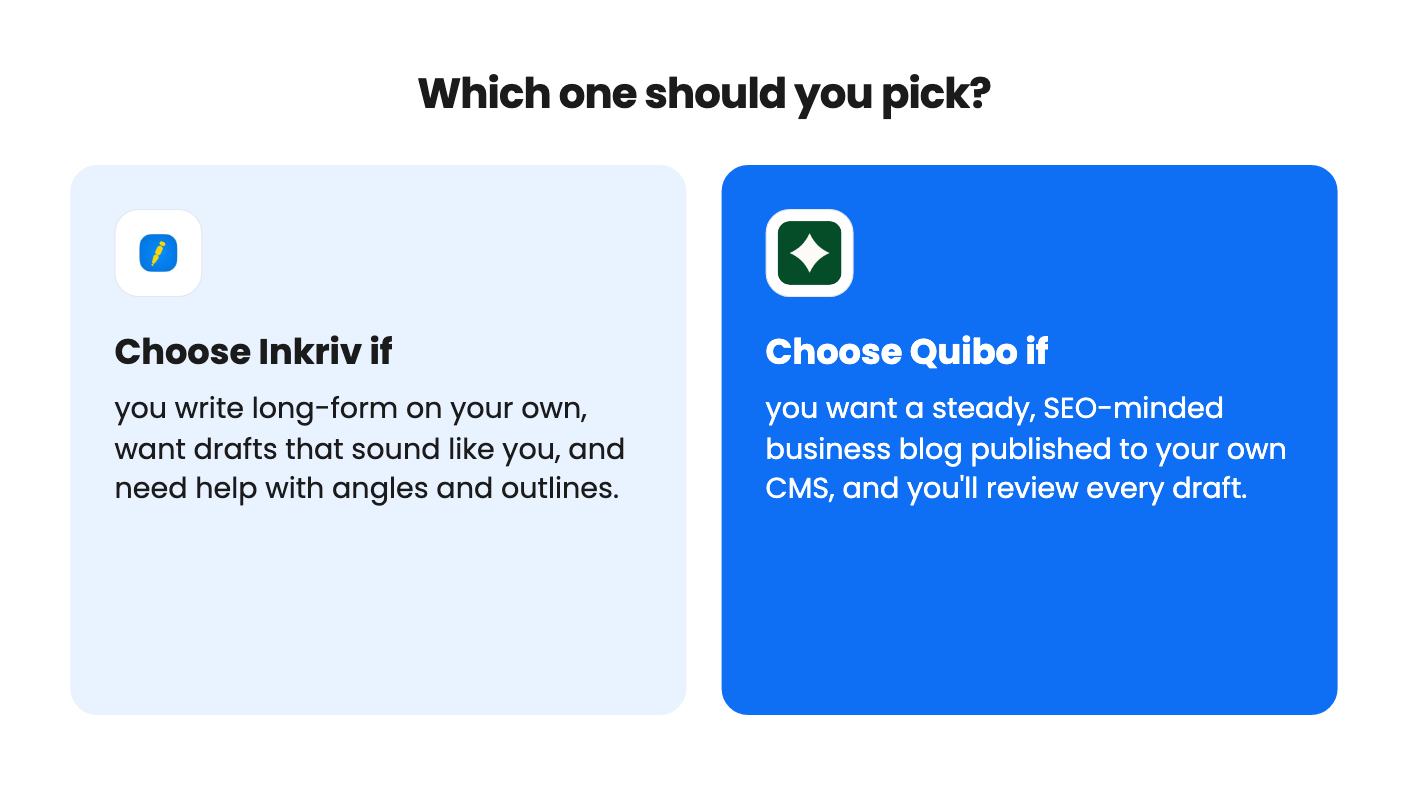
Pick Inkriv if you’re a solo newsletter writer or blogger with a back catalogue, you write long-form, and you want help with angles without losing your voice. The $49 entry is a cheap way to find out, though we’d confirm the refund window on AppSumo’s page first. Skip it if you need a team workflow, SEO tooling or a publishing pipeline.
Pick Quibo if you’re a small business owner or marketer with one site on WordPress, Webflow, Shopify or a similar CMS, and you’d rather approve drafts than write them. Start at the lowest tier that matches your real posting pace. Skip it if your content depends on original research, interviews or strong opinion, since a keyword-driven system writes articles that answer searches, not ones people remember.
Quibo’s traffic numbers come from its sister site, vexp.dev, which the listing itself says is one site’s result and no guarantee. AppSumo shows 2 reviews at 5.00, too few to mean much. Both products are young, so ask each vendor for a sample and an answer on the caps before spending.
Inkriv. It's aimed at newsletter writers and independent creators and learns from your own writing. Quibo is built for blog posts published to a CMS, and its listing says nothing about email platforms.
Quibo. It connects to WordPress, Shopify, Webflow, Wix, Ghost, HubSpot, Sanity and Framer, schedules posts on a calendar, and publishes to your own site once you approve each draft.
Not fully for either. Both plan tables have unlabeled columns. Quibo's reads cleanly as descending. Inkriv's words row doesn't follow the same order as the others, so ask support which column belongs to which tier.
How this comparison was made: researched from both tools' official listings and demo videos, and written with help from AI. We have not tested Inkriv or Quibo hands-on yet. Prices and deal terms change, so check AppSumo before you buy. See our affiliate disclosure.
Fourteen AppSumo lifetime deals end before Black Friday on November 27, 2026. Here are the seven worth a look now, and who should skip them.
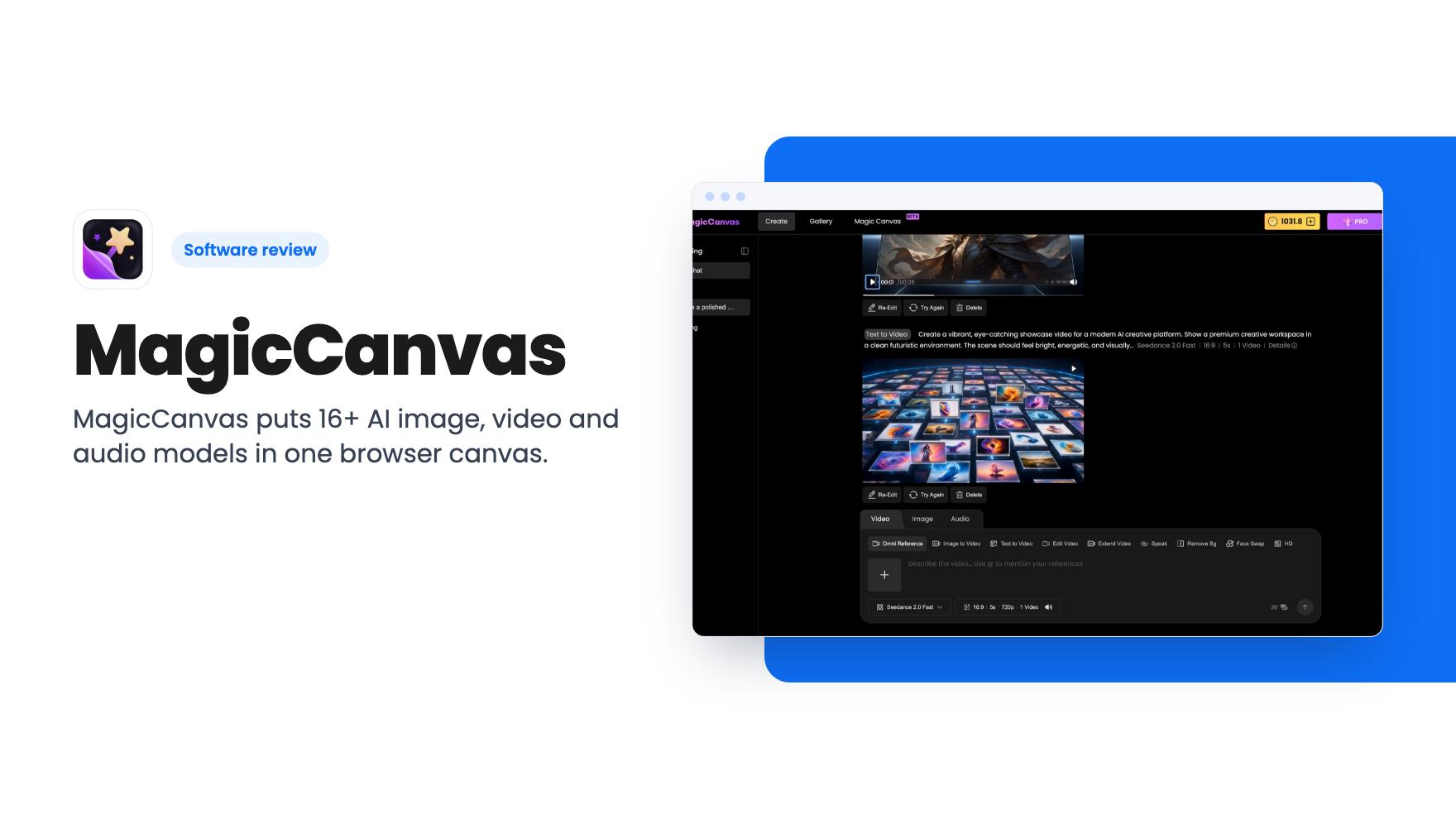
MagicCanvas puts 16+ AI image, video and audio models in one browser canvas. The $59 lifetime deal looks cheap, but the monthly credit caps matter most.
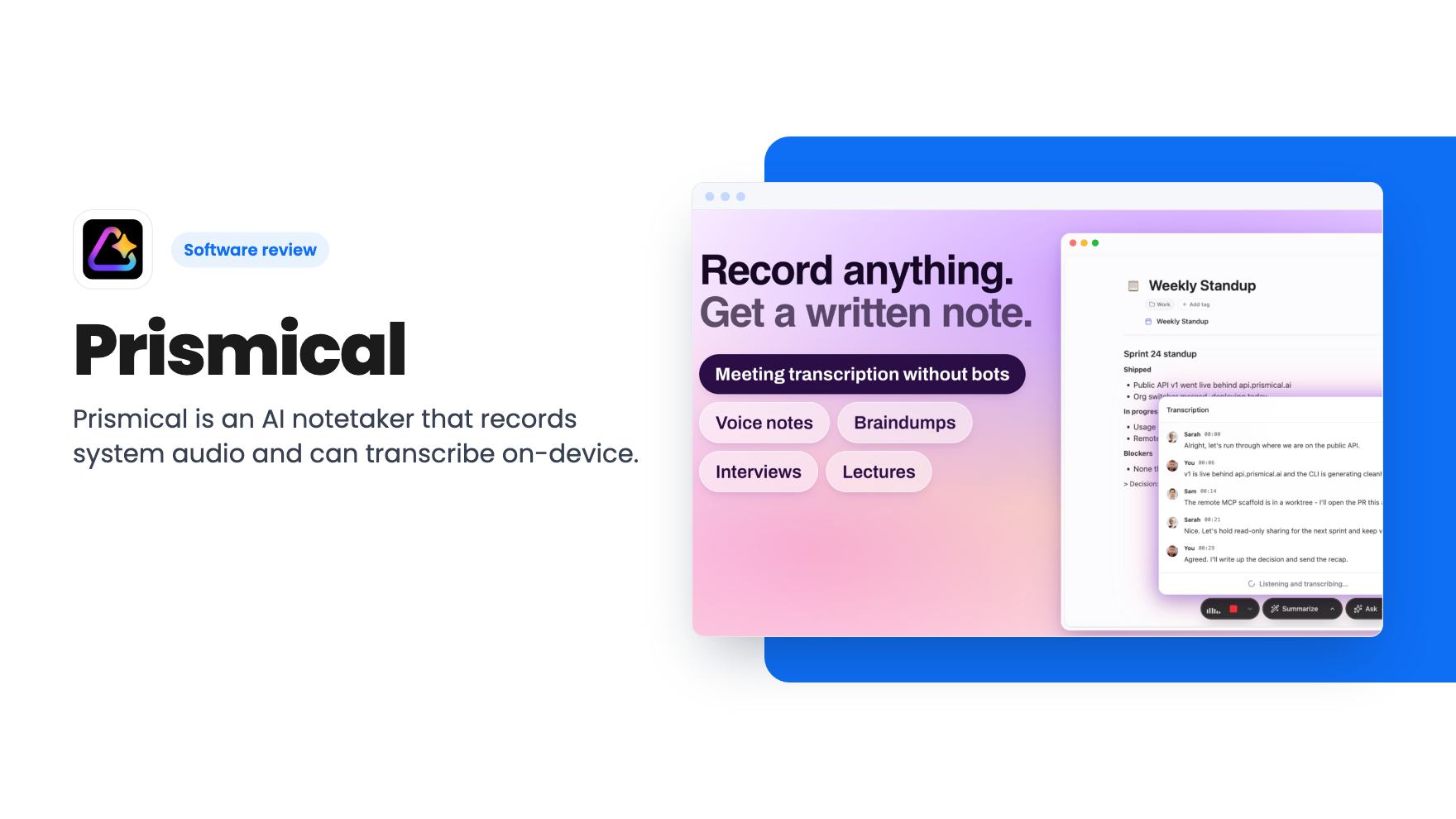
Prismical is an AI notetaker that records system audio and can transcribe on-device. The AppSumo lifetime deal runs $59 to $749, and the tier limits matter.