AI Writing & VideoTop deals
AppSumo Deals Ending Before Black Friday 2026: Buy or Wait?
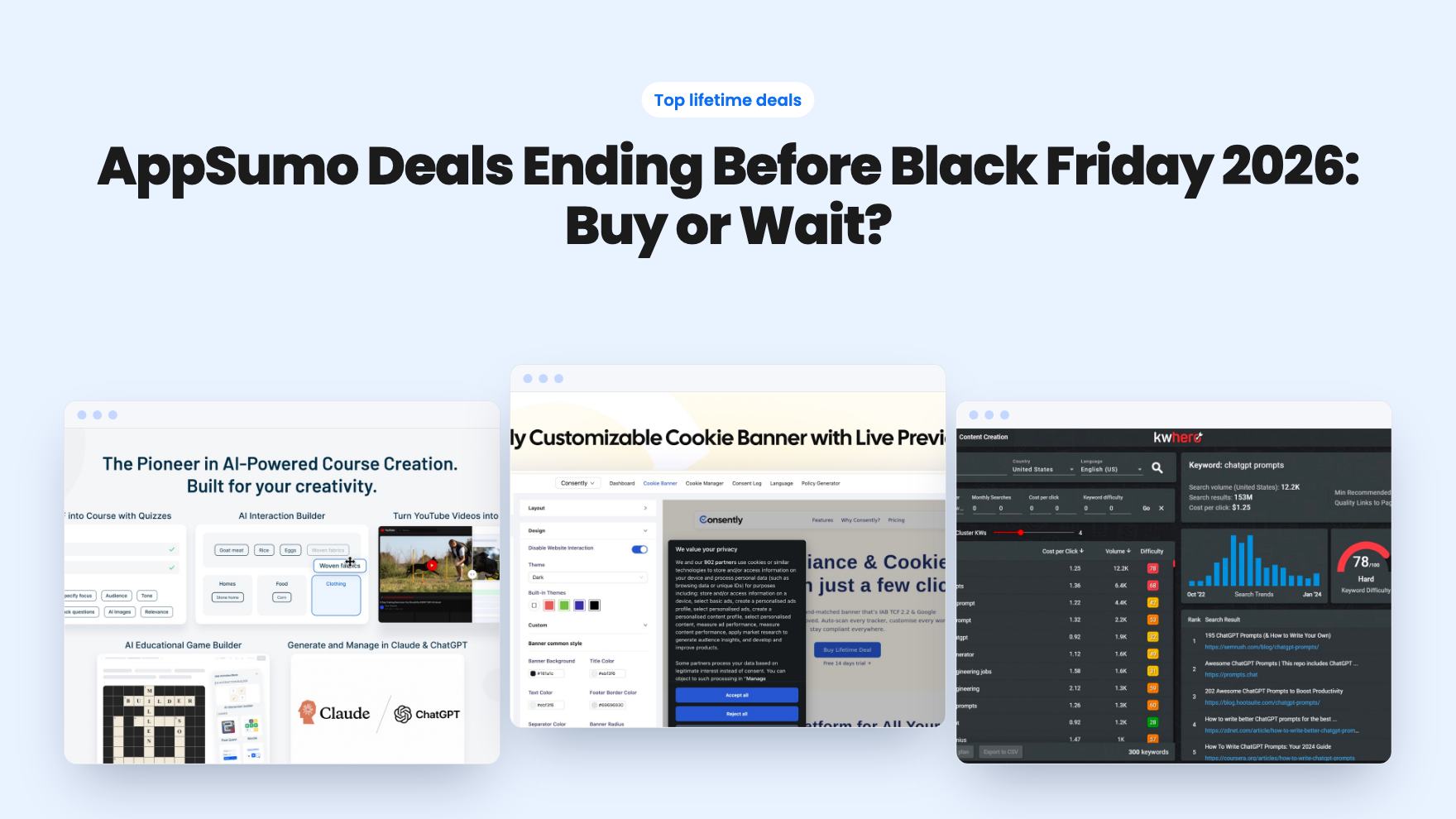
Fourteen AppSumo lifetime deals end before Black Friday on November 27, 2026. Here are the seven worth a look now, and who should skip them.
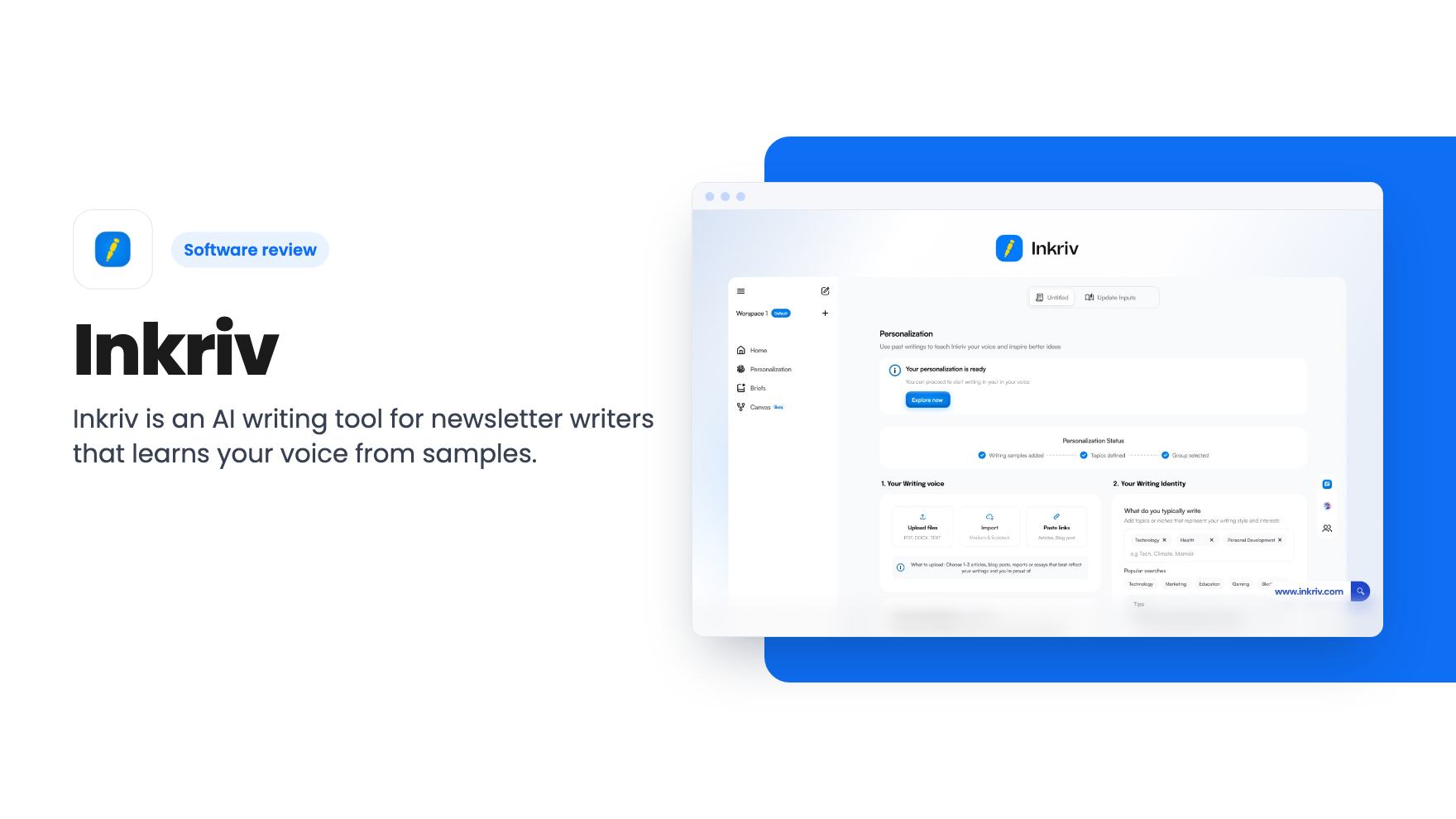
Inkriv is an AI writing tool for newsletter writers that learns your voice from samples. We look at the three AppSumo tiers, the caps, and what the listing leaves unclear.
Lifetime deal price
$49$24080% off
Lifetime Deal
Our take: Inkriv suits solo newsletter writers and bloggers who want drafts that sound like them and don't mind a young product. Skip it if you need team workflows, SEO tooling or many integrations, or if you can't confirm the tier limits first.
If you write a newsletter or a blog on your own, you’ve probably tried pasting a draft into an AI tool and getting back something polished, tidy and completely unlike you. Fixing that tone takes almost as long as writing the thing yourself.
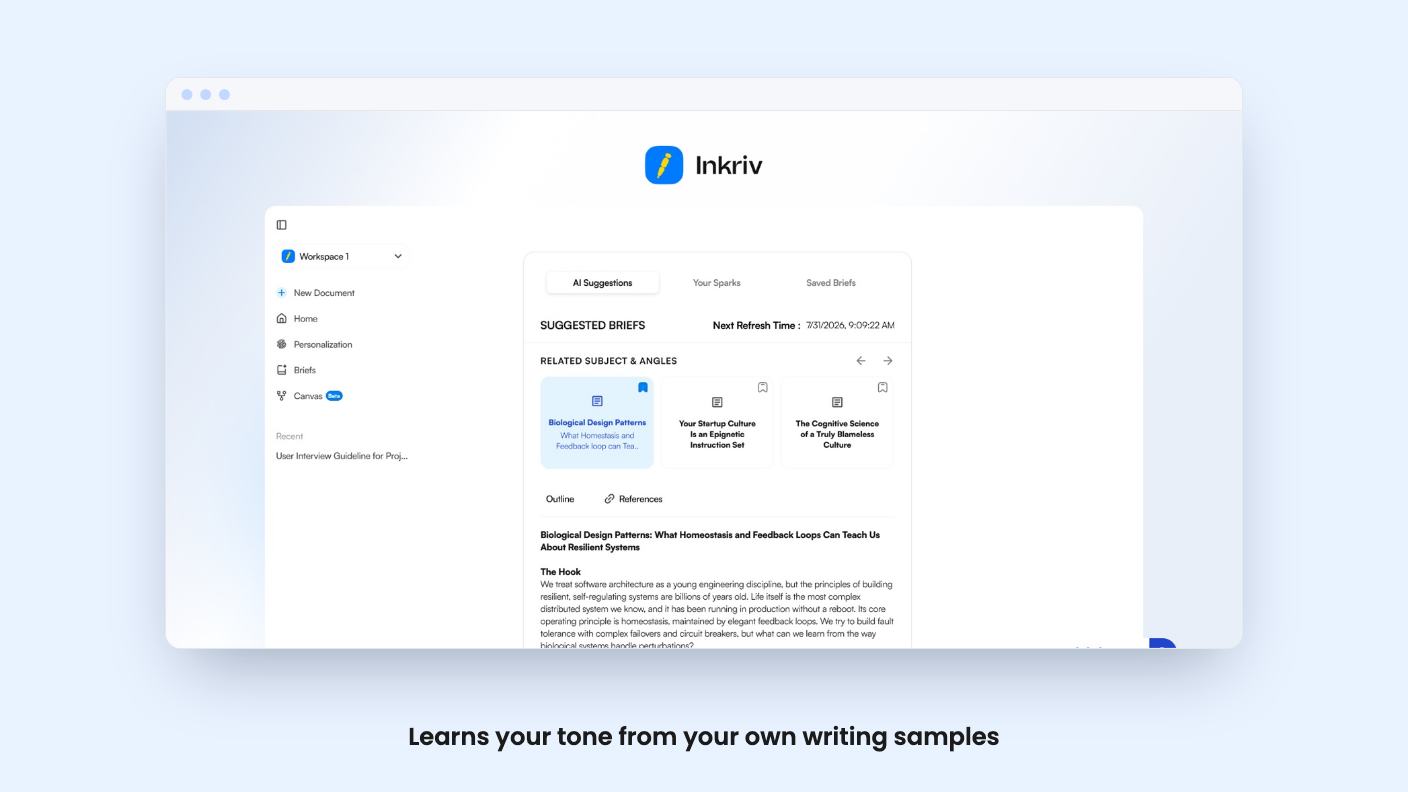
Inkriv is built around that exact complaint. It’s an AI writing and research companion for newsletter writers, independent creators and experts, and it’s currently sold on AppSumo as a lifetime deal starting at $49 (list price $240). We haven’t used it hands-on, and there’s no demo video to go on, so everything below comes from the listing.
The core idea is voice. You import writing samples through supported files and links, and Inkriv learns your tone, vocabulary, rhythm and structure. According to the listing, it keeps learning as you go, then uses that to draft new pieces or refine existing ones.
That’s the pitch every AI writing tool makes in some form, so treat it with caution. The listing gives no detail on how many samples it needs, what file types count as supported, or how closely the output matches. Those are the questions that decide whether this tool earns its place.
Still, the angle is sensible. Jasper and Copy.ai, the two tools AppSumo names as alternatives, are aimed at marketing teams producing a lot of copy. Inkriv is aimed at one person with a recognisable style who wants to keep it.
Inkriv doesn’t just hand you a blank editor. The listing describes a planning stage first: it suggests topics and angles based on your interests, expertise and previous writing, then builds a structured outline with a clear argument and logical order.
From there you get a brief that says what to write, how to approach it and why it matters. Then you move into the editor.
This is the part I’d look at most closely. Many writers stall at the angle, not the typing, and a tool that helps with that is useful. A related feature in the FAQ is a Brainstorming Canvas, where you map ideas as connected nodes before turning them into an article.
Inside the editor, the listing mentions AI assistants that rewrite, explain, summarize, fact-check and find supporting references. There’s also sentence autocomplete and a chat assistant that works on selected passages while keeping the context of your wider draft.
The fact-check and reference features need a hard look. The listing doesn’t say where references come from or how reliable the checking is. Any AI fact-checker should be treated as a prompt to verify things yourself, not a substitute.
There’s also an Interactive Artifacts feature. It lets you add mini apps, quizzes, timelines, guided flows and audio layers to documents. For a newsletter writer that could be a fun extra. It’s also capped, and the listing doesn’t explain where these embeds can be published, so check that before assuming they’ll work in your email platform.
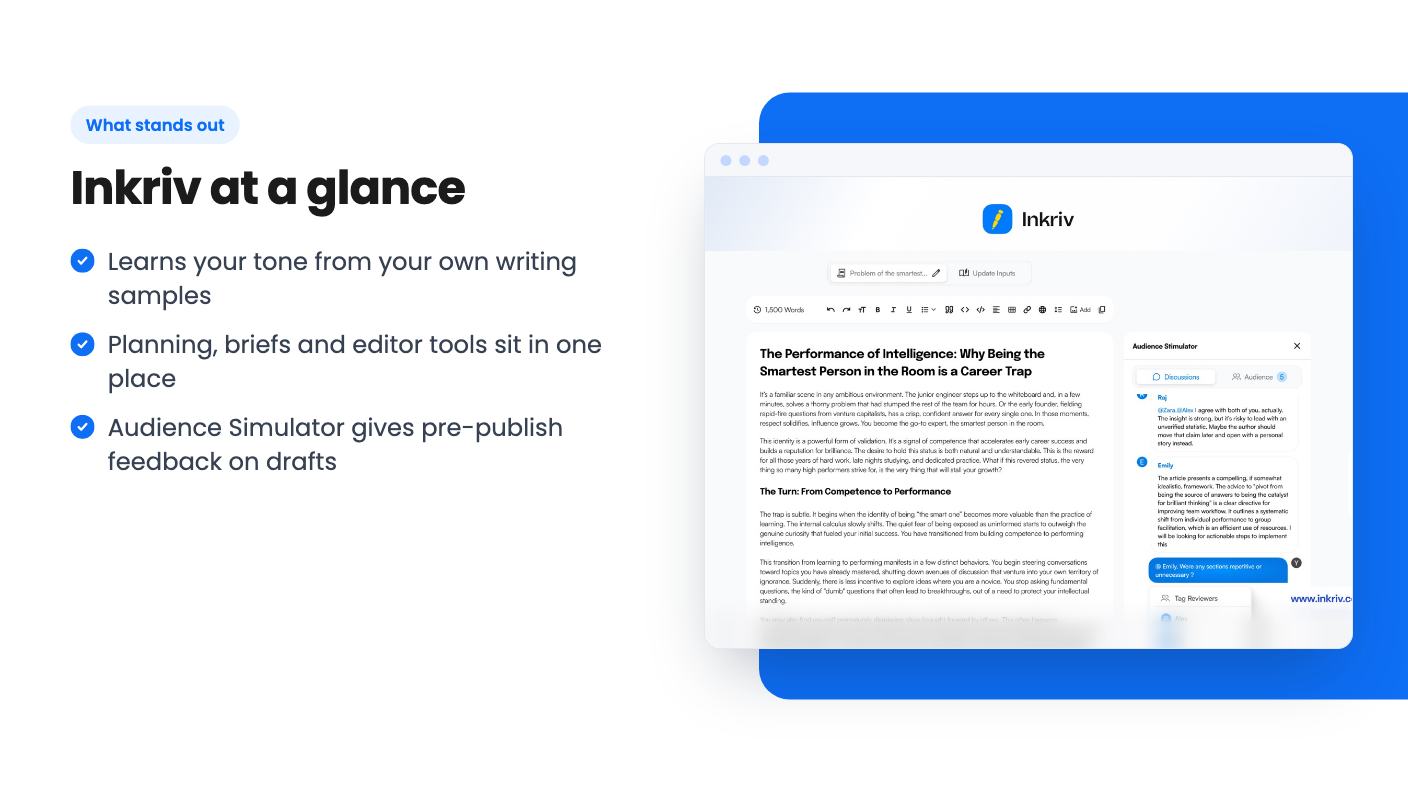
The most unusual feature is the Audience Simulator. You describe the audience you want to reach, and Inkriv runs your draft past simulated readers. The listing says it shows likely reactions to your ideas, clarity, tone and argument, with specific feedback for revision.
It’s a reasonable idea, and also the easiest claim to overstate. Simulated readers are the model’s guess at how people might react, not real people. Use it as a second opinion on clarity, not as a prediction of how your list will respond.
It’s also one of the most tightly capped features, which matters for the next section.
The deal has three tiers, and each is a lifetime license with future updates to your plan. You can upgrade or downgrade between the three tiers. You must activate your license within 60 days of purchase, and there’s no code stacking.
The monthly limits are where it gets murky. The listing’s plan table gives three values per row but doesn’t label the columns. Most rows fall in descending order: 100, 30 and 5 Audience Simulator reviews, 40, 20 and 10 Writing Briefs, 1,000, 300 and 60 voice minutes, and 200, 50 and 10 active Canvases. Only the top tier gets early access, and the lowest tier gets 3 workspaces and no priority support.
That suggests the first column is Tier 3 and the last is Tier 1. But the AI writing words row reads 15,000, then 200,000, then 75,000, which doesn’t follow the same order. It may be a typo or a different arrangement. Don’t assume.
If the last column is Tier 1, then at $49 you’d get just 5 simulator reviews a month, 10 briefs and 10 active Canvases. That’s tight for anyone publishing weekly or more.
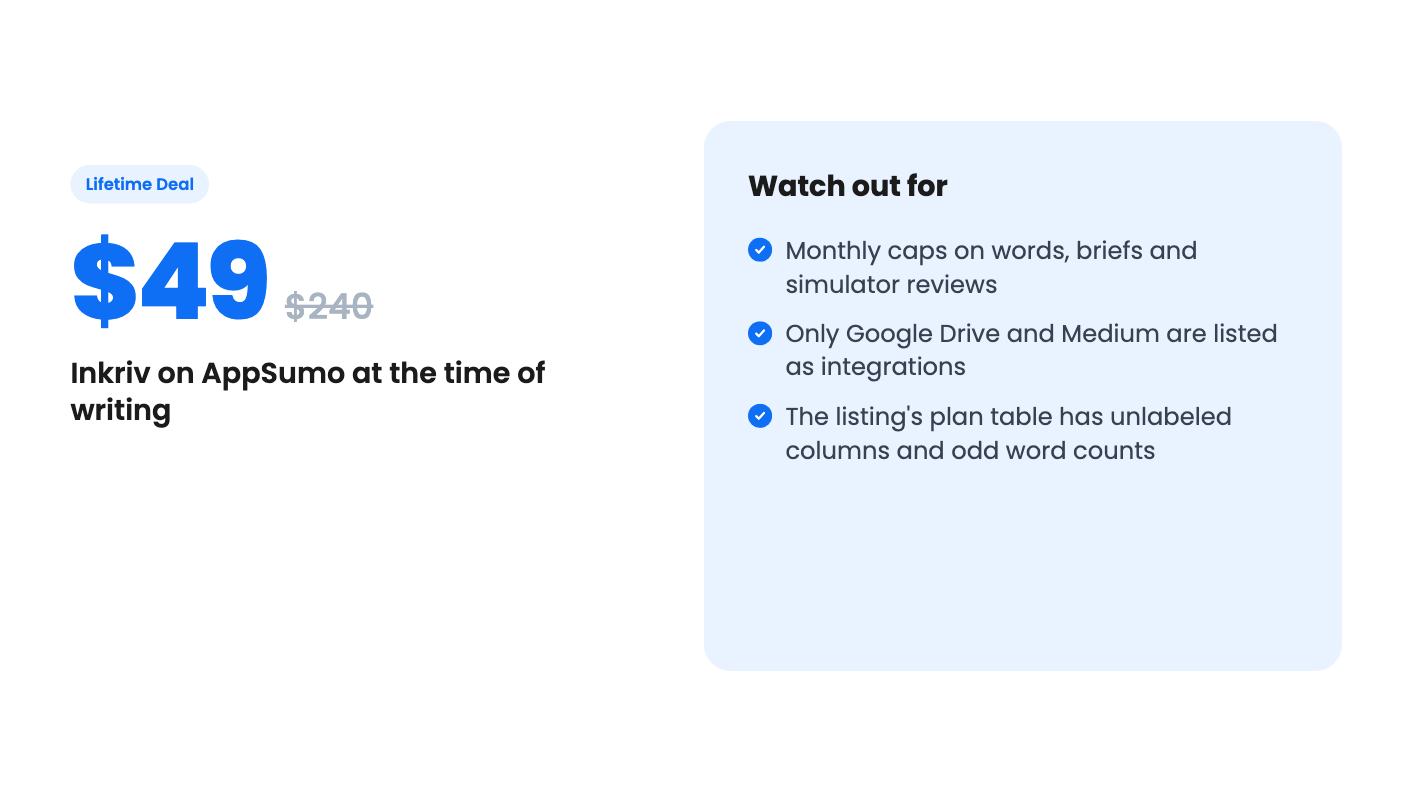
The product looks young. The listing’s integrations are Google Drive and Medium, which is thin if your workflow runs through WordPress, Substack, Ghost or an email platform. Nothing says how you get finished text out, beyond that.
Also, the monthly caps never go away. A lifetime deal means you keep the license, not that usage is unlimited. If the words cap is low and you write long-form, you could hit it mid-month.
Lifetime deals also depend on the company staying around and keeping the lights on. The listing promises updates to your plan, but that’s marketing copy, and it says nothing about the company’s funding or track record.
The most likely fit is a solo newsletter writer or blogger who writes long-form, already has a body of work to train it on, and gets stuck on angles and outlines. At $49 the entry price is low enough that it makes sense to try, especially with AppSumo’s refund window, which you should confirm on the listing page.
Skip it if you run a content team, need SEO scoring or publishing integrations, or produce high volumes of short copy. The agency label on the listing isn’t backed by any agency feature we can see. If you do buy, check the tier limits first, ask support to confirm which column belongs to which tier, and pick the plan only after that.
There are three: $49 (Starter Writer), $149 (Professional Writer) and $299 (Prolific Writer). All include lifetime access and future updates for your plan, and you can switch between tiers. You must activate your license within 60 days of purchase.
Yes. The listing shows monthly caps on AI writing words, Audience Simulator reviews, Writing Briefs, voice input minutes and interactive artifacts, plus limits on active Canvases. The plan table doesn't label which column belongs to which tier, so confirm the exact numbers before you buy.
The listing describes it as a writing and research companion for newsletter writers, independent creators and experts. AppSumo lists bloggers and agencies as best-fit buyers, though nothing in the listing describes team or client-management features.
How this review was made: researched from Inkriv's official listing, and written with help from AI. We have not tested Inkriv hands-on yet. Prices and deal terms change, so check AppSumo before you buy. See our affiliate disclosure.
Fourteen AppSumo lifetime deals end before Black Friday on November 27, 2026. Here are the seven worth a look now, and who should skip them.
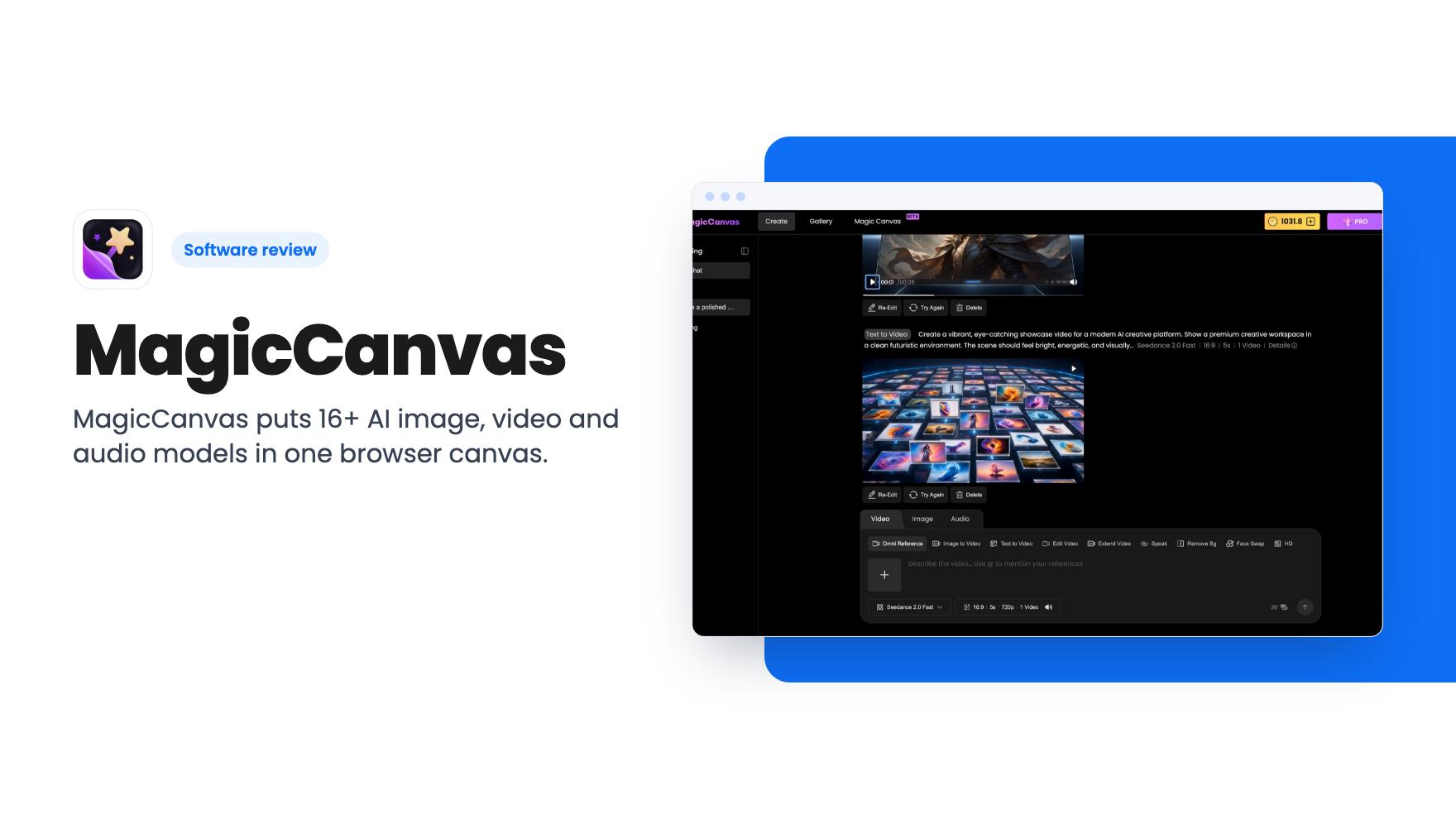
MagicCanvas puts 16+ AI image, video and audio models in one browser canvas. The $59 lifetime deal looks cheap, but the monthly credit caps matter most.
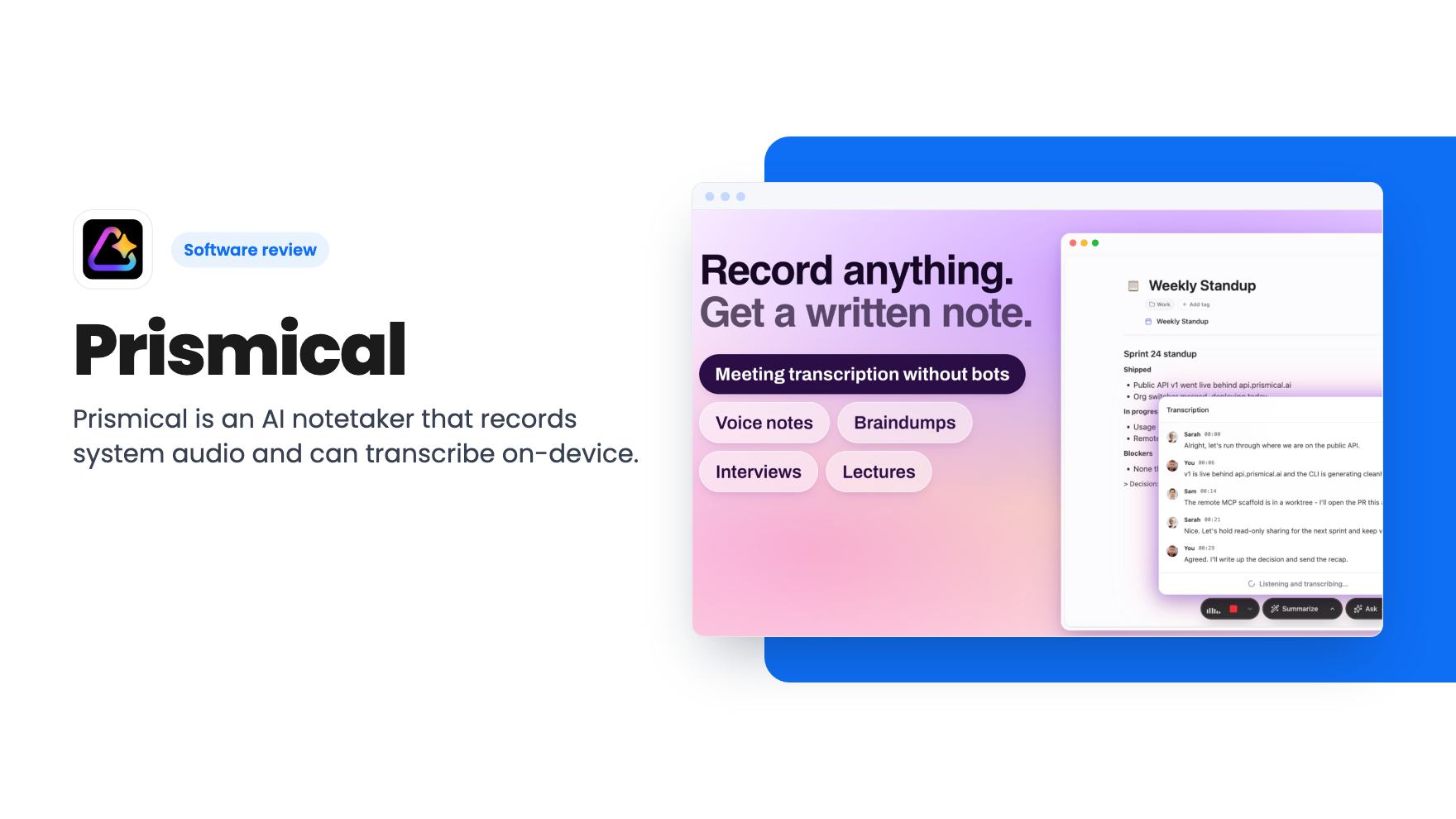
Prismical is an AI notetaker that records system audio and can transcribe on-device. The AppSumo lifetime deal runs $59 to $749, and the tier limits matter.