
Design & MediaAlternatives
Kapwing Lifetime Deal Alternatives for Small Businesses
Five AppSumo lifetime deals that cover parts of what Kapwing does, from clip cutting to captions and dubbing. Each has caps worth knowing before you pay.
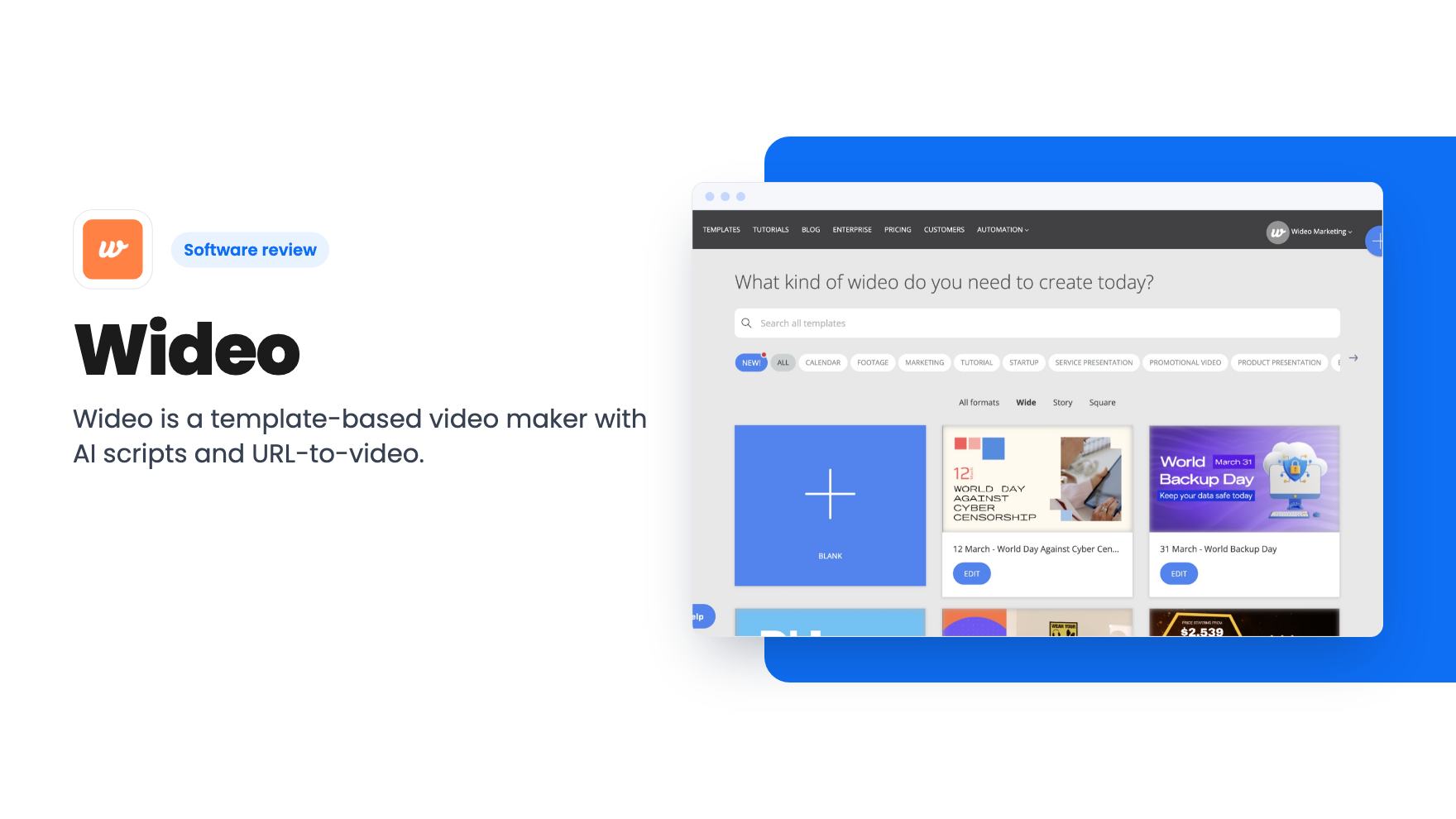
Wideo is a template-based video maker with AI scripts and URL-to-video. The AppSumo deal starts at $59, but the tier details in the listing contradict each other.
Lifetime deal price
$59$22874% off
Lifetime Deal · ends Nov 6, 2026
Our take: Buy the $59 or $99 tier if you're a solo marketer who needs quick, branded explainer and social clips and can live with dated templates. Skip it if you need polished cinematic video, or if you can't confirm the real tier limits before the deal ends on November 5, 2026.
You’ve got a new product page, three blog posts nobody is reading, and a vague feeling that you should be posting video. You don’t have an editor, and you definitely don’t have the patience to learn a timeline. That’s the gap Wideo is aimed at, and it’s a real one for small teams.
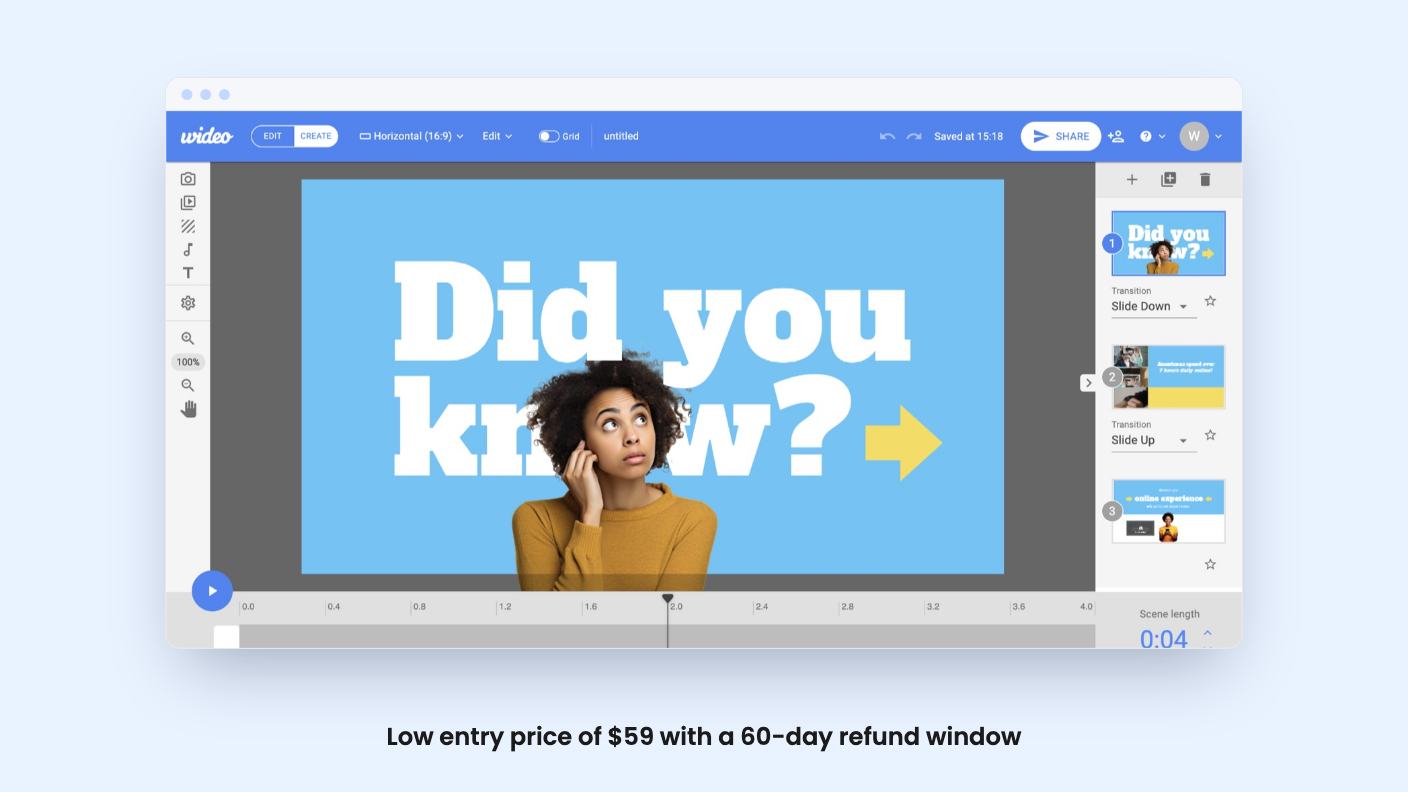
Wideo is a browser-based video maker built around templates. It’s pitched as an alternative to Powtoon, and AppSumo lists it as best for marketers, agencies and solopreneurs. The lifetime deal starts at $59 (listed at $228) and runs until November 5, 2026.
I haven’t used it, and there’s no demo video in the listing, so everything here comes from the AppSumo page. Treat it that way.
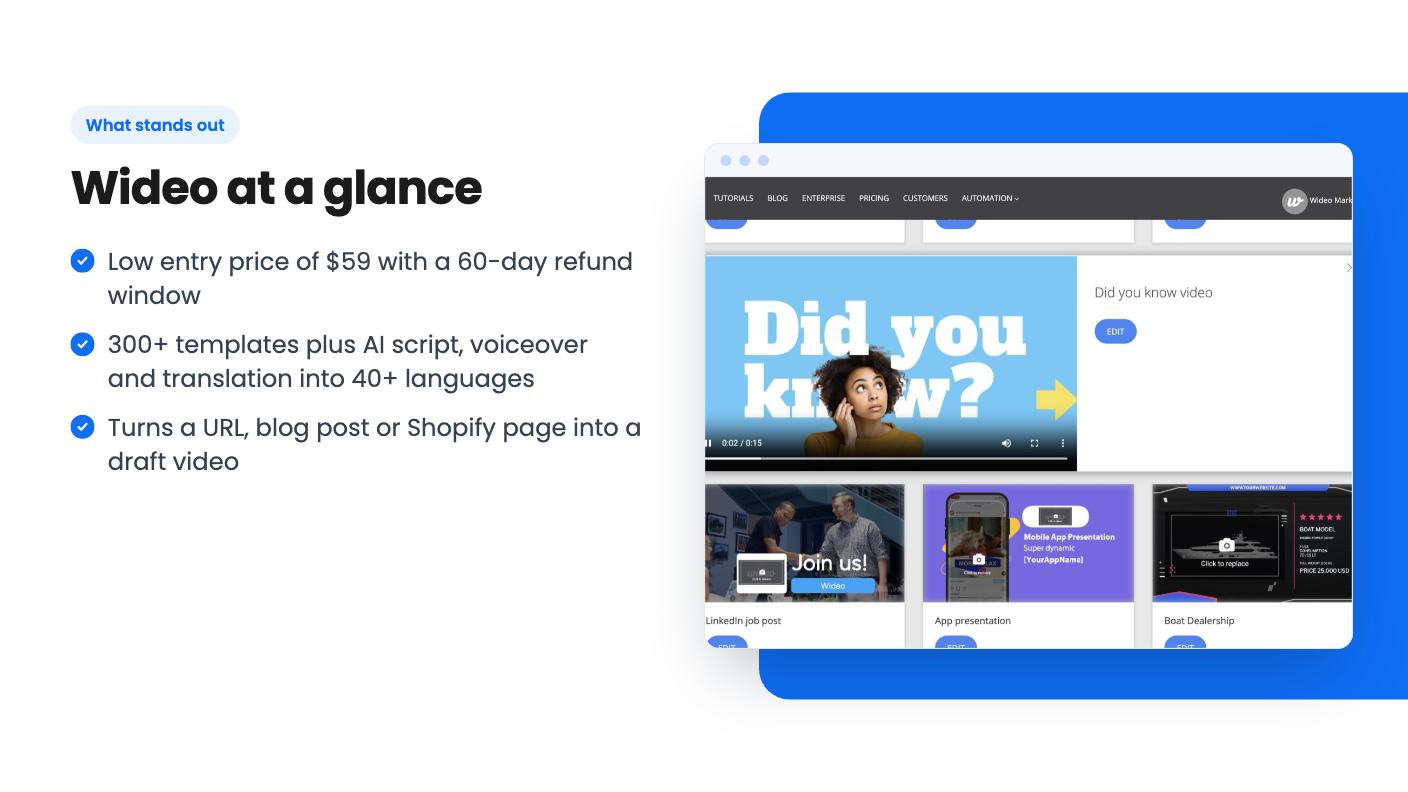
The core of the product is a library of 300+ business templates covering marketing, social and sales. You drag text, images and brand colors into scenes, and the listing says you won’t touch a timeline. For someone who just needs a 30-second explainer, that’s the right level of fiddliness.
Export is MP4, or you can publish straight to YouTube, Facebook and HubSpot. Canva and HubSpot are the only integrations named.
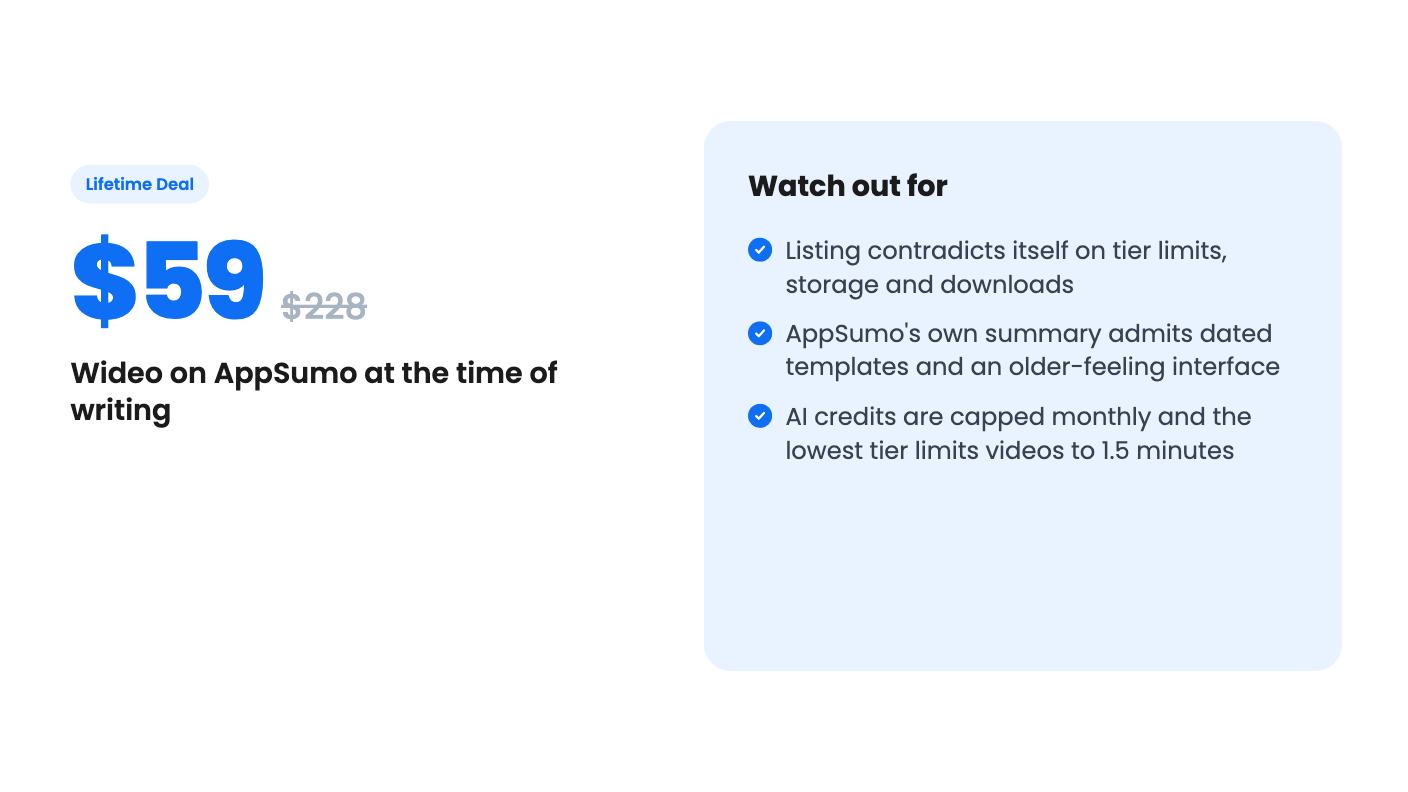
AppSumo’s own summary of buyer reviews mentions dated templates and a slightly out-of-date user experience. I’d take that seriously. A template library is only as good as how current it looks, and if your brand is modern and sleek, you may spend more time restyling than the listing implies.
This is where the listing gets more interesting. You can generate a script and voiceover from a URL, a product description or a plain-text prompt. You can also translate a finished video into 40+ languages, which is handy if you sell across borders and can’t afford re-recording.
There’s also a content-conversion angle. The listing says you can turn a podcast, blog post, Twitter thread or Shopify product page into a video. And there’s an ad generator: enter your website URL and Wideo pulls the key marketing content into a video ad.
An AI avatar and personalized sales videos for individual leads are mentioned too. The listing gives no example of the avatar or the quality of the voices. I’d want to see both before trusting them in front of customers.
An automated first draft from a URL is useful. A finished ad you’d run without editing is a bigger claim, and nothing here backs it up.
Every AI feature draws on a monthly credit allowance. The listing never says what a script, a voiceover or a translation costs in credits. That’s the number that decides whether the AI features are a daily tool or a novelty you run out of by the 10th.
The plan table lists credits per month as 100, 2,000, 1,000, 500 and 250 for tiers 1 through 5. Yes, that’s the order given. We’ll come back to why that looks odd.
Here’s what the plan table says:
Read that again. The most expensive tier has the fewest credits and loses features the cheaper tiers have. That’s backwards for a normal pricing ladder.
The FAQ section makes it murkier. It describes only three tiers, puts the 10-downloads-a-month cap on tier 1, and says all tiers come with 2 GB of storage. The table says otherwise on both counts. One of these is wrong, and I can’t tell which.
This matters because you’re paying for lifetime access to a specific set of limits. Before you buy, check the live checkout page, and if the numbers still conflict, ask AppSumo or Wideo directly.
Some things are the same across the board, and they’re good. Unbranded Wideos, YouTube uploads, video file uploads, free stock videos, images and music, privacy control and monetization rights are all included. That last one means you can use the videos commercially, which matters for agencies and anyone making ads.
The AI script generator, ad generator, video report and translation are on all five tiers according to the table. So the tier you pick mostly changes length, credits, storage and seats, not which AI tools you get.
The terms are fairly standard for AppSumo. You can upgrade between tiers while the deal is live and downgrade within 60 days, and the refund window is 60 days. You must activate within 60 days. Plan updates are included, and if the plan is renamed your deal maps to the new one.
The $59 and $99 tiers make sense for a solopreneur or small marketing team that needs lots of simple, branded clips: product explainers, social posts, quick sales videos. The price is low enough that even occasional use could pay it back against a monthly subscription.
The 1.5-minute cap on tier 1 is tight, though. If your videos run longer than a social clip, look at tier 2 at 10 minutes.
Skip it if you need video that looks custom or cinematic. Template-driven tools produce template-looking results, and the reviews themselves flag dated styles. Skip it too if you rely on a polished avatar presenter, since the listing offers no proof of quality there.
And I’d skip the higher tiers until the contradictions are cleared up. Paying $279 or $399 for fewer credits and fewer features than the $99 tier would be a strange outcome.
With 33 reviews averaging 4.91 on AppSumo, buyers seem happy, but that score is for the product as a whole and says nothing about which tier they bought. Buy the cheapest tier that fits, test it hard in the first few weeks, and use the 60-day refund if the credits or the templates don’t hold up.
According to the plan table, the length cap is 1.5 minutes on tier 1, 10 minutes on tier 2, and 30 minutes on tiers 3 to 5. If you make short social clips, tier 1 may work. Anything longer needs a higher tier.
The listing says purchases are refundable for 60 days. You also have to activate your license within 60 days. Use that window to check the limits that the listing leaves unclear.
Yes. The plan table lists monthly AI credits that range from 100 to 2,000 depending on tier. The listing doesn't say how many credits a script, voiceover or translation uses, so you can't predict how far they stretch.
How this review was made: researched from Wideo's official listing, and written with help from AI. We have not tested Wideo hands-on yet. Prices and deal terms change, so check AppSumo before you buy. See our affiliate disclosure.
Five AppSumo lifetime deals that cover parts of what Kapwing does, from clip cutting to captions and dubbing. Each has caps worth knowing before you pay.
Seven AppSumo lifetime deals named as Loom alternatives, grouped by job: narrated tutorials, plain recording, interactive demos and personalized outreach video.
Eight AppSumo lifetime deals named as Descript alternatives, grouped by the job you need done, with the caps and gaps each listing shows.

