
Design & MediaAlternatives
Kapwing Lifetime Deal Alternatives for Small Businesses
Five AppSumo lifetime deals that cover parts of what Kapwing does, from clip cutting to captions and dubbing. Each has caps worth knowing before you pay.
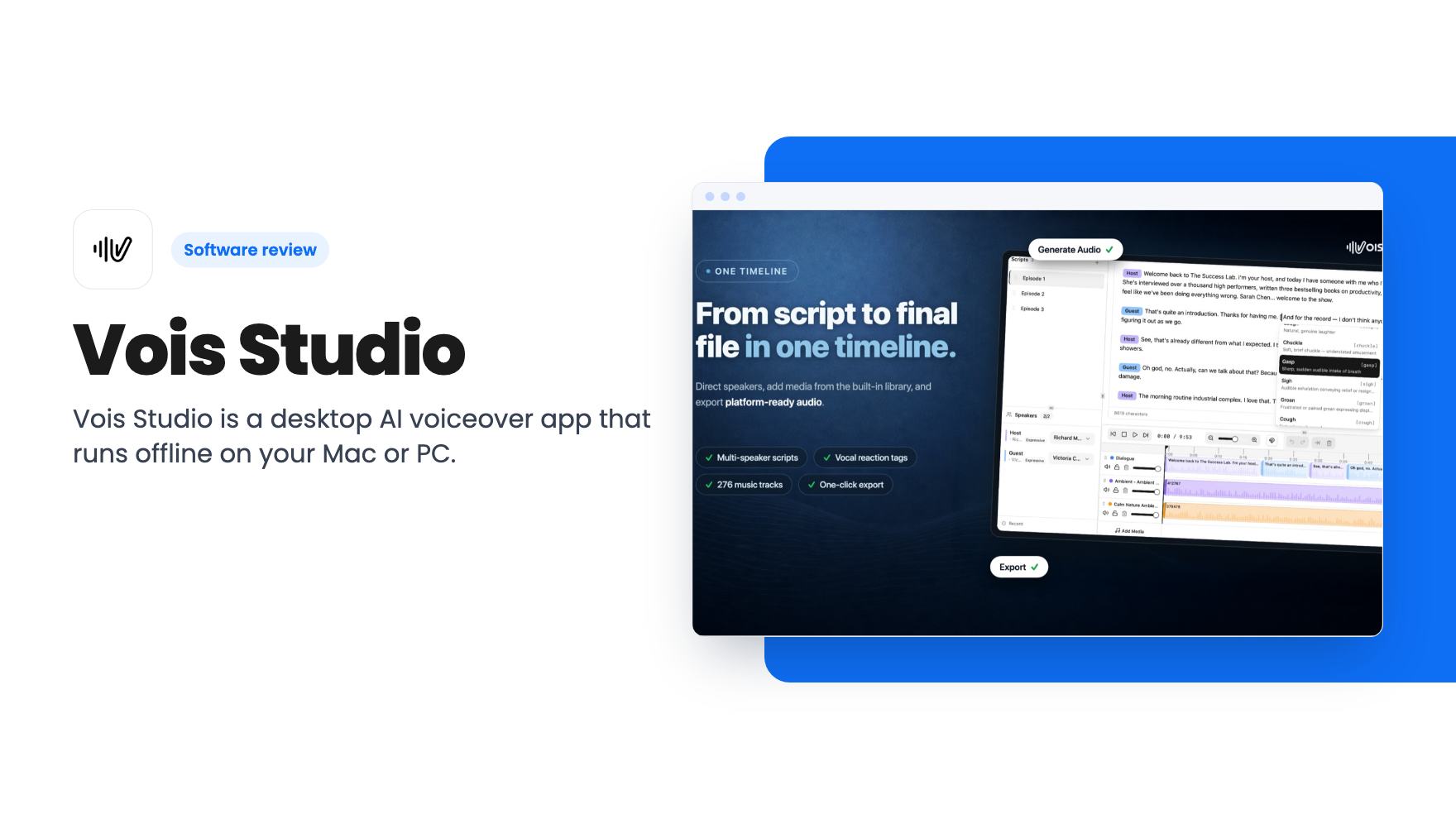
Vois Studio is a desktop AI voiceover app that runs offline on your Mac or PC. Here is what the $59 to $239 AppSumo tiers get you, and where the listing is unclear.
Lifetime deal price
$59$19269% off
Lifetime Deal
Our take: Buy it if you make narration, audiobooks or course audio often and are tired of paying again every time you tweak a line. Skip it if you have an older or low-memory machine, need guaranteed commercial rights without checking the tier table first, or want a polished, long-proven product.
You fix a typo in a voiceover script, hit generate again, and the meter ticks down. Do that forty times on a single audiobook chapter and the retakes cost more than the first pass. That is the specific annoyance behind Vois Studio, and it’s the reason the tool exists.
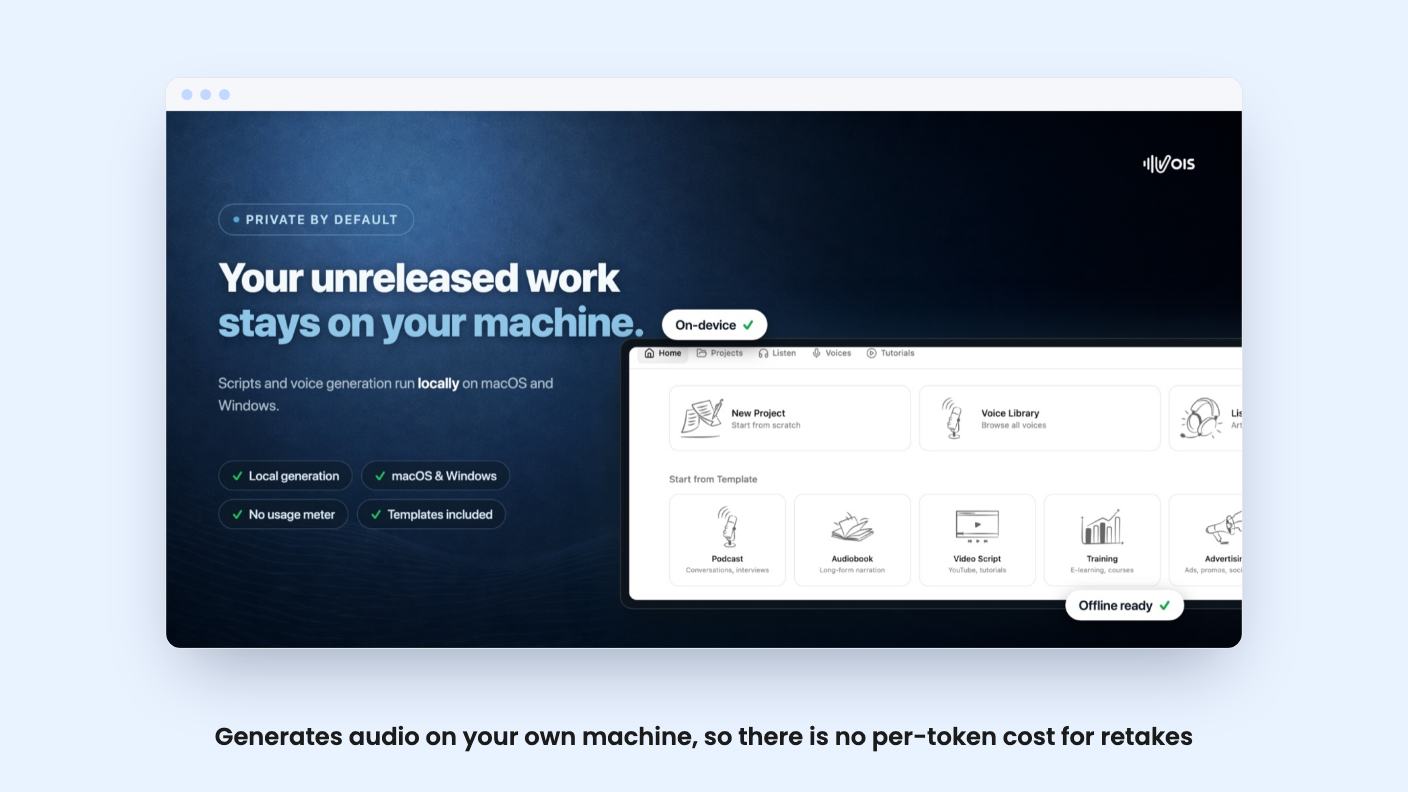
Vois Studio is a desktop app that turns written scripts into finished audio. It runs on your own computer, which means the number of times you regenerate a line isn’t tied to a credit balance. The AppSumo page headlines this as unlimited local voiceovers. That’s the main reason to look at the deal, so let’s check what’s behind it.
The listing describes one workspace for scripting, casting, mixing and exporting. You write a script, tag different speakers, and assign a voice to each. There are 100+ voices across 21 categories, such as announcers, narrators, audiobook readers and app assistants. AppSumo’s review summary rounds that up to 112. It also lists 23 languages, and says you can switch language mid-project and keep the same voice.
A few features stand out as practical rather than decorative:
That last one matters more than it sounds. If you narrate a 30-chapter course or a book, being able to fix chapter nine in isolation saves real time.
Voice cloning is also included. The FAQ says you upload a 10 to 15 second sample and the software learns the voice on your device. The listing doesn’t say how close the result gets, and it doesn’t offer sample audio. We’d want to hear that before trusting it with a brand voice.
Most text-to-speech tools hand you a file and wish you luck. Vois Studio includes one-click presets for YouTube, Spotify, Apple Podcasts and, per the FAQ, ACX. You can save export settings and reuse them across projects.
If you’ve ever had an audiobook rejected for loudness, you’ll see the appeal. Podcasters and course creators get a similar benefit, because platforms normalize loudness differently and a preset removes the guesswork.
The video is a short welcome from the founder, Pranay, who says he’s based in Melbourne. It’s a talking introduction, not a product walkthrough, so you won’t see the interface or hear a sample voice in it.
What it does give you is the origin story. He says he’s partially dyslexic and relies on text-to-speech. When he started making his own content, changing a comma or a word meant paying for all the tokens again. So he built a tool to keep working on a piece until it sounded right, without watching a token count. Other creators then started using it.
That’s a believable reason to build this, and it matches the local, no-meter design. It also tells you this began as a personal tool that grew into a product. Expect a young product with a small team. The transcript spells the name “Voice Studio” in places, which is probably a transcription slip, but it’s a reminder that the video gives you very little to judge quality from.
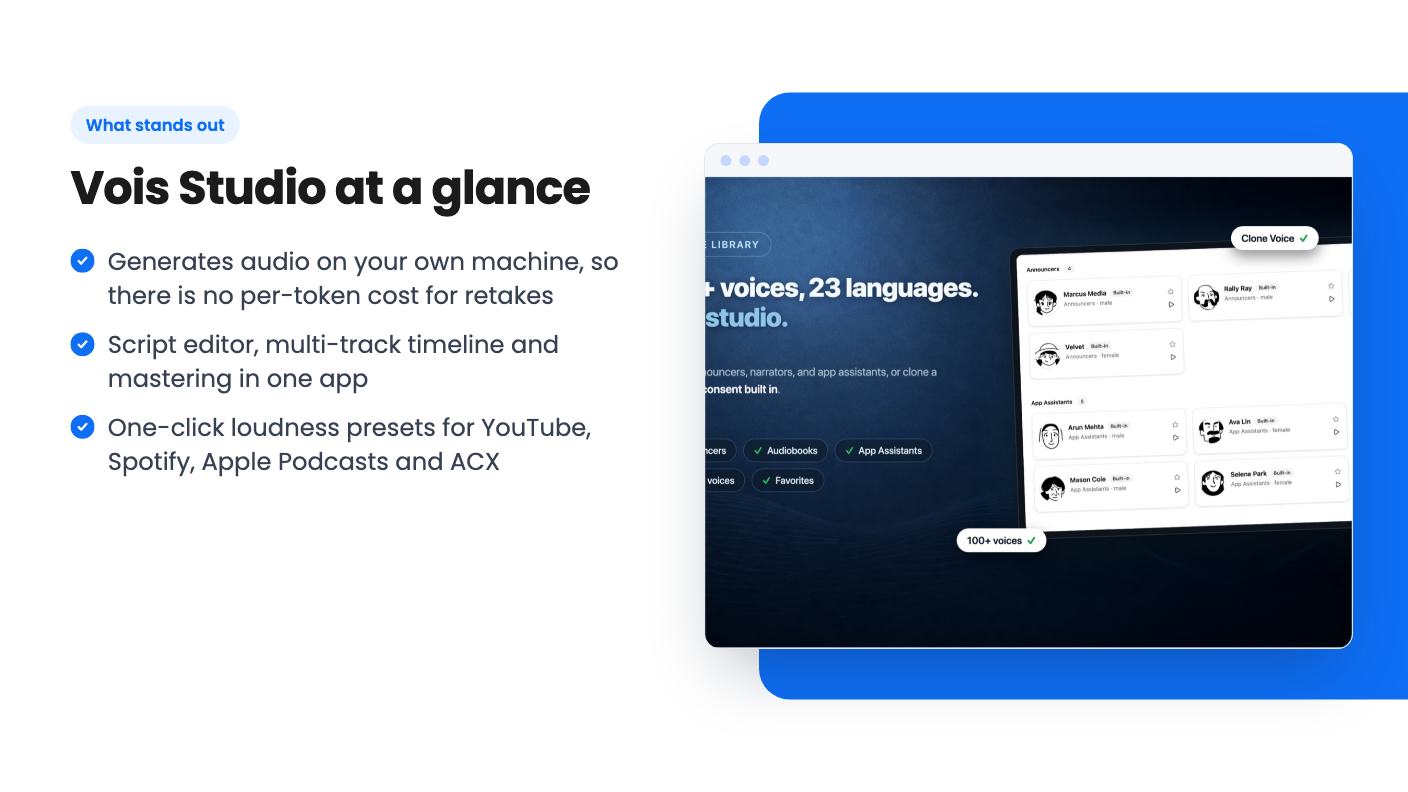
Privacy is the pitch: scripts and audio stay on your device. That’s a fair advantage if you’re working on unreleased material.
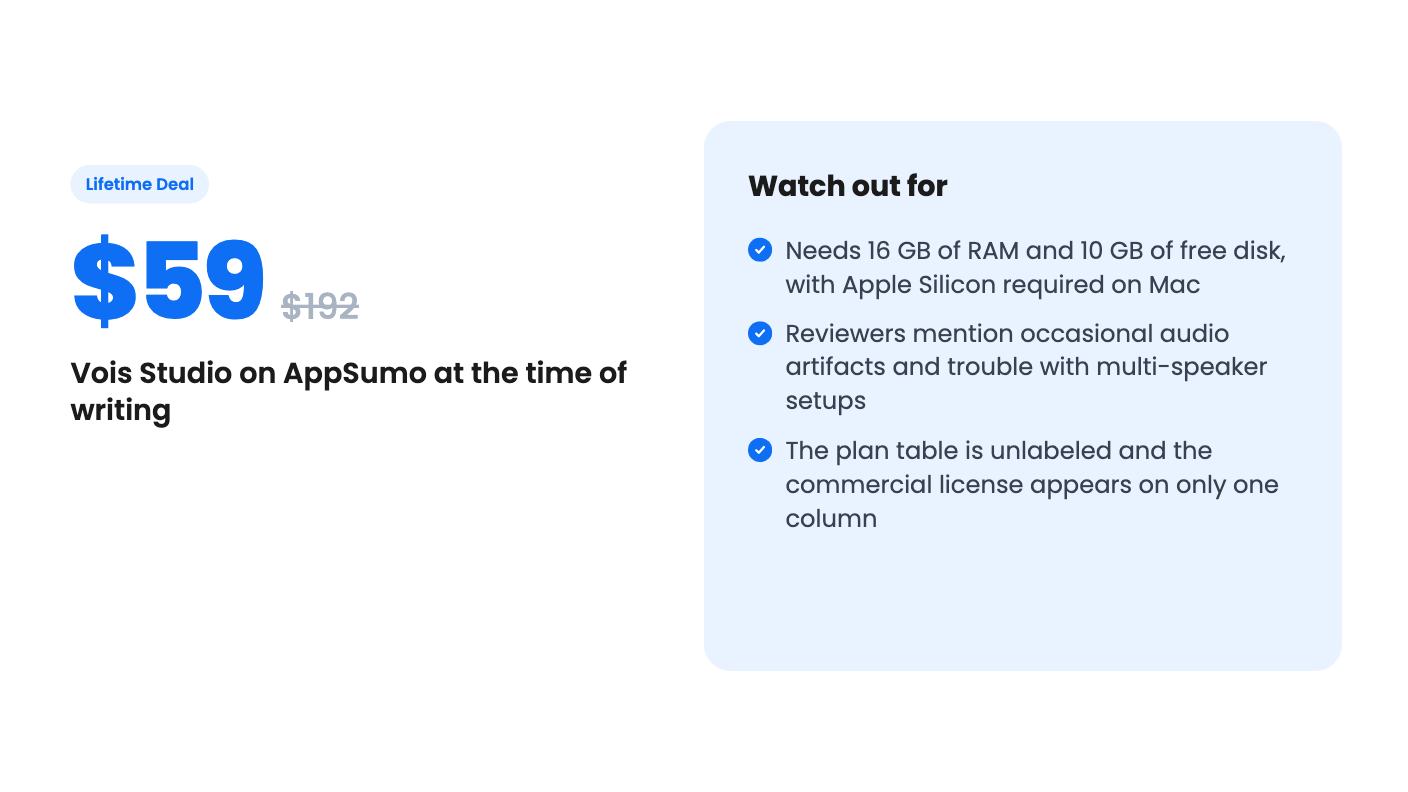
The cost is hardware. The FAQ lists macOS 12 or later on Apple Silicon, or a Windows PC, with 16 GB of RAM and 10 GB of free disk space. If you’re on an older Intel Mac or an 8 GB laptop, this isn’t for you. The listing also doesn’t say how fast generation runs on modest machines, so treat speed as unknown.
Offline use comes with a catch. You need internet for setup, model downloads, activation and periodic license validation. It’s offline in daily use, not permanently disconnected.
AppSumo’s summary says buyers like the unlimited generation and the voice selection, and that occasional audio artifacts and multi-speaker problems have come up. It says these are being addressed through regular updates. Treat that as marketing language. Twelve reviews averaging 4.00 out of 5 is a small sample, and multi-speaker scripts are one of the headline features.
All three tiers are lifetime access to the plan the company calls Subscriber. The prices are $59 (listed at $192), $119 (listed at $384) and $239 (listed at $960). You must activate within 60 days. You can upgrade between tiers while the deal is live, or downgrade within 60 days of purchase.
The feature table is where we’d slow down. It shows device counts of 1, 5 and 2, cloned voices of 15, 5 and 0, and a commercial usage license that is true for only the first column. The columns aren’t labeled by tier. If you read them in order, the $239 tier gets zero cloned voices and no commercial license, which looks backwards.
It may be a display error, but the listing doesn’t say. Ask in the Q&A, or confirm with the seller, before paying. The commercial license matters most. If you sell audiobooks, run monetized videos or voice client work, you need to know which tier covers you.
The listing also says Vois Pro isn’t part of any tier, and the same table lists a full command-line tool and an extra 100+ voice pack on some columns. The integrations line names Google Gemini, Claude, ChatGPT and Cursor, with no explanation. Our guess is that it relates to the command-line tool, but that’s only a guess.
Skip it if your computer is below the stated requirements, or if you need cloud generation from a browser or phone. Skip it if you want a long track record, since the product is young and the founder describes starting it as a personal fix. And skip it if you only need a few minutes of narration a year, because a pay-as-you-go tool will cost you less than the tier you’d need.
It makes sense for authors, course creators and podcasters who iterate a lot, which is what the listing says it’s best for. At $59, the entry tier is a modest bet, provided you’ve confirmed the commercial rights. Use the seven-day free trial mentioned in AppSumo’s summary to listen to the voices, try a multi-speaker script, and watch for artifacts before the refund window closes.
Mostly. Generation runs on your own Mac or Windows PC with no cloud processing. The listing says you still need internet for initial setup, model downloads, activation and periodic license validation.
According to the listing, macOS 12 or later on Apple Silicon, or a Windows PC, with 16 GB of RAM and 10 GB of free disk space for best performance. Intel Macs are not mentioned as supported.
The listing's plan table shows a commercial usage license as true for only one of the three columns. The columns are not labeled by tier, so confirm which tier includes it with the seller before you buy if you plan to monetize the audio.
How this review was made: researched from Vois Studio's official listing and a transcript of its demo video, and written with help from AI. We have not tested Vois Studio hands-on yet. Prices and deal terms change, so check AppSumo before you buy. See our affiliate disclosure.
Five AppSumo lifetime deals that cover parts of what Kapwing does, from clip cutting to captions and dubbing. Each has caps worth knowing before you pay.
Seven AppSumo lifetime deals named as Loom alternatives, grouped by job: narrated tutorials, plain recording, interactive demos and personalized outreach video.
Eight AppSumo lifetime deals named as Descript alternatives, grouped by the job you need done, with the caps and gaps each listing shows.

