
Design & MediaAlternatives
Kapwing Lifetime Deal Alternatives for Small Businesses
Five AppSumo lifetime deals that cover parts of what Kapwing does, from clip cutting to captions and dubbing. Each has caps worth knowing before you pay.
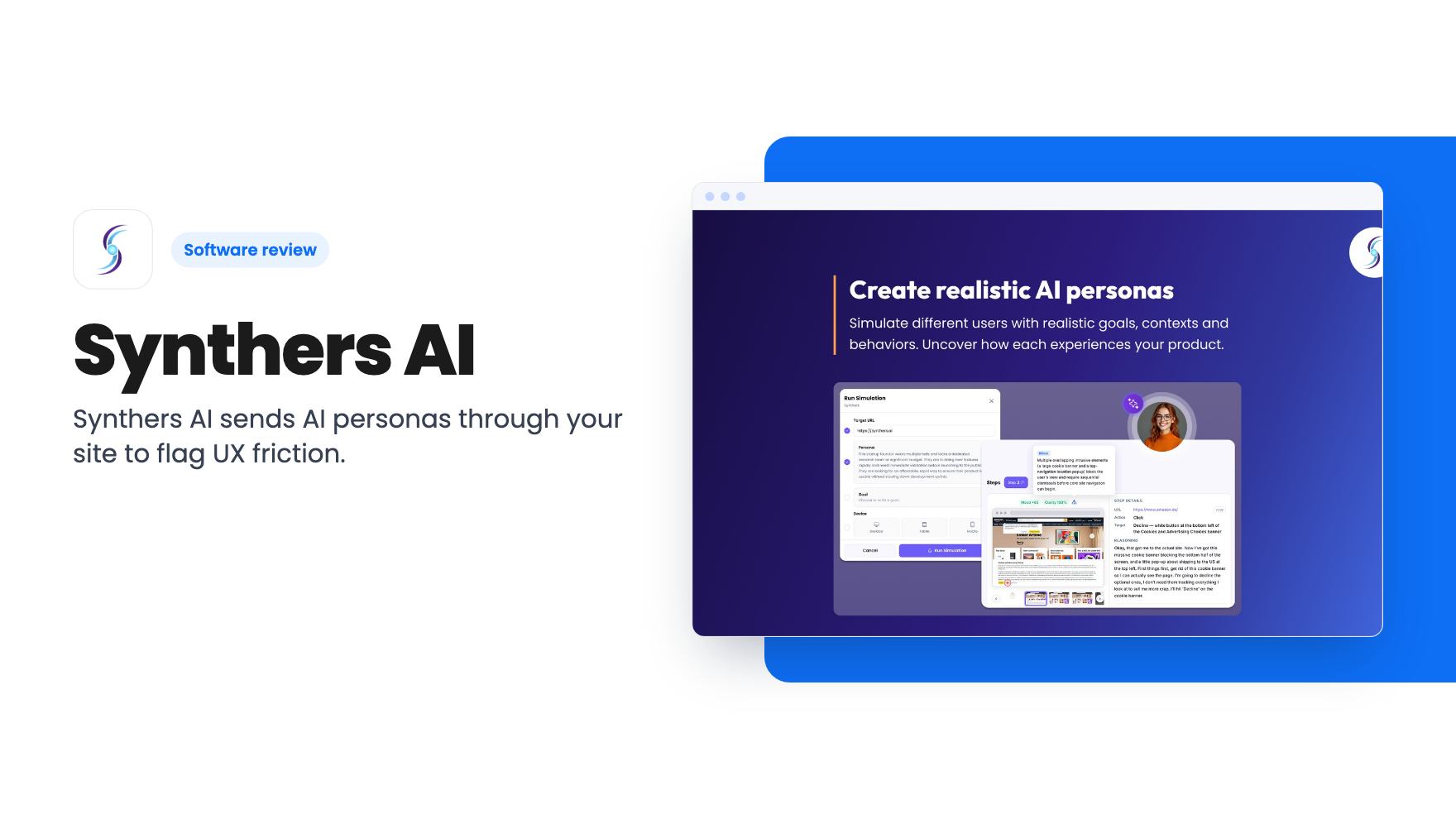
Synthers AI sends AI personas through your site to flag UX friction. The AppSumo deal runs $49 to $299, but credits are one-time and the $49 tier is stripped down.
Lifetime deal price
$49$8542% off
Lifetime Deal
Our take: Buy the $149 tier if you ship UI often, lack a steady stream of real testers, and want quick usability checks from your AI coding tools. Skip it if you need real-user evidence, dislike one-time credits, or hoped $49 would get you the full feature set.
You redesign a signup flow on Thursday and ship it on Friday. Feedback from real users arrives weeks later, if it arrives at all. Session recordings need traffic first, and recruiting testers takes time most small teams don’t have.
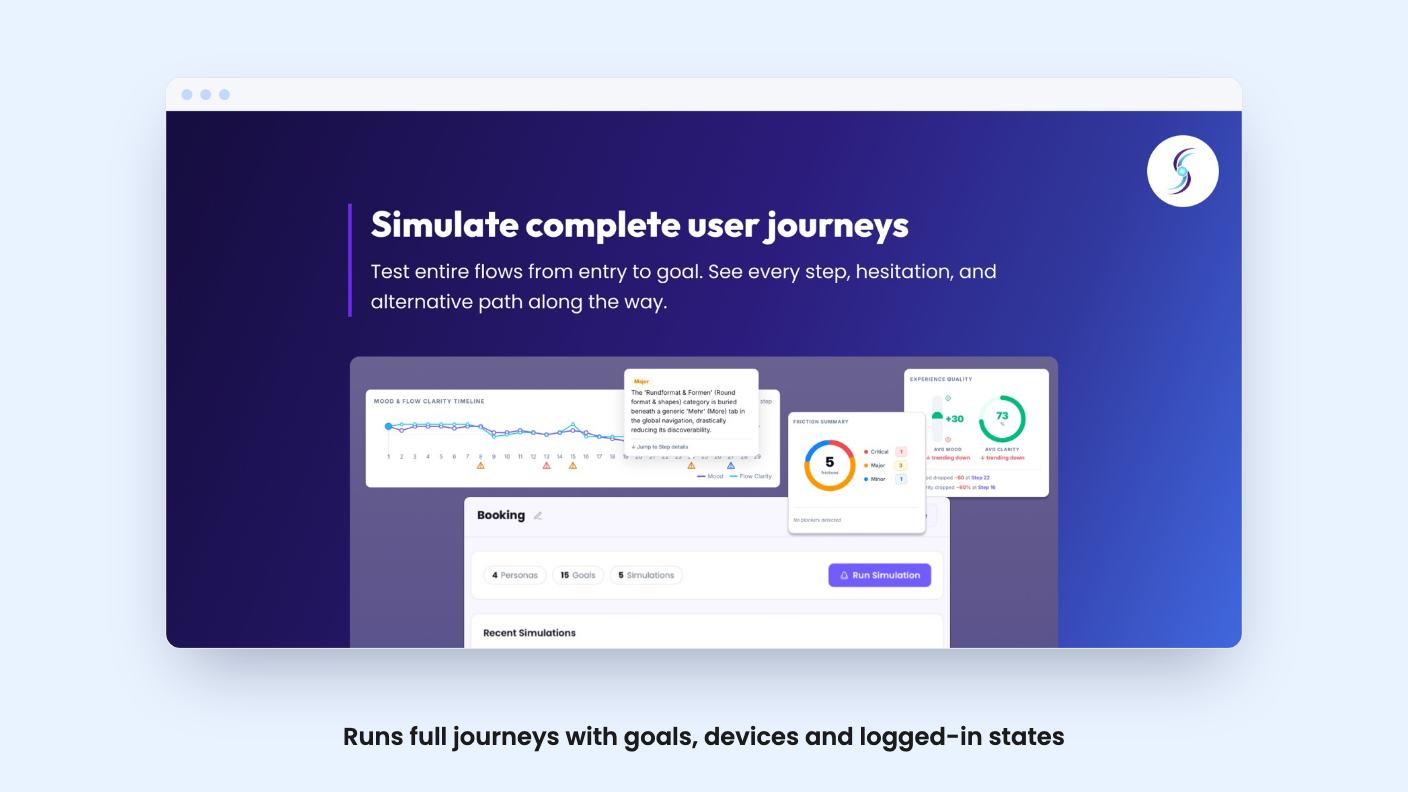
Synthers AI is aimed at that gap. It sends AI personas through your website or product and reports where they hesitate, get confused or give up. It’s on AppSumo as a lifetime deal at three price points, and the fine print matters more here than usual.
You paste a URL, choose a persona and set a goal. According to the listing, that’s enough to get a first run going within minutes. The persona then moves through the journey from the entry point until it reaches the goal or abandons it.
The pitch is that this goes past checking whether a button works. You can define personas with goals, devices, locations and access credentials. The listing also says the personas model frustration, confusion, trust and confidence, rather than only recording clicks. That’s an ambitious claim for software. We haven’t used the tool, and there’s no demo video, so we can’t say how well it holds up.
Logged-in flows are covered if you supply credentials. That matters, because onboarding and dashboards are where small SaaS products tend to lose people.
You can customise the questions asked during and after each simulation. So if you suspect the pricing page or one confusing form field, you can aim at that moment instead of reading a generic report.
The feature I find most interesting is the chat afterward. Once a run finishes, you can ask the persona why it hesitated or what it expected to see, and it has the full context of the journey. Use the answers to prompt your own thinking. A language model explaining its own behaviour is plausible, which is different from being proof.
The listing also says every interaction and decision gets captured. That gives you the whole path through the product instead of a screen-by-screen view.
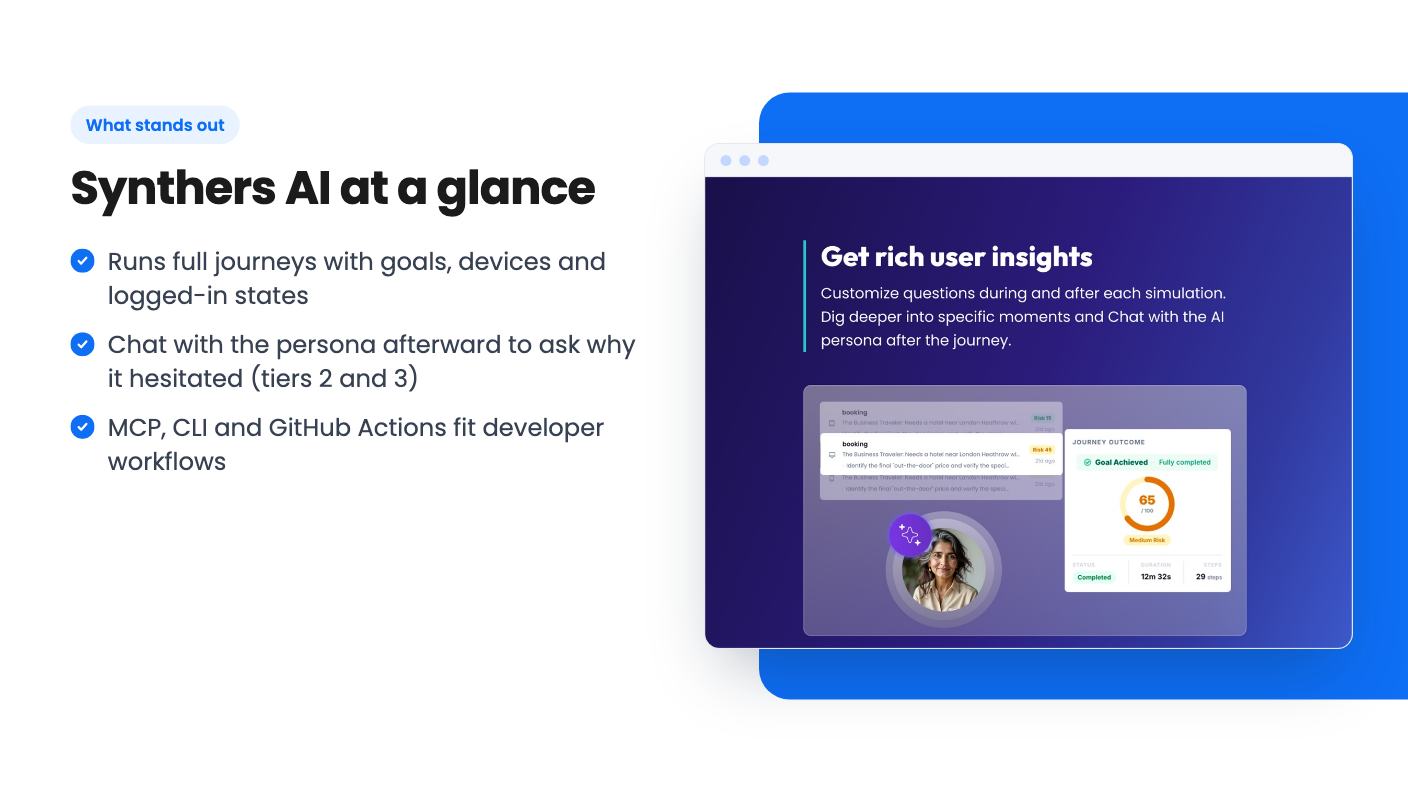
This is where Synthers separates itself from the usual design feedback tools. It connects to Claude Code, Cursor and Codex through MCP, so a developer can run a usability check without leaving the editor. Simulations can also run from the CLI or GitHub Actions, which puts journey testing into your CI pipeline.
Figma and GitHub appear in the integrations list too. The listing never explains what the Figma connection does, so don’t assume you can test a prototype before it’s built. What it describes is testing a live URL or product.
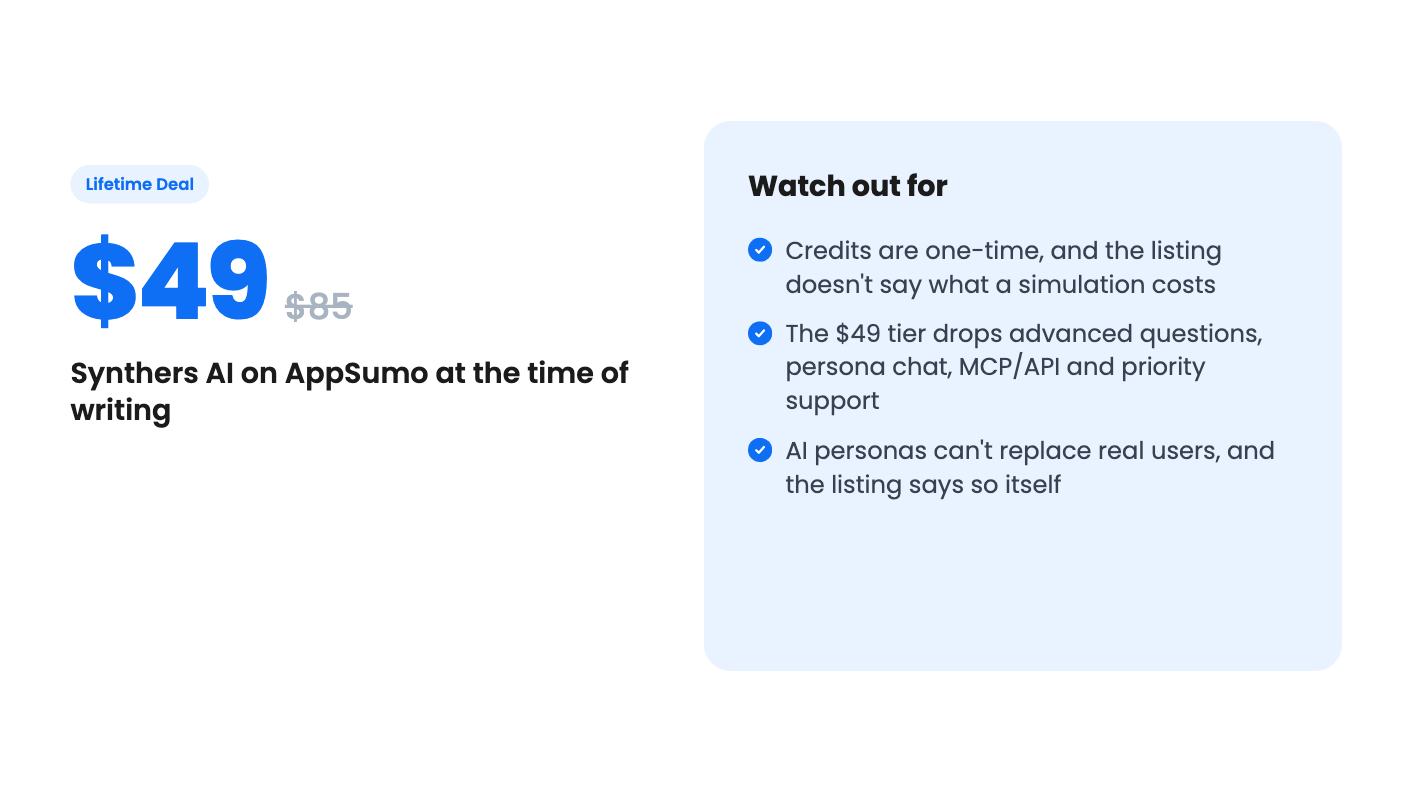
One catch. The plan table marks MCP and API integration as unavailable on the $49 tier. It doesn’t say whether CLI or GitHub Actions runs are also locked there. If either matters to you, ask before you pay.
Here’s what each tier gets, per the listing:
The credit amounts match the old list prices. That means you pay roughly 58 cents per dollar of credit on tier 1, about 40 cents on tier 2 and about 27 cents on tier 3. The bigger tiers clearly carry the value.
But the credits are labelled one-time. The listing promises lifetime access and all future plan updates, yet it never says what a simulation costs in credits, what happens when they run out, or whether you can buy more. Without those answers you can’t work out how many tests you’re really buying. That’s the biggest hole in the listing.
You can move between the three tiers, and you must activate your license within 60 days of purchase. There are no codes and no stacking.
Tier 1 drops the two features that make this interesting: advanced questions and persona chat. For $49 you get one seat and a cut-down version. I’d treat it as a trial and not a plan.
The Hotjar comparison on the listing is a stretch. Hotjar records what real visitors did. Synthers imagines what an invented visitor would do. To its credit, the listing admits it doesn’t replace real-user research. If you already have traffic and recordings, this gives you a second opinion at best.
Pass if you need evidence for stakeholders, since AI-generated friction reports are opinions. Pass if credit systems annoy you, because the one-time model means your lifetime access could run dry. And be careful about the product’s age. The listing offers no track record, no customer examples and no figures on how often the personas catch real problems.
It makes sense for a small product team or solo founder who ships often, has little traffic and wants a cheap sanity check before launch. The $149 tier is the one I’d consider, since it includes persona chat, advanced questions and MCP. Ask the seller what a typical run costs in credits first. That single answer decides whether $375 of credits is plenty or very little.
No. The listing says it doesn't replace real-user research. It's meant to let you check flows more often between research sessions.
The listing doesn't say. Credits are labelled one-time ($85, $375 or $1100 depending on tier), with no explanation of renewals, top-ups or per-simulation cost. Ask the seller before buying.
Tiers 2 ($149) and 3 ($299). The plan table marks MCP and API integration as unavailable on the $49 tier. It doesn't say whether that tier can use the CLI or GitHub Actions.
How this review was made: researched from Synthers AI's official listing, and written with help from AI. We have not tested Synthers AI hands-on yet. Prices and deal terms change, so check AppSumo before you buy. See our affiliate disclosure.
Five AppSumo lifetime deals that cover parts of what Kapwing does, from clip cutting to captions and dubbing. Each has caps worth knowing before you pay.
Seven AppSumo lifetime deals named as Loom alternatives, grouped by job: narrated tutorials, plain recording, interactive demos and personalized outreach video.
Eight AppSumo lifetime deals named as Descript alternatives, grouped by the job you need done, with the caps and gaps each listing shows.

