
Design & MediaAlternatives
Kapwing Lifetime Deal Alternatives for Small Businesses
Five AppSumo lifetime deals that cover parts of what Kapwing does, from clip cutting to captions and dubbing. Each has caps worth knowing before you pay.
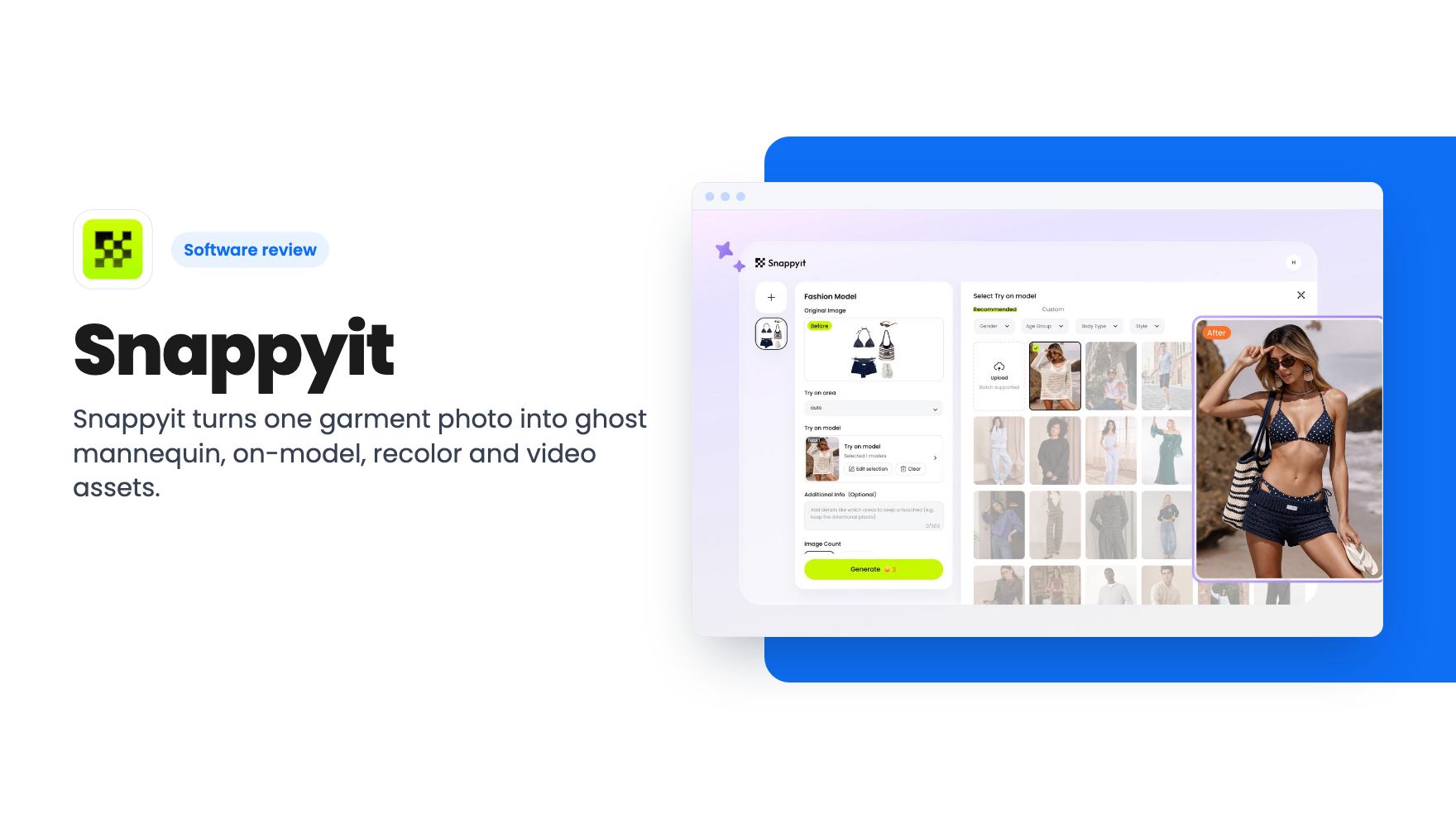
Snappyit turns one garment photo into ghost mannequin, on-model, recolor and video assets. The $59 AppSumo deal is cheap, but monthly credits cap the output.
Lifetime deal price
$59$19970% off
Lifetime Deal
Our take: Snappyit suits small apparel sellers and resellers who want catalog images without a photographer, and the $59 tier is a low-risk way to try it with the 60-day refund. Skip it if you need to process a big catalog every month, because the cheap tiers run on 100 or 350 credits and the listing never says what each result costs.
Say you sell dresses and jackets from a small online shop, and every new drop means the same headache. Photos on a hanger look flat. A real photoshoot with models costs more than the stock is worth. So listings go up with whatever your phone captured, and conversion suffers for it.
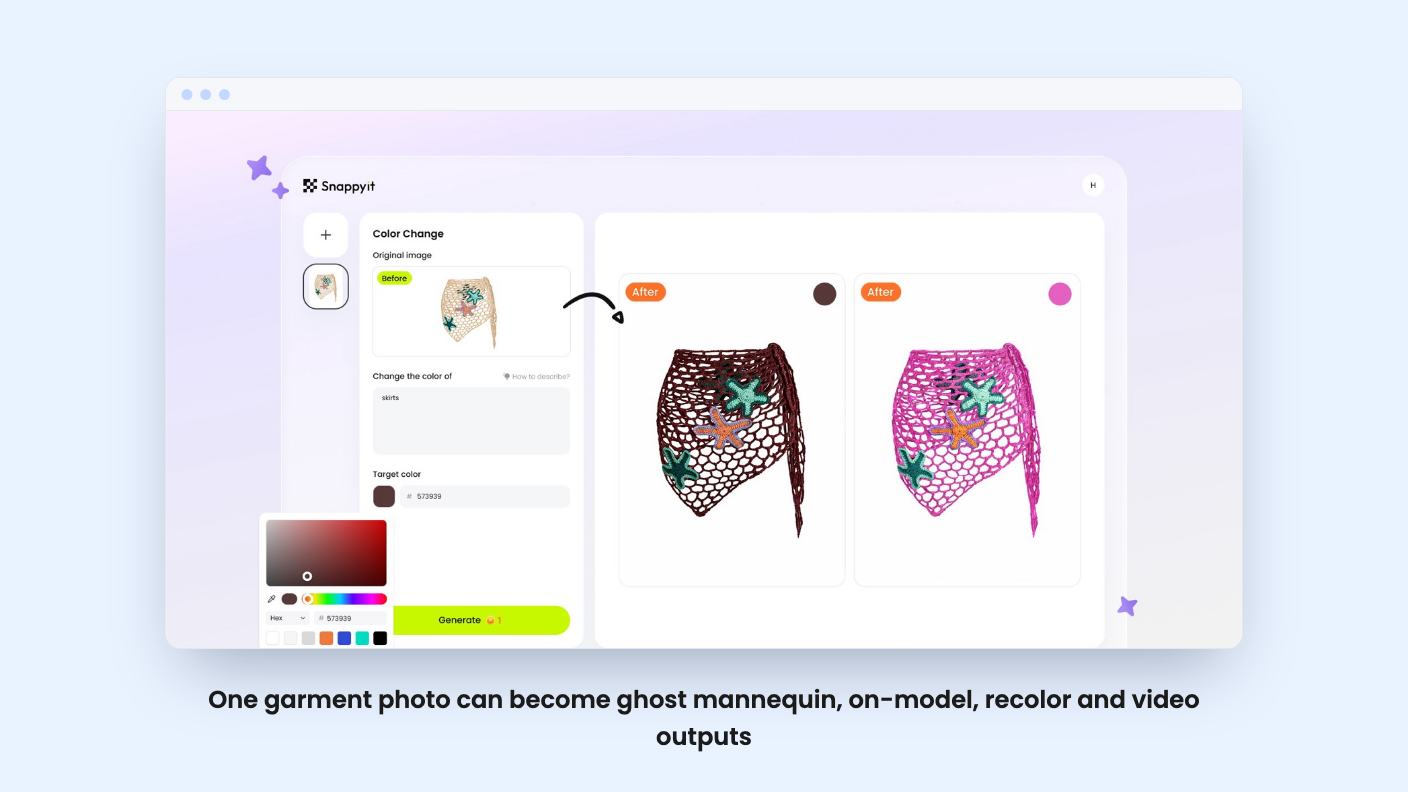
Snappyit is built for that gap. According to the listing, you feed it one garment photo and it produces ghost mannequin images, on-model photos, flat lays, color variants and short videos. It’s aimed at ecommerce sellers, fashion brands and resellers, and AppSumo positions it as an alternative to Photoshop and Photoroom.
The listing groups the tool into four jobs.
The first is cleanup. Snappyit removes mannequins and backgrounds from flat lay, hanger or on-mannequin shots, then reconstructs the garment’s shape, including volume, drape and proportions. The output is a white-background image meant to meet Amazon and Shopify requirements.
The second is dressing a model. You convert a flat lay or ghost image into an on-model photo, choosing from AI models with different ethnicities, body types and styles. The listing says fabric texture, color accuracy and drape are preserved from your original photo.
The third is recoloring. You generate color variants without a reshoot, and the listing suggests showing colorways you haven’t produced yet to test demand.
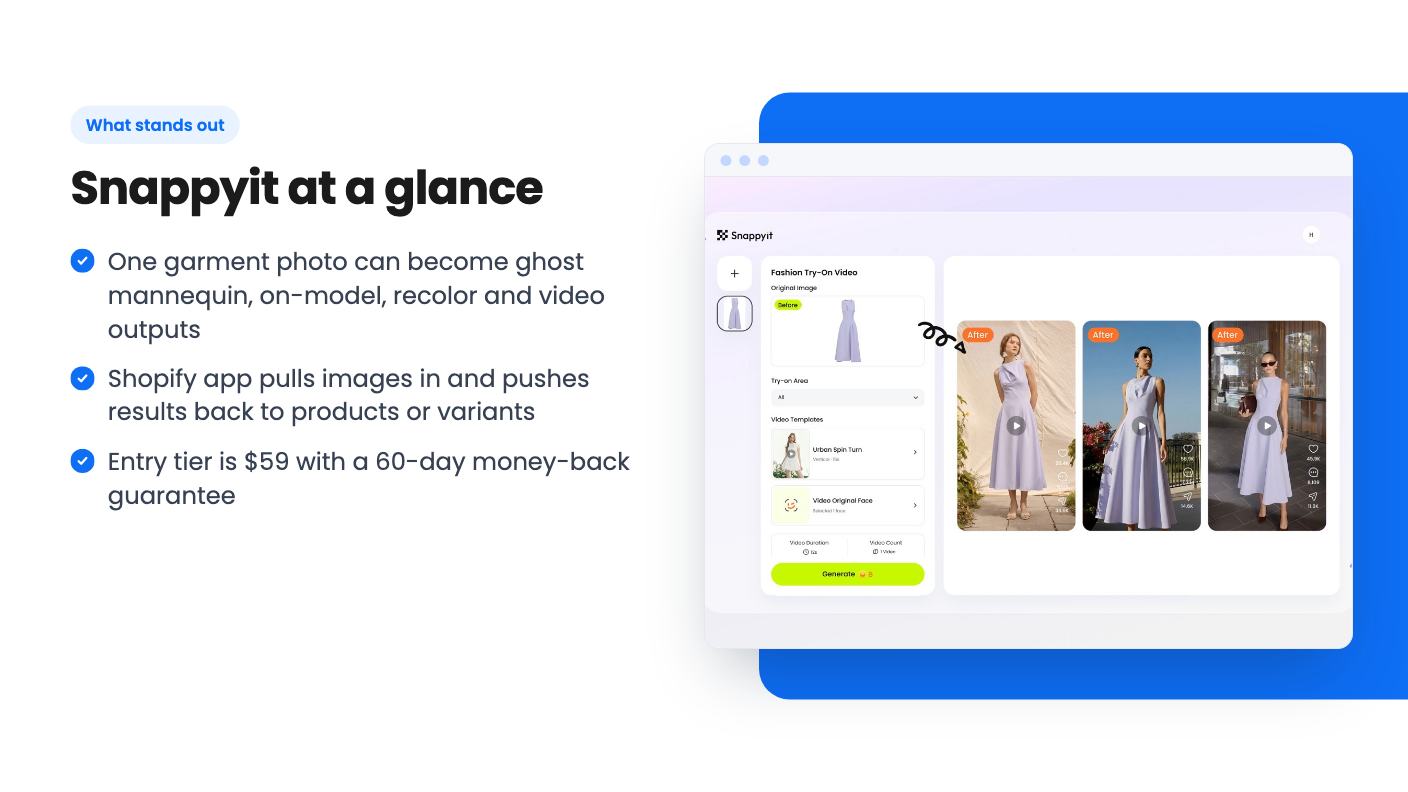
The fourth is video. One product image becomes a short fashion clip for TikTok Shop, Instagram Reels or marketplace listings.
The listing’s FAQ adds more than the headline sections do. It mentions face-swap, a flat-lay generator, jewelry retouching and jewelry-on-model generation, image upscaling, and a mobile photography app. The Shopify integration is also described there, not in the main feature list.
AppSumo’s review summary says a new Product Studio now covers non-apparel items, and that an AI Wrinkle Remover has been added. That’s useful if you sell more than clothes, but treat it as marketing copy. The listing itself doesn’t describe how well those tools work on, say, shiny packaging or furniture.
There’s no product video for this one, so we can’t describe the interface from a demo. What the listing does say is that you can upload your lineup in batches and process the full catalog at once. Batch upload is ticked on all four tiers.
The Shopify piece is the part that could save real time. You pull images from your catalog, run a tool such as ghost mannequin or recolor, and send the result back to the right product or variant in your admin. If that works as described, it cuts out the download, rename and re-upload routine. We haven’t verified that, and the listing doesn’t say how many images you can sync at once.
This is where you need to read carefully. All four tiers get advanced image and video AI tools. What changes is the monthly credit allowance and a few speed features.
The plan table lists AI credits per month as 1,400, 700, 350 and 100, but doesn’t label which column is which tier. The Basic and Pro split suggests the order runs from tier 4 down to tier 1. Here’s how that reads:
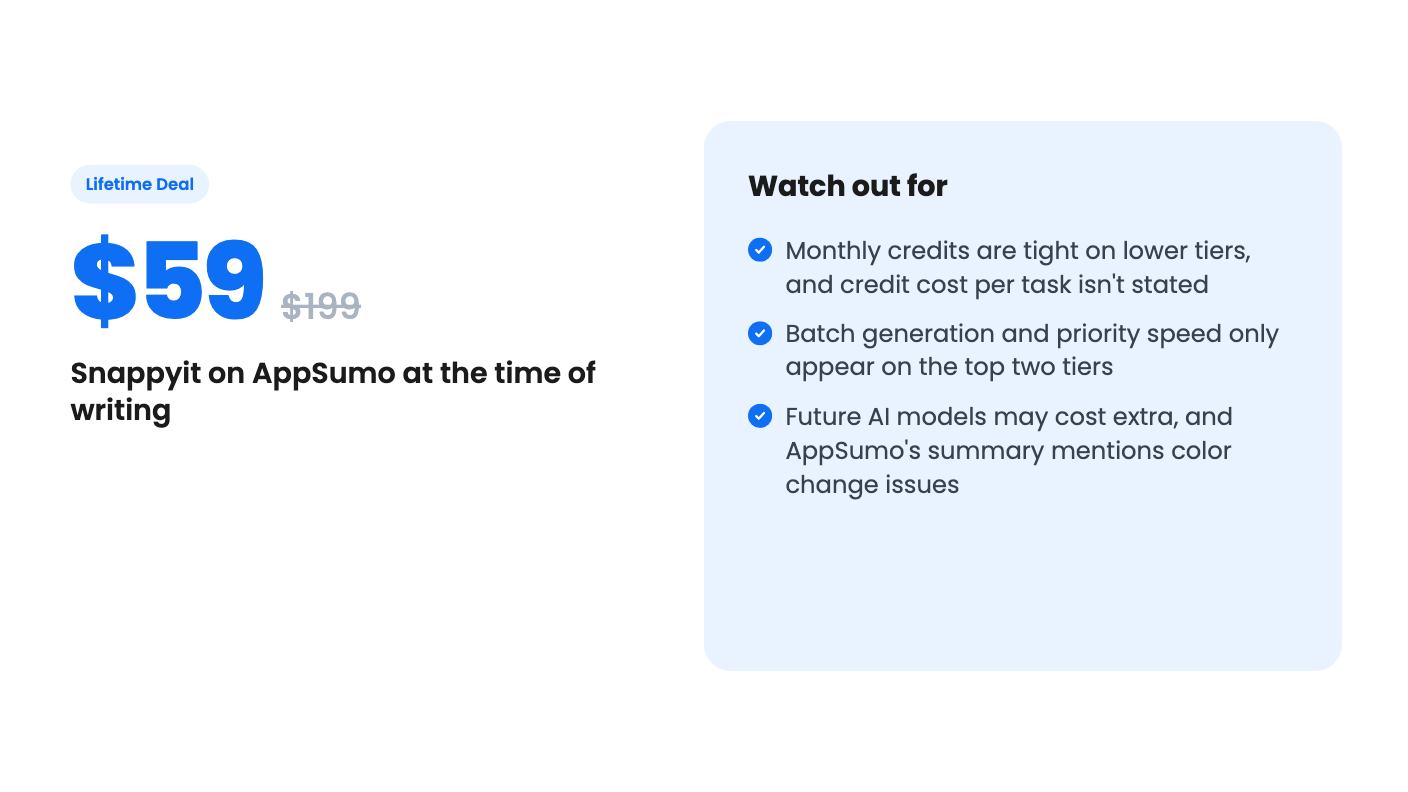
The listing never says how many credits an on-model image, a recolor or a video costs. That’s the number that matters, and it’s missing. Video generation is usually the most expensive kind of output in tools like this, so 100 credits could vanish fast if you lean on it. Ask the seller or check the pricing page before you pick a tier.
Also note that on tiers 1 and 2 you can upload in batches but not generate in batches. That’s an odd split for a catalog tool, since the batch feature is a headline selling point.
The deal is for brand-new Snappyit users only, so no previous accounts, trials or paid plans. You must activate within 60 days. You can upgrade while the deal is live, but downgrading is only possible within 60 days of purchase.
The line to watch is about future AI models. Access may be offered at a discounted rate, or it may require an add-on. In an AI image product, new models are where quality jumps happen, so you could end up paying extra to keep up. Lifetime access here means lifetime access to the plan, not to everything the company ships.
On the positive side, you get all future updates to your Basic or Pro plan, and the 60-day money-back guarantee gives you a fair window to test it on your own garments.
AppSumo shows 8 reviews averaging 4.75 out of 5. That’s encouraging, but it’s a small sample for a product that’s still adding major features. Buyers reportedly noted improvements in model, pose and lighting, and some flagged minor issues with color change. Color accuracy is the whole point of a recolor tool, and returns from “it looked different on screen” are costly. Test that first.
Skip it if you process hundreds of new items every month. Even the 1,400-credit tier could run short depending on credit costs we can’t see. Skip it if your brand relies on a specific model or a distinctive editorial look, since AI models and poses will always feel more generic than your own shoot.
It’s a better fit for a reseller listing a few dozen pieces a month, or a small label that needs clean ghost mannequin and white-background images without paying for a studio. Start with the $59 tier, run your trickiest garments through it, and use the refund window if the fabrics don’t hold up.
Yes, according to the listing. It has a Shopify App Store integration that pulls product images into Snappyit, runs the generation tools, and pushes results back to the matching product or variant.
The listing shows 100, 350, 700 and 1,400 AI credits per month across the four tiers. The columns aren't labeled, but they appear to run from tier 4 down to tier 1, so $59 would get 100 and $409 would get 1,400. It doesn't say how many credits each image or video costs.
AppSumo's 60-day money-back guarantee applies, per the listing summary. You also need to activate your license within 60 days, and you can only downgrade within 60 days of purchase.
How this review was made: researched from Snappyit's official listing, and written with help from AI. We have not tested Snappyit hands-on yet. Prices and deal terms change, so check AppSumo before you buy. See our affiliate disclosure.
Five AppSumo lifetime deals that cover parts of what Kapwing does, from clip cutting to captions and dubbing. Each has caps worth knowing before you pay.
Seven AppSumo lifetime deals named as Loom alternatives, grouped by job: narrated tutorials, plain recording, interactive demos and personalized outreach video.
Eight AppSumo lifetime deals named as Descript alternatives, grouped by the job you need done, with the caps and gaps each listing shows.

