
Design & MediaAlternatives
Kapwing Lifetime Deal Alternatives for Small Businesses
Five AppSumo lifetime deals that cover parts of what Kapwing does, from clip cutting to captions and dubbing. Each has caps worth knowing before you pay.
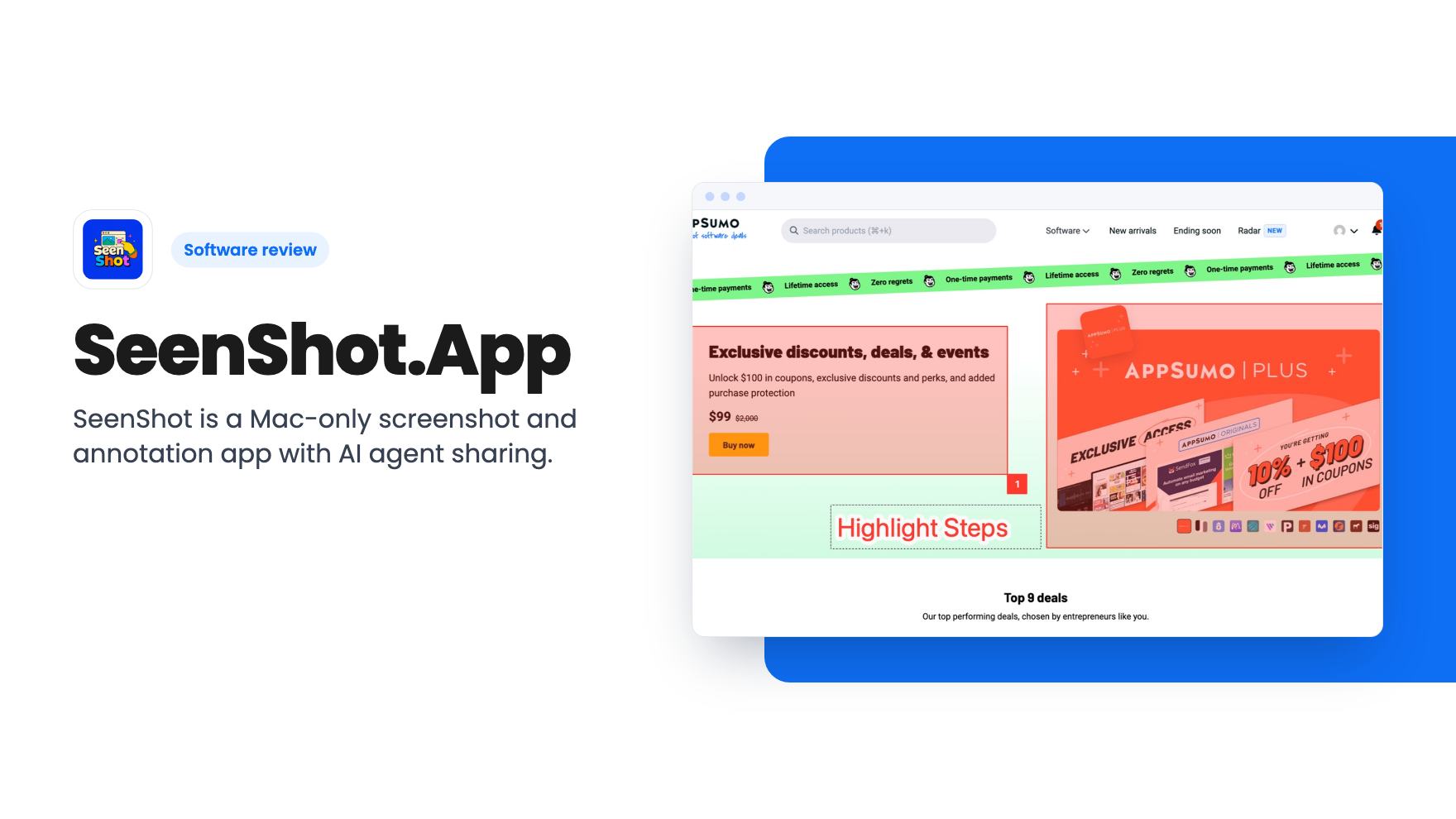
SeenShot is a Mac-only screenshot and annotation app with AI agent sharing. The $29 AppSumo deal is cheap, but the free plan already covers most of it.
Lifetime deal price
$29$8767% off
Lifetime Deal
Our take: Worth a look if you're on an Apple Silicon Mac and send annotated screenshots to teammates or coding agents daily, and you want watermark-free links without a yearly fee. Skip it if you use Windows or an Intel Mac, or if the free plan already does the job. The listing doesn't say exactly what the lifetime code includes.
You’ve just found a bug on a client’s checkout page. You take a screenshot, open an editor, draw a red box, add an arrow, save the file, upload it somewhere and paste the link into Slack. That’s six steps for what should take two. SeenShot.App is built to shrink that routine, and it adds a twist for people who work with AI coding tools.
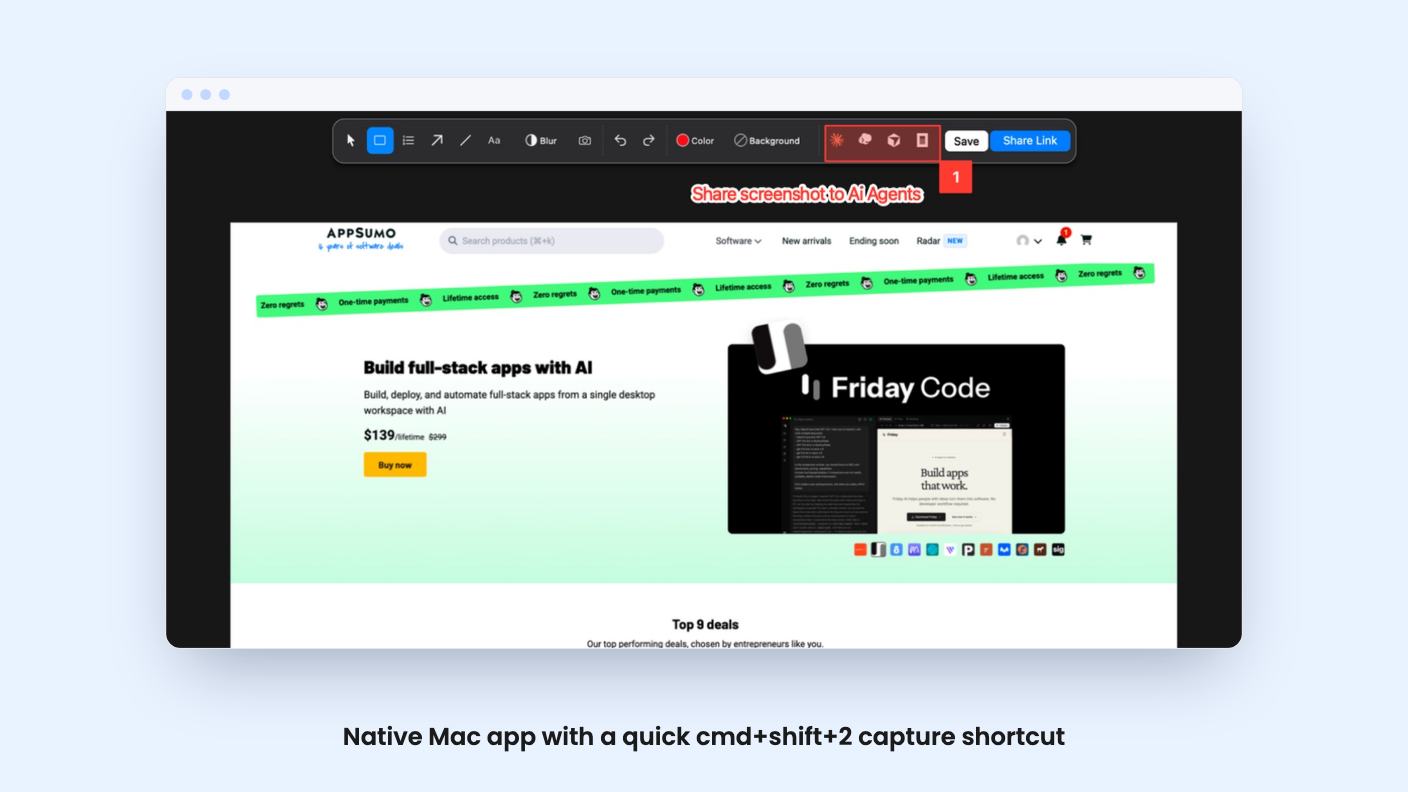
The pitch is simple. Press cmd+shift+2 on your Mac, grab the full screen or a region, mark it up, and share it. That’s the whole product. The AppSumo deal is $29 one time, down from a listed $87.
Capture works on the full screen or on a region you select. The shortcut is cmd+shift+2, which sits right next to Apple’s built-in screenshot keys, so it won’t feel foreign.
After the capture you land in the app’s annotation tools. The listing names highlight zones (a square drawn around the area you care about), numbered steps for tutorials, arrows, lines, text, and color choices for your markup. The free plan FAQ adds a blur tool, photo overlay, a color picker and backgrounds.
The numbered steps are the feature I’d pay attention to. If you write support docs or onboarding guides, dropping 1, 2, 3 onto a screenshot is most of the job. Plenty of free tools skip it.
The blur tool matters too. Anyone who sends screenshots of dashboards, inboxes or invoices needs to hide a customer’s email or a card fragment before the image leaves their machine. It’s good that blur is a dedicated tool and not an afterthought.
This is what sets SeenShot apart from the dozens of screenshot utilities already on your Mac. The listing lists Claude, Cursor and Codex as integrations and describes one-click sharing with AI agents, meaning you copy and paste the screenshot into Cursor, Claude Code or Codex.
The listing doesn’t say whether this is a real integration or a clipboard shortcut. The wording, “copy/paste in to” each tool, points to the second. That’s still useful. If you describe UI bugs to a coding agent, a marked-up image with an arrow and a numbered step often says more than three sentences of text.
But you should know what you’re buying. Any screenshot tool can put an image on your clipboard. What SeenShot adds is the annotation step and the speed, and the listing offers no demo video or screenshots of the agent workflow to show how smooth it is.
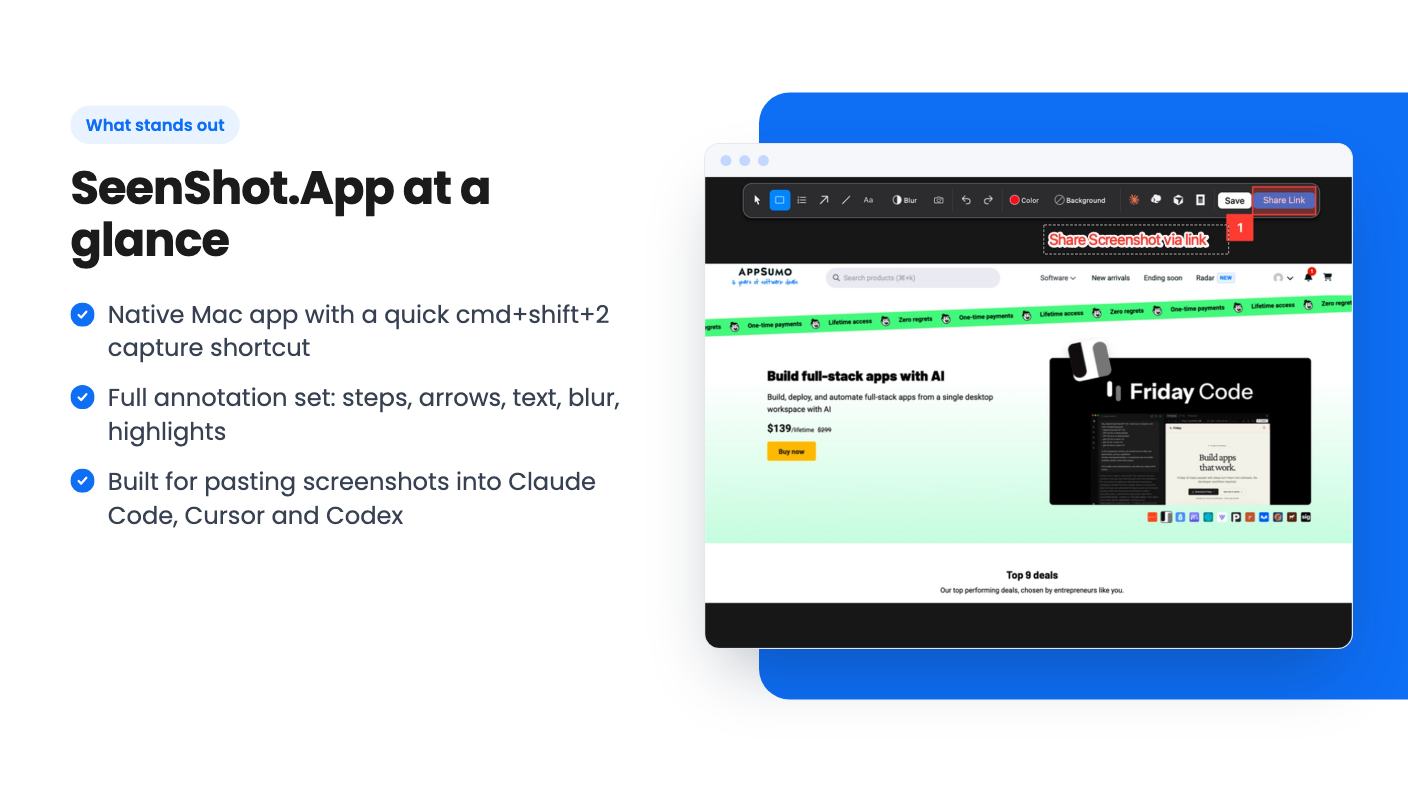
Sharing is one click. You press share and get a link you can send to anyone on the internet. You can also save locally, which the free plan allows.
The limits sit on the sharing side. According to the listing’s FAQ, the free plan gives you 10 MB of storage and puts a watermark on shared screenshots. That’s tight. A handful of retina screenshots could use up 10 MB quickly, and the listing doesn’t say what happens when you hit the cap. Do old links stop working, or does uploading just stop? It doesn’t say.
The paid Member plan, listed at $29/year, removes the watermark and raises storage to 1 GB. It also mentions an enterprise license at $29 per seat, though the listing doesn’t explain what that adds beyond the seat price.
The listing also doesn’t say how long shared links stay live, whether you can delete them, or whether they can be password protected. If you’re sharing client material, those questions matter, and you should get answers before you rely on it.
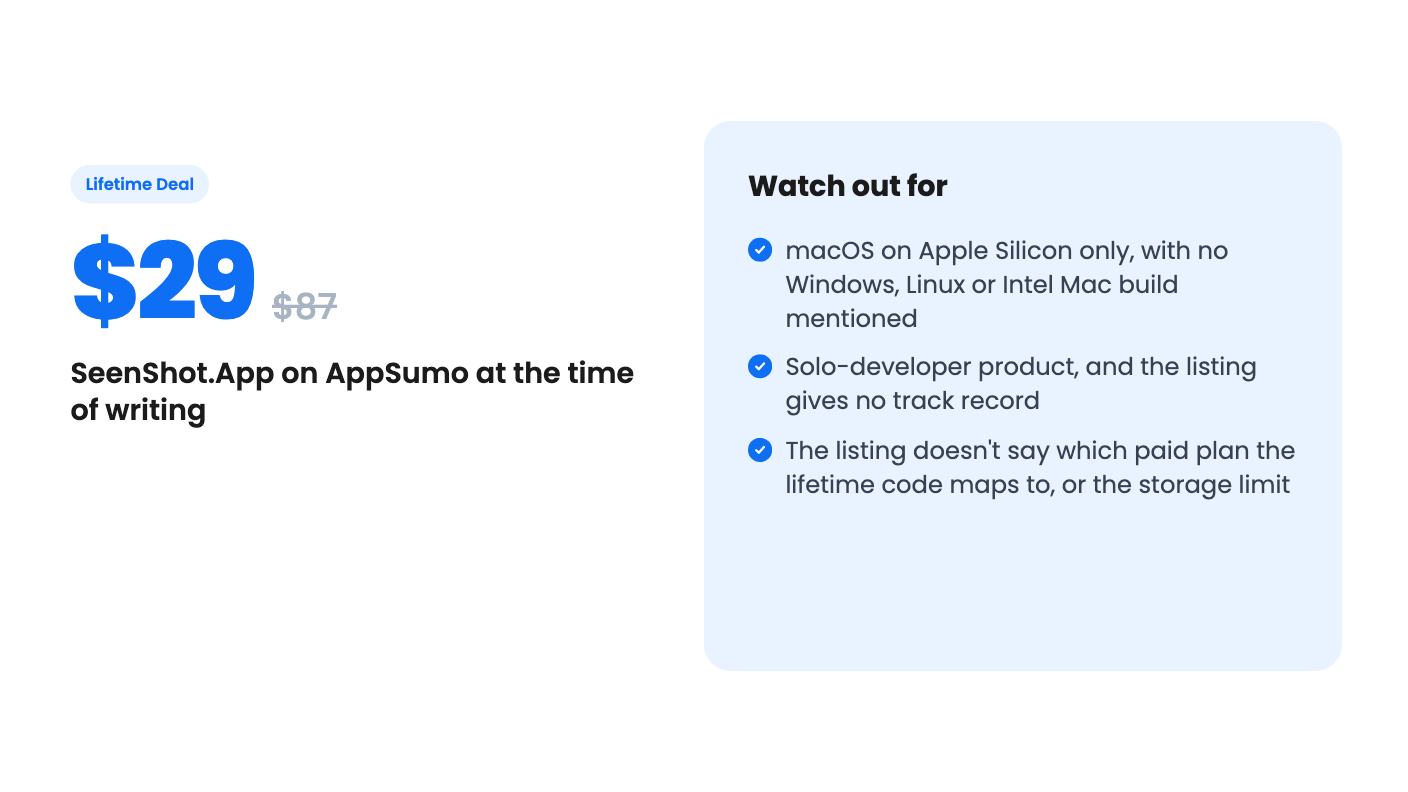
Here’s the part that needs care. The lifetime tier is $29 once, with lifetime access to SeenShot.App and all future plan updates. You have to redeem the code within 60 days of purchase, and the deal isn’t stackable, so you can’t buy several codes to raise limits.
The seller’s own pricing makes this confusing. The annual Member plan costs $29 a year, so the lifetime deal costs the same as one year of the paid plan. That’s a good price if the code gives you Member features for life. If the code only covers the free tier with some extras, it’s a much weaker deal.
The listing doesn’t say which one it is. It also doesn’t say whether the lifetime code includes the 1 GB of storage, the watermark removal, or both. I’d treat those as open questions and ask the maker before you pay. AppSumo’s refund window is the safety net, but it’s better to know up front.
There’s a second thing to weigh. The free plan already includes every annotation tool. The listing says all annotation tools remain free either way. So the real reasons to pay are watermark-free links and more storage. If you rarely share links and mostly paste images into chat tools, you may never hit either limit.
SeenShot is a native macOS app for Apple Silicon only, delivered as a DMG. If your team has Windows machines, Linux boxes or an older Intel Mac, this tool isn’t for you, and the listing mentions no plans to change that.
It’s also a young product from one person. The listing says it’s built by Alex Ign, a solo indie hacker who uses the app himself. That’s a plus for focus and a risk for longevity. Lifetime deals depend on the maker still being around in three years, and nothing in the listing shows a track record, a roadmap or a support commitment.
Teams that need shared libraries, commenting, user management or admin controls should look elsewhere. Nothing in the listing mentions any of that.
If you’re curious, install the free version first. It covers capture, annotation, blur and link sharing, so you can judge the speed and the feel of the app before spending anything. If you then keep hitting the watermark or the 10 MB cap, and the maker confirms the lifetime code removes both, $29 is a fair price for a tool you’ll open many times a day.
According to the listing, no. It's a native macOS app distributed as a DMG for Apple Silicon (arm64). Nothing in the listing mentions Windows, Linux or Intel Macs.
No. The listing says the Free plan is free forever and includes capture, all the annotation tools, blur, local saving and link sharing. The limits are 10 MB of storage and a watermark on shared screenshots.
The listing doesn't say directly. It promises lifetime access and all future plan updates. Member is listed at $29/year, with no watermarks and 1 GB of storage. Ask the seller to confirm that the code covers those Member features before you buy.
How this review was made: researched from SeenShot.App's official listing, and written with help from AI. We have not tested SeenShot.App hands-on yet. Prices and deal terms change, so check AppSumo before you buy. See our affiliate disclosure.
Five AppSumo lifetime deals that cover parts of what Kapwing does, from clip cutting to captions and dubbing. Each has caps worth knowing before you pay.
Seven AppSumo lifetime deals named as Loom alternatives, grouped by job: narrated tutorials, plain recording, interactive demos and personalized outreach video.
Eight AppSumo lifetime deals named as Descript alternatives, grouped by the job you need done, with the caps and gaps each listing shows.

