
Design & MediaAlternatives
Kapwing Lifetime Deal Alternatives for Small Businesses
Five AppSumo lifetime deals that cover parts of what Kapwing does, from clip cutting to captions and dubbing. Each has caps worth knowing before you pay.
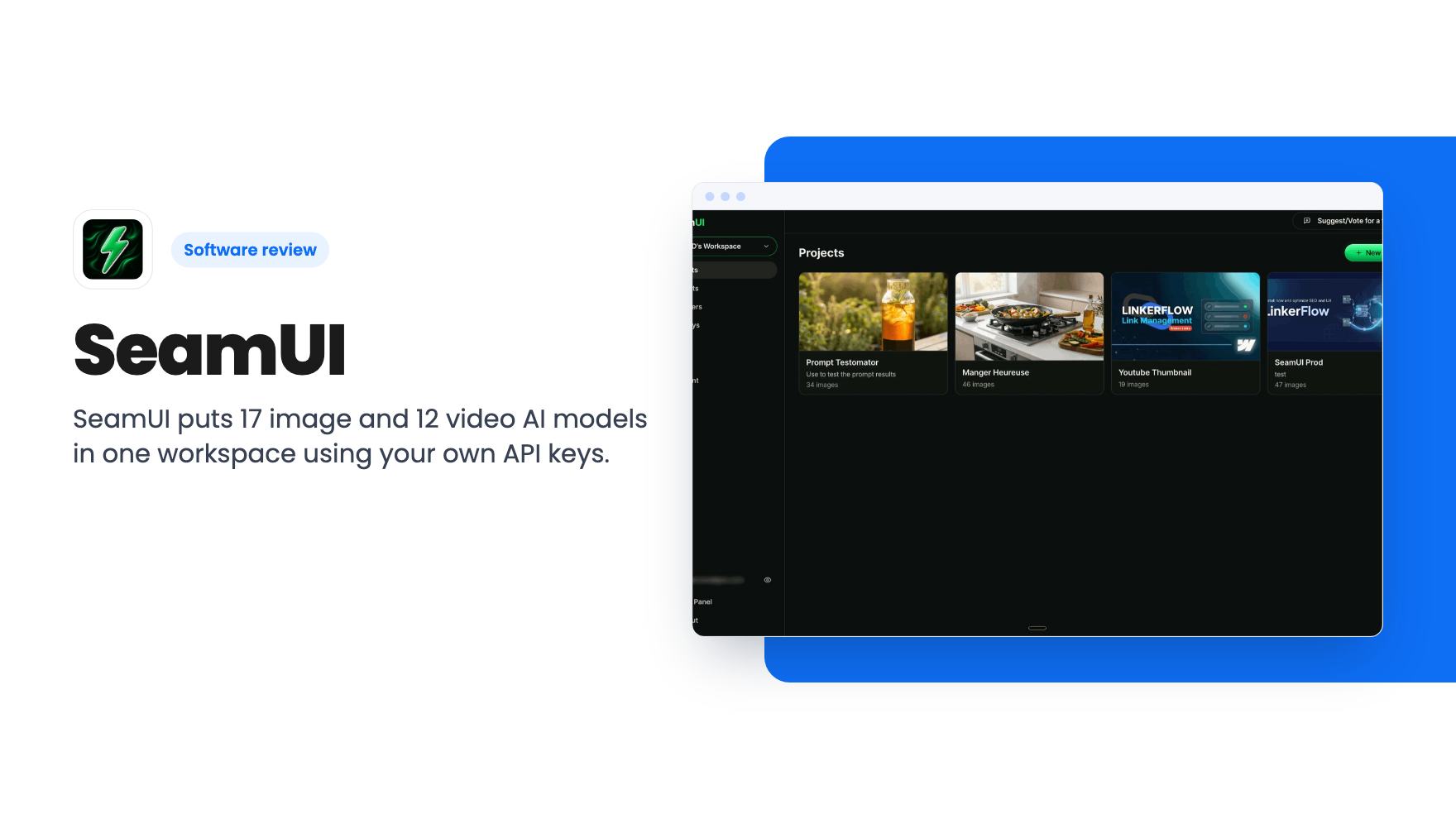
SeamUI puts 17 image and 12 video AI models in one workspace using your own API keys. We look at the $59 to $177 AppSumo tiers and what they leave out.
Lifetime deal price
$59$9940% off
Lifetime Deal
Our take: Buy if you already pay for several AI image and video APIs and want one organised workspace with a prompt library. Skip it if you expect generation to be included, because every render is billed by the provider on top of the $59 to $177 you pay for SeamUI.
Say you’re making a batch of ad creatives. You try a prompt in ChatGPT, paste it into Gemini, then into a Flux tab, then lose track of which version looked best. A week later you can’t find the prompt that worked. That scattered, copy-and-paste routine is what SeamUI is built to replace.
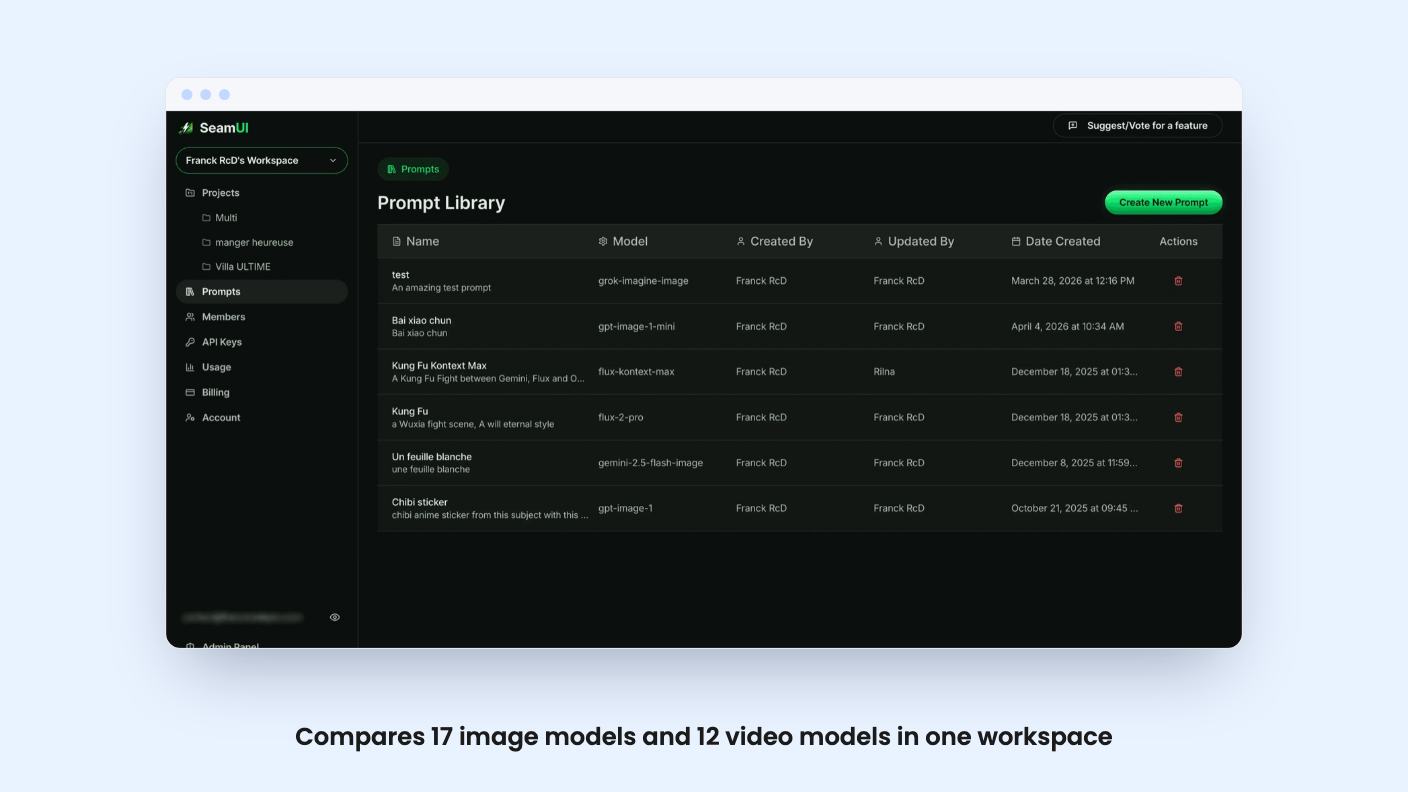
It’s a workspace for AI image and video generation. According to the listing, it runs 17 image models, including GPT Image, Nano Banana, Flux 2 and Grok Imagine, plus 12 video models that work from text or from a starting image. You send one prompt and compare the results side by side.
SeamUI doesn’t sell you generations. You add your own API keys for OpenAI, Google, Flux and xAI, plus aggregators like Replicate and Kie. The providers bill you directly at their published rates, and SeamUI adds nothing on top.
That has a good side. In a quiet month you pay SeamUI $0 because your usage sits on your keys, not on a platform allowance. The listing also says there’s no SeamUI generation cap.
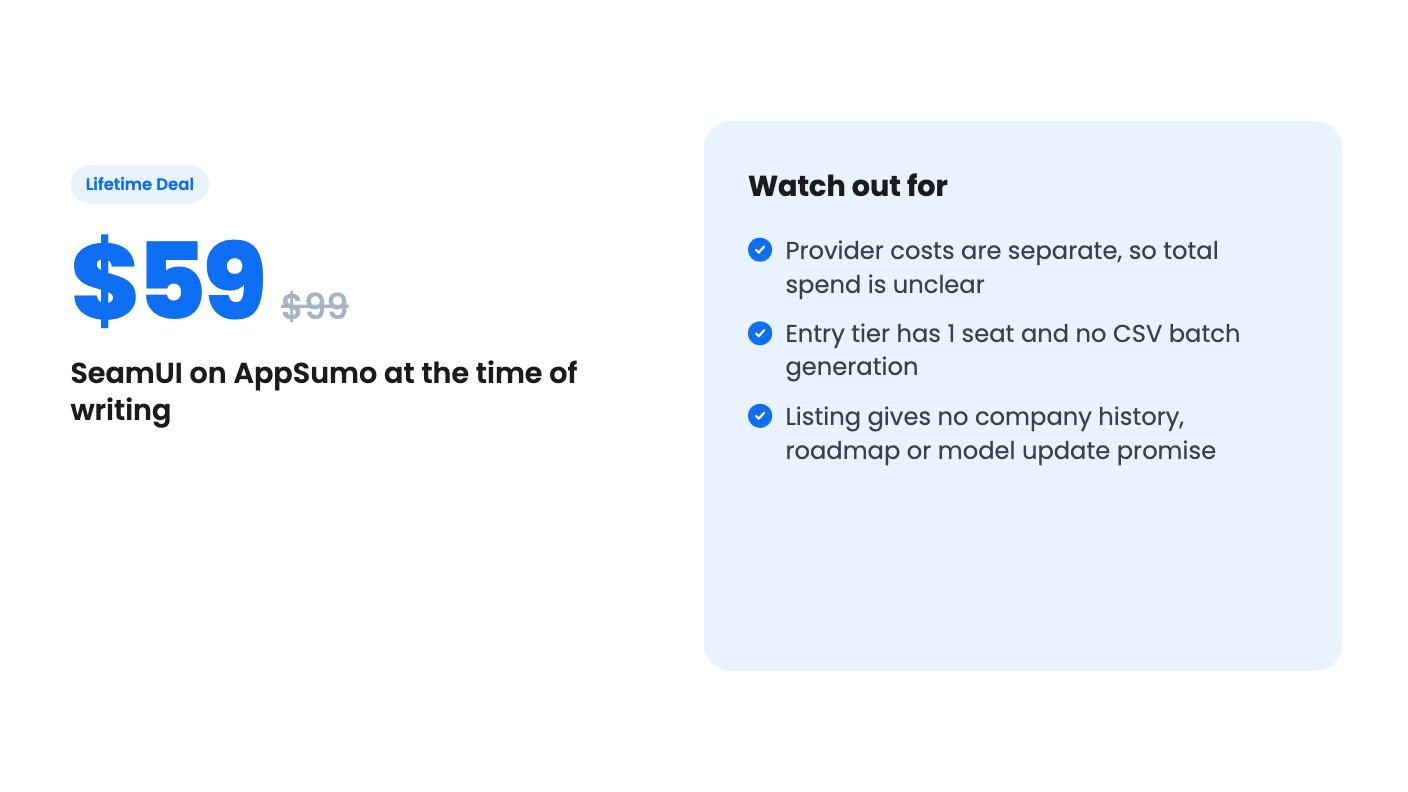
But the $59 isn’t your whole cost. Video models in particular can cost real money per clip, and the listing gives no estimate of typical spend. If you’ve never used a provider API, you’ll also need to set up accounts, add billing and manage keys yourself. That’s fine for a technical freelancer. It’s a hurdle for someone who just wants to type a prompt and get a picture.
The pitch is comparison and organisation, and the feature list backs that up reasonably well.
The saved recipes are the feature I’d care about most. Most of us retype the same three sentences for every campaign, and a chat thread is a terrible filing system. A library where you can replay a past recipe is a genuine fix for that.
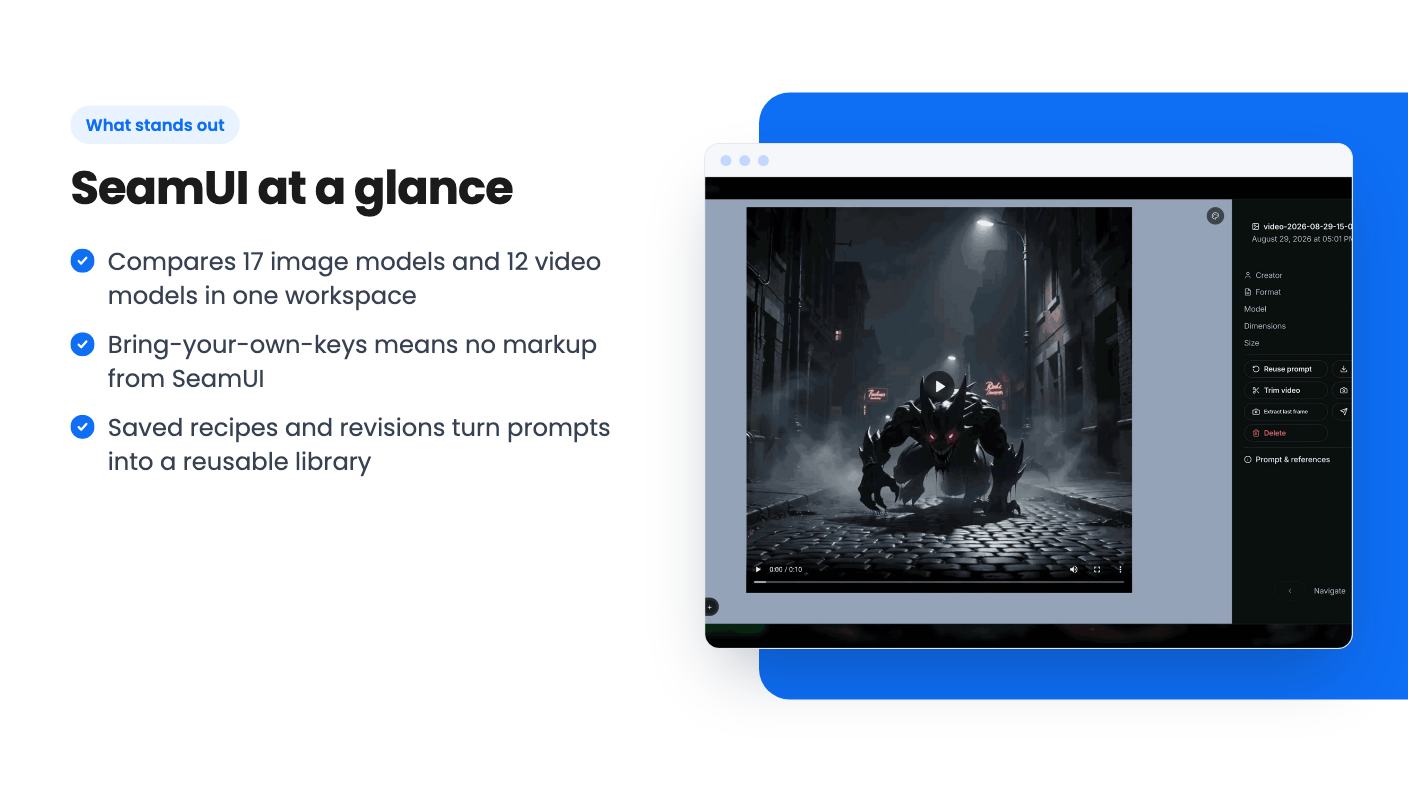
The video tools sound light. Trim, merge and frame extraction are useful for assembling a delivery, but the listing doesn’t describe anything like a timeline editor. Treat it as a way to tidy outputs, not to produce a finished edit.
CSV batch generation is the feature that suits agencies. You feed in a spreadsheet of variables and get a full set of images back, which is handy for product variations or ad sizes. The listing only mentions images here, not video, so don’t plan on batching video clips.
There’s also a roles setup. You can invite a client as a viewer and a freelancer as an editor, and the role decides who can spend against the workspace keys. That matters because those keys are tied to your card at the provider. The listing says keys are stored encrypted at rest and scoped to the workspace, and that revoking a key stops it working everywhere. Those are sensible claims, though the listing doesn’t mention any independent security audit.
Projects are unlimited, and everything lives in one workspace.
All three tiers carry the same terms: lifetime access, all future plan updates, a 60-day redemption window, and stacking of up to 3 codes. What changes is the capacity.
The listing’s feature table runs from largest to smallest, and the CSV note refers to plans by name. So I’ve matched them to the tiers in order. Check the checkout page before you pay to confirm which tier gets which limits.
The $59 tier works for a solo creator who only wants comparison and a prompt library. But six months of prompt history is short for a tool whose main appeal is a reusable library. If you plan to rely on old recipes, the longer history on higher tiers matters more than the extra storage.
The 5-seat middle tier looks like the sensible pick for a small studio. The 20-seat tier only makes sense if you really have that many people generating.
There’s no product video, so we can’t show you what the interface looks like or how fast it is. The listing doesn’t say how long SeamUI has existed, who’s behind it, or how quickly it adds new models. That last point matters, because this field changes fast and a comparison tool is only useful if it keeps up.
The FAQ says SeamUI supports the models on its models page, connected through your own keys. That’s a reasonable answer, but it means the list of 17 and 12 is a snapshot, not a promise. “All future plan updates” covers plan features, and it doesn’t clearly guarantee new models.
The listing names Higgsfield and Photoroom as alternatives. That comparison is generous. Those are products that sell generations or editing features directly, while SeamUI is closer to a control panel for services you already pay for.
Buy it if you already hold API keys with two or more providers and you’re tired of juggling tabs. It also suits an agency that wants clients and freelancers working in a shared space without handing over card details. For that person, $118 for the middle tier is a small bet on a tool they’d use weekly.
Skip it if you want a single bill and a simple sign-up. A subscription to an all-in-one generator may cost more over time, but it removes the key setup and the surprise invoices from several providers. Also skip it if you only generate images occasionally. A free or cheap chat tool covers that, and a lifetime deal for a young product is hard to justify when you’re not using it often.
If you’re on the fence, the 60-day redemption window gives you room to look at the product first. Make sure you understand what the models you’d actually use will cost per month before you count this as a saving.
No. According to the listing, you connect your own keys for providers like OpenAI, Google and xAI, and the providers bill you directly at their published rates. SeamUI adds no markup and has no generation cap of its own.
The listing says CSV image batches are on the Business and Scale plans, which appear to be tiers 2 and 3 ($118 and $177). The $59 tier does not include it.
You must redeem within 60 days of purchase. You can stack up to 3 codes, and the listing says the lifetime plan does not expire and includes all future plan updates.
How this review was made: researched from SeamUI's official listing, and written with help from AI. We have not tested SeamUI hands-on yet. Prices and deal terms change, so check AppSumo before you buy. See our affiliate disclosure.
Five AppSumo lifetime deals that cover parts of what Kapwing does, from clip cutting to captions and dubbing. Each has caps worth knowing before you pay.
Seven AppSumo lifetime deals named as Loom alternatives, grouped by job: narrated tutorials, plain recording, interactive demos and personalized outreach video.
Eight AppSumo lifetime deals named as Descript alternatives, grouped by the job you need done, with the caps and gaps each listing shows.

