
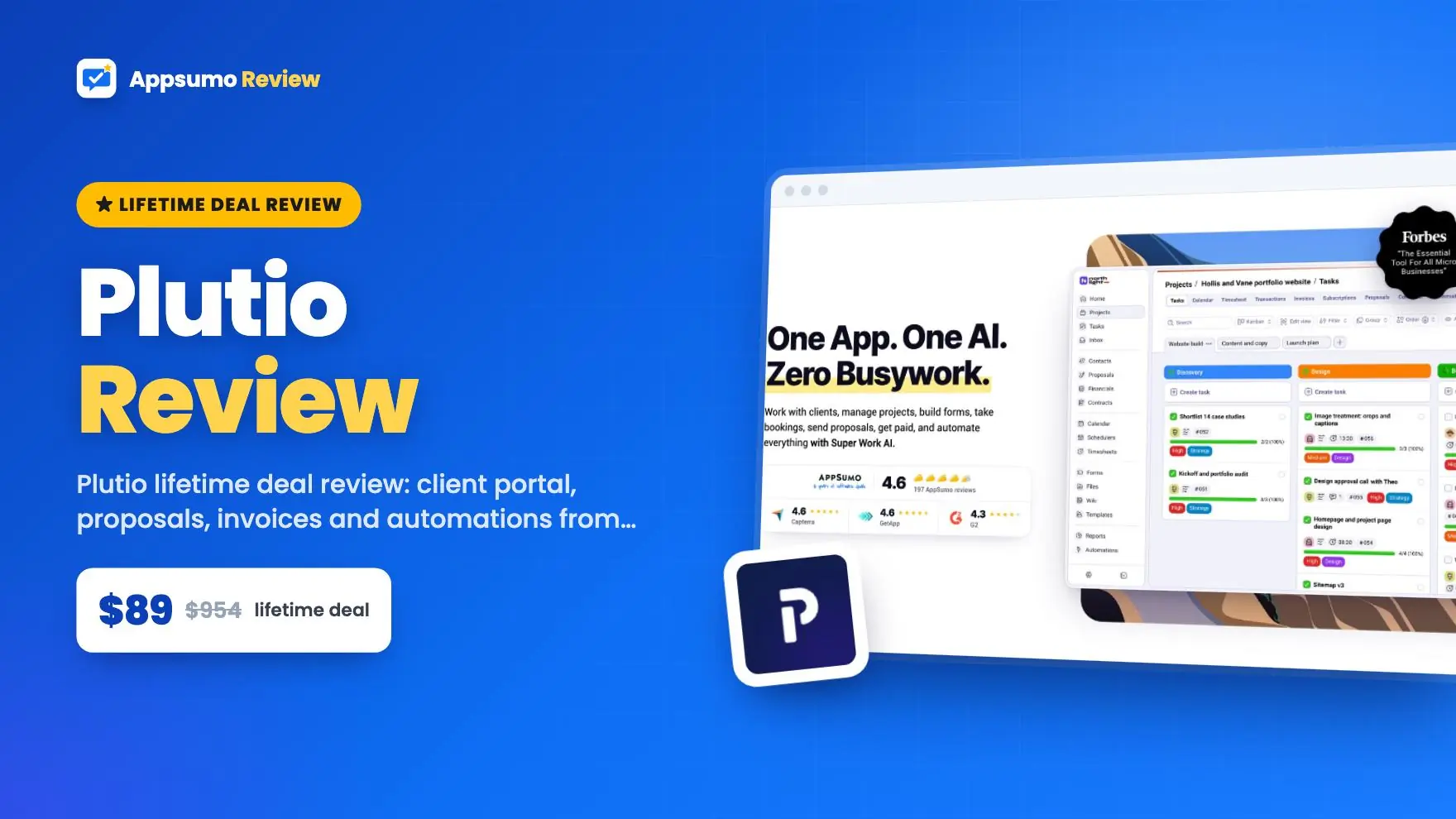


Lifetime deal price
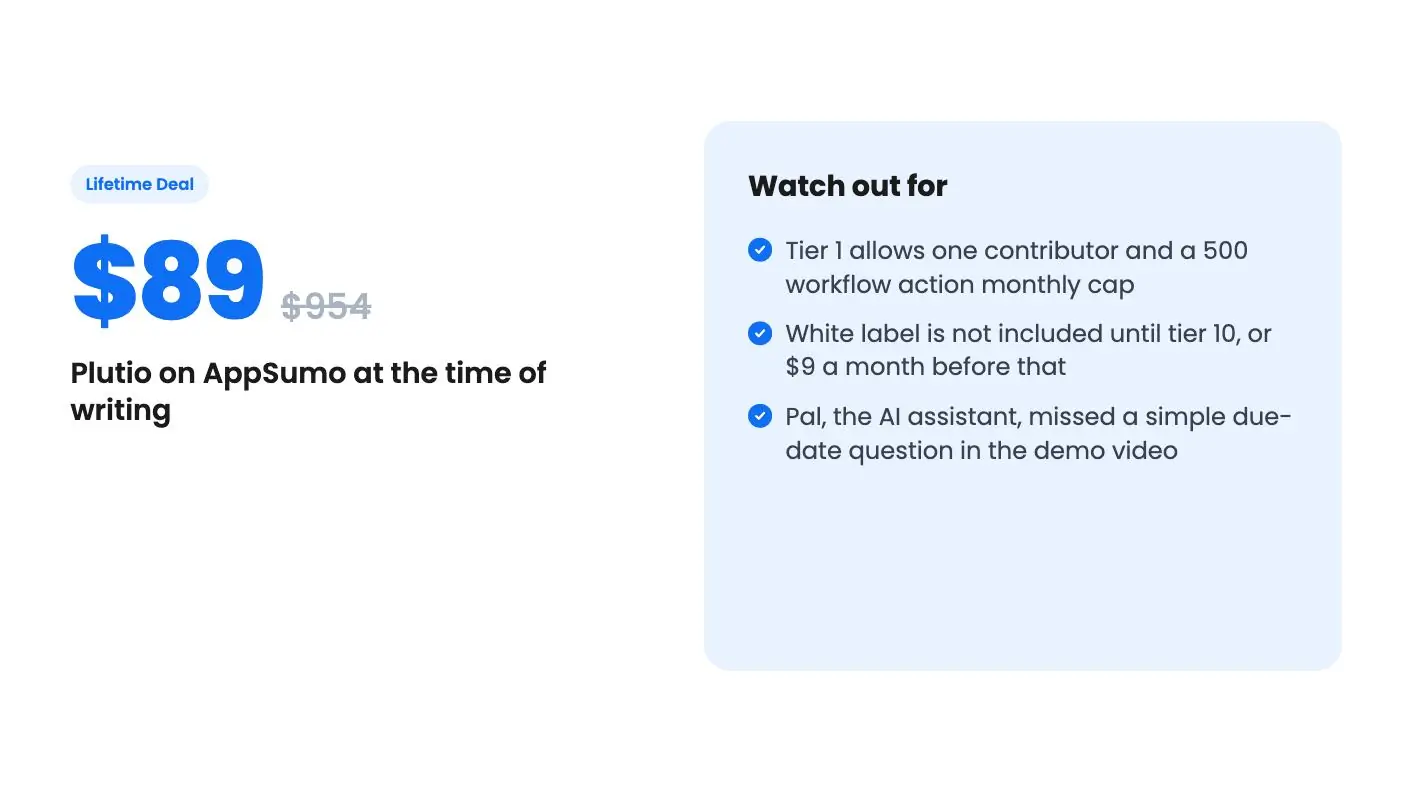
$89$95491% off
Lifetime Deal · ends Dec 1, 2026
Price checked on AppSumo
4.6(197 AppSumo reviews)
What is Plutio?
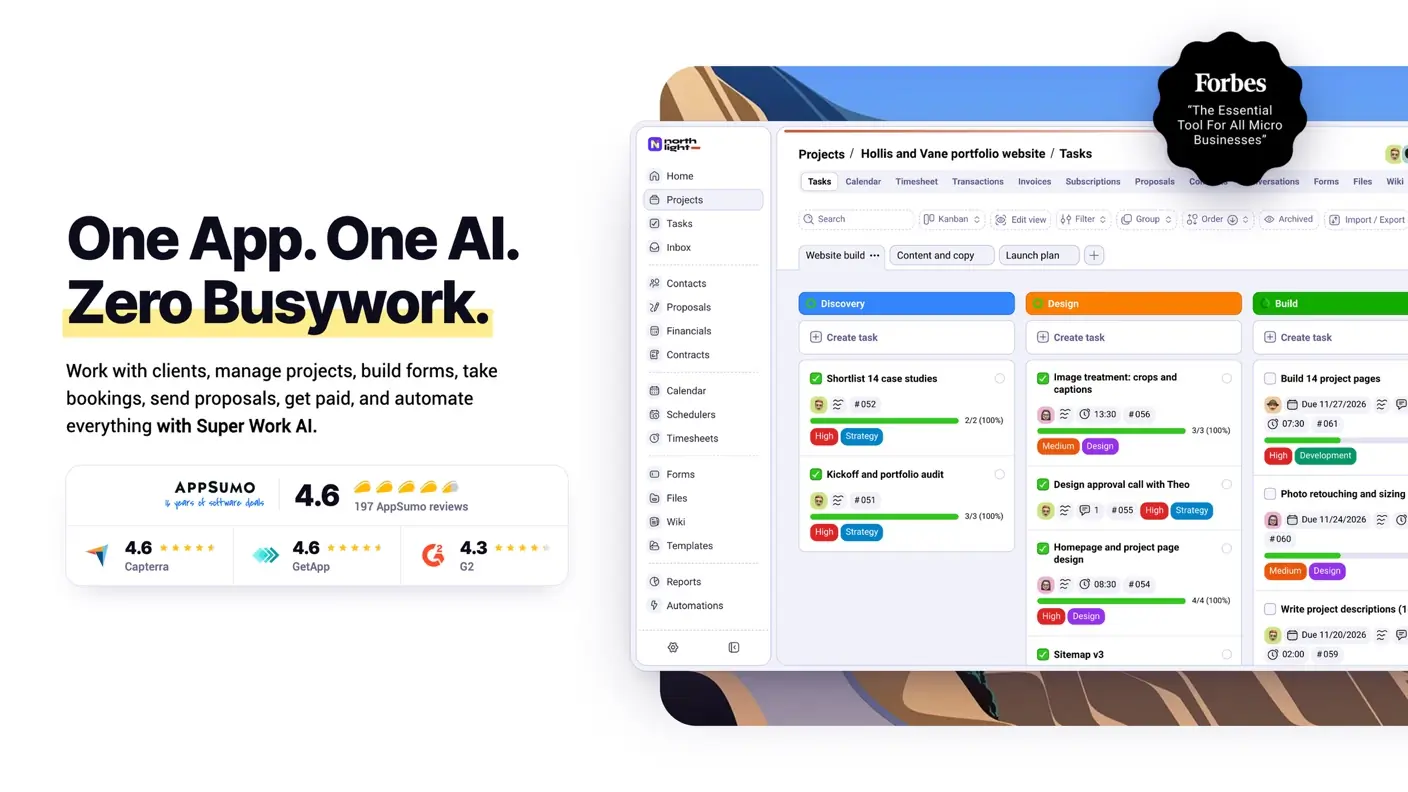
Plutio is an all-in-one client management platform that combines proposals, contracts, invoices, forms, scheduling, projects and automations in one workspace, built for freelancers, small businesses and agencies who sell services.
Is the Plutio lifetime deal worth it?
Our take: Buy if you're a solo freelancer or tiny agency who wants proposals, contracts, invoices, projects and a branded portal in one place, and you can live with tier 1's one contributor. Skip it if you want strong AI, a bigger team on a small budget, or white labeling without stacking codes or paying monthly.
Key facts: Plutio sells for $89 once on AppSumo (list price $954), the deal ends Dec 1, 2026 and 197 AppSumo buyers rate it 4.6 out of 5 (price checked Nov 23, 2026).
Best for: Freelancers, Small businesses, Agencies
Alternative to: Dubsado, Honeybook, Zoho CRM
What we like
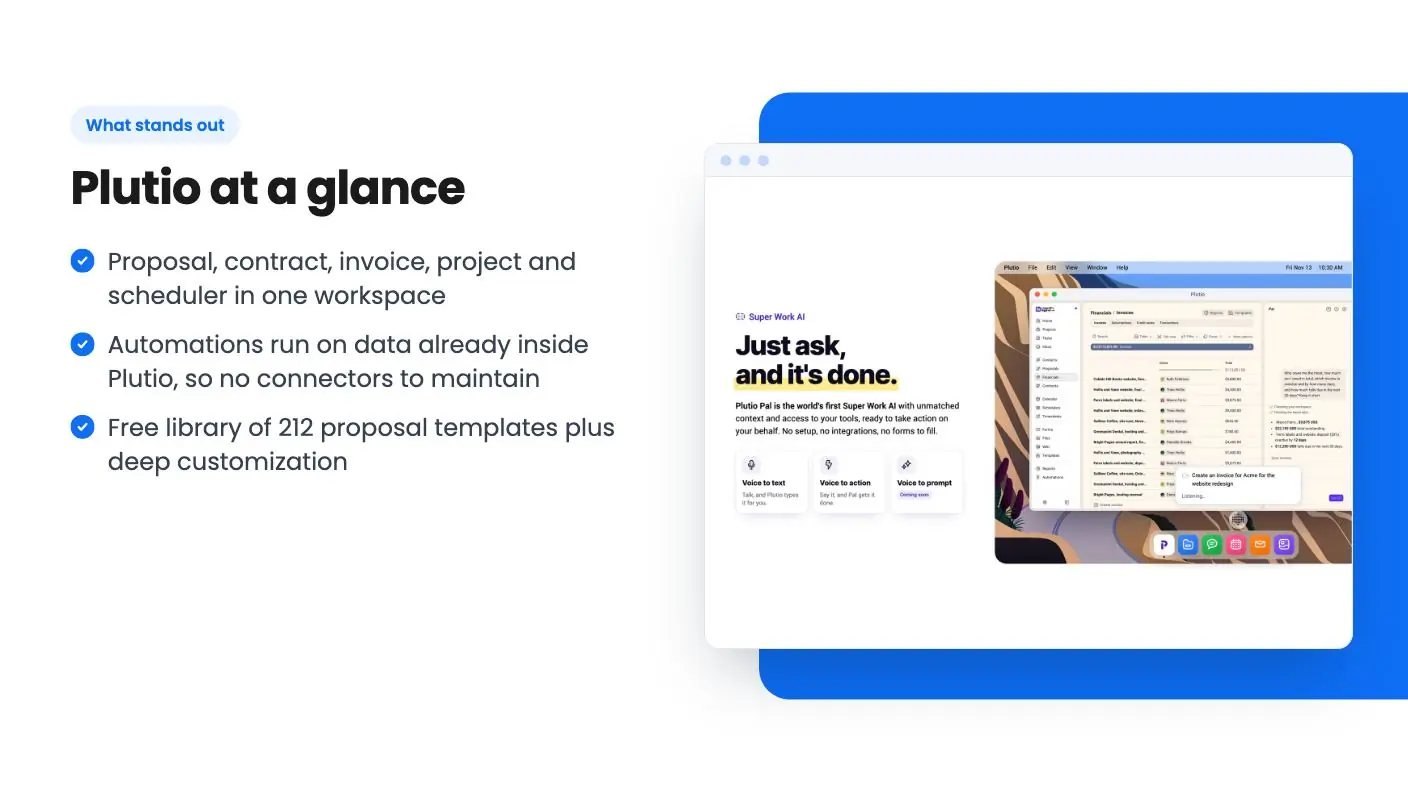
- Proposal, contract, invoice, project and scheduler in one workspace
- Automations run on data already inside Plutio, so no connectors to maintain
- Free library of 212 proposal templates plus deep customization
- Lifetime access with grandfathered limits for earlier AppSumo buyers
Watch out for
- Tier 1 allows one contributor and a 500 workflow action monthly cap
- White label is not included until tier 10, or $9 a month before that
- Pal, the AI assistant, missed a simple due-date question in the demo video
If you sell services, your client work probably lives in five places. A proposal in one app, a contract in another, invoices somewhere else, a booking link, and a task board that nobody on the client side ever sees. Plutio is built to pull all of that into one workspace, and at $89 for tier 1 (list price $954) it’s one of the cheaper ways to try the idea, which is the main question in this Plutio review.
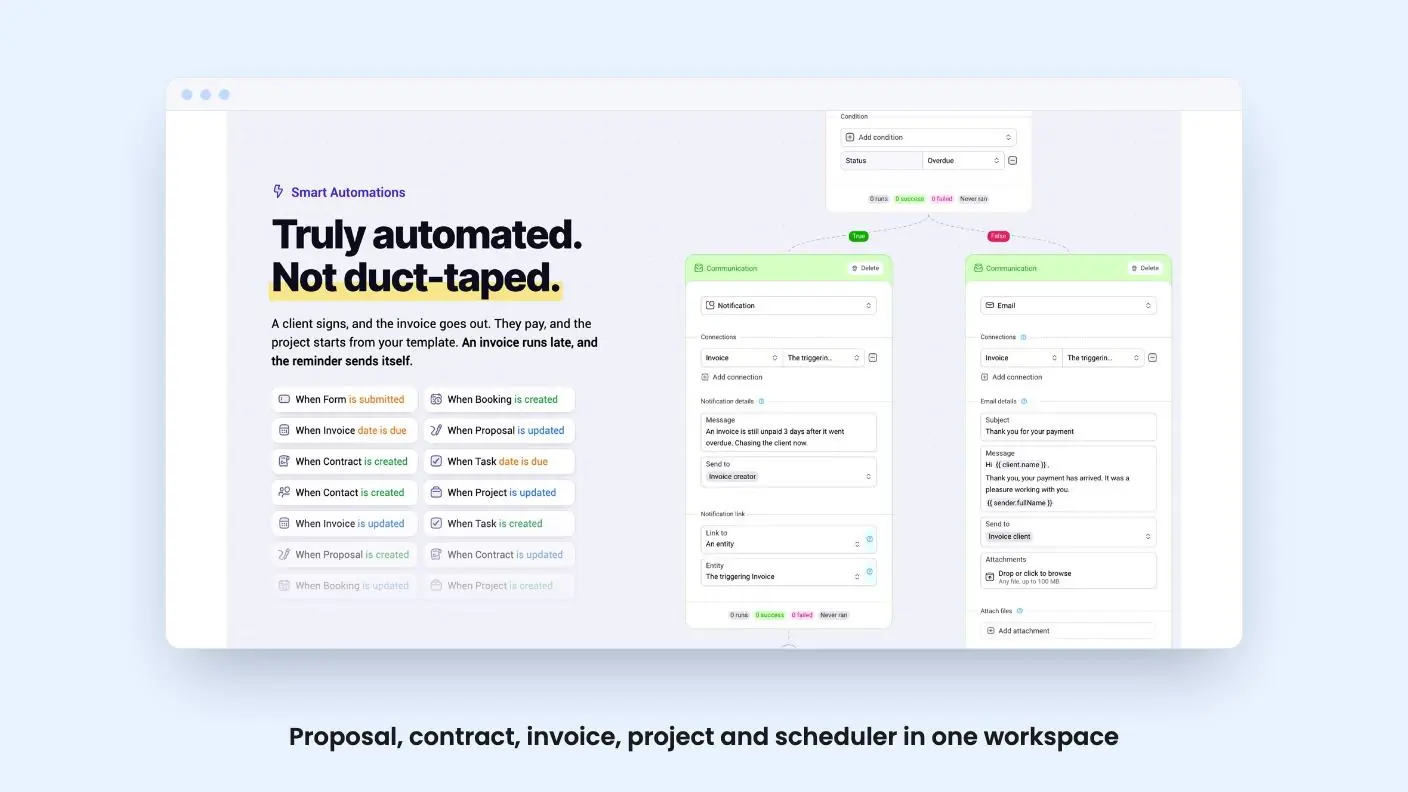
Here’s the job it does, according to the listing. A client picks a package, signs, pays and books a meeting. Signing can trigger the invoice automatically, payment can start a project from your template, and late-payment reminders send themselves. Because clients, projects and invoices all sit in the same system, there’s nothing to sync between tools.
We haven’t used it ourselves, so what follows in this review rests on the listing and one demo video.
What do Plutio lifetime deal tiers and credits include?
Plutio doesn’t have one set of limits, and that matters for any Plutio review. The caps grow as you stack codes, up to 10, and the tier you land on decides what you can actually run. Here’s the bottom of the ladder.
Tier 1 ($89) gives you:
- 1 contributor and 10 invited clients
- 100 GB of storage
- 150 AI credits a month
- 500 workflow actions a month
- 1 shared inbox, 10 clips and 3 hours of voice dictation a month
- 300 API and MCP calls per hour
One contributor means you. A virtual assistant or a subcontractor needs a second code at least, and tier 2 ($158) only moves you to 2 contributors. Tier 4 ($316) reaches 5 contributors and 35 invited clients, which is where a small agency starts to fit.
The workflow cap is the number to think about. The listing doesn’t say what counts as one action, so here’s a rough guess, flagged as an assumption. If each step in an automation is one action, a flow with an invoice on signing, a project from a template and a couple of reminders uses about four. At 500 a month, that’s roughly 125 client flows. A solo freelancer won’t come close. An agency running reminders on dozens of open invoices could burn through it faster than expected.
AI credits are murkier. The listing says 150 a month at tier 1 and 1,000 at tier 10, and that they refill monthly. It doesn’t say what a question to Pal costs. Until that’s clear, you can’t turn 150 credits into a number of queries.
The client count also looks odd. The table shows 10 invited clients at tier 1 but only 5 at tier 2, and the video recap mentions five clients for tier 1. That reads like a typo somewhere. Check the live listing before you count on either number.
How Plutio fits with the tools you already use
Most small businesses don’t start from zero. You’ve got a Gmail or Outlook inbox full of client threads, a Stripe account that already takes payments, and maybe an accountant who lives in Xero. Nobody wants to rip all that out just to try a new workspace.
The listing names Gmail, Outlook, Stripe, Xero and Zapier. The FAQ goes further: Google Calendar, any email over IMAP, PayPal, Square, Zoom, Google Meet and FreshBooks are listed too, along with a public API and MCP, so Claude and ChatGPT can work inside your workspace. That’s a wider payment and accounting spread than the headline list suggests, and it matters if your clients pay through PayPal or you keep books in FreshBooks.
The scheduling note is useful in practice. The FAQ says booking works with Google Meet and Zoom, so a client who books a call should get a meeting link created for them. Details like whether it works with your existing calendar rules aren’t spelled out.
Here’s our read. The native connections cover the money and the calendar, which is where most freelancers feel pain. Zapier is the escape hatch for everything else. Just remember the hourly API and MCP caps from the tier table, because heavy outside automation runs into those limits at the low tiers.
The listing doesn’t say how deeply the email sync works, such as whether sent messages file themselves under a client. Check that before you move your inbox habits over.
How does Plutio white labeling work across tiers?
White label is the feature that makes a client portal feel like your own product. It replaces Plutio’s branding with your colors, your custom domain and emails sent from your own address.
The listing says it’s included at 10 codes, or 7 new codes if you bought an earlier Plutio deal on AppSumo. Before that, you can add it in Billing for $9 a month. The demo video says you need tier 4 or above. Those two statements don’t match, and the listing is the safer one to trust until you’ve seen your own checkout page.
The same pattern applies to big uploads. Files can be up to 100 MB each, and 10 GB uploads come at 10 codes or for $5 a month before that.
The practical takeaway is that a lifetime deal at tier 1 isn’t entirely free of monthly costs if branding matters to you. Do the sums on $9 a month against stacking codes before you commit.
Check Plutio’s plan limits on AppSumo →
What the demo video shows
The reviewer’s advice is to start with branding, then spend real time on templates. In the white label settings he showed a logo, square logo and favicon, light and dark modes, hex codes for nearly every interface element, a global style sheet for your own CSS, a custom domain like portal.yourcompany.com, and a styled login screen.
Then came the templates. You save the things you sell as items, with a price and a tax amount. Those items drop into proposals, contracts and invoices, so you aren’t retyping prices. The video also points to a free library of 212 proposal templates, with examples like personal training, bookkeeping and front-end development.
Projects are described as the heart of it. A project can hold tasks with board, table and timeline views, a calendar, and the invoices and proposals tied to that client. The video also mentions roles for clients, co-owners, contractors and teammates, and keyboard shortcuts for most actions.
It’s a broad product, and the reviewer says he couldn’t cover everything in one video. We’d call the setup advice sound. Building your templates first is dull work, but it’s what makes a tool like this useful.
Three kinds of business where the setup pays off
A personal trainer sells the same few packages over and over. That’s the cleanest fit we can see. Save each package as an item, use a proposal template, let the client sign and pay, then book the first session. The video’s template library even lists personal training as an example, so you wouldn’t start from a blank page.
A bookkeeper has a different rhythm. The work repeats monthly, and chasing late invoices is half the job. The listing’s automatic late-payment reminders speak straight to that, and bookkeeping also appears among the example proposals. Pair that with the Xero or FreshBooks connection and you’ve got a reasonable stack.
A small agency or front-end developer cares most about the client portal. Clients log in, see tasks and invoices, and sign off on work. The FAQ says portals can show widgets like tasks, time and invoices, and can be used internally too. Because contributor caps are tight at low tiers, an agency should read the earlier tier breakdown before buying one code and hoping.
Who’s a weaker fit? Anyone selling mostly one-off products with no repeat client relationship. A shop with a checkout page doesn’t need proposals, contracts and project boards. Nothing in the listing points to a retail or inventory feature, so don’t assume one exists.
Where the quality caveats sit
The weak spot is the AI. In the video, Pal was asked when the style guide task was due. It said it couldn’t find the date. Only after the prompt was rewritten to say look at the tasks, find the one called style guide and give the due date did it answer correctly.
The reviewer’s verdict is that the features work well and the AI needs work, and that you don’t buy Plutio for the AI. We agree. The listing leans on Super Work AI, with talk of turning emails into proposals as upcoming features roll out. Those are promises, not shipped features, and the listing doesn’t give dates.
AppSumo’s own review summary mentions occasional bugs and a learning curve for new features. That’s marketing copy that still admitted some flaws, so we’d treat those as real. The listing shows 197 reviews averaging 4.64 out of 5, which is a strong signal, though it doesn’t tell you which tier those buyers bought.
Fine print to read before you pay
Buy now, but don’t wait on the clock. AppSumo’s page says you must redeem your code within 60 days of purchase. Put a reminder in your calendar the day you check out.
The stacking rules are friendlier than most deals. You can stack up to 10 codes, and earlier AppSumo buyers can add more codes to raise their limits. They’re also grandfathered into new features and feature limits. That means starting at $89 doesn’t lock you into a ceiling. If your client list grows, you can add a code rather than start over.
There’s one wrinkle worth reading twice. The listing says future updates cover the Core plan for the lower tiers and the Max plan for the top ones, and that if the plan name changes, your deal is mapped to the new name with its updates. That’s reassuring. But it also means the vendor decides what the plans contain, and the listing doesn’t say what a future Max plan might add that Core won’t get.
A short checklist before you buy:
- Count your helpers. Each contributor beyond yourself pushes you up a tier.
- Decide if white label is essential. If so, price the $9 monthly add-on against stacking.
- Find out what counts as a workflow action and an AI credit. The listing doesn’t define either.
- Confirm the invited client numbers on the live page, since the tier table looked inconsistent.
The listing also mentions a 60-day money-back guarantee in its review summary, which gives you room to try a real client project before the window closes.
Who should buy the Plutio lifetime deal?
Buy tier 1 if you’re a solo freelancer or consultant who sends proposals and invoices and wants clients to see one tidy portal. That is the short version of this Plutio review: the one-contributor cap won’t bother you, and 500 workflow actions is plenty for one person.
Our take lands here: consider tiers 3 or 4 if you have one or two helpers. Past that, the price climbs fast, and you should compare the total against a monthly plan before stacking.
Skip it if you want an AI assistant that answers questions reliably today, or if white label is a must and you don’t want to pay $9 a month or stack to 10 codes. Also skip it if you need a big team on a small budget, since contributor caps are tight at the low tiers.
The last thing this review should flag is timing: the deal page says you must redeem codes within 60 days of purchase, and the deal ends November 22, 2026.
Related reading: CoachPro Tools review, OnboardHive review.
All Plutio features
Taken from Plutio's AppSumo listing. We haven't tested these features hands-on.
Take clients from proposal to payment in one flow
- Manage projects, proposals, contracts, invoices, forms, and schedulers from a single workspace
- Let clients pick a package, sign, pay, and book a meeting without bouncing between apps
- Keep clients, projects, and invoices connected in one native system so nothing needs syncing between separate tools
Automate client workflows without the duct tape
- Send the invoice automatically when a client signs and kick off the project from your template once they pay
- Let late-payment reminders send themselves so you never have to chase an invoice
- Build automations on data that already lives in Plutio—no integrations or API calls to maintain and nothing breaks while you’re away
Get answers and offload busywork with Super Work AI
- Ask Pal, your Super Work AI assistant, which invoices are overdue and get answers in seconds, since your clients, projects, and invoices are already in Plutio
- Turn emails into proposals and follow up with clients just by asking as Super Work AI’s upcoming features roll out
- Lock in lifetime access to Super Work AI with credits that refill every month as it gets smarter
Customize Plutio to fit the way you work
- Build a custom main menu for each role and swap icons, rename anything to match your language, and add your own pages and dashboards
- Add custom fields with their own permissions to tasks, invoices, and almost anything else
- Design proposals, contracts, invoices, and forms in one drag-and-drop editor using preset themes or your own colors and fonts
- White-label the entire app with your colors, domain, and email address so clients only ever see your brand
What changes by plan
Price checked Nov 23, 2026 on AppSumo. Tier prices and limits can change; the AppSumo page has the current ones.
| Feature | Tier 1 $89 | Tier 2 $178 | Tier 3 $267 | Tier 4 $356 | Tier 5 $445 | Tier 6 $534 | Tier 7 $623 | Tier 8 $712 | Tier 9 $801 | Tier 10 $890 |
|---|---|---|---|---|---|---|---|---|---|---|
| Contributors | 1 | 2 | 3 | 5 | 10 | 15 | 25 | 40 | 60 | Unlimited |
| Invited clients | 10 | 5 | 20 | 35 | 50 | 75 | 110 | 150 | 250 | Unlimited |
| Storage | 100 GB | 150 GB | 200 GB | 250 GB | 300 GB | 400 GB | 500 GB | 650 GB | 800 GB | 1 TB |
| Monthly AI credits | 150 | 200 | 260 | 330 | 410 | 500 | 600 | 720 | 850 | 1,000 |
| Monthly workflow actions | 500 | 750 | 1,000 | 1,300 | 1,700 | 2,200 | 2,800 | 3,500 | 4,300 | 10,000 |
| Shared inboxes | 1 | 2 | 3 | 5 | 8 | 12 | 18 | 25 | 35 | Unlimited |
| Monthly clips | 10 | 20 | 30 | 40 | 50 | 60 | 70 | 80 | 90 | Unlimited |
| Monthly voice dictations | 3 hours | 6 hours | 9 hours | 12 hours | 15 hours | 18 hours | 21 hours | 24 hours | 27 hours | Unlimited |
| API + MCP calls per hour | 300 | 600 | 900 | 1,250 | 1,650 | 2,100 | 2,600 | 3,200 | 4,000 | 5,000 |
| White label | — | — | — | — | — | — | — | — | — | ✓ |
| 10 GB file uploads | — | — | — | — | — | — | — | — | — | ✓ |
| SSO | — | — | — | — | — | — | — | — | — | ✓ |
What the lifetime deal includes
- Lifetime access to Plutio
- All future Core (Tiers 1-7) or Max (Tiers 8-10) Plan updates
- If Plan name changes, deal will be mapped to the new Plan name with all accompanying updates
- You must redeem your code(s) within 60 days of purchase
- Stack up to 10 codes
- Previous AppSumo customers who purchased Plutio can buy more codes to increase their feature limits
- Previous AppSumo customers will be grandfathered into any new features and feature limits
At a glance
- Best for
- Freelancers, Small businesses, Agencies
- Alternative to
- Dubsado, Honeybook, Zoho CRM
- Integrations
- Gmail, Outlook, Stripe, Xero, Zapier
- Category
- Sales & Leads › CRM
- Website
- plutio.com
Decided Plutio fits? The lifetime deal starts at $89, until Dec 1, 2026. Check the tier limits on AppSumo before you pick one.
Get Plutio on AppSumoKeep reading about Plutio
Plutio FAQ
What does the $89 tier of the Plutio lifetime deal include?
According to the listing, tier 1 gives lifetime access with 1 contributor, 10 invited clients, 100 GB of storage, 150 AI credits a month, 500 workflow actions a month and 1 shared inbox. White label is not included.
Can I get white labeling on the lower tiers?
The listing says white label comes with 10 codes, or 7 new codes if you bought an earlier Plutio deal on AppSumo. Before that you can add it in Billing for $9 a month. The demo video says tier 4 unlocks it, which conflicts with the listing, so confirm before buying.
Is Plutio's AI assistant worth paying for?
Not by itself. In the demo video, Pal failed to find a task due date from a plain question and only worked after the prompt was rewritten. Treat the AI as a bonus and buy for the client-management features.
Topic guide